

- Category Productivity
- Developer Fluid Touch Pte. Ltd.
- Available on PC, Mobile, Surface Hub, HoloLens
- OS Windows 10 version 19041.0 or higher
- Memory 2 GB
- DirectX DirectX 12 API, Hardware Feature Level 11
- Memory 8 GB
- languages English (United States), Korean
An In-Depth Look at Noteshelf for Windows: Turning Your Digital Notebooks into a Seamless Experience
In a world inundated with productivity apps, Noteshelf for Windows emerges as a polished digital note-taking solution that aims to bridge creativity and organization effortlessly. Whether you're a student, professional, or creative enthusiast, this app promises to bring your handwritten notes and sketches into the digital realm with finesse.
Meet the Makers: Fluid Touch Pte. Ltd.
Developed and published by Fluid Touch Pte. Ltd., Noteshelf for Windows benefits from a team experienced in crafting intuitive note-taking tools. Their focus is on combining natural handwriting with robust organizational features, all optimized for a seamless Windows experience.
Key Features That Stand Out
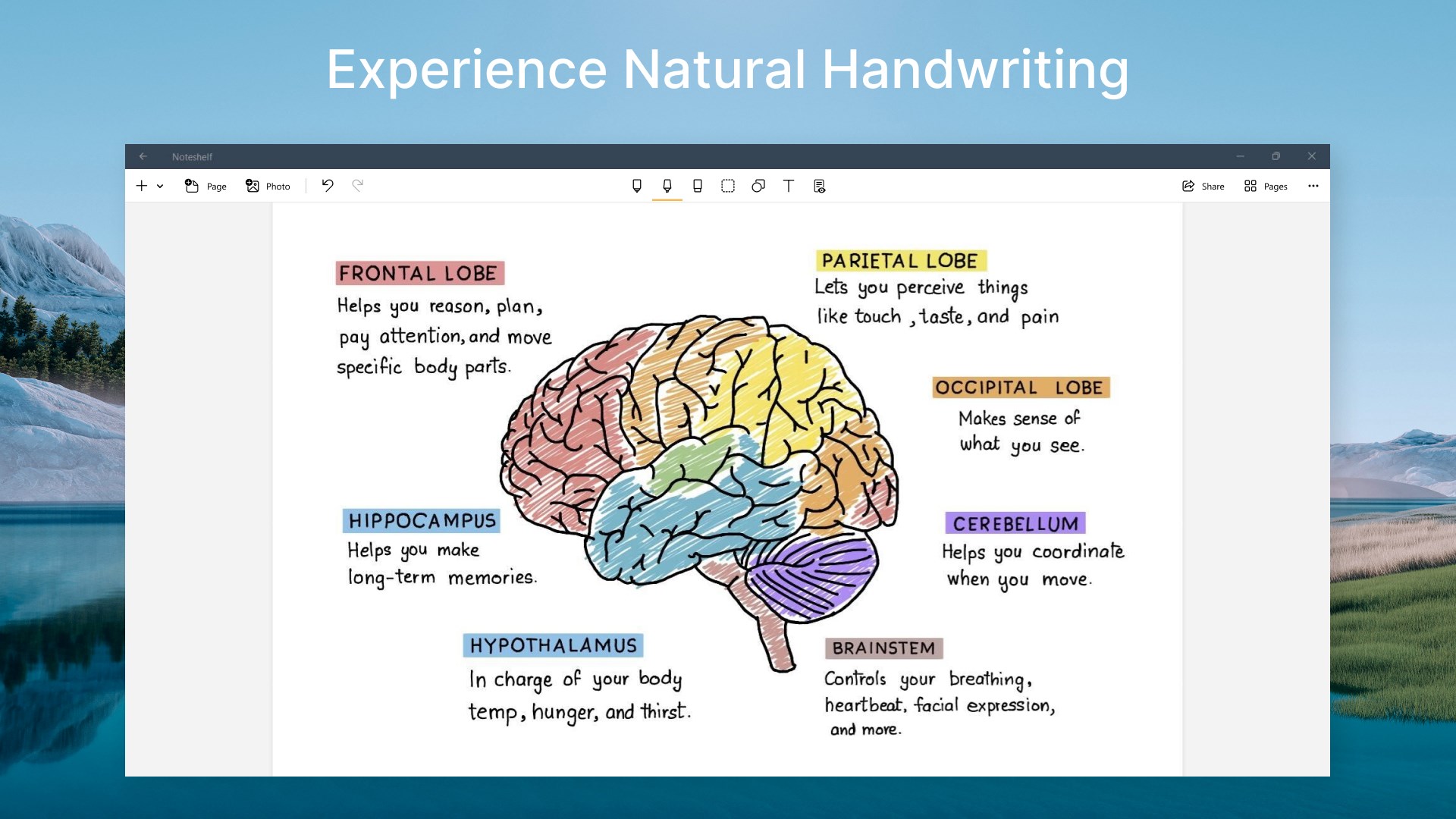
- Natural Handwriting Experience: Mimics real pen-on-paper sensation, supporting various stylus pressures and tilt features.
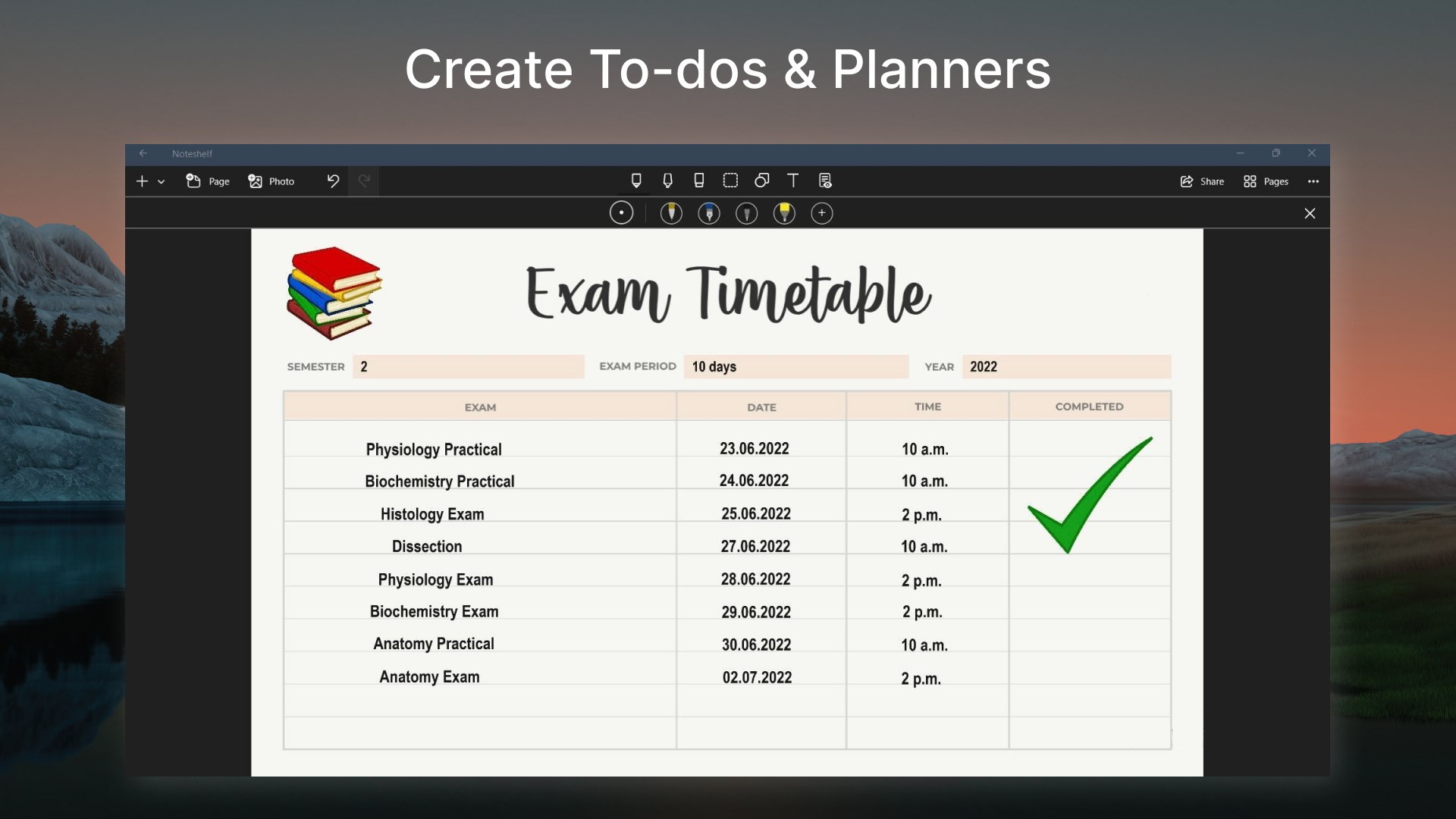
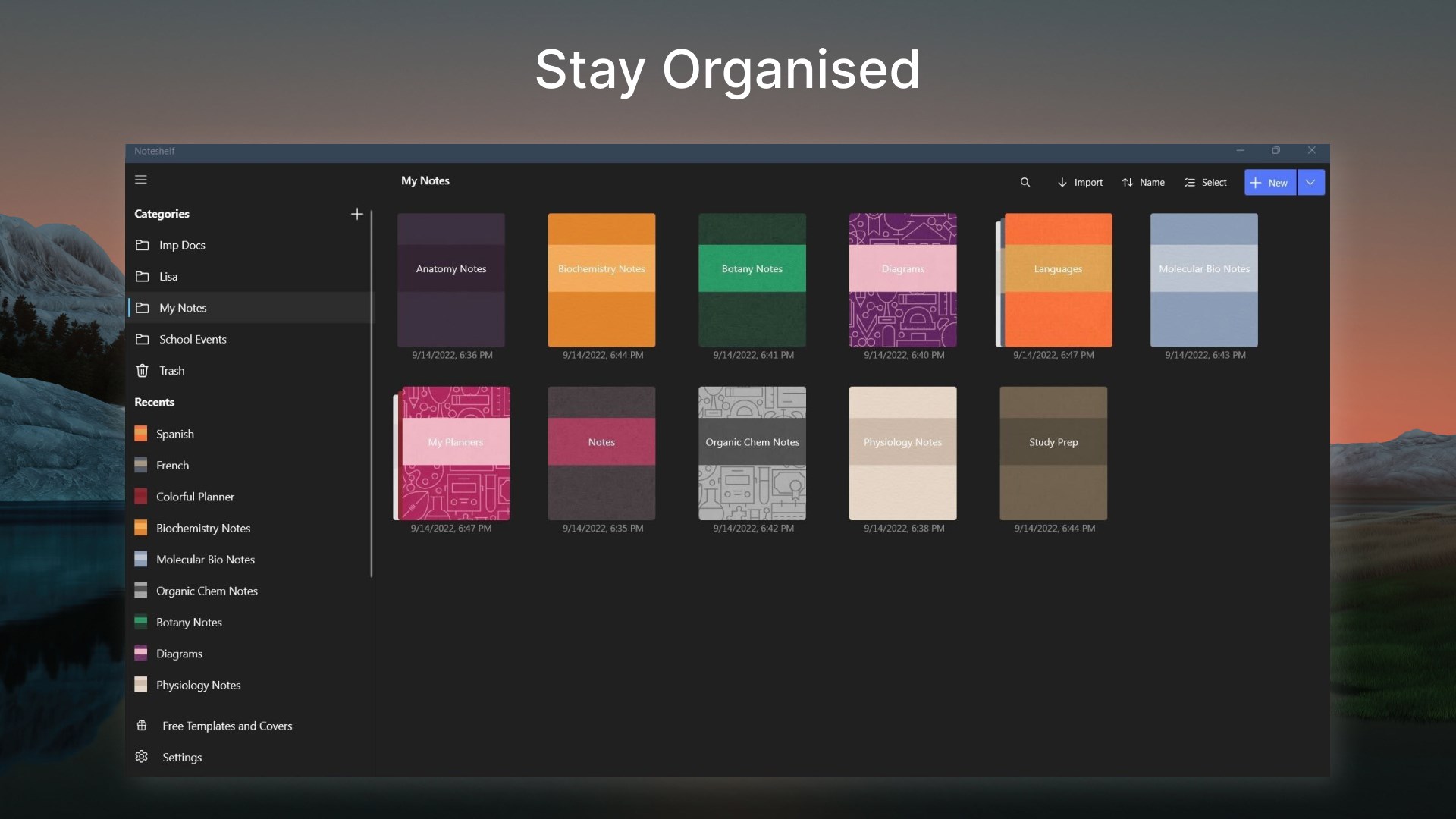
- Flexible Notebook Organization: Offers multiple notebooks with customizable covers, pages, and easy navigation to keep your notes in order.
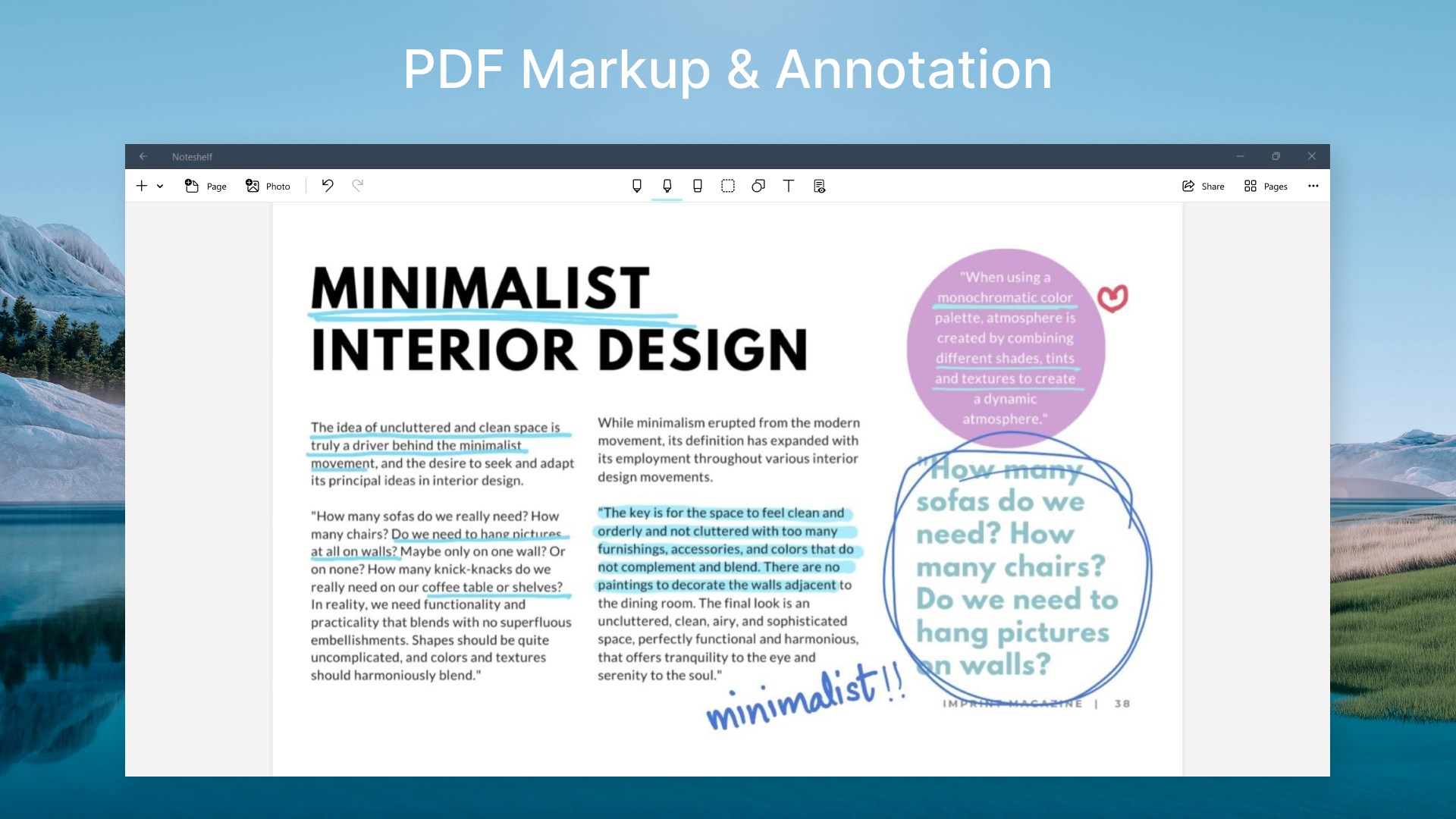
- Rich Toolset for Creativity: Includes pen, marker, highlighter, and shape tools, along with image import and annotation support.
- Cloud Sync & Export: Syncs notes across devices via cloud services, with options to export in PDF or image formats.
Immersive and Intuitive Interface
Launching Noteshelf for Windows feels akin to stepping into a well-organized stationery store — everything is within reach, inviting you to start scribbling immediately. The interface adopts a sleek, minimalistic design that emphasizes focus. Bright, clear icons declutter the workspace, making the transition between notes and tools smooth like gliding across fresh paper. The layout adapts well to different screen sizes, ensuring your creative flow isn't hindered whether on a small laptop or a large monitor.
Core Functionalities: The Heartbeat of Noteshelf
Handwriting and Drawing Tools That Feel Natural
The dynamic pen engine in Noteshelf for Windows is perhaps its most standout trait. It supports pressure sensitivity and tilt, delivering strokes that feel remarkably authentic. Imagine holding a real pen; the tactile feedback translates into lines that vary in thickness and shade depending on your stylus's angle and pressure, elevating your digital handwriting. Whether jotting quick notes or creating detailed sketches, the responsiveness reduces the cognitive load, allowing you to focus solely on ideas rather than struggling with the tool.
Organizational Versatility
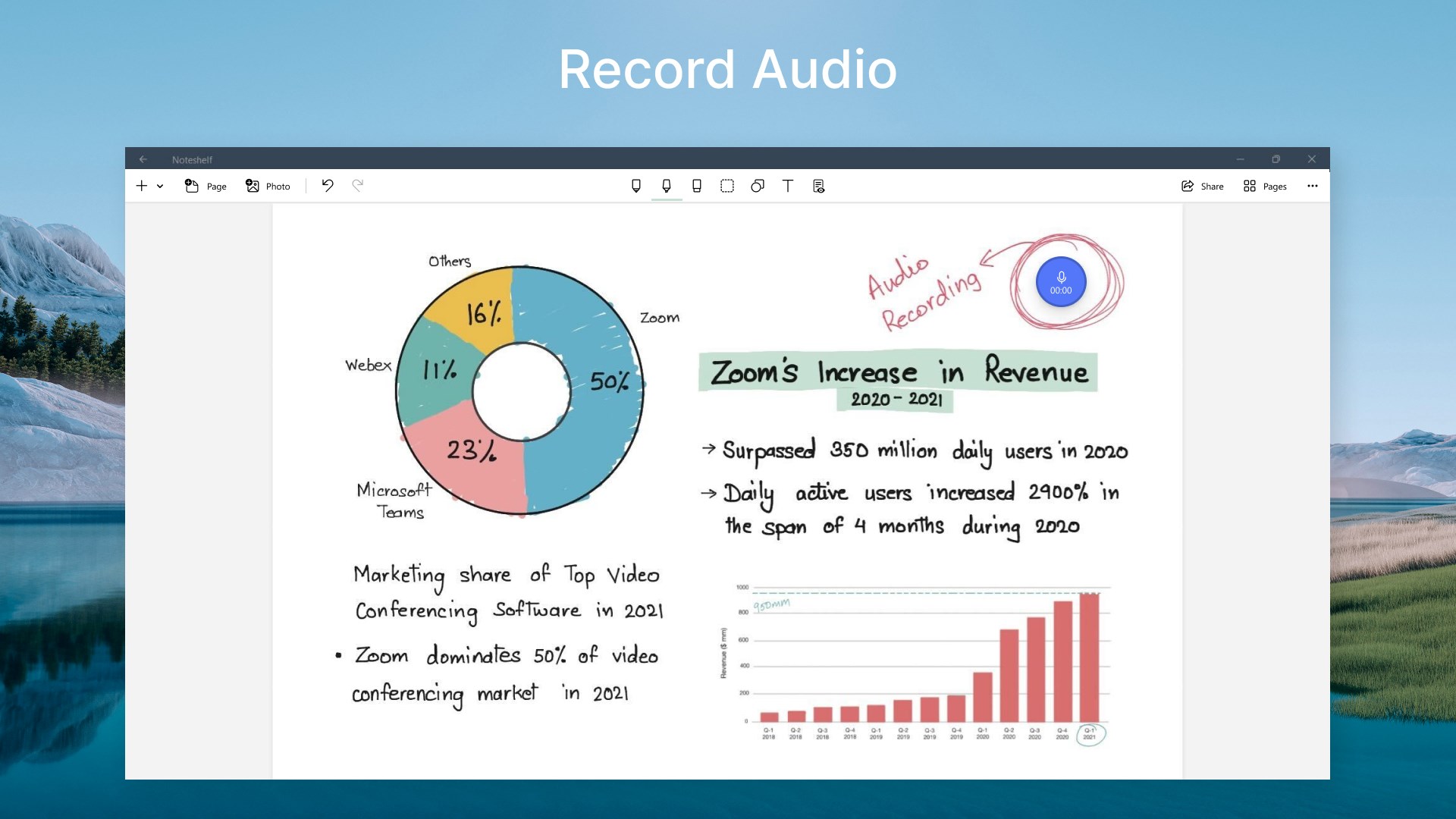
Ideal for those juggling multiple subjects or projects, Noteshelf enables you to have numerous notebooks with distinct covers and layouts. Navigating through pages is intuitive—swipe gestures for flipping pages feel fluid, much like flipping through a paper planner. The ability to import images, annotate PDFs, or embed multimedia enhances productivity, especially during research or brainstorming sessions. This flexibility ensures users aren't limited by rigid structures but rather empowered with a tailored note management system.
Sync, Export, and Workflow Integration
One of the app's highlights is its seamless cloud synchronization, which ensures updates are reflected across devices swiftly, supporting a smooth workflow. Export options are plentiful: save your notes as PDFs for sharing or as image files for quick reference. But what truly sets Noteshelf apart is how it reduces unnecessary complexity—its feature set is focused, not bloated. Compared to more sprawling productivity tools, it minimizes cognitive overload by prioritizing core note-taking functions, allowing users to stay engaged without distraction.
Evaluating User Experience: Does It Measure Up?
Using Noteshelf for Windows is akin to having a trusted notebook that's always at hand—responsive, beautiful, and reliable. Its interface design fosters a natural flow, and the stylus support feels responsive enough for detailed drawing or smooth handwriting. The learning curve is gentle, especially for users familiar with physical notebooks, while newcomers will find a well-structured guide embedded in the app.
Who Should Use Noteshelf? Recommendations and Usage Tips
If you're looking for a digital notebook that combines the tactile pleasure of writing with the convenience of modern tech, Noteshelf is a compelling choice—especially for users who prioritize handwriting or sketching. While it might not replace comprehensive project management tools, its ease of use and focus on note fidelity make it ideal for students, educators, artists, and professionals who value quick, organized note capturing.
To maximize its potential, pair Noteshelf with a high-precision stylus and keep your notebooks organized by topics or projects. For those who frequently switch devices, leveraging its cloud sync ensures your notes follow you everywhere, making your workflow more fluid and less interrupted.
The Bottom Line: A Solid Companion for Creative and Organized Digital Note-taking
Noteshelf for Windows stands out as a thoughtfully designed app that puts handwriting and visual notes front and center without overwhelming the user with features. Its most unique strengths—natural writing experience and streamlined workflow integration—are perfectly suited to those seeking an intuitive, efficient digital notebook. As a friend might say, “It's like carrying a high-quality notebook that's always ready and eager to capture your ideas.” For anyone who values the tactile joy of writing combined with modern convenience, this app is definitely worth exploring.
Pros
- Intuitive handwriting recognition
- Rich multimedia support
- Cross-platform synchronization
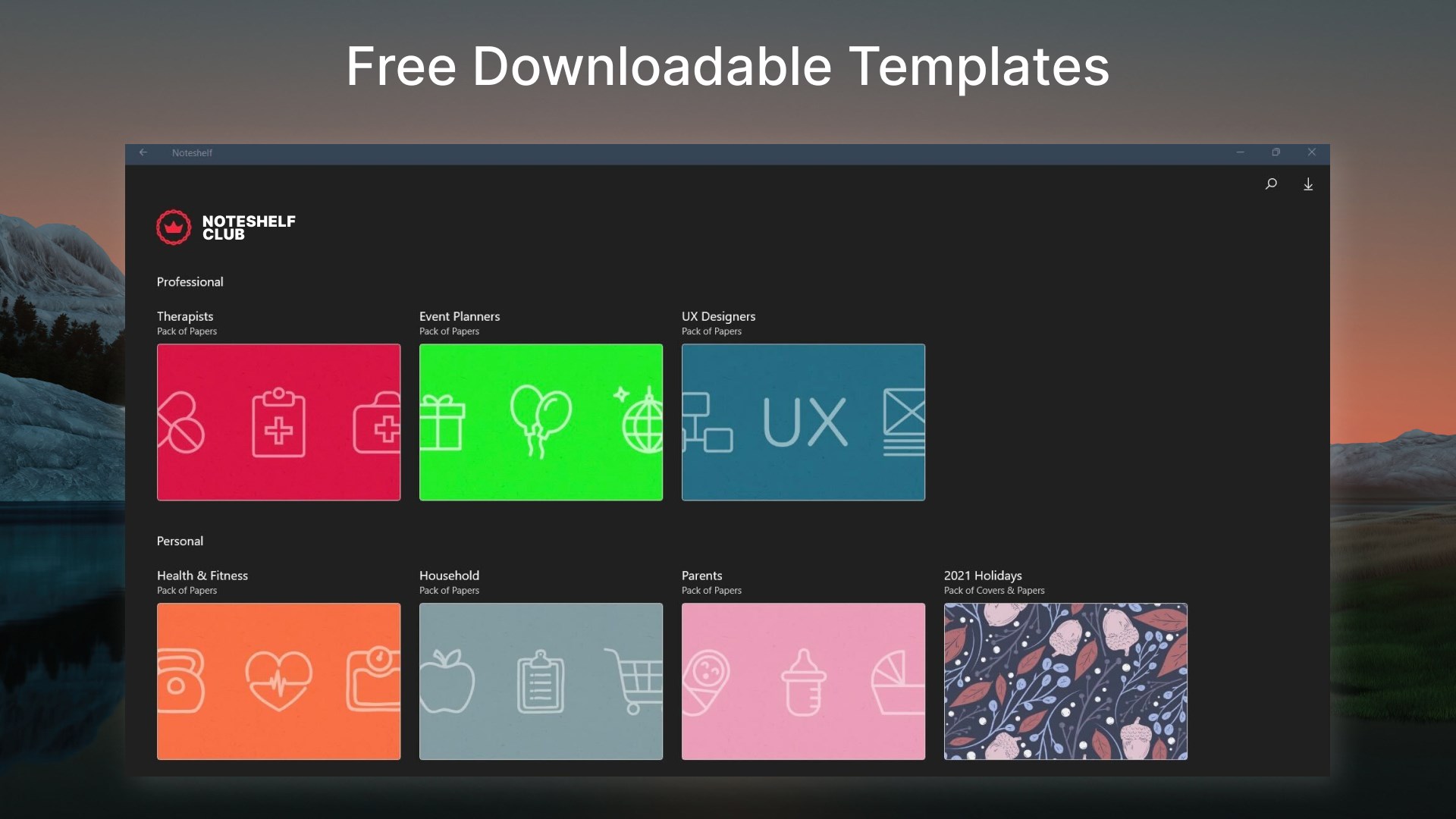
- Numerous customizable templates
- Robust organization features
Cons
- Limited free features
- Occasional syncing delays
- Steep learning curve for advanced features
- UI could be more streamlined
- Limited export options in free version











