
- Category Productivity
- Developer GagarinSoft
- Available on PC, Mobile, Xbox console, Surface Hub, HoloLens
- OS Windows 10 version 16299.0 or higher
- Keyboard Not specified
- Mouse Not specified
- languages Arabic, Chinese (Simplified), Dutch, English (United States), French, German, Hindi, Italian, Japanese, Korean , Polish , Portuguese (Portugal), Russian, Spanish (Spain), Turkish
Introducing Notification Logger for Windows: Your Personal Notification Archivist
Notification Logger for Windows by GagarinSoft emerges as a sleek and effective tool designed to monitor, record, and manage all your system and app notifications seamlessly. It's like having a diligent scribe sitting just behind your shoulder, capturing every alert for future reference—ideal for users who crave a clearer overview of their digital interactions without the clutter.
Comprehensive Overview of Features and Developer Background
Developed and published by GagarinSoft, Notification Logger for Windows encapsulates years of expertise in creating productivity tools that streamline users' digital workflows. The app stands out for its focused approach to notification management, helping users minimize distraction while maintaining awareness of essential alerts.
- Main Features:
- Real-time notification logging with easy access to a historical record
- Customizable filtering options to prioritize important alerts
- Silent mode and notification suppression for focused work sessions
- Export and share notification logs for reporting or analysis
Targeted primarily at professionals, researchers, and anyone overwhelmed by the barrage of notifications, this app caters to those seeking a tidy, organized way to handle their alerts without losing sight of crucial information.
Spice Up Your Notification Management: A Clear, Practical Design
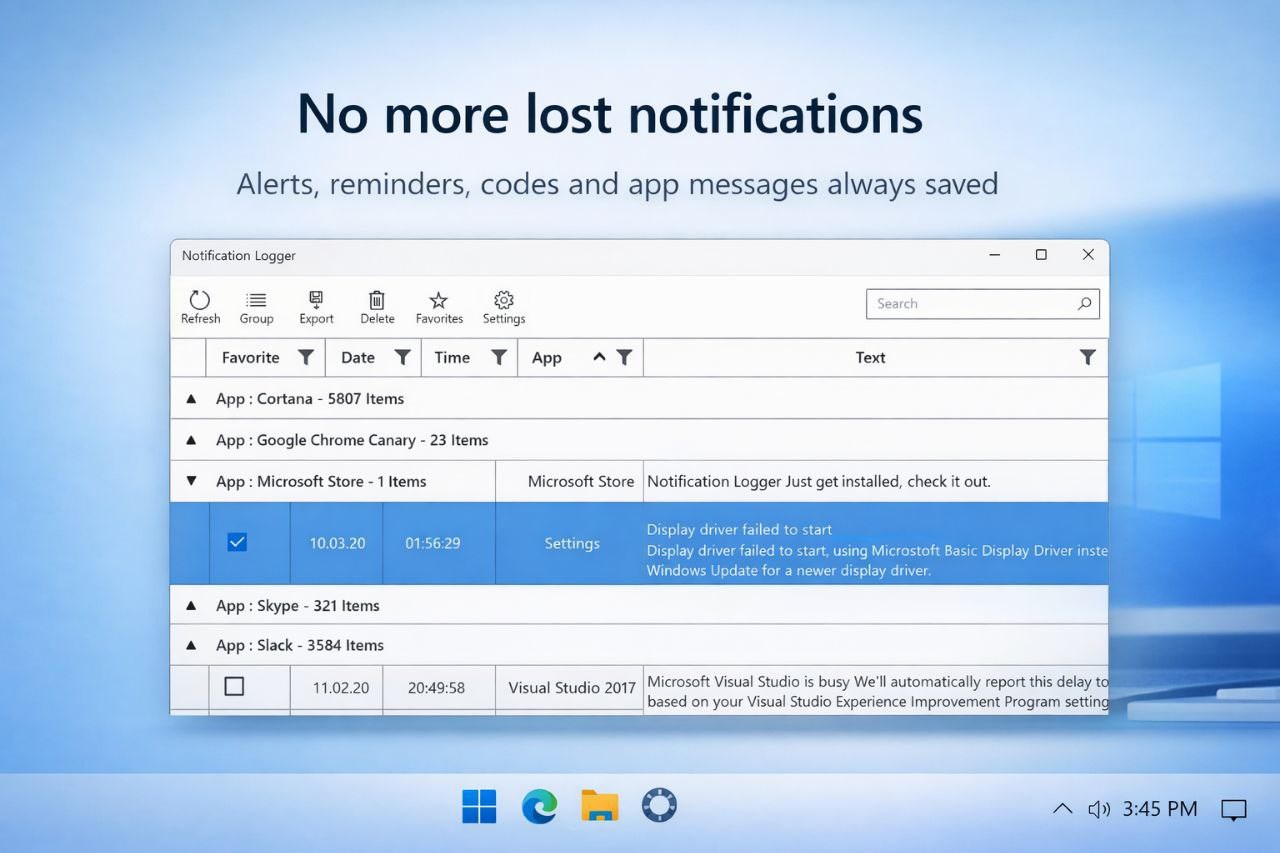
Launching Notification Logger for Windows is akin to unlocking a quiet, organized workspace amidst a storm of alerts. The intuitive interface resembles a well-organized desktop, where notifications appear as neatly categorized entries rather than chaotic pop-ups. Setting up filtering rules or adjusting preferences feels smooth—as effortless as flipping a switch—making the onboarding process accessible even for less tech-savvy users.
The app's responsiveness ensures that navigation feels snappy; clicking on a logged notification reveals detailed information instantly, which is vital when you need to sift through many alerts quickly. Its straightforward layout reduces cognitive load, allowing you to focus on what truly matters rather than deciphering complex menus.
Core Functionalities: Monitoring, Filtering, and Managing Notifications
1. Real-Time Logging and Historical Overview
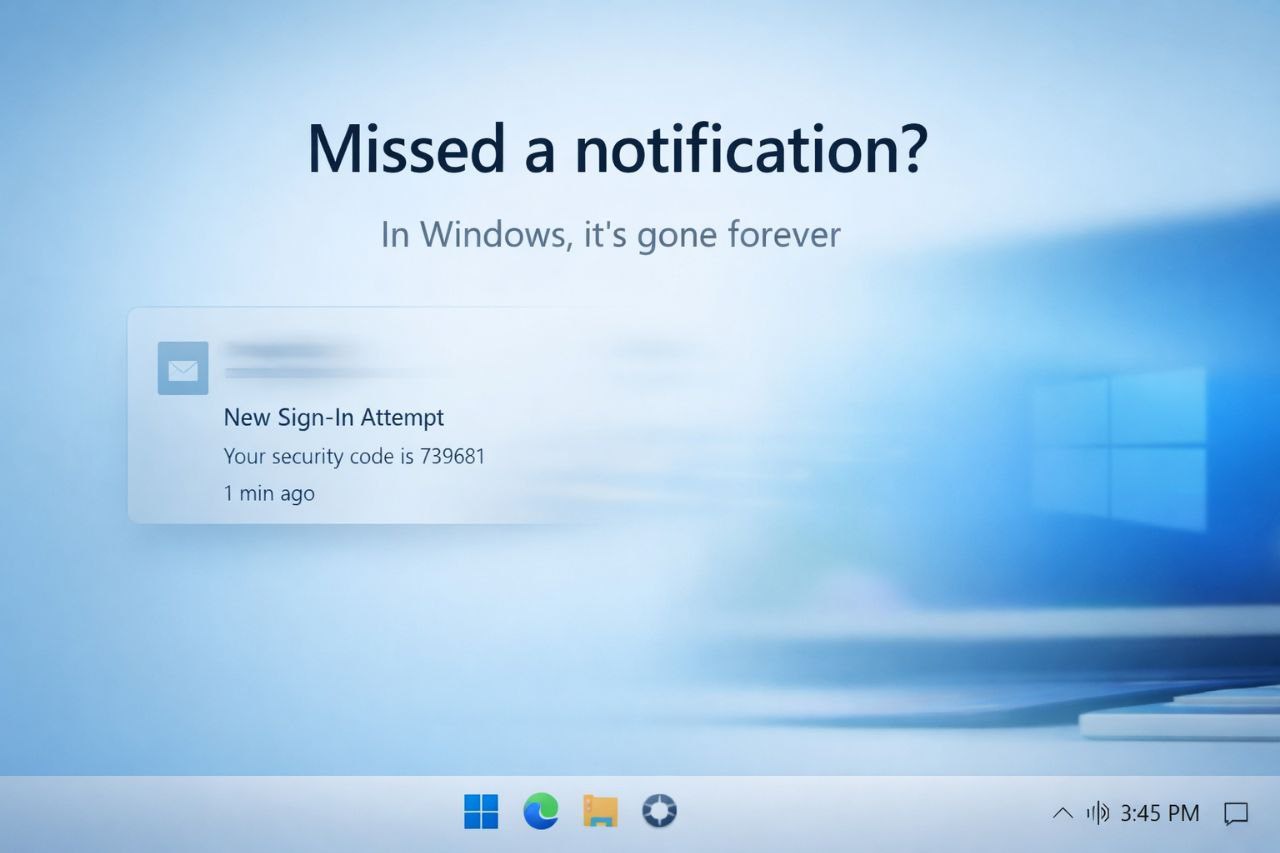
The heart of Notification Logger lies in its ability to capture and archive all notifications as they arrive. Imagine it as a digital scrapbook that automatically sews together every alert—from system messages to app notifications—giving you a comprehensive history at your fingertips. This feature is particularly useful for troubleshooting or understanding notification patterns over time.
2. Custom Filtering and Prioritization
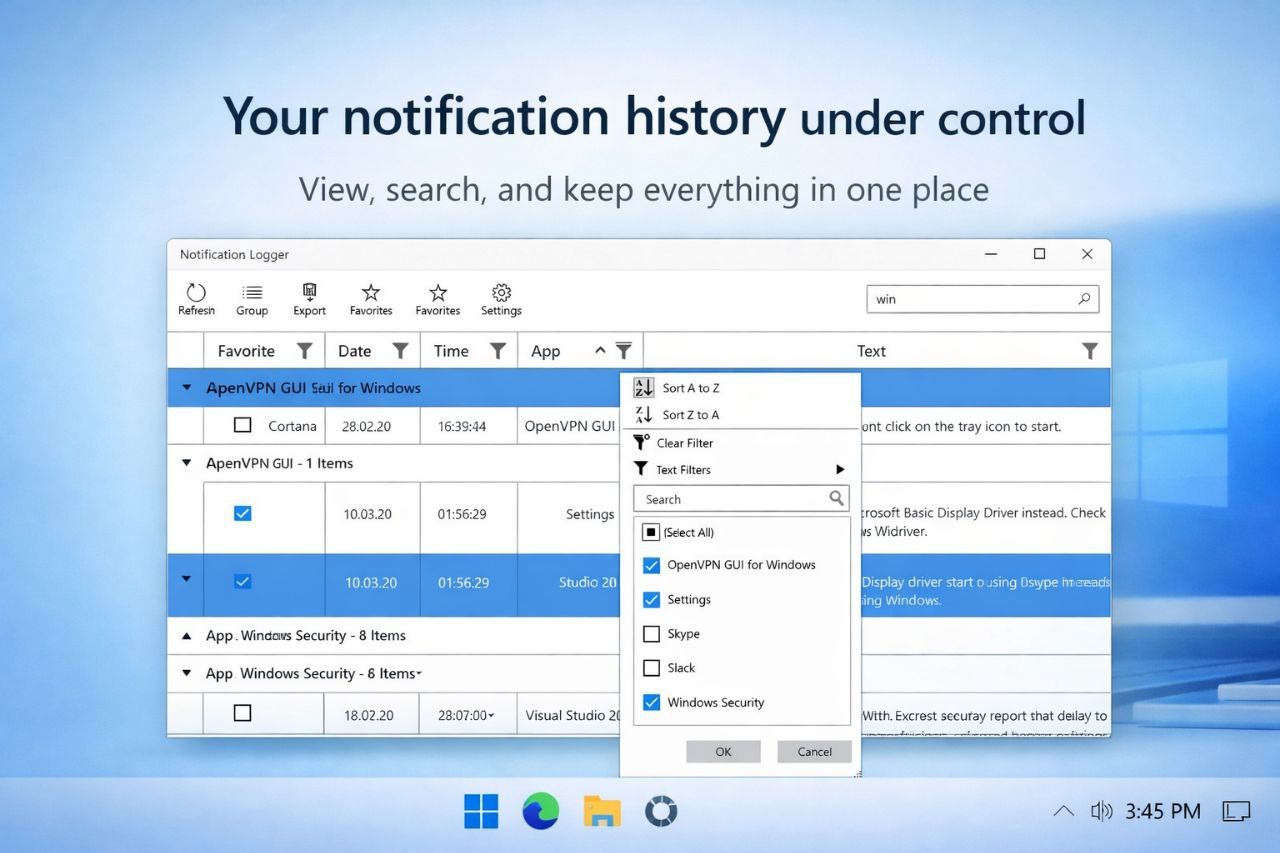
From noise to nuance—this app allows you to create tailored filters. You can designate certain apps, keywords, or notification types as high priority, ensuring you see what truly matters while silencing less critical alerts. It's like having a personal assistant who immediately sorts your notifications into neat piles, freeing your mental space for more meaningful tasks.
3. Focus Mode with Suppression Options
Sometimes, you need absolute concentration—this is where the silent mode feature shines. With a few clicks, notifications can be muted or suppressed for select periods, turning your digital environment into a calm oasis. The transition is seamless and doesn't require complex setup, making it an effective tool for deep work sessions.
Evaluating User Experience and Unique Selling Points
The app's user experience is notably smooth, thanks to its clean interface and swift responsiveness. Users report that the app is easy to learn—its minimalistic design acts like a friendly guide rather than an intimidating interface. Comparing it to similar productivity tools, Notification Logger excels in workflow integration; it doesn't interrupt your taskflow, but rather complements it by providing a centralized notification repository.
Its distinctive advantage is the focus on reducing cognitive load: instead of juggling multiple notification windows or digging through endless system logs, users can review stored notifications at their convenience. This efficiency is a game-changer for busy professionals who prefer to control their alert environment rather than be controlled by it.
Final Recommendations: Is It Worth Your Time?
Considering its straightforward setup, effective filtering capabilities, and thoughtful design, Notification Logger for Windows earns a solid recommendation for those seeking a smarter way to handle notifications. It's especially beneficial if your work environment involves numerous alerts that interrupt your focus or if you need to audit notifications for troubleshooting purposes.
While it may not replace comprehensive notification management systems for enterprise use, for everyday productivity enhancement, it offers just the right touch of oversight without adding complexity. If you're someone who values clarity and efficiency in your digital ecosystem, giving this app a try could be a step toward a calmer, more organized workflow—less chaos, more control.
Pros
- User-friendly interface
- Real-time notification tracking
- Comprehensive logs
- Lightweight and fast
- Easy export options
Cons
- Limited filtering options
- No notification delete feature
- Basic search functionality
- Lacks customizable alerts
- Occasional lag in log updating











