

- Category Multimedia design
- Developer OBS Project
- Available on PC
- OS Windows 10 version 0.0 or higher
- DirectX Version 11
- languages Basque, Catalan, Chinese (Simplified), Chinese (Traditional Chinese), Czech, Danish, Dutch, English, English (United Kingdom), Finnish, French, Galician, Georgian, German, Greek, Hungarian, Indonesian, Italian, Japanese, Korean, Malay, Persian/Farsi, Polish, Portuguese, Portuguese (Brazil), Portuguese (Portugal), Romanian, Russian, Slovak, Slovenian, Spanish, Swedish, Turkish, Ukrainian, Vietnamese
Introducing OBS Studio: The Open-Source Powerhouse for Windows Screen Recording and Streaming
OBS Studio for Windows, developed and published by the OBS Project, stands out as a versatile, free, and open-source application tailored for live streaming and high-quality screen recording. Whether you're a burgeoning content creator or a professional streamer, OBS Studio offers robust tools to elevate your broadcast game without hitting your wallet.
Core Features That Make OBS Shine
Flexible Scene Composition and Custom Transitions
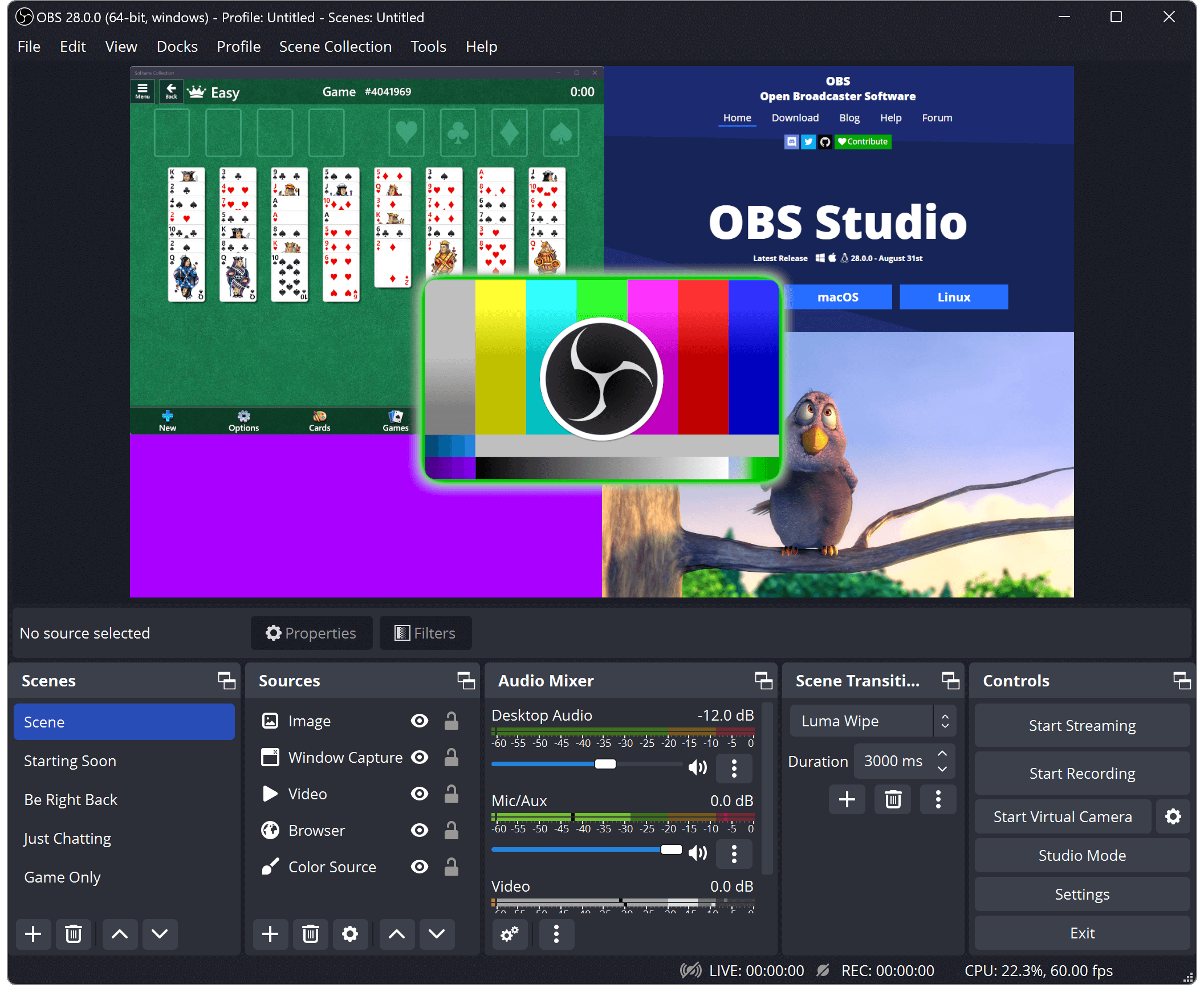
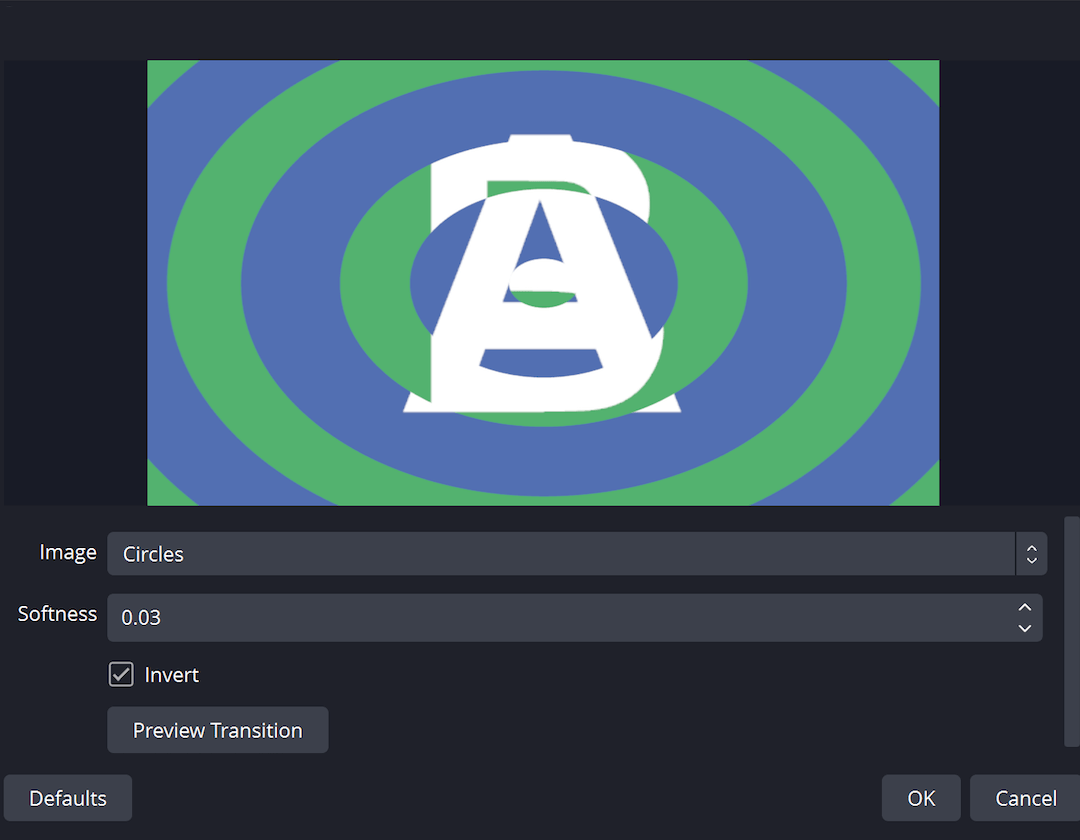
One of OBS's most compelling strengths lies in its ability to craft dynamic scenes from multiple sources—be it your desktop, webcam, images, or browser windows. Seamlessly switch scenes with smooth transitions, giving your viewers a polished viewing experience. This flexibility transforms your stream into a professional broadcast, much like switching camera angles during a live TV show.
Advanced Audio Mixer with Filters
Audio clarity can make or break a stream, and OBS's integrated audio mixer provides granular control over each audio input. You can add noise gates, compressors, and gain filters to ensure your voice and game sounds are crisp and balanced. This level of customization helps create an immersive audio environment that keeps viewers engaged.
Powerful Studio Mode and Scene Preview
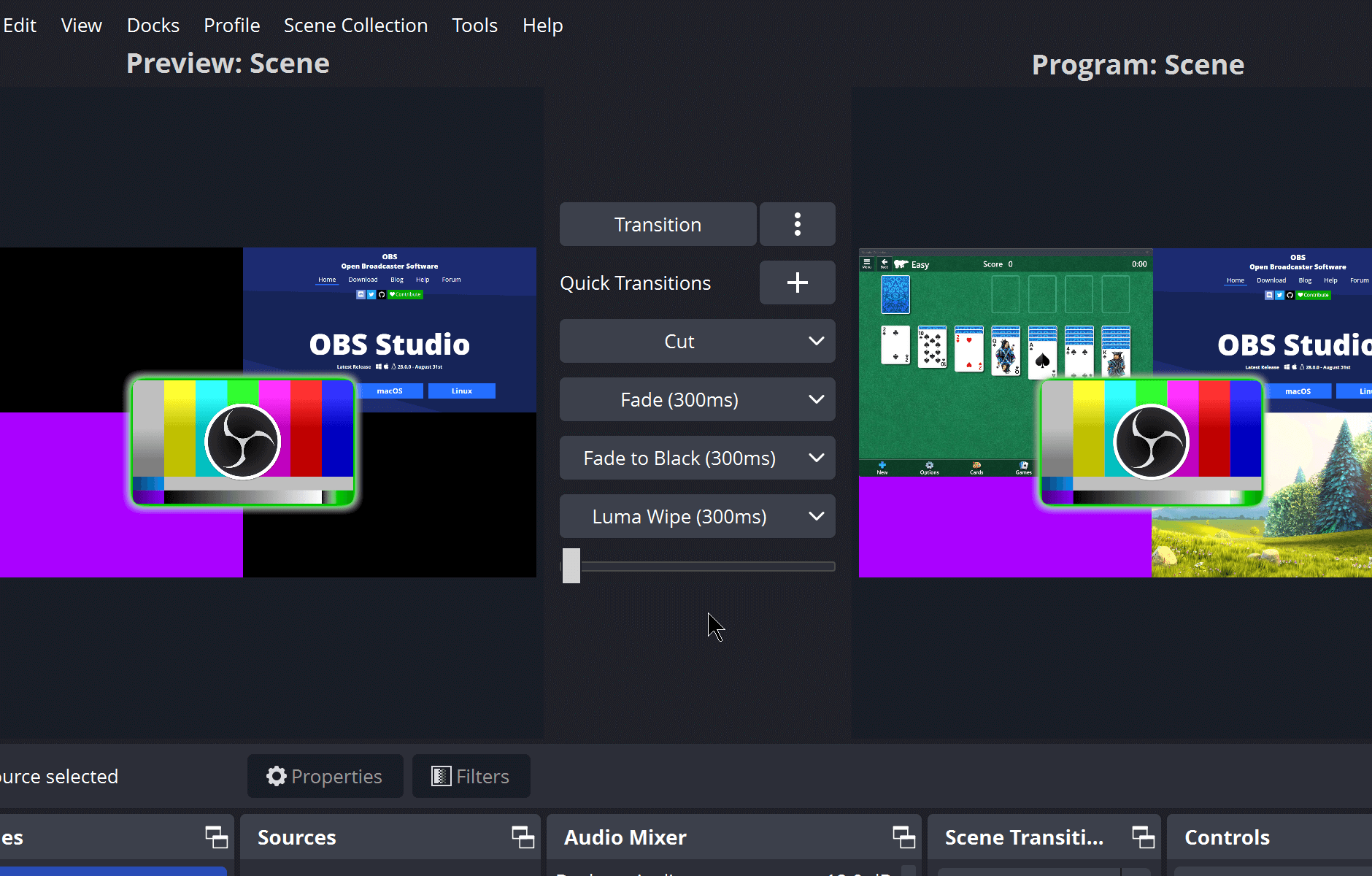
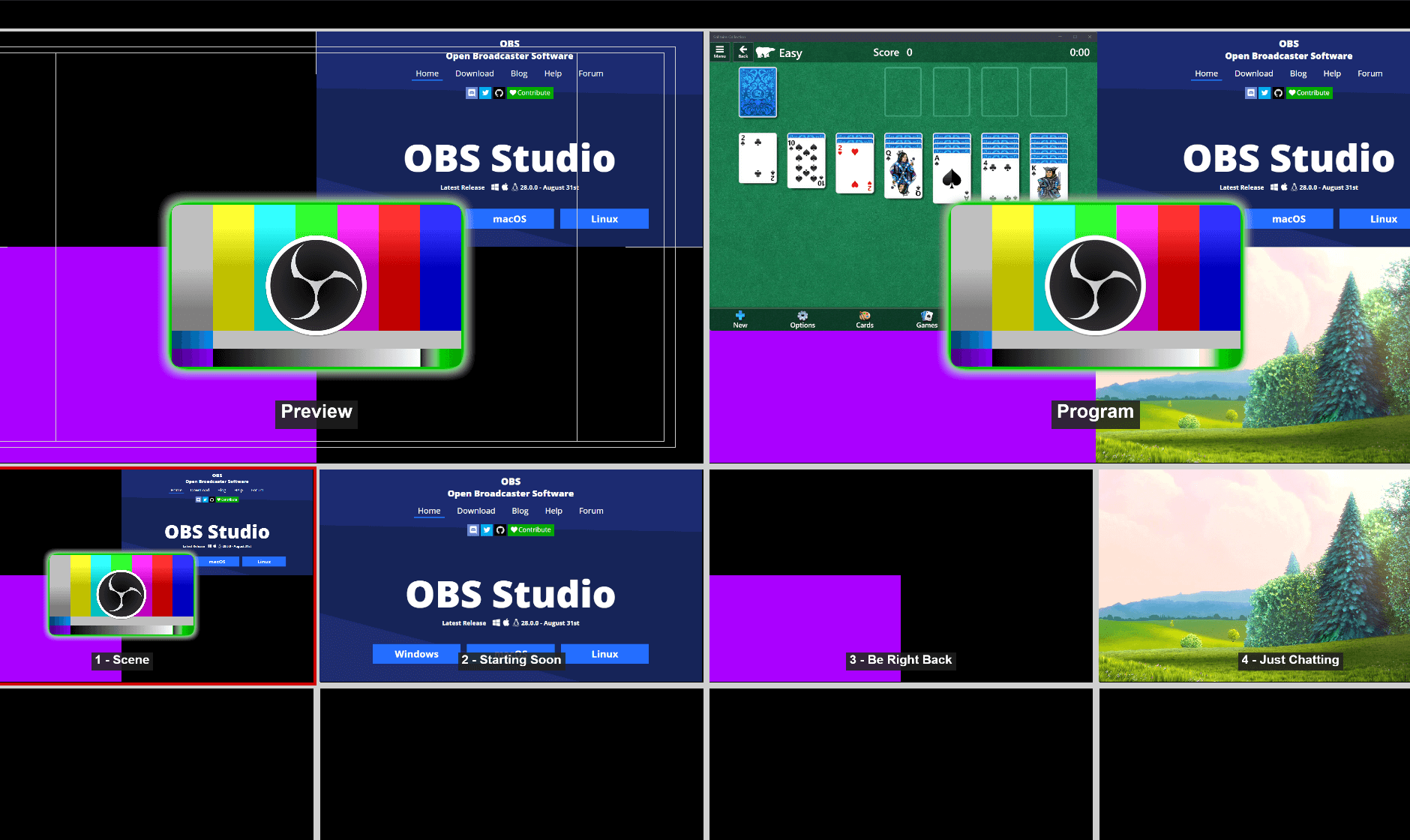
With its Studio Mode, OBS enables you to prepare your next scene in a separate preview window while the current one airs live. Think of it as a director quietly rehearsing the next act behind the curtain, ready to switch with a simple click—ensuring smooth, professional transitions during your live session.
User Experience: Intuitive Design and Smooth Operation
For newcomers, OBS Studio's interface might seem a bit daunting initially—like opening a control panel with a multitude of dials and buttons. However, once you get the hang of it, navigating the software becomes almost second nature. The layout is logically organized, with clear panels for scenes, sources, audio mixers, and controls. The application's responsiveness is impressive—transitions happen in real time, even when managing multiple high-resolution video sources. Although there's a learning curve involved, especially with advanced features, the abundance of tutorials and the vibrant community forums make mastering OBS an achievable goal. Overall, the user experience balances complexity with accessibility, making it suitable for both beginners eager to learn and professionals seeking reliable performance.
Unique Advantages Over Other Multimedia Applications
What truly sets OBS Studio apart from other multimedia tools is its open-source nature combined with an extensive array of customization options. Unlike proprietary software that often limits user flexibility, OBS allows users to develop custom plugins and scripts, tailoring the software precisely to their needs. Particularly notable is its robust scene composition capability—think of it as a digital director's canvas—allowing stunning, layered broadcasts that can be built from scratch. Additionally, OBS's ability to capture high bitrate streams with minimal latency makes it a favorite among professional streamers seeking broadcast quality without the proprietary price tag.
Final Thoughts and Recommendations
In summary, OBS Studio for Windows is a comprehensive, reliable, and highly customizable streaming tool that can elevate your live broadcasts to a professional level. Its standout features—especially the advanced scene management and Studio Mode—make it particularly valuable for creators aiming for polished outputs. While it may require some initial investment in learning, the payoff in broadcast quality and flexibility is worth it. For users comfortable with tinkering and seeking a free, open-source solution, OBS Studio is definitely worth trying. I recommend it to streamers, content creators, educators, and anyone looking to produce quality recordings and broadcasts on a budget.
Pros
- Highly customizable scene setup
- Open-source and free to use
- Supports a wide range of streaming platforms
- Advanced configuration options
- Regular updates and active community
Cons
- Steep learning curve for beginners
- Occasional performance issues on lower-end PCs
- Interface can be somewhat overwhelming
- Limited built-in templates or themes
- Audio sync issues occasionally occur










