

- Category Productivity
- Developer MobiSystems Inc.
- Available on PC, Mobile, Surface Hub
- OS Windows 10 version 17763.0 or higher
- Memory 1 GB
- languages Arabic (Egypt), Bulgarian, Chinese (Simplified), Czech, English (United States), French, German, Hebrew, Hindi, Italian, Japanese, Polish , Portuguese (Brazil), Portuguese (Portugal), Russian, Spanish (Spain), Swedish, Thai
OfficeSuite Office Pack & PDF Editor - A Robust All-in-One Productivity Suite
Imagine a sleek, versatile toolbox designed to handle all your document needs—from editing PDFs to creating professional reports—without the clutter of multiple apps. That's precisely what OfficeSuite Office Pack & PDF Editor by MobiSystems offers for Windows users seeking an efficient workspace. It strives to streamline workflows, reducing cognitive load while delivering comprehensive functionality in one intuitive package.
Who's Behind the Magic?
Developed and published by MobiSystems Inc., a well-established software developer renowned for producing reliable office productivity tools that prioritize user experience. Their expertise in creating seamless document management solutions shines through in this OfficeSuite pack, crafted specifically for Windows desktops.
Key Features That Stand Out
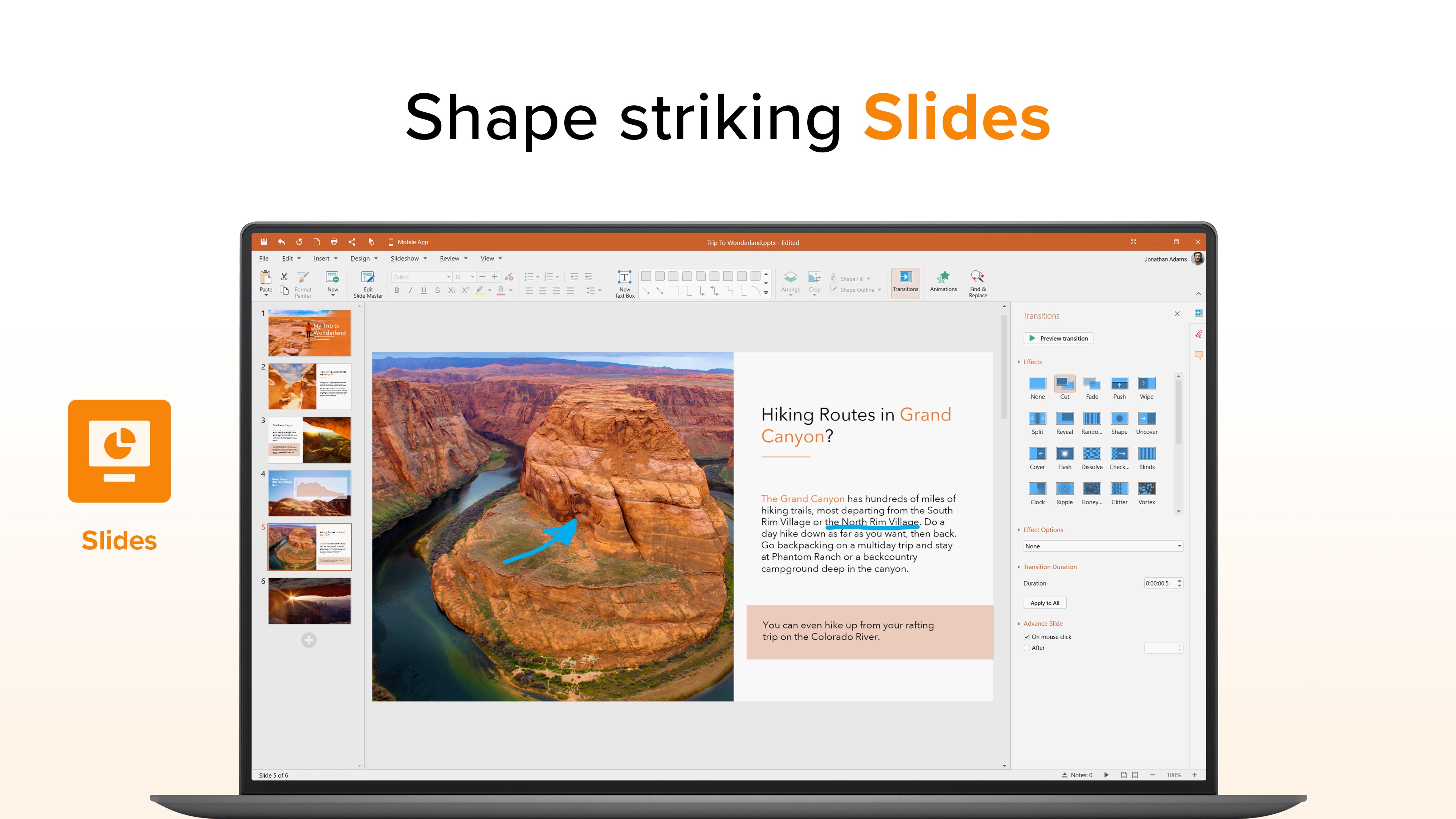
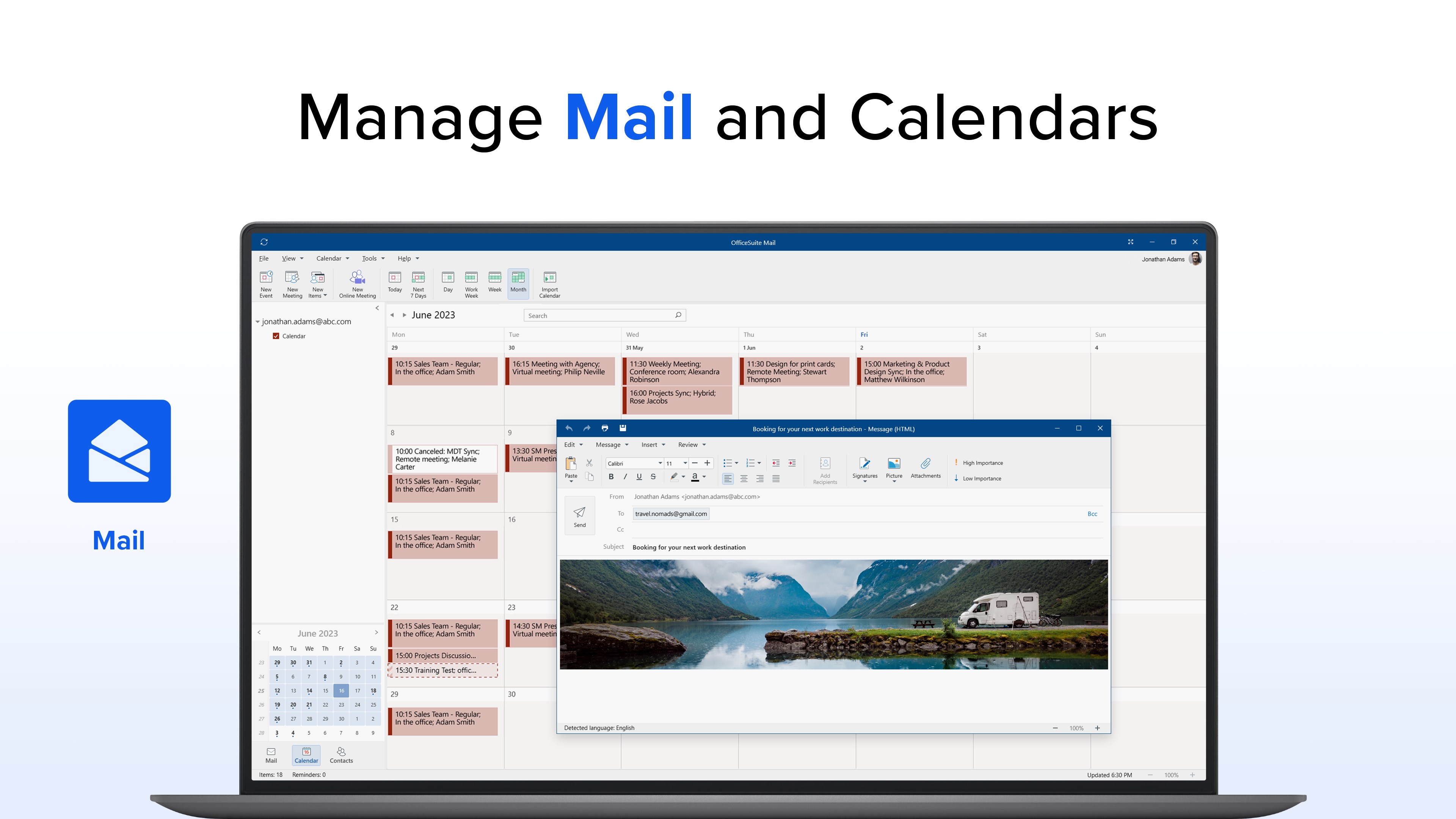
- All-in-One Office Suite: Combines Word processing, spreadsheets, presentations, and PDF editing into a unified application, reducing the need for switching between multiple programs.
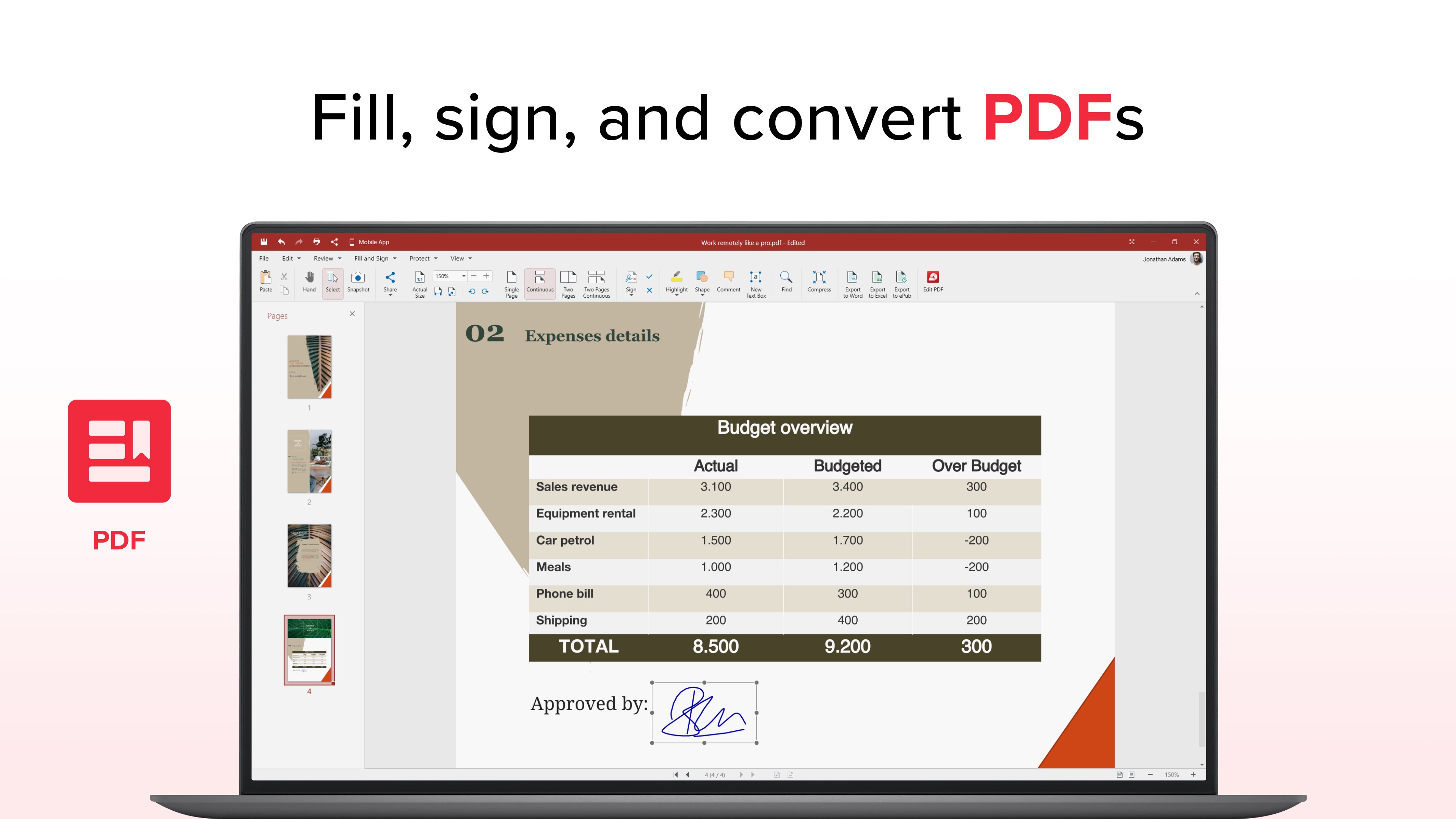
- Advanced PDF Editing: Enables users to create, edit, annotate, and convert PDFs with precision, perfect for professional workflows requiring accurate document handling.
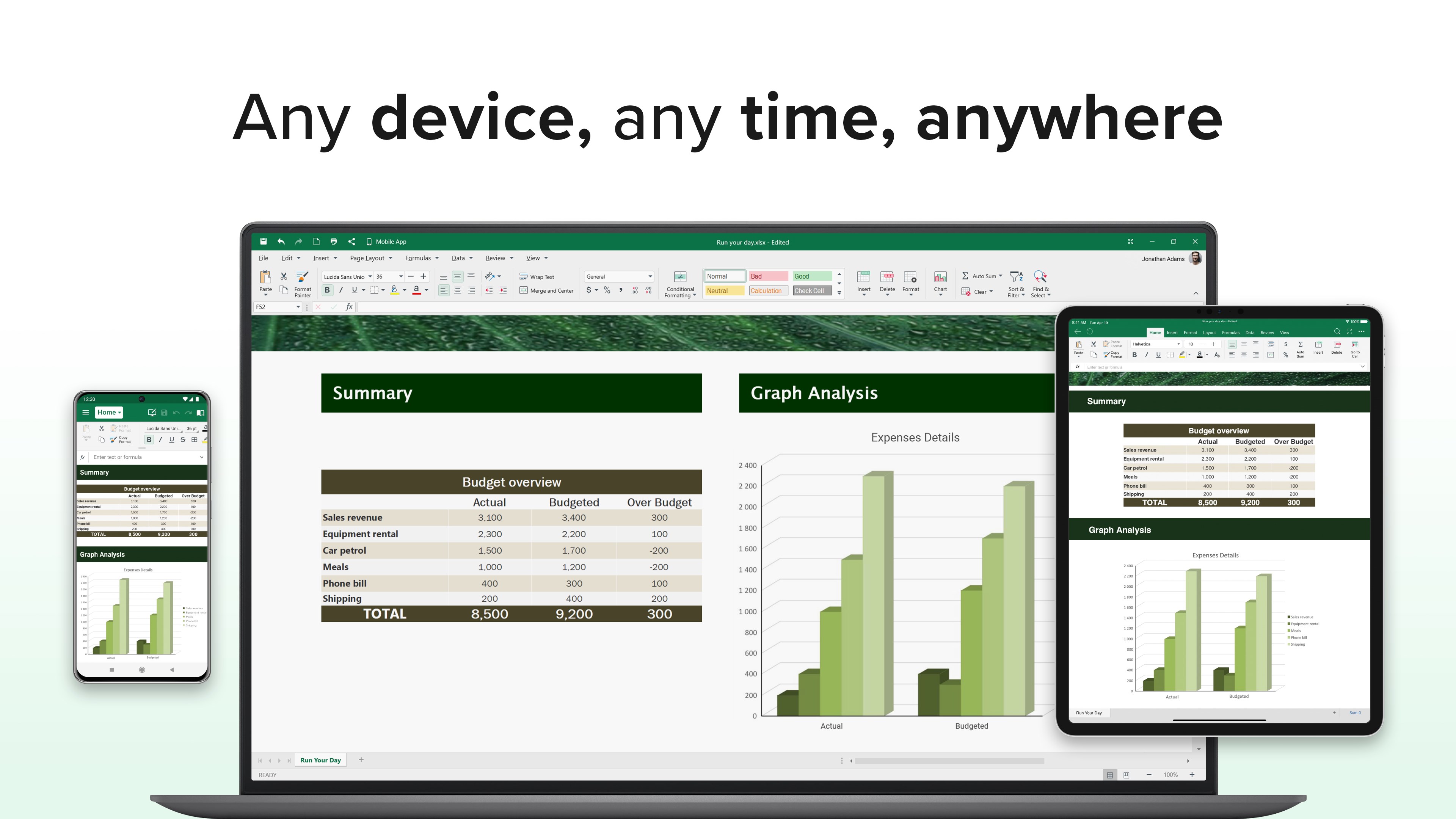
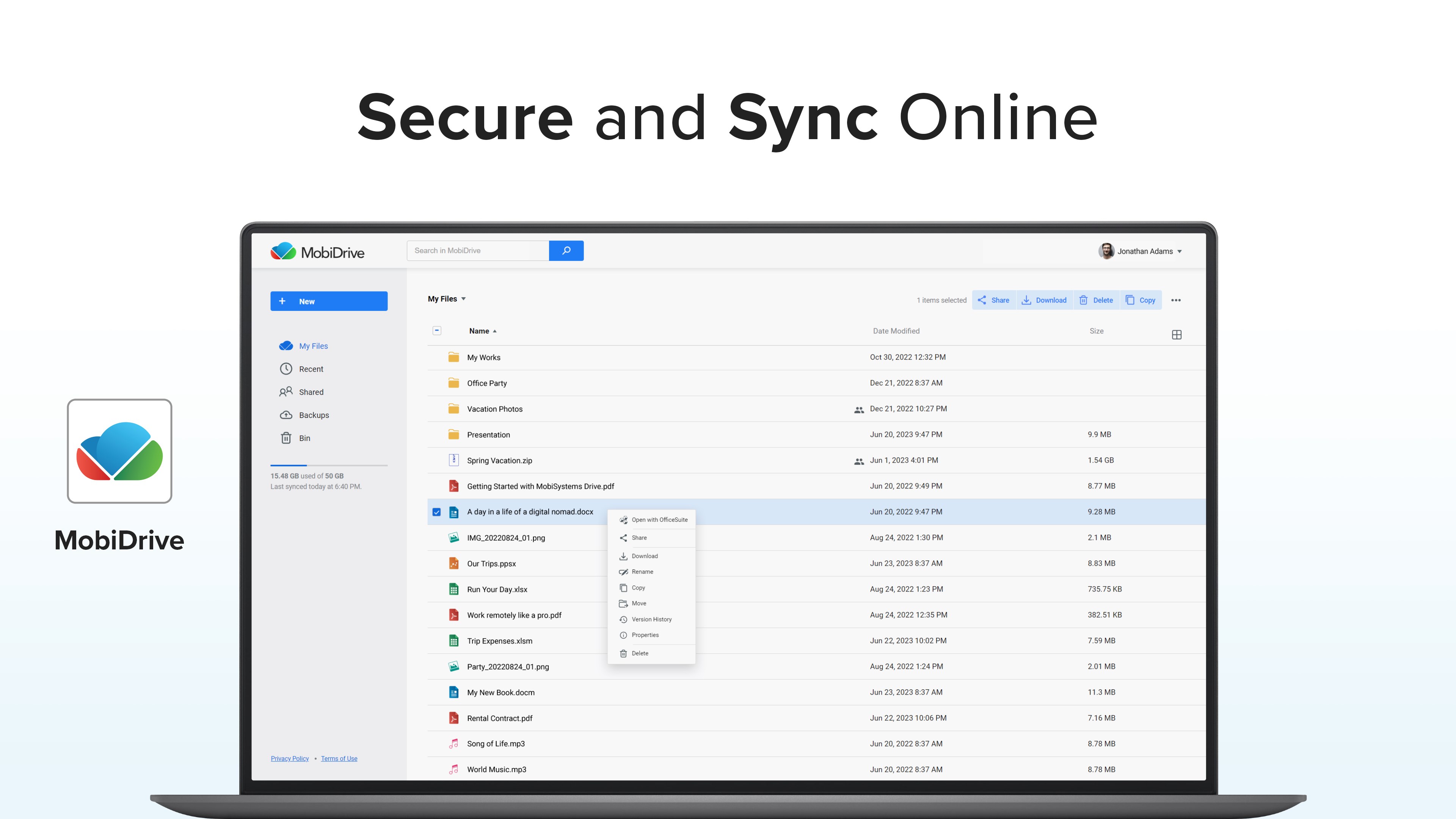
- Integration and Cloud Support: Seamlessly syncs with cloud services like OneDrive, Dropbox, and Google Drive, ensuring your work is always accessible and protected.
- User-Friendly Interface: Designed for both beginners and power users, featuring a clean layout that minimizes learning curves.
A Deep Dive into Functionality
Empowering Document Creation and Editing
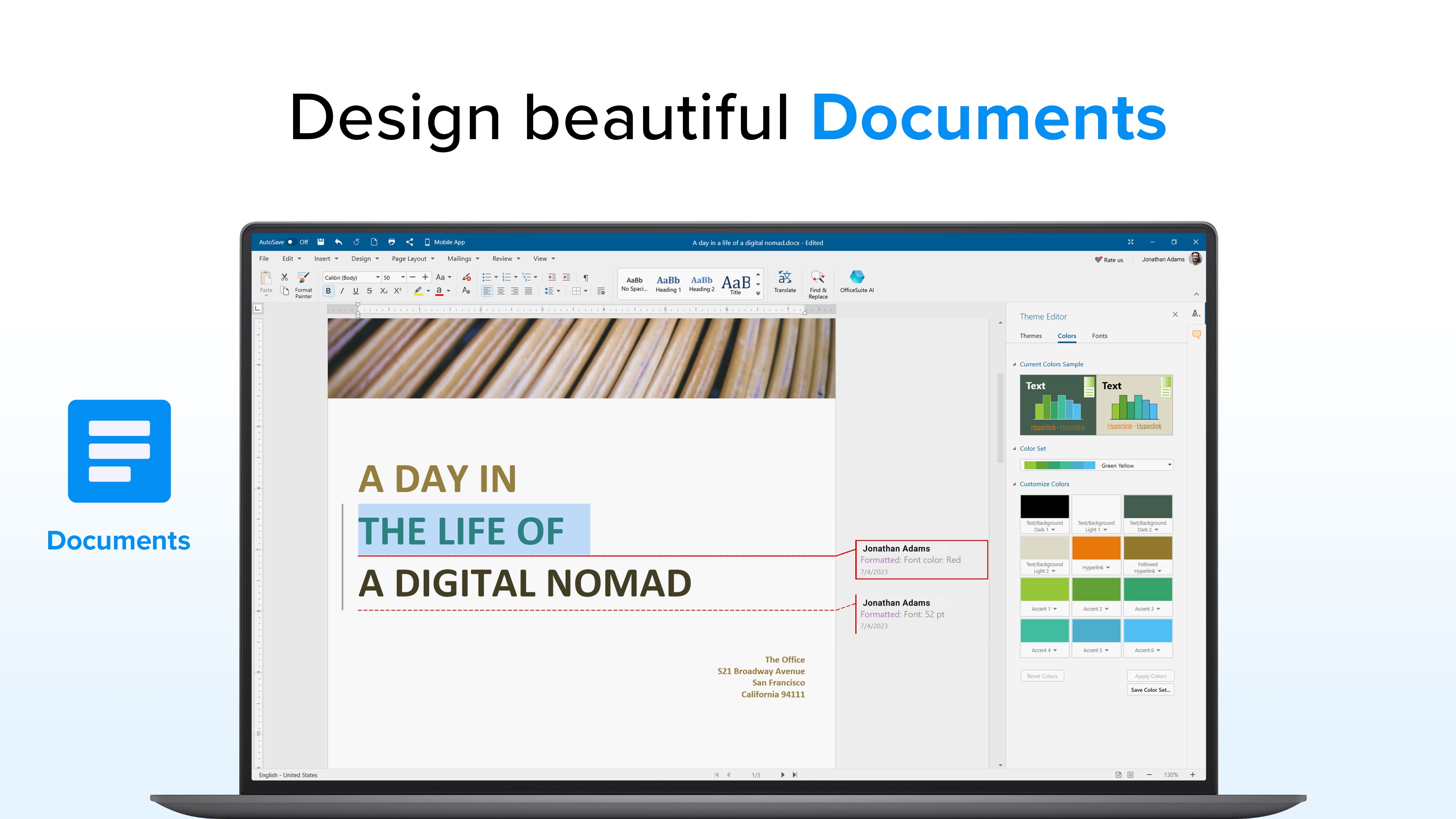
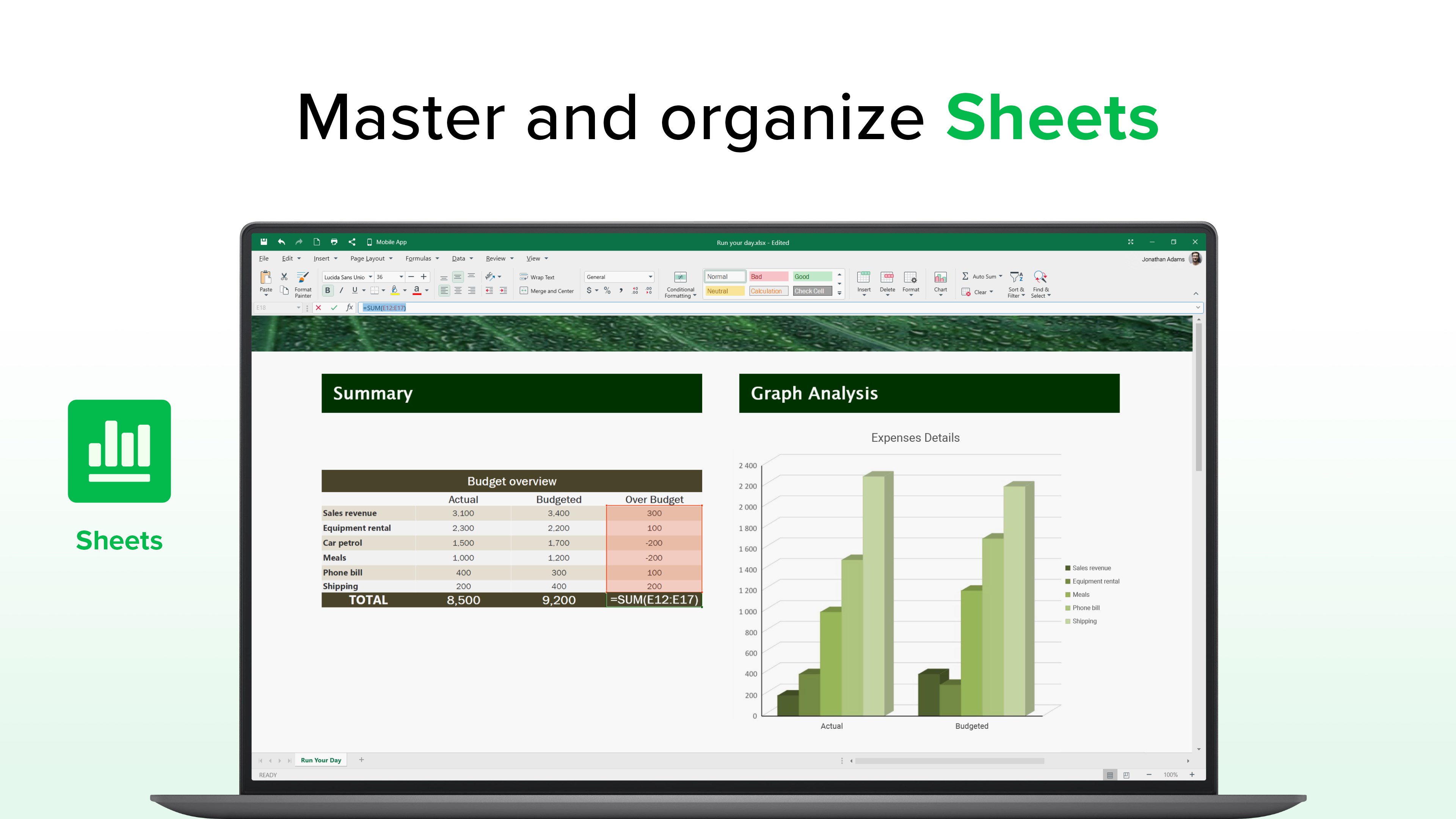
At its core, OfficeSuite offers a familiar, Microsoft Office-like experience—think of it as having a familiar friend's workspace, but with some upgrades. The word processor and spreadsheet modules are loaded with features such as styles, formulas, and templates, allowing users to craft everything from simple notes to complex reports effortlessly. What's impressive is the PDF editor, which functions as a powerful extension. It not only allows you to annotate directly on PDFs but also to convert them into editable Word or Excel files—imagine transforming a static blueprint into a working prototype, ready for tweaks and revisions.
Streamlined User Experience & Design
The interface is designed with clarity in mind. Instead of overwhelming users with an abundance of icons, it adopts a minimalistic yet functional design—a workspace that feels familiar like your favorite coffee shop, inviting and easy to navigate. Operation flow is smooth, with swift load times and responsive controls. The learning curve is gentle; even first-time users find themselves productive within minutes, thanks to thoughtful layout and contextual help. For experienced users, the deep feature set remains accessible without sacrificing simplicity.
Workflow Integration & Unique Strengths
What sets OfficeSuite apart from its competitors isn't just its extensive feature list but its focus on productivity efficiency. Unlike some office suites that cram in features at the expense of complexity, OfficeSuite emphasizes reducing cognitive load—all necessary tools are logically organized, minimizing unnecessary steps. Its ability to seamlessly integrate with cloud storage services and facilitate quick document conversion means your workflow stays fluid, like a well-oiled machine. This focus on ease of access and minimal distractions makes it ideal for professional environments where time and clarity are precious commodities.
Recommendation & Usage Scenarios
All things considered, OfficeSuite Office Pack & PDF Editor is a commendable choice for users needing a comprehensive, yet straightforward, office productivity solution. It's particularly suitable for small to medium businesses, educators, or individuals who frequently work with PDFs and require reliable document formatting. As a professional but approachable tool, it balances rich features with user-friendliness—making it akin to having a dependable, multi-talented assistant at your desk.
Overall, I recommend giving it a try if you're looking for an integrated solution that minimizes the switching hassle while maximizing productivity. For those already comfortable with complete office suites but seeking an efficient PDF editor, OfficeSuite offers a compelling, well-rounded package that's worth exploring.
Pros
- Comprehensive office suite functionality
- User-friendly interface
- PDF editing capabilities
- Cloud synchronization
- Affordable pricing
Cons
- Occasional stability issues
- Limited advanced formatting tools
- Syncing delays
- Watermark in free version
- Limited offline features











