

- Category Productivity
- Available on PC
- OS Windows 10 version 14316.0 or higher
- Mouse Integrated Mouse
- Memory 1 GB
- languages English (United States)
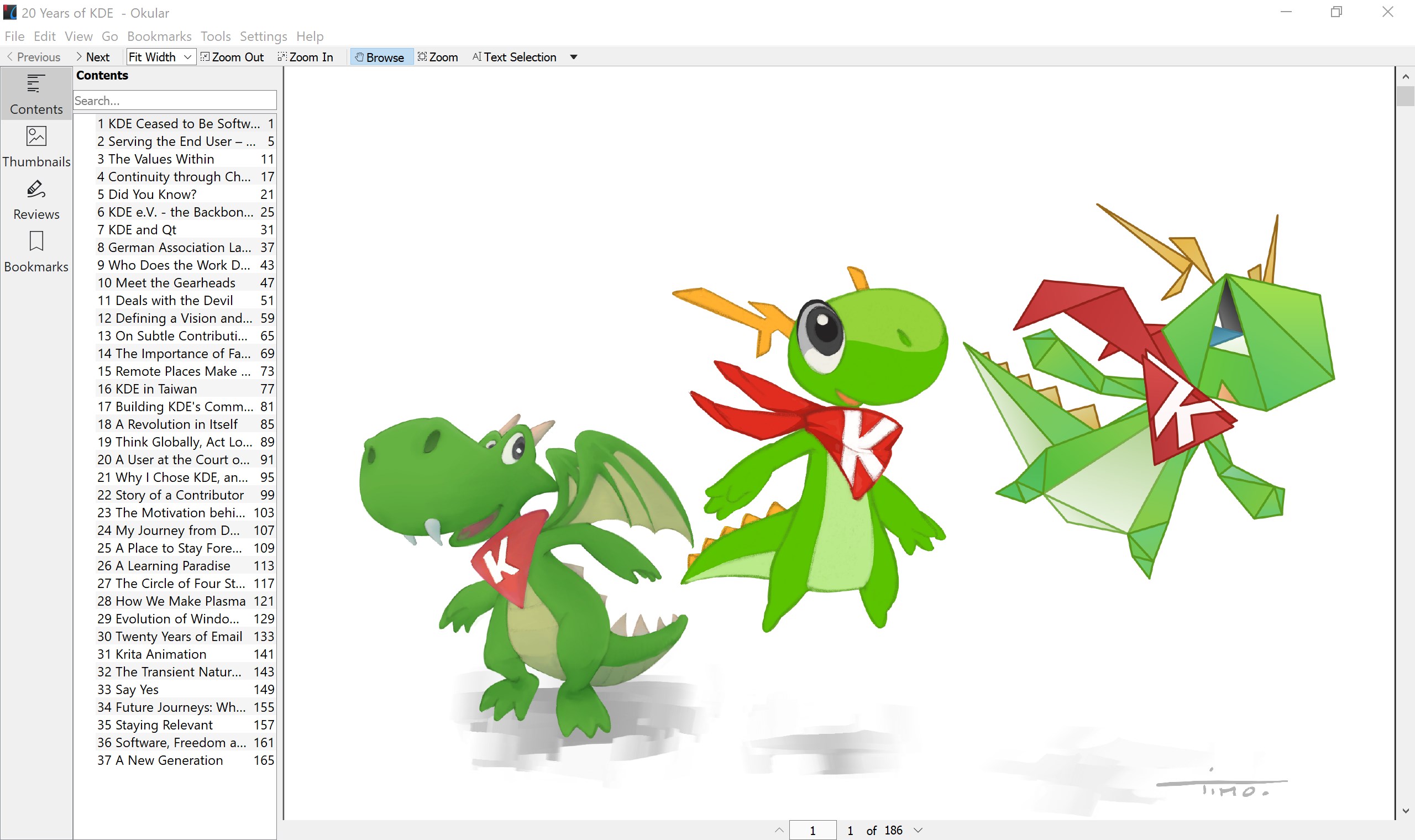
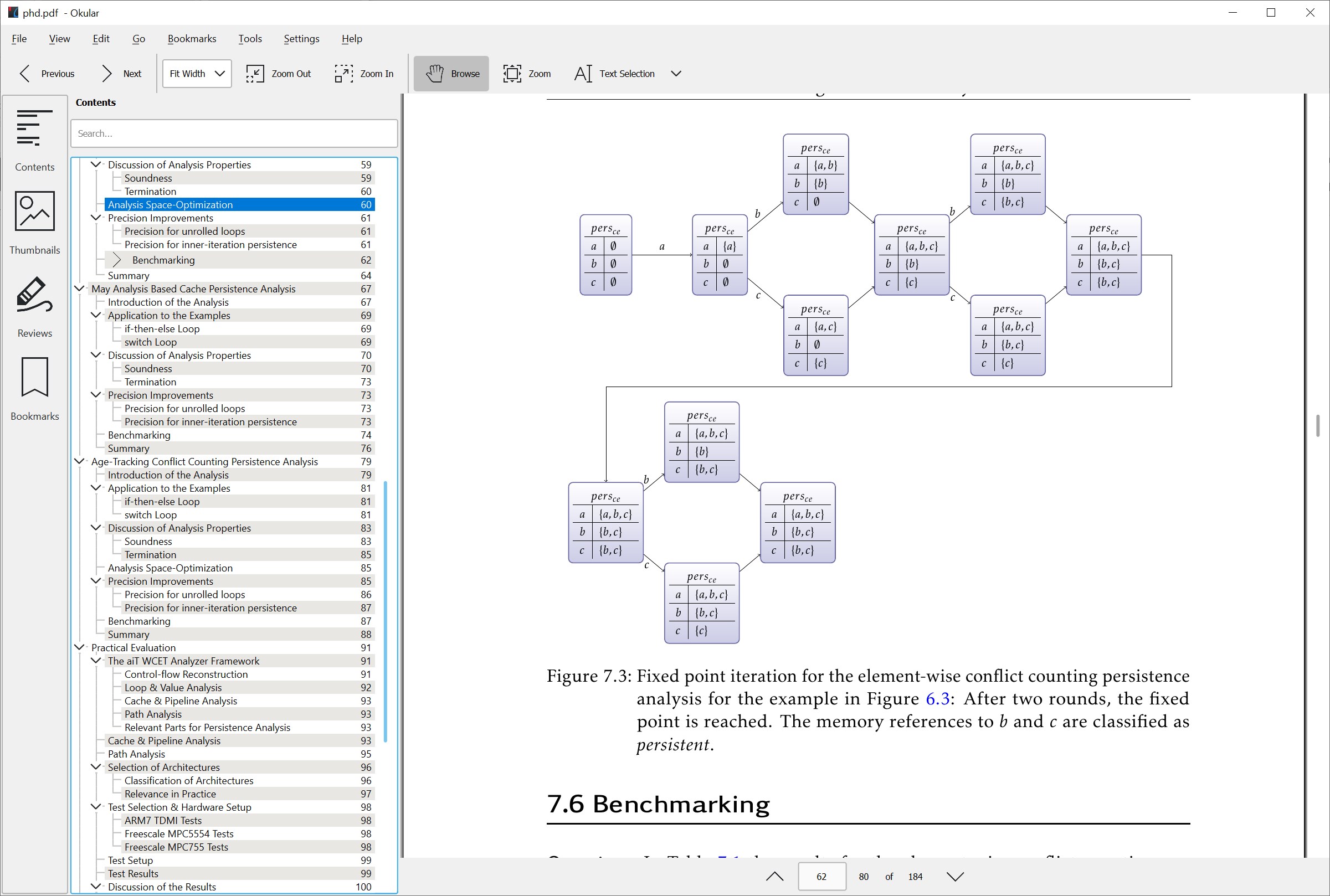
Introducing Okular for Windows: A Versatile PDF and Document Viewer
Okular for Windows is a comprehensive document viewer designed to handle a wide variety of formats with ease, making it a go-to tool for users seeking versatility and efficiency in their reading and annotation tasks.
Developed by KDE e.V.: A Trusted Name in Open-Source Software
The application is developed by KDE e.V., a renowned non-profit organization committed to creating user-friendly free and open-source software solutions. Their expertise shines through in Okular's robust feature set and stable performance on Windows platforms.
Key Features That Make Okular Stand Out
- Multi-Format Support: Handles PDF, ePub, Postscript, DjVu, CHM, and more, all within a single interface, reducing the need to switch between multiple apps.
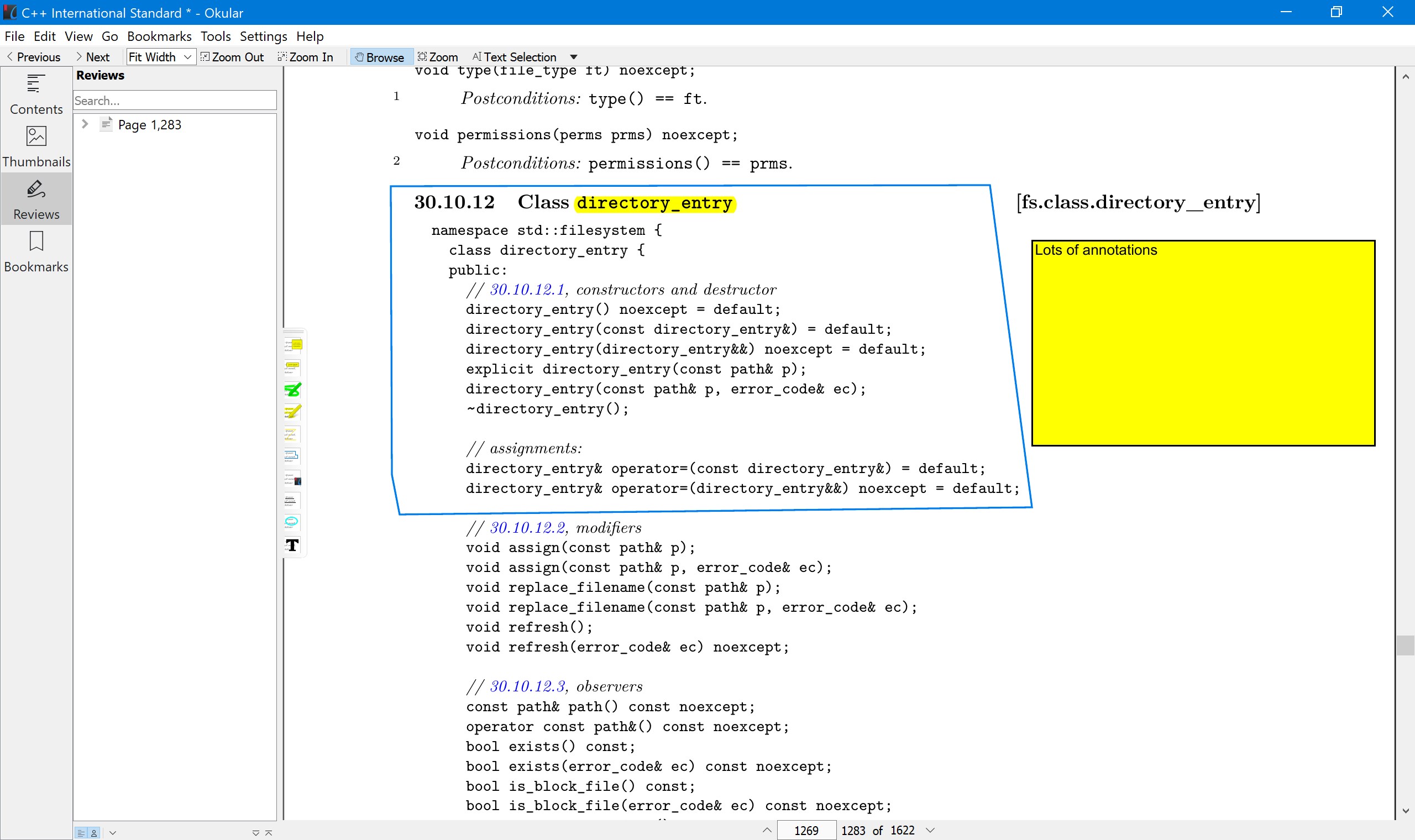
- Annotation and Highlighting Tools: Offers a rich set of annotation options, including sticky notes, highlights, underlines, and freehand drawing, facilitating effective reading comprehension and note-taking.
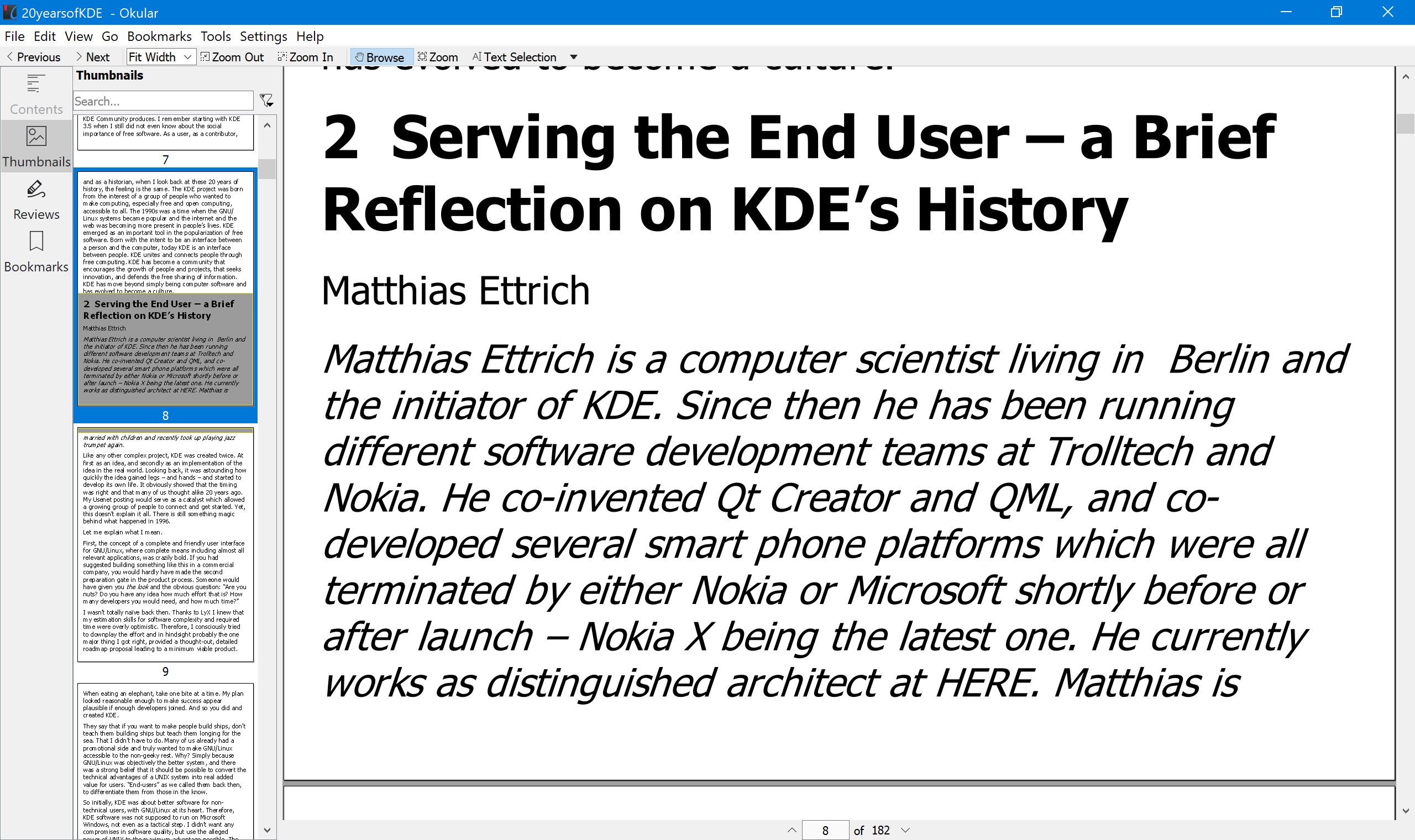
- Integrated Search and Indexing: Provides advanced search capabilities with the ability to search text across multiple documents simultaneously, enhancing research efficiency.
- Customizable Interface: Includes users-friendly layout options, allowing personalization to streamline workflows according to individual preferences.
Immersive and User-Friendly Design
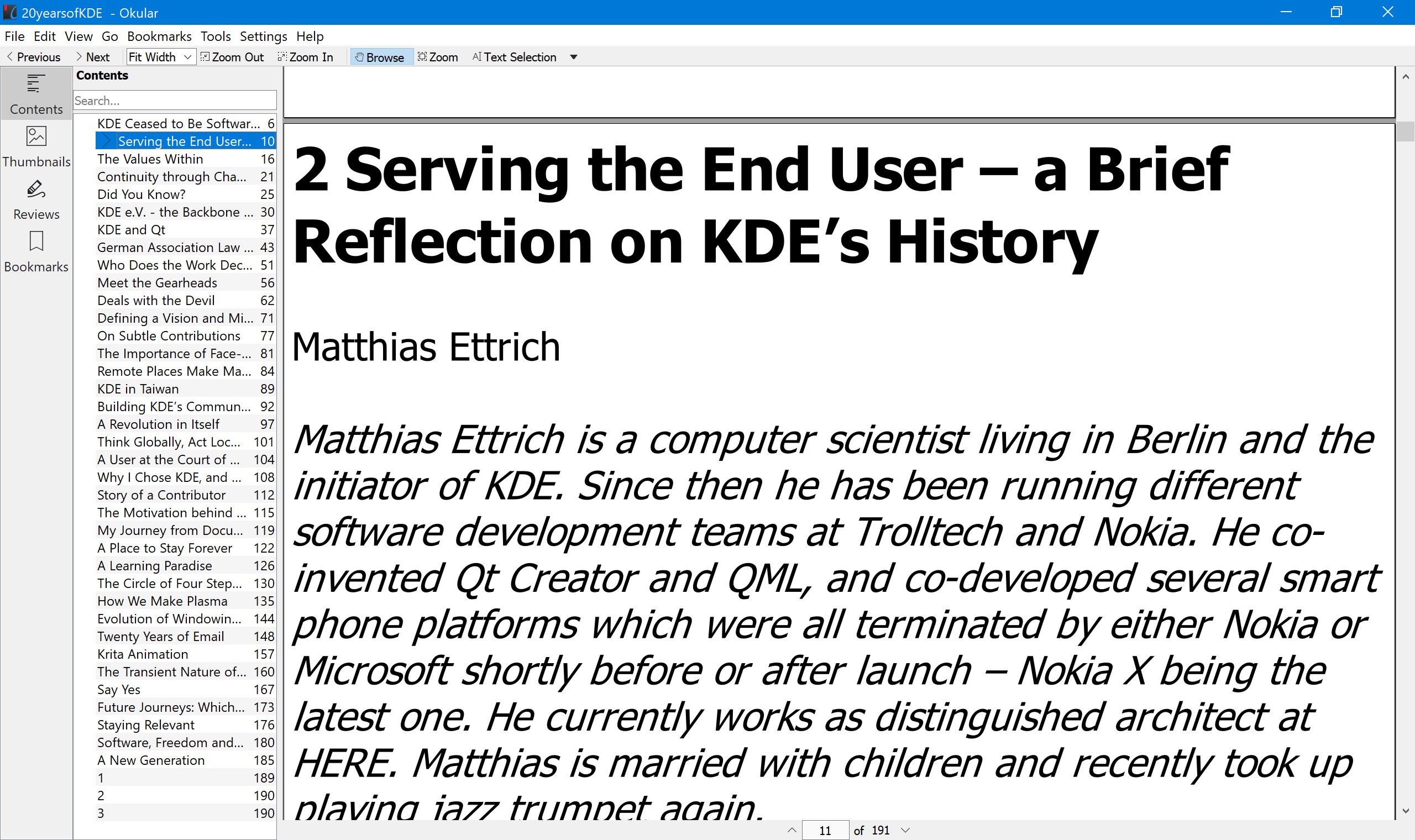
From the moment you launch Okular, it feels like stepping into a well-organized library with neatly labeled shelves. Its interface adopts a clean, modern aesthetic, emphasizing simplicity without sacrificing functionality. Navigating through various tools is intuitive; icons are clear, and menus are logically structured, reducing cognitive load. For users familiar with document viewers, the learning curve is gentle—think of it as getting into a comfortable car: familiar controls that feel natural from the start.
Core Functionality: A Deep Dive into Its Superpowers
Multiple Format Support and Annotation Capabilities
The hallmark of Okular is its impressive multi-format support, akin to having a Swiss Army knife for documents. Whether dealing with a lengthy PDF report, an ePub novel, or a scanned DjVu manuscript, Okular gracefully opens and renders content without fuss. The real magic unfolds when you start annotating—adding highlights, sticky notes, or drawing freehand. These annotations can be saved directly into the document, enabling seamless sharing and collaboration. For researchers, students, and professionals who annotate regularly, these tools are robust yet unobtrusive, encouraging deep engagement with the material.
Workflow Integration and Search Efficiency
One of Okular's standout features is how it integrates into your workflow. The advanced search functionality transcends simple keyword searches; it supports complex queries across multiple documents, akin to having a mini research assistant on your desktop. This means less time hunting through PDFs and more time analyzing data or drafting ideas. Unlike many lightweight viewers that prioritize presentation over productivity, Okular balances quick access with powerful search—reducing the mental clutter often associated with managing numerous documents.
Evaluating User Experience: Smooth Sailing for Most Users
Imagine browsing a well-organized digital library—nothing feels sluggish or awkward. Okular responds promptly to commands, thanks to its optimized rendering engine and efficient resource management. Its interface, while straightforward, offers customizable toolbars and views, allowing users to tailor the experience. Novices will appreciate the straightforward layout, while power users can dive into advanced features without feeling lost. The app's design reduces unnecessary friction, making it accessible even for those new to document management software.
Comparison with Similar Productivity Apps: What Sets Okular Apart?
When lined up against common PDF viewers or document managers, Okular's primary advantage is its focus on workflow efficiency through its multifaceted support and annotation integration. While many competitors excel at specific formats or features, Okular's unified approach minimizes context switching—no need to juggle multiple apps or plugins. Its ability to reduce cognitive load—by offering a streamlined interface and efficient search—means users can focus on what matters: reading, annotating, and extracting insights, rather than battling with overly complex features. In essence, Okular delivers a balanced experience that combines power with simplicity, enabling a smoother intellectual workflow.
Final Recommendation and Usage Suggestions
For those seeking a reliable, versatile document viewer that doesn't bog down in complex features, Okular stands out as a solid choice. It's particularly recommended for students, researchers, and professionals who value annotation and extensive format support within a minimalistic environment. Regular users might explore customizing the interface to suit their workflow further, while newcomers will appreciate its intuitive navigation. Overall, Okular is akin to a friendly librarian—always ready to help you find and annotate your documents efficiently, making it a worthy addition to your productivity toolkit.
Pros
- Intuitive User Interface
- Supports Multiple Document Formats
- Advanced Annotation Tools
- Cross-Platform Compatibility
- Free and Open Source
Cons
- Limited Search Functionality
- Basic Customization Options
- Occasional Stability Issues
- Limited Built-in Fonts
- Lack of Advanced PDF Editing











