

- Category Productivity
- Available on PC, Mobile, Surface Hub, HoloLens
- OS Windows 10 version 17134.0 or higher
- languages Catalan, Chinese (Simplified), Czech, Danish, Dutch, English, French, German, Hindi, Italian, Japanese, Korean, Polish, Portuguese, Russian, Spanish, Turkish
A Streamlined Approach to Personal Organization with One Calendar for Windows
One Calendar for Windows by Code Spark aspires to be your central hub for managing all aspects of your schedule. Designed to simplify the chaos of daily planning, it offers a clean, unified interface that aims to enhance productivity without overwhelming users with unnecessary features.
About the Developer and Core Highlights
Developed by Code Spark, a team dedicated to creating user-friendly productivity tools, One Calendar for Windows focuses on delivering a cohesive scheduling experience. Its main features include seamless multi-calendar integration, intelligent event organization, and a minimalistic yet customizable user interface. The app targets busy professionals, students, and anyone seeking an efficient way to stay on top of their commitments without the clutter of multiple apps or complex features.
A Fresh Perspective: Why This Calendar Stands Out
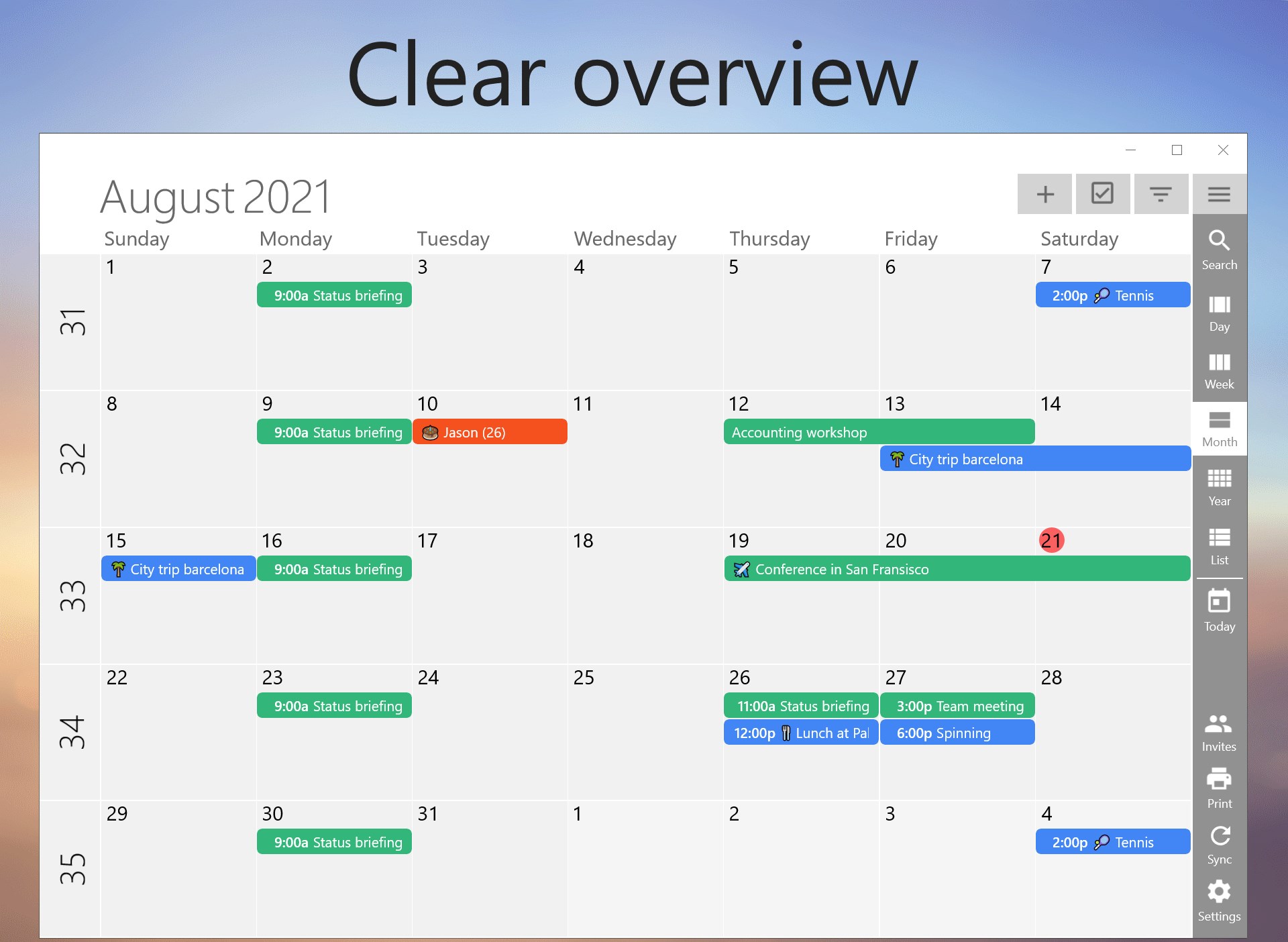
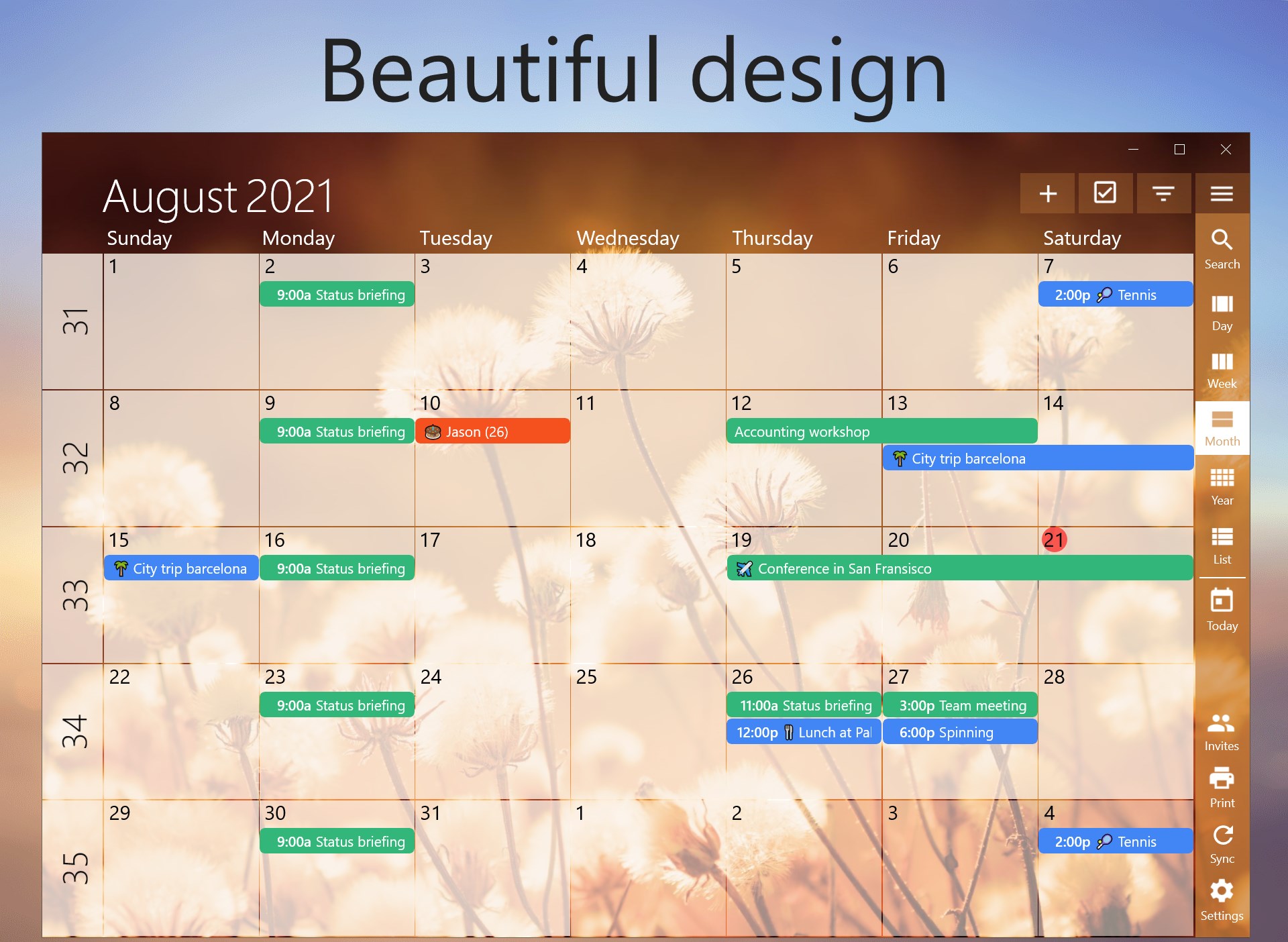
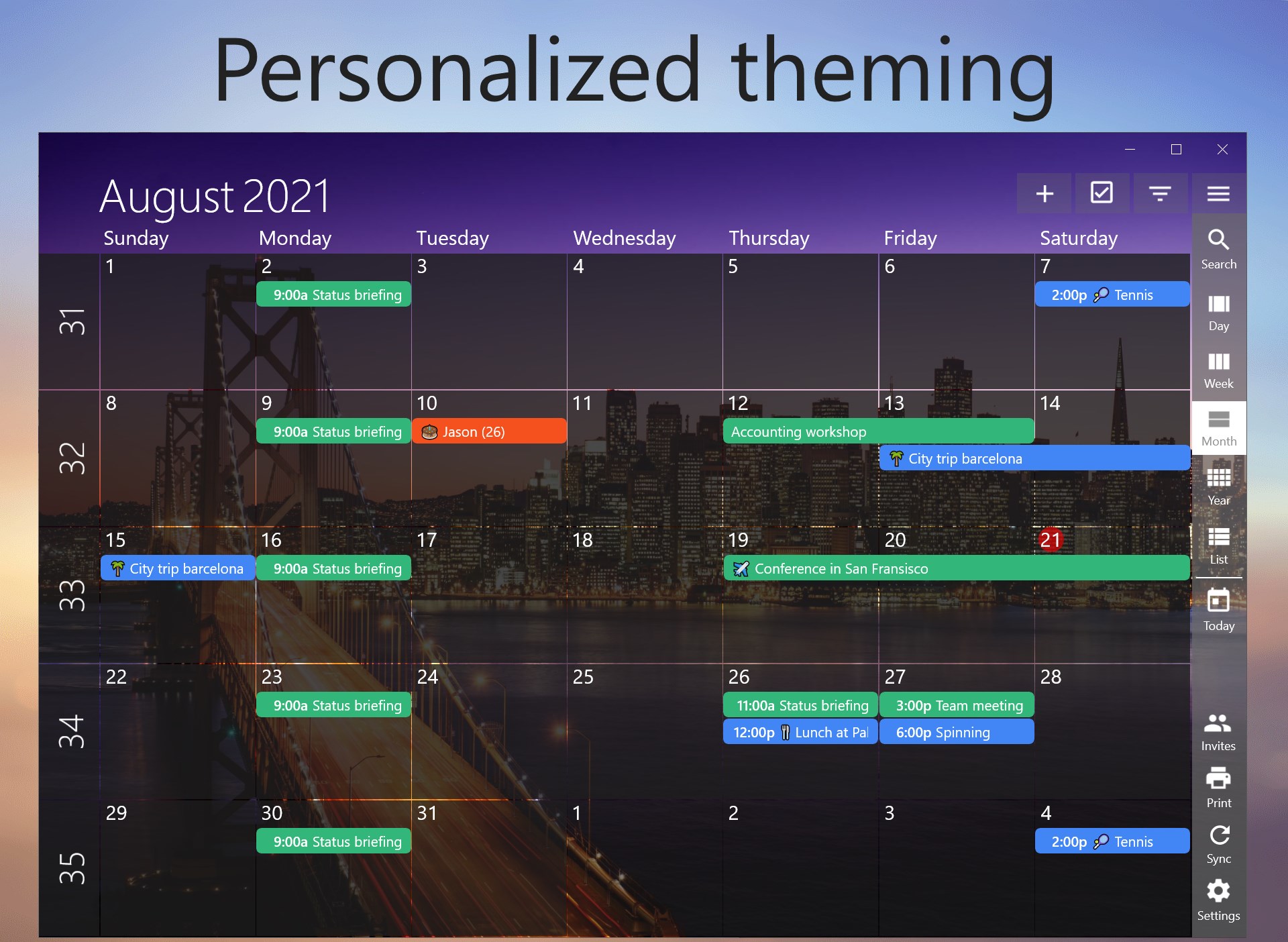
Imagine a digital calendar that feels like a well-organized desktop — easy to navigate, visually appealing, and intuitive to use. One Calendar for Windows embodies this with its straightforward design, making planning feel less like a chore and more like a conversation with your future self. Its minimalistic interface stays out of your way, letting your schedule speak for itself. Whether you're juggling multiple calendars or tracking personal and work appointments, this app promises to keep everything tidy and accessible.
Intelligent Multi-Calendar Integration
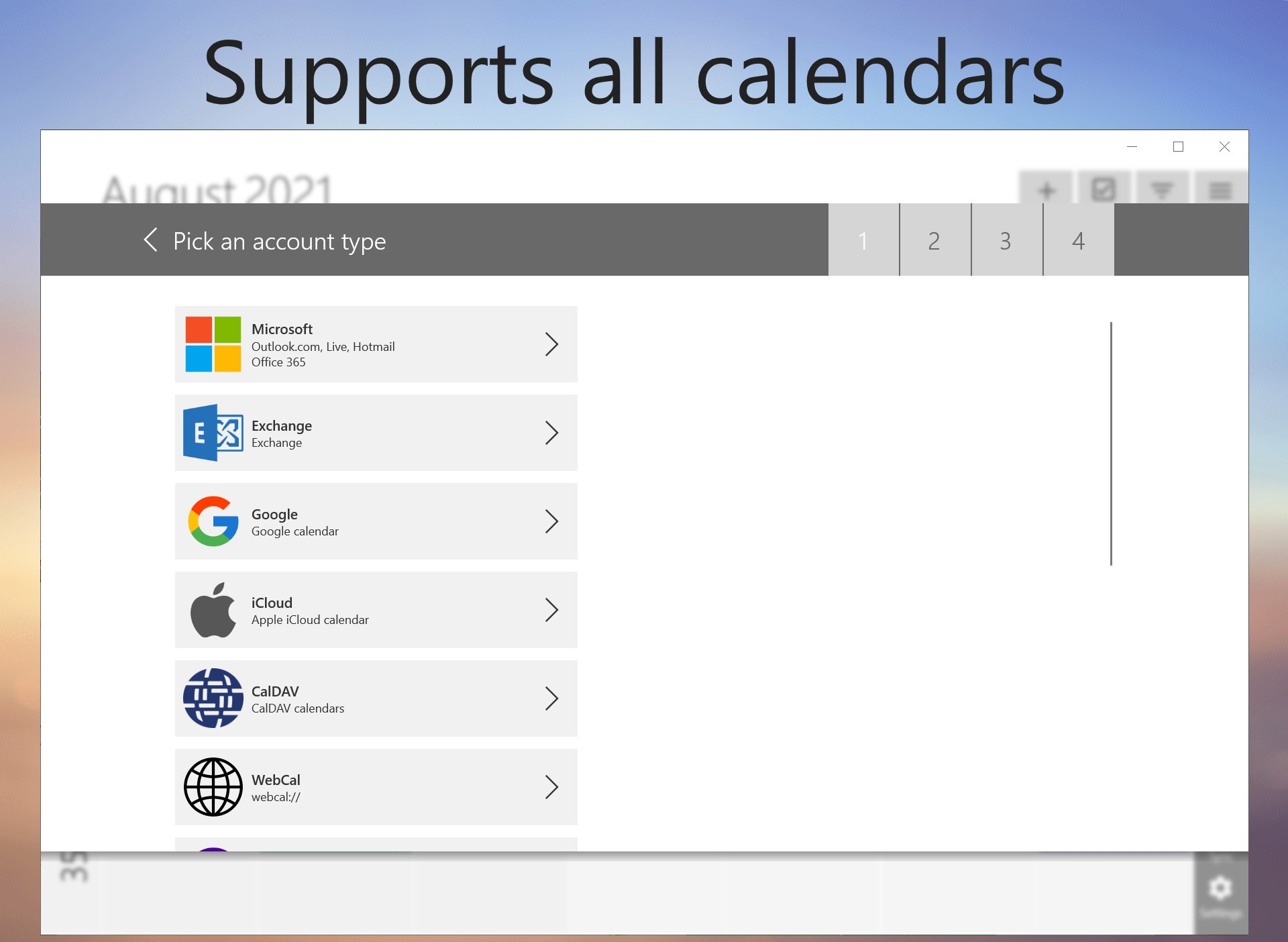
One of the standout features of this app is its ability to integrate multiple calendar sources effortlessly. Whether you use Outlook, Google Calendar, or other online services, the app consolidates them into a single, unified view. This eliminates the tedious task of toggling between apps or missing appointments tagged in different accounts. The integration process is straightforward, requiring only a few clicks, and updates happen smoothly in real-time, ensuring your schedule is always current. This feature notably reduces cognitive load, as users no longer need to mentally juggle multiple platforms—everything is in one place, well-organized and ready to view.
Smart Event Management and Organization
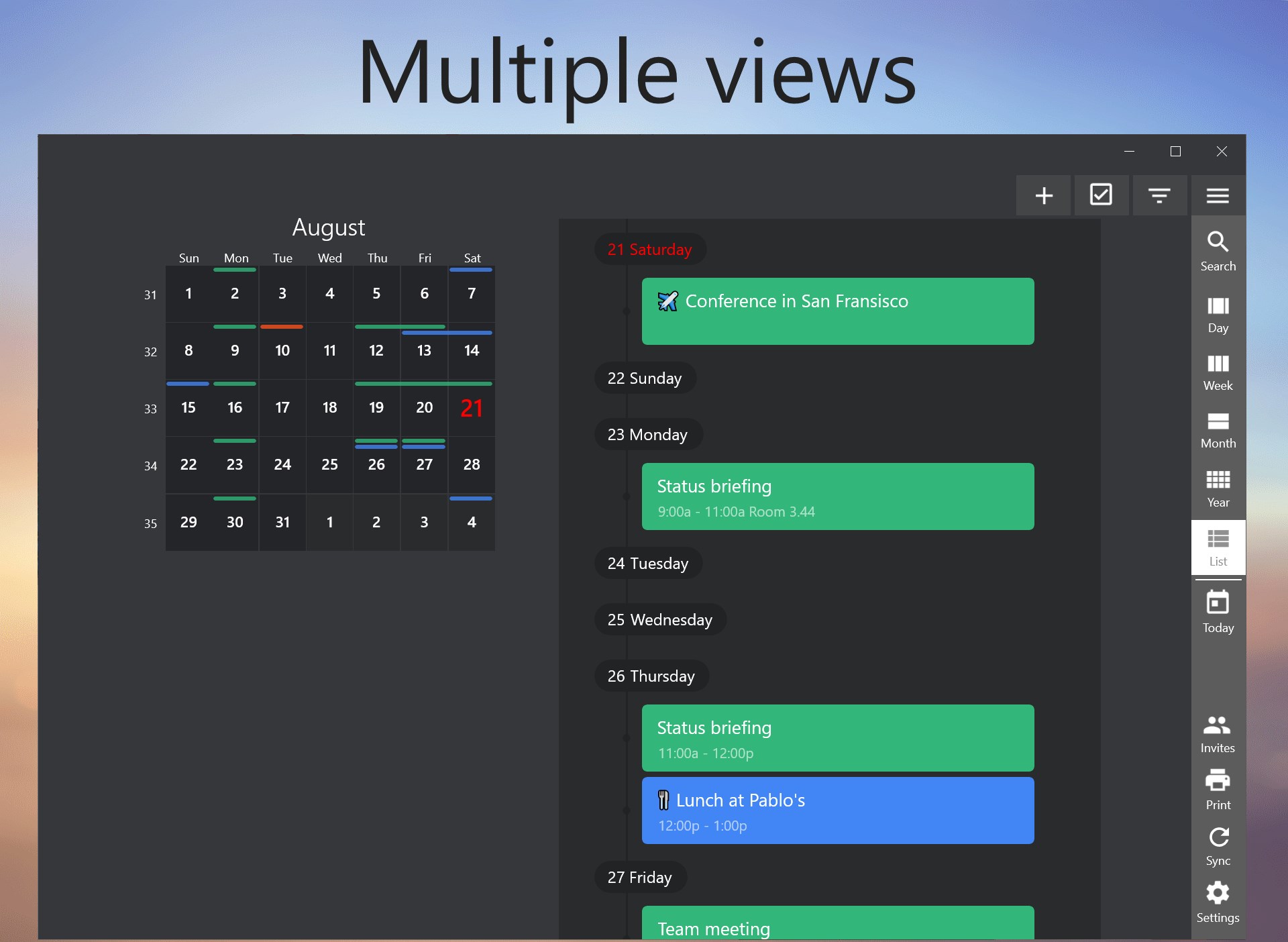
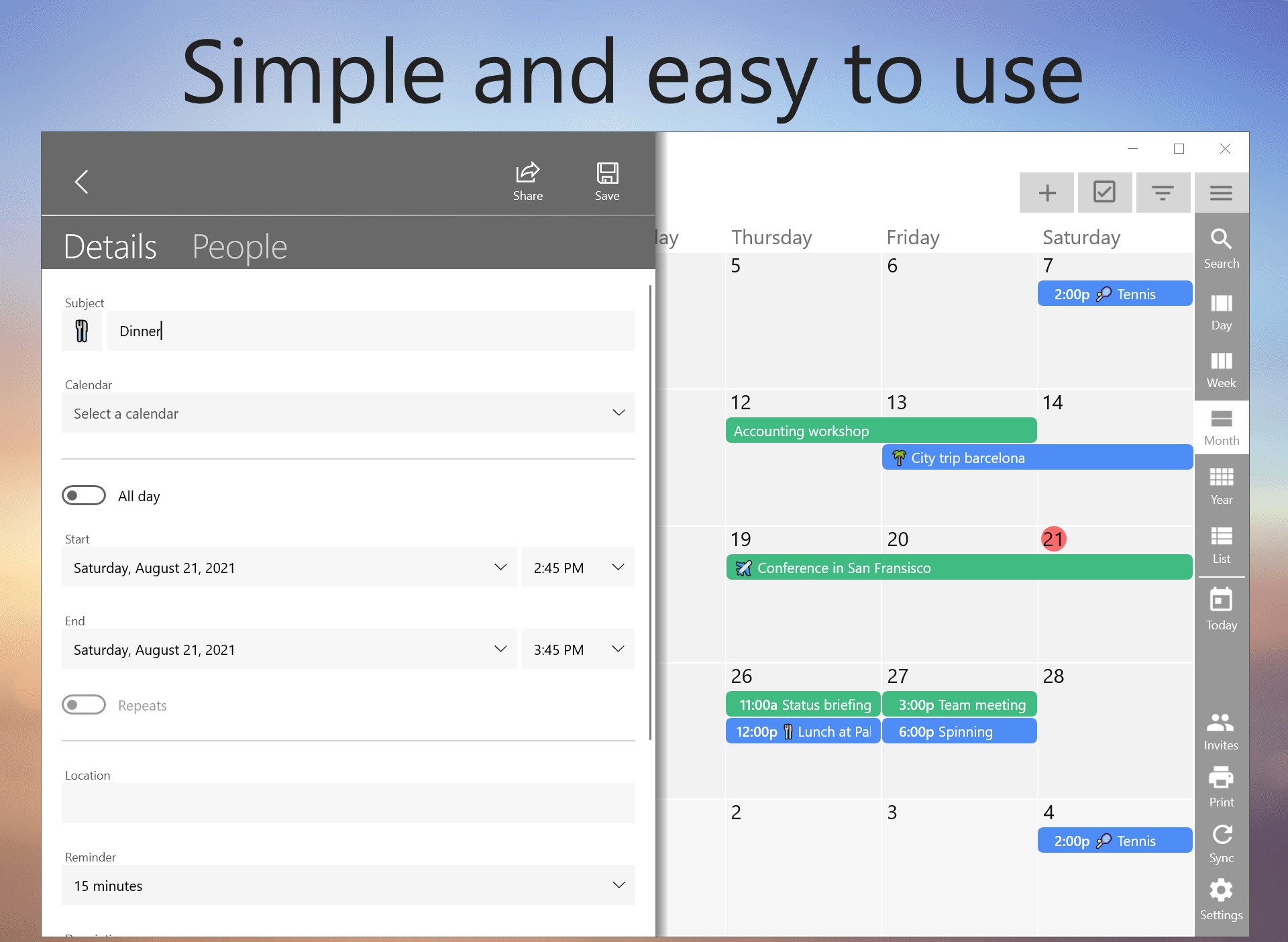
Beyond just displaying your schedules, One Calendar excels with its intelligent event categorization and easy editing options. Creating new events is a breeze—simply click and fill in relevant details, with the app offering intelligent suggestions based on context, like locations or common subjects. Events can be color-coded, prioritized, or tagged for quick visual scanning, making it simple to grasp your day at a glance. These features help reduce the feature clutter often found in complex calendar apps, keeping the experience focused and productive.
User Experience and Unique Benefits
The app's user interface is akin to a neat, well-lit workspace—intuitive, clean, and designed with user flow in mind. Navigation feels natural, and operations are fluid, making the learning curve gentle even for newcomers. Compared to feature-heavy calendars that can overwhelm with options, One Calendar's emphasis on essential functions and workflow efficiency stands out. Its design minimizes cognitive load, allowing users to focus on planning rather than figuring out how to use the tool, which is a significant advantage for busy individuals.
Final Verdict and Recommendations
Overall, One Calendar for Windows is a thoughtful, purpose-driven calendar app that emphasizes workflow integration and simplicity. Its key strength lies in combining multiple calendars into one streamlined view without sacrificing ease of use. For users who prioritize clarity, efficiency, and minimalism in their scheduling tools, this app warrants serious consideration. It's best suited for those who want a no-fuss, effective solution rather than a feature-best, overly complex calendar system. I recommend it to anyone seeking to declutter their digital planning and improve daily organization without adding cognitive weight.
Pros
- Intuitive user interface
- Seamless synchronization across devices
- Integrated scheduling features
- Personalized notifications
- Free to download and use
Cons
- Limited customization options
- Occasional sync delays
- Lacks advanced productivity features
- Some features require Microsoft account login
- Limited widget support











