


- Category Photo & video
- Developer Jonas Selling
- Available on PC
- OS Windows 10 version 14393.0 or higher
- languages English (United States)
Introducing One Photo Viewer for Windows: A Versatile Photo Management Companion
One Photo Viewer for Windows, developed by Jonas Selling and published by Elliptic Phenomena, is designed to be your go-to lightweight photo viewer that balances simplicity with powerful features. It's built for users who want quick, seamless access to their images without the bloat of unnecessary extras, making it a solid addition to any digital photo toolkit.
Core Features That Make It Stand Out
Intuitive and Speedy Image Viewing
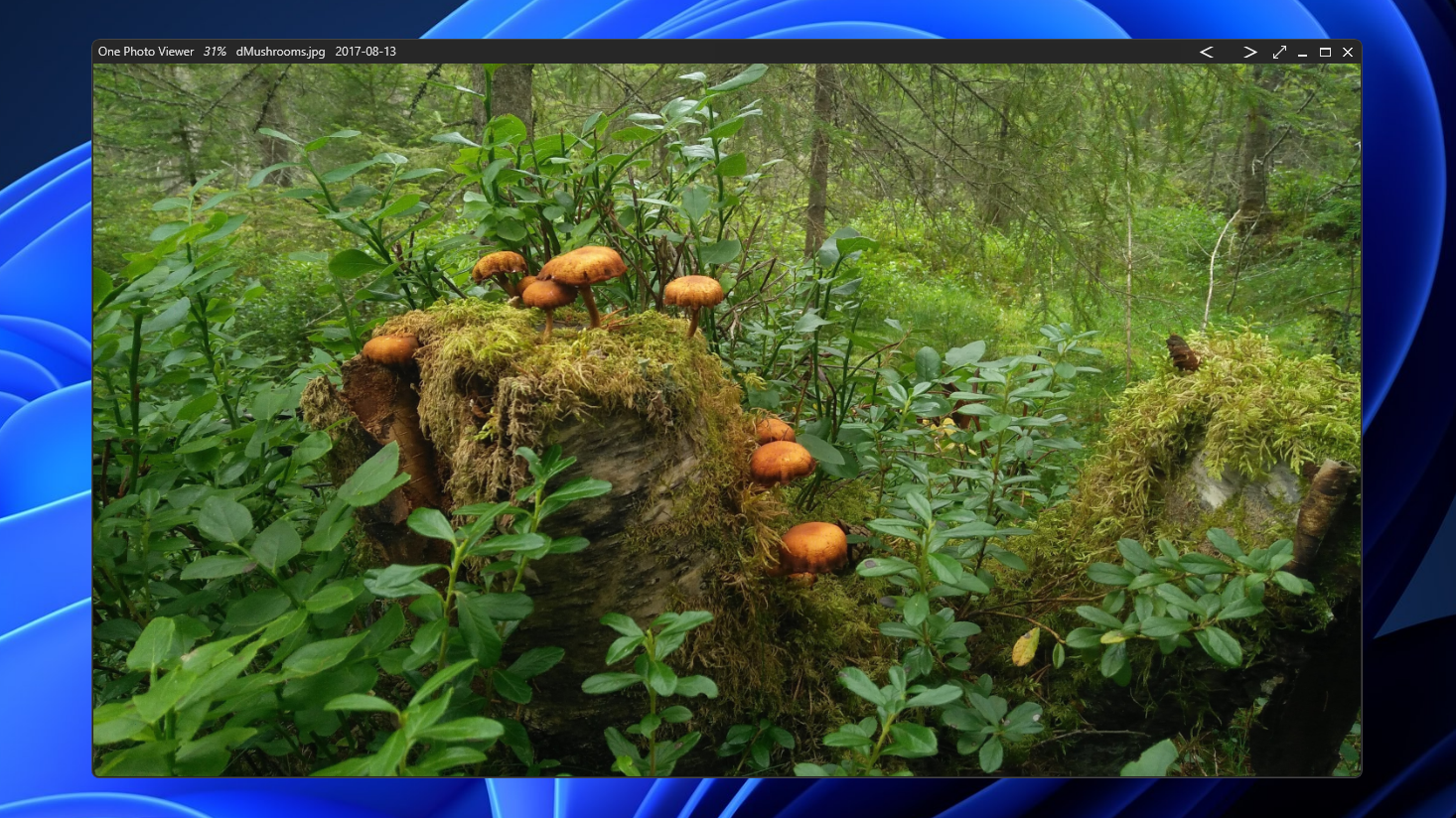
At its heart, One Photo Viewer excels in providing lightning-fast loading times and smooth navigation through your image collections. Whether you're flipping through an album or opening a single picture, the app feels like browsing your photo album in real life—quick, responsive, and hassle-free. This speed-oriented design minimizes wait times, making for an overall more efficient workflow.
Multiple Format Support and Basic Editing
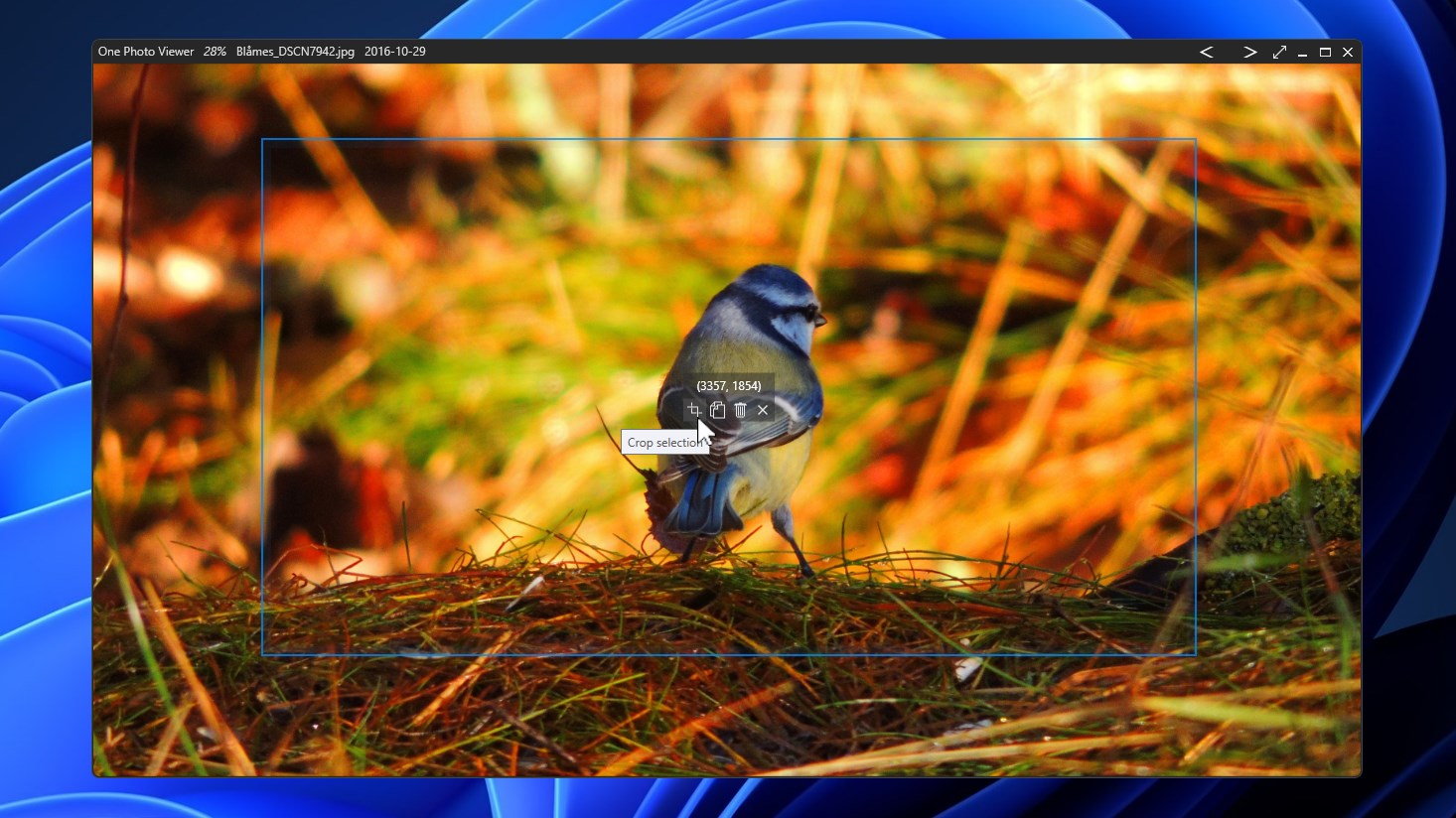
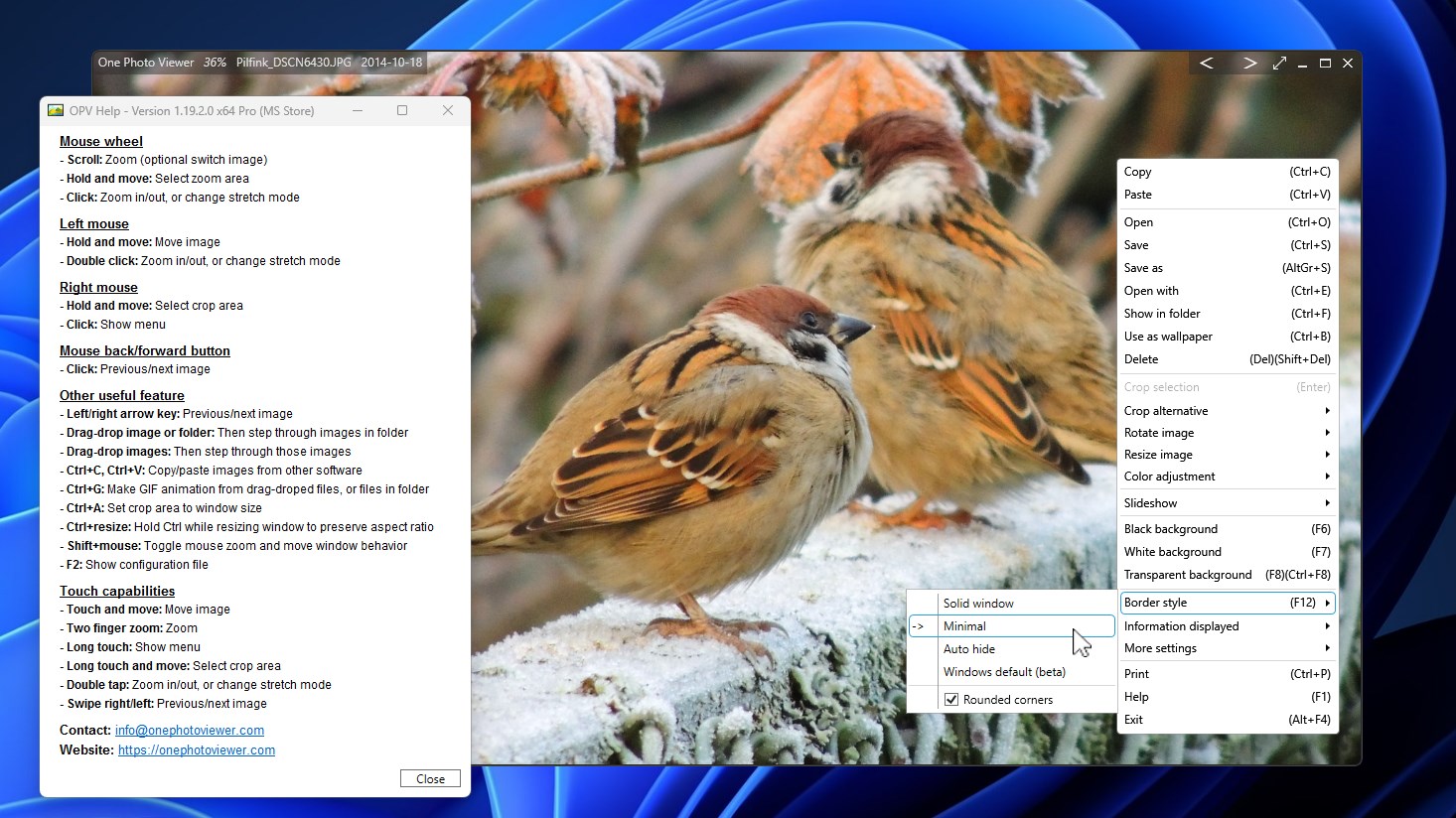
The app supports a wide array of image formats, including JPEG, PNG, BMP, GIF, and TIFF, ensuring compatibility across your photo archive. Additionally, it offers essential editing tools such as cropping, rotating, and color adjustments. These features allow quick tweaks without needing to launch larger, more complex applications—perfect for users who want instant modifications on the fly.
Smart Organizing & Slideshow Functionality
One Photo Viewer includes handy organizational features like folder browsing and thumbnail previews, enabling users to locate images swiftly. The built-in slideshow mode transforms your photo viewing experience into a dynamic presentation, ideal for family gatherings or professional showcases. Its minimalist interface ensures that your focus remains on the images, not on navigating complicated menus.
Design and User Experience: Simplicity With Elegance
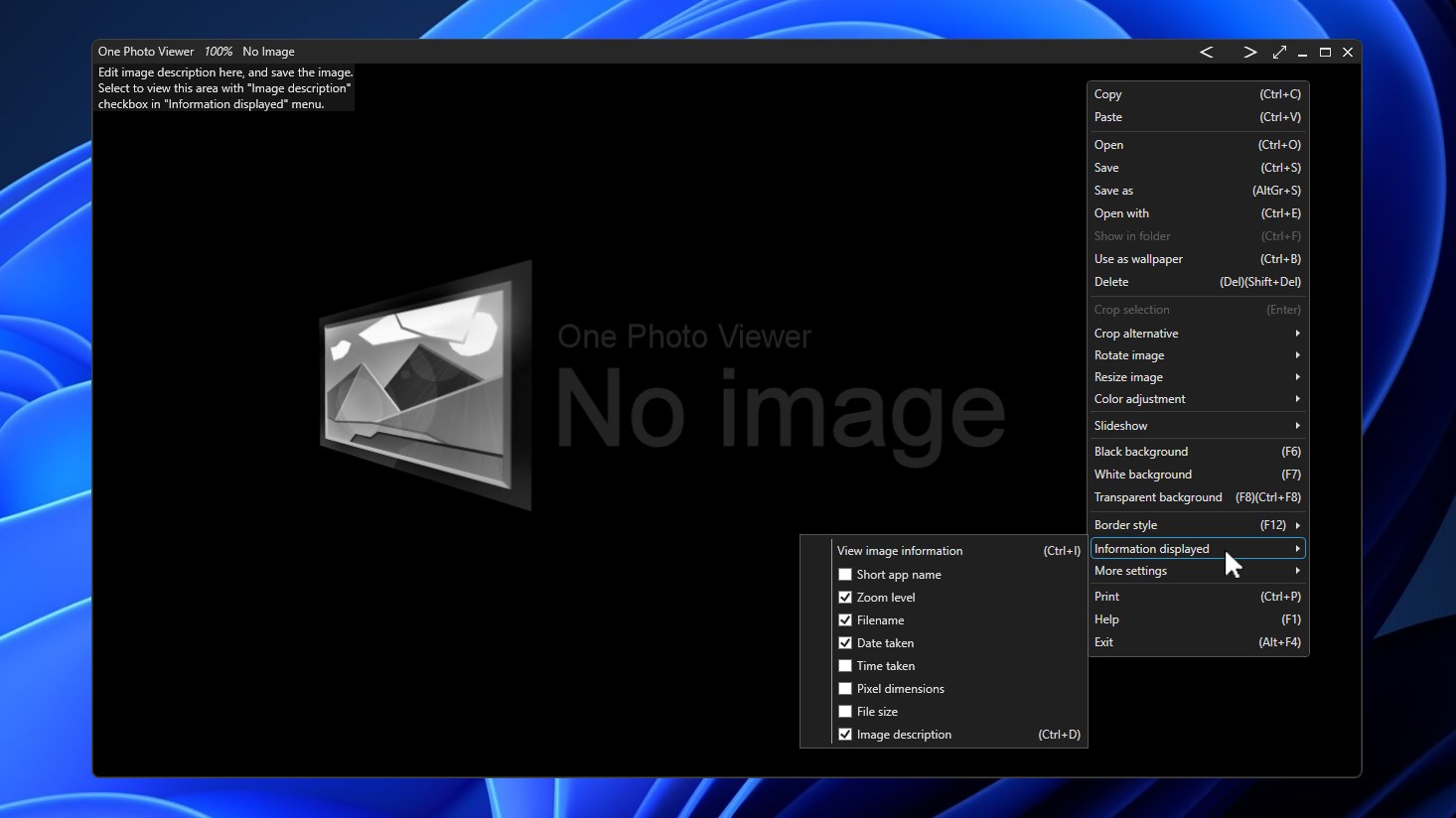
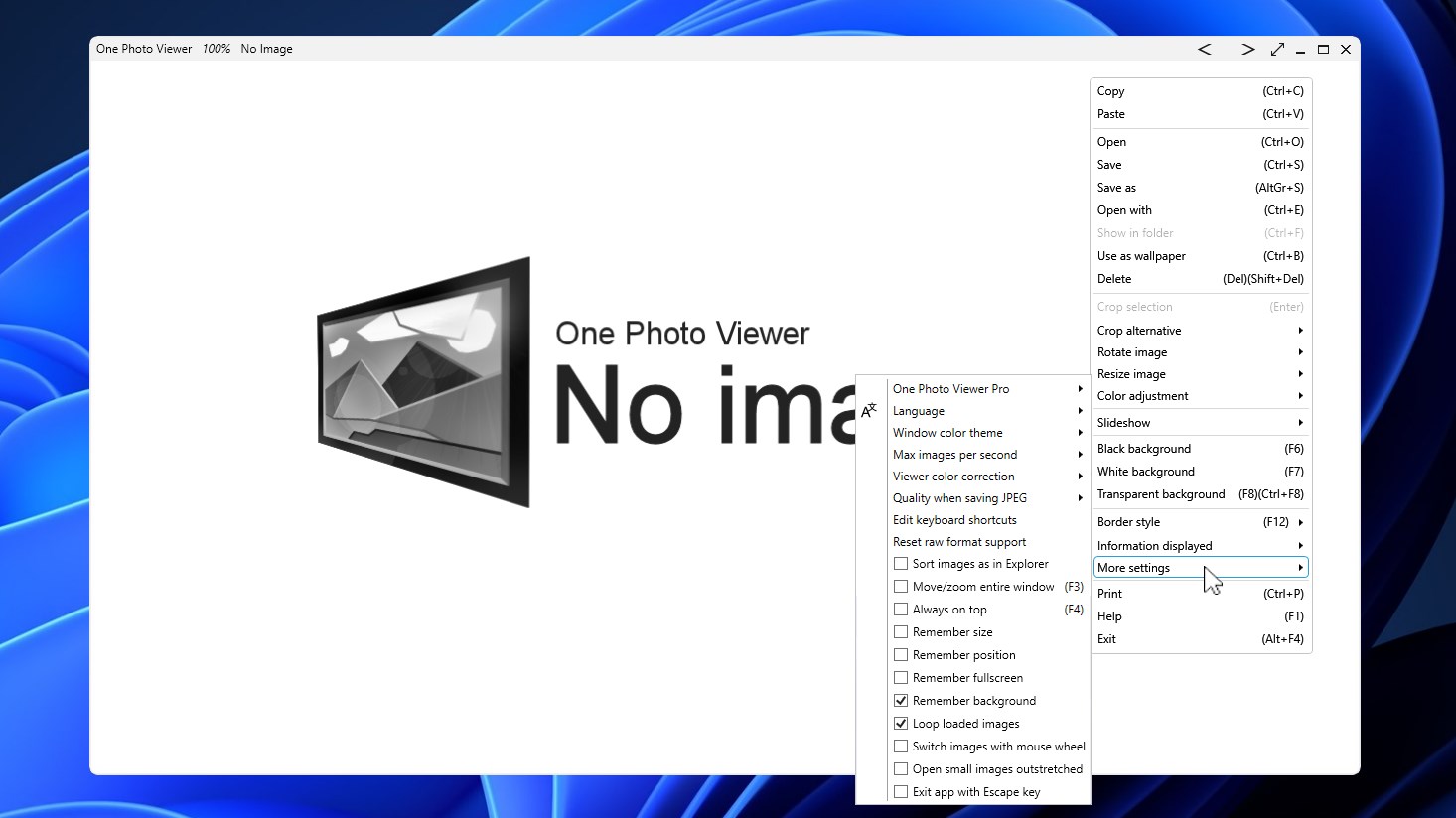
The interface of One Photo Viewer strikes a fine balance—clean, straightforward, yet modern. The minimalistic layout means even newcomers can effortlessly learn the ropes within minutes. Navigating between images feels natural, akin to flipping pages in a well-organized photo album, complemented by smooth animations that keep the experience engaging. The app's responsiveness underpins a satisfying user experience, with immediate reactions to commands and minimal lag—even when handling large images.
Learning curve-wise, the design favors ease of use. Users familiar with common photo viewers will find it intuitive, and even those less tech-savvy will appreciate how quickly they can start browsing their collections without fiddling through complicated settings.
What Sets It Apart from the Crowd?
While many photo viewers focus solely on image display, One Photo Viewer distinguishes itself through its blend of speed, simplicity, and support for multiple formats. Its lightweight nature means it won't bog down your system, yet it's packed with enough features to satisfy casual users and enthusiasts alike. Particularly notable is its efficient organizational tools and the ability to perform quick edits, making it more than just a simple viewer—it's a practical tool for everyday photo management.
Compared to bulkier alternatives like IrfanView or FastStone, it shines in offering a clutter-free, modern interface that prioritizes rapid access and ease of operation. Its uncluttered layout feels like the classic photo album's simplicity, but with modern touches that make browsing a pleasure.
Final Verdict and Recommendations
Overall, One Photo Viewer for Windows is a commendable choice for those seeking a reliable and user-friendly photo viewing application. It's particularly well-suited for everyday casual users, family archivists, or professionals needing quick previews and minor edits without the fuss of more comprehensive photo software. For users who value speed, clarity, and straightforward management, this app is definitely worth a test drive.
Given its simplicity and efficiency, I recommend giving it a try if you're looking for a minimalistic, fast, and capable photo viewer that complements your Windows experience without overwhelming it. For those needing advanced editing or extensive organization tools, it may fall short, but as a lightweight viewing solution, it truly stands out.
Pros
- User-friendly interface
- Fast loading times
- Supports multiple image formats
- Basic editing tools
- Lightweight and low system resource usage
Cons
- Limited customization options
- Lacks advanced editing features
- No support for slideshow or presentation mode
- Occasional crashing with large images
- Limited tagging and organization features











