
- Category Productivity
- Developer Microsoft Corporation
- Available on PC
- OS Windows 10 version 0.0 or higher
- Keyboard Integrated Keyboard
- Mouse Integrated Mouse
- Memory 2 GB
- languages Chinese (Simplified), German, Spanish, Spanish (Spain), French, Italian, Japanese, Dutch, Portuguese (Brazil), Russian, Danish, Finnish, Korean, Norwegian (Bokmål), Norwegian (Bokmål), Polish, Swedish, Turkish, Chinese (Traditional Chinese), Czech, Greek, Hungarian, Slovak, Thai, Bulgarian, Indonesian, Romanian, Slovenian, Serbian, Ukrainian, Vietnamese, Hindi, Punjabi, Portuguese (Portugal), Portuguese, Afrikaans, Assamese, Albanian, Amharic, Armenian, Azerbaijani, Bangla, Basque, Belarusian, Bosnian (Latin), Catalan, English, English (United States), Filipino, Galician, Georgian, Gujarati, Icelandic, Irish, Kannada, Khmer, Luxembourgish, Macedonian, Malayalam, Maltese, Maori, Marathi, Nepali, Norwegian, Norwegian (Nynorsk), Norwegian (Bokmål), Odia, Persian/Farsi, Quechua, Tamil, Tatar, Telugu, Urdu, Uyghur, Uzbek, Valencian, Welsh, Spanish (Mexico), English (United Kingdom), Kazakh, Malay, Arabic, Hebrew, Estonian, Croatian, Lithuanian, Latvian
Microsoft OneNote for Windows: Your Digital Notebook Reinvented
Microsoft OneNote for Windows stands out as a versatile and collaborative note-taking app that seamlessly integrates into users' workflows, making digital organization both intuitive and efficient. Whether you're a student, a professional, or a creative thinker, this application aims to transform the way you capture and manage information.
Core Features That Make a Difference
1. Infinite Canvas with Rich Media Support
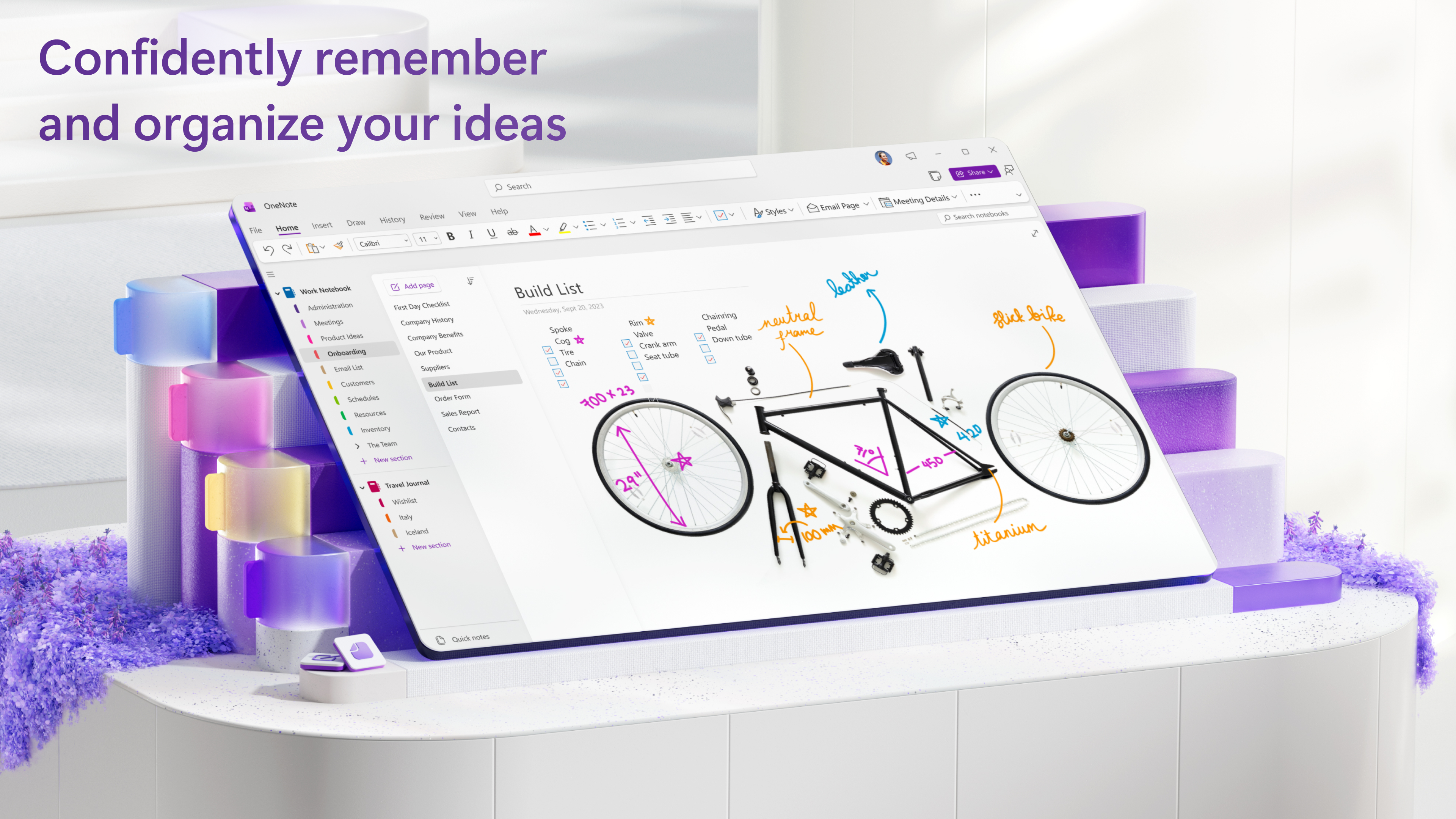
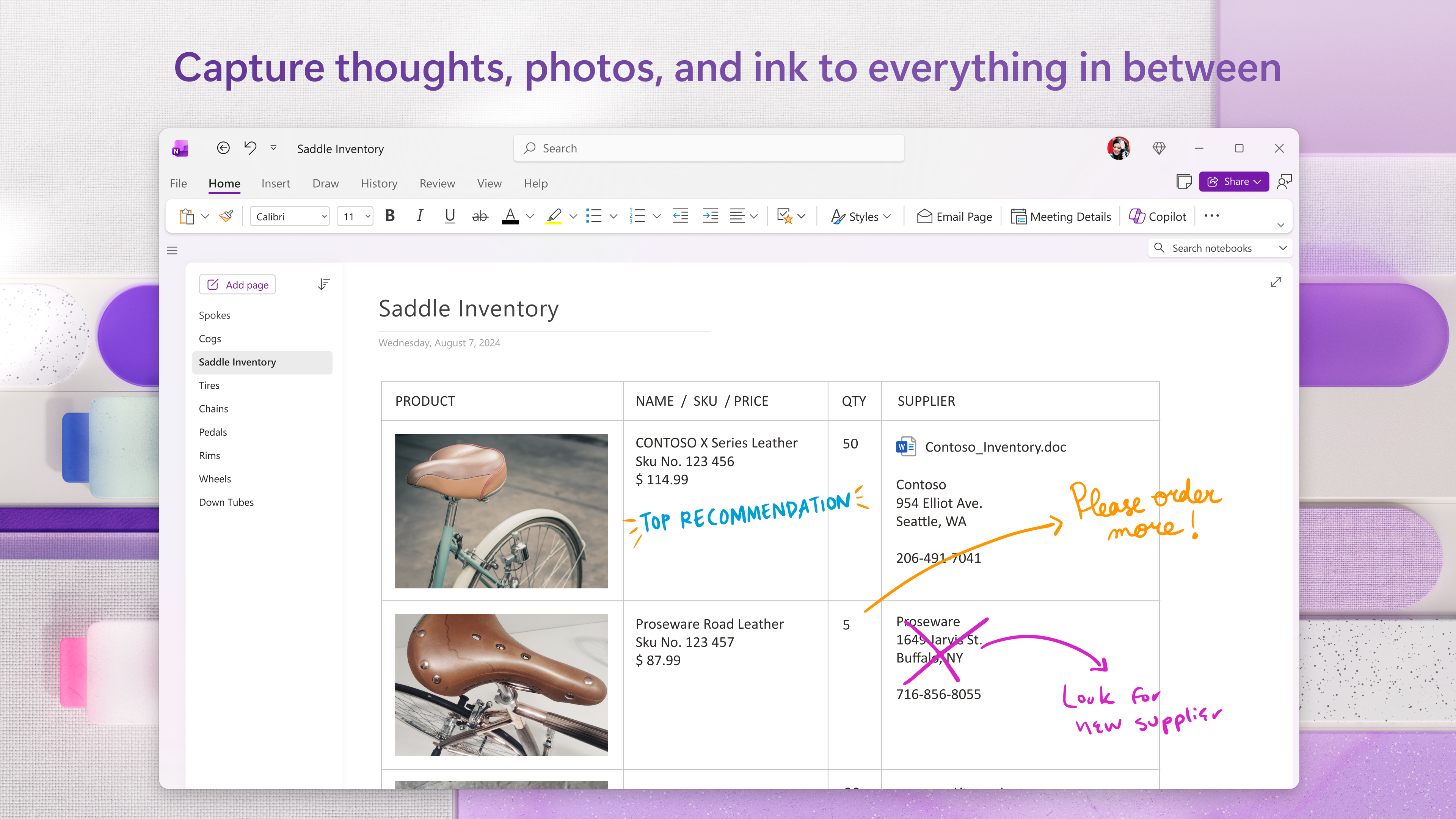
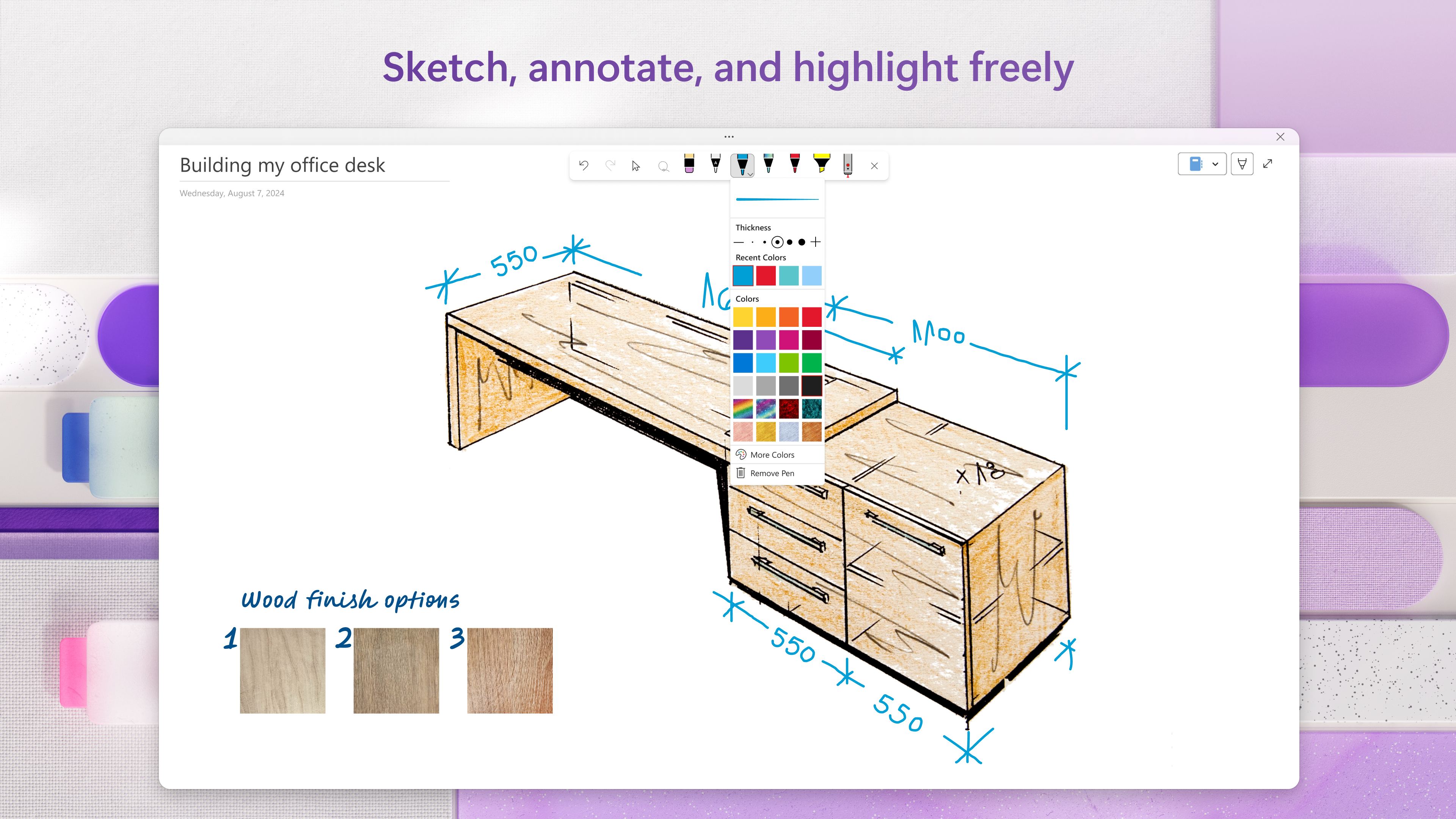
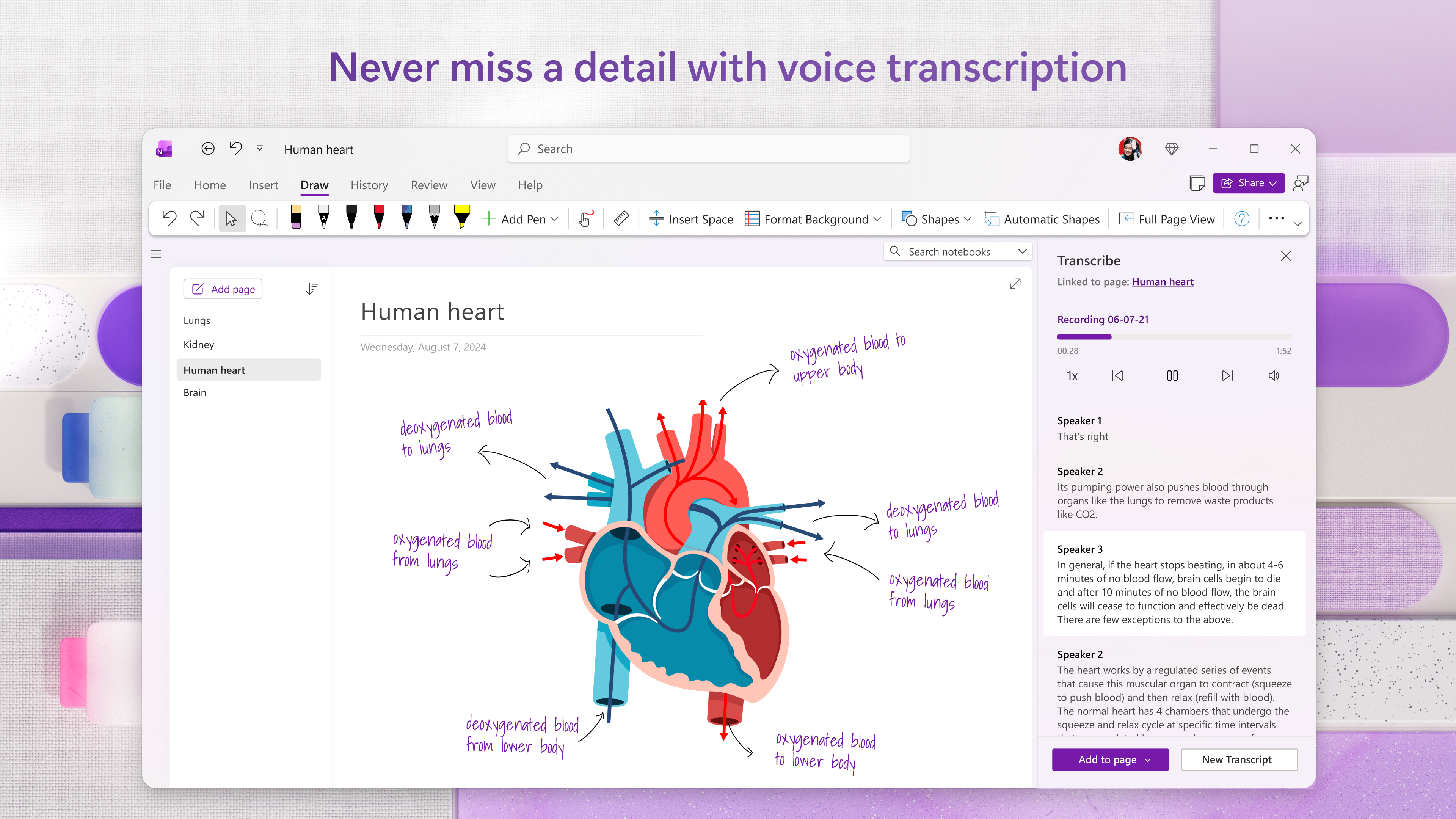
OneNote offers an expansive, flexible canvas that allows users to jot down notes, sketches, images, and audio recordings all in one place. Unlike traditional note apps constrained by linear structure, OneNote's freeform pages mimic a physical notebook, enabling a natural flow of ideas. This feature is especially valuable for visual thinkers or those brainstorming complex projects, as it creates a space where layered information can coexist effortlessly.
2. Seamless Workflow Integration and Collaboration
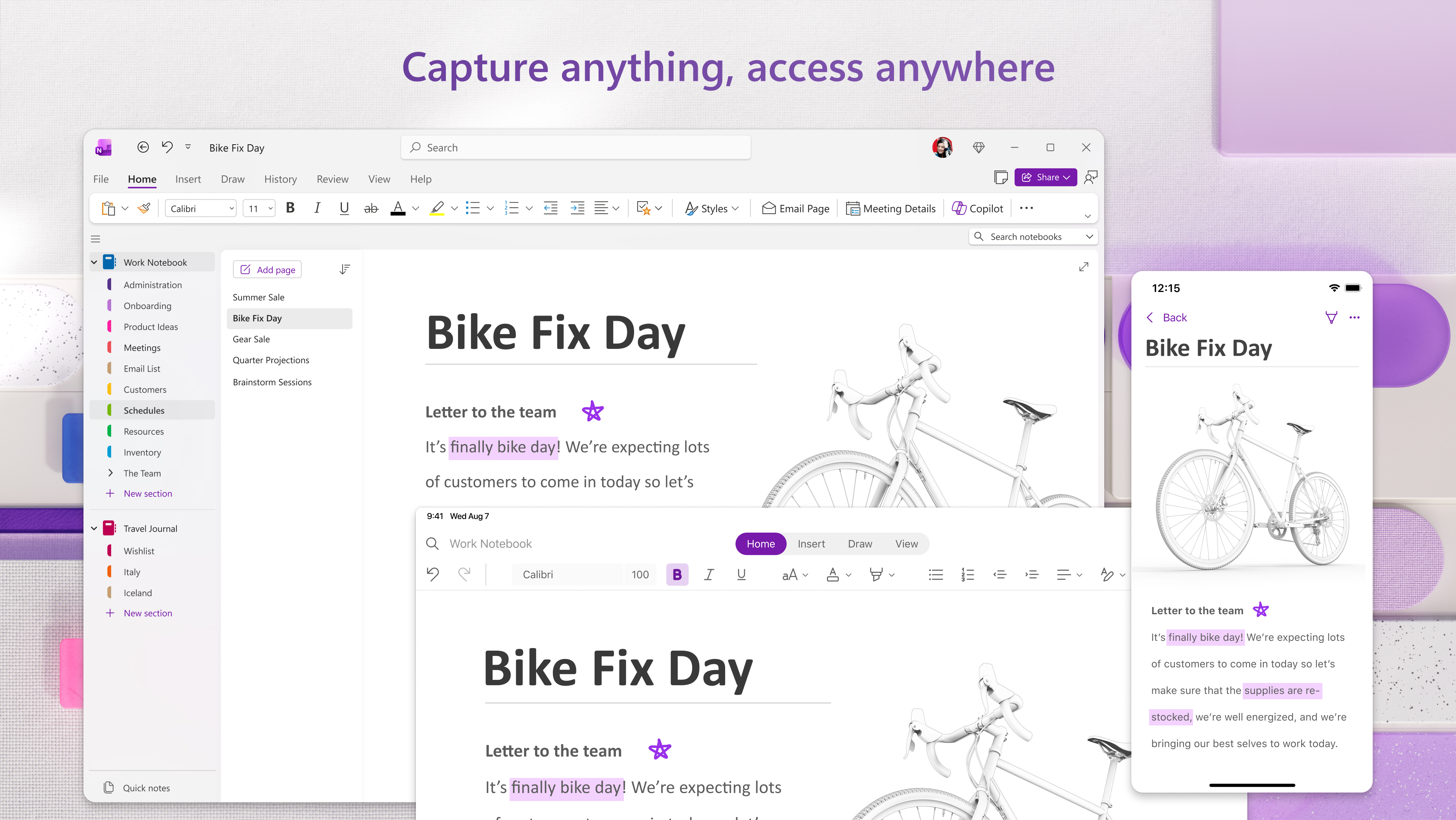
OneNote excels in integrating with the broader Microsoft 365 ecosystem. Embedding links, attaching files, and syncing notes across devices ensure that your digital workspace remains cohesive. Moreover, real-time collaboration allows multiple users to edit and comment simultaneously, transforming it into a shared brain for teams. This focus on workflow efficiency reduces the cognitive load often caused by juggling multiple apps or versions of notes.
3. Intelligent Organization & Search Functionality
The app employs powerful organizational tools, such as notebooks, sections, and pages, that mimic a traditional binder but with the flexibility of digital tags. Its intelligent search capability can quickly locate handwritten notes, typed content, or embedded images, saving users from tedious manual searching. This feature embodies how the app reduces cognitive effort while maintaining comprehensive accessibility.
User Experience: Intuitive, Streamlined, and User-Friendly
OneNote sports a clean, intuitive interface that feels familiar yet modern, making it easy for new users to get started within minutes. Navigating between sections or searching for specific notes is smooth and responsive, thanks to optimized performance. The learning curve is gentle; even tech novices find the app accessible, while power users can leverage advanced features like customizable templates or integration with stylus input for a richer experience. The app's design prioritizes minimal distractions, allowing users to focus on their thoughts rather than on figuring out how to use the tool.
Differentiation: Focused on Workflow and Cognitive Ease
What sets OneNote apart from other productivity tools like Evernote or Notion is its deep integration with Microsoft's ecosystem and the way it emphasizes a natural workflow. Instead of overwhelming users with complex features, OneNote emphasizes reducing cognitive load by allowing quick, fluid capture of ideas across multiple media types. Its freeform page layout minimizes the mental effort required to organize scattered notes, empowering users to think freely while the app adapts seamlessly behind the scenes. This emphasis on balancing feature richness with usability makes it especially appealing for individuals seeking an efficient, less burdensome note-taking experience.
Conclusion & Recommendations
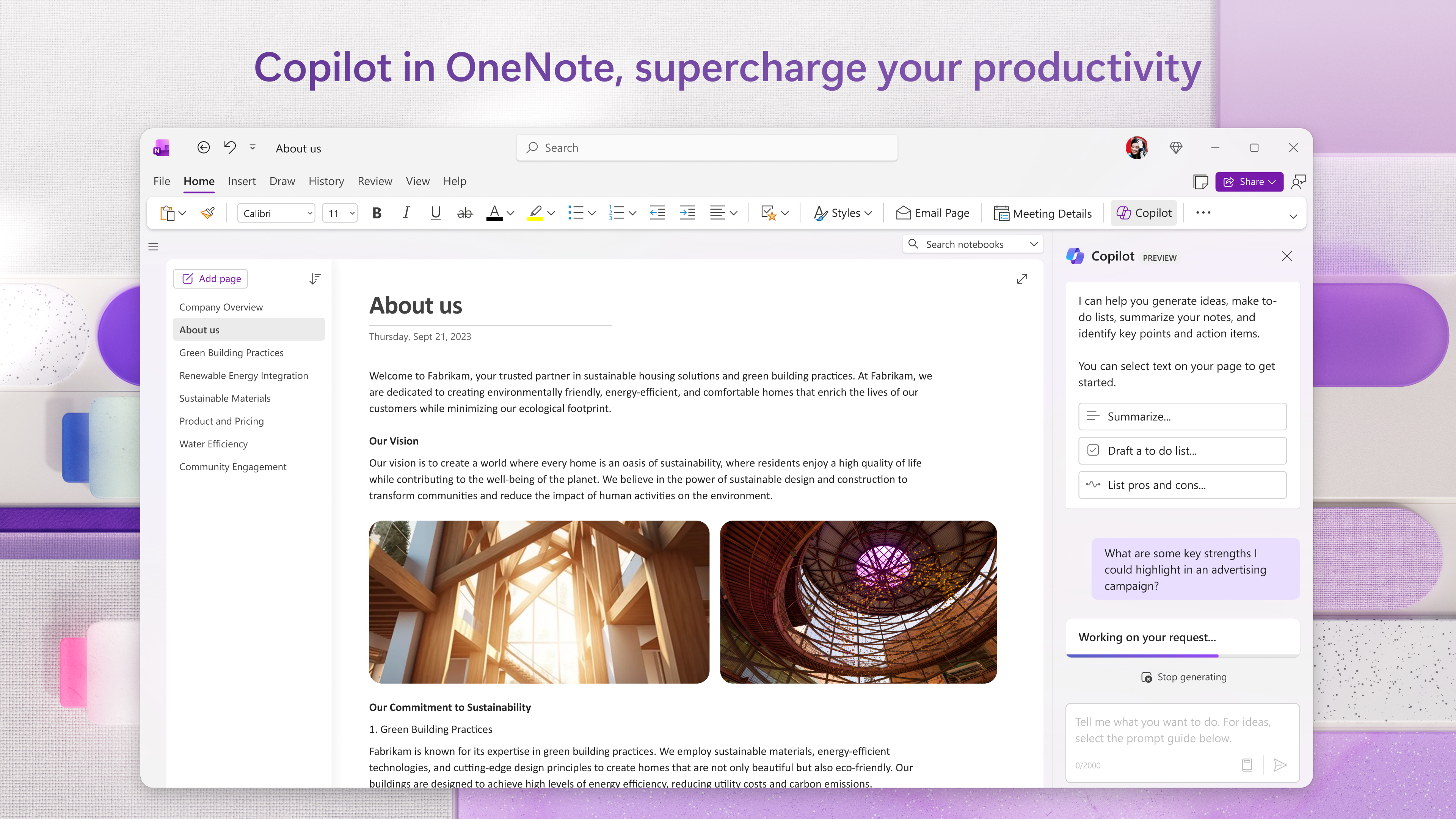
Overall, Microsoft OneNote for Windows offers a robust, user-centric note-taking solution that excels in workflow integration and reducing cognitive overhead. Its rich media support, collaborative features, and intuitive design make it a worthy companion for anyone looking to enhance their productivity without the hassle of overly complex tools. I recommend it for students, professionals, and creative minds alike—especially those already within the Microsoft 365 ecosystem or seeking a flexible, cloud-connected digital notebook. Whether you're taking quick meeting notes or sketching out project ideas, OneNote is a reliable choice that adapts to your needs.
Pros
- User-friendly interface
- Seamless synchronization across devices
- Robust organizational tools
- Integrated handwriting and drawing support
- Offline access with automatic sync
Cons
- Limited formatting options
- Occasional sync delays
- Difficulty managing large notebooks
- Limited password protection for individual notes
- Occasional crashes on certain devices











