

- Category Productivity
- Developer Free Conn AI
- Available on PC
- OS Windows 10 version 17763.0 or higher
- languages English (United States)
Open Chatbot for Windows: Your Personal AI Conversation Partner
Open Chatbot, developed by Free Conn AI and published by Free Connected Software Limited, is an intuitive AI chat application designed to bring conversational AI directly to your Windows desktop. Whether you're seeking quick information, creative collaboration, or just a friendly chat, this app aims to seamlessly integrate AI assistance into your daily workflow with a user-friendly interface and straightforward functionality.
Core Highlights That Make It Stand Out
With its focus on ease of use and efficient workflow integration, Open Chatbot emphasizes reducing cognitive load while offering robust conversational capabilities. Its main features include natural language processing for fluid dialogues, customization options to tailor interactions, and smooth multi-turn conversations that mimic human-like exchanges. The app is tailored for professionals, students, and casual users alike who want an accessible AI chatbot without complex setups.
Immersive Introduction: Chatting with Your Digital Companion
Imagine having a friendly digital assistant right on your screen—ready to answer questions, brainstorm ideas, or just have a casual chat. Open Chatbot transforms your desktop into an engaging conversation hub where AI feels less like a machine and more like a helpful friend. Its clean design and responsive interaction make it feel as effortless as chatting with a knowledgeable colleague over coffee. Whether you're seeking quick info or exploring creative projects, this app strives to be your go-to virtual conversation partner.
Core Functionality 1: Seamless Conversational Experience
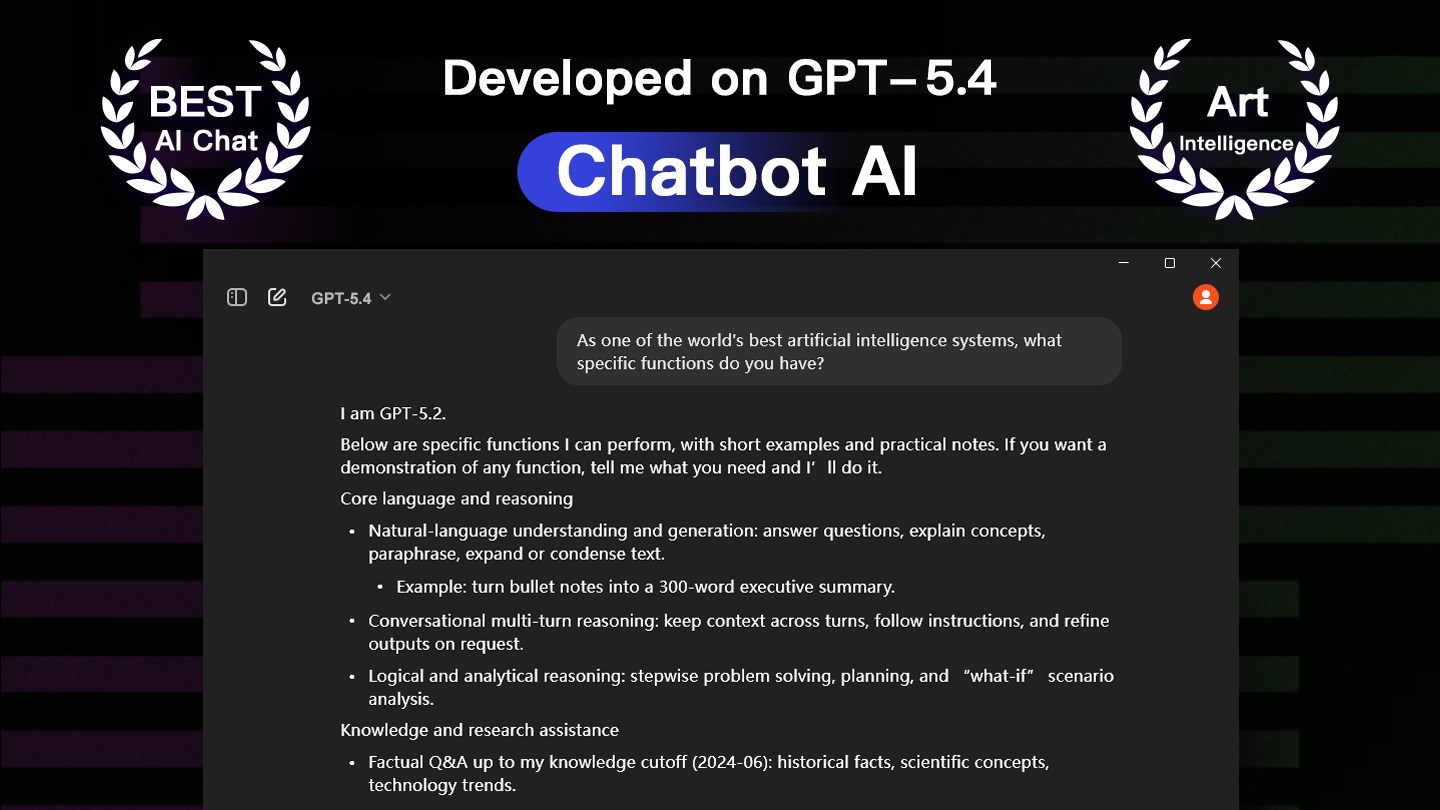
The heart of Open Chatbot lies in its ability to understand and respond naturally. Equipped with advanced natural language processing (NLP), the app handles multi-turn dialogues with impressive fluency. Unlike some chatbot tools that produce robotic or disjointed replies, Open Chatbot maintains context, allowing for meaningful and sustained conversations. This feature is particularly useful for brainstorming, programming assistance, or as a learning aid. Its UI supports intuitive text input and displays responses in a clean, easily digestible format, fostering an engaging chat experience that feels almost like talking to a knowledgeable friend.
Core Functionality 2: Workflow Integration & Customization
What sets Open Chatbot apart from other productivity apps is its emphasis on integrating AI smoothly into your existing workflow. It offers flexible customization options—allowing users to set preferences, save conversation templates, or define specific interaction modes. This optimization means less time fiddling with settings and more time leveraging AI to boost productivity. For instance, writers can use it as a dynamic brainstorming partner, while developers might utilize it for code snippets or debugging ideas— all within a consistent, distraction-free environment. This focus on reducing unnecessary complexity ensures the user isn't overwhelmed, aligning perfectly with modern demands for simplicity and effectiveness.
User Experience: Design, Performance, and Learning Curve
Open Chatbot features a minimalistic yet stylish interface, akin to a sleek notebook open on your desktop— inviting and clutter-free. Navigating through its options is straightforward, with no steep learning curve, making it accessible even for first-time users. The app performs smoothly, with quick responses and stable operation across various tasks. Its design minimizes cognitive load, allowing users to focus on their conversations without distraction. On the flip side, for power users seeking deep customization or advanced integrations, the app offers enough flexibility to expand functionality over time. Overall, it's a well-crafted balance of simplicity and depth that caters to a broad audience.
What Makes It Unique in the Productivity Landscape?
Compared to similar AI chat tools or productivity apps, Open Chatbot's standout feature is its emphasis on workflow efficiency without overloading the user with unnecessary features. Its capacity to maintain context-aware conversations reduces the need to re-explain your situation repeatedly—a common pain point. Unlike many chatbots that feel siloed or disconnected from the user's routine, this app seamlessly adopts your style and preferences, making it a natural extension of your daily tasks. Its straightforward, intuitive interface also means you spend less time figuring out how to use it and more time benefiting from its insights.
Final Recommendation and Usage Suggestions
All in all, Open Chatbot is a reliable, approachable AI chat tool that excels at integrating smoothly into everyday workflows. It's particularly suitable for users who prioritize simplicity, context-aware conversations, and quick adaptability over complex feature sets. For writers, students, or professionals looking for a friendly AI companion that won't bog down their desk workspace, this app is worth trying out. I recommend starting with basic interactions and exploring its customization options gradually—it has the potential to become a valuable part of your digital toolkit without adding unnecessary cognitive overhead.
Pros
- Intuitive AI conversation experience
- Easy integration with Microsoft ecosystem
- Regular updates with new features
- Supports multiple languages
- Free to use with optional premium features
Cons
- Occasional response inaccuracies
- Limited context retention in longer chats
- User interface may feel cluttered
- Dependence on internet connectivity
- Limited customization options











