

- Category Entertainment
- Developer Opera Norway AS
- Available on PC
- OS Windows 10 version 0.0 or higher
- languages Afrikaans, Bangla, Belarusian, Bulgarian, Catalan, Chinese, Chinese (Simplified), Chinese (Traditional Chinese), Czech, Danish, Dutch, English, Estonian, Filipino, Finnish, French, German, Greek, Hindi, Hungarian, Indonesian, Italian, Japanese, Korean, Latvian, Lithuanian, Malay, Norwegian, Polish, Portuguese, Portuguese (Brazil), Romanian, Russian, Serbian, Slovak, Slovenian, Spanish, Spanish (Americas), Swedish, Thai, Turkish, Ukrainian, Vietnamese
Opera GX for Windows: A Gamer's Browser with a Twist
Opera GX is a browser designed specifically for gamers and power users who crave not just speed, but also a customizable and resource-conscious experience. Developed by Opera Norway AS, this browser combines sleek aesthetics with powerful features tailored to elevate your browsing and gaming sessions.
Who's Behind the Curtain?
Opera Norway AS, a division of the renowned Opera Software group, spearheads Opera GX. Known for their innovation in browsing technology, the team has crafted a browser that emphasizes performance optimization and user personalization.
Key Features That Make Opera GX Stand Out
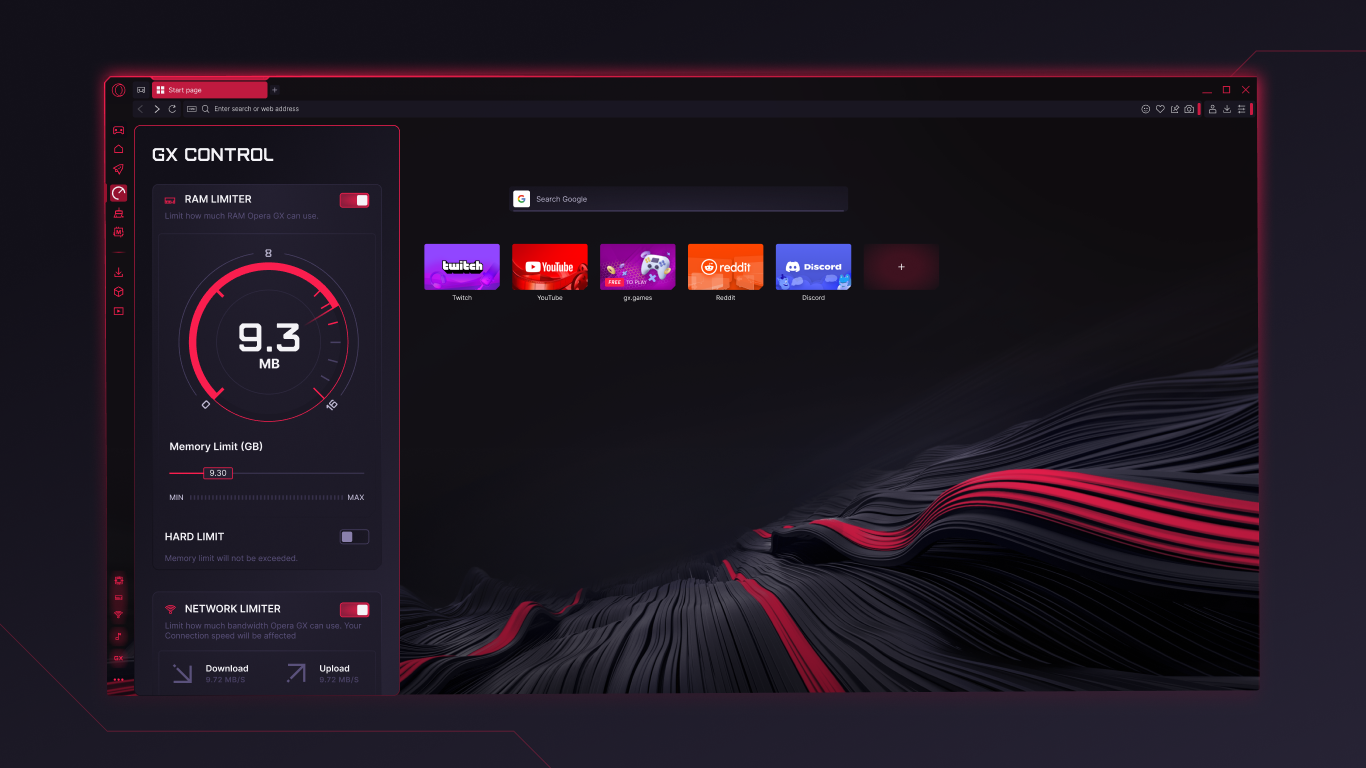
- Resource Control Panel: A built-in dashboard allowing users to limit CPU, RAM, and network bandwidth to prevent browsing from interfering with gaming or other demanding tasks.
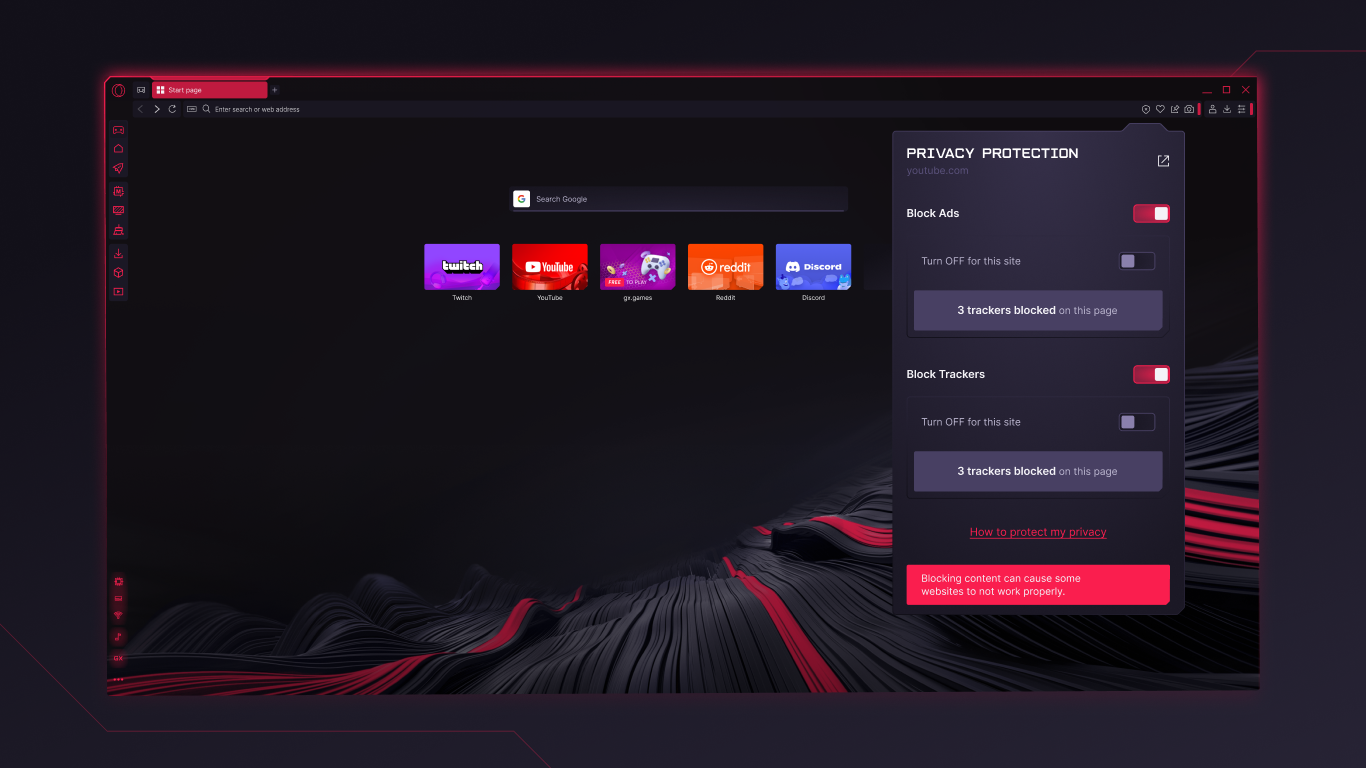
- Integrated Twitch and Discord: Seamlessly access your favorite streaming platforms and communities directly within the browser.
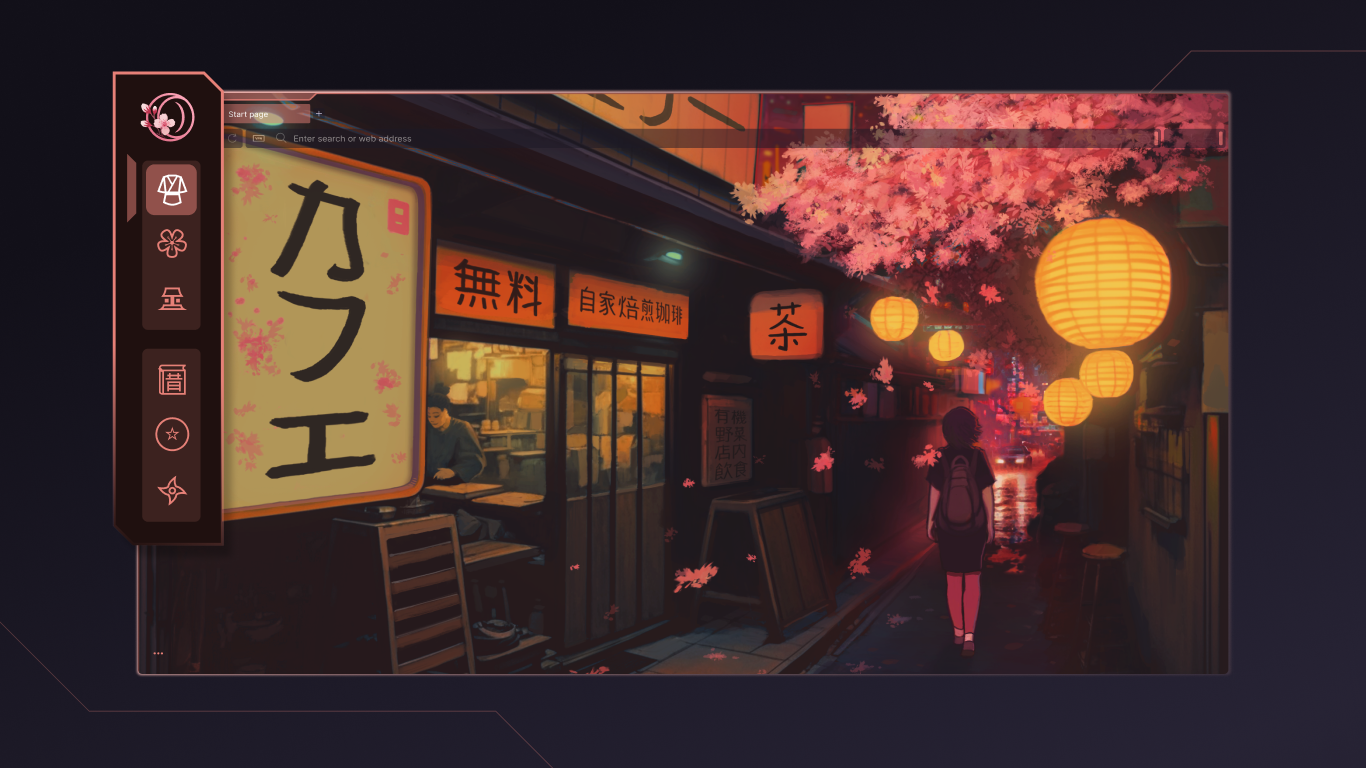
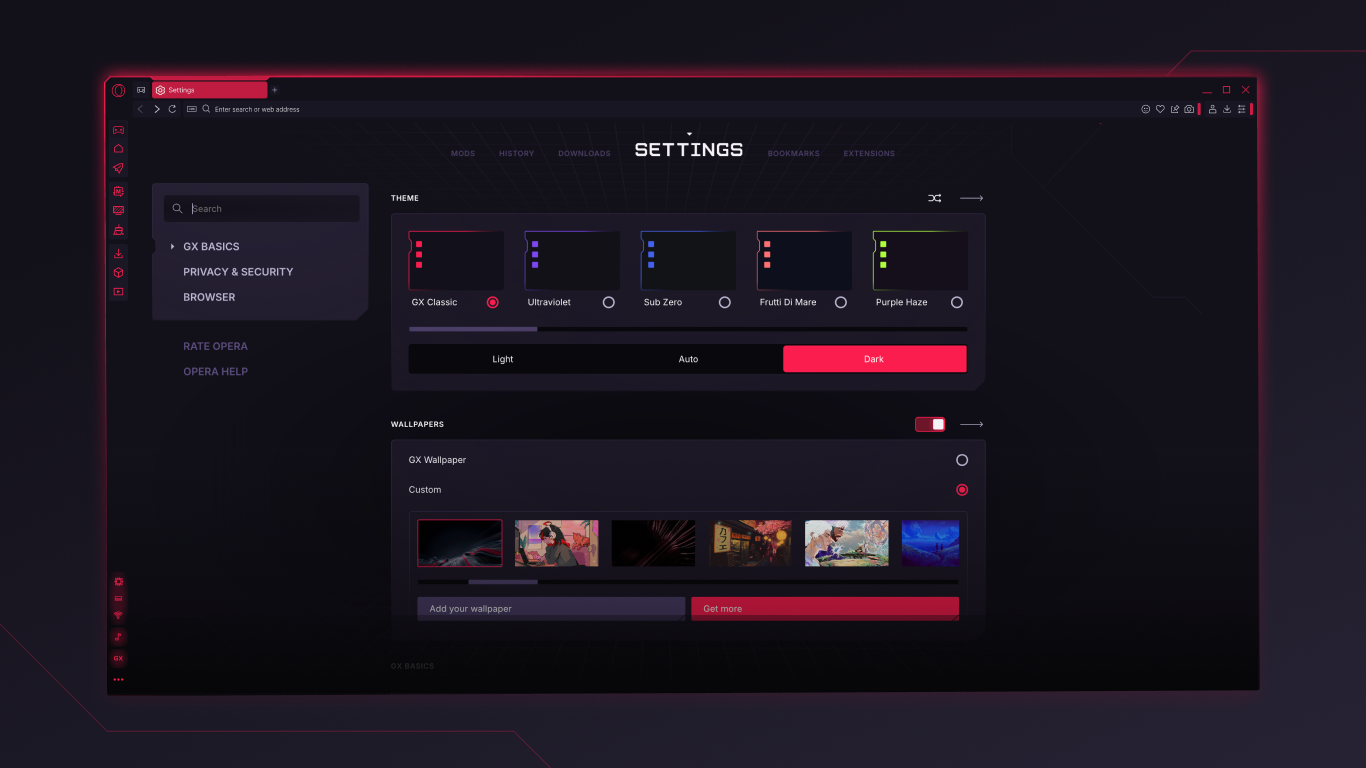
- Custom Themes and Animations: Highly customizable interface options, including sound effects, wallpapers, and color schemes to match your style.
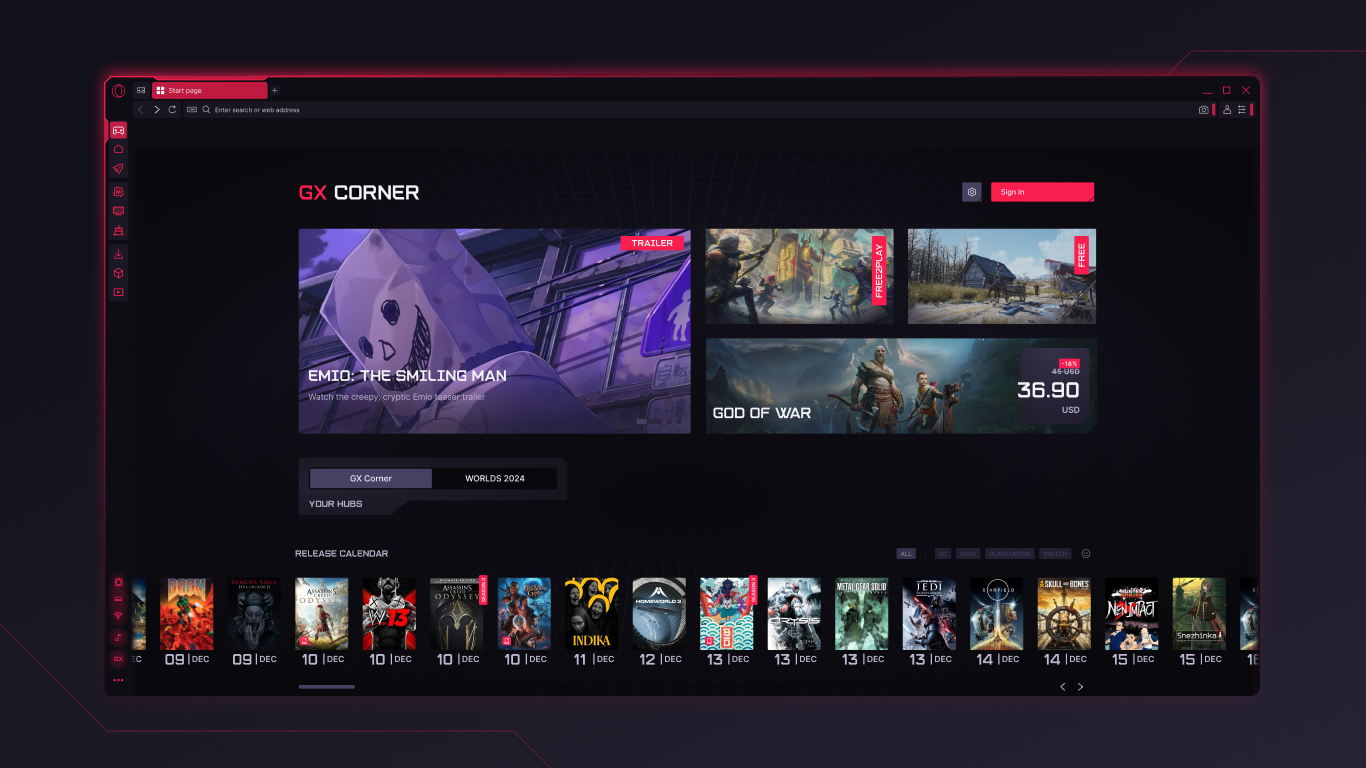
- GX Corner: A dedicated hub for gaming news, deals, and upcoming releases, acting as a one-stop-shop for gaming enthusiasts.
A Fun and Functional Experience
Imagine sitting down at your gaming rig and launching Opera GX – it's like stepping into a personalized digital lounge curated just for you. The initial impression is immediately engaging: the dark, sleek interface with neon accents sets a tone that says, “We get gamers.” Navigating through the browser feels smooth and intuitive, much like gliding through a well-designed game menu. Setting up your preferences is a breeze, with an onboarding process that is both friendly and efficient, making even non-technical users feel at home.
Resource Management: Keeping Your System in Check
One of Opera GX's most captivating features is its Resource Control Panel. Think of it as the dashboard in your high-performance vehicle. You can allocate CPU, RAM, and network bandwidth to different tabs and processes—perfect for gamers who want to prevent background tabs from causing lag during critical moments. The interface for this feature resembles a sleek control panel, with sliders and toggles that are straightforward to manipulate. It empowers users with granular control, effectively turning resource management into an engaging game of optimization rather than a chore.
Community and Content: A Window to Your Interests
The integration of Twitch and Discord directly into the browser makes it easier than ever to stay connected with your gaming community. Instead of juggling multiple apps or browser tabs, you can watch streams and chat with friends side-by-side with your browsing activities. The placement of these features feels natural, as if they're a built-in part of the browser's ecosystem. It's like having a social hub and media studio right in front of your eyes. This deep integration offers a personalized experience that feels tailored, rather than generic, unlike many other browsers that treat entertainment as an afterthought.
Verdict: A Solid Choice for Gamers and Power Users
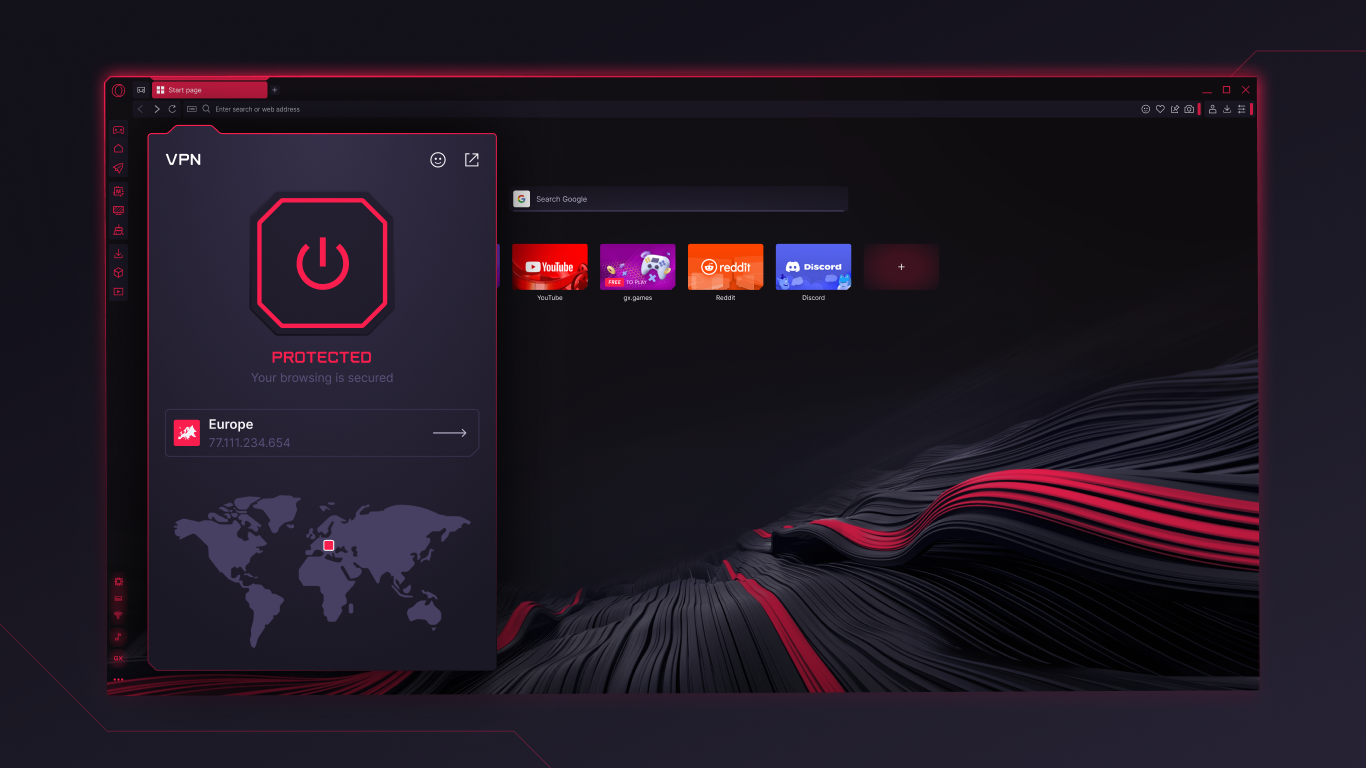
Opera GX stands out with its focused approach to resource management and content integration, making it particularly suitable for gamers who need a browser that respects their system's performance limits. Its user-friendly interface, combined with the capacity for customization, offers an engaging experience that doesn't sacrifice usability for flair. While it may appeal most to gaming enthusiasts, the robust features and clean design make it a compelling choice for any user seeking a modern, performance-conscious browser.
Overall, I'd recommend Opera GX to those looking for a browser that balances speed, control, and personalization—especially if gaming or media consumption is part of your routine. It's not just a browser; it's a tailored portal designed to enhance your digital lifestyle without the typical resource hogging. For anyone who enjoys having everything in one place and values performance, Opera GX deserves a spot in your lineup.
Pros
- Built-in Gaming Features
- Highly Customizable Interface
- Integrated Twitch and Discord Integration
- Enhanced Privacy Settings
- Efficient Resource Usage
Cons
- Limited Extension Compatibility
- Occasional Browser Stability Issues
- Resource Monitoring Features Can Be Clunky
- Limited Syncing Across Devices
- Learning Curve for Customization Options










