
- Category Multimedia design
- Available on PC
- OS Windows 11 version 22000.0 or higher
- languages Afrikaans, Albanian, Amharic, Arabic, Armenian, Assamese, Azerbaijani, Bangla (India), Basque, Bosnian (Latin, Bosnia and Herzegovina), Bulgarian, Catalan, Chinese (Simplified), Chinese (Traditional), Croatian, Czech, Danish, Dutch, English (United Kingdom), English (United States), Estonian, Filipino, Finnish, French, French (Canada), Galician , Georgian, German, Greek, Gujarati, Hebrew, Hindi, Hungarian, Icelandic, Indonesian, Irish, Italian, Japanese, Kannada, Kazakh, Khmer, Konkani, Korean , Lao, Latvian, Lithuanian, Luxembourgish, Macedonian, Malay, Malayalam, Maltese, Maori, Marathi, Nepali, Norwegian (Bokmål), Odia, Persian, Polish , Portuguese (Brazil), Portuguese (Portugal), Punjabi (India), Quechua, Romanian, Russian, Scottish Gaelic, Serbian, Serbian (Cyrillic, Bosnia and Herzegovina), Serbian (Latin, Serbia), Slovak, Slovenian (Slovenia), Spanish (Mexico), Spanish (Spain), Swedish, Tamil, Tatar, Telugu, Thai, Turkish, Ukrainian, Urdu, Uyghur, Uzbek, Valencian, Vietnamese, Welsh
Introducing Paint for Windows: A Fresh Take on Digital Drawing
Paint for Windows is a lightweight yet powerful drawing application designed to meet the needs of casual artists, students, and hobbyists looking for a straightforward digital sketching tool. Unlike traditional paint programs, it blends simplicity with a few innovative features to elevate your creative experience.
About the Developer and Core Features
Developed by Microsoft Corporation, Paint for Windows is crafted with user-friendliness in mind. Its main strengths lie in:
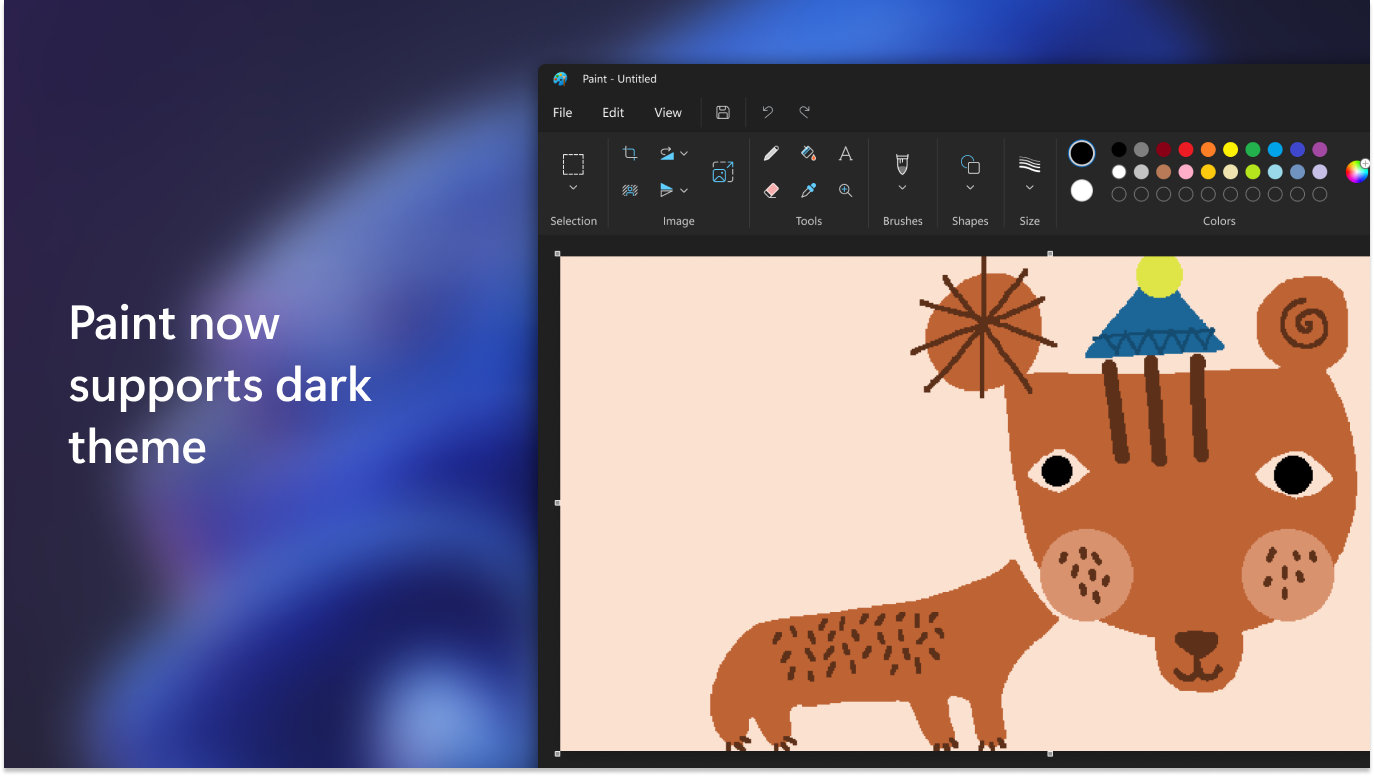
- Intuitive Interface: Clean, accessible layout for seamless navigation even for beginners.
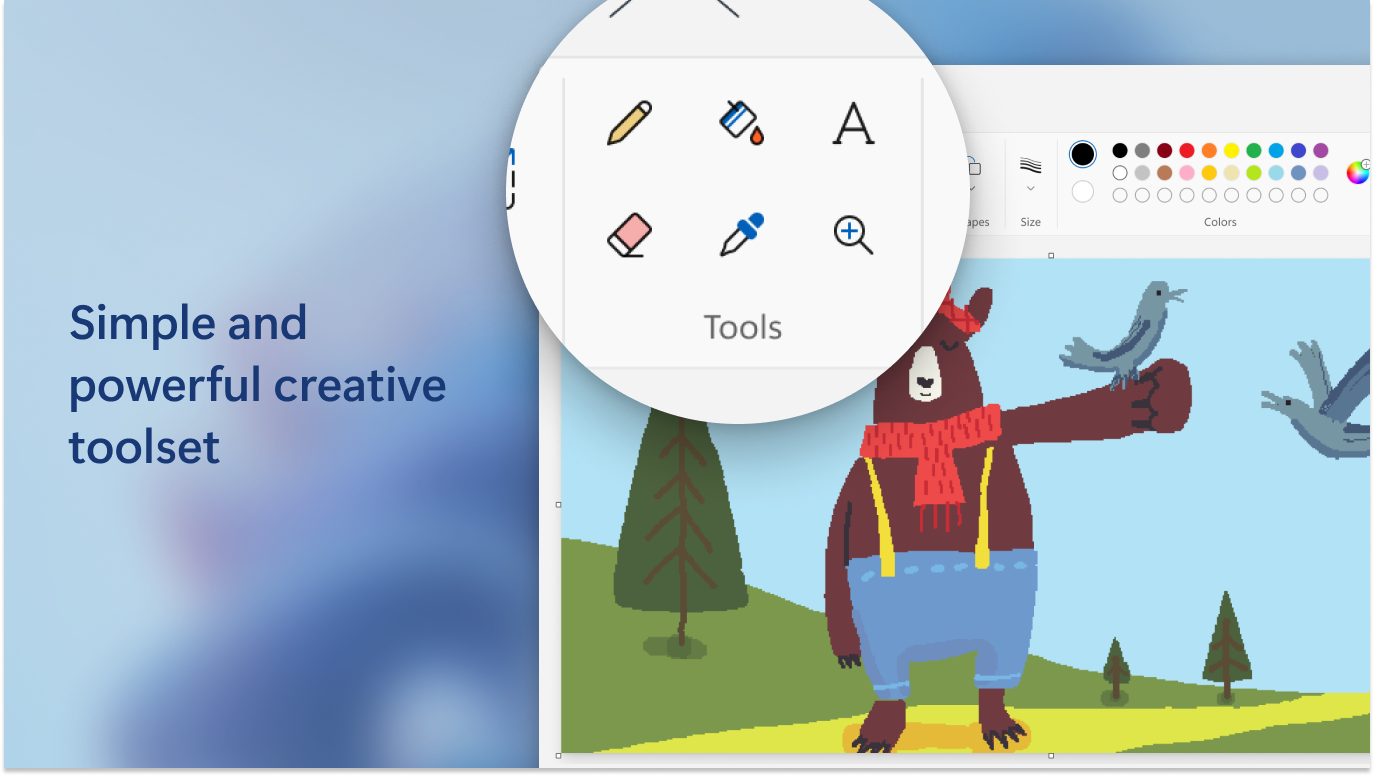
- Smart Brush Tools: Offers a variety of brushes and effects that mimic real-world textures, elevating your artwork quality.
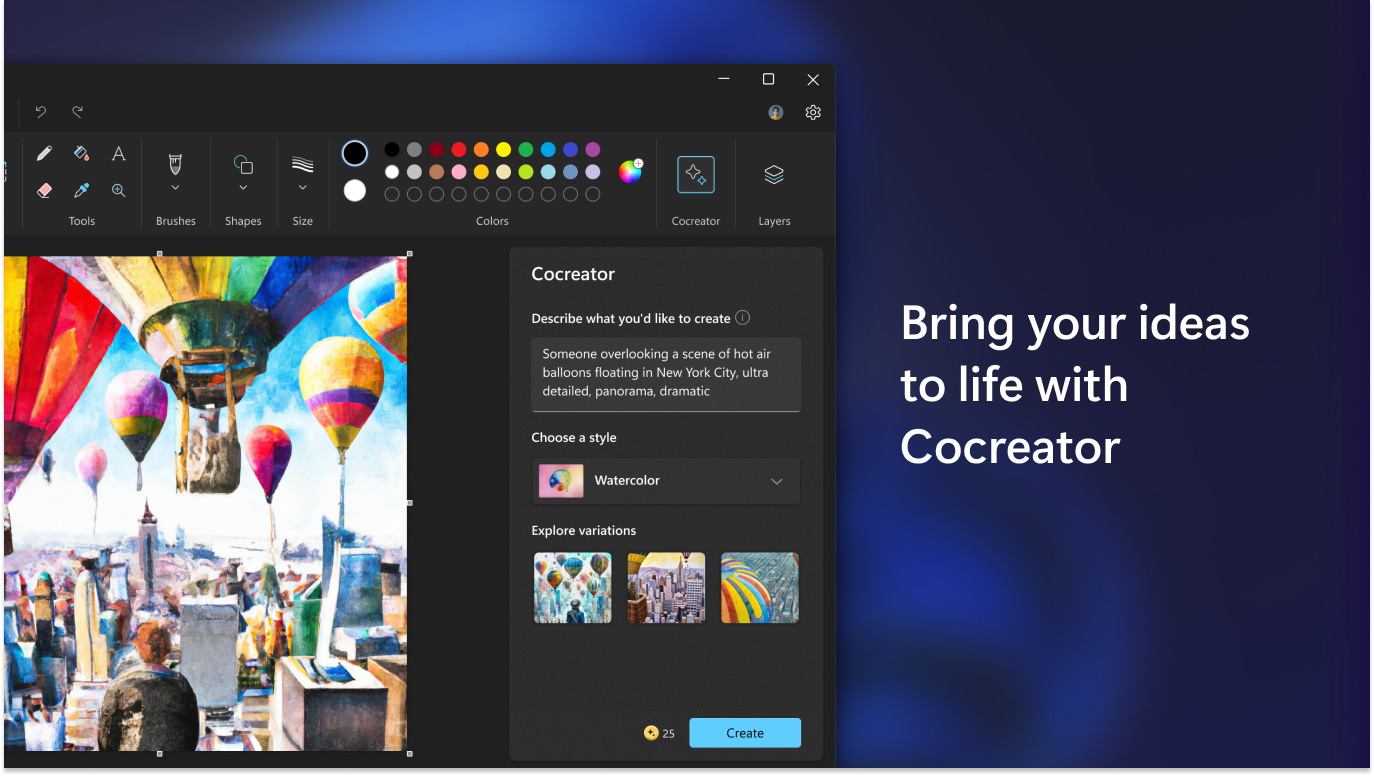
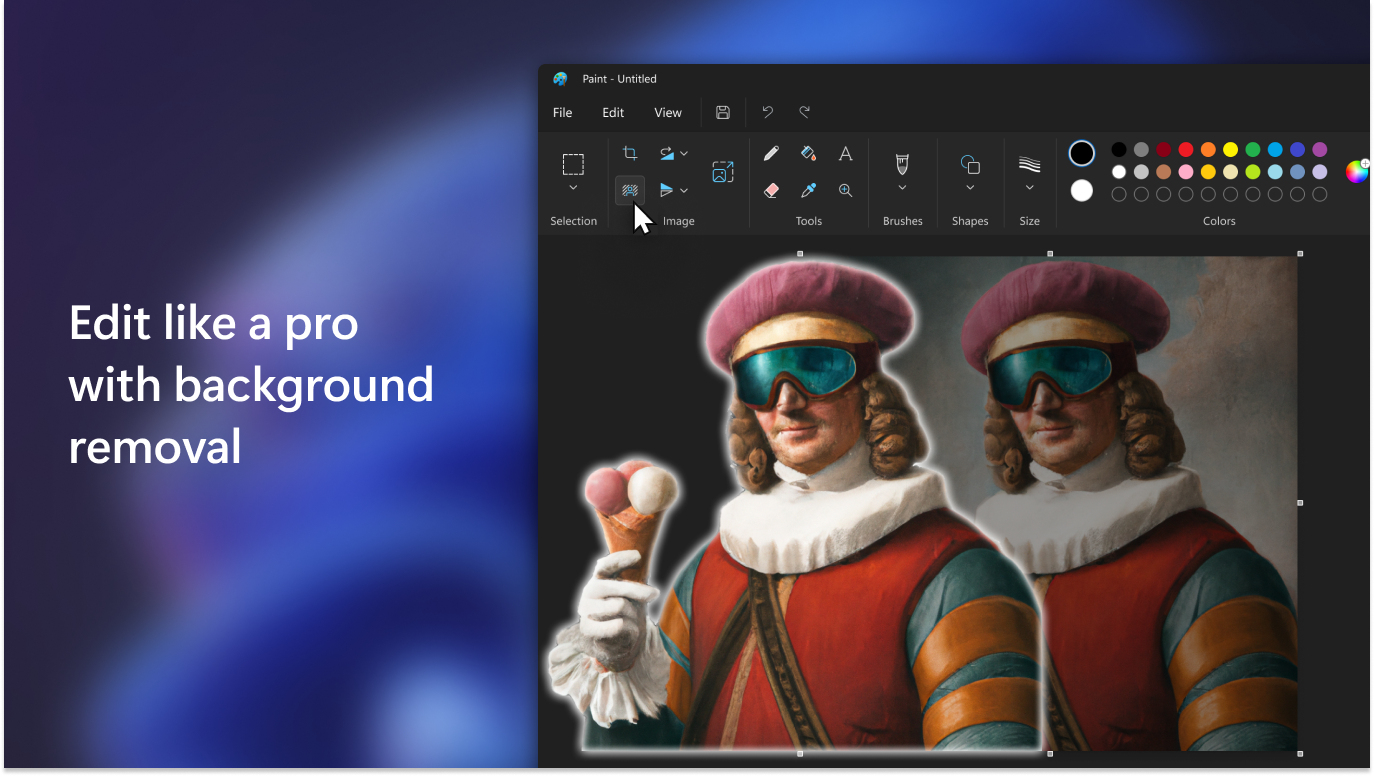
- Auto-Enhance Features: Built-in intelligent tools help to correct colors, clean lines, and optimize images effortlessly.
- Lightweight & Fast: Quick launch and smooth operation ensure no fuss when inspiration strikes.
Targeted primarily at casual creators, students, and anyone interested in straightforward digital painting without the steep learning curve.
A Playful Dive into Features and User Experience
Effortless Artistic Expression with Smart Brushes
The standout aspect of Paint for Windows lies in its smart brush toolkit. These brushes are not just simple strokes – they adapt to your pressure, angle, and layering, providing a near-analog feel. Imagine holding a real brush but with infinite color possibilities at your fingertips. Whether sketching quick doodles or detailed illustrations, the variety of brushes—from pencils and markers to textured effects—makes every stroke feel natural. This feature shines because it democratizes quality digital art, allowing amateurs to experiment without complex setups.
Sleek Interface & Smooth Performance
Picture working on a digital canvas that's as inviting as a cozy studio—clean, uncluttered, and easy to find tools. Paint for Windows excels here; its minimalistic interface reduces distractions, enabling you to focus on creation. The responsiveness is impressive, with real-time updates and near-instant brush strokes, reminiscent of drawing on paper in real life. Navigating between tools, undoing mistakes, or zooming in/out feels fluid, making the learning curve gentle even for newcomers. This seamless experience helps users stay immersed in their art rather than battling technology.
Unique Differentiators in a Crowded Space
While many digital painting apps cater to professional artists with extensive features, Paint for Windows distinguishes itself through its emphasis on simplicity combined with intelligent enhancements. For example, its auto-optimization tools automatically refine your images—correcting colors and smoothing lines without requiring manual tweaks. This makes it particularly accessible for users who want decent results quickly, especially in educational or casual settings. Additionally, its lightweight design means it won't bog down your system, making it perfect for quick sketches or on-the-go creativity—something that larger, more complex programs often struggle with.
Final Thoughts: Who Should Use Paint for Windows?
Overall, Paint for Windows is a thoughtfully designed application for those seeking a straightforward, friendly digital painting tool. Its most compelling features—the adaptable smart brushes and auto-enhance functions—set it apart, enabling users to produce polished artwork with minimal effort. While it may not replace high-end professional software for intricate design projects, it excels as a casual, accessible, and engaging painting app. I'd recommend giving it a try if you're new to digital drawing or need a reliable app for quick sketches and fun experiments. Whether for education, hobby, or light creative work, Paint for Windows proves to be a delightful companion on your artistic journey.
Pros
- User-friendly Interface
- Minimalistic Tools
- Integration with Microsoft Account
- Lightweight App
- Free to Use
Cons
- Limited Advanced Features
- Basic Brush Customization
- No Support for Custom Templates or Patterns
- Export Options
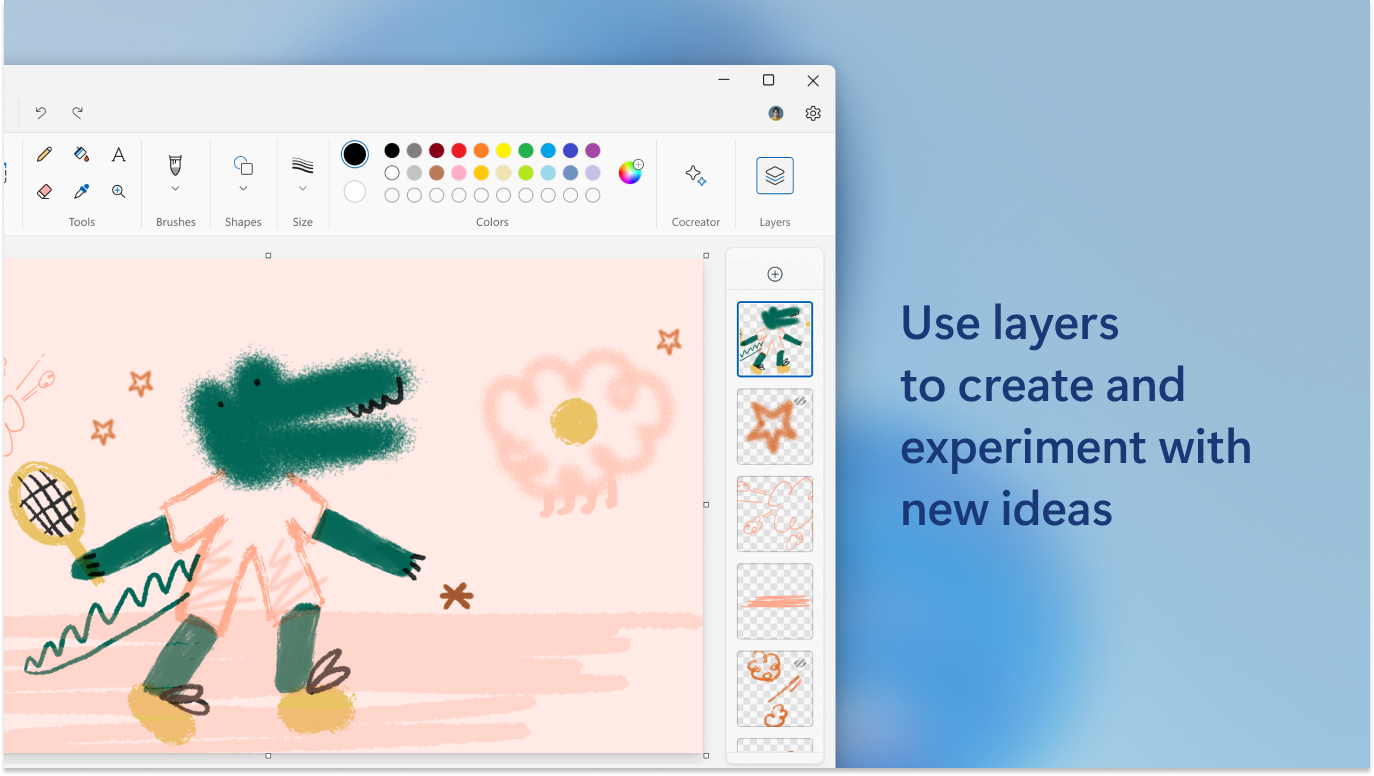
- Limited Layer Management











