

- Category Photo & video
- Developer Rick Brewster
- Available on PC
- OS Windows 10 version 19044.0 or higher
- Keyboard Integrated Keyboard
- Mouse Integrated Mouse
- Memory 1 GB
- DirectX Not specified
- languages Belarusian, Bulgarian, Catalan, Chinese (Simplified), Chinese (Traditional), Czech, Danish, Dutch, English, English (United States), Finnish, French, German, Greek, Hebrew, Hindi, Hungarian, Italian, Japanese, Kazakh, Korean, Latvian, Lithuanian, Norwegian, Persian/Farsi, Polish, Portuguese (Brazil), Portuguese (Portugal), Romanian, Russian, Slovak, Slovenian, Spanish, Swedish, Thai, Turkish, Ukrainian
A Friendly Companion for Digital Artists: Paint.NET for Windows
Paint.NET for Windows stands out as a user-friendly yet powerful image editing application that balances simplicity with advanced features. Designed to cater to both amateur photographers and experienced digital artists, it offers an accessible entry point into the world of image manipulation without overwhelming users with complex interfaces.
About the Developer and Core Features
Developed by Rick Brewster and published by dotPDN LLC, Paint.NET has earned a reputation for its intuitive design and continuous improvements. The software shines with several key features:
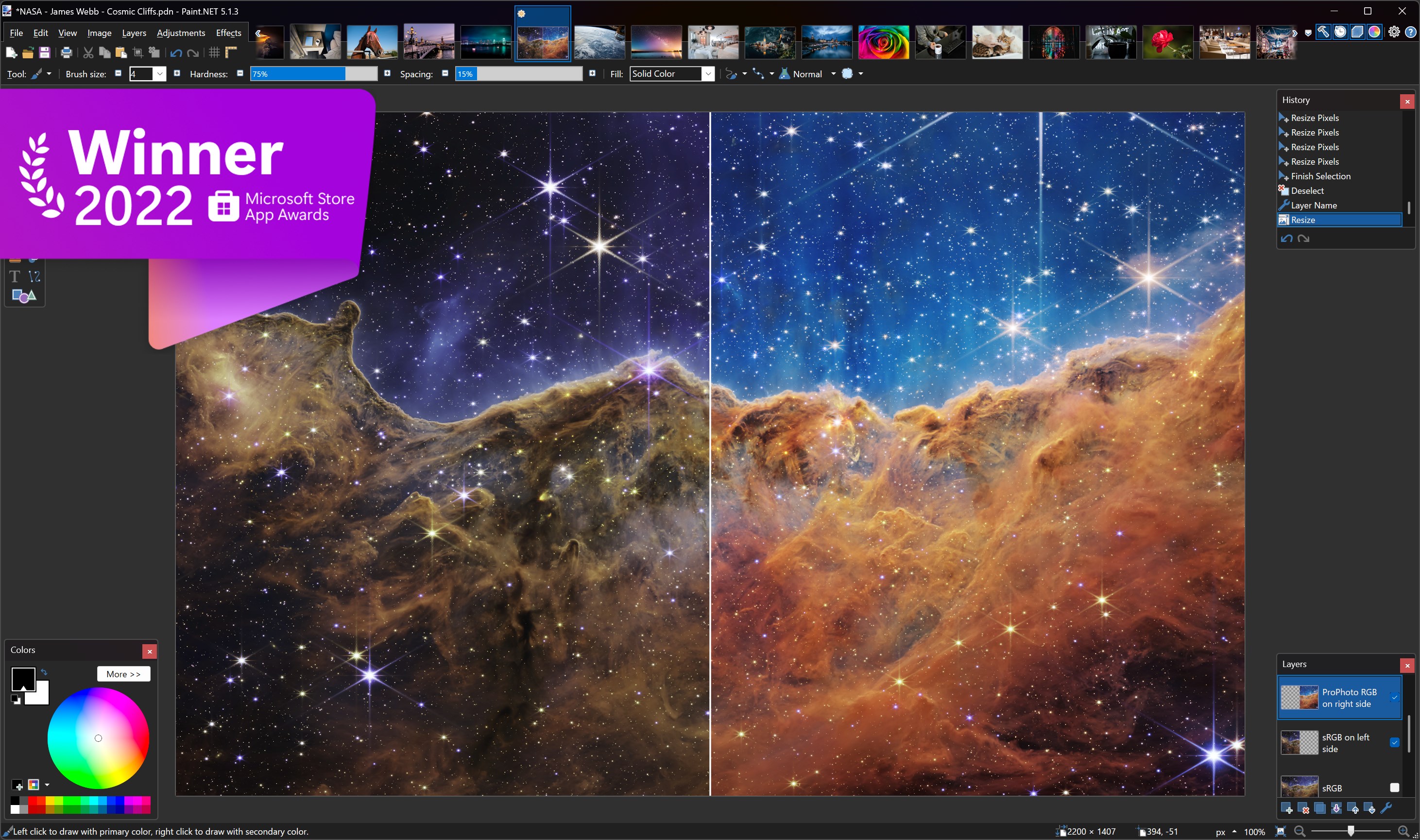
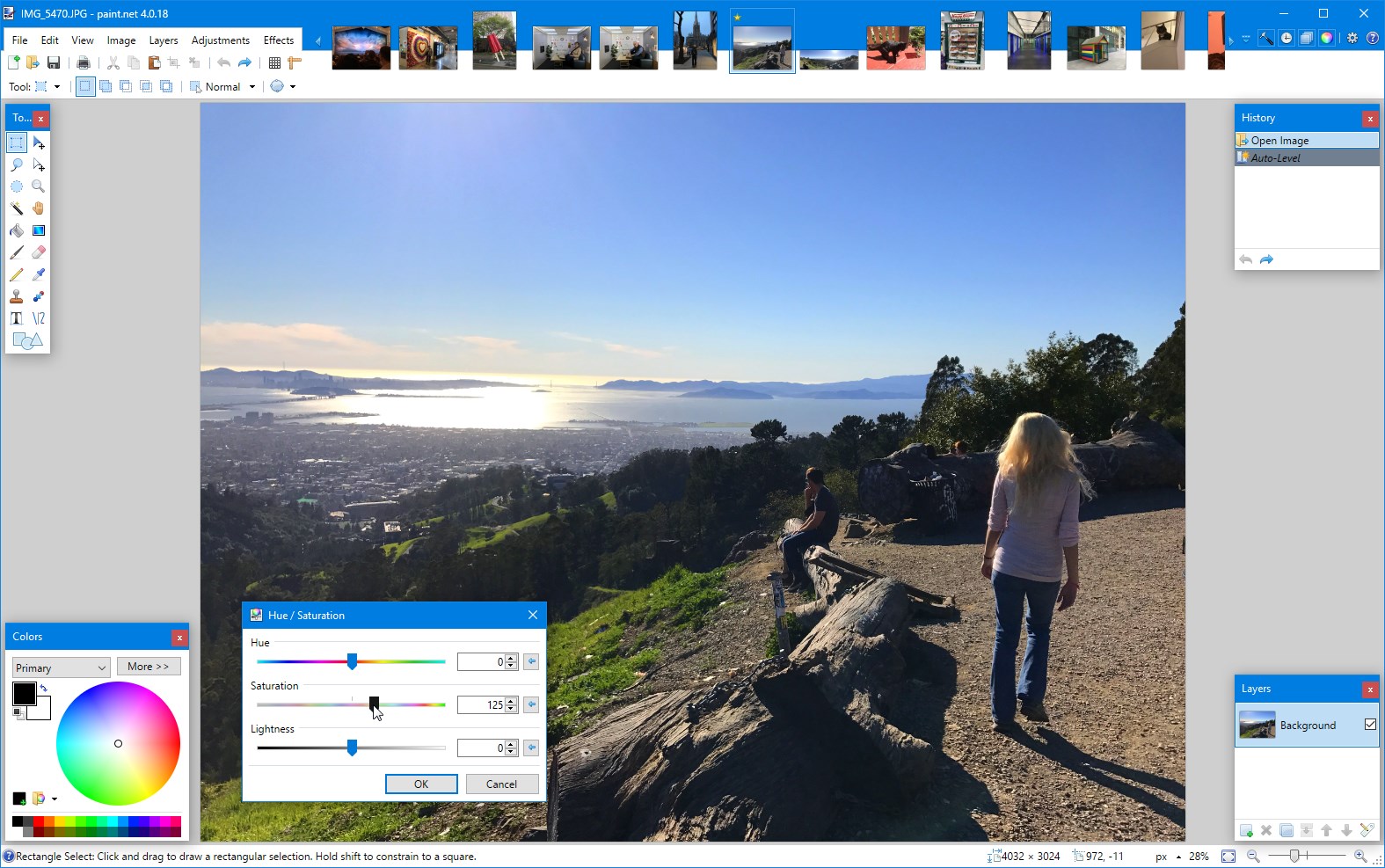
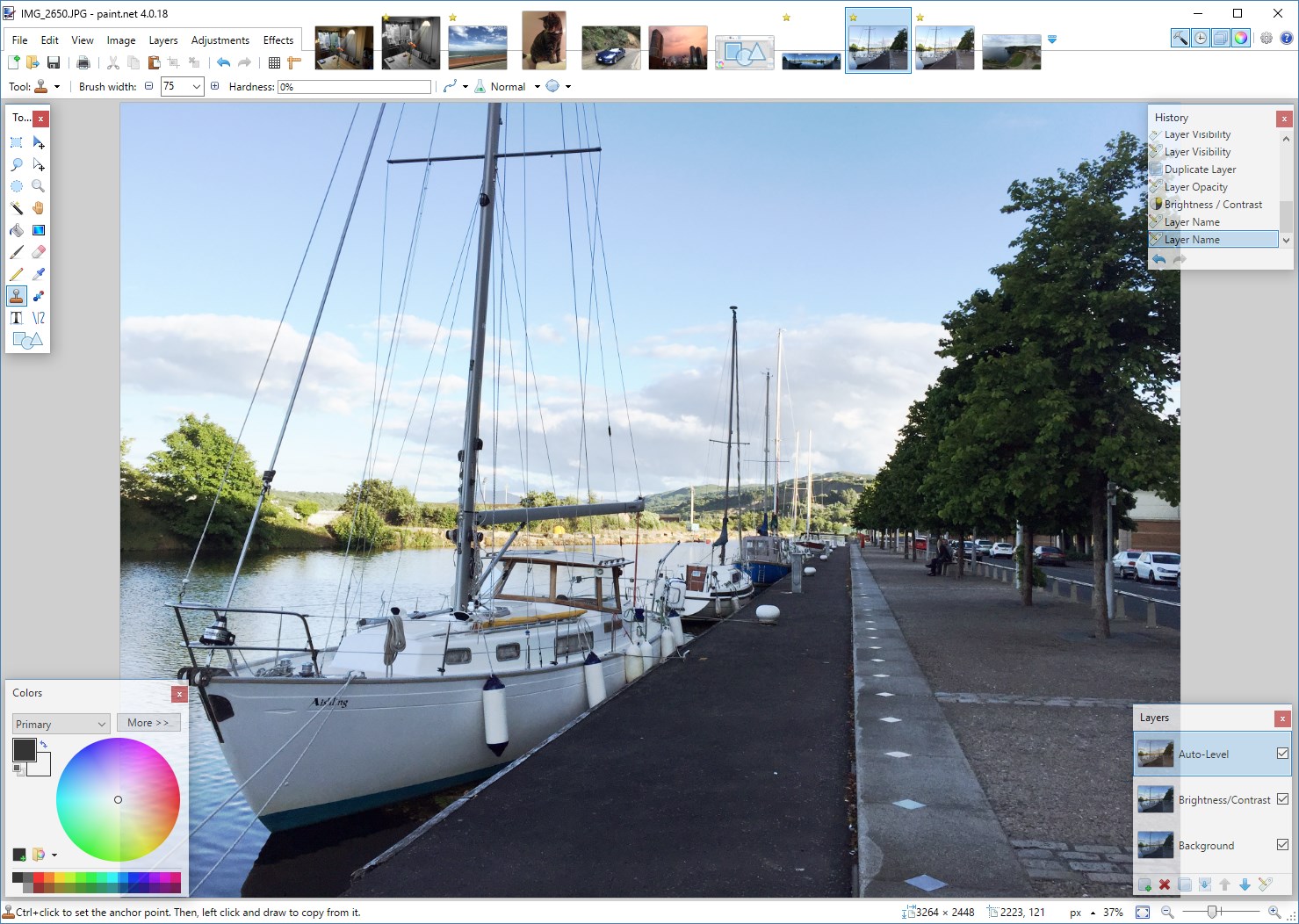
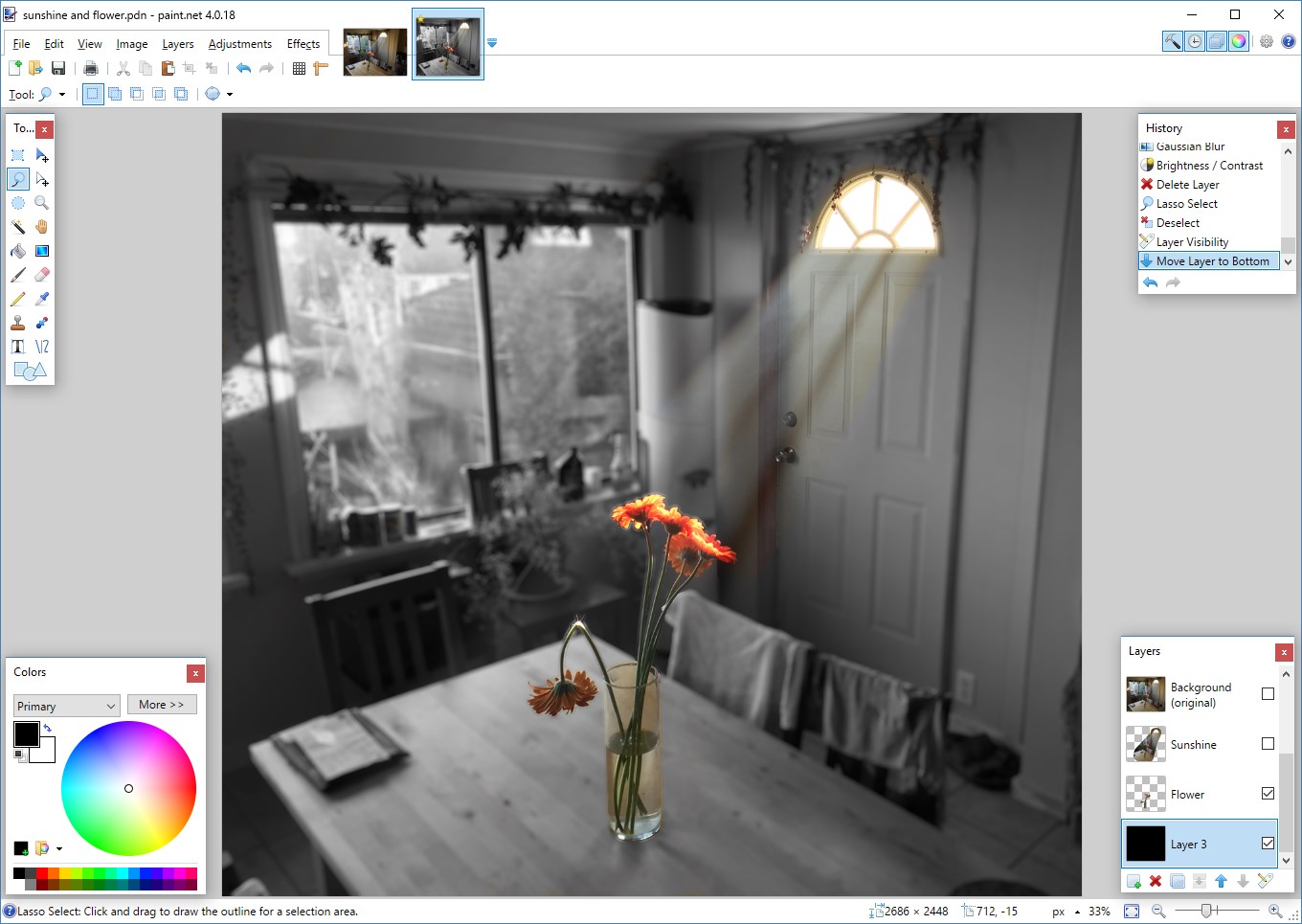
- Layer Support and Advanced Editing: Allows users to work with multiple layers, blending modes, and transparency, akin to more professional tools like Photoshop but with a gentler learning curve.
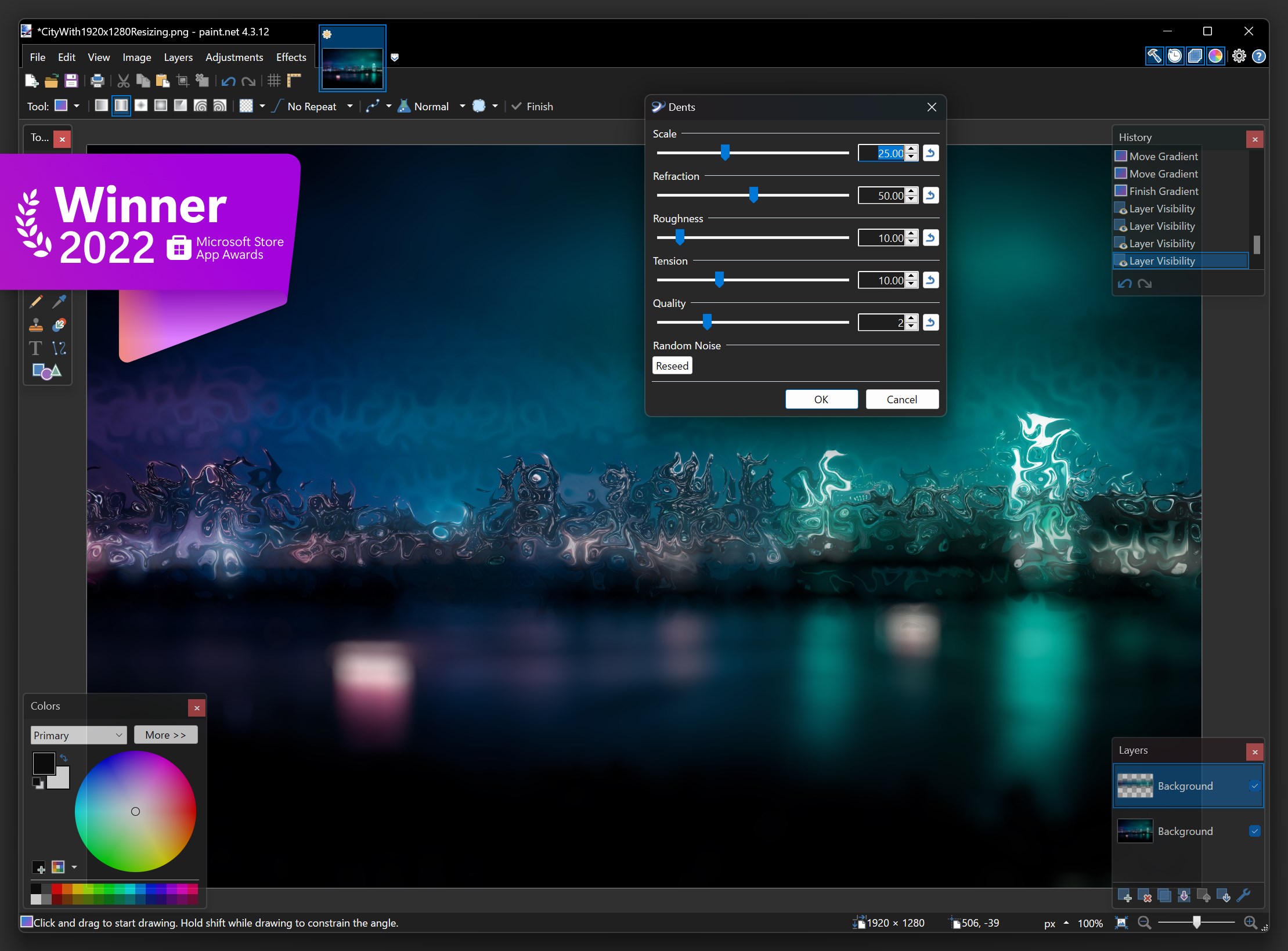
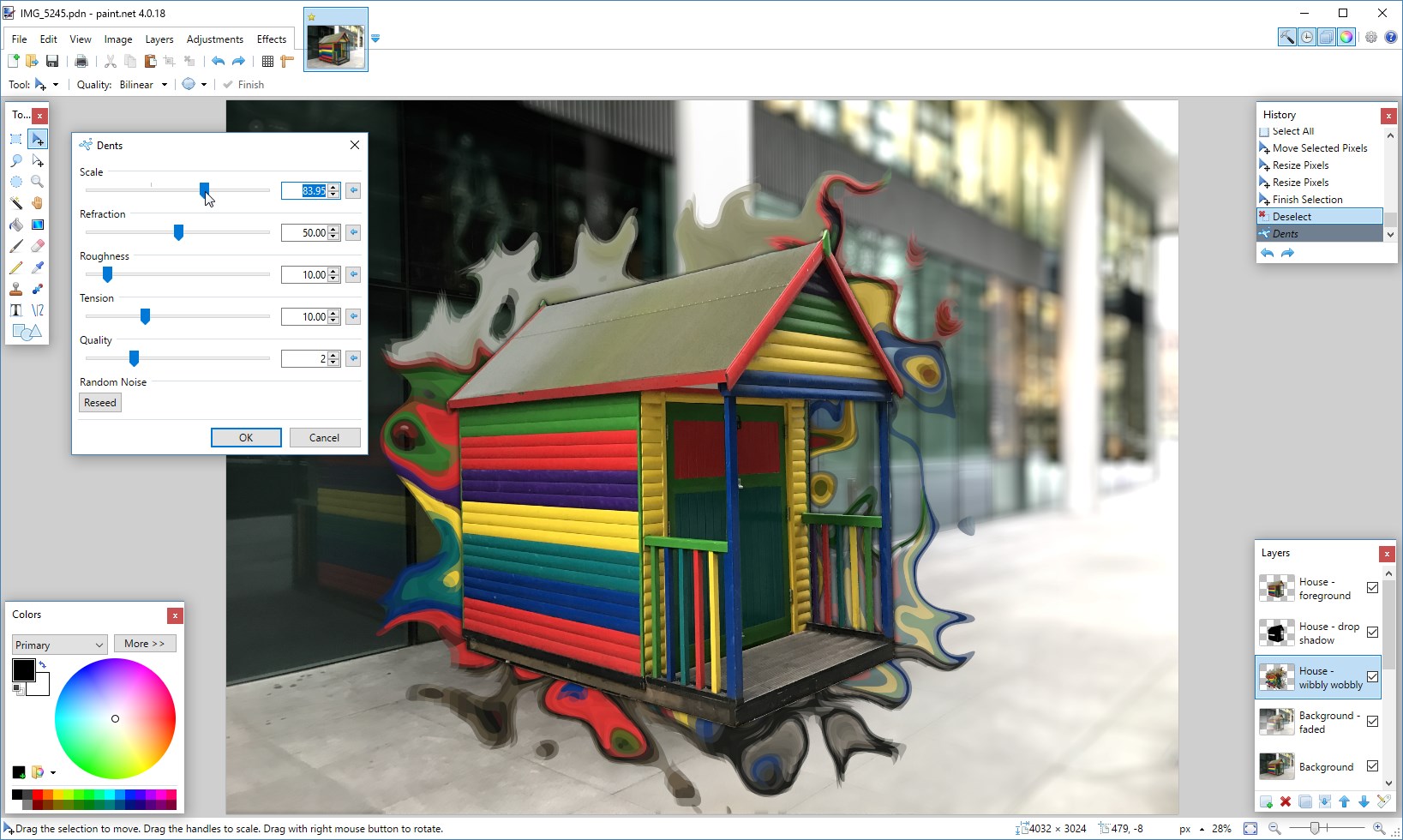
- Extensive Effect Library and Plugins: Offers a variety of built-in effects such as blurring, sharpening, and color adjustments, with the flexibility to extend functionality through plugins.
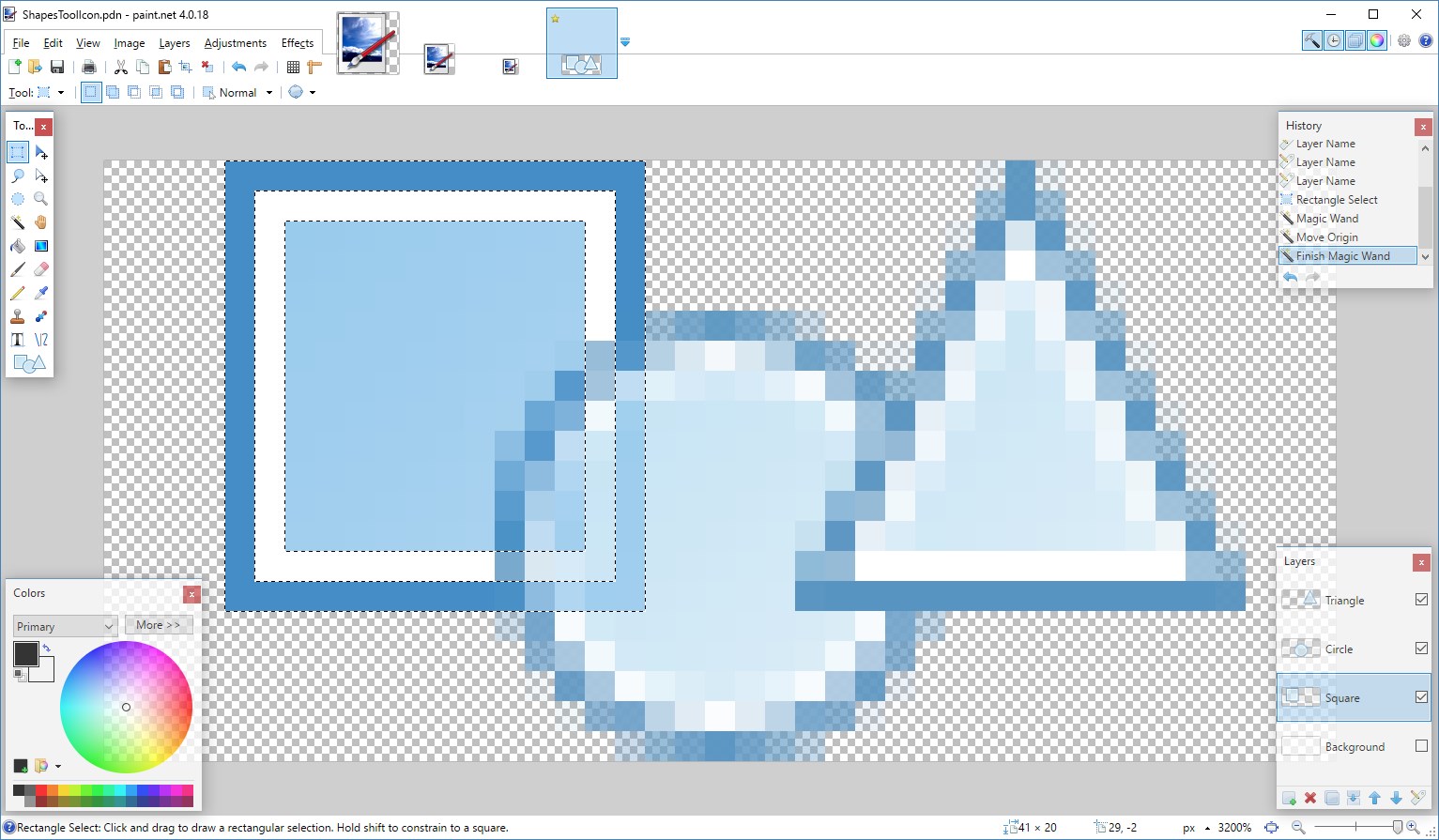
- Simple yet Powerful Tools: Includes selection tools, brush modes, and transformation options that are approachable for beginners but versatile enough for detailed editing tasks.
- Performance and Stability: Optimized for smooth operation on Windows, ensuring that even large images can be edited seamlessly.
The target audience primarily spans hobbyists, students, and professionals seeking a free yet capable graphic editing solution, particularly those who prefer a straightforward interface without sacrificing essential functionalities.
Enjoying the Experience: A User-Friendly Journey
From the moment you launch Paint.NET, you'll find yourself in a familiar yet thoughtfully designed environment, reminiscent of a cozy workshop where every tool is within arm's reach. The interface is clean, with a well-organized toolbar and contextual menus that make navigation feel like a natural extension of your creative flow. No more fumbling through complex menus—this app encourages exploration and experimentation.
Using Paint.NET feels like doodling on a digital canvas with the ease of sketching on paper—snappy responsiveness and intuitive controls ensure your ideas flow freely. The responsiveness of tools, such as the brush and selection tools, provides a satisfying tactile feel that keeps your creativity uninterrupted. The learning curve is gentle; even newcomers can quickly grasp basic functions, while more advanced users can dig into layers and effects to finesse their images.
Unique Strengths and Differentiators
What really sets Paint.NET apart from other photo editors is its exclusive focus on being lightweight yet highly capable. Unlike bloated alternative editors or complex professional suites, Paint.NET strikes a delicate balance—offering powerful features without overwhelming users. Its support for plugins is a game-changer, enabling tailored modifications and niche effects, akin to customizing a musical instrument to suit your style.
Another standout is how it approaches effects and filters: with a real-time preview system that lets you see adjustments as you make them, reducing trial-and-error guesswork. This interactive feedback loop enriches the creative process.
Final Thoughts and Recommendations
Overall, Paint.NET for Windows deserves a solid recommendation for those looking for an accessible yet capable image editing tool. It's perfect for casual edits, creative projects, or as a stepping stone toward more complex software. For users who appreciate a logical layout, responsive performance, and the flexibility of plugins, this app can truly become a trusty digital palette.
If you're seeking a straightforward application that enables you to brighten photos, add effects, or create layered art without the intimidation factor, Paint.NET may just be the perfect fit. It's like finding a reliable set of brushes that fit comfortably in your hand—ready to help turn your ideas into reality, one pixel at a time.
Pros
- Intuitive User Interface
- Powerful Editing Tools
- Free and Lightweight
- Extensible with Plugins
- Regular Updates
Cons
- Limited Advanced Features
- Performance on Large Files
- Basic Text Tool
- Lack of Cloud Integration
- Learning Curve for Advanced Features











