



- Category Entertainment
- Available on Xbox console, PC
- OS Windows 10 version 17763.0 or higher
- languages English (United States)
Paramount+ for Windows: Your Gateway to Premium Entertainment
Paramount+ for Windows is a dedicated streaming application designed to bring the vast library of Paramount's original series, movies, live sports, and news directly to your desktop. It aims to provide users with a seamless viewing experience on a Windows platform, serving entertainment enthusiasts seeking convenience and quality in one package.
About the App: Who's Behind the Curtain?
Developed by CBS Interactive Inc., Paramount+ for Windows is part of CBS's broader effort to extend its popular streaming service onto desktop environments. CBS Interactive Inc. boasts a strong reputation for delivering reliable and user-centric digital media solutions, ensuring this app benefits from professional design and stable performance.
Key features that stand out include:
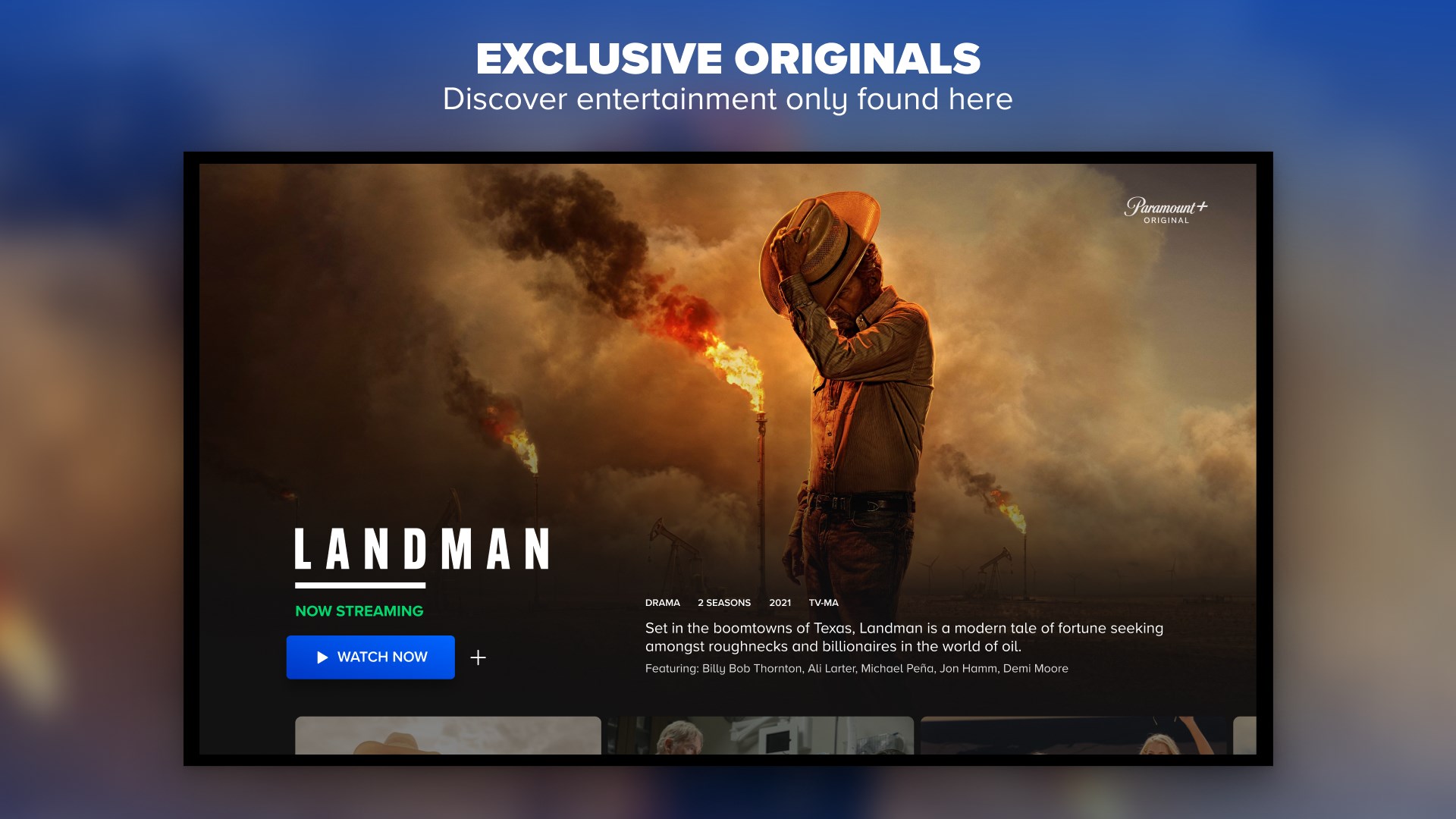
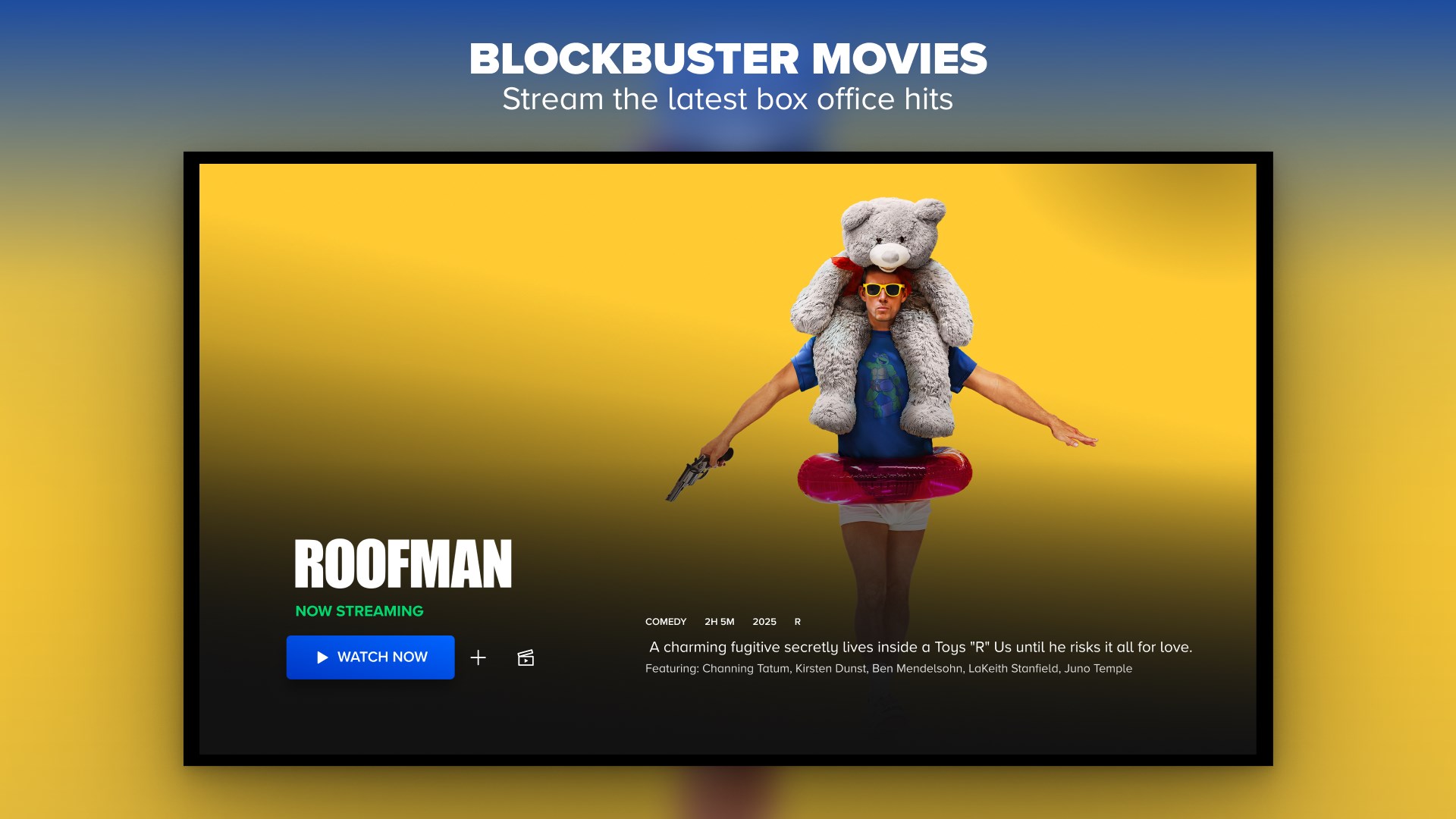
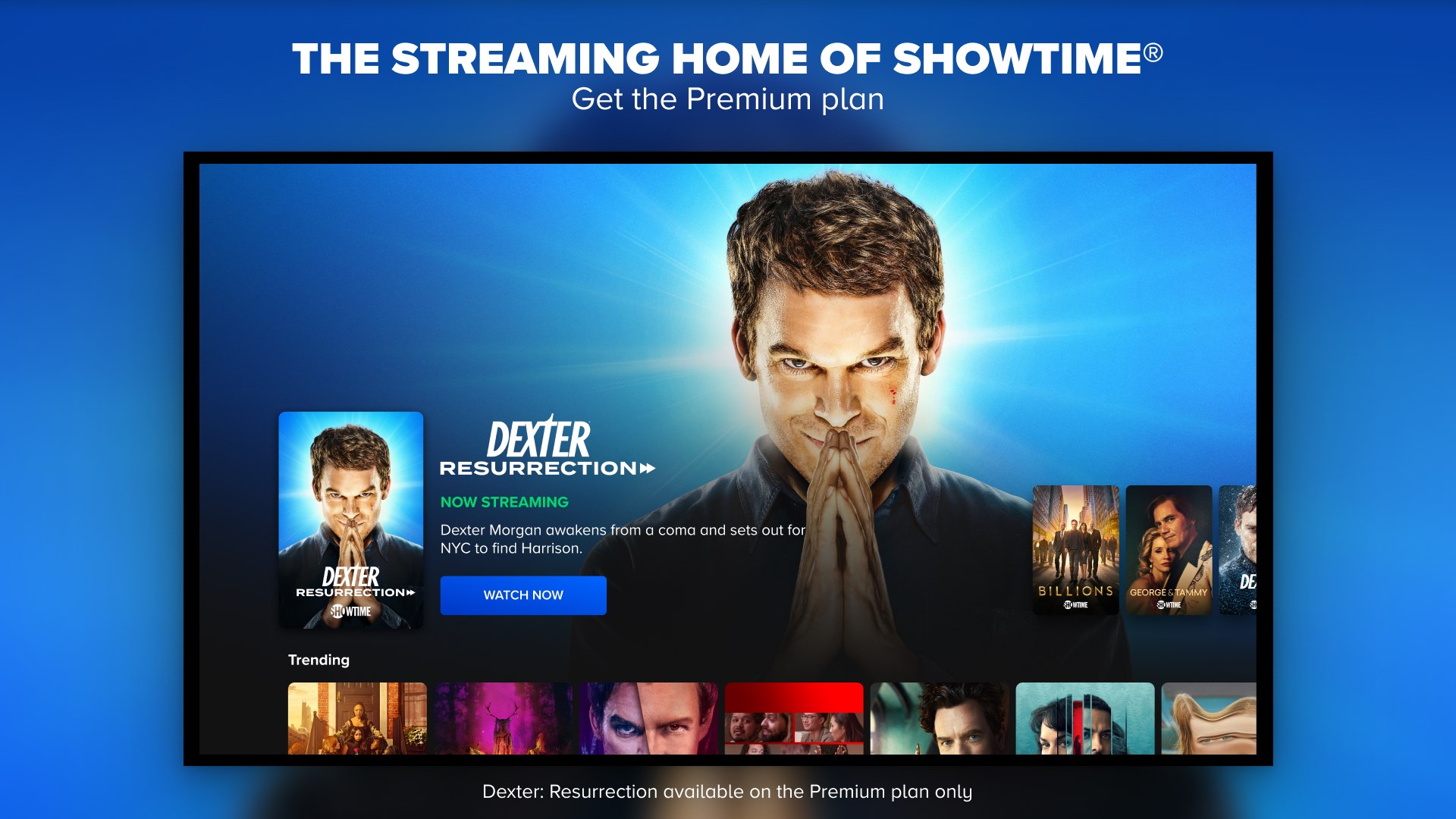
- Comprehensive library access — enjoy a broad spectrum of content from blockbuster movies to exclusive series.
- Live streaming — watch live sports events, news broadcasts, and special events in real-time.
- Personalized recommendations — tailored content suggestions based on your viewing habits.
- Offline viewing — download shows and movies to watch offline, perfect for travel or limited internet situations.
The primary target audience for Paramount+ on Windows includes cable-cutting viewers, sports fans, movie aficionados, and families seeking convenient access to quality entertainment from their desktops or laptops.
A Playful Kickoff: Stepping Into Your Entertainment Hub
Imagine settling into your favorite chair on a cozy evening, your laptop humming softly beside you. With Paramount+ for Windows, entertainment isn't just a background activity — it's a lively experience that transforms your desktop into a personal cinema. The app's interface is inviting and intuitive, making it easy to dive straight into your preferred content without a steep learning curve. The seamless integration of live streams and on-demand videos makes you feel like you have a front-row seat to the action, whether it's a gripping series finale or a high-stakes sports game.
Deep Dive: Core Features That Shine
Content Discovery and Recommendations
Paramount+ leverages sophisticated content discovery algorithms that are akin to having a personal critic in your pocket. Unlike some competitors, which bombard you with generic suggestions, Paramount+ refines its recommendations based on your viewing history, mood, and preferences. This personalized touch ensures you're always presented with relevant content, making discovery feel effortless and natural. Whether you're craving a thrilling Paramount Original, a comedy classic, or the latest blockbuster, the app intuitively guides you—eliminating endless scrolling and creating a curated entertainment journey.
Content Streaming and Downloading
The app's streaming quality is noteworthy—offering crisp, buffer-free videos that adapt seamlessly to your internet speed. The addition of offline viewing is a game-changer, especially for users who travel or have inconsistent internet access. Downloading content is straightforward: just a click, and your favorite shows or movies are stored locally, ready to enjoy without interruptions. This feature echoes the best of portable entertainment, giving users flexibility and control over their viewing schedule.
User Interface and Experience
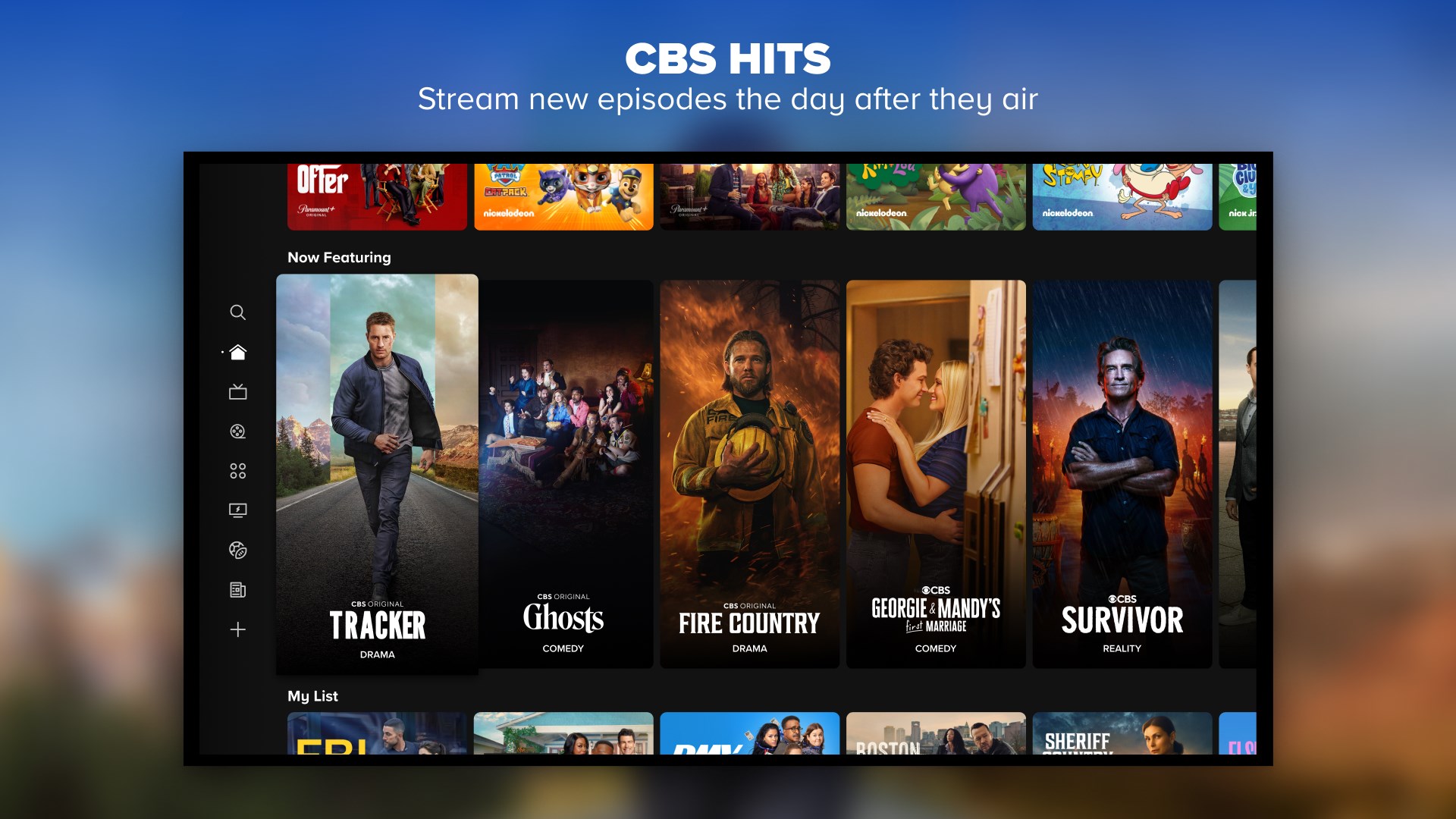
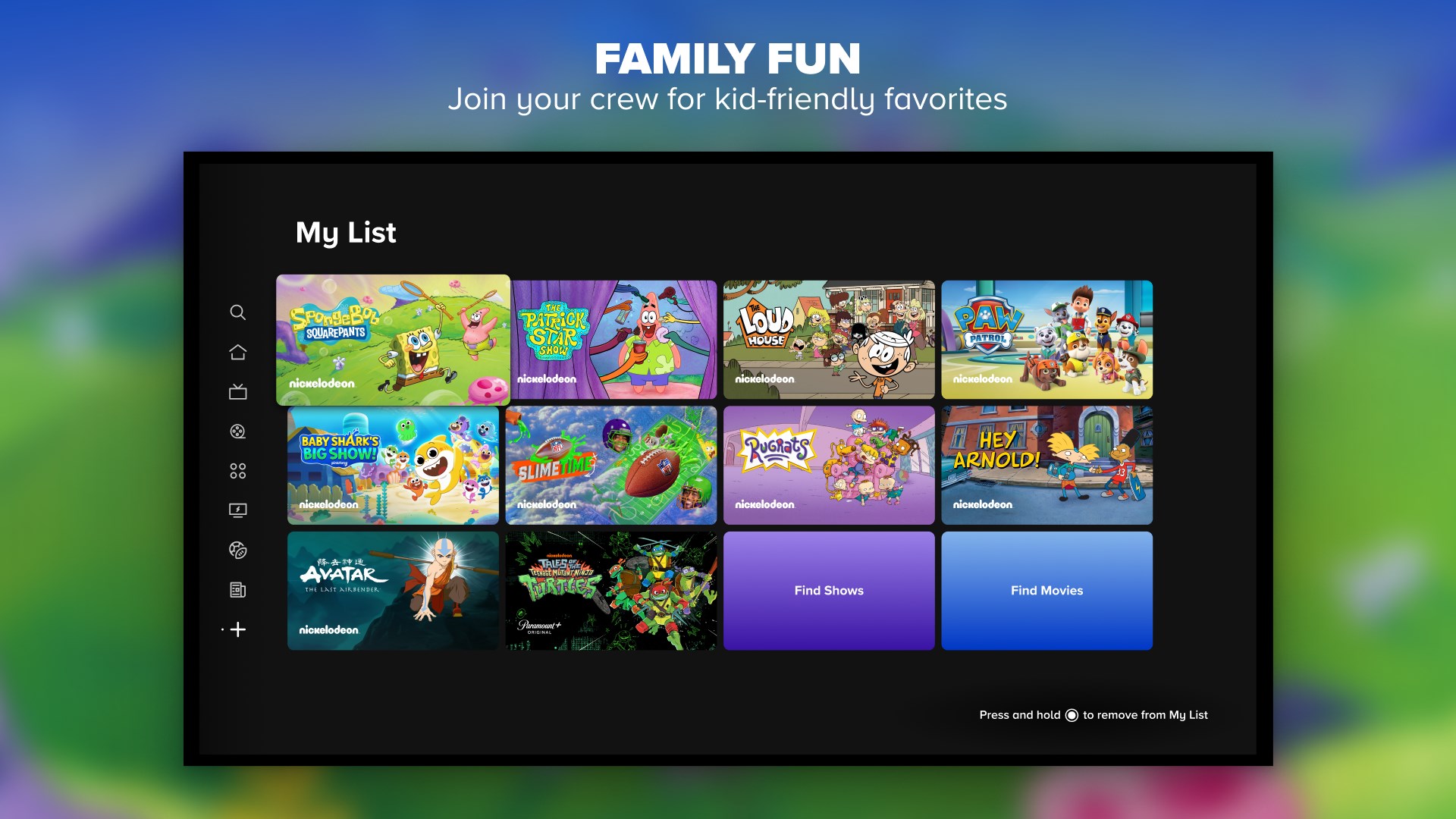
Featuring a sleek, modern design, Paramount+ for Windows presents a clean, organized layout that feels both professional and inviting. Navigating through categories, live channels, and personalized recommendations is smooth—like gliding effortlessly down a well-paved highway. The app's operation is fluid, with swift load times and responsive controls, making it suitable for both tech-savvy users and newcomers. Its learning curve is gentle; even first-time users can quickly grasp how to explore vast content offerings, set preferences, and enjoy a tailored viewing experience.
Stand-Out Differentiators: What Sets Paramount+ Apart?
While many entertainment apps focus solely on content, Paramount+ distinguishes itself through its nuanced recommendation system and focus on live content. Its content discovery algorithms delve deeper into your viewing patterns, offering a more relevant and engaging set of suggestions than more generic platforms. The real-time personalization ensures that you're not just consuming content but engaging in an experience that feels custom-made. Additionally, the integration of live sports and news broadcasts on a desktop platform is less common among competitors, making Paramount+ a desirable choice for sports fans and news junkies alike.
Final Verdict and Recommendations
I would rate Paramount+ for Windows as a strong contender in the streaming space, especially for users wanting a reliable, personalized, and versatile entertainment app on their PC. Its core strengths lie in its intelligent recommendation system and seamless access to live content. For those who prioritize curated content discovery and real-time viewing, this app is highly recommended.
It suits casual viewers, sports enthusiasts, and binge-watchers looking for a convenient desktop solution. However, if you're primarily seeking niche niche content or a more expansive range of customization features, exploring other platforms alongside Paramount+ could be beneficial. Overall, it's a well-rounded, user-friendly application that enriches desktop entertainment with minimal fuss and maximum style.
Pros
- Extensive Content Library
- User-Friendly Interface
- Offline Viewing Support
- Multi-Device Compatibility
- Ad-Free Option
Cons
- Limited Content Outside US
- Occasional Streaming Buffering
- Inconsistent Subtitle Options
- App Stability Issues on Certain Devices
- Limited Profile Management Features











