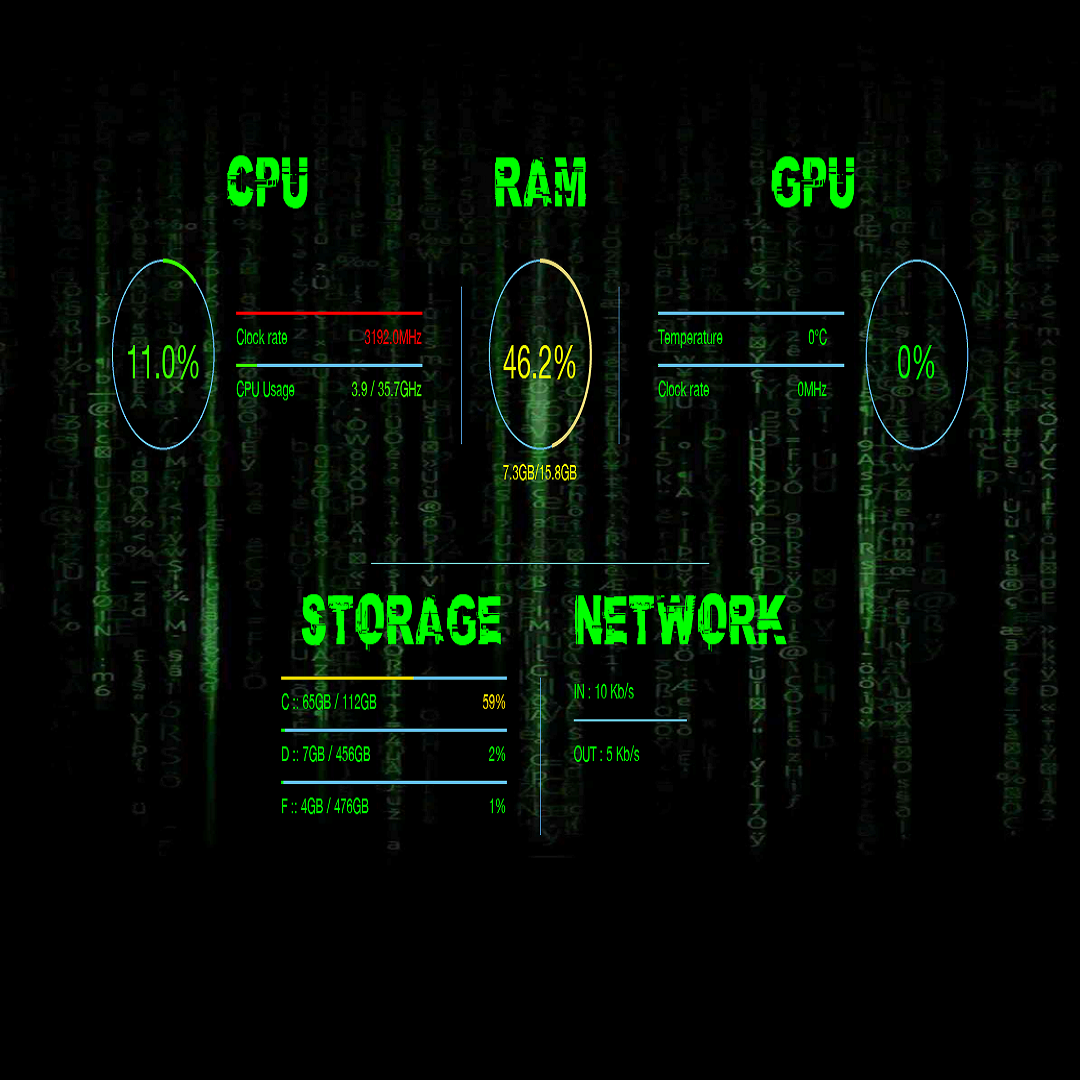
PC performance wallpaper
- score
- 3.8
- Memory
- 300 MB
- DirectX
- DirectX 12 API, Hardware Feature Level 11

Download and install the app, then launch it. It will automatically start with your computer, providing real-time performance data from the start.
Yes, go to Settings > Display Options to select and customize the performance parameters you want to view.
It tracks CPU, RAM, GPU usage, temperature, and overall system status, updating these metrics continuously.
It visualizes real-time system performance, allowing you to quickly identify bottlenecks or issues at a glance.
Currently, the app displays only real-time data; historical tracking is not supported.
Some features may require a subscription or purchase. Check Settings > Account for available plans and upgrades.
Navigate to Settings > Account > Subscription to view options and complete your purchase securely.
The app offers free core functions; optional premium features may require payment. Review the app's pricing details.
Close the app, restart your computer if needed, and relaunch the program. Ensure your system meets the app's requirements.
Enable auto-start in Settings > General > Launch at startup, so the app runs automatically after reboot.
for Windows
4.8for Windows
4.8for Windows
4.7for Windows
4.7for Windows
4.6for Windows
4.6for Windows
4.6for Windows
4.6for Windows
4.5for Windows
4.5for Windows
4.5for Windows
4.5










