
- Category Productivity
- Developer XtremeDevelopments.com Ltd
- Available on PC, Surface Hub
- OS Windows 10 version 17763.0 or higher
- languages Arabic, Chinese (Simplified), Dutch, English, French, German, Hindi, Italian, Japanese, Russian, Spanish
Streamlining PDF Management with PDF Binder Pro for Windows
In today's digital workspace, juggling multiple PDF files can feel like trying to keep several plates spinning at once. Enter PDF Binder Pro for Windows—a tool designed to seamlessly embed, organize, and manage your PDFs in a way that feels as intuitive as flipping through a well-organized binder. Developed by XtremeDevelopments.com Ltd, this application aims to simplify what used to be a cumbersome task, making it accessible even for those with minimal tech background.
Who Created This Digital Toolbox?
Developed and published by XtremeDevelopments.com Ltd, a team dedicated to crafting productivity tools that enhance workflow efficiency. Their expertise appears rooted in understanding the challenges of digital document management, translating into a user-centric design for PDF Binder Pro.
The Main Features That Make PDF Binder Pro Shine
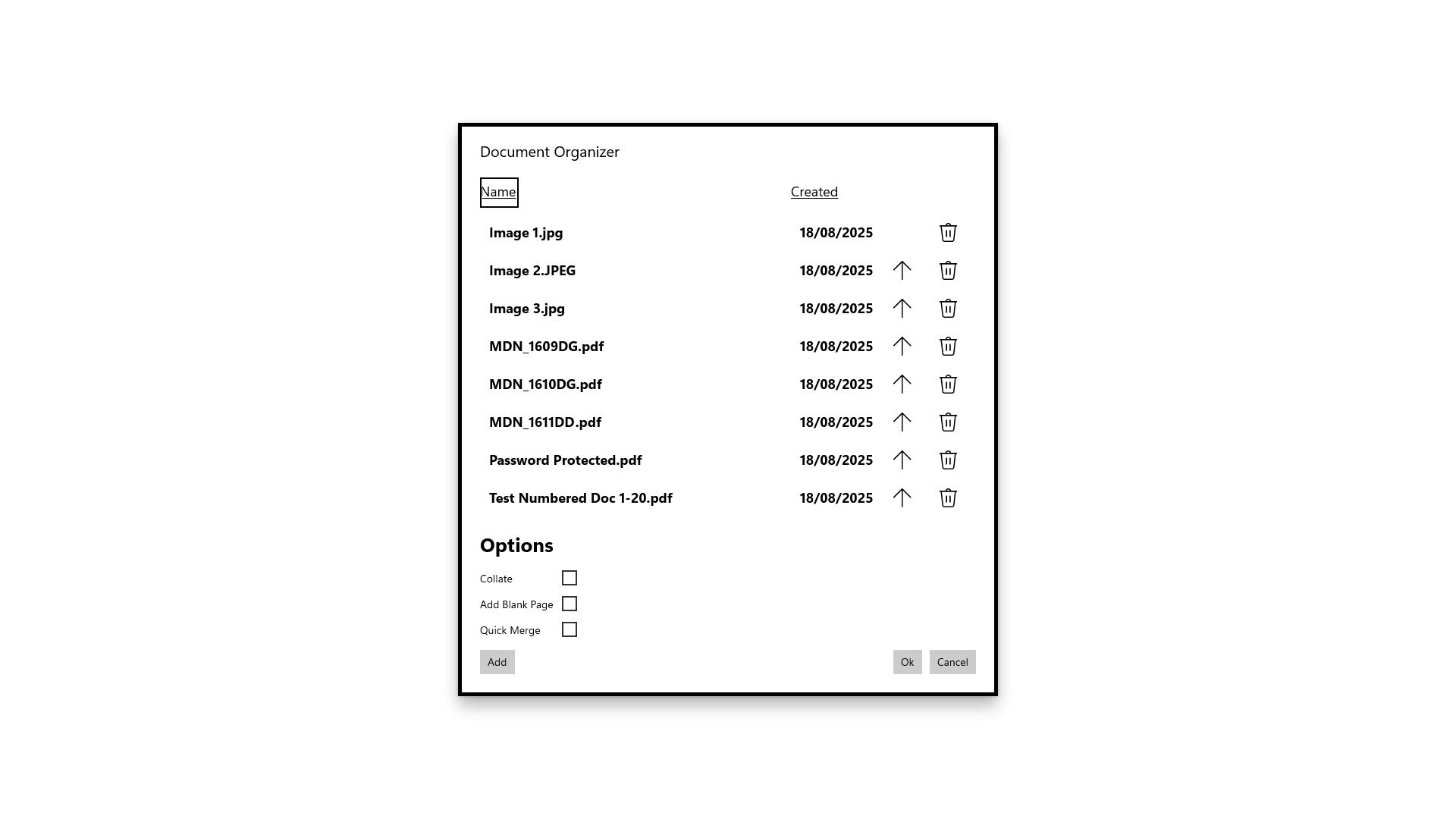
- Easy PDF Merging and Organization: Combines multiple PDFs into a single, cohesive document or organizes them into virtual "binders" for quick retrieval.
- Intuitive Drag-and-Drop Interface: Enables users to effortlessly add, rearrange, or remove files with a familiar drag-and-drop mechanism.
- Robust Search and Tagging System: Offers effective tools to tag PDFs and perform fast searches, reducing time spent hunting for documents.
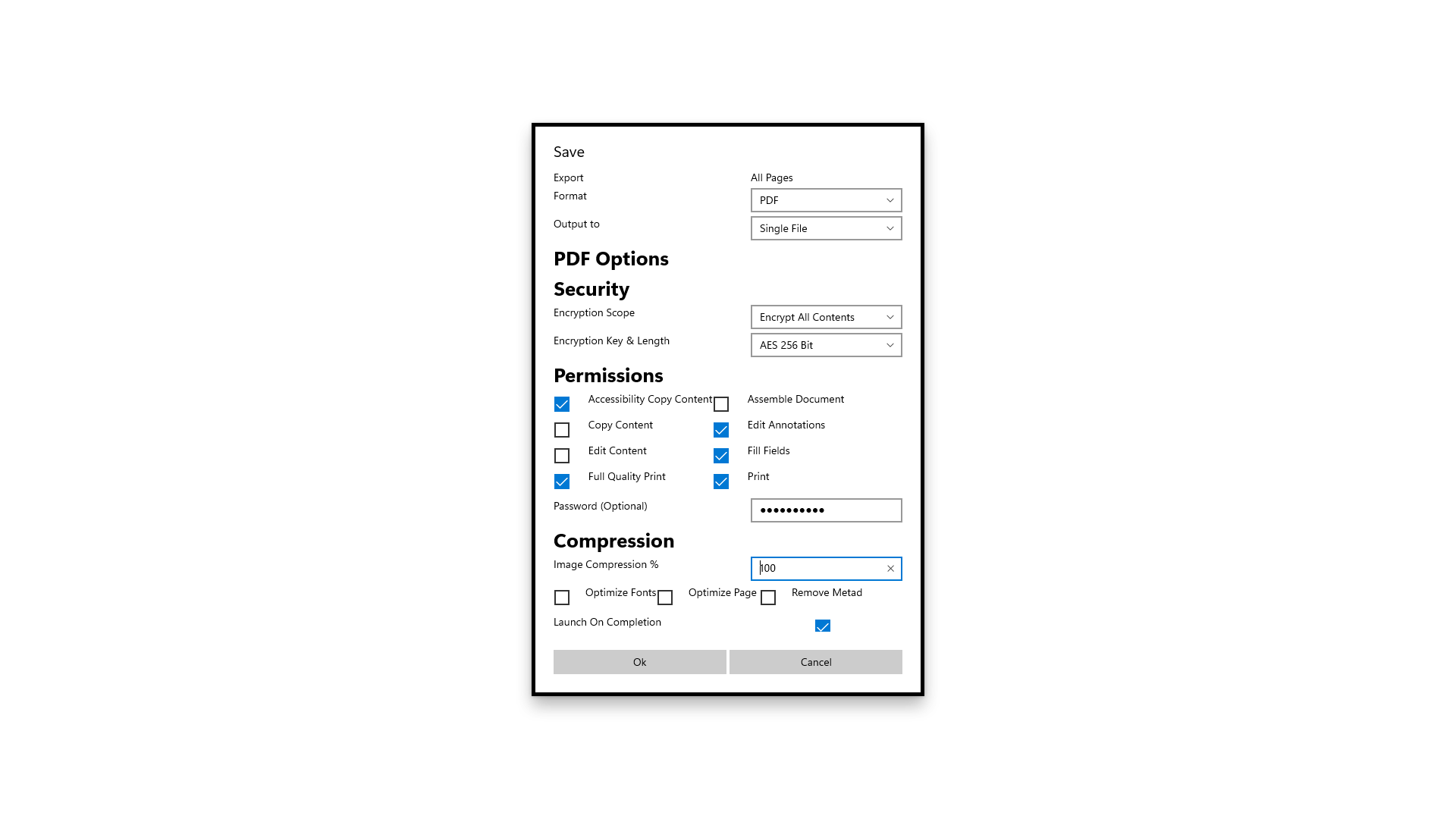
- Secure Document Handling: Supports password protection to safeguard sensitive information within your PDFs.
Experience in Action: A Closer Look
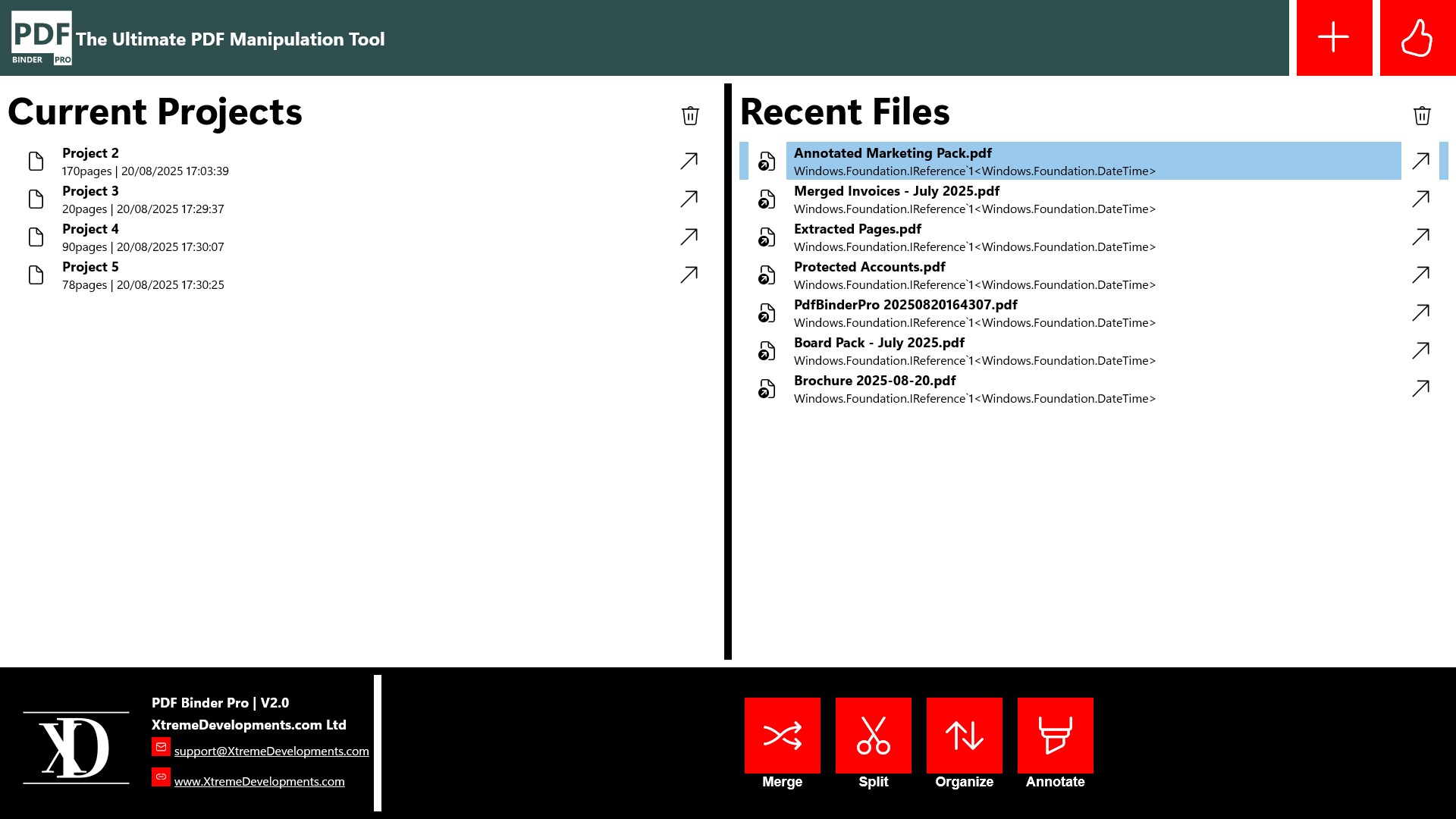
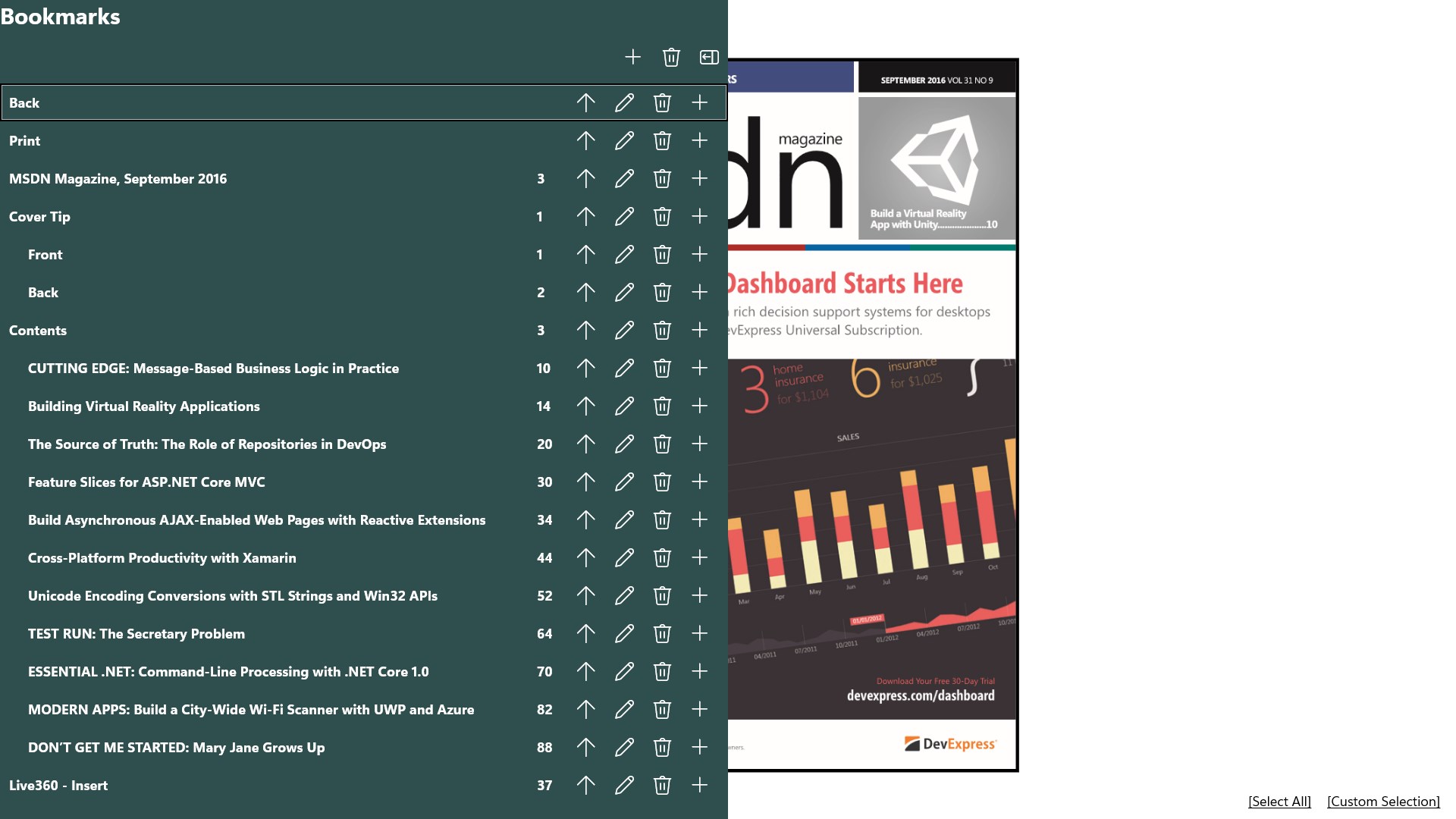
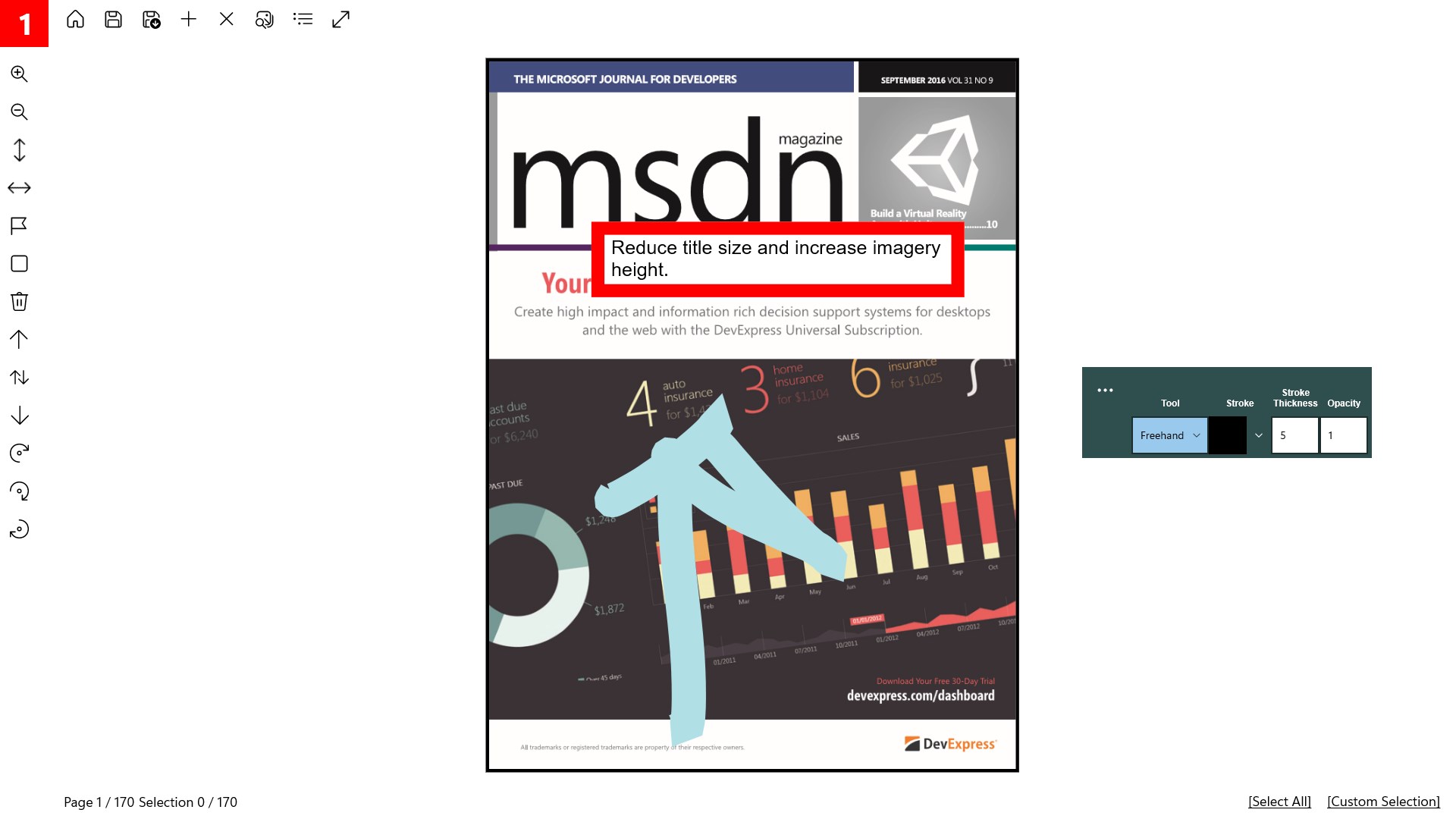
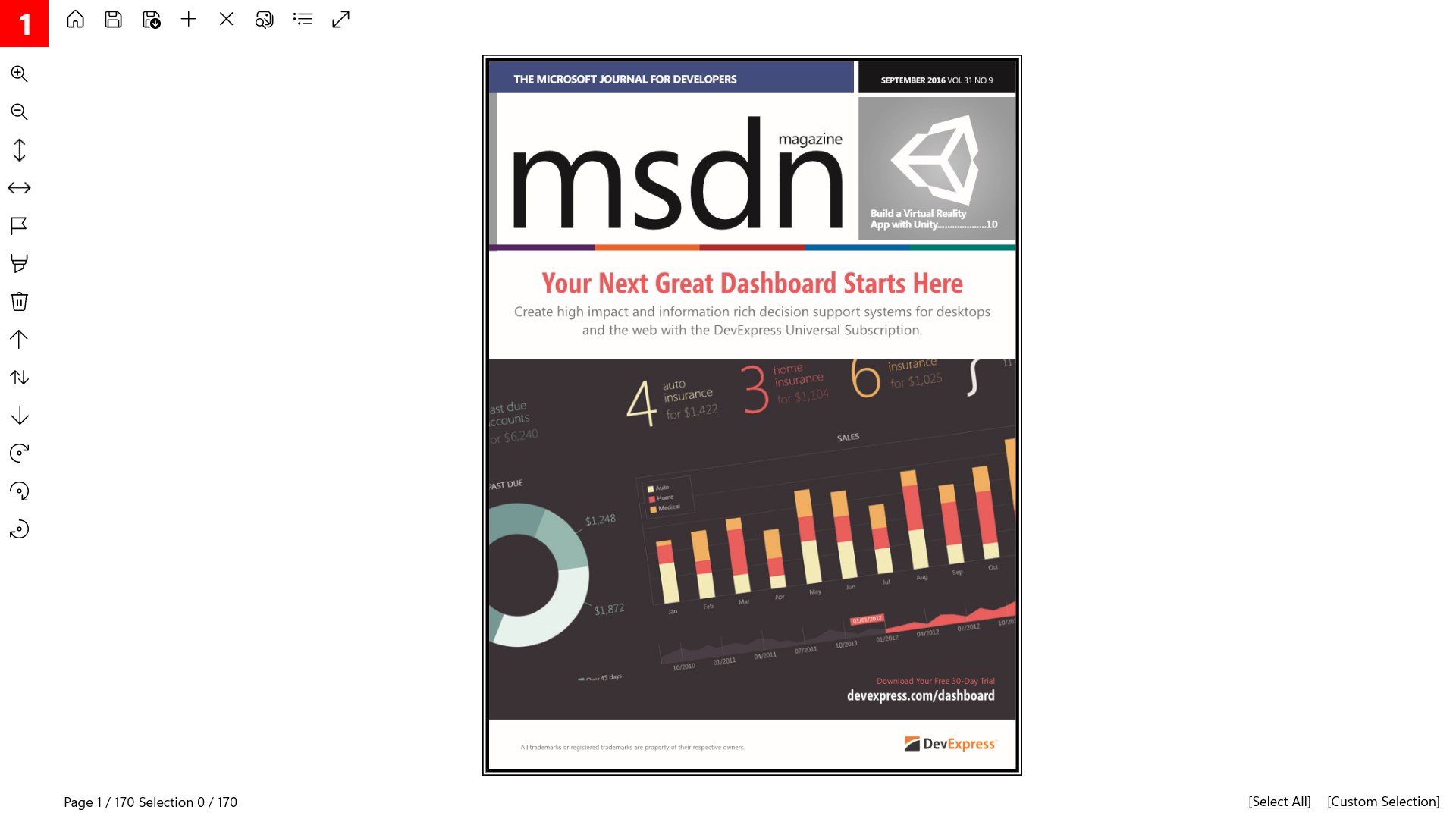
Imagine opening your workspace to a desktop that feels less like a digital jungle and more like a well-organized file cabinet. PDF Binder Pro welcomes you with a sleek, minimally adorned interface—think of it as the polished oak exterior of a trusted library shelf. The workspace is intuitive, boasting a layout that encourages exploration without overwhelming, much like flipping through a well-dined menu rather than deciphering a complex map.
Core Functionality #1: Seamless PDF Merging and Organization
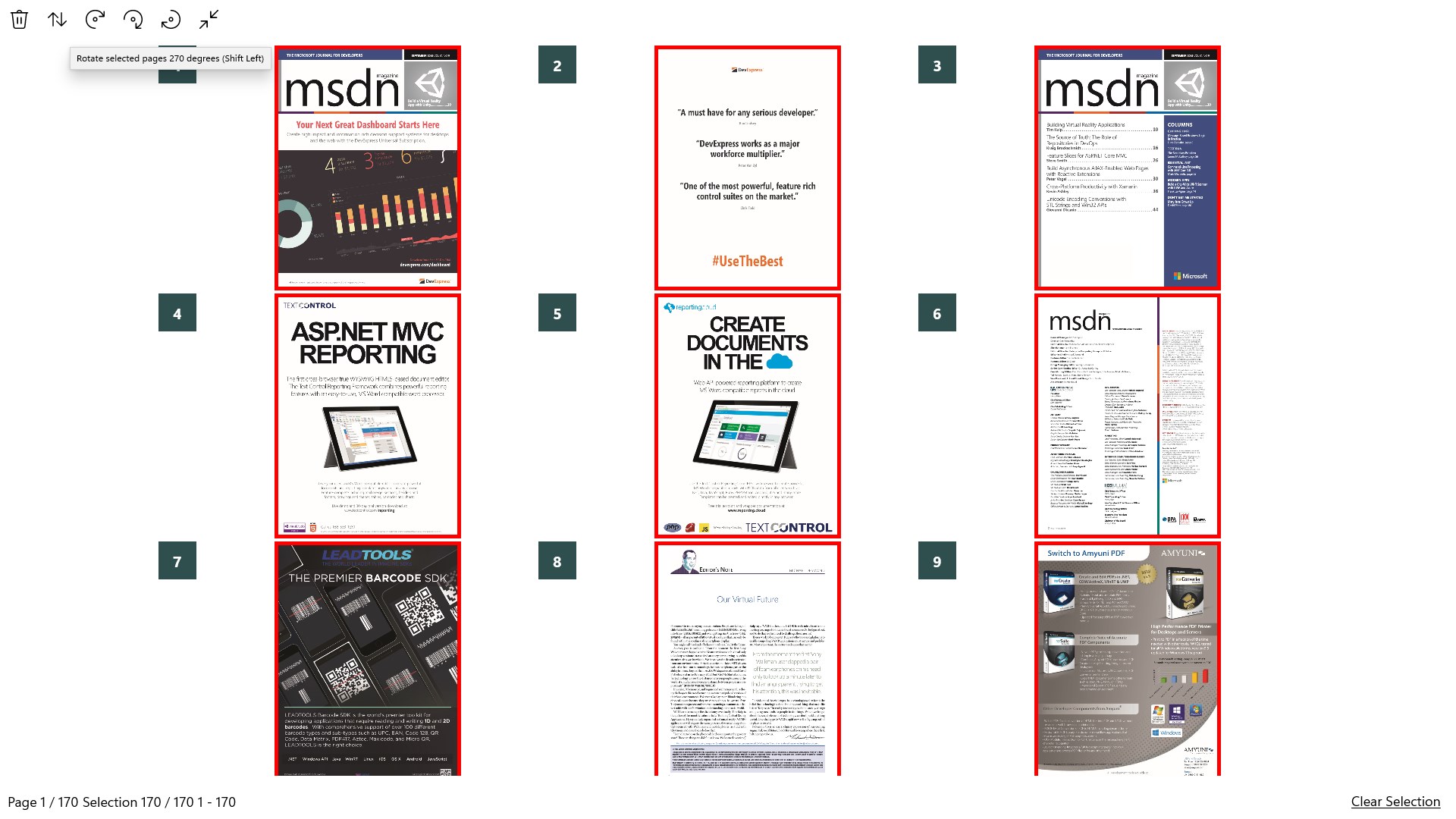
One of PDF Binder Pro's standout features is its ability to merge multiple PDFs into a single file or organize them into digital "binders". This process is as simple as selecting files and dragging them into a binder—no complicated menus or convoluted steps. The app's design reduces cognitive load by visually aligning with users' natural workflow — think of it as stacking papers in your favorite binder, rather than juggling disparate documents across multiple folders. This approach is a real game-changer for professionals and students alike, streamlining document assembly for presentations, reports, or study materials.
Core Functionality #2: Smart Search and Tagging System
Finding the right document becomes effortless thanks to the app's powerful search and tagging features. You can assign tags to PDFs, creating bespoke filters for different projects, subjects, or clients. When you need to retrieve an important file, just type in a keyword—like flipping on the light in a dark room—and the right document appears. This intelligent system significantly cuts down on time wasted browsing folders or scrolling through lists, making your workflow smoother and less stressful.
User Experience: Clean Interface Meets Fluid Operation
From the moment you launch PDF Binder Pro, it feels like reconnecting with an old friend—familiar yet refreshed. The interface's simplicity and logical layout mean you spend less time learning and more time doing. Operations like adding, organizing, or searching PDFs are lightning-fast, with drag-and-drop actions that feel as natural as handling physical papers. The app's lightweight nature ensures smooth performance on most Windows machines, with minimal lag even when handling numerous or large files. For newcomers, the learning curve is gentle, akin to picking up a new book in a familiar series; experienced users will appreciate how effortlessly it integrates into their existing workflows.
Standing Out in the PDF and Productivity Crowd
Compared to other PDF management tools, PDF Binder Pro's core strength lies in its focus on workflow integration efficiency. Rather than overwhelming users with dozens of features—many of which go unused—it emphasizes key functionalities that reduce cognitive load. The app's intuitive drag-and-drop system and intelligent search capabilities work in harmony, allowing you to manage PDFs with minimal mental effort. Think of it as a well-oiled conveyor belt for your documents, where each step is optimized for speed and clarity, unlike more feature-heavy competitors that can burden users with unnecessary complexity.
Final Thoughts: A Practical Choice for Organized Minds
If your daily routine involves handling multiple PDFs—whether for work, study, or personal projects—PDF Binder Pro offers a focused, user-friendly solution that cuts through the clutter. Its standout features, particularly the straightforward merging and intelligent search, position it as a good choice for users seeking to streamline their document workflows without sacrificing ease of use. I'd recommend giving it a try if your goal is to bring order and efficiency into your digital document world. For those who prefer a clean, intuitive interface that integrates seamlessly into their existing workflow, PDF Binder Pro is worth adding to your productivity toolkit.
Pros
- User-friendly Interface
- Multi-document Management
- Fast Processing Speed
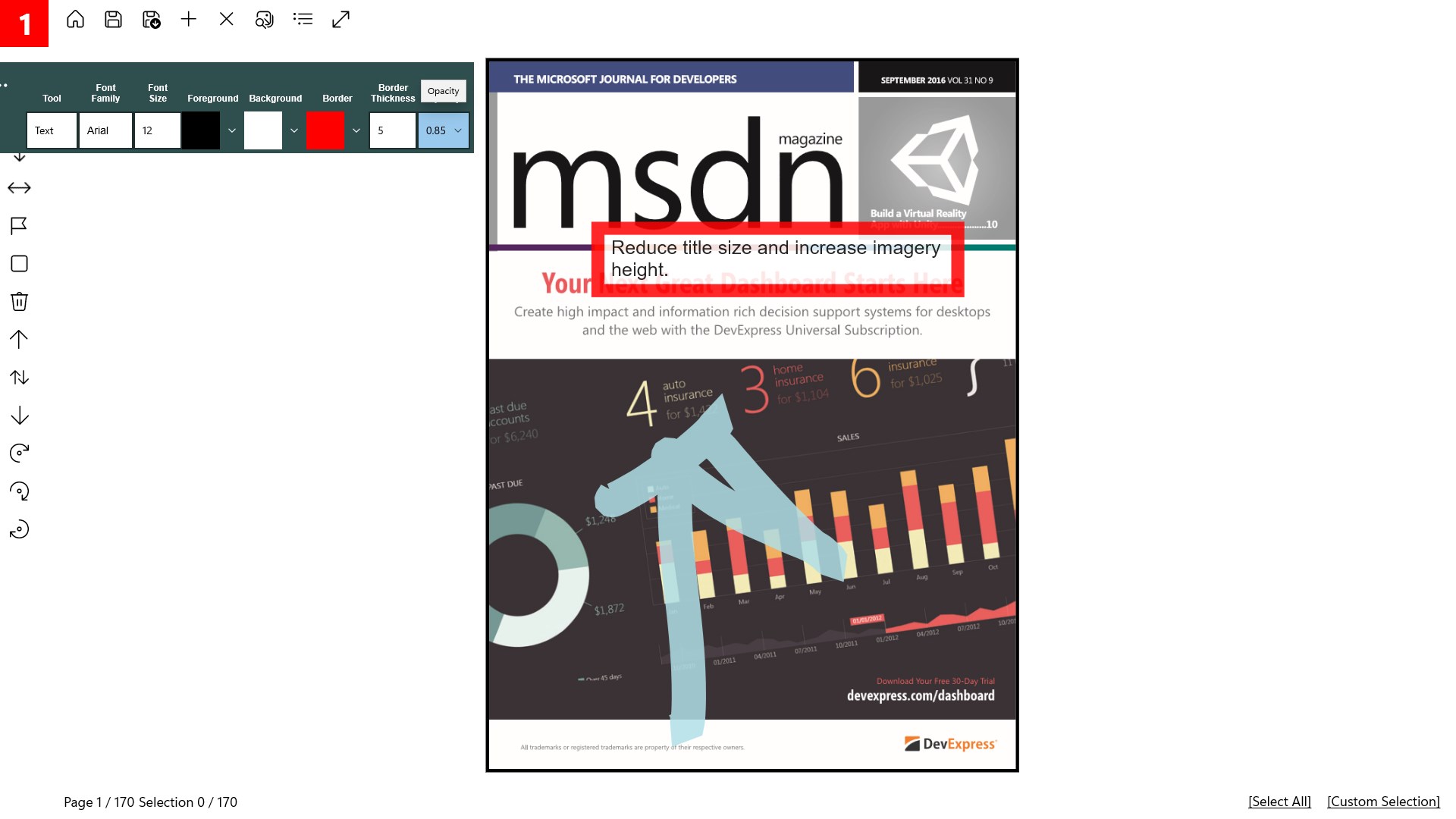
- Basic Annotation Tools
- Lightweight and Low Resource Usage
Cons
- Limited Advanced Editing Features
- Occasional Crashes When Handling Large Files
- Basic Annotation Tools Only
- No Cloud Integration
- Limited Customization Options











