
- Category Productivity
- Developer finetuneapps
- Available on PC, Mobile, Surface Hub, HoloLens
- OS Windows 10 version 17763.0 or higher
- languages English (United States)
Introducing PDF Converter Pro: Your Reliable PDF to Word Solution
PDF Converter Pro: PDF To DOCX for Windows by FinetuneApps positions itself as a streamlined tool designed to simplify the often cumbersome process of converting PDF documents into editable Word files. Its focused feature set aims to cater to professionals, students, and anyone who frequently needs accurate and fast PDF-to-Word conversions without fuss.
Who's Behind the Curtain?
Developed and published by FinetuneApps, a developer team known for creating practical and user-centric productivity tools, this application reflects their commitment to delivering solutions that feel both intuitive and powerful. Their experience with document management and workflow optimization is evident in the app's thoughtful design.
Core Highlights That Make It Stand Out
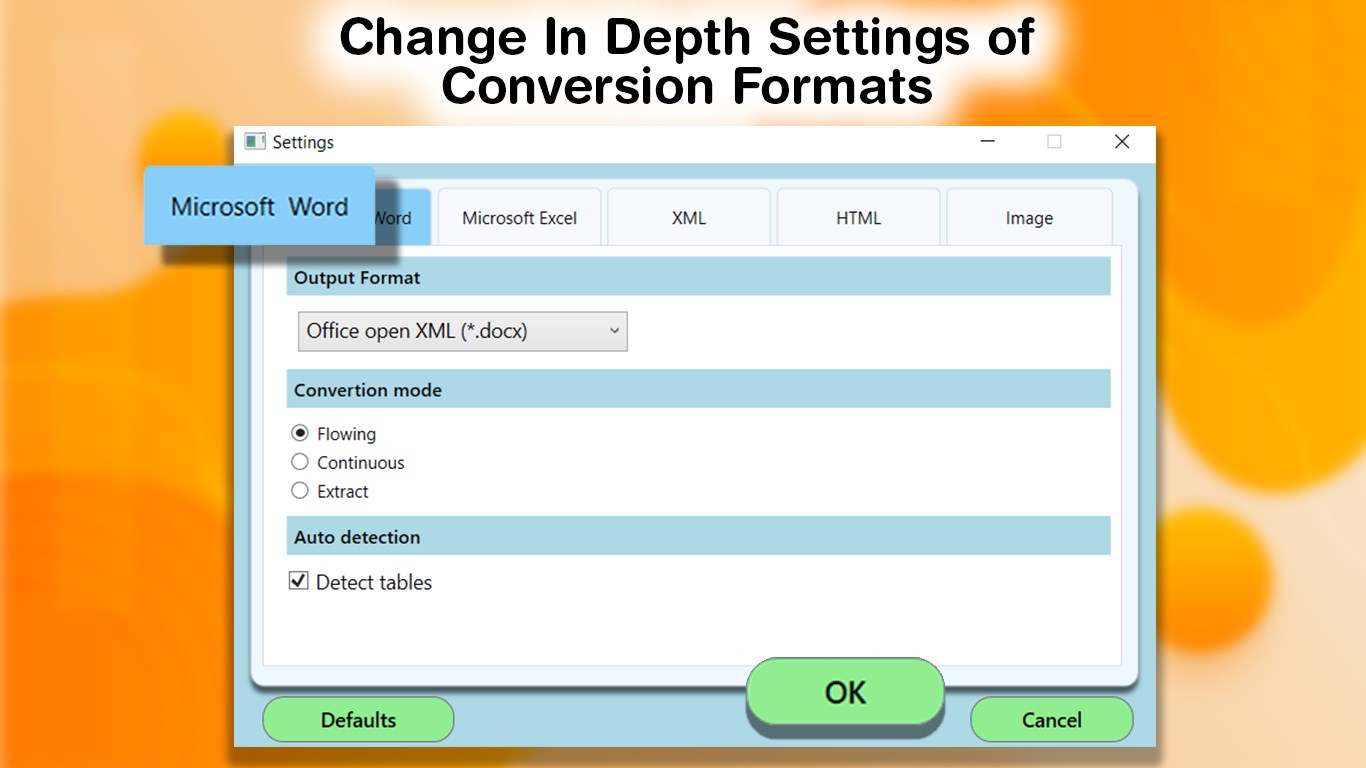
- High-accuracy conversion with minimal formatting loss: Maintains the integrity of complex layouts, images, and tables, ensuring that the converted Word document closely resembles the original PDF.
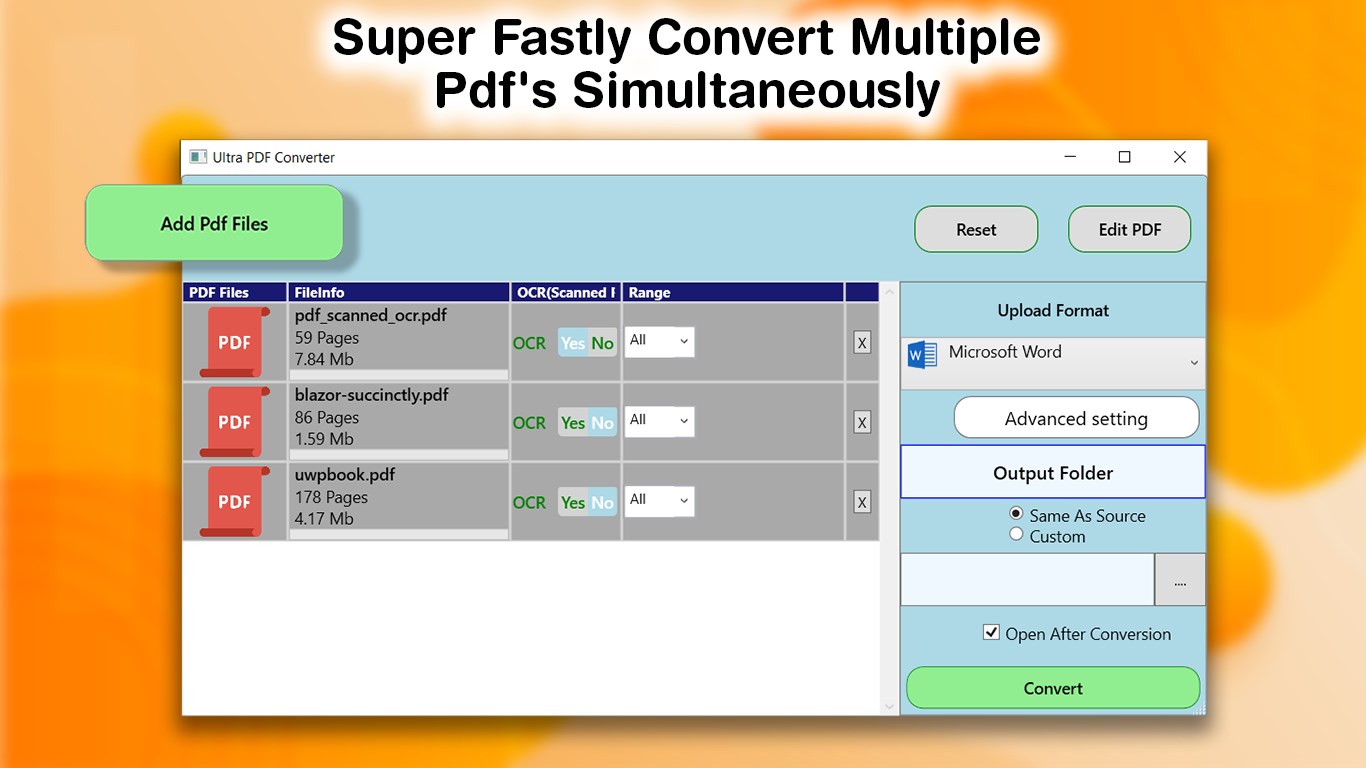
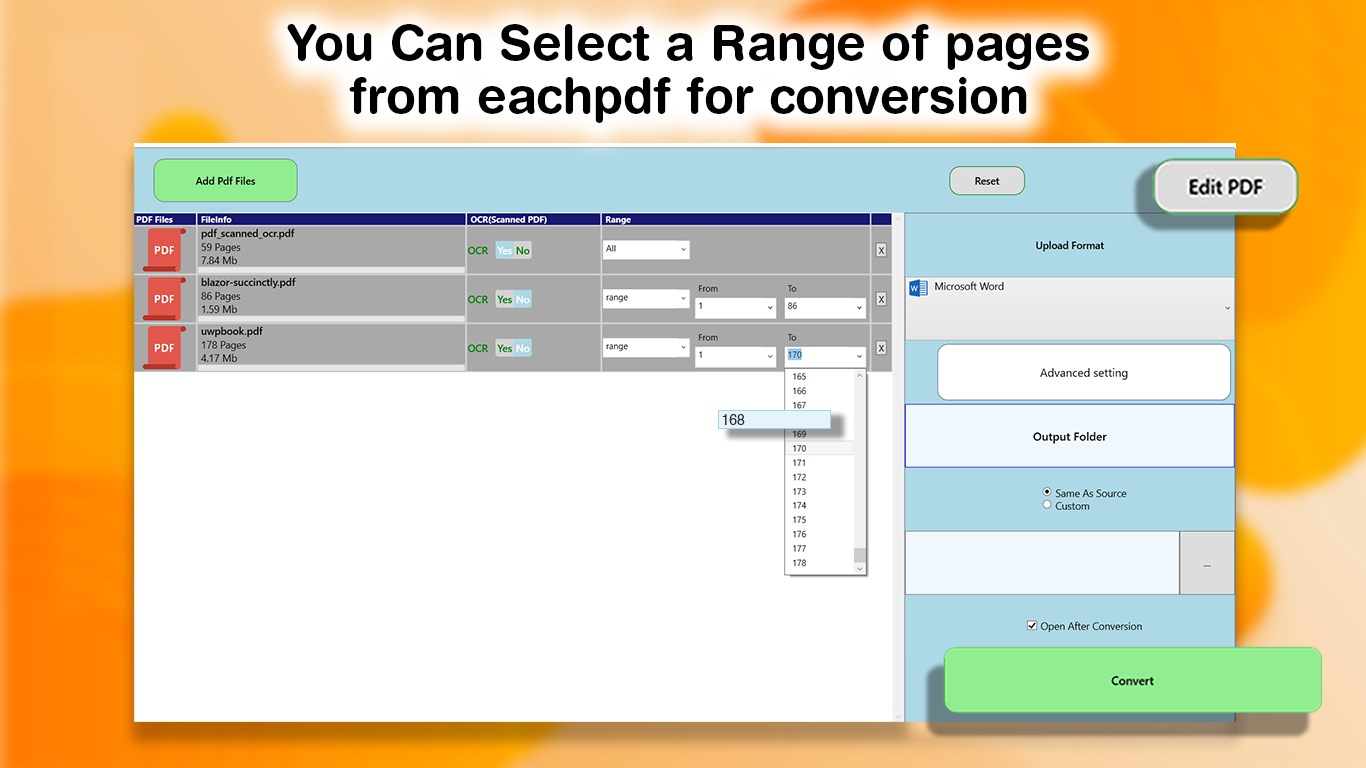
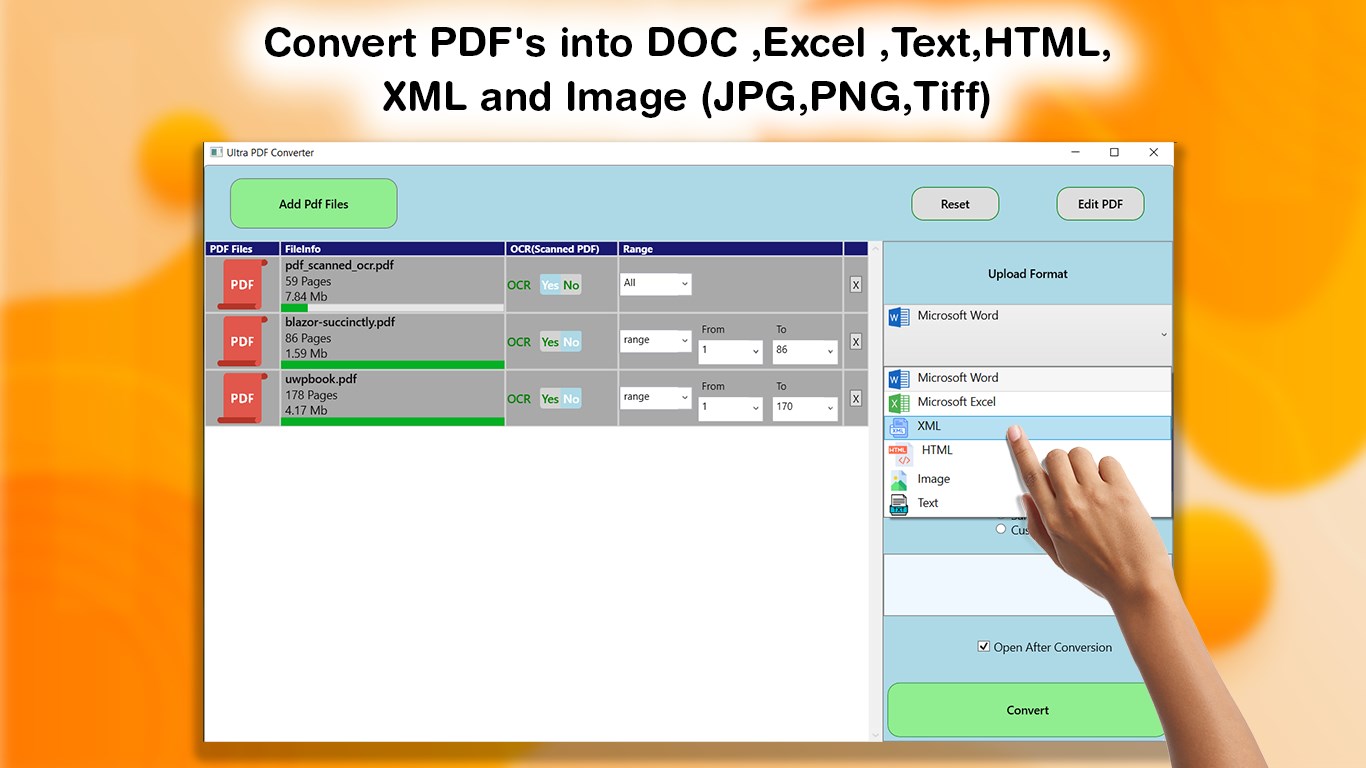
- Batch processing capabilities: Enables users to convert multiple PDFs simultaneously, saving precious time in workflows that involve large document sets.
- Simple and clean interface: An uncluttered design enhances ease of use, making conversion tasks accessible even for first-time users.
- Seamless integration with Windows: Designed for a smooth experience within the Windows environment, allowing quick access from the taskbar or context menus.
Step Into the World of Effortless Document Conversion
Imagine a scenario: you're buried under a pile of PDFs for your research project, each waiting to be transformed into editable documents. PDF Converter Pro feels like your trusty assistant—quiet, reliable, armed with tools that make your task feel less like a slog and more like an assembly line of efficiency. Its focus on accuracy and speed means less time fighting with formatting errors and more time focusing on what truly matters—your content.
Precision and Performance in Conversion
One of the standout features of PDF Converter Pro is its ability to perform high-fidelity conversions. Unlike some tools that produce a jumbled mess of fonts and misplaced images, this app demonstrates a keen sensitivity to document structure. It cleverly maintains complex elements like multi-column layouts, tables, and embedded images, making the resulting DOCX files ready for immediate editing. Whether it's a dense technical report or a beautifully designed brochure, the app handles diverse styles with grace.
Streamlining Your Workflow with Batch Processing
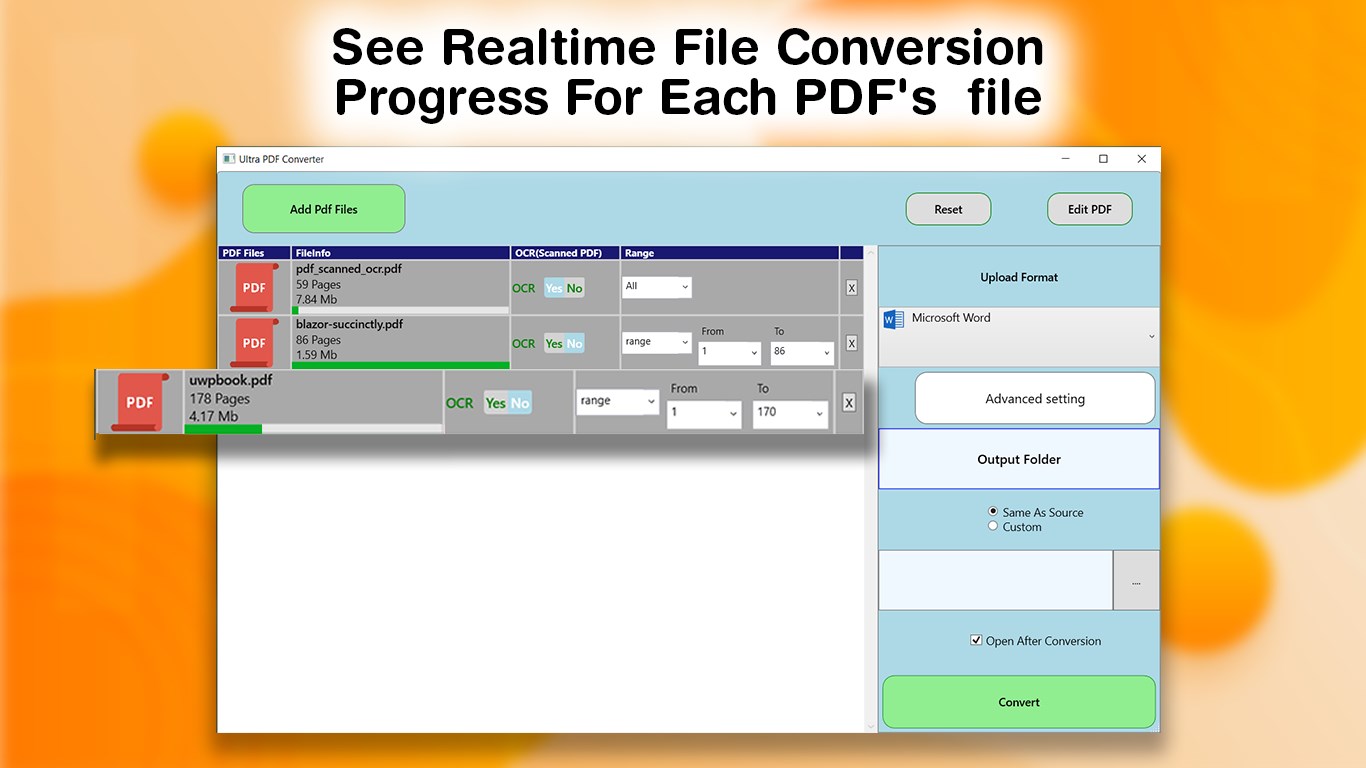
For users managing a flood of PDFs, the batch processing feature shines like a lighthouse in a foggy night. Selecting multiple files and converting them all at once helps maintain momentum—no more repetitive, time-consuming one-by-one conversions. This feature significantly reduces cognitive load, as you don't need to juggle multiple small tasks; instead, you set it up, press start, and let the app do the heavy lifting. This efficiency edge sets it apart from simpler, single-file tools that can hinder productivity during large projects.
User Experience: Friendly, Intuitive, and Smooth
From the moment you open PDF Converter Pro, its user interface feels like a tidy, well-organized workspace. Clear buttons, straightforward menus, and minimal clutter make navigation instinctive—even for users new to such software. The conversion process is quick; with operation flows well-tuned for speed and ease, the learning curve is gentle. You won't need hand-holding or tutorials to get started—it's designed to be self-explanatory, reducing frustration and cognitive strain during repetitive tasks.
What Makes It Differ from the Crowd?
Compared to other productivity apps, PDF Converter Pro distinguishes itself through its laser focus on workflow efficiency and reducing cognitive load. Its key advantage isn't overloaded with extraneous features—rather, it's optimized for the core task of converting PDFs into editable words without sacrificing quality. The app simplifies decision-making, streamlining the process so that users don't get bogged down by options, yet still achieve professional results. This balance of simplicity and performance is its unique selling point, making it particularly valuable for professionals who need dependable conversions without navigating bloated interfaces.
Recommendation and Usage Tips
Based on its performance, I confidently recommend PDF Converter Pro for users who regularly convert PDFs into Word documents—whether for academic, professional, or personal projects. Its focus on accuracy, batch processing, and a clean interface makes it especially suitable for busy individuals looking to integrate PDF conversion seamlessly into their workflows.
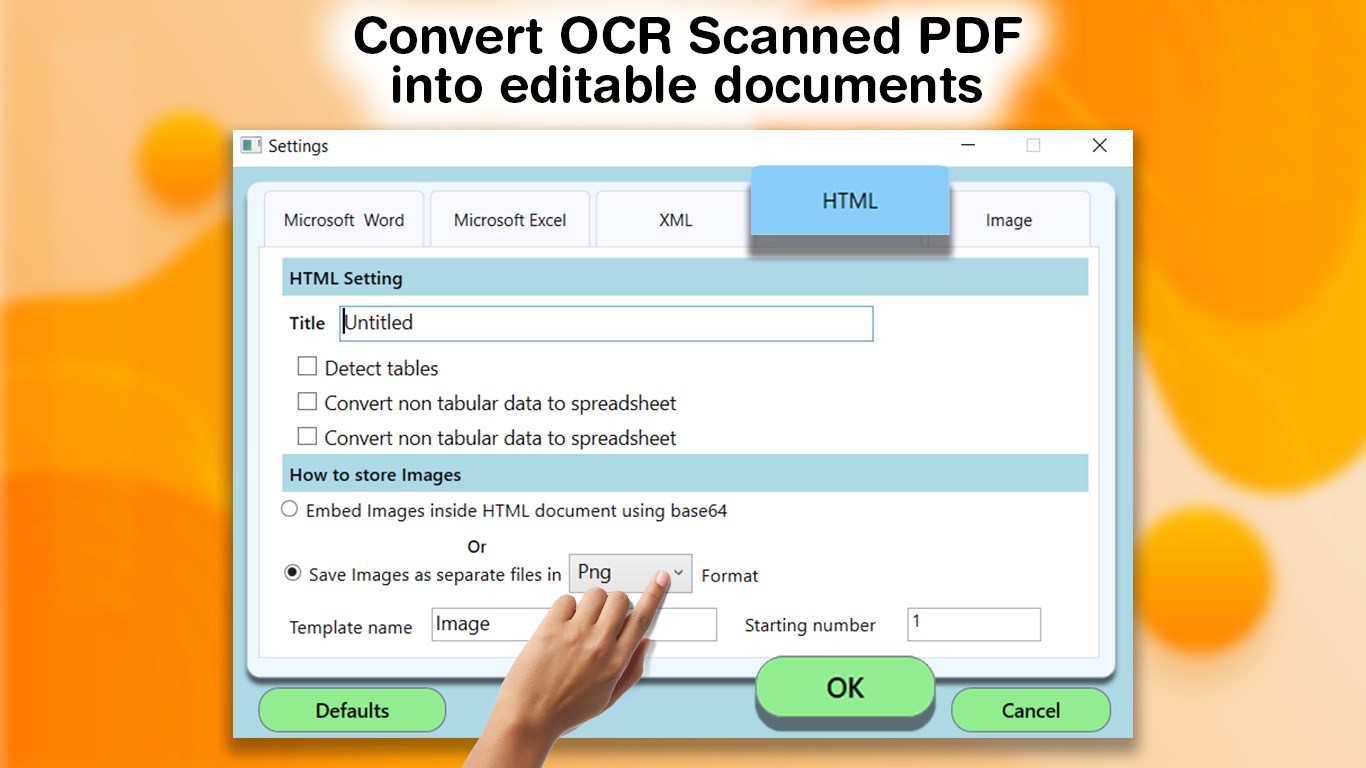
For best results, ensure your source PDFs are of good quality—scanned or heavily formatted documents might require additional correction post-conversion. Keep the app updated for the latest improvements, and take advantage of the batch feature when handling multiple files. Overall, this app is a reliable, efficient helper that makes converting PDFs feel less like a chore and more like a breeze.
Pros
- High Conversion Accuracy
- User-Friendly Interface
- Supports Batch Conversion
- Quick Processing Speed
- Compatibility with Various PDF Types
Cons
- Limited Free Usage
- Occasional Formatting Errors
- Large File Handling May Slow Down
- Limited Editing Options Post-Conversion
- No Cloud Integration











