
- Category Productivity
- Developer finetunesapp
- Available on PC, Mobile, Surface Hub, HoloLens
- OS Windows 10 version 17763.0 or higher
- languages English (United States)
A Clearer, Quicker Way to Manage PDFs on Windows
If you've ever wrestled with clunky PDF tools that slow down your workflow, PDF Editor: PDF Reader for Windows from Finetunesapp offers a refreshing approach. It's not just another PDF viewer—it's designed to streamline your document tasks, making your digital workspace smoother and more intuitive. Whether you're reviewing contracts, annotating reports, or filling out forms, this app aims to simplify your process without drowning you in complexity.
Designed with Precision: Who Created This Tool?
Developed by Finetunesapp, a team dedicated to crafting lightweight yet powerful productivity solutions, this application reflects their focus on enhancing document management efficiency. Finetunesapp specializes in creating user-centric tools that aim to integrate seamlessly into daily workflows, and this PDF Editor is no exception.
Top Features That Make a Difference
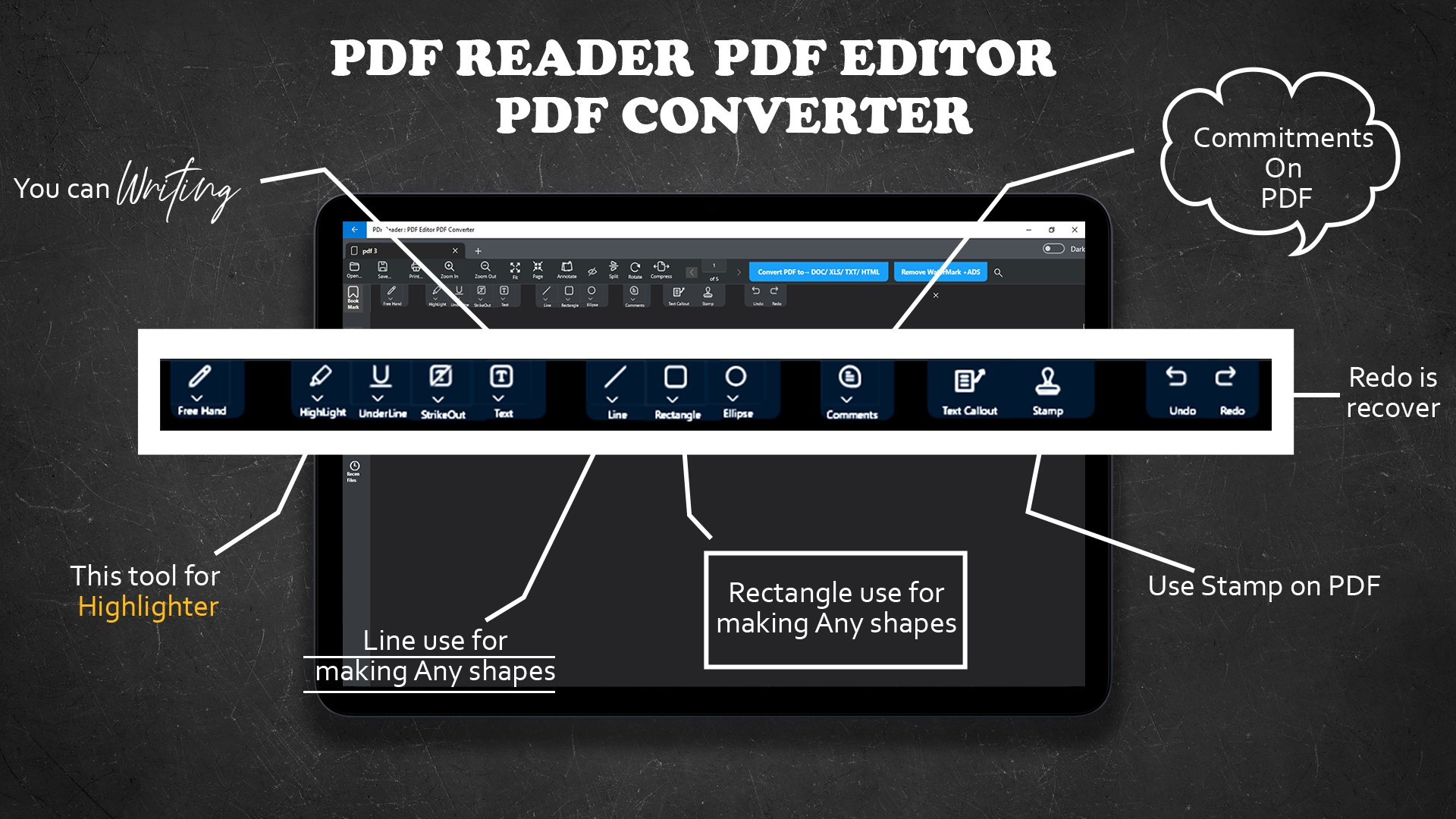
- Intuitive Annotation and Editing Tools: Easily highlight, underline, add notes, or even edit PDF text directly—think of this feature as your digital highlighter combined with a pen, empowering you to mark up documents effortlessly.
- Seamless Workflow Integration: Designed to work smoothly within Windows environments, the app supports quick access from system menus and integrates with cloud storage services, reducing the hassle of juggling multiple apps or file versions.
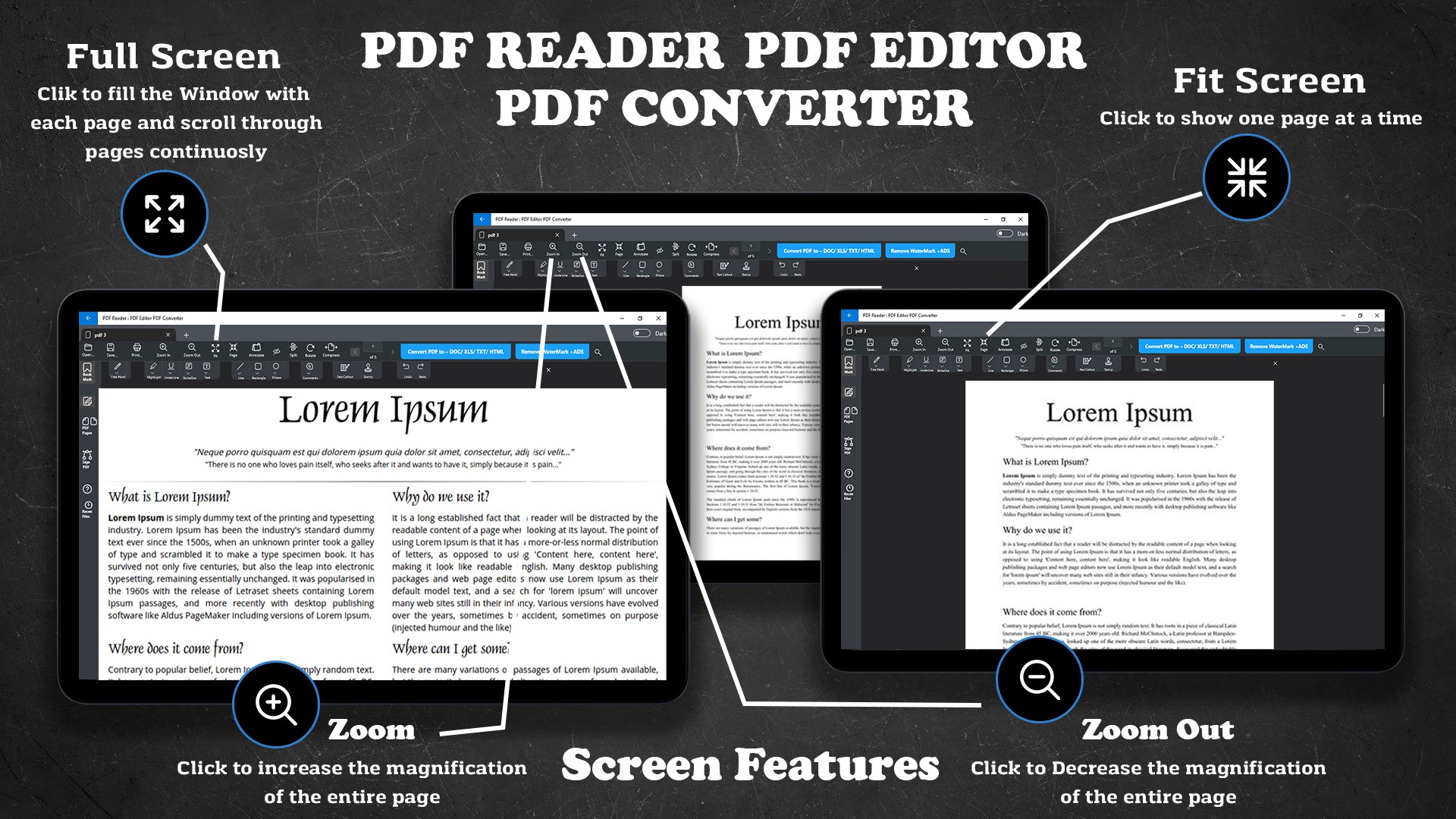
- Optimized Reading Experience: With a clean interface that mimics the ease of reading a physical paper, it minimizes eye strain and offers adjustable view modes, making long reading sessions less tiring.
- Secure Document Handling: Robust security features ensure your files stay private, with options to password-protect or encrypt sensitive PDFs—perfect for professional and confidential use.
An Engaging Dive into the App's Core Functionality
Imagine navigating your digital documents as smoothly as flipping through a well-organized notebook—this is what PDF Editor aspires to do. Its user interface adopts a minimalist, modern aesthetic, making every button and menu feel intuitive, almost like the app is reading your mind. The moment you open it, you're greeted with a clutter-free workspace that makes finding tools a pleasure rather than a chore.
Annotation & Editing
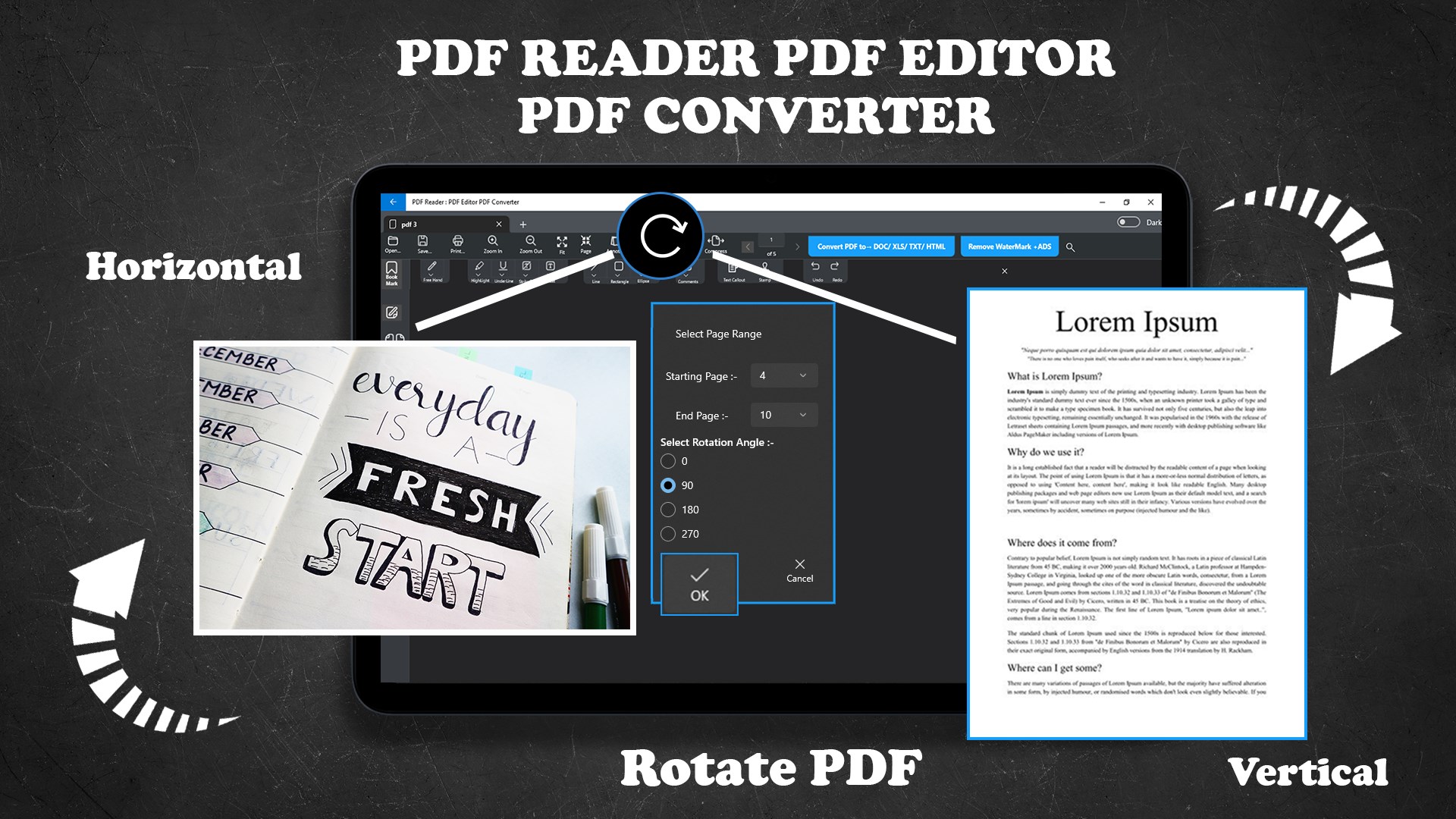
This feature stands out as the app's heartbeat—allowing you to directly interact with your PDFs as if you're editing a document on paper but with all digital advantages. Highlighting, adding comments, or correcting text can be done with just a few clicks, thanks to intelligent, context-aware tool placement. The editing tools are precise yet unobtrusive, reducing cognitive load and allowing you to focus on your content rather than figure out how to do it.
Workflow and Integration
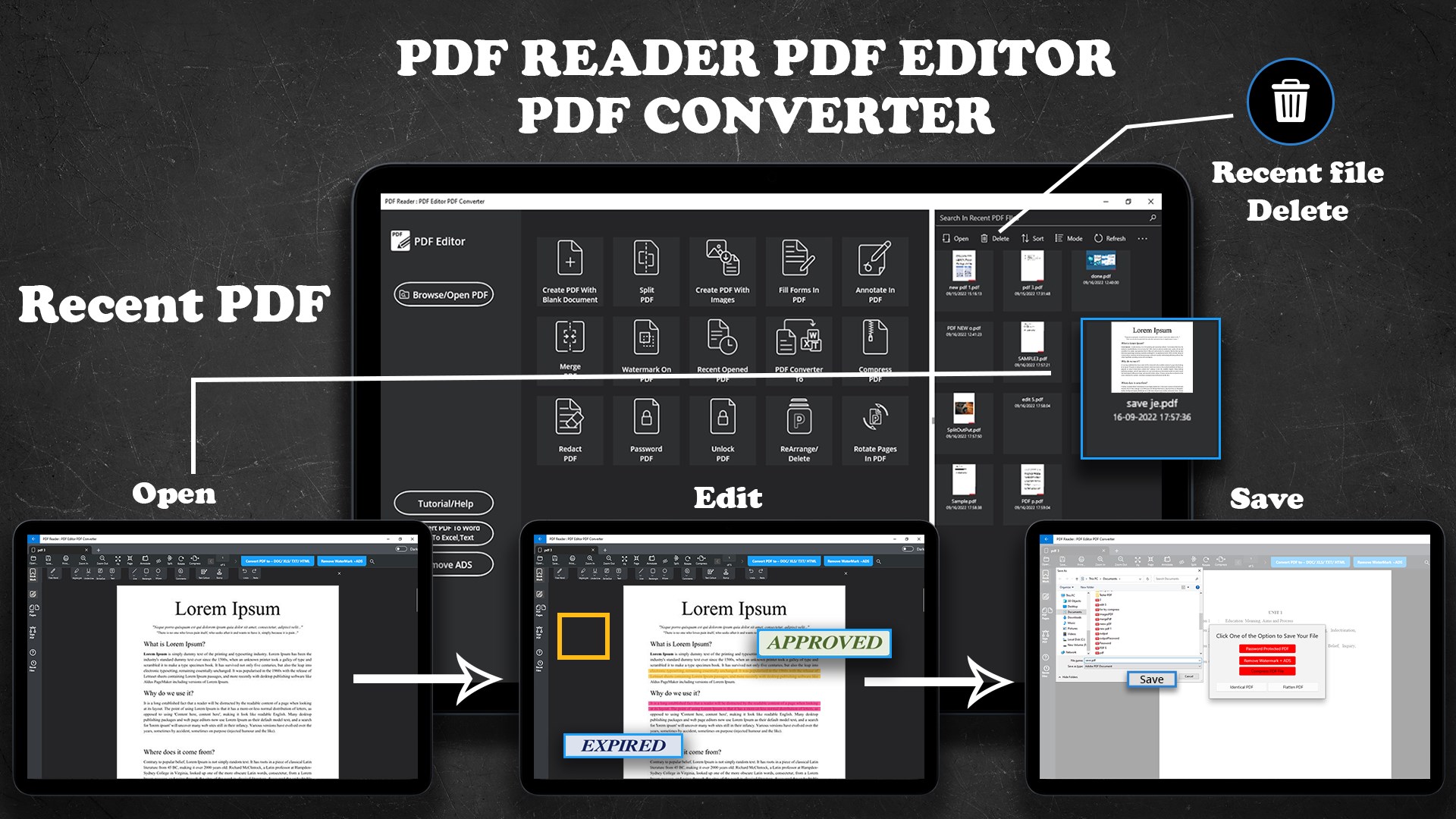
Unlike many PDF applications that feel secondary to your primary tools, this app integrates smoothly into your Windows environment. It recognizes your files effortlessly through explorer context menus and supports drag-and-drop features. Cloud synchronization and quick saving options mean your workflow remains fluid—no interruptions, no wasted time switching between apps. For professionals juggling multiple documents daily, this streamlined operation feels like having a reliable assistant by your side.
User Experience and Differentiators
For those familiar with complex productivity tools, this app offers a calming alternative—balancing a rich set of features with simplicity and speed. It reduces cognitive load by focusing on core functionalities you genuinely need, instead of overwhelming you with endless options. The interface's clarity minimizes decision fatigue, and operation feels as natural as flipping pages in a book.
In terms of unique advantages, its most remarkable trait is how it elevates workflow efficiency. While many PDF editors emphasize adding more features at the expense of usability, this app prioritizes smooth interaction. It's akin to having a well-trained librarian—organized, quick, and unobtrusive—allowing you to accomplish your tasks with minimal mental effort.
Final Verdict: A Worthwhile Companion for Windows Users
Overall, PDF Editor: PDF Reader for Windows earns a positive recommendation, especially for professionals or students seeking a straightforward, effective PDF management tool. Its standout annotation/editing feature combined with seamless Windows integration makes it a versatile choice. For users tired of feature-burdened apps that convolute workflows, this app offers a refreshing relieve—a lightweight companion that respects your time and focus.
Whether you're preparing reports, reviewing contracts, or simply organizing personal documents, this app proves to be a dependable, efficient tool that can elevate your productivity game without adding unnecessary complexity. Give it a try and experience the difference—sometimes, simplicity truly is the ultimate sophistication.
Pros
- Intuitive User Interface
- Comprehensive PDF Editing Tools
- Fast Performance
- Cloud Integration
- Regular Updates
Cons
- Limited Advanced Editing Features
- Occasional Crashes with Large Files
- Limited Free Features
- UI Customization Options are Sparse
- Offline Mode Limitations











