

- Category Productivity
- Developer MobiSystems Inc.
- Available on PC, Mobile, Surface Hub, HoloLens
- OS Windows 10 version 17763.0 or higher
- Memory 1 GB
- languages Arabic (Egypt), Bulgarian, Chinese (Simplified), Czech, English (United States), French, German, Hebrew, Hindi, Italian, Japanese, Polish , Portuguese (Brazil), Portuguese (Portugal), Russian, Spanish (Spain), Swedish, Thai
Introducing PDF Extra Lifetime: A Robust Yet User-Friendly PDF Solution
PDF Extra Lifetime by MobiSystems Inc. positions itself as a comprehensive PDF editor and reader tailored for Windows users seeking an efficient, all-in-one document management tool. Whether you're a professional needing precise editing or a casual user wanting quick annotations, this app aims to streamline your workflow without overcomplicating the process.
Developer Behind the Curtain: MobiSystems Inc.
MobiSystems Inc., a reputable name in mobile and desktop productivity software, brings years of experience crafting intuitive, reliable apps. Their commitment to quality and user-centric design shines through in PDF Extra Lifetime, which integrates seamlessly into the Microsoft Store ecosystem.
Key Features That Make PDF Extra Stand Out
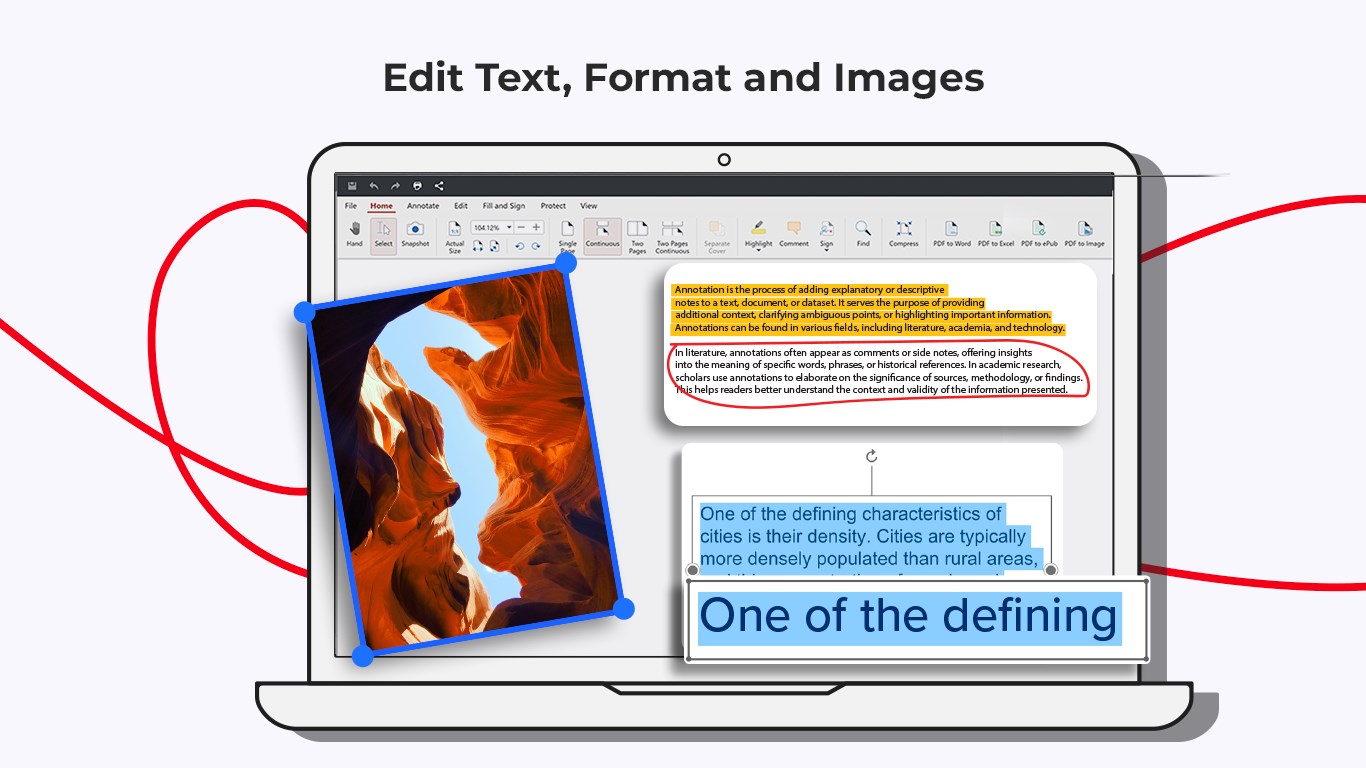
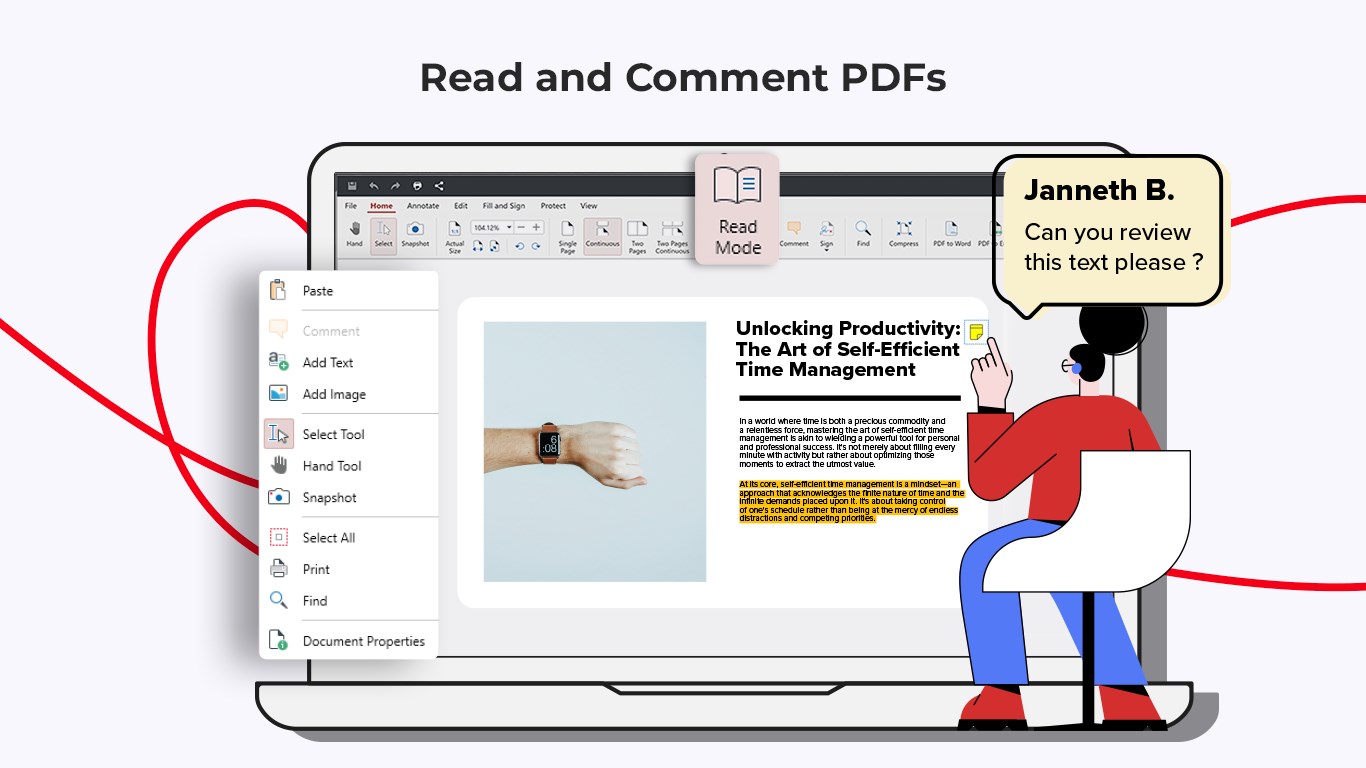
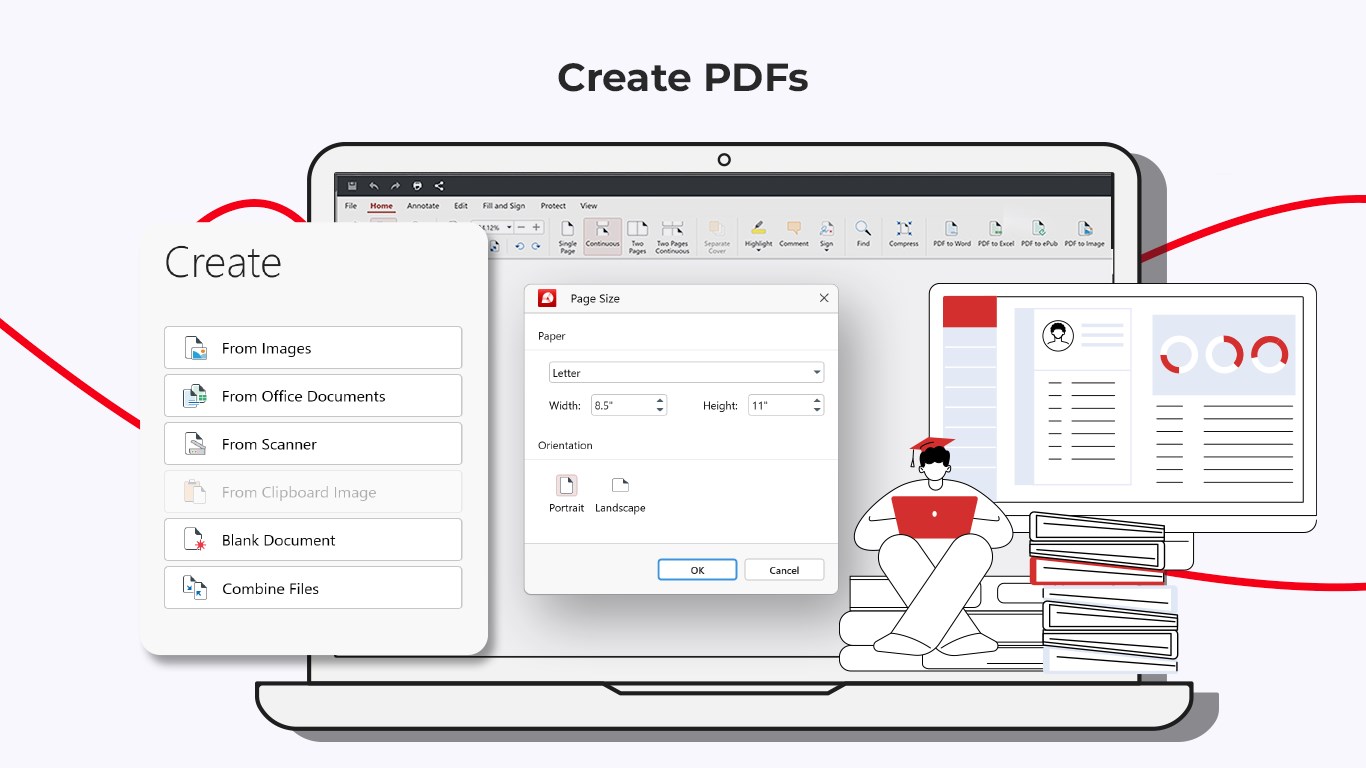
- Comprehensive PDF Editing: Modify text, add images, and annotate directly within your PDF documents with ease.
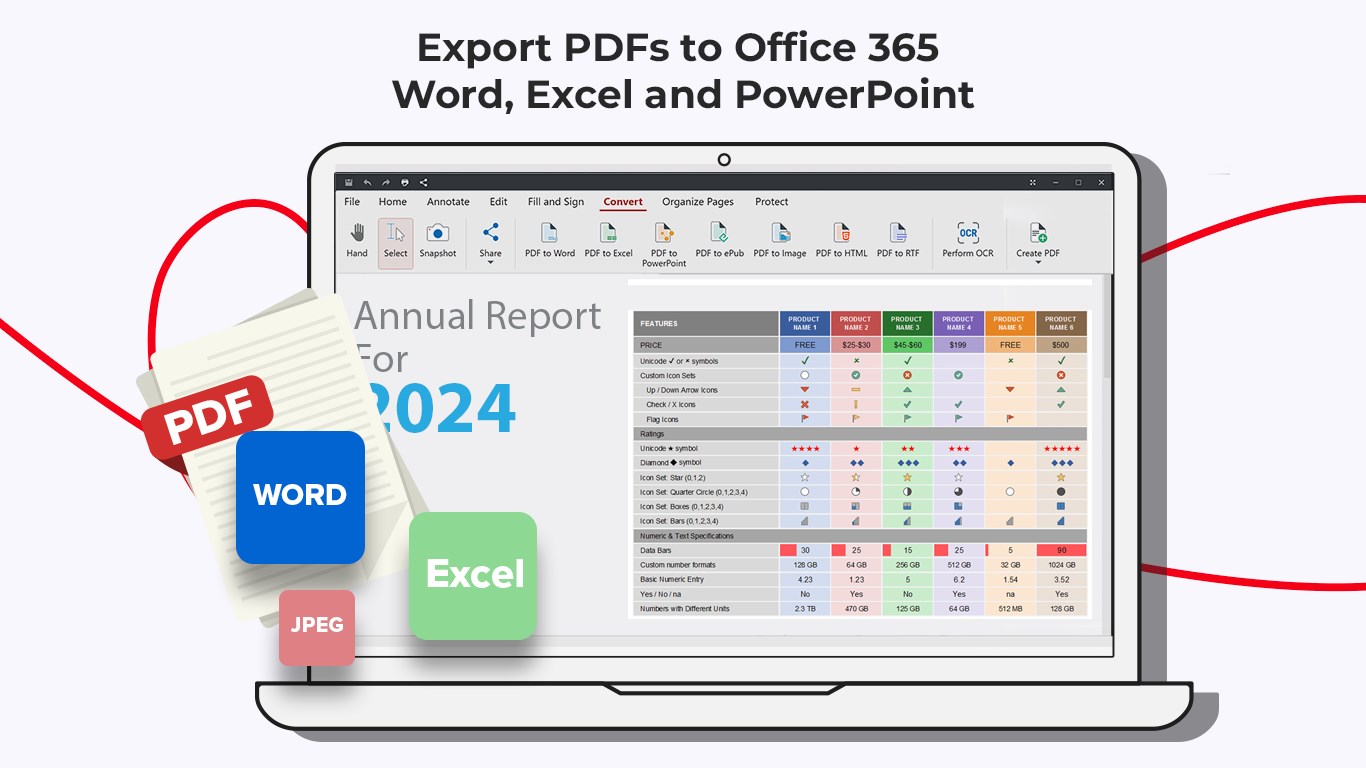
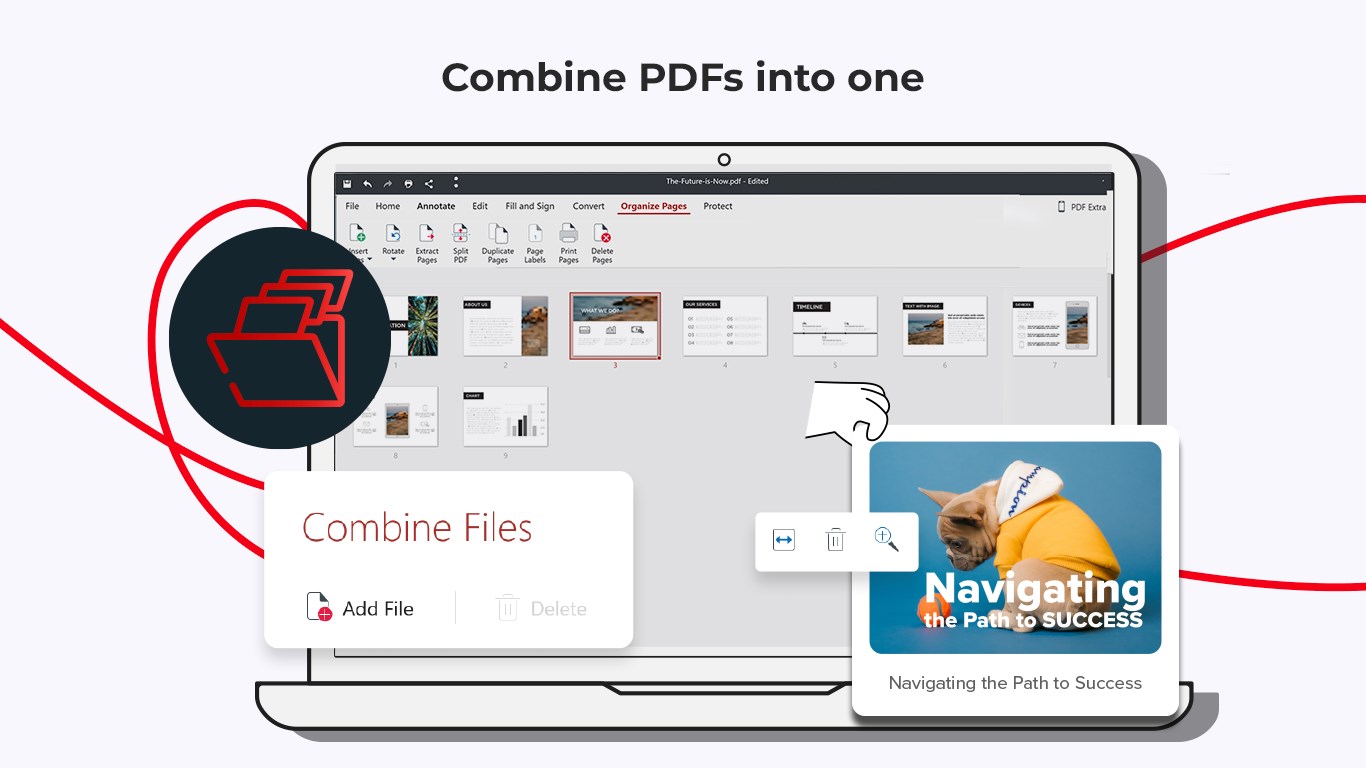
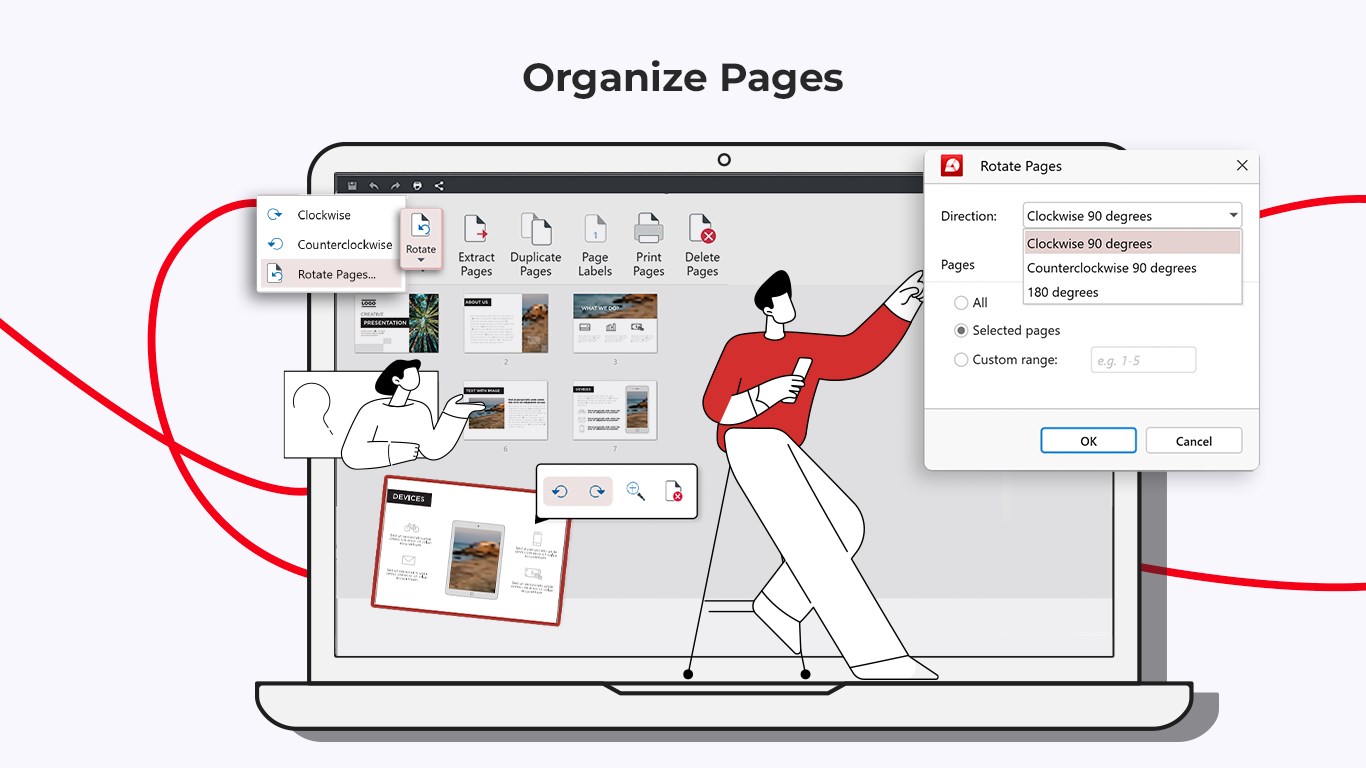
- PDF Conversion & Extraction: Convert PDFs to Word, Excel, PowerPoint, or images, and extract pages or embedded content swiftly.
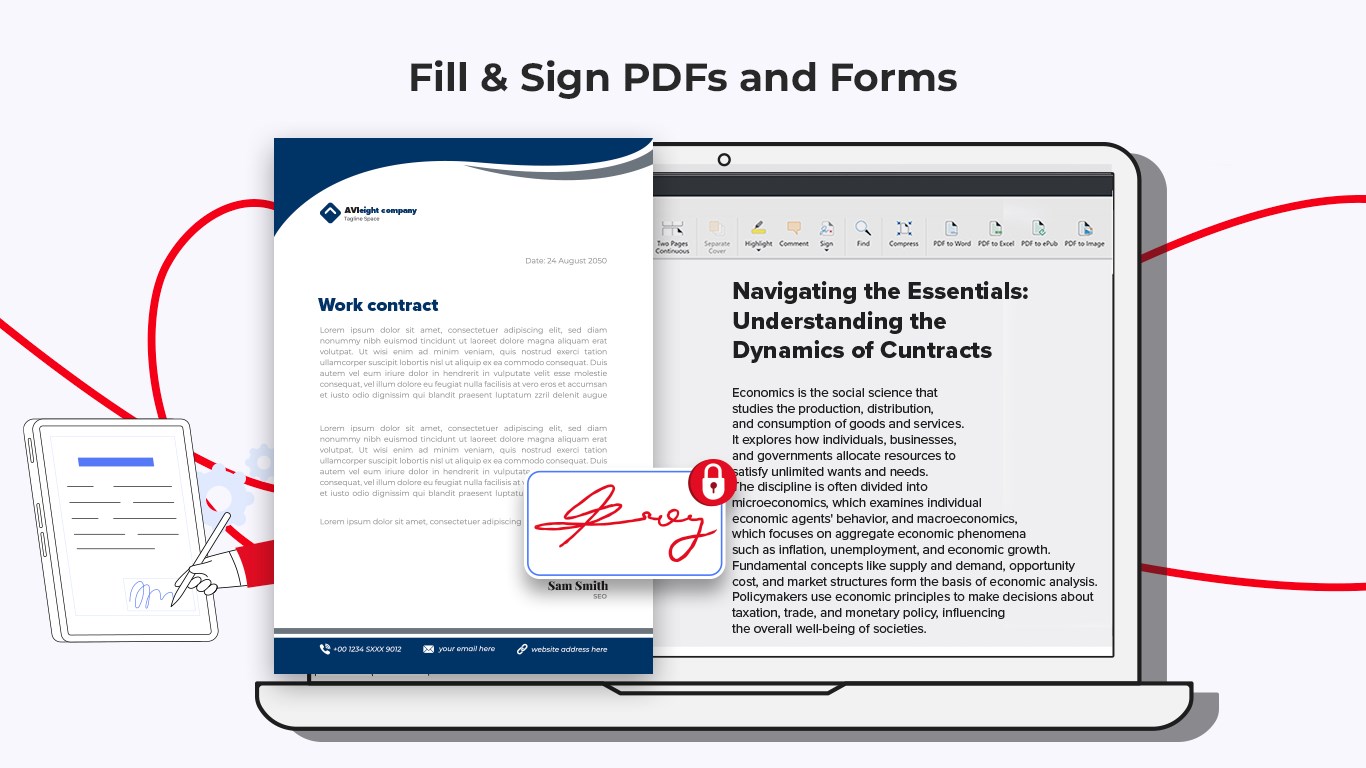
- Secure Digital Signatures & Cloud Integration: Sign documents digitally and sync effortlessly with popular cloud services for flexible file management.
- Lifetime License & Windows Optimization: One-time purchase offers continuous access, with optimized performance tailored for Windows environments.
Engaging with PDFs: An App That Keeps Things Simple but Powerful
Imagine sitting at your desk, clutching a mountain of PDF documents—some needing quick annotations, others requiring detailed edits. PDF Extra Lifetime feels like your reliable desk companion, offering a toolkit that's straightforward yet packed with power. The app's interface welcomes you with a clean, modern look, where tools are logically arranged like a well-organized toolbox, making complex tasks feel akin to reaching into a drawer and grabbing exactly what you need.
Intuitive Editing and Conversion Capabilities
The core charm of PDF Extra lies in its seamless editing suite. Modifying text is as effortless as editing a Word document—highlight, delete, add, adjust fonts, and reposition elements without breaking a sweat. Want to change a typo or update dates? The editing module's responsive design means real-time updates with minimal lag. Coupled with the robust PDF conversion features, transforming PDFs into Word, Excel, or image files is smooth, turning complex workflows into easy drag-and-drop actions.
This efficiency is further amplified by the app's smart extraction tools—grab specific pages or embedded images without fuss, perfect for quick referencing or compiling relevant sections.
User Experience: Sleek, Smooth, and Surprisingly Easy
Navigation within PDF Extra feels less like navigating a maze and more like flipping through a well-indexed catalog. The interface is uncluttered, allowing users to focus on their tasks rather than figuring out how to locate options. Transitions are fluid, with snappy responsiveness that keeps frustration at bay. Even newcomers will find the learning curve gentle—think of it as learning to ride a bike with training wheels that come off when you're ready.
Compared to other productivity apps packed with features, PDF Extra's design diminishes cognitive load. Its streamlined workflow ensures you spend more time completing your work than hunting for tools, making it ideal for busy professionals who value efficiency.
How Does It Differ from Other PDF and Productivity Tools?
Many PDF editors overwhelm users with a barrage of features that require extensive learning—sometimes turning simple tasks into mental marathons. In contrast, PDF Extra Lifetime emphasizes key functionalities that align directly with user workflows, reducing the mental clutter. Its focus on rapid editing, conversion, and signing reduces the steps and cognitive effort traditionally involved in managing PDFs. This clear focus on core tasks, combined with Windows tailoring, creates a unique niche where efficiency meets usability.
Recommendations & Usage Tips
If you're seeking a PDF tool that balances power and simplicity, PDF Extra Lifetime comes highly recommended—especially for users who regularly handle document edits, conversions, and signing. Its lifetime license ensures you won't be burdened with ongoing subscriptions, making it both cost-effective and reliable.
For best results, leverage the app's cloud integration to streamline document management across devices and storage locations. novice users should spend a few minutes exploring the editing and conversion workflows, which are designed for clarity and speed. Advanced users will appreciate the security features and high-quality output options that support professional-grade documentation.
In conclusion, PDF Extra Lifetime isn't just another PDF editor—it's a thoughtfully designed tool that fits neatly into everyday workflows, especially for those who prefer straightforward, efficient software without sacrificing essential features. Whether you're managing personal documents or professional files, this app offers a dependable, user-centric solution worth considering.
Pros
- Intuitive User Interface
- Comprehensive PDF Editing Tools
- Secure Document Handling
- Lifetime Access without Subscriptions
- Fast Performance and Reliable Stability
Cons
- Limited Compatibility with Non-Windows Devices
- Occasional Lag During Complex Edits
- Basic OCR Functionality Included, but Limited
- Some Advanced Features Require Learning Curve
- Minor UI Glitches Reported in Latest Version











