
- Category Productivity
- Available on PC, Surface Hub
- OS Windows 10 version 10586.0 or higher
- languages English (United States)
Transform Your PDFs Effortlessly with PDF Manager
In an era where document management is integral to productivity, PDF Manager - Merge, Split, Trim for Windows offers a straightforward solution to handle your PDF needs without hassle or steep learning curves. Developed by User Camp, this app aims to streamline your workflow with easy-to-use tools specifically designed for everyday users and professionals alike.
About the App: Simple, Focused, Effective
PDF Manager is a lightweight yet powerful Windows application that lets you merge multiple PDFs into a single file, split large PDFs into smaller chunks, and trim pages for targeted edits. Its core strength lies in providing essential PDF tools wrapped in an intuitive interface that minimizes time spent on technical adjustments.
- Developer/Team: User Camp
- Main Features: Seamless merging, precise splitting, and flexible trimming of PDFs
- Target Users: Students, professionals, small business owners, and anyone needing quick PDF edits without specialized skills
A Friendly Companion for Your PDF Tasks: A Sharp, Clear Interface
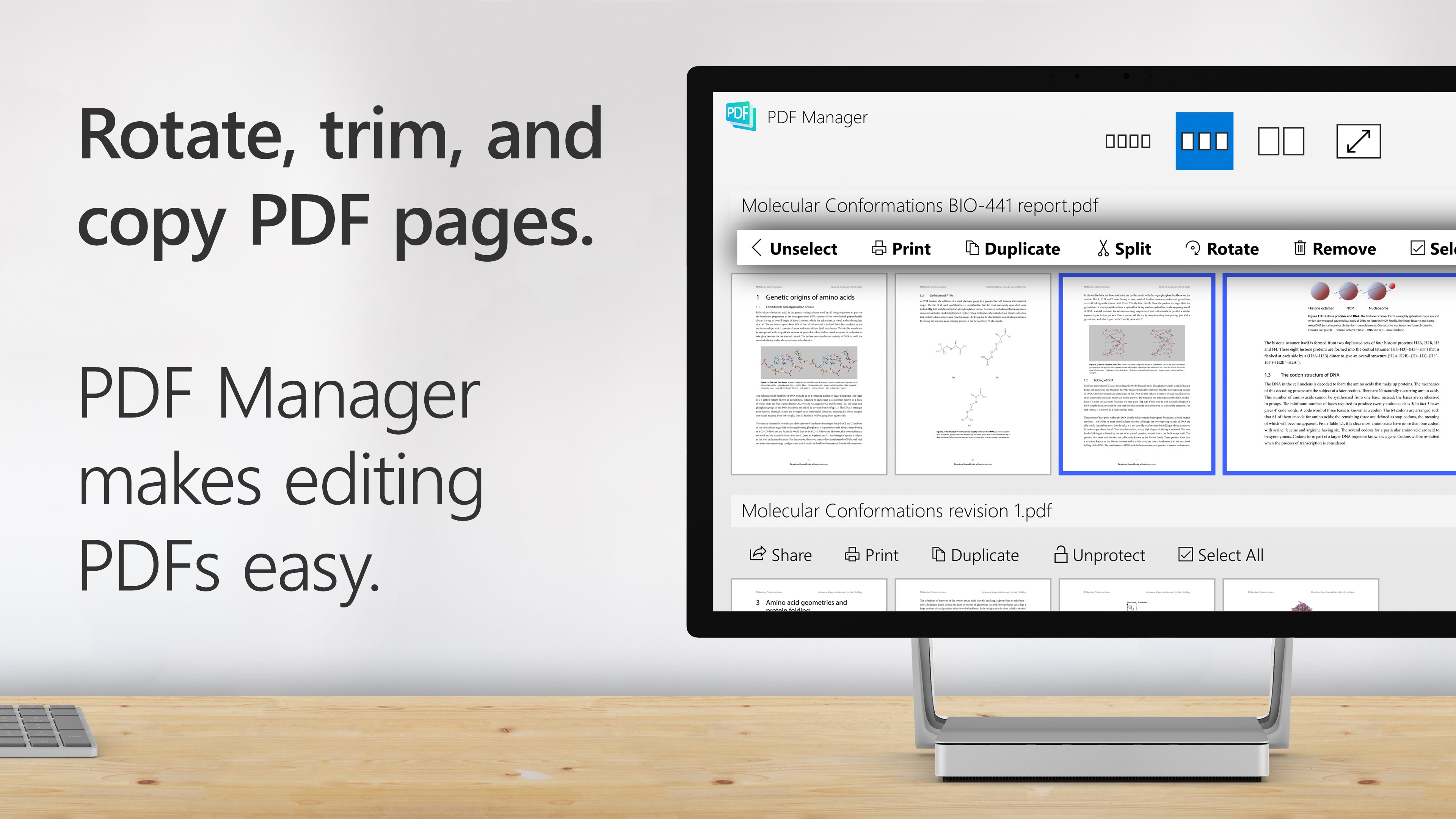
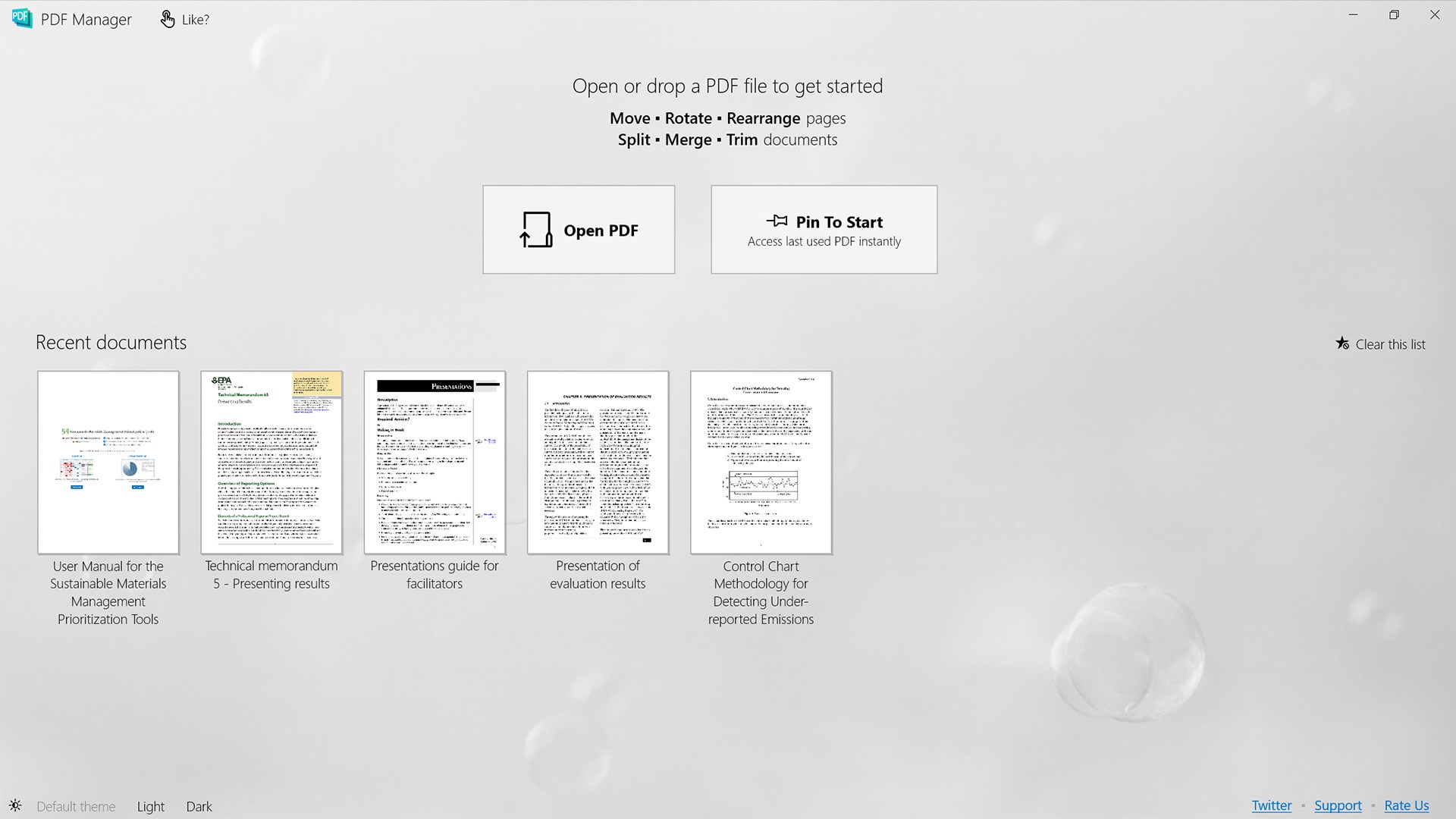
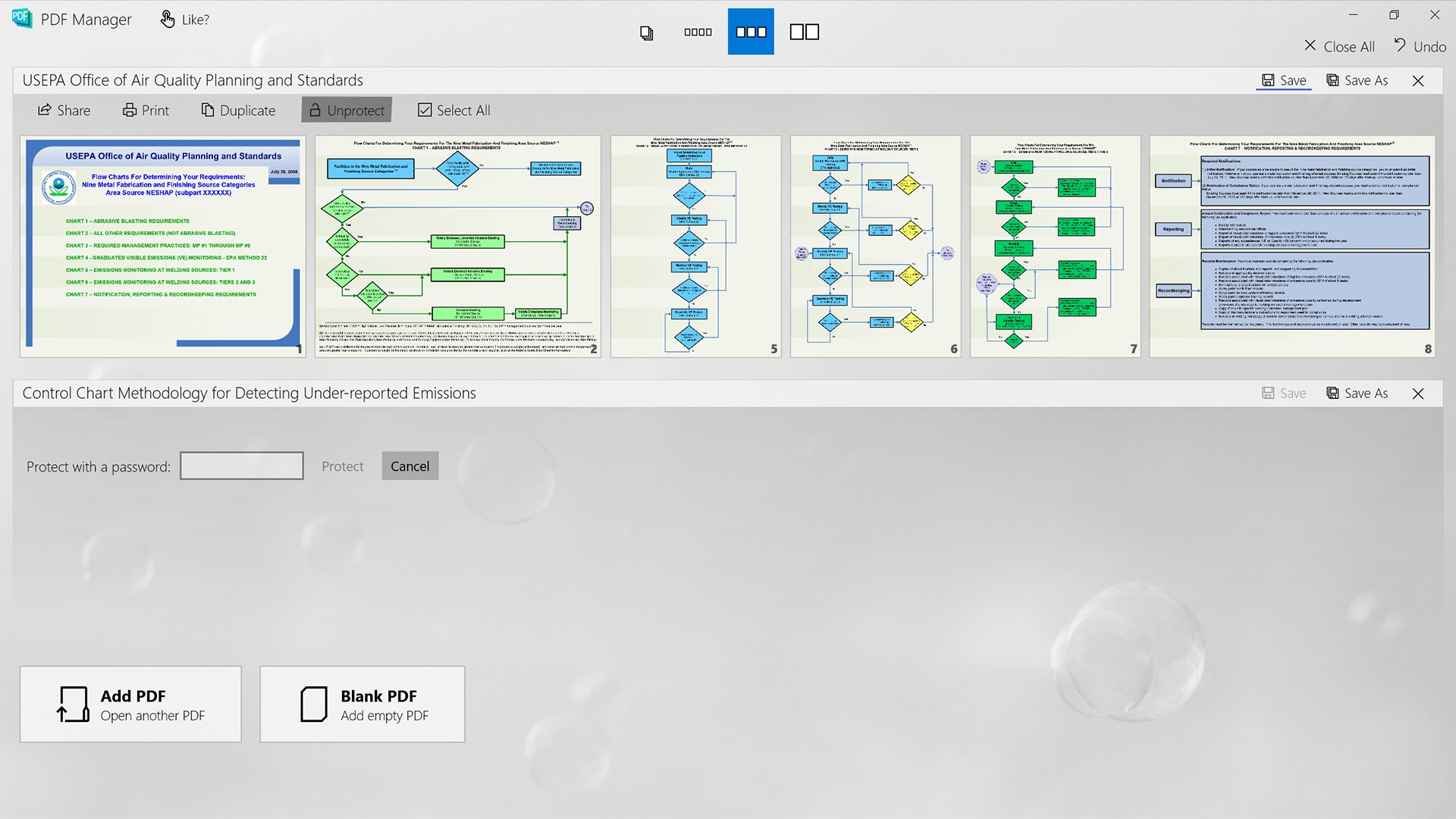
Opening PDF Manager feels akin to stepping into a well-organized workspace—minimal clutter, clear icons, and straightforward options greet you, making the entire experience feel more like chatting with a helpful friend rather than navigating a complex maze. The interface design emphasizes clarity and simplicity, reducing cognitive load and making the tool accessible even for first-time users.
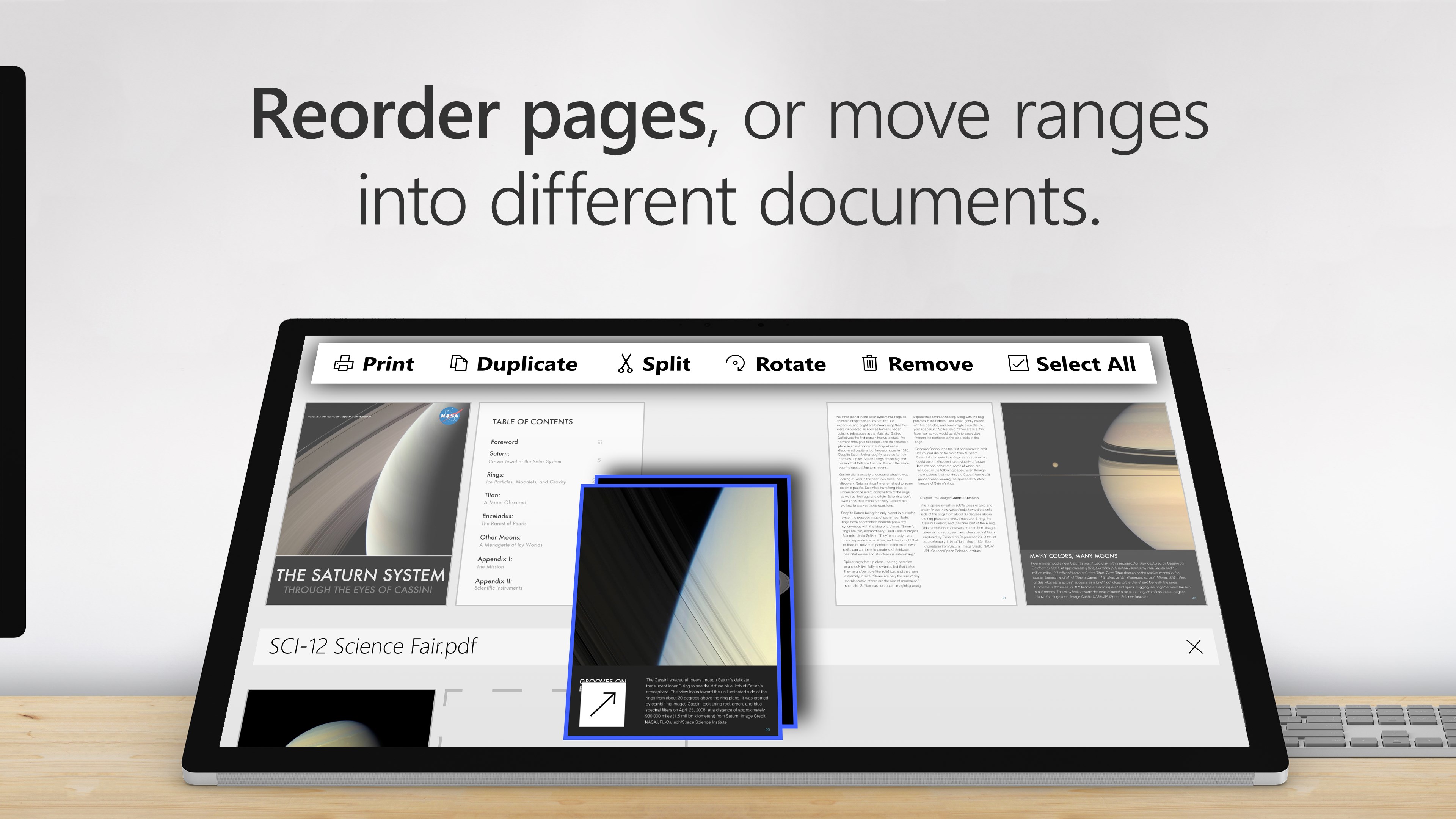
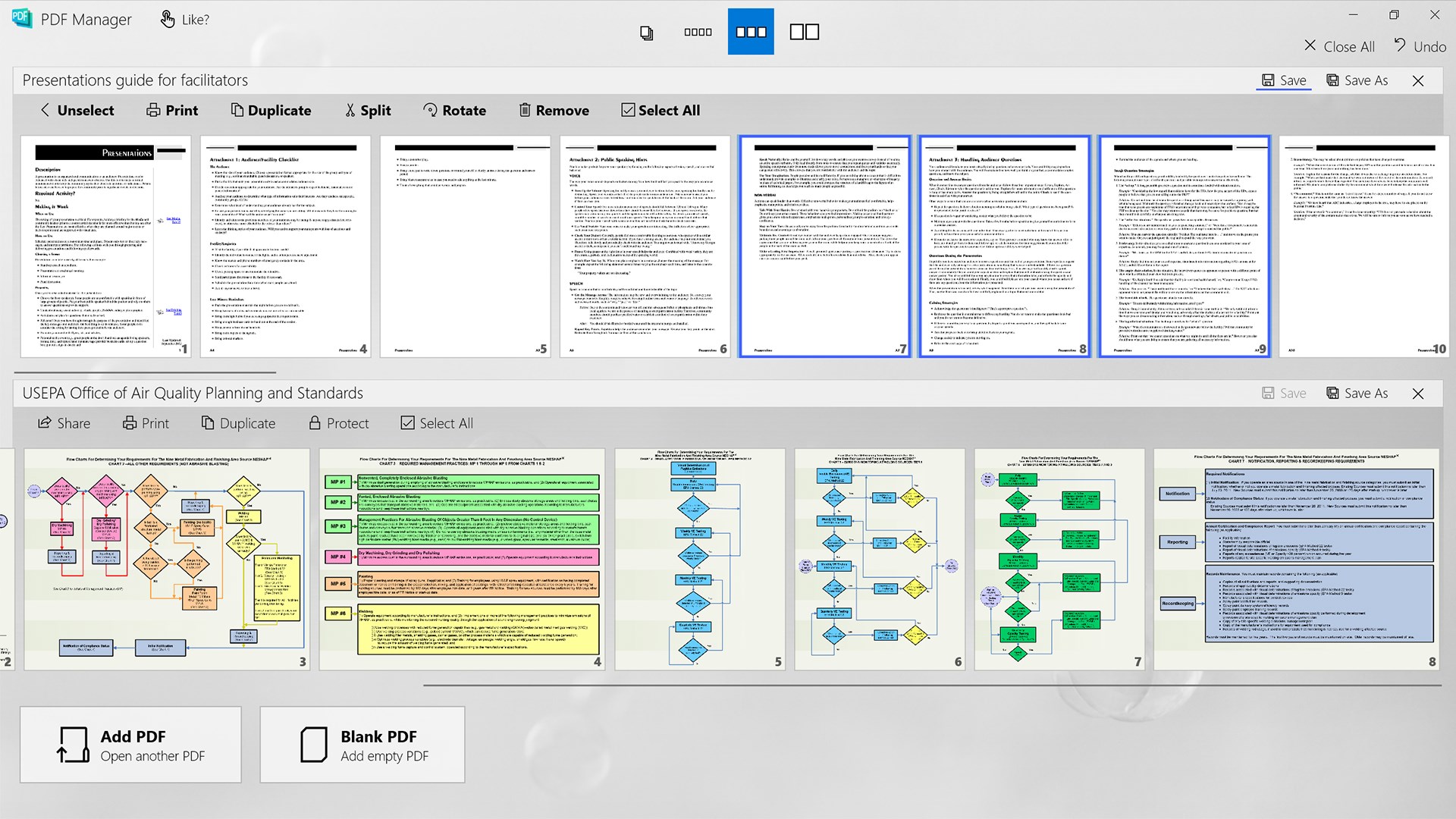
Operations such as dragging files, selecting pages, or choosing merge options are smooth and responsive, with real-time feedback that reassures you everything's under control—no lag or confusing prompts to derail your flow. Whether you're trimming a chapter from a PDF or merging multiple reports, the learning curve is shallow, and you're up and running within minutes.
Core Functionalities: Precision and Ease in Action
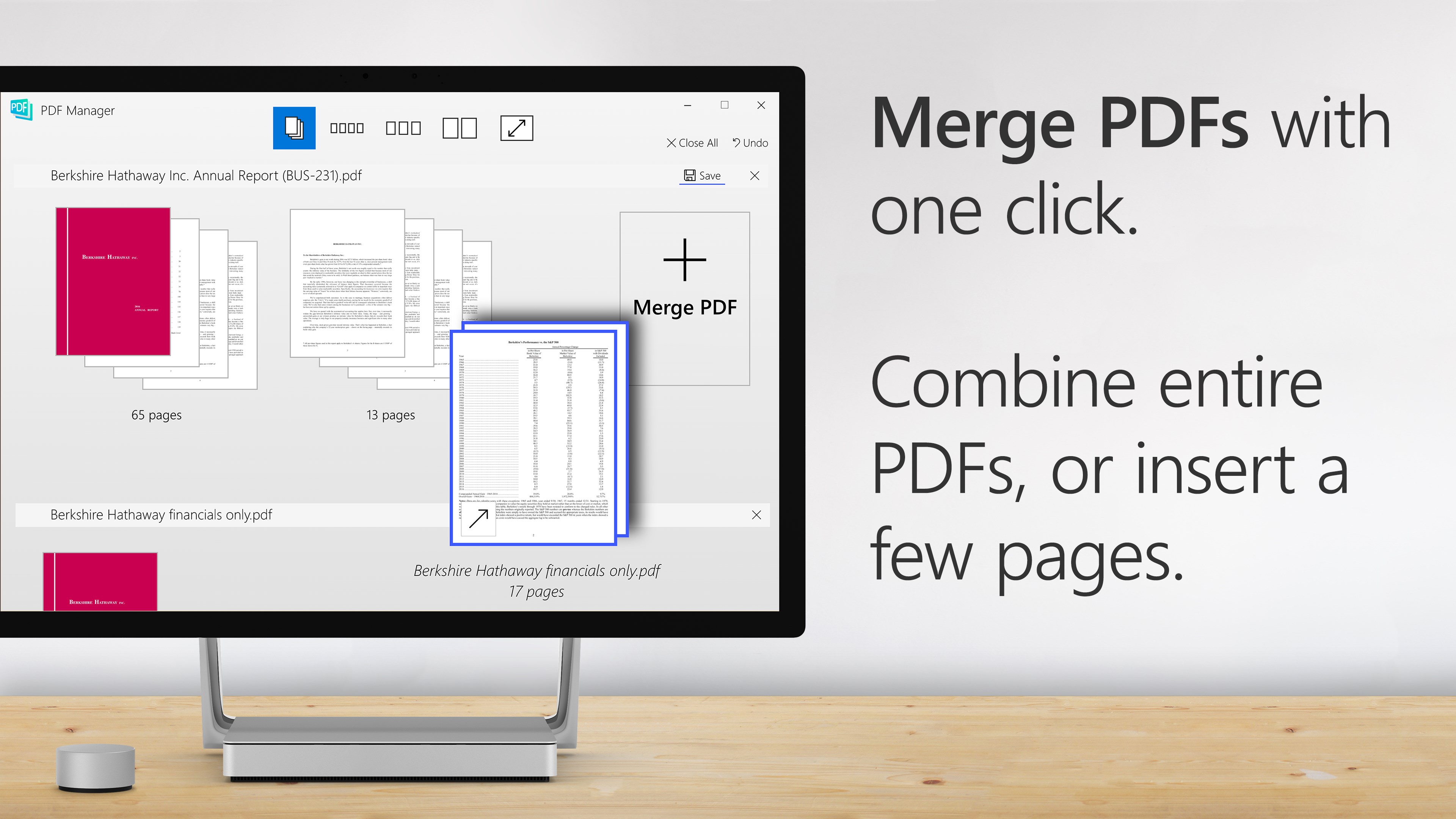
Merge PDFs with One Click
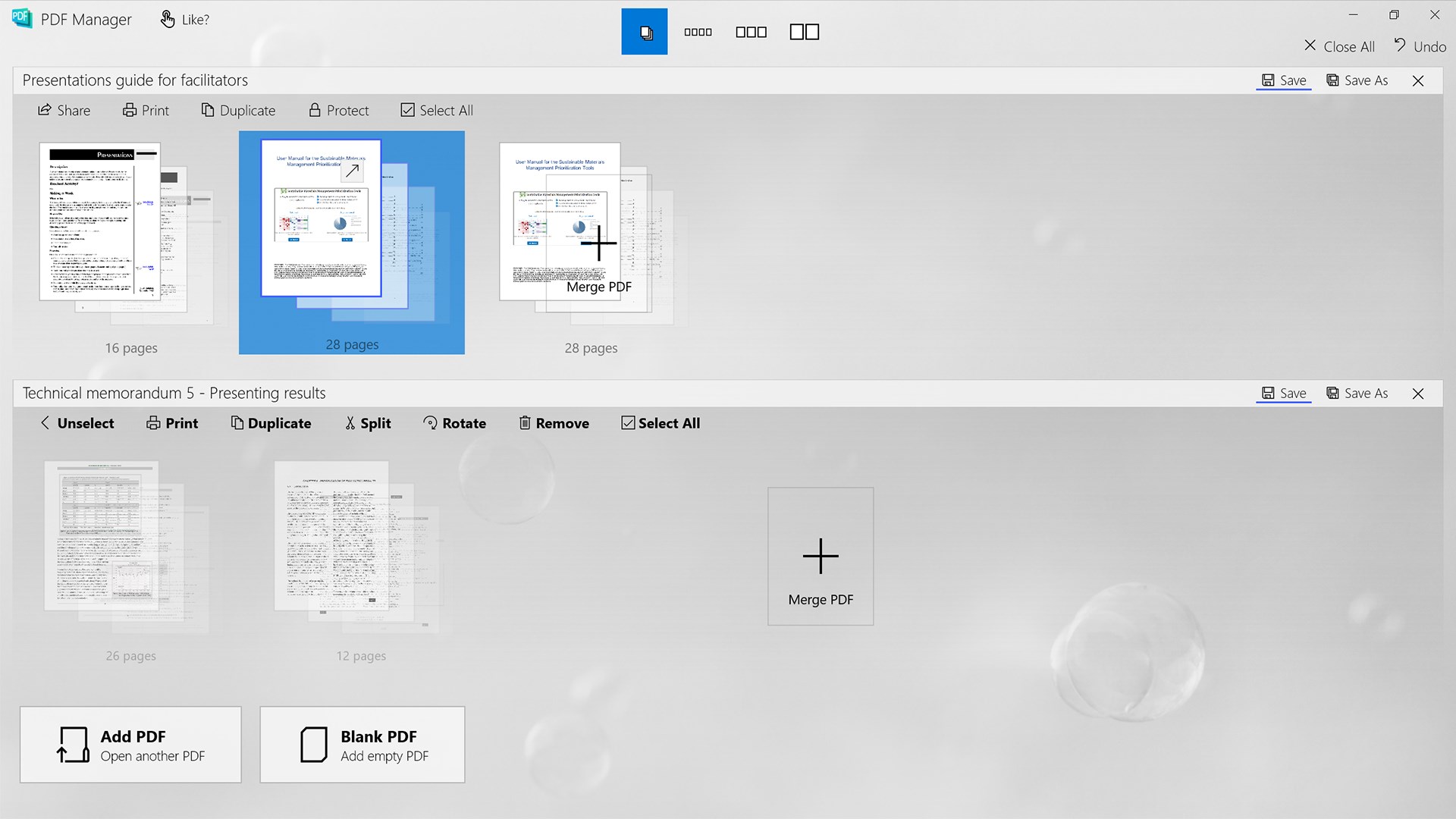
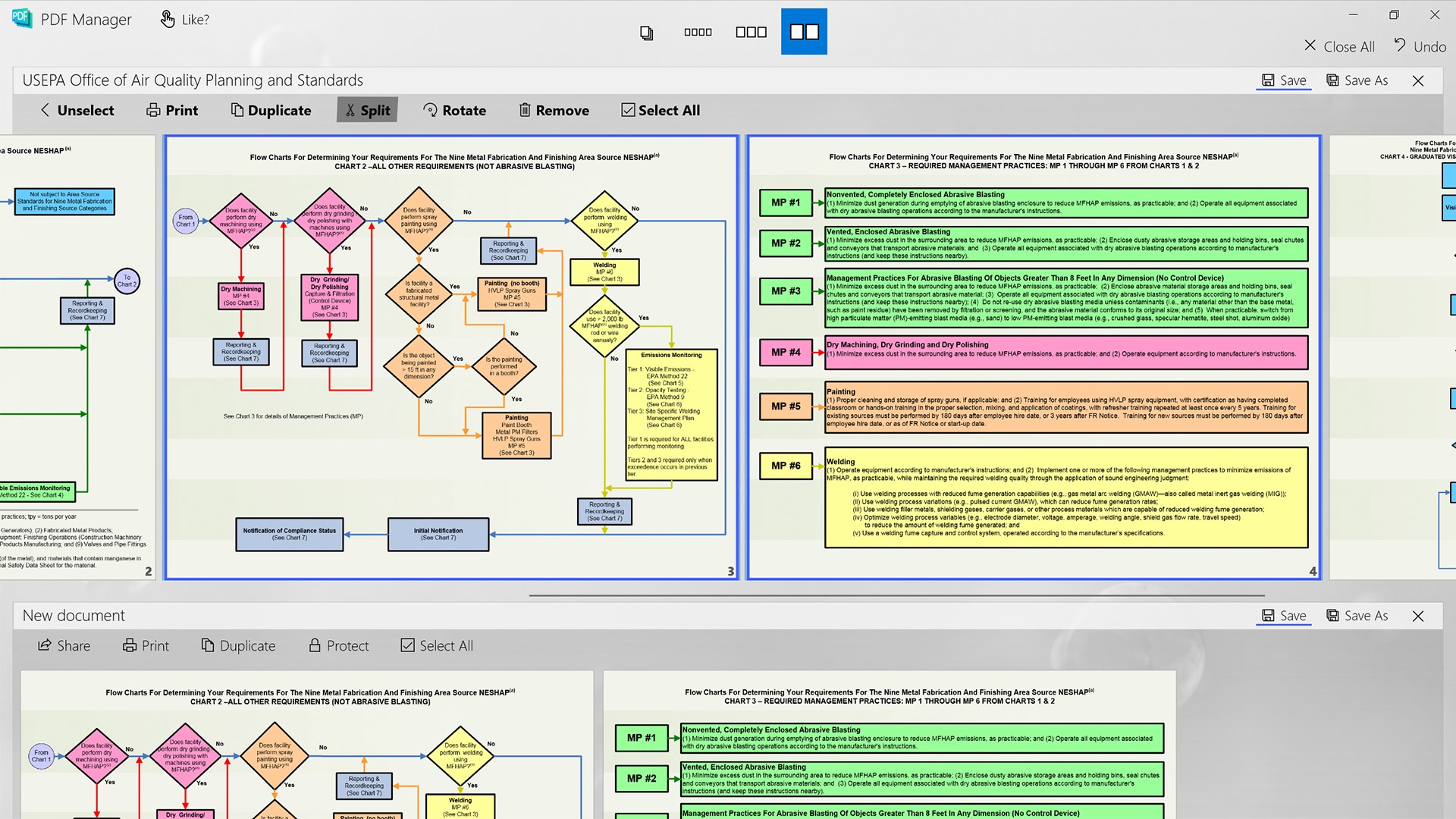
This feature is the app's crown jewel—allowing you to combine several PDFs into a single document seamlessly. Imagine assembling puzzle pieces effortlessly, with the program guiding you through a simple drag-and-drop process. The merged output maintains excellent quality, with the order of pages customizable at your whim. It's ideal for consolidating reports, presentations, or compiling multiple sources into one tidy file.
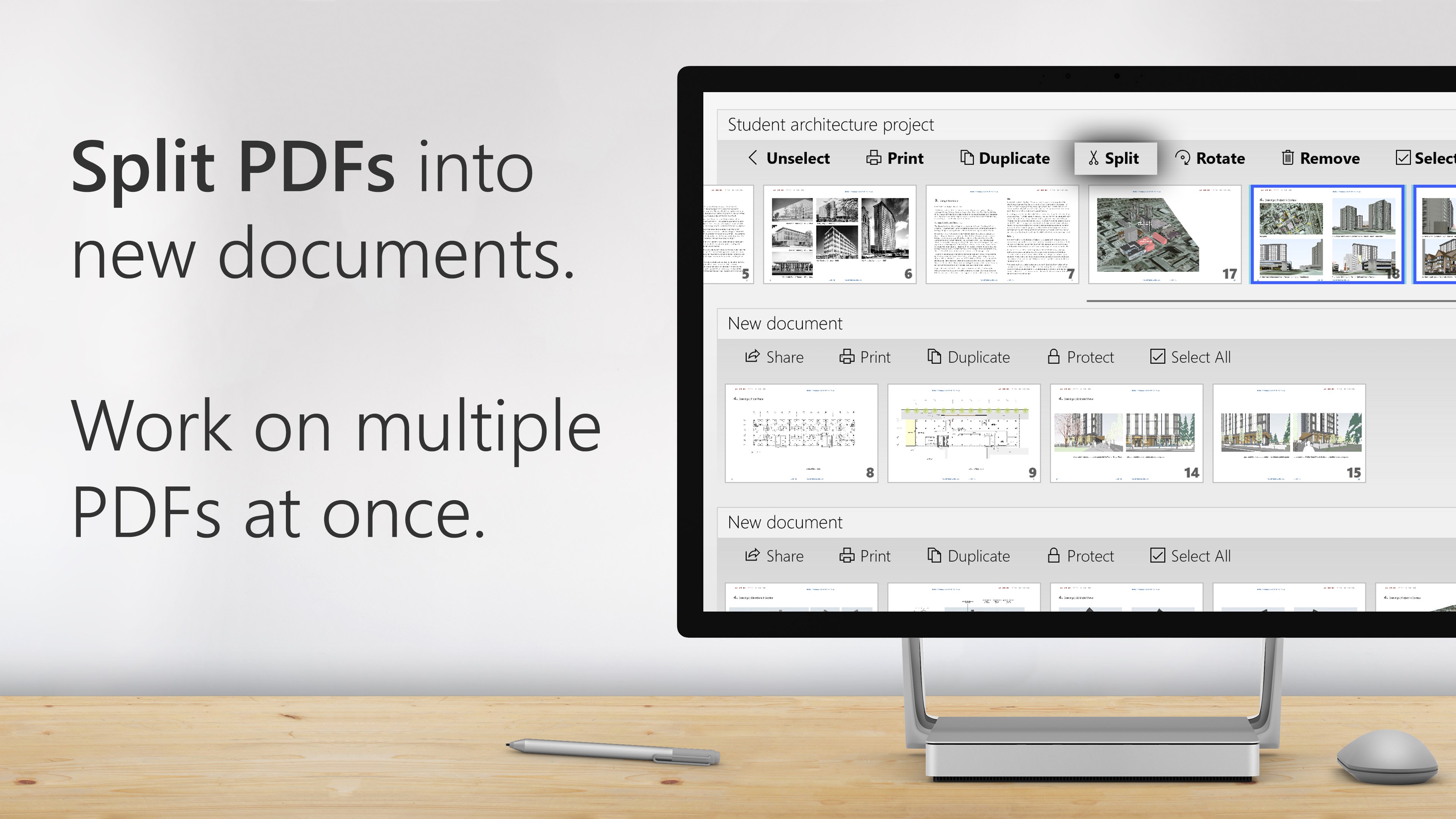
Split Large Files into Manageable Pieces
Splitting PDFs used to be a chore—clunky tools or complex options often left users scratching their heads. PDF Manager simplifies this with a clear split-by-page range or by extracting selected pages, like slicing a loaf of bread into pieces. This streamlines document sharing or editing, especially when only specific sections are relevant, reducing the cognitive load and saving time.
Trim Pages for Better Focus
The trimming feature allows precise cropping of pages, hiding unwanted margins, annotations, or highlights—much like trimming a photo to perfect its framing. It's especially useful for preparing PDFs for presentations, printing, or sharing by removing distractions. The process is intuitive: select the trim areas visually or input dimensions, and watch your document transform effortlessly.
User Experience and Differentiating Factors
What sets PDF Manager apart from many similar tools is its balanced approach to functionality and workflow integration. While some PDF editors bombard users with an overwhelming array of options, this app keeps it clean and purpose-driven. The design minimizes unnecessary steps, allowing you to achieve your goals swiftly—akin to having a dedicated toolkit that adjusts to your needs without clutter.
Its reduced cognitive load—thanks to straightforward menus and one-click actions—makes it especially suitable for users who want quick results without wrestling with complicated features. Compared to bulkier suite tools, PDF Manager provides just what you need, making it an ideal companion in a fast-paced work environment.
Final Verdict: A Practical Choice for Daily PDF Tasks
Overall, I recommend PDF Manager for anyone seeking a simple, reliable, and efficient tool to handle common PDF tasks. It excels in core functions—merging, splitting, and trimming—without the bloat or complexity seen in many professional suite tools. For users who want to improve their document workflow without sacrificing usability, this app is a clear contender.
Whether you're preparing meeting handouts, consolidating research notes, or tidying up scanned documents, PDF Manager offers a trustworthy and user-friendly solution. Keep it in your digital toolkit—you'll appreciate its speed and simplicity every time you need to tame your PDFs.
Pros
- Intuitive user interface
- Multiple PDF tools in one app
- Fast processing speed
- Supports large files
- Free basic features
Cons
- Limited editing options
- Watermark on free version
- Occasional app crashes
- Basic interface customization
- Limited online storage integration











