

- Category Business
- Developer AnywaySoft Inc.
- Available on PC, Mobile, Surface Hub, HoloLens
- OS Windows 10 version 17134.0 or higher
- Keyboard Not specified
- Mouse Not specified
- Memory Not specified
- languages English (United States)
An Efficient Tool for Merging and Splitting PDFs on Windows
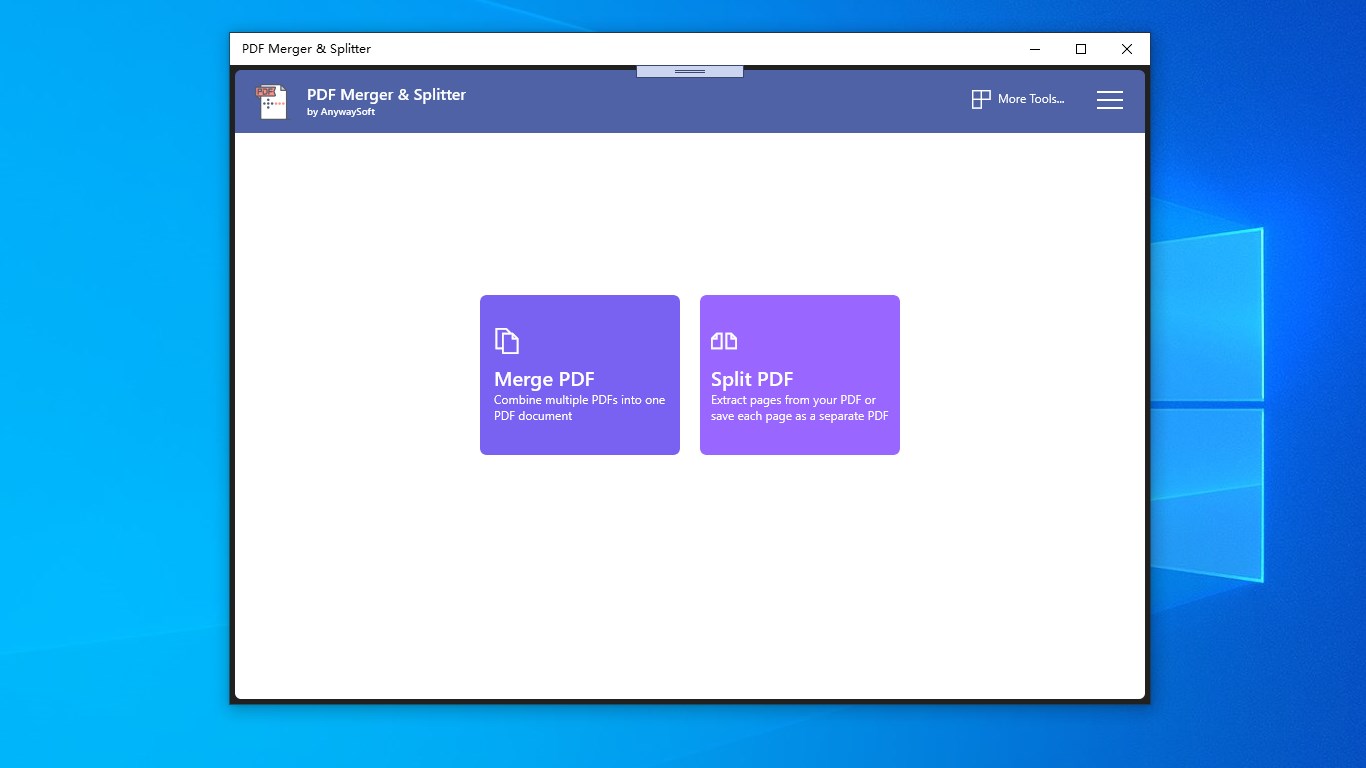
If you're often juggling multiple PDF documents—merging reports, splitting large files, or reorganizing pages—then PDF Merger & Splitter for Windows by AnywaySoft Inc. promises to streamline your workflow with a straightforward yet powerful solution. Think of it as a digital Swiss Army knife tailored specifically for your PDF management needs, all within an intuitive interface that even newcomers can pick up quickly.
About the Developer and Core Features
Developed by AnywaySoft Inc., this application boasts a focus on simplicity combined with robust functionality. Its main strengths lie in offering a seamless experience for combining multiple PDFs into a single document, splitting large PDFs into smaller, more manageable files, and providing quick page extraction without fuss. Designed for users ranging from busy office workers to students and freelancers, this tool fits naturally into various productivity scenarios.
Engaging Introduction: Making PDF Management Feel Like a Breeze
Imagine you're preparing a comprehensive report, but the documents are scattered and hard to manage. Or perhaps you need to split an extensive research paper into chapters for easier review. PDF Merger & Splitter makes these tasks simple—as if you had a magic wand that instantly sorts, combines, and disassembles your PDFs. It's like having a dedicated assistant that always keeps your documents organized and accessible, saving precious time and frustration.
Powerful Merging and Splitting in Action
Merge PDFs Effortlessly
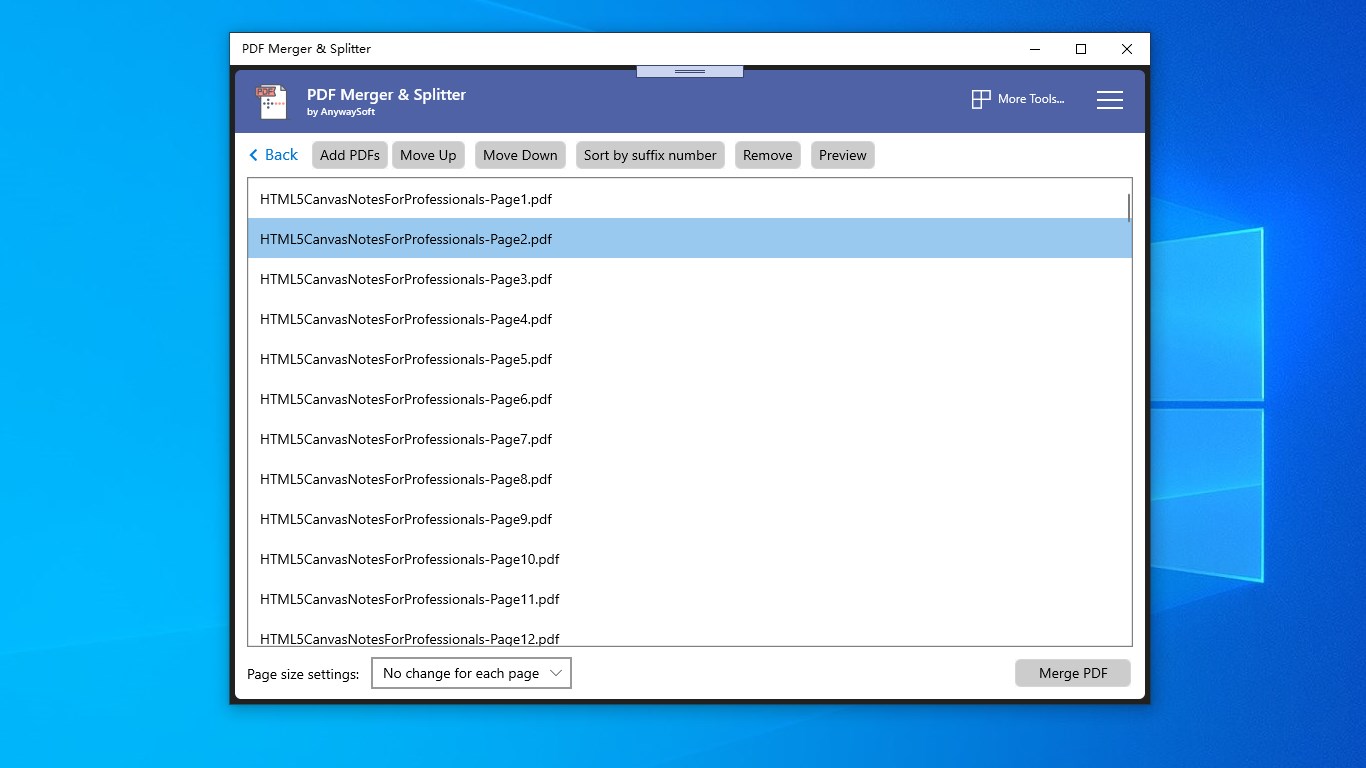
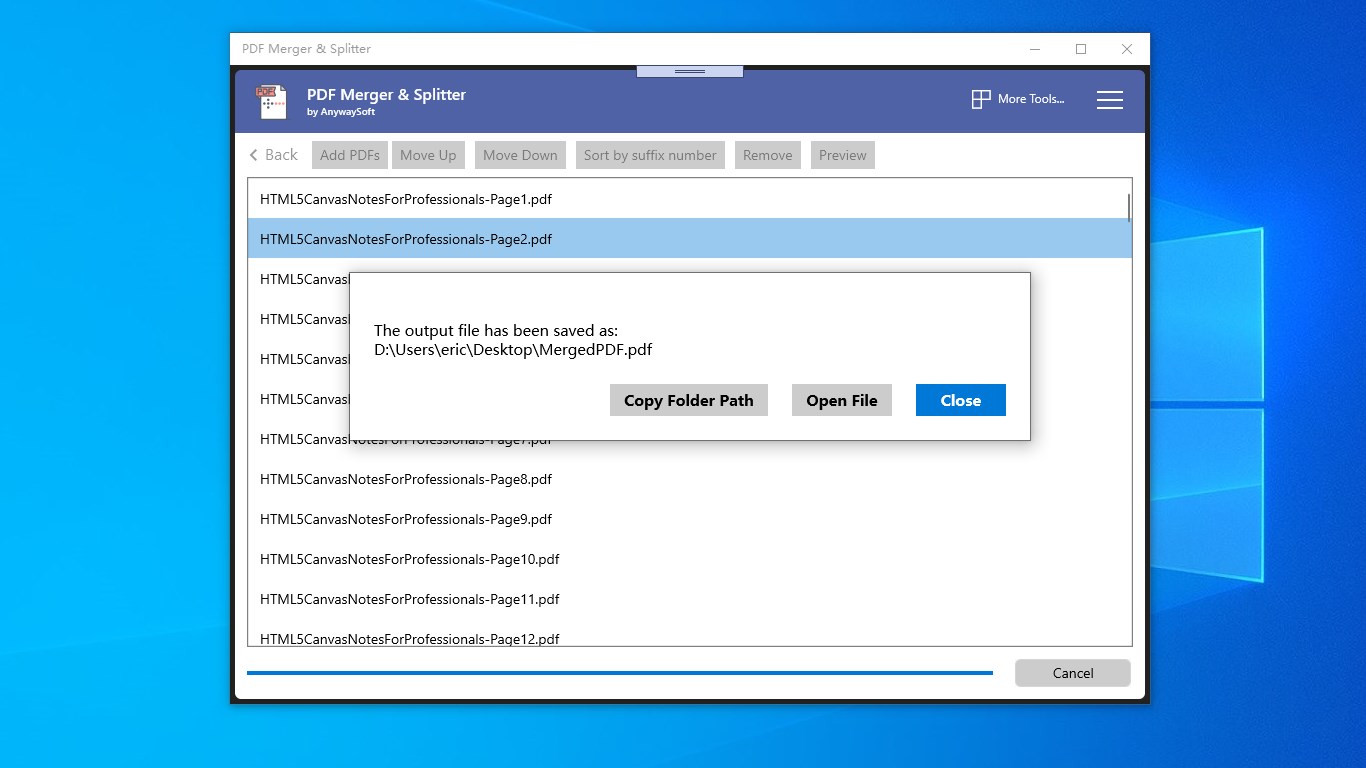
The software's merging function is its star player. Once you select multiple PDFs—think of it as gathering puzzle pieces—it swiftly combines them into one seamless document. The process feels almost cinematic: a few clicks, and voilà—the jigsaw puzzle becomes a complete picture. The app preserves original document quality and layout integrity, ensuring your final PDF looks just like the original files combined. Whether consolidating invoices, textbooks, or reports, this feature provides fast, reliable results without requiring technical expertise.
Split and Extract with Precision
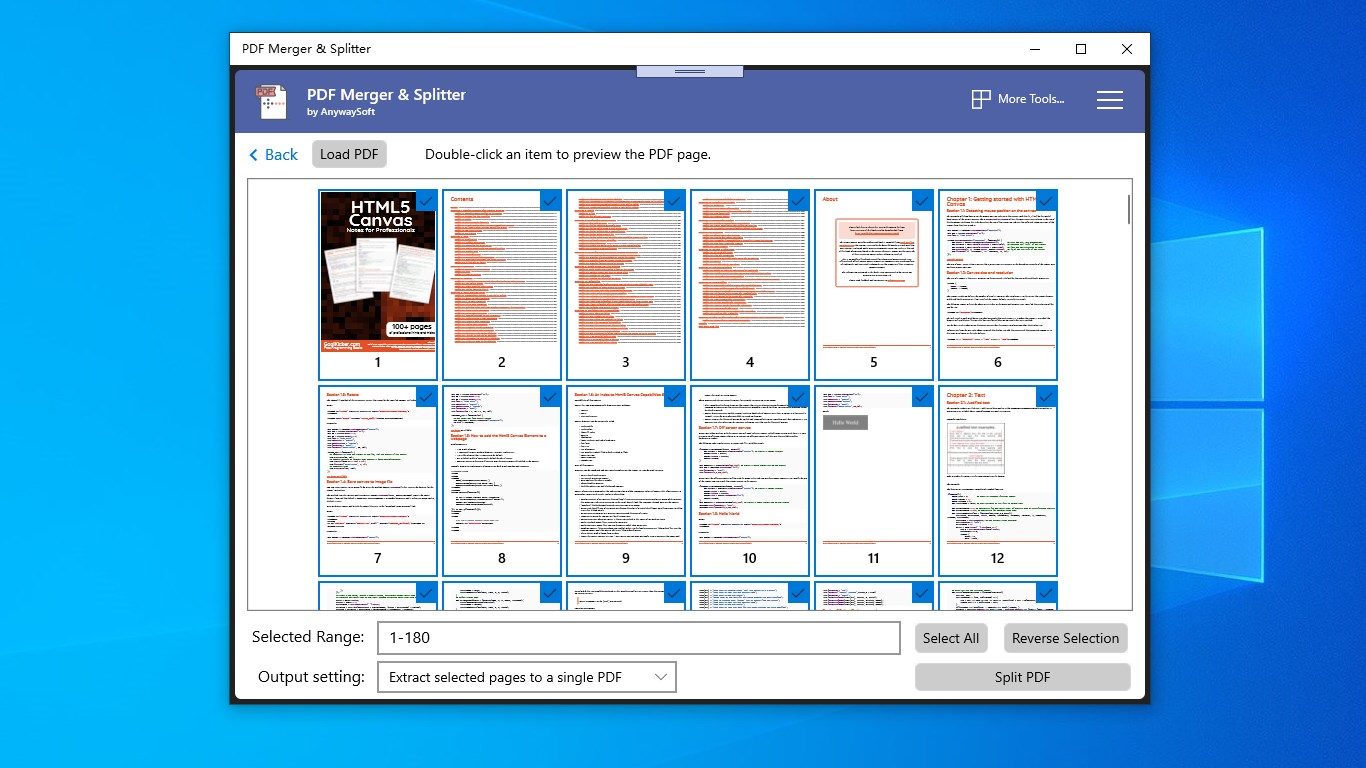
Splitting PDFs can often be a chore, especially when dealing with large documents. This app shines here too. Its intuitive interface allows users to specify exact page ranges to split or extract, akin to slicing a loaf of bread with a clean, sharp knife. The split files retain the formatting of the original pages, which is critical for maintaining professionalism. For researchers or students needing specific chapters or sections, this feature offers pinpoint accuracy, streamlining the editing and sharing process.
User Experience and Differentiation from Competitors
The interface design of PDF Merger & Splitter is clean and clutter-free, akin to a well-organized workspace—nothing distracts from the task at hand. Navigating through options feels natural; the drag-and-drop feature simplifies file input, and progress indicators keep users informed. The operation is smooth, with quick processing times that ensure your workflow remains uninterrupted. Compared to some competitors that can feel cluttered or laggy, this app's responsiveness enhances user confidence and satisfaction.
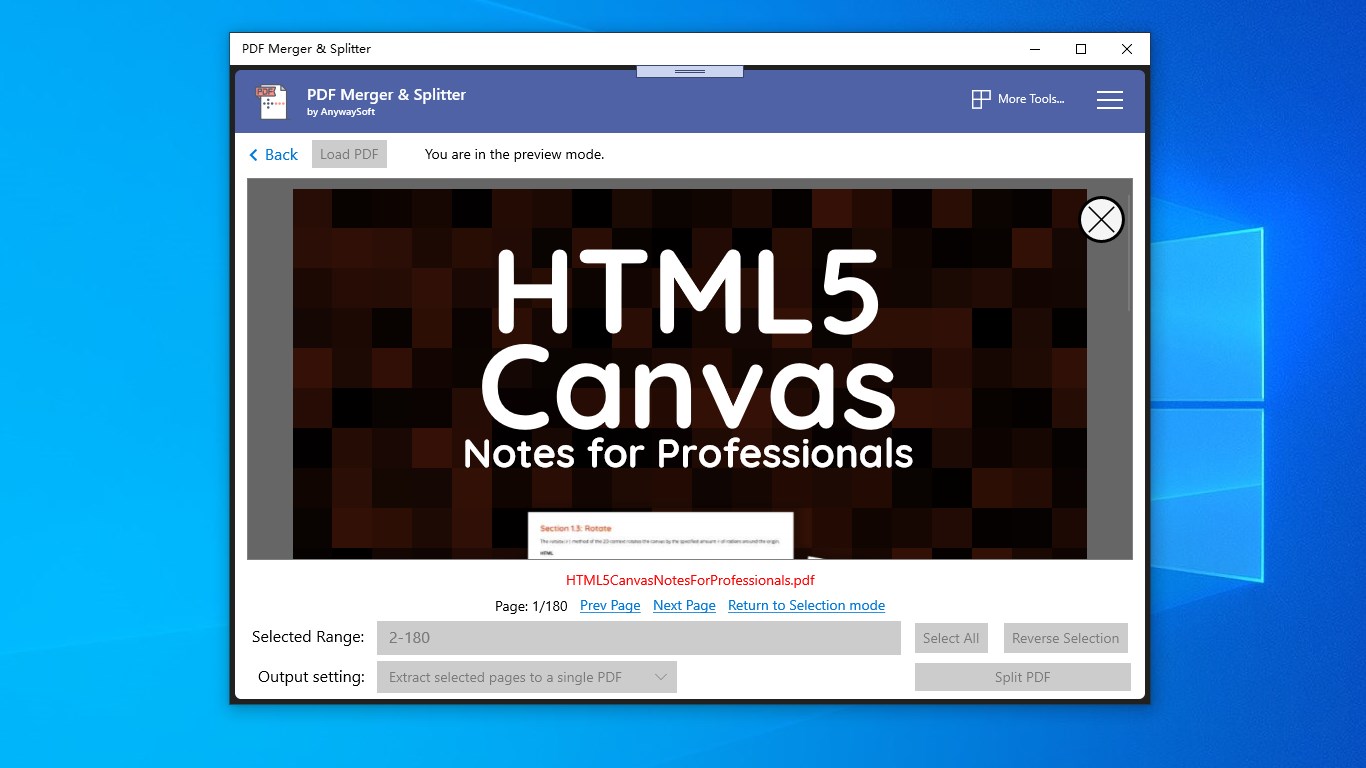
One of its standout features, setting it apart from similar tools, is its capability to handle batch operations efficiently, making it particularly suitable for collaborative environments where multiple files are processed regularly. While many apps focus solely on individual file handling, this app's batch processing and quick preview features facilitate team workflows—like a conductor coordinating a symphony of documents—delivering harmony and efficiency.
Final Recommendation and Usage Tips
For anyone seeking a reliable, straightforward PDF management tool on Windows, PDF Merger & Splitter presents itself as a solid choice. Its core strengths lie in its ease of use, speed, and the ability to batch process files—making it especially valuable for business environments or academic settings. While it might lack some advanced editing capabilities found in high-end PDF editors, for merging, splitting, and extracting pages, it performs admirably.
My advice? Give it a try if your workflow involves frequent PDF adjustments. It's like a trusted friend—quietly efficient, always ready to help you stay organized without demanding a steep learning curve. Whether for daily office use or occasional projects, this app is a dependable tool that deserves a spot in your digital toolkit.
Pros
- User-Friendly Interface
- Fast Processing Speed
- Supports Batch Processing
- High Compatibility
- Lightweight and Portable
Cons
- Limited Editing Features
- No Cloud Integration
- Basic Security Measures
- Limited Customization Options
- Occasional Crashes with Large Files










