
- Category Productivity
- Developer PDF by Wuxxu
- Available on PC
- OS Windows 10 version 16299.0 or higher
- languages English (United States)
Introducing PDFly: A Robust Solution for PDF Management on Windows
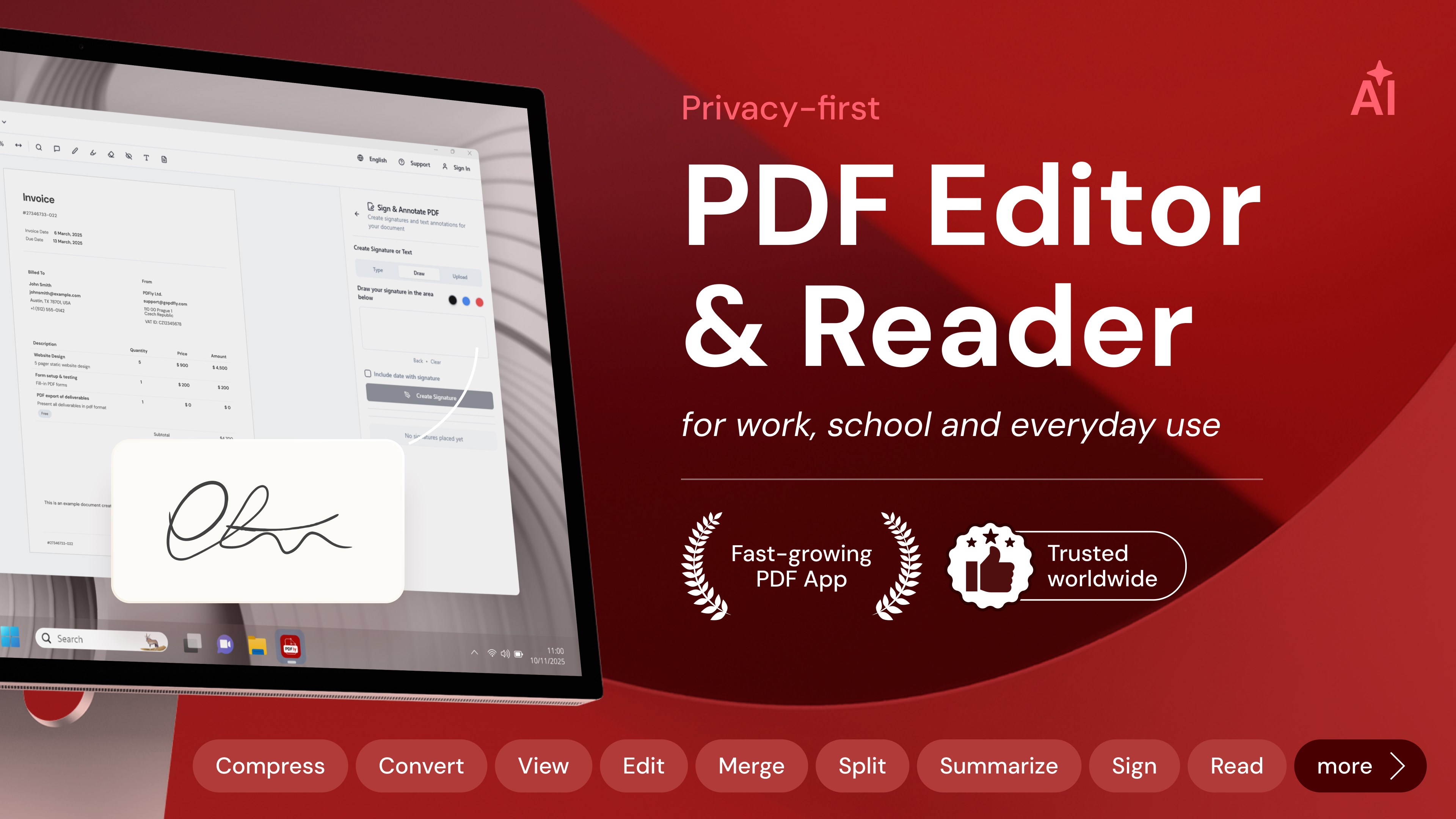
PDFly for Windows, developed by PDF by Wuxxu, is a comprehensive application designed to streamline your PDF workflows, offering a blend of reader, editor, and converter functionalities within a single interface. Its goal is to simplify complex PDF tasks, making document management smoother and more efficient for everyday users and professionals alike.
Meet the Developer and Core Features
Wuxxu, a dedicated team focused on productivity tools, brings PDFly to life with an emphasis on usability and versatility. Key highlights of this app include:
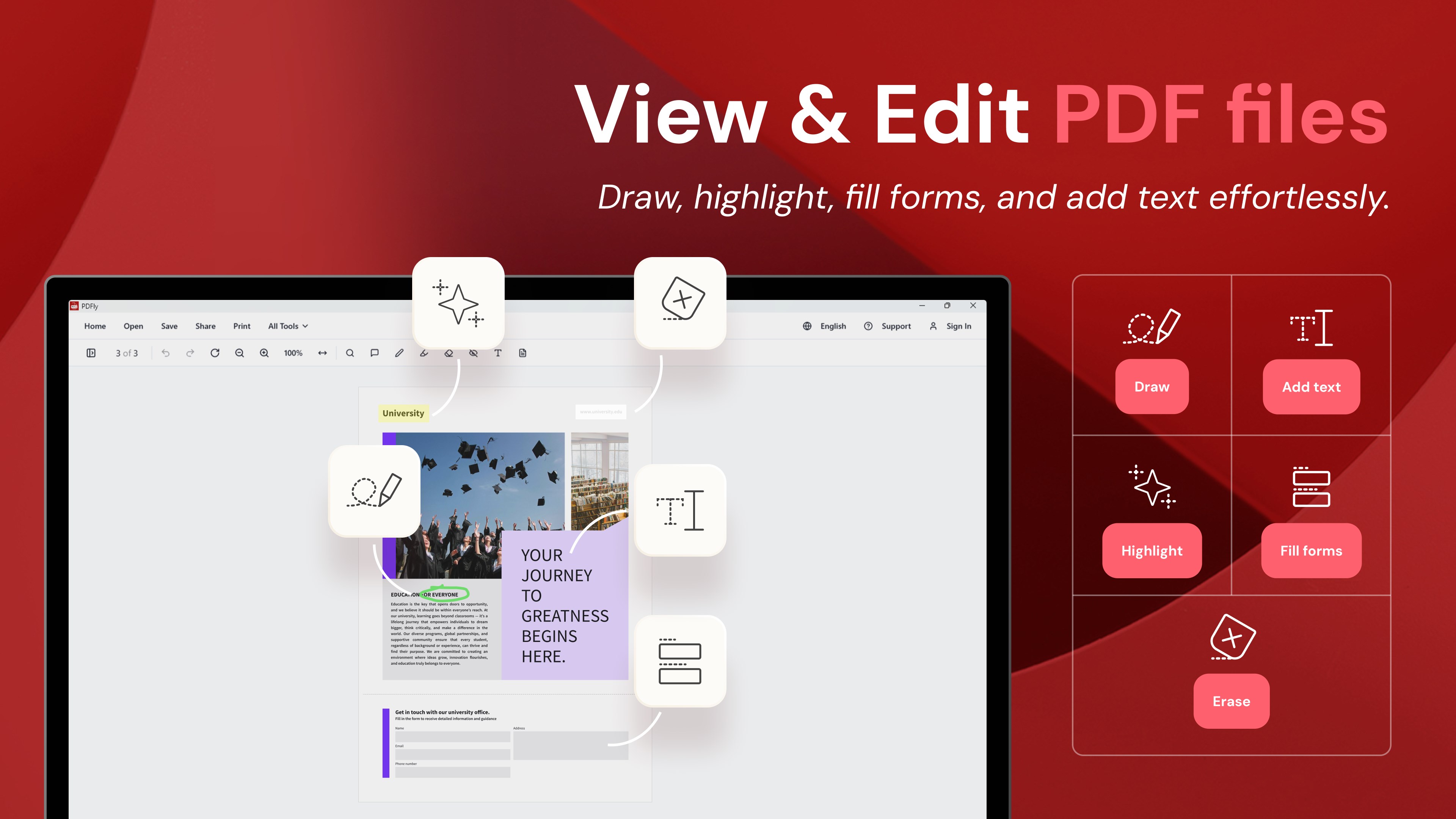
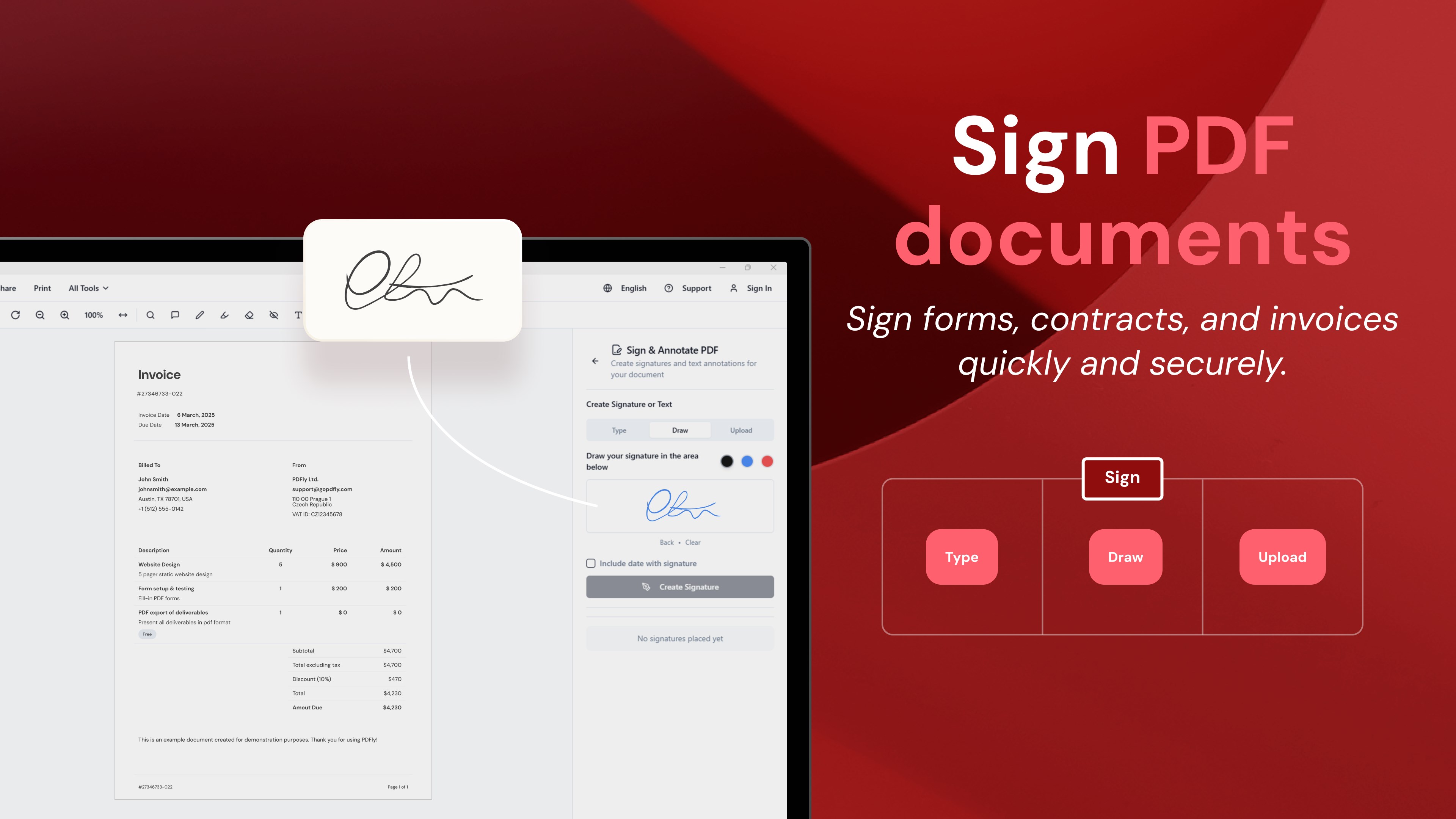
- Seamless PDF Editing: Modify text, images, and annotations directly within your PDFs with intuitive tools that feel natural and responsive.
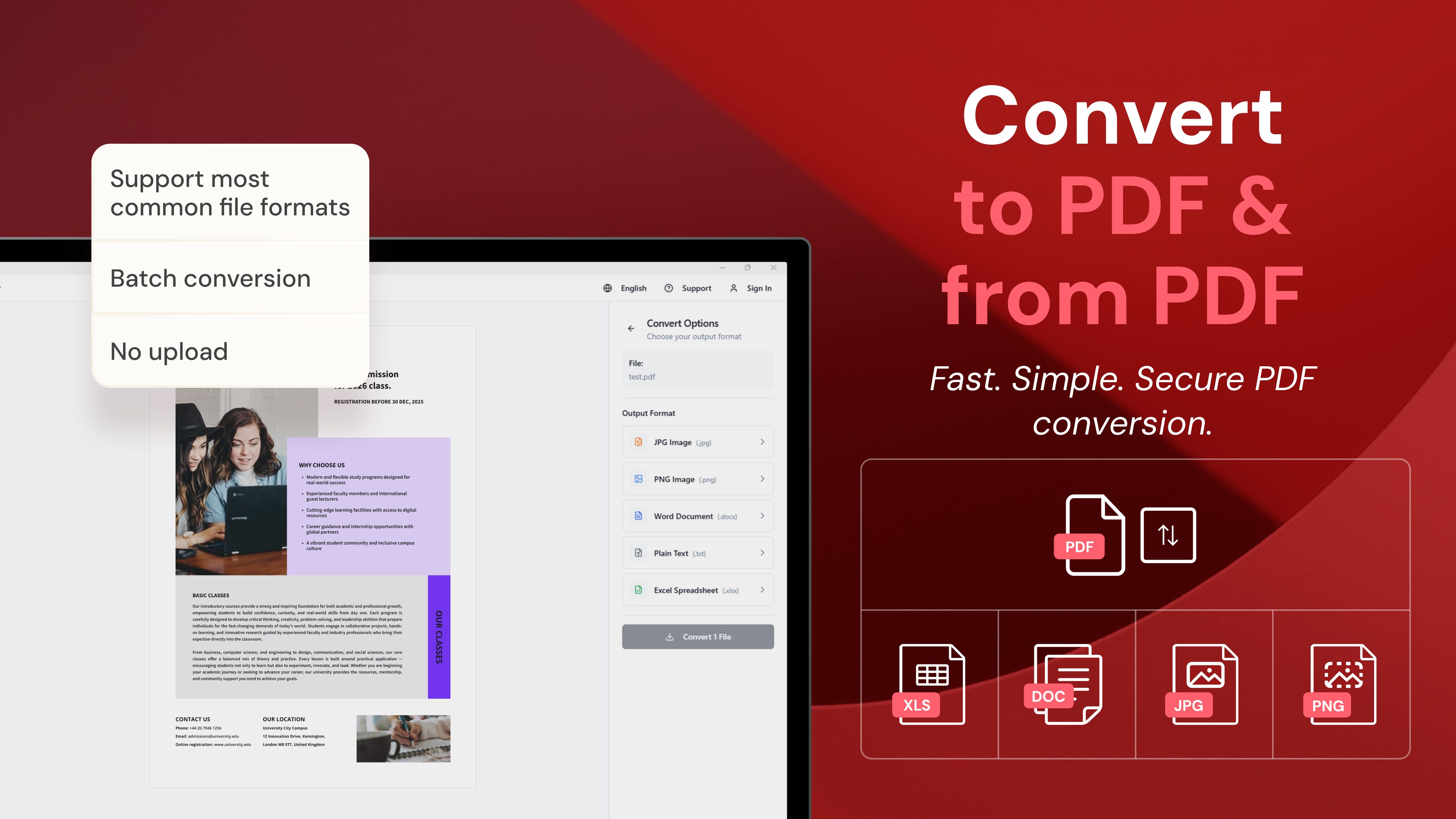
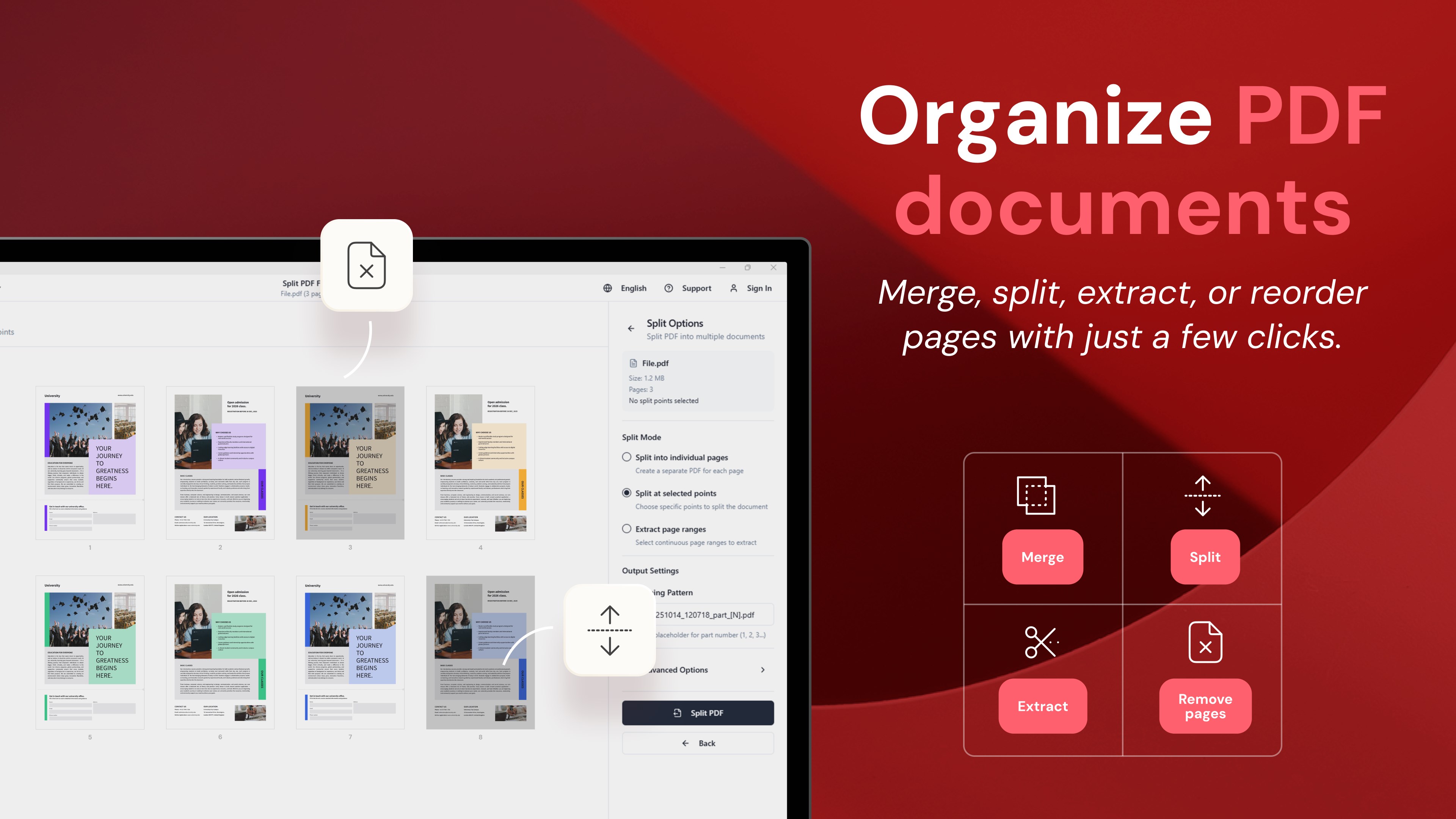
- Powerful Conversion Capabilities: Easily convert PDFs into Word, Excel, or image formats, or vice versa, without sacrificing formatting accuracy.
- Intuitive User Interface: Clear layout and minimal clutter promote a focused workflow, suitable for users at any proficiency level.
- Workflow Integration: Designed to fit into your existing routines, reducing cognitive load with streamlined processes.
Targeting students, professionals, and casual users who need quick, reliable PDF handling tools without the bloat of overly complicated options, PDFly aims to be your all-in-one PDF companion.
What Makes PDFly Stand Out: Functionality and User Experience
Imagine opening a PDF application as stepping into a well-organized workspace where every tool you need is at your fingertips—this is the essence of PDFly's design. Its core strength lies in two standout features: the unified editing suite and its efficient conversion engine.
Seamless Editing for Effortless Document Tuning
Unlike many PDF tools that segment editing and annotation into disjointed modules, PDFly offers an integrated editing environment. Whether you need to correct a typo, add a highlight, or insert images, the process feels natural—akin to editing a document in a familiar word processor. The editing tools are precise but not overwhelming, promoting a sense of mastery rather than frustration. This reduces cognitive burden, allowing users to focus on content rather than fumbling through menu trees.
Conversion that Respects Your Workflow
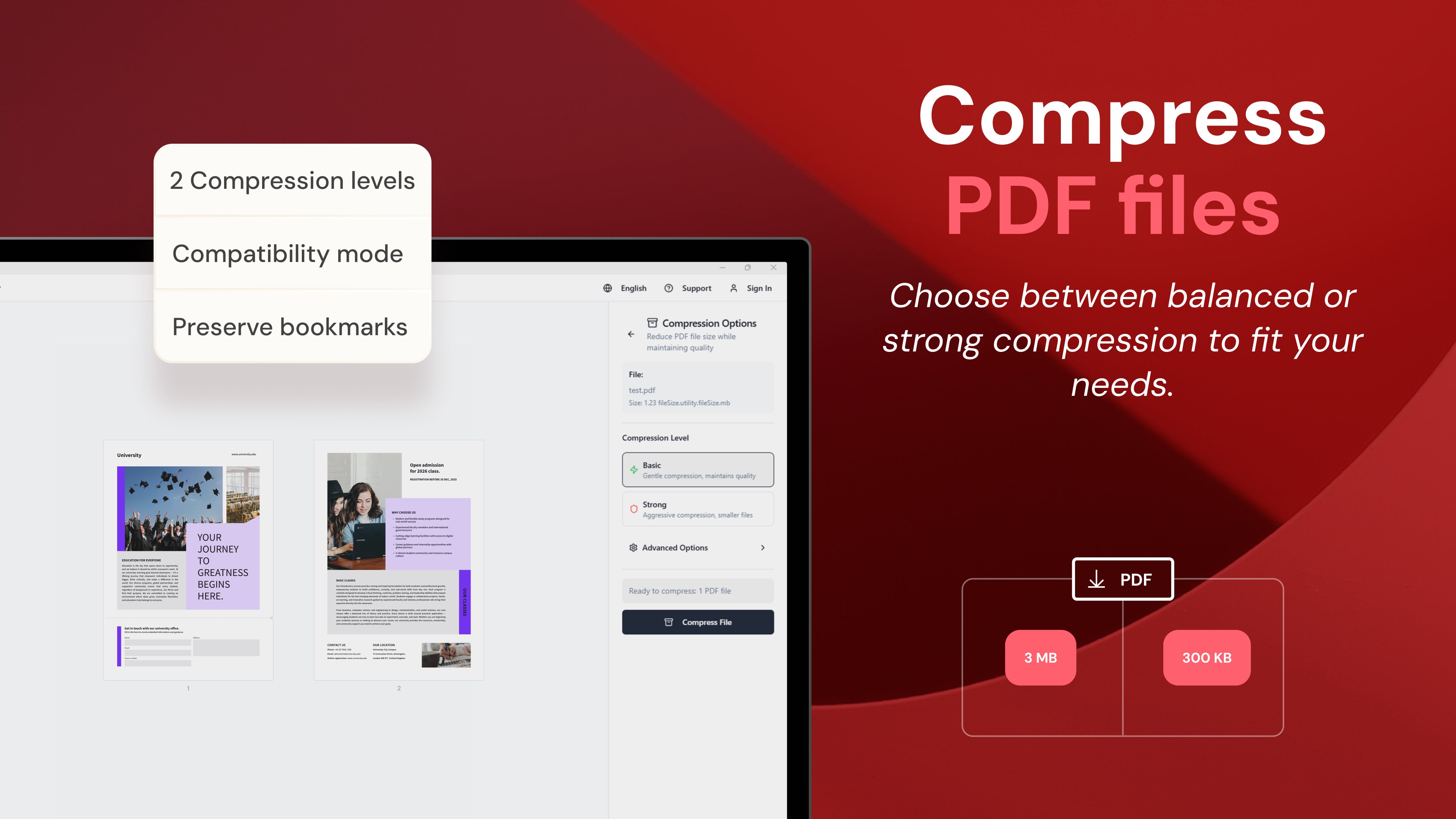
The app's conversion features support a variety of formats, ensuring that moving between PDFs and other document types is hassle-free. What sets PDFly apart is its ability to perform these conversions without requiring multiple steps or external tools. This efficiency minimizes workflow interruptions and enhances productivity, especially when processing large batches of files. The process is smooth, with fast turnaround and minimal user input, making it an excellent choice for professionals dealing with document exchanges regularly.
Design, Performance, and Learning Curve
The interface of PDFly resembles a clean, modern workspace—organized and easy to navigate. Its layout emphasizes clarity, with contextual toolbars that appear only when needed, reducing visual clutter. Operations are smooth, thanks to optimized performance that handles large files without lag or crashes. As for learning curve, users will find the app approachable: basic functions are immediately accessible, while more advanced features are documented well enough for quick mastery.
Compared to other productivity apps, PDFly strikes an admirable balance between feature richness and complexity. While competing tools may bombard users with options, PDFly focuses on core needs—reducing unnecessary cognitive load and promoting an efficient workflow. This makes it particularly appealing for users who want a reliable, straightforward PDF solution without wrestling with a steep learning curve or distraction-heavy interfaces.
Final Thoughts and Recommendations
All in all, PDFly stands out as a polished, user-friendly PDF toolkit that caters to both casual and professional users. Its main strengths—the integrated editing environment and streamlined conversion process—provide tangible productivity gains and a less stressful user experience. I would recommend it particularly to those who need a reliable all-in-one solution that reduces workflow interruptions and cognitive stress.
If your work involves frequent PDF editing, reviewing, or format conversions, PDFly could very well become your digital assistant. For users seeking a straightforward, efficient, and minimalistic PDF app, this tool deserves serious consideration.
Pros
- User-Friendly Interface
- Comprehensive PDF Functions
- Fast Performance
- Affordable Pricing Model
- Regular Updates and Support
Cons
- Limited Free Features
- Occasional Crashes with Large Files
- Editing Toolbar Can Be Cluttered
- Limited OCR Capabilities
- Export Options Are Basic











