

- Category Productivity
- Developer PDFLe
- Available on PC, Mobile, Surface Hub, HoloLens
- OS Windows 10 version 19041.0 or higher
- languages English (United States)
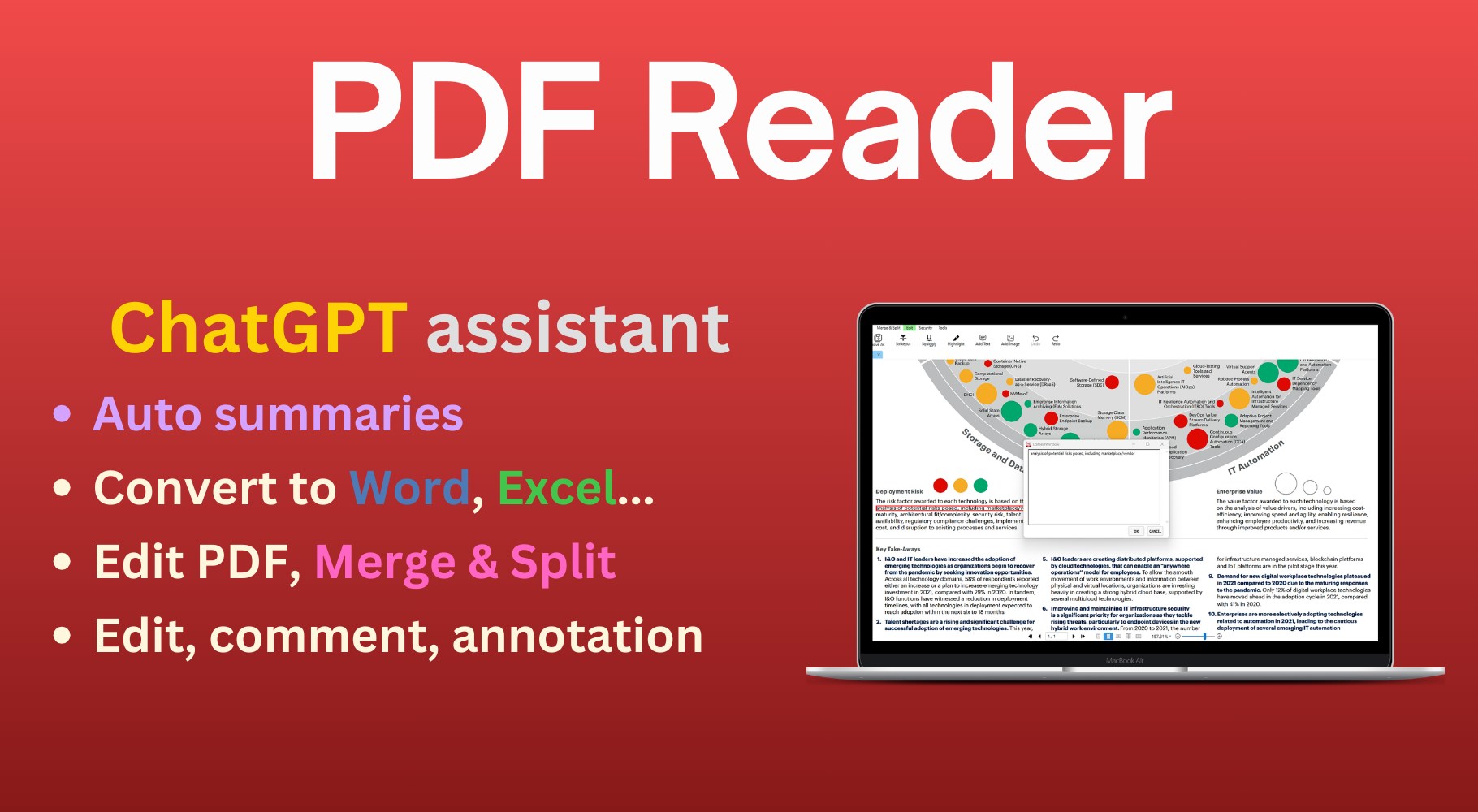
Introducing PDF Reader - Your Efficient PDF Companion for Windows
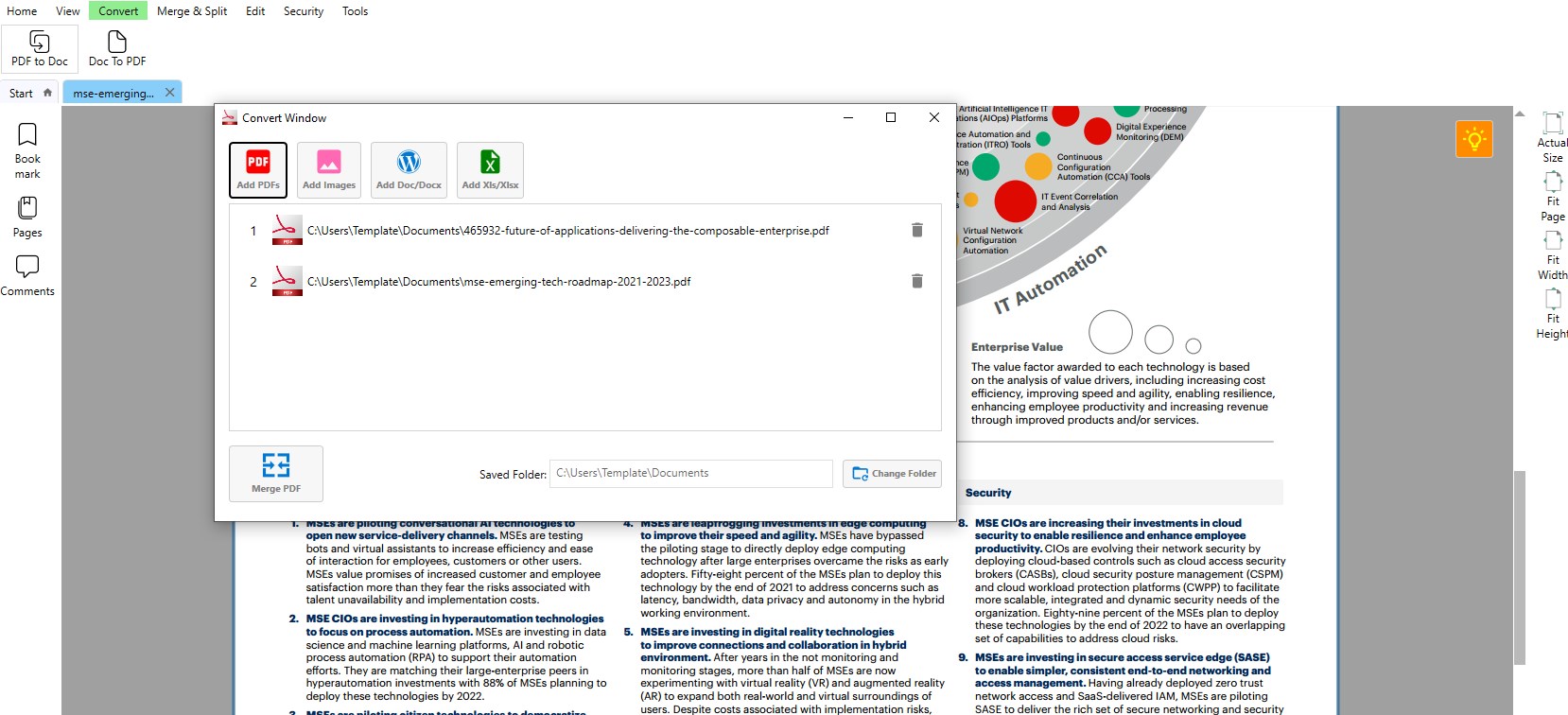
If you're tired of juggling multiple apps to view, edit, and annotate PDFs, PDF Reader - PDF Editor for Windows by PDFLe offers a streamlined solution designed to simplify your workflow. With its intuitive interface and core editing features, it emerges as a reliable friend in managing your digital documents efficiently.
About the Developer and Core Features
Developed by PDFLe and published under PDFApps, this application is tailored to meet the needs of professionals, students, and anyone who frequently interacts with PDF files. Its main highlights include smooth PDF viewing, seamless editing capabilities (like text modification and annotation), and efficient page management tools. These features are thoughtfully designed to enhance productivity without overwhelming the user with unnecessary complexity.
A Bright & Engaging Experience Begins with a Clear Interface
Launching PDF Reader is akin to opening a well-organized desk drawer—everything is visually inviting yet thoughtfully ordered. Its clean, minimalistic interface minimizes distractions, allowing users to focus solely on their documents. Navigating through pages is smooth thanks to responsive scrolling and quick page jump options. The overall design fosters a comfortable reading environment that can make even lengthy PDFs feel more manageable.
Simplified Editing and Annotation at Your Fingertips
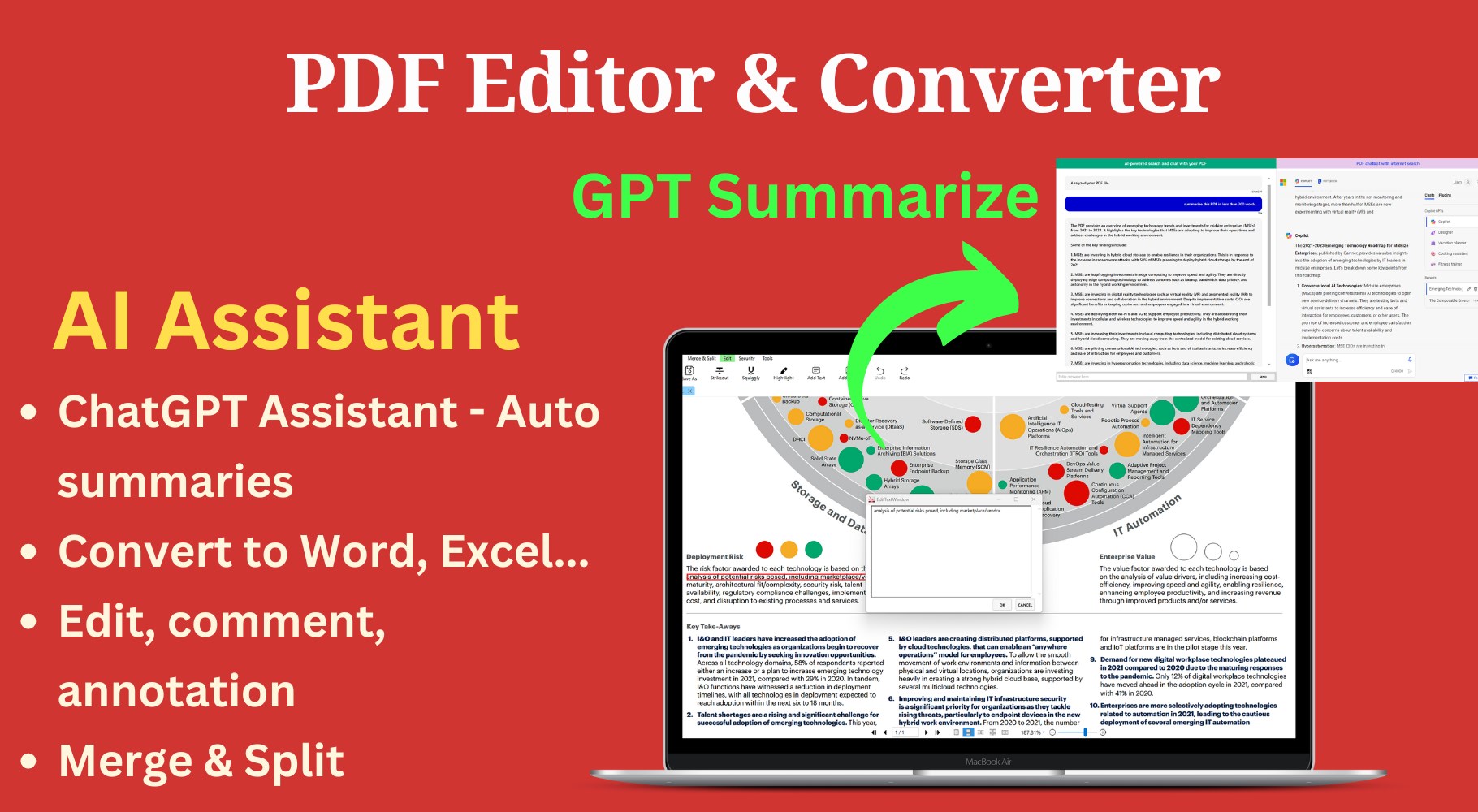
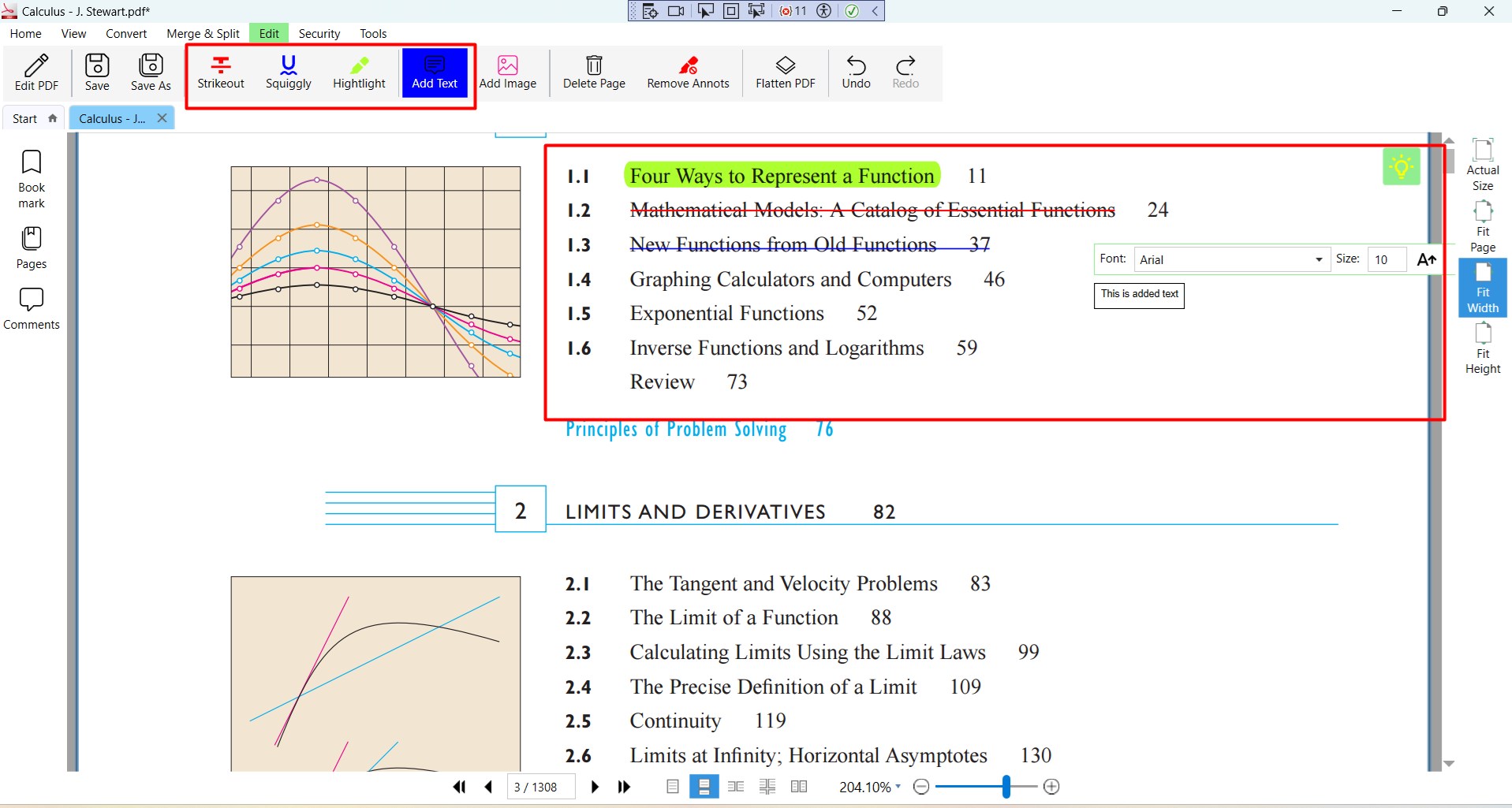
The core strength of this app lies in its editing suite, which offers straightforward tools to modify text, add annotations, or highlight sections—all without breaking a sweat. Unlike feature-heavy competitors, PDFLe's app keeps the interface clutter-free by prioritizing essential editing features. You can easily add comments, underline, or strike through text, transforming a static document into a collaborative workspace effortlessly. What's particularly striking is how these capabilities are smoothly integrated—think of it as having your editing toolkit neatly tucked inside a classic leather-bound journal, ready to use at a moment's notice.
Optimized Workflow Integration & Reduced Cognitive Load
Stepping beyond basic functionalities, this application shines in its focus on workflow efficiency. Unlike other PDF editors that bundle dozens of options, PDF Reader emphasizes ease of use and quick access. It minimizes cognitive load by hiding unnecessary features until needed, allowing users to stay focused without being overwhelmed. Its streamlined approach reduces decision fatigue—users spend less time figuring out how to do basic tasks and more time accomplishing their goals. This makes it especially attractive for those who need reliable PDF editing within their daily routines without the learning curve of complex software.
Final Verdict & Recommendations
Overall, PDF Reader - PDF Editor for Windows offers a balanced blend of simplicity, efficiency, and essential functionalities. I'd recommend it to students, researchers, and professionals seeking a dependable PDF tool that doesn't require steep learning curves or cluttered interfaces. If your work involves frequent document review, annotation, or minor edits, this app can become an unobtrusive yet vital part of your productivity toolkit. While it might lack some advanced features found in bigger software suites, its focused approach makes it a standout choice for everyday use.
Pros
- Intuitive User Interface
- Fast and Reliable PDF Rendering
- Comprehensive Editing Tools
- Cloud Integration Support
- Free Basic Features
Cons
- Limited Advanced Editing Features
- Occasional Sync Delays
- Basic Annotation Tools Only
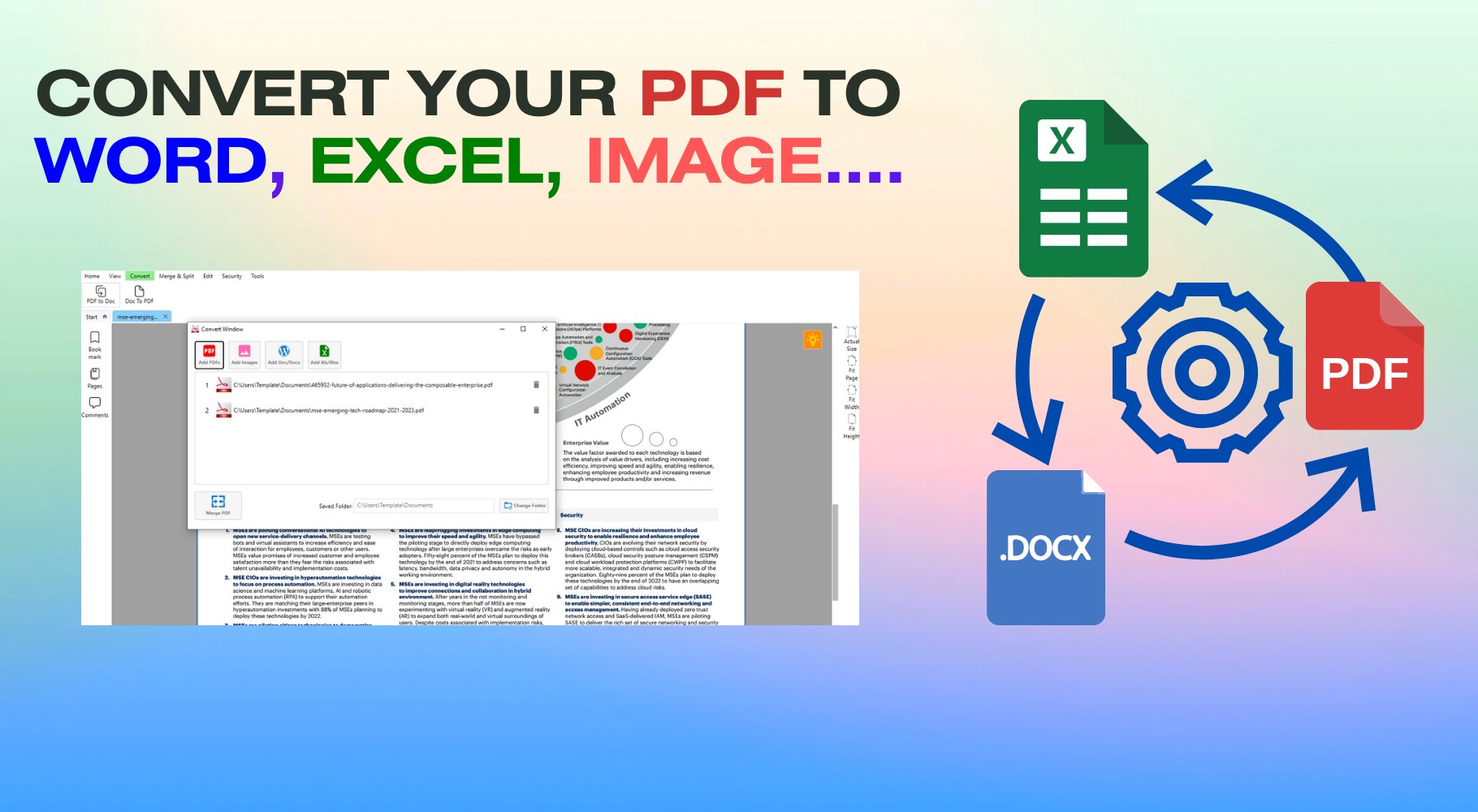
- No Built-in PDF Conversion
- UI Customization Limited











