
- Category Business
- Developer PDF Technologies, Inc.
- Available on PC
- OS Windows 10 version 17763.0 or higher
- languages Chinese (Simplified), Chinese (Traditional), English (United States), French, German
Introducing PDF Reader Pro - Editing Expert for Windows
In a landscape filled with countless PDF tools, PDF Reader Pro - Editing Expert stands out as a comprehensive solution designed to simplify the way professionals and casual users interact with PDF documents on Windows. With its robust feature set and user-friendly interface, it aims to be your go-to app for reading, editing, and managing PDFs efficiently.
Developers and Core Highlights
Developed and published by PDF Technologies, Inc., this application leverages a team dedicated to creating seamless PDF experiences. Key features that make PDF Reader Pro - Editing Expert noteworthy include:
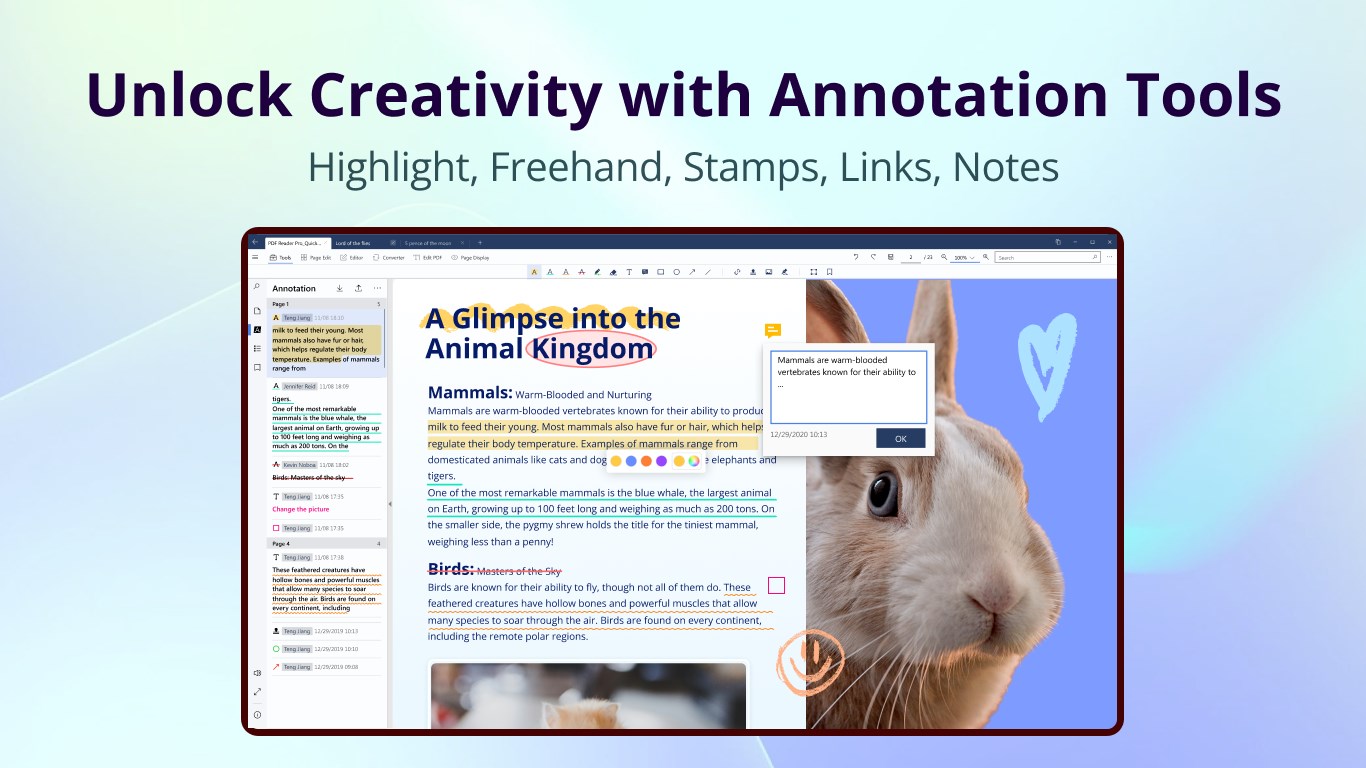
- Powerful Editing Capabilities: Effortlessly annotate, modify, and customize PDF content with an intuitive toolkit.
- Advanced Document Management: Organize, search, and navigate large PDF files with ease.
- Collaborative Features: Share annotations and edits seamlessly with colleagues or clients, promoting teamwork.
- Task Management Integration: Manage review workflows directly within the app for efficient document lifecycle handling.
The target audience primarily encompasses business professionals, students, researchers, and anyone frequently working with PDFs who seeks a balance of robust features and user-friendly design.
Engaging and intuitive user experience
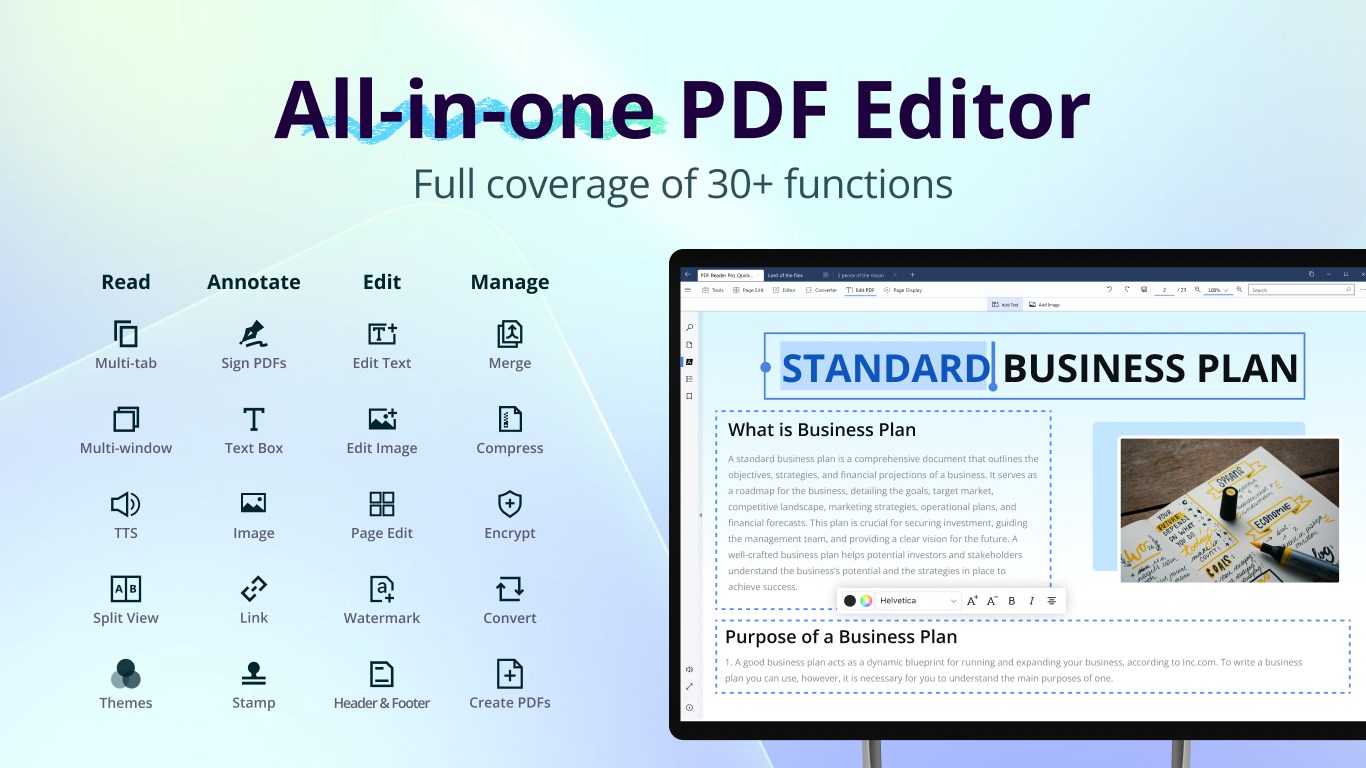
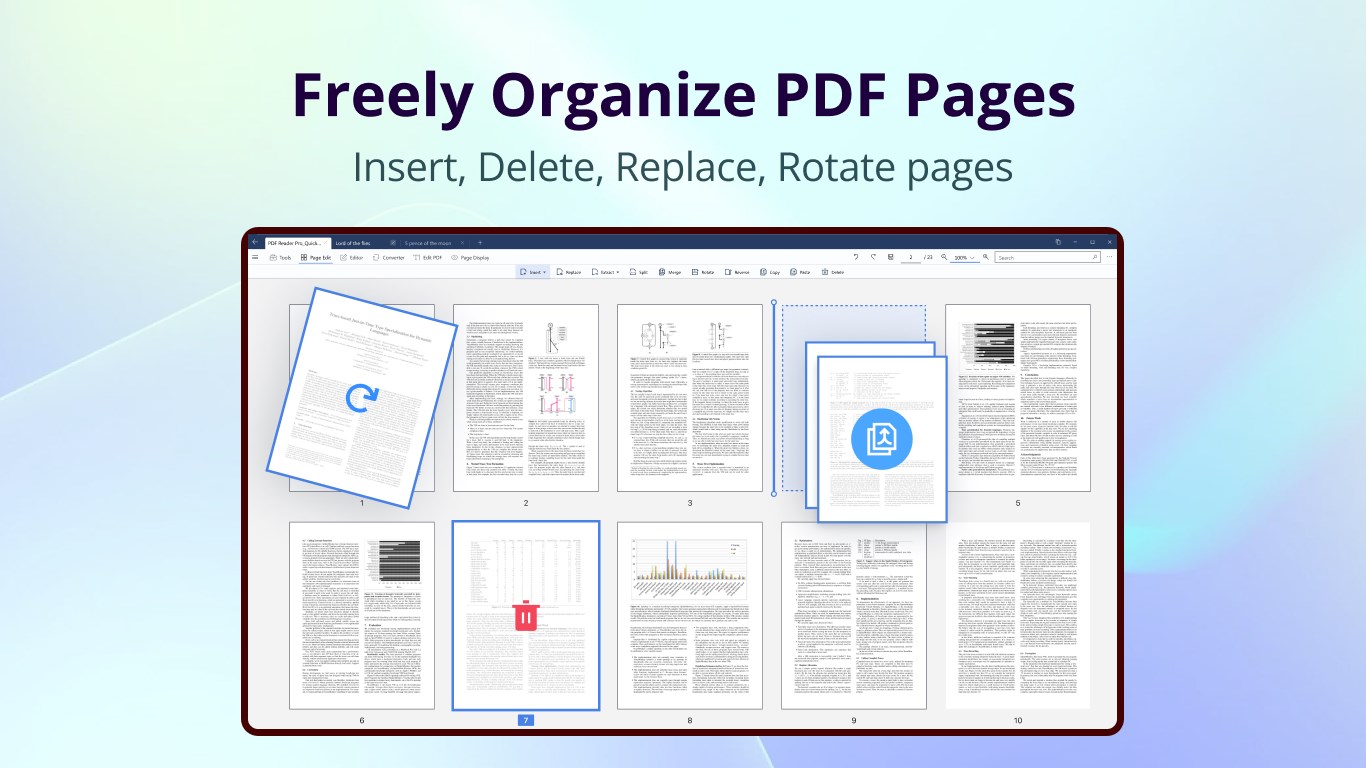
Imagine opening your PDF document to discover a tidy, well-organized workspace, much like stepping into a neatly arranged office. The interface design of PDF Reader Pro is clean and visually appealing, with a ribbon-style toolbar that puts all essential tools within arm's reach. This layout minimizes clutter and allows users to focus on their document without distraction.
Operation runs smoothly thanks to optimized performance, even when handling large files or complex annotations. The learning curve is gentle; most features are self-explanatory, and comprehensive tutorials or tooltips aid first-time users in mastering the app swiftly. Whether you're a tech-savvy professional or a casual user, the app welcomes you with an approachable experience.
Core Functions Explored: Editing and Collaboration
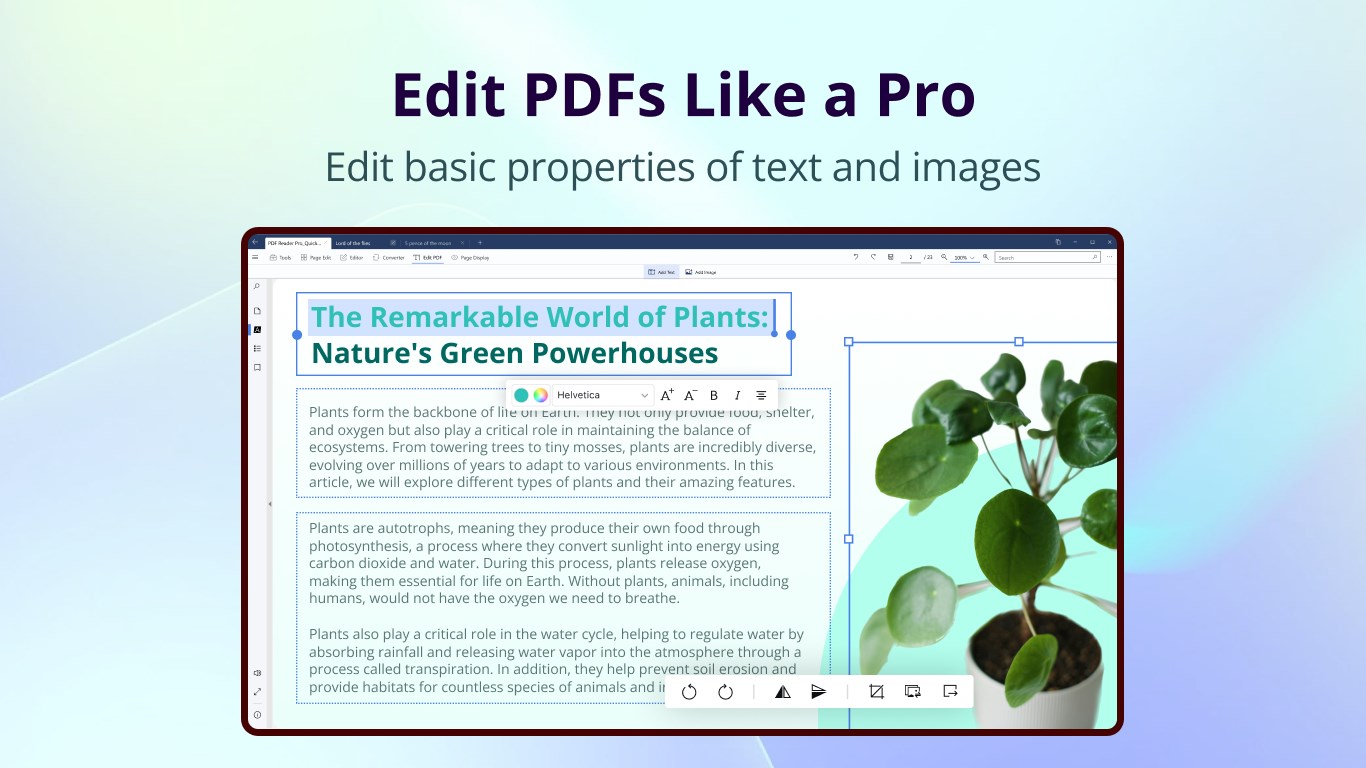
The editing suite of PDF Reader Pro is akin to having a digital pen and highlighter in your hand. You can add or delete text, insert images, draw shapes, and highlight sections effortlessly. The true standout is the ability to edit existing text directly within the PDF, which is invaluable for quick corrections or updates—think of it as a word processor built inside your PDF.
Another remarkable feature is the collaborative work functionality. Instead of exchanging dozens of annotated versions via email, teams can share a live, cloud-synced PDF where everyone's comments and edits are consolidated into a single document. This collaborative environment fosters real-time teamwork, making review cycles faster and more transparent. Unlike many competitors, this app emphasizes seamless integration for collaborative workflows without requiring additional third-party tools.
In addition, the task management capability allows users to assign review tasks, set deadlines, and track progress within the app. This integration transforms PDF management from passive viewing into an active, collaborative process, resembling a miniature project management hub centered around your documents.
Final Thoughts: Would I Recommend It?
All in all, PDF Reader Pro - Editing Expert for Windows earns a solid recommendation for those seeking an all-in-one PDF solution that doesn't sacrifice ease of use for power. Its standout features—particularly the advanced editing tools and collaborative workflow integration—set it apart from more basic readers or disjointed editing suites. For individuals or teams who frequently review or modify PDFs and want a streamlined, efficient experience, this app proves to be a dependable companion.
My suggestion is to consider it if you're looking to consolidate multiple PDF tasks—reading, editing, annotating, collaborating—into a single, well-designed platform. Whether you're preparing reports, managing contracts, or collaborating on research papers, PDF Reader Pro can effectively enhance your productivity. As always, it's best to try the free trial or demo version if available, to see how well it fits your specific workflow. Overall, a promising tool worth exploring for professional and everyday PDF needs.
Pros
- Intuitive User Interface
- Comprehensive PDF Editing Tools
- Fast Performance
- Multi-Platform Compatibility
- Cloud Integration Support
Cons
- Limited Free Features
- Occasional Crashes on Large Files
- Basic Annotation Features Lacking in Depth
- Minor UI Delays During Heavy Editing
- Less Customization for Toolbar Layout











