
- Category Business
- Developer PDF Technologies, Inc.
- Available on PC
- OS Windows 10 version 17763.0 or higher
- languages Chinese (Simplified), Chinese (Traditional), English (United States), French, German
Introducing PDF Reader Pro: Your All-in-One PDF Companion
Imagine having a versatile toolkit that turns your Windows PC into a powerhouse for handling PDFs—annotating, converting, and managing documents effortlessly. That's exactly what PDF Reader Pro by PDF Technologies, Inc. aims to deliver: a seamless, professional-grade PDF solution designed to simplify your document workflows. Whether you're a student, a business professional, or someone who works with PDFs daily, this app promises to be your reliable partner for all PDF-related tasks.
Core Features That Stand Out
Comprehensive PDF editing and annotation tools
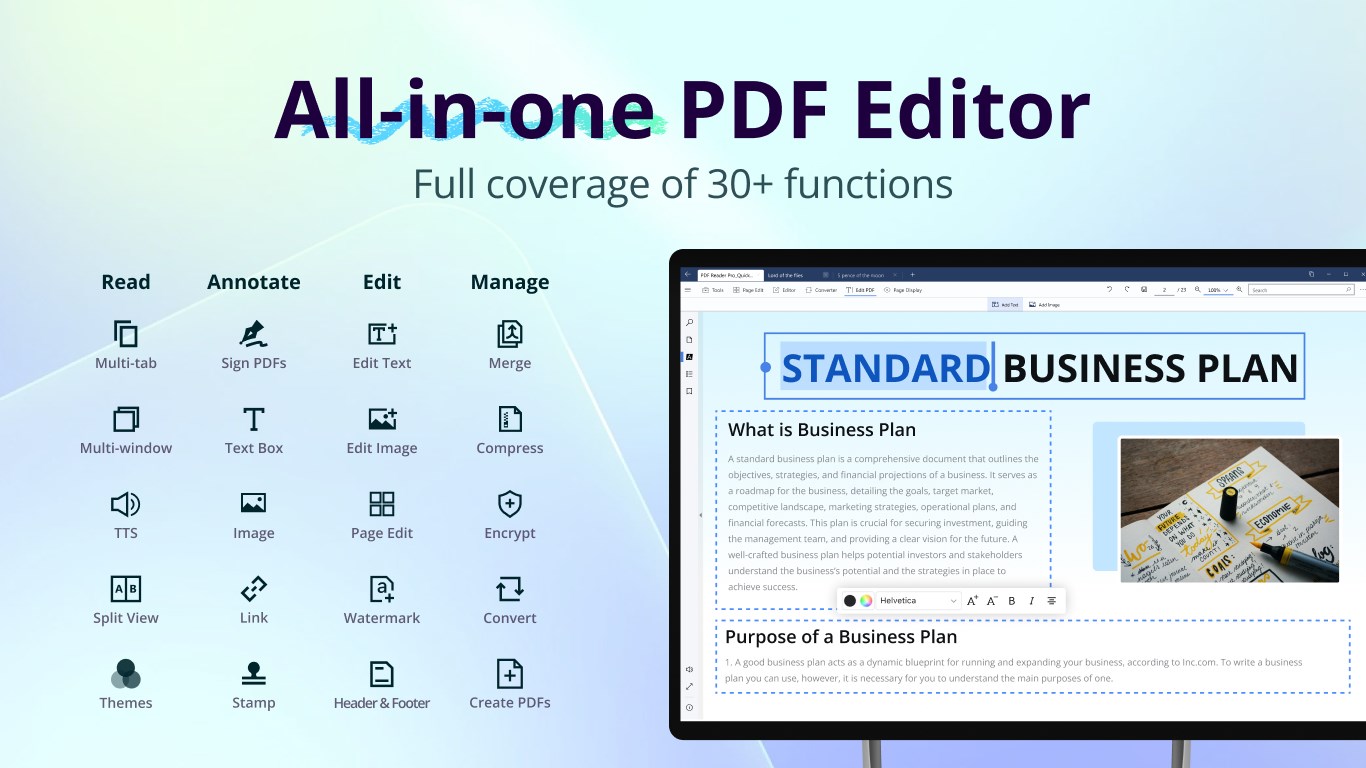
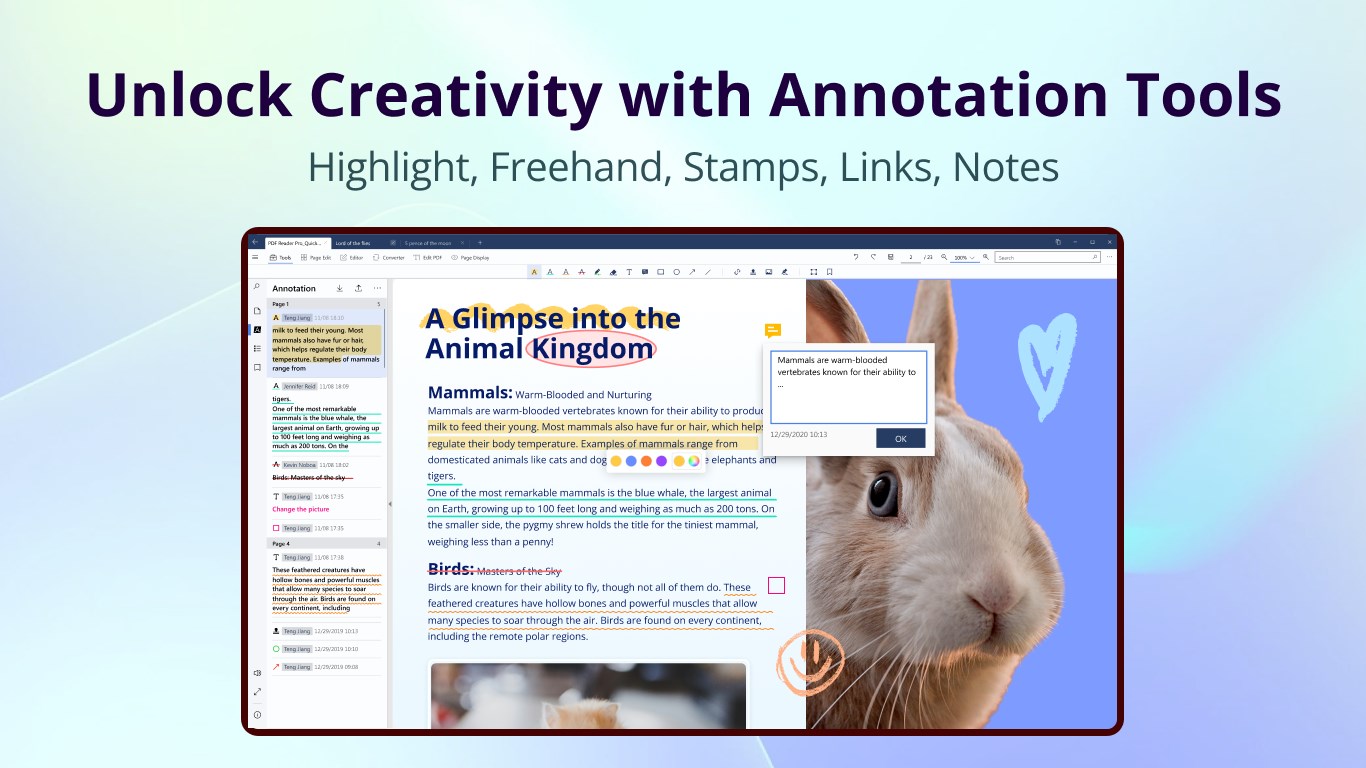
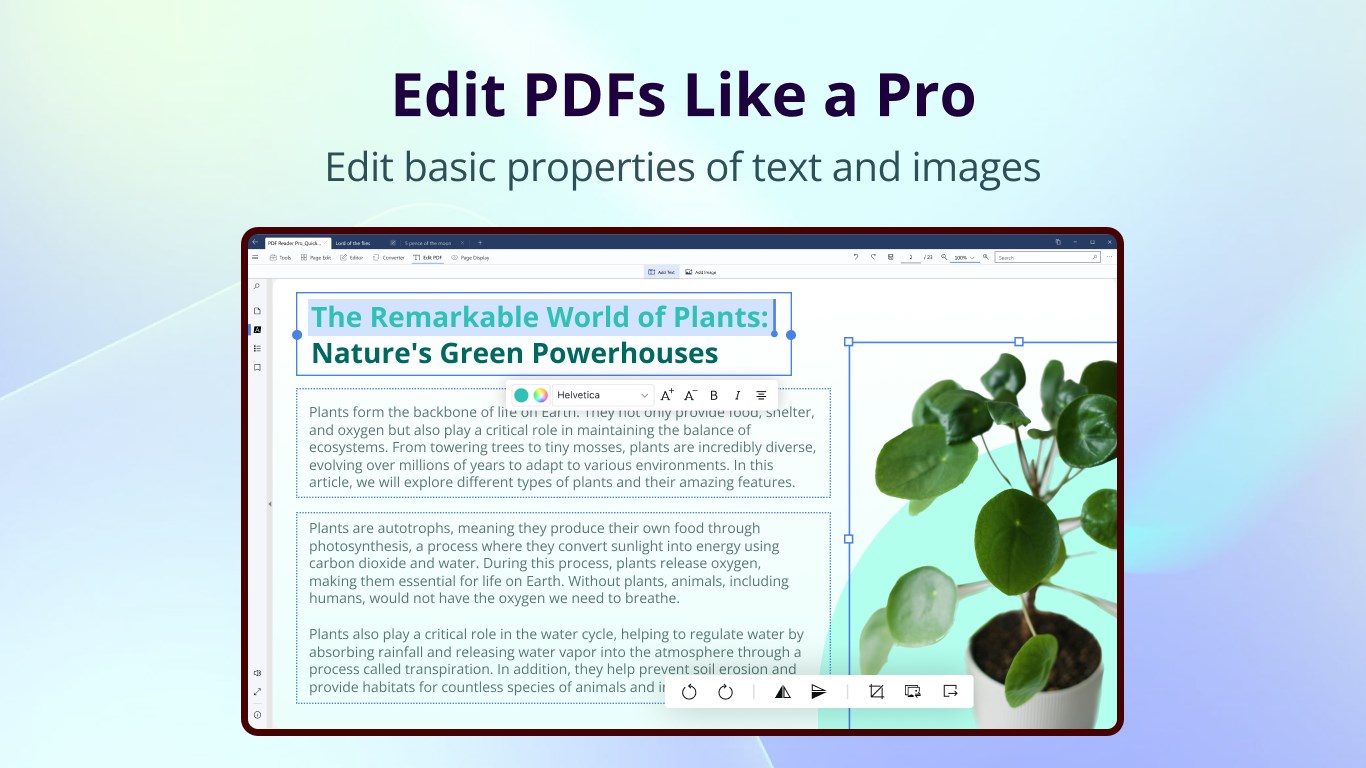
At its heart, PDF Reader Pro provides robust editing capabilities—adding or removing text, inserting images, highlighting important sections, and making annotations that stick. The interface makes it surprisingly intuitive, turning what used to be a chore into a straightforward task. Whether jotting down comments during a meeting or marking up an assignment, editing feels fluid and responsive, much like sketching on paper but with the convenience of digital power.
Powerful PDF conversion features
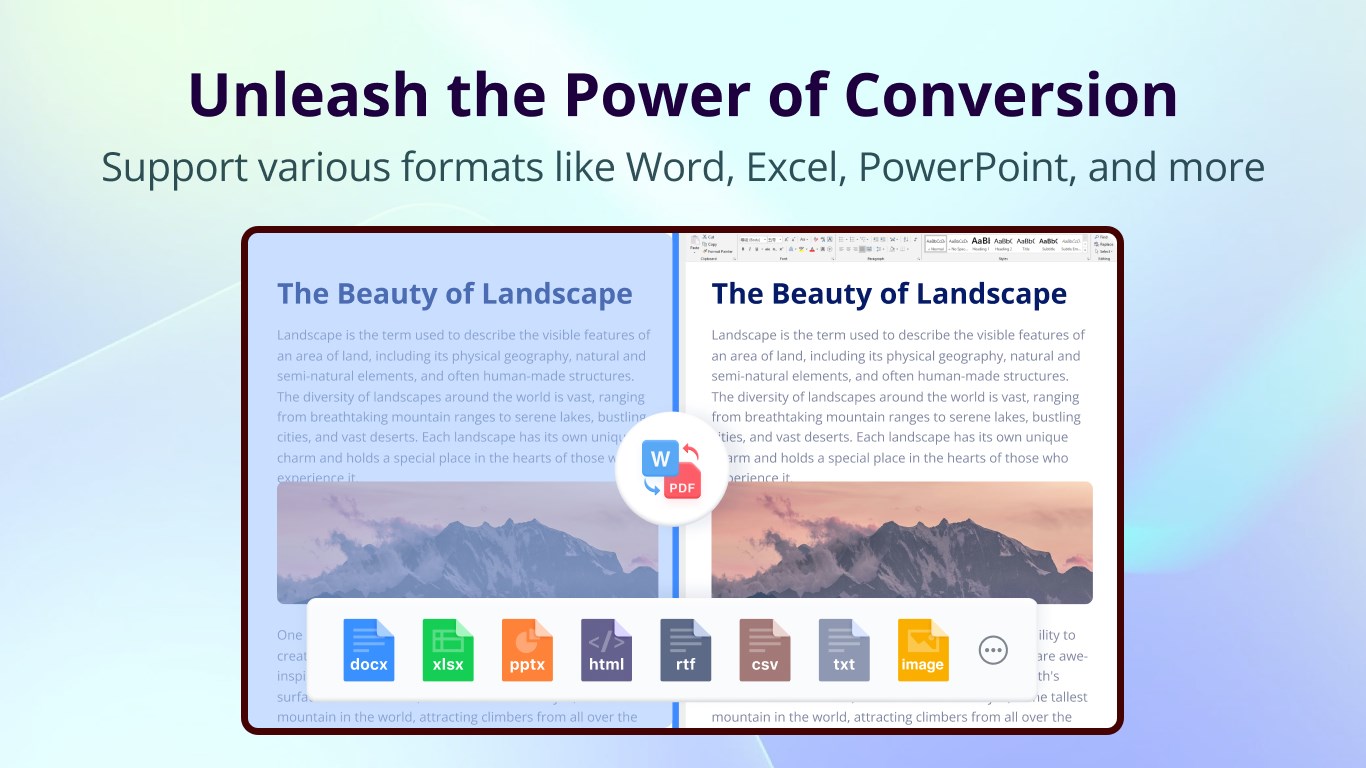
One of the app's defining traits is its ability to convert PDFs to various formats—Word, Excel, PowerPoint, images, or plain text—with just a few clicks. This feature is a real time-saver, especially when you need to repurpose content without starting from scratch. It handles complex layouts well and preserves formatting, making your transitions between formats almost effortless. Think of it as a multilingual translator for your documents, breaking down barriers between formats and increasing your productivity.
Smooth User Interface & Elevated User Experience
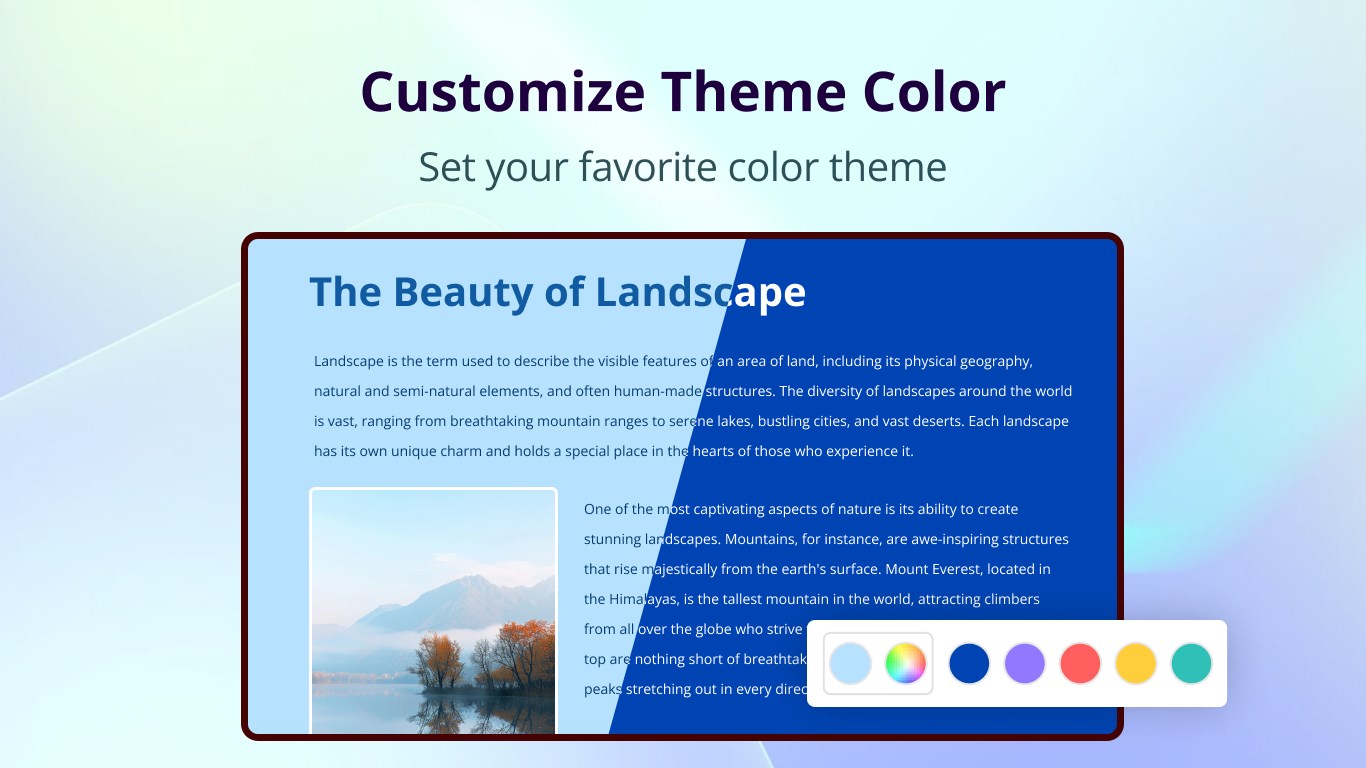
As soon as you open PDF Reader Pro, you're greeted with a sleek, modern interface that feels both familiar and inviting—like stepping into a well-organized digital workspace. The layout is thoughtfully arranged, with toolbar icons that are easily recognizable. Navigation is smooth, with minimal lag and clutter, making your interactions feel natural—almost akin to flipping through a well-thumbed book. Learning curves are gentle; most functions can be mastered within moments, making it friendly for both beginners and seasoned users.
What Makes It Different: Collaborating and Managing Tasks
While many PDF tools focus solely on individual document handling, PDF Reader Pro shines with its collaborative work features. It allows multiple users to comment, highlight, and annotate - fostering teamwork without the need for extraneous file sharing platforms. Additionally, its task management integration means you can assign editing or review tasks directly within the app, turning PDFs into dynamic documents in shared workflows. This is particularly advantageous in business environments where collaborative reviews and real-time feedback are important, setting it apart from mere reader-and-editor tools. It feels like having a virtual conference room right inside your PDF, streamlining communication and cooperation.
Final Verdict & Recommendations
All in all, PDF Reader Pro by PDF Technologies, Inc. emerges as a comprehensive PDF solution suitable for a broad user base—from students managing assignments to professionals handling complex documents in collaborative settings. Its standout features, especially the robust annotation tools and integrated task management, offer tangible productivity boosts. The app's interface design and smooth operation further enhance its appeal, making it easily accessible without a steep learning curve.
For those seeking a reliable, feature-rich PDF app that fosters teamwork and simplifies document workflows, this application deserves strong consideration. I would recommend it for everyday use, especially in environments demanding collaborative editing and efficient format conversions. Whether you're managing a personal project or coordinating across teams, PDF Reader Pro can be a dependable digital workspace in your toolkit.
Pros
- Intuitive User Interface
- Powerful PDF Editing Features
- Conversion Capabilities
- Cloud Integration
- High Accuracy OCR
Cons
- Limited Free Features
- Occasional App Lag
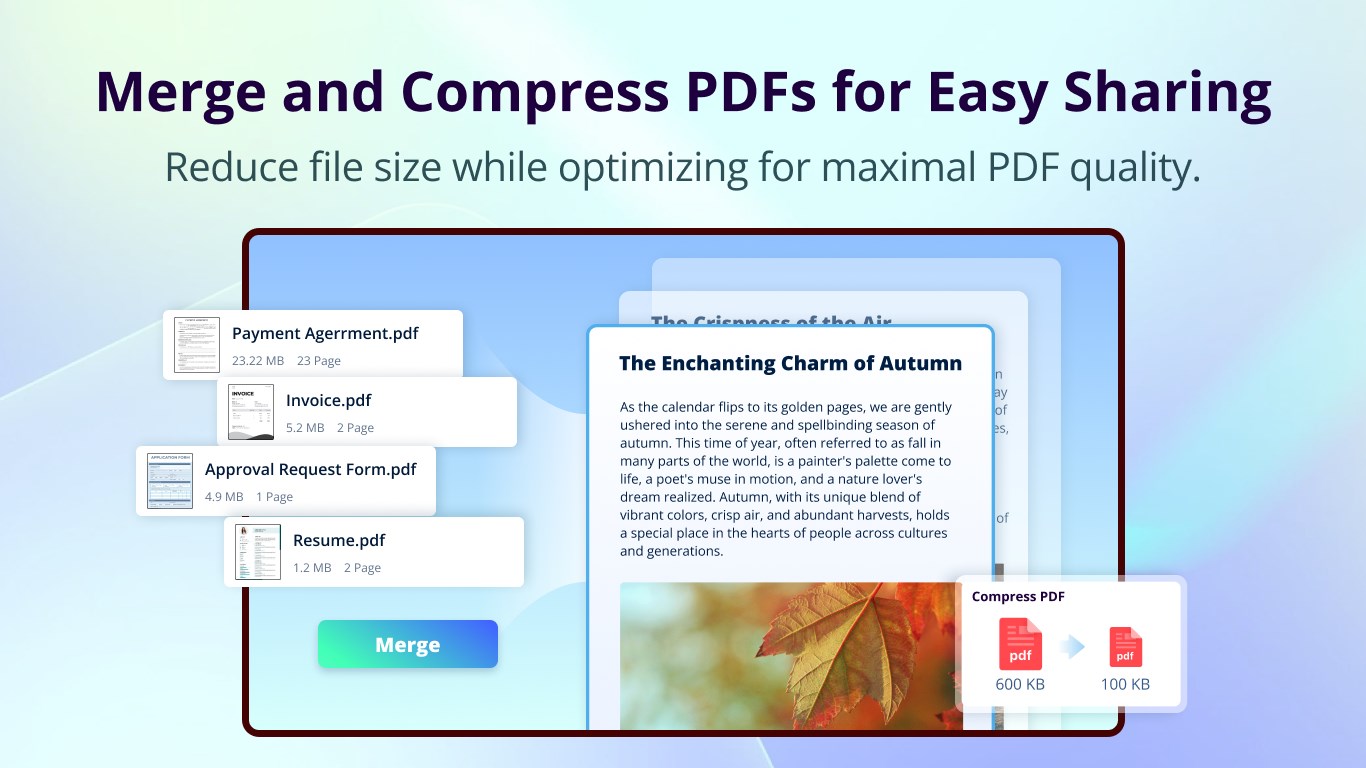
- File Size Management
- Limited Annotation Tools
- Minor Compatibility Issues











