


- Category Productivity
- Available on PC
- OS Windows 10 version 18362.0 or higher
- languages Chinese (Simplified), Chinese (Traditional), English (United States), French, German, Italian, Japanese, Korean , Portuguese, Russian, Spanish (Spain)
Introducing PDF Reader – A Streamlined Solution for Windows Users
Designed to simplify PDF viewing and editing on Windows, PDF Reader by Kdan Mobile offers a comprehensive yet user-friendly approach to managing your documents efficiently.
About the Developer and Core Highlights
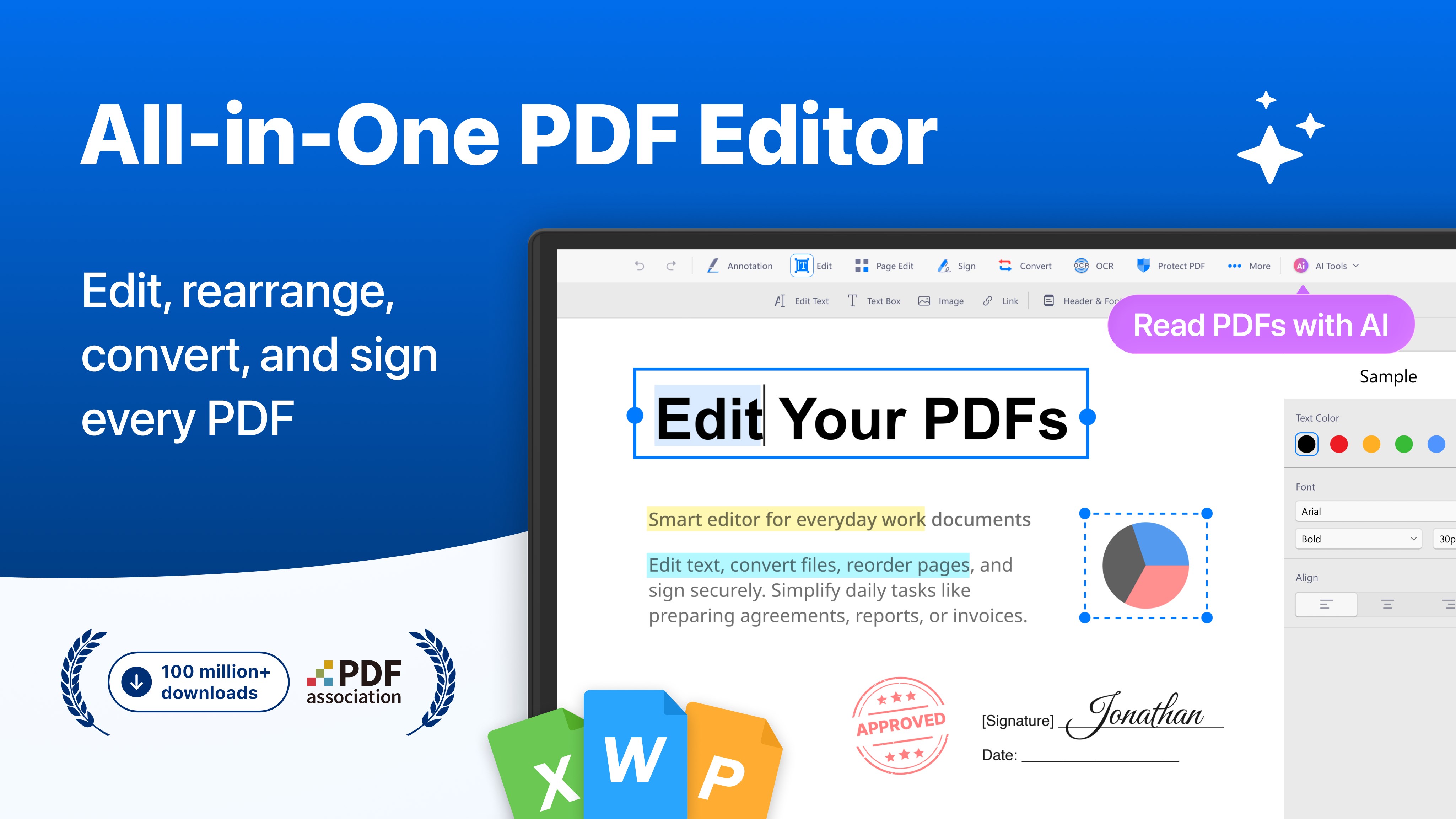
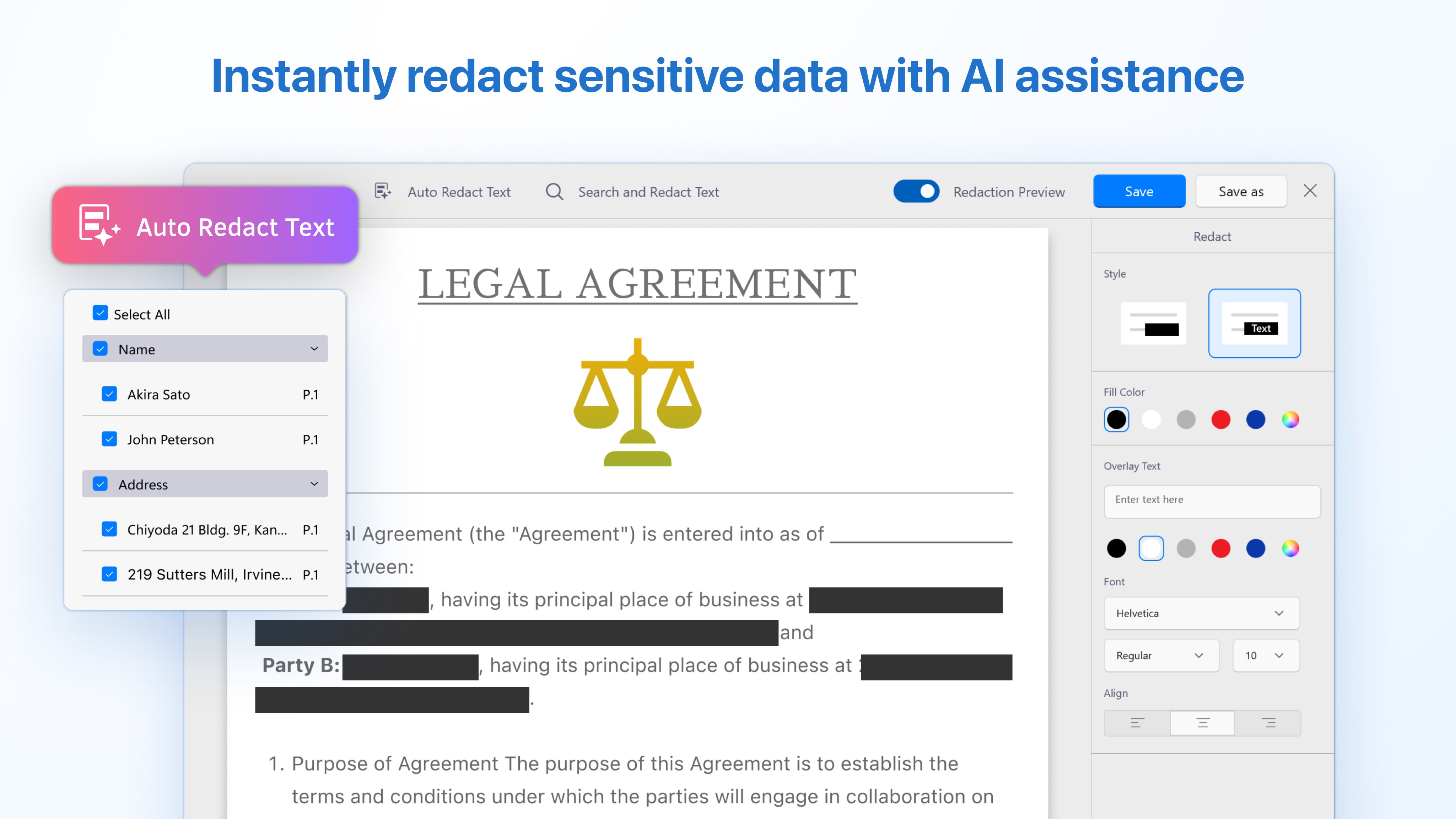
The app is developed by Kdan Mobile Software Ltd., a reputable team renowned for innovative productivity tools. PDF Reader's defining features include robust annotation options, seamless editing capabilities, smooth document navigation, and superior interface design—all tailored to enhance user productivity. Its primary target audience encompasses professionals, students, and casual users seeking a reliable PDF tool that balances functionality with ease of use.
A lively tour through the PDF universe
Imagine sitting at your desk, ready to review a crucial report or jot down thoughts directly on your PDF. PDF Reader's interface feels like a well-organized workspace—clutter-free yet packed with powerful tools—making document management feel more like a creative session than a chore. It's the kind of app that transforms mundane PDF tasks into surprisingly enjoyable routines.
Powerful Core Functionalities—Making PDFs Your Best Friend
Advanced Annotation and Markup Tools
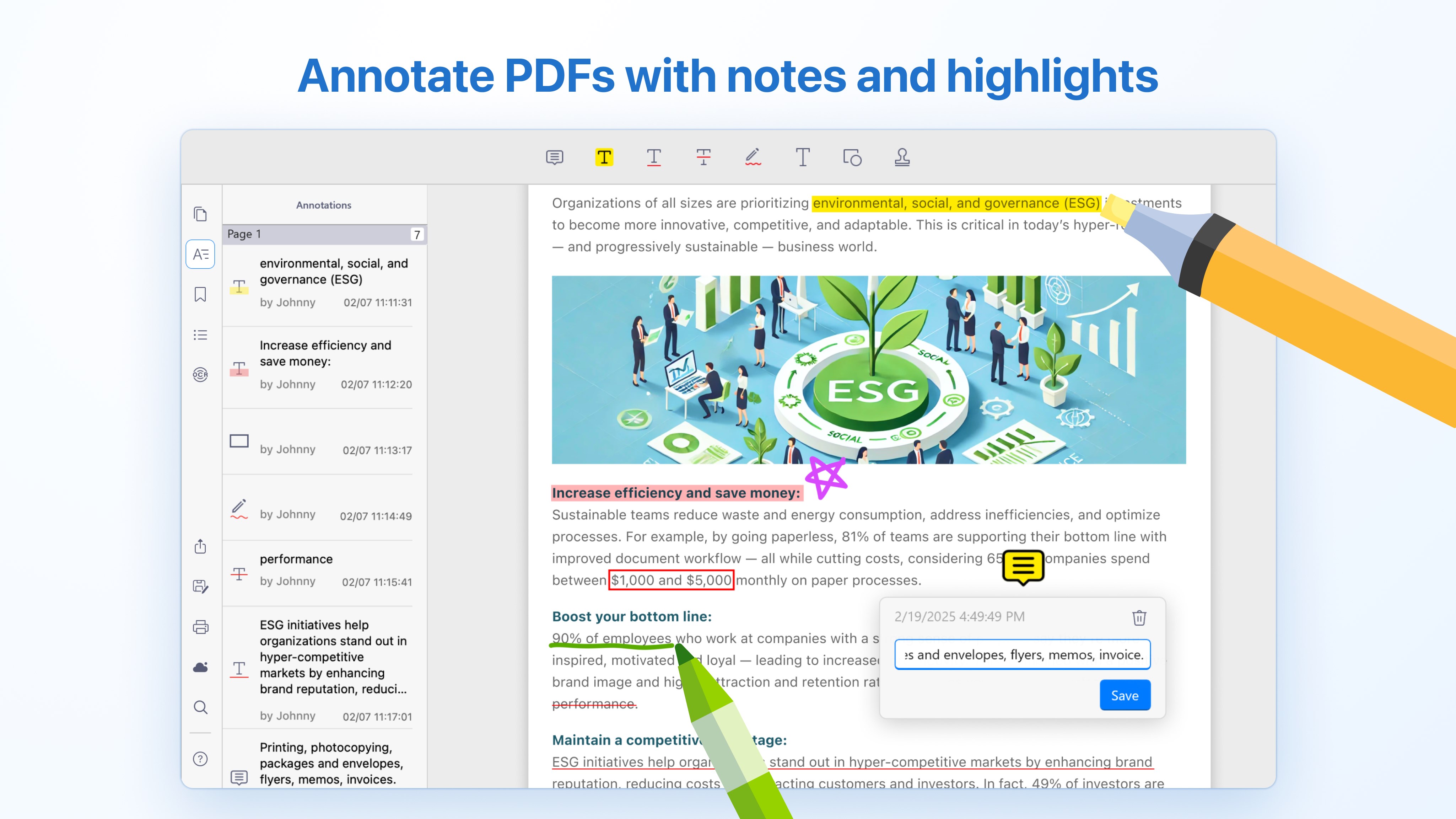
One of PDF Reader's standout features is its extensive annotation suite, allowing users to highlight text, add comments, draw, and even insert stamps. This transforms static PDFs into interactive documents, perfect for collaborative feedback or personal review sessions. Unlike many competitors with limited markup options, this app makes marking up documents feel intuitive and satisfying, like sketching on a digital whiteboard.
Effortless PDF Editing and Conversion
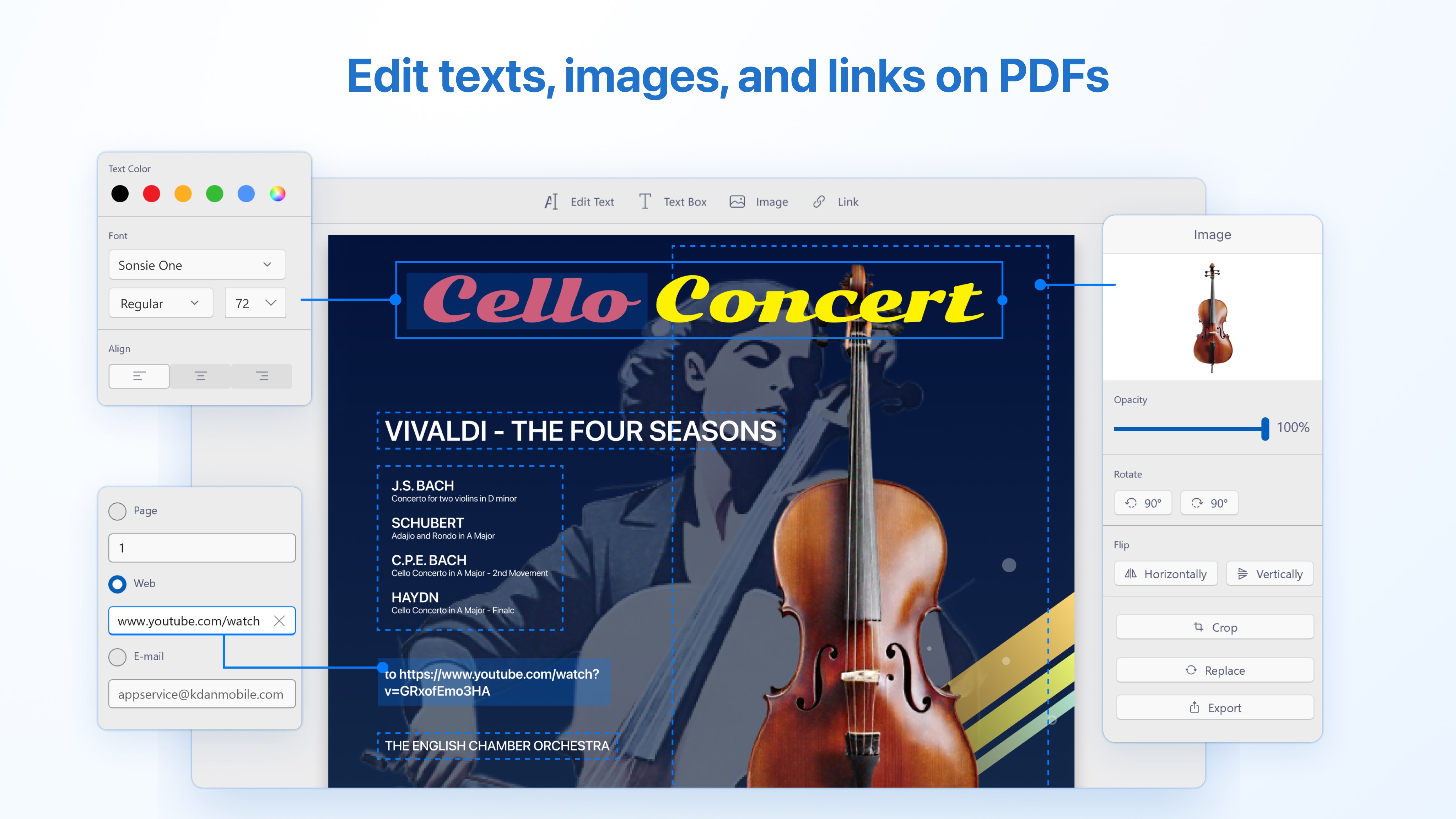
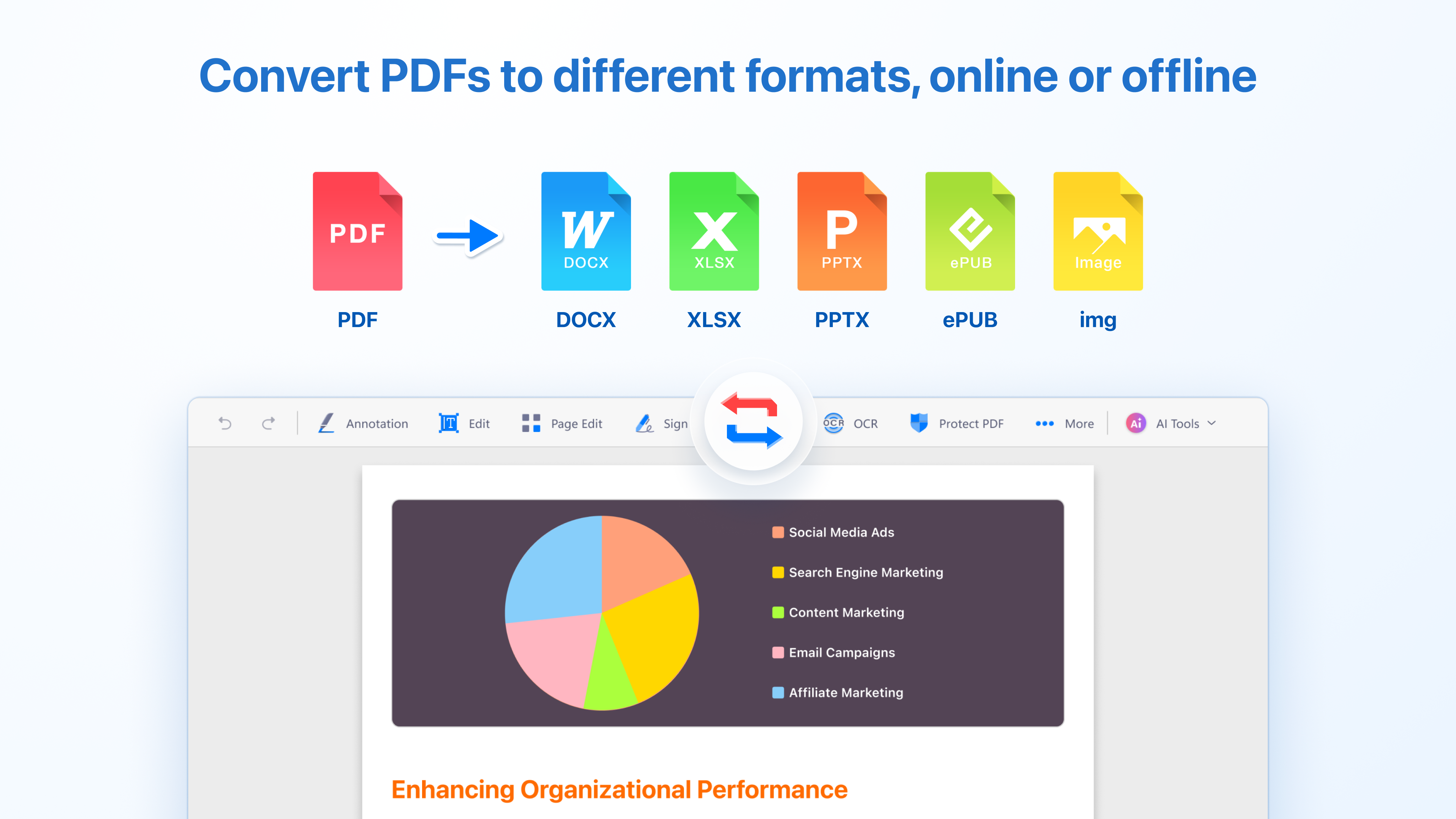
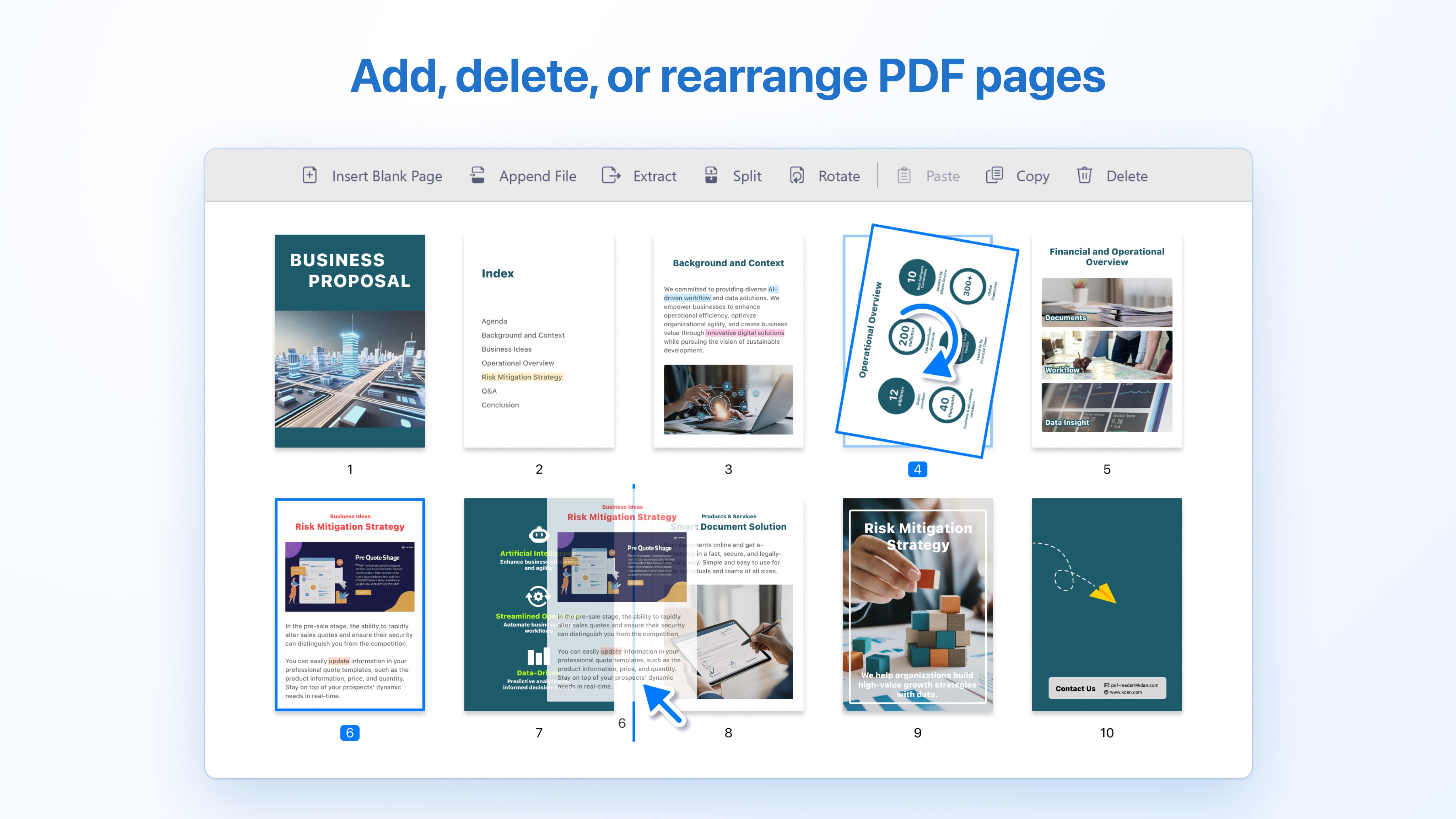
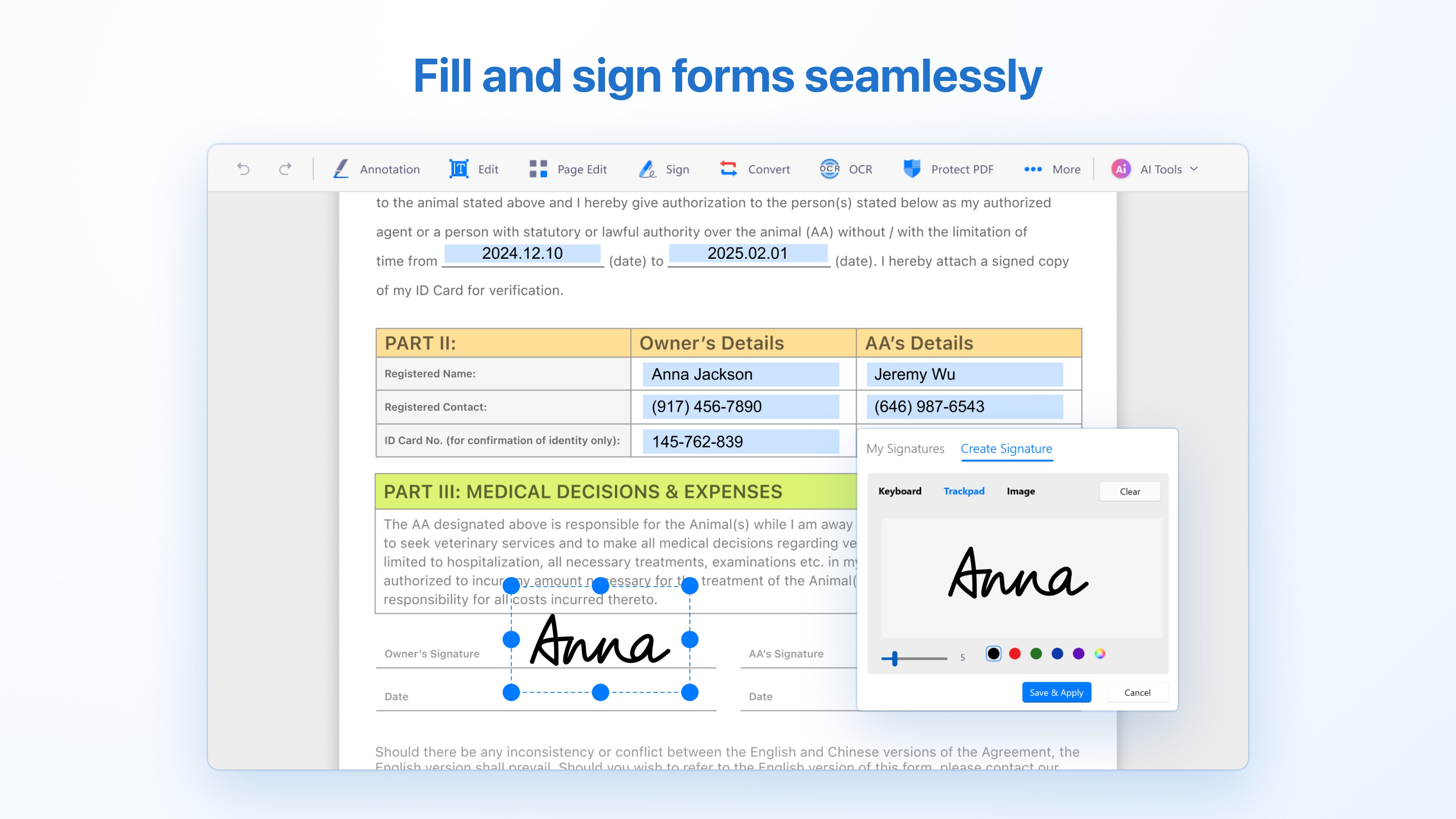
Where PDF editing often feels like a puzzle, this application simplifies the process. You can easily modify text, insert images, or rearrange pages with drag-and-drop finesse. Additionally, its robust conversion capabilities—turning PDFs into Word, Excel, or image formats—are as seamless as changing channels on a TV. This streamlines workflows, especially for users needing quick document adjustments without switching to multiple tools.
Intuitive Navigation & User Experience
The interface is crisp, clean, and logically organized, reducing cognitive load and making navigation feel natural. Page turning mimics real-world reading, complete with smooth scrolling and zoom functions—imagine flipping through a well-bound book rather than wrestling with a shadowy labyrinth. The learning curve is gentle, bringing novice users into the fold quickly while providing depth for power users.
What Sets PDF Reader Apart in the Productivity Landscape?
Compared to other PDF solutions, this app excels in integrating workflow efficiency and reducing cognitive demands. Its design philosophy emphasizes clarity and streamlined functionality, avoiding feature bloat. The app's core strength lies in its ability to minimize distraction—allowing users to focus on their content rather than wrestling with complex menus or extraneous options. This balance helps users accomplish more in less time, turning PDF management from a chore into a productive ritual.
Final Thoughts—Would I Recommend It?
Absolutely. PDF Reader by Kdan Mobile offers a compelling mix of practicality and user-centric design. It's especially suitable for users who want a straightforward yet powerful tool that integrates effortlessly into their workflow. Whether you're a busy professional needing quick annotations or a student managing multiple readings, this app provides the essential features without overwhelming the user. My suggestion? Give it a try—you'll find it transforms how you handle PDFs into a smoother, more intuitive experience.
Pros
- User-friendly interface
- Comprehensive viewing options
- Basic PDF editing features
- Solid text search functionality
- Lightweight and fast performance
Cons
- Limited advanced editing tools
- Occasional lag with large files
- In-app advertisements in free version
- Limited cloud storage sync
- Minor bugs in annotation tools










