
- Category Business
- Available on PC
- OS Windows 10 version 14393.0 or higher
- languages Chinese (Simplified), Dutch, English (United States), French, German, Italian, Japanese, Korean, Portuguese, Russian, Spanish
Introducing PDF X: A Robust PDF Editor & Reader for Windows
Imagine having a versatile, all-in-one tool that not only allows you to read and edit PDFs seamlessly but also streamlines your workflow—PDF X by NG PDF Lab aims to do precisely that. Whether you're a professional needing detailed annotations or a student organizing research material, this application positions itself as an essential companion for everyday PDF handling on Windows.
About the Developer and Core Features
Developed by NG PDF Lab, a team dedicated to enhancing productivity through innovative PDF tools, PDF X offers a user-friendly yet powerful interface. The app's main strengths lie in its comprehensive annotation capabilities, smooth editing tools, and collaborative features—making it suitable for both individual and team use. Its focus on intuitive use coupled with advanced functionalities underscores its target audience of professionals, educators, and students seeking efficient PDF management.
Engaging and Efficient PDF Handling — First Impressions
From the moment you launch PDF X, it feels like stepping into a well-organized workspace. The interface is clean and modern, with tools logically arranged for quick access. As someone who's often marred by sluggish PDF software, I appreciated how fluid the navigation felt—click, edit, annotate—snap, without hiccups or lag. Whether zooming into detailed diagrams or flipping through pages, the app maintains a smooth experience, making document review feel less like a chore and more like an engaging reading session.
Powerful Annotation and Editing — Your Digital Markup Toolbox
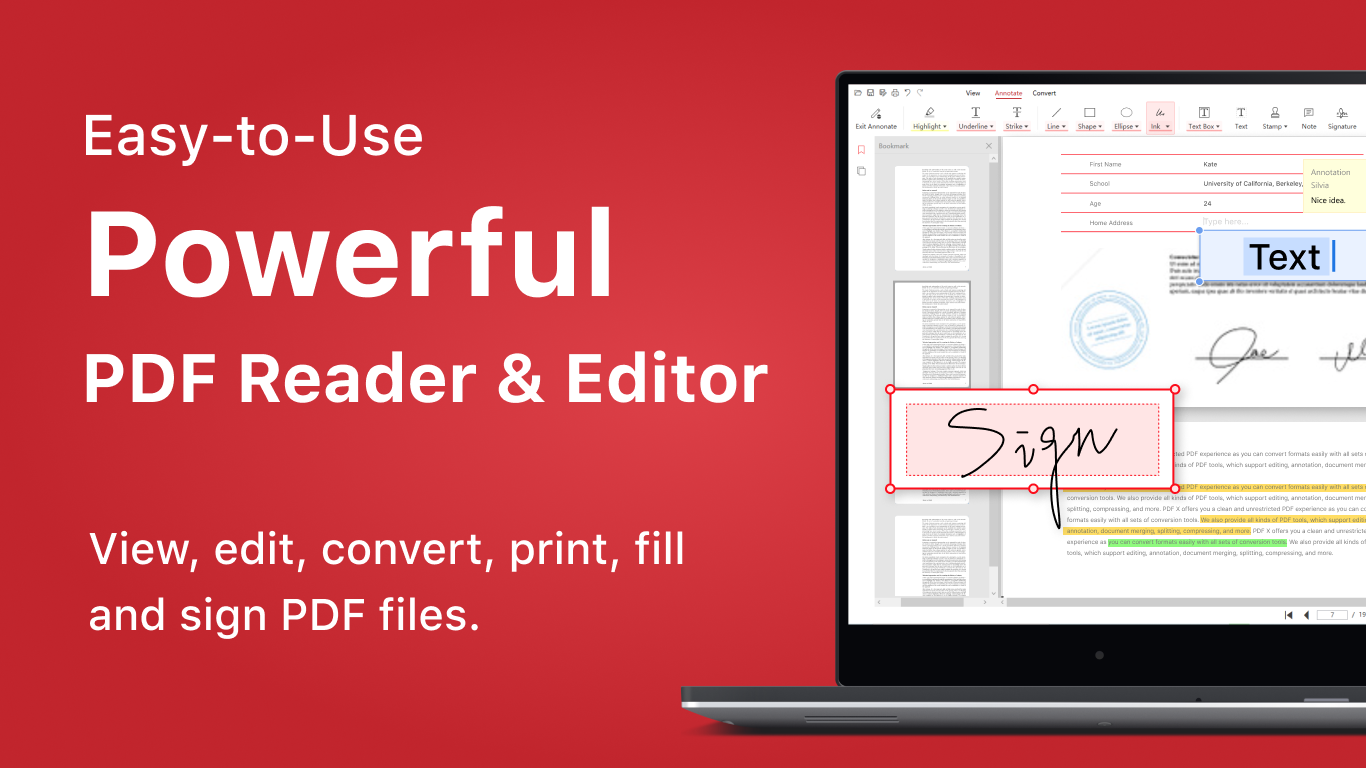
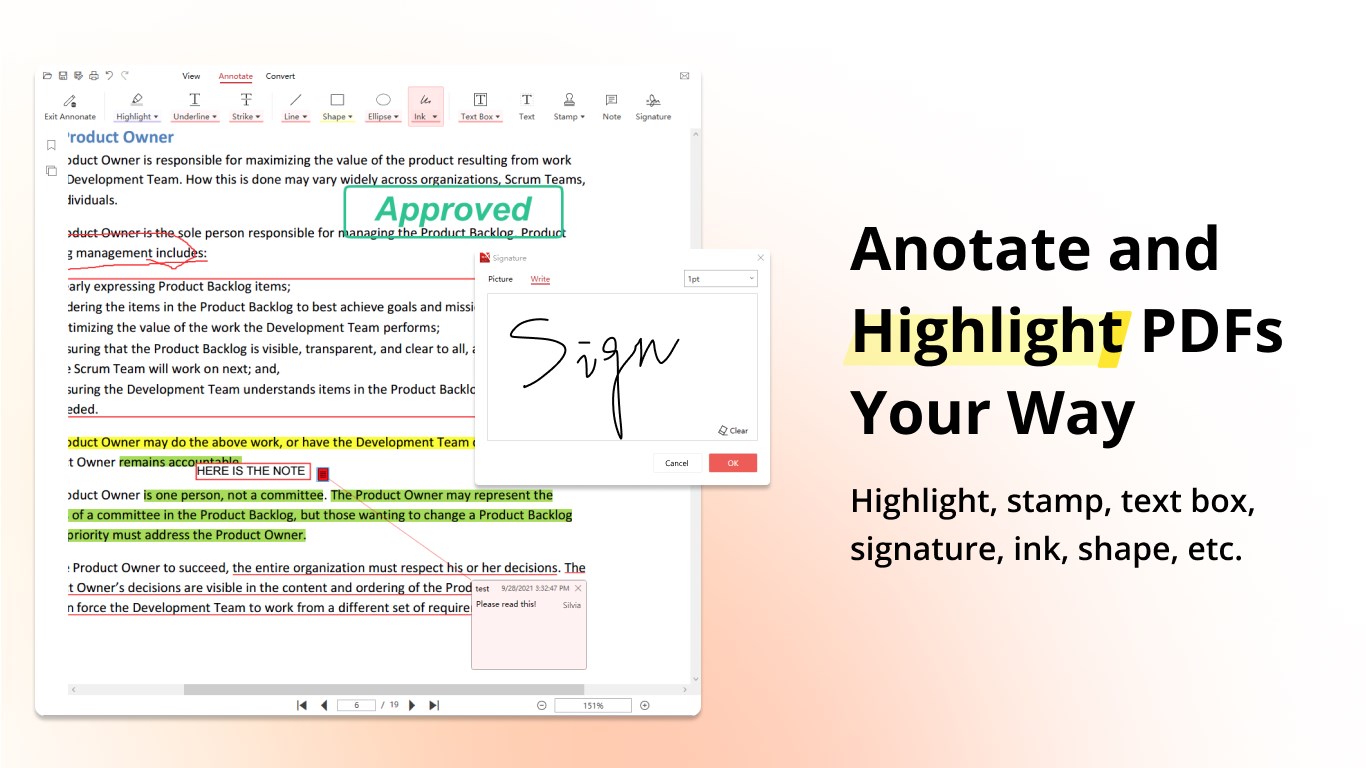
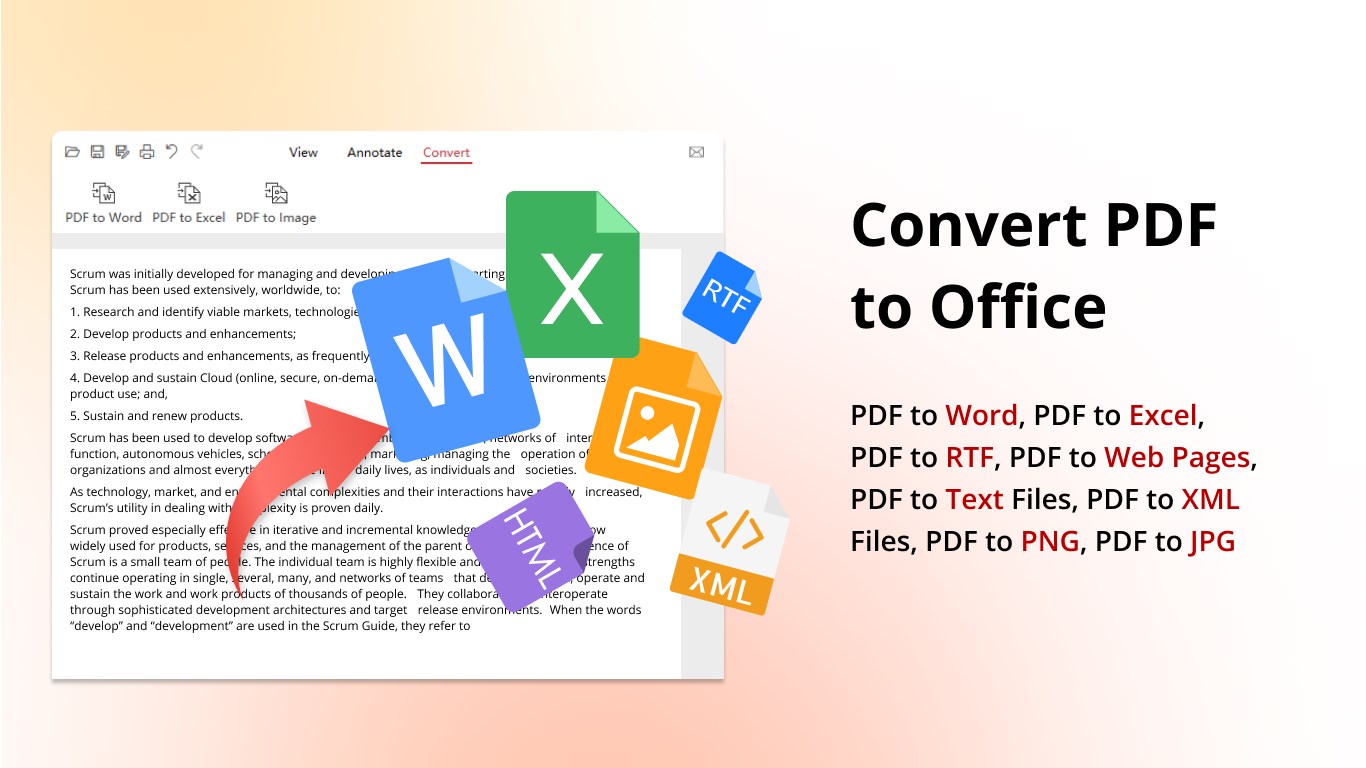
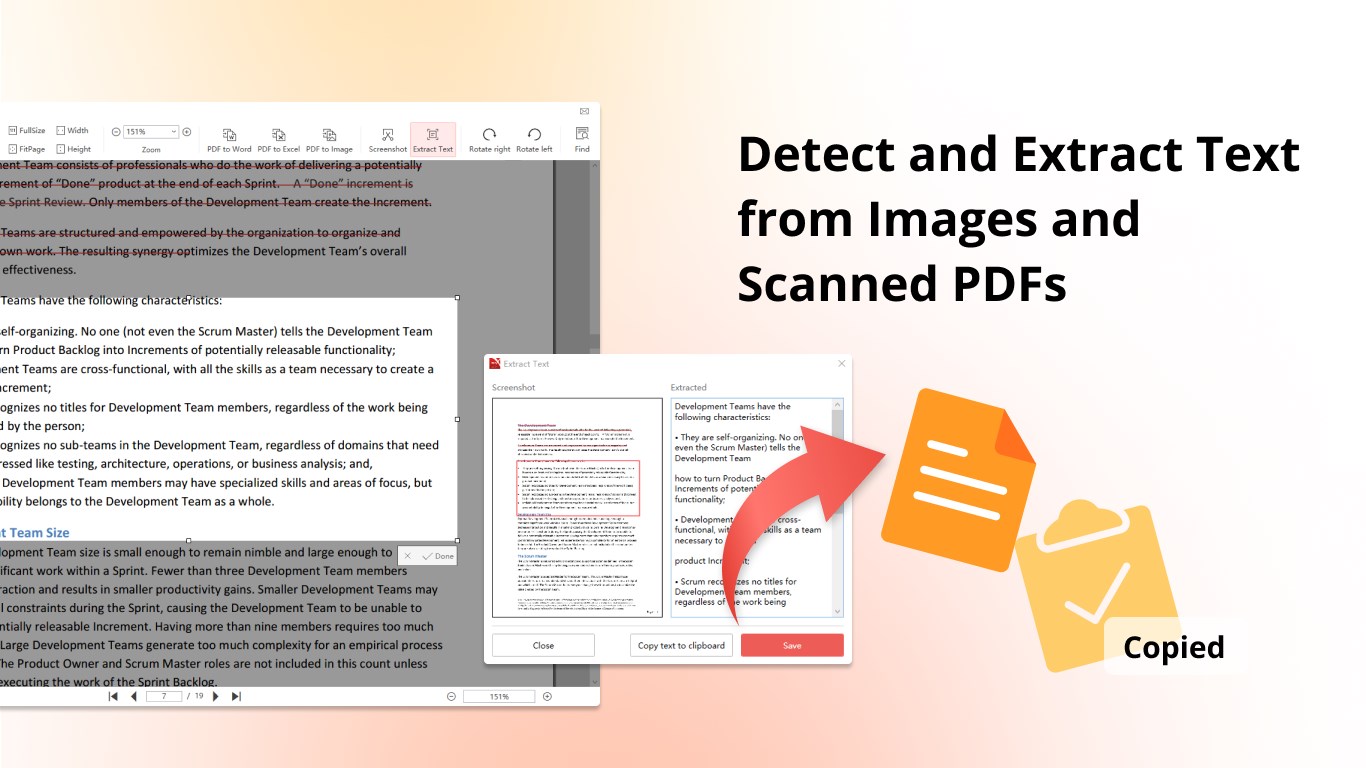
At the heart of PDF X's appeal is its robust annotation suite. Think of it as a professional artist's toolkit, with options to highlight, underline, add comments, and even draw freehand directly onto pages. Want to insert text boxes or stamps? Done with a few clicks. The editing tools extend beyond annotations, allowing for modifications within the document—adding or deleting text, reorganizing pages, or converting PDFs to editable formats seamlessly. This makes editing on the fly straightforward, even for complex documents, without requiring external software.
Collaborative Features — Beyond Solo Use
What really sets PDF X apart from many similar apps is its emphasis on collaboration. Unlike traditional PDF viewers that just let you read or annotate, PDF X supports sharing documents with team members who can review and comment simultaneously—ideal for remote teams or academic groups. Its task management integration further enhances efficiency: assign review tasks, track feedback, and manage versions within the same platform. These collaborative tools act like a virtual meeting table, keeping everyone on the same page and reducing the chaos of email exchanges and version confusion.
User Experience and Unique Selling Points
Navigation in PDF X feels like flipping through the pages of your favorite book—intuitive and effortless. The learning curve is gentle; even beginners can quickly familiarize themselves with essential functions thanks to clear icons and contextual help. It's akin to sitting down at a well-organized desk—you know exactly where everything is, and working becomes a pleasure rather than a chore.
Compared to other business-focused PDF apps, PDF X's standout feature is its integrated collaboration and task management—transforming it from a mere reader into a productivity hub. This makes it particularly valuable for teams needing real-time reviews and streamlined workflows, giving it a competitive edge over more static PDF tools focused solely on individual use.
Final Thoughts and Recommendations
If you're searching for a comprehensive yet user-friendly PDF tool for Windows, PDF X is worth considering. It strikes a good balance between core functions—reading, editing, annotating—and advanced collaborative features that facilitate teamwork. While the app may not yet match the depth of some specialized professional software in all metrics, its practical design and unique task management give it an edge for small and medium-sized teams.
My recommendation is straightforward: if your work involves frequent PDF review, markup, and collaboration, PDF X can significantly streamline your processes. For casual users or those needing only basic PDF reading, it still offers a satisfying experience with room to grow. All in all, it's a promising tool that deserves a spot in your software arsenal, especially if teamwork is part of your daily routine.
Pros
- Intuitive User Interface
- Comprehensive PDF Editing Tools
- Fast Performance
- Cloud Integration
- Reliable Text Extraction
Cons
- Limited Free Features
- Occasional Crashes on Large Files
- Minor UI Bugs
- Lack of Advanced Annotation Options
- No Offline Editing Premium











