
- Category Productivity
- Developer PDF-XChange Co Ltd.
- Available on PC
- OS Windows 10 version 0.0 or higher
- Keyboard Integrated Keyboard
- Mouse Integrated Mouse
- Memory 2 GB
- languages Arabic, Azerbaijani (Latin), Czech, Danish, English, French, German, Greek, Finnish, Galician, Hebrew, Croatian, Hungarian, Indonesian, Italian, Japanese, Korean, Dutch, Polish, Portuguese, Portuguese (Brazil), Portuguese (Portugal), Russian, Romanian, Slovak, Slovenian, Serbian (Latin, Serbia), Spanish, Swedish, Kiswahili, Thai, Turkish, Ukrainian, Chinese (Simplified), Chinese (Traditional) (Taiwan), Chinese (Traditional Chinese), Czech, Danish, Serbian (Latin), Serbian
A Professional's Companion for PDF Management: PDF-XChange Editor for Windows
Imagine having a Swiss Army knife tailored for PDF editing — versatile, reliable, and efficient. That's precisely what PDF-XChange Editor offers for Windows users seeking a comprehensive yet user-friendly PDF solution.
About the Developer and Core Highlights
Developed and published by PDF-XChange Co Ltd., this application positions itself as a lightweight yet powerful PDF editor designed to streamline your document workflows. Its main features include advanced annotation tools, seamless OCR capabilities, and customizable scripting options. Whether you're a professional needing detailed edits or a student annotating research materials, this tool caters to a broad audience with varied needs.
Witty Yet Functional: An Engaging Preview
Picture this: You're juggling multiple reports in different formats, trying to highlight key sections while keeping your workflow smooth. PDF-XChange Editor stands out like a dependable co-pilot in your digital cockpit—making complex PDF tasks feel less like climbing Everest and more like a gentle stroll in the park. Its intuitive interface guides you through editing, commenting, and organizing PDFs effortlessly, transforming what could be a tedious chore into a surprisingly enjoyable experience.
Delving into Its Core Features
Advanced Annotation and Markup Tools
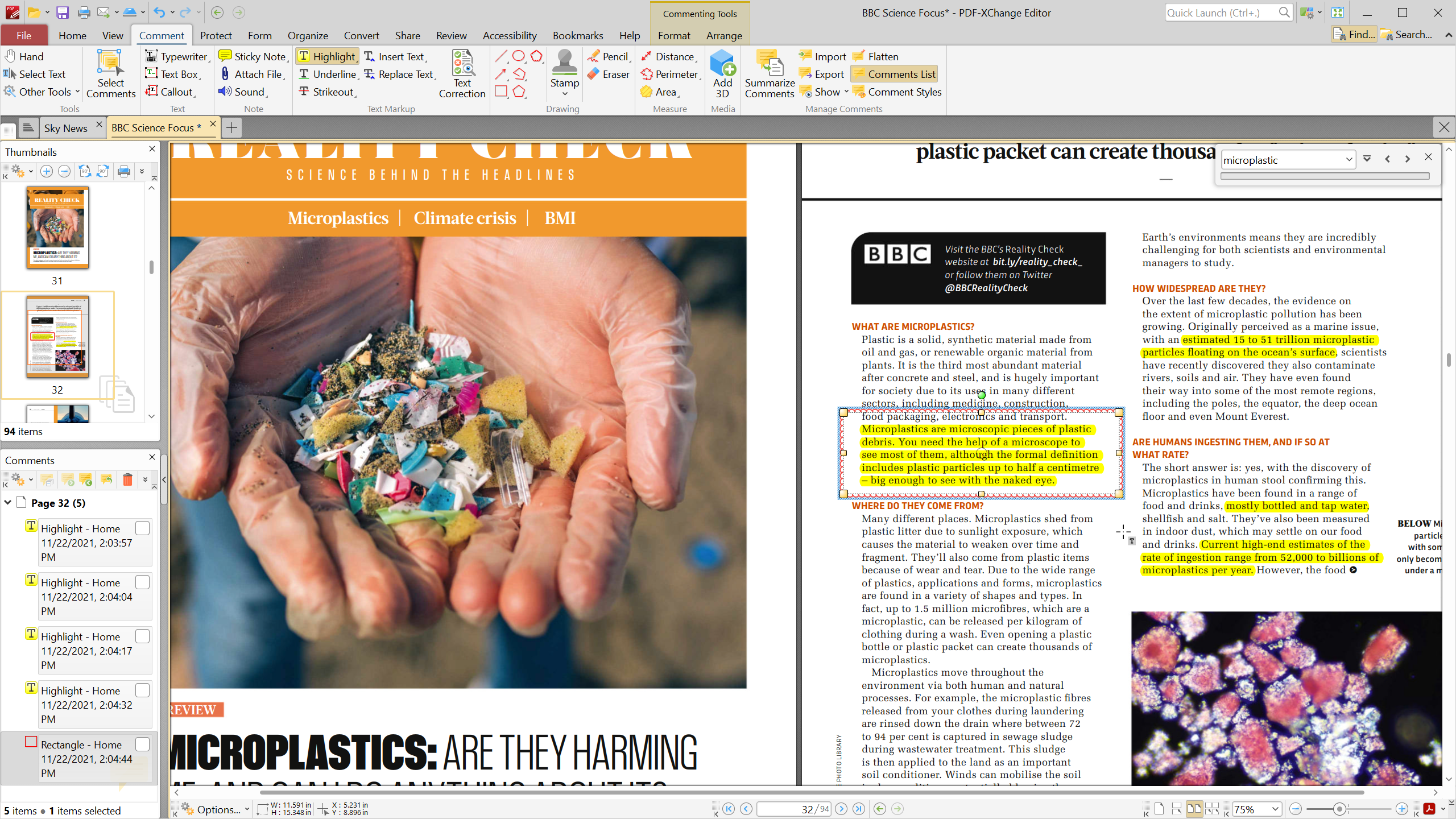
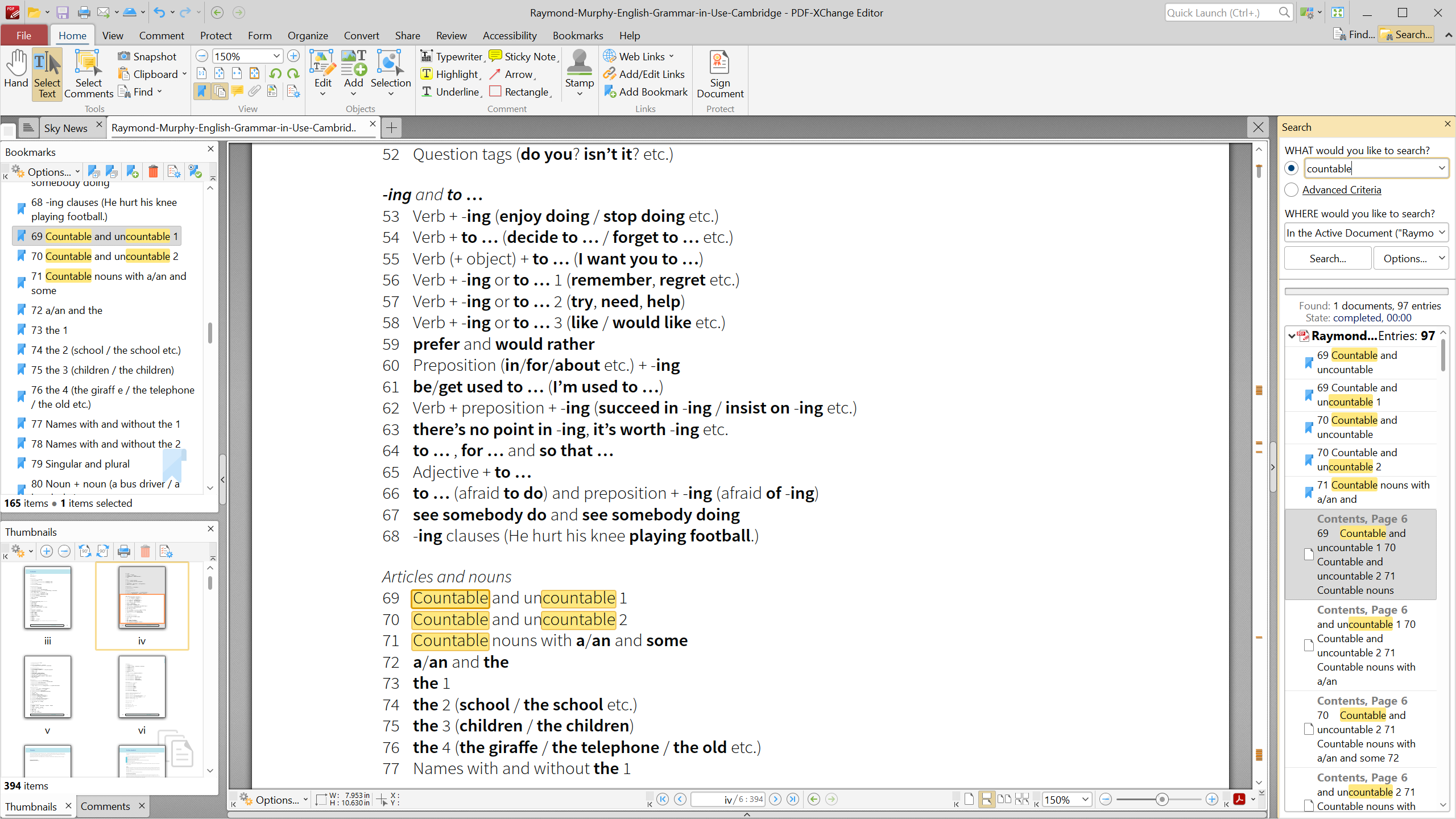
The Editor shines brightly with its rich suite of annotation features — from sticky notes and highlights to custom stamps and drawing tools. These features act like a Swiss clock, precise and reliable when you need to add comments or mark important data. The ability to collaborate on PDFs by adding stamps or layered comments helps teams stay synchronized without breaking a sweat.
Seamless OCR (Optical Character Recognition)
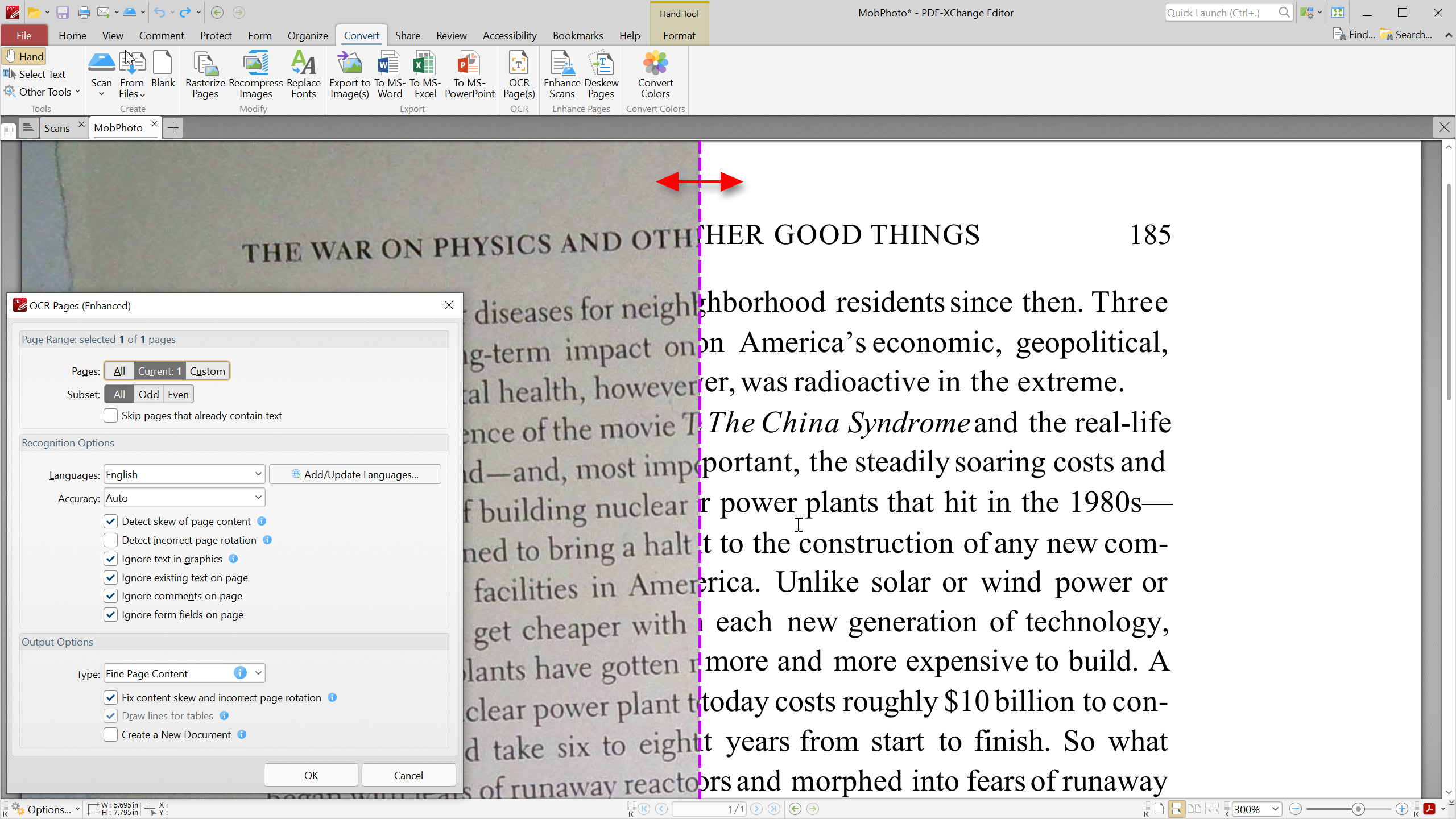
One of the standout features is its built-in OCR, which transforms scanned images into editable or searchable text with remarkable accuracy. Imagine transforming a static scanned contract into an agile, searchable document—saving you time and reducing frustration. This feature is particularly valuable for legal, academic, or business workflows where swift data extraction is essential.
Custom Scripting and Automation
The Editor allows users to leverage JavaScript to automate repetitive tasks, akin to having a dedicated assistant handling routine editing chores. This not only enhances productivity but also reduces cognitive load, freeing you to focus on high-level decisions instead of manual tasks. While scripting adds a slight learning curve, its integration into the app's ecosystem makes automation feel natural and empowering.
Intuitive Interface and User Experience
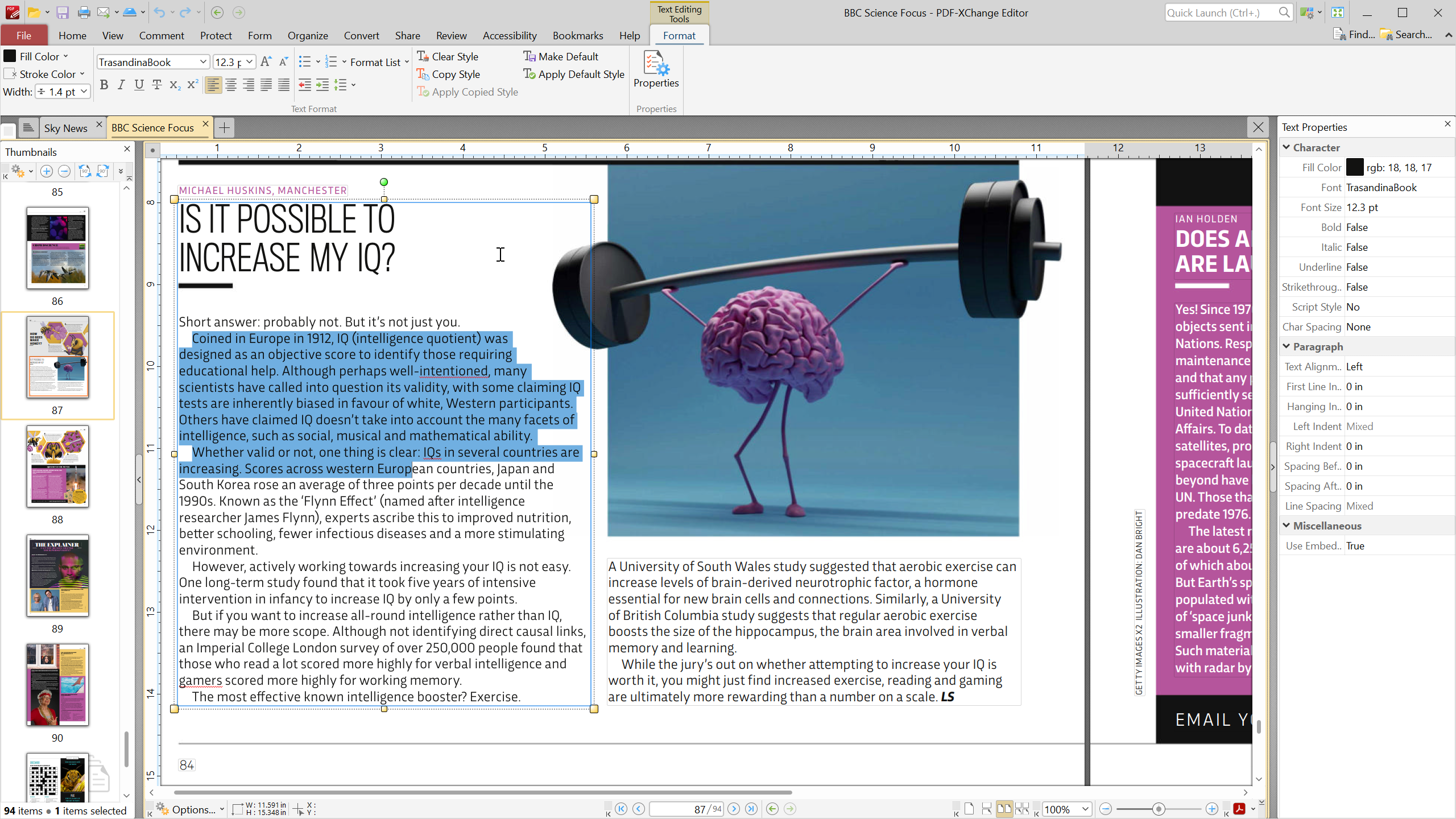
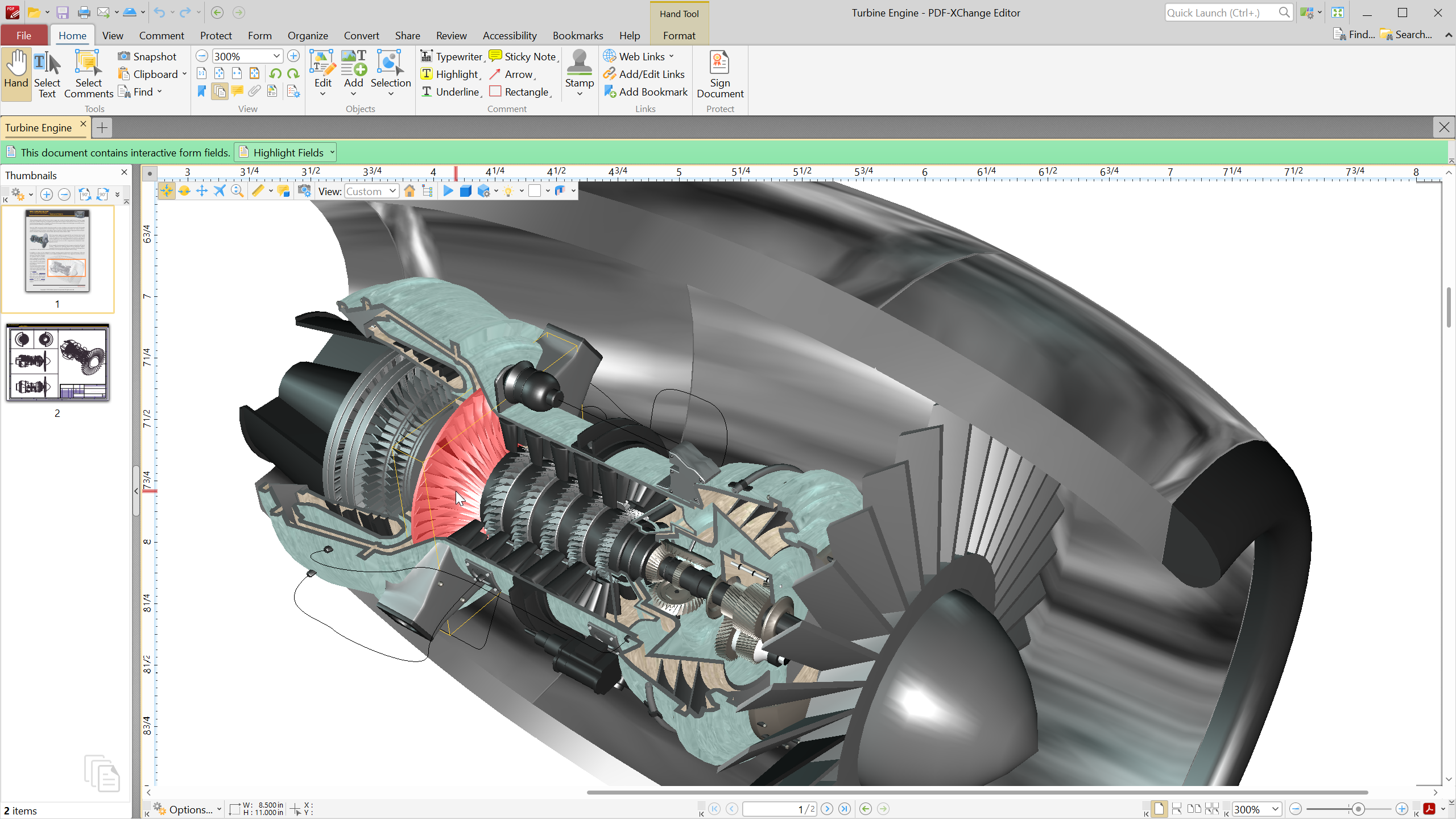
From the moment you open PDF-XChange Editor, you're greeted with a clean, well-organized interface that resembles a well-stocked toolbox—everything at your fingertips without clutter. Navigation is smooth, with minimal lag even when handling large documents. The learning curve is gentle; most features are discoverable intuitively, making it accessible for beginners without sacrificing depth for power users. In fact, it's like having a custom-tailored suit—professional yet comfortable to wear daily.
Workflow Efficiency: Standing Out from the Crowd
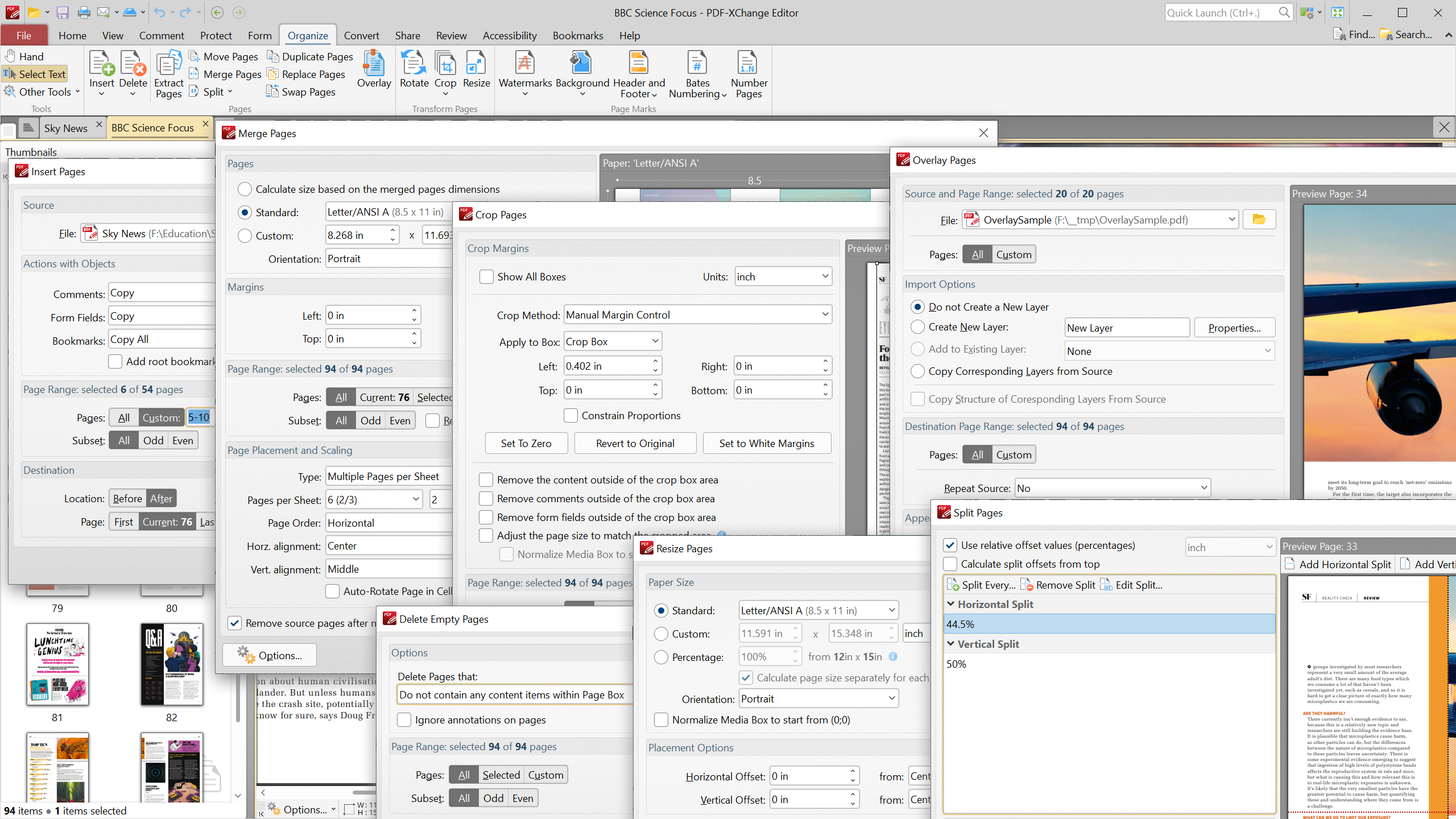
Compared to other PDF editors, PDF-XChange Editor emphasizes integration and efficiency. Its automation options and annotation tools work synergistically to reduce cognitive overload, allowing you to focus on the content rather than fussing over complex menus. While many editors flood users with features, this app strikes a balance—offering advanced tools without overwhelming. Its ability to seamlessly integrate with existing workflows—such as exporting annotations or scripting repetitive tasks—gives it a significant edge for anyone who values productivity and finesse in document handling.
Final Verdict: A Solid Choice for Professionals
For those seeking a reliable, feature-rich PDF editor that combines power with ease of use, PDF-XChange Editor offers a compelling package. Its standout OCR and scripting features, along with a thoughtfully designed interface, make it especially suitable for professionals who prioritize workflow efficiency. Overall, I recommend this app to users who want a versatile PDF tool that reduces unnecessary complexity while enhancing productivity. Whether for daily editing or complex document management, it's a dependable partner that makes PDF handling feel less like a chore and more like a craft.
Pros
- User-Friendly Interface
- Comprehensive PDF Editing Tools
- Fast Performance and Stability
- Good OCR Capabilities
- Regular Updates and Improvements
Cons
- Limited Free Features
- Occasional Interface Clutter
- Small Learning Curve for Advanced Features
- Less Effective Comment Management
- Limited Collaboration Features











