
Frequently Asked Questions
How do I start playing Penguin Flight on Windows?
Download and install the app from your preferred store, then launch the game. Follow the in-game tutorials to learn basic controls and mechanics to get started quickly.
What are the main controls for jumping and dashing?
Use the arrow keys to move, press the spacebar to jump, and tap the shift key to dash. These controls are intuitive and designed for smooth gameplay.
How can I understand and master new game mechanics?
New mechanics are introduced gradually across levels. Play through stages, experiment with power-ups, and revisit levels to practice mastering each skill.
What are power-ups and how do I use them?
Power-ups like bubbles and cyclones are found during levels. Approach these collectibles to activate abilities that help you navigate tricky sections better.
Can I customize controls or game settings?
Yes, access the settings menu by clicking the gear icon in-game to customize controls, sound, and display options for personalized gameplay.
Are there any in-app purchases or subscription options?
Penguin Flight offers optional in-app purchases for cosmetic items; go to Settings > Store to view options. There are no subscription requirements for core gameplay.
How do I purchase or upgrade features in the app?
Tap the store icon in the game menu to view purchasable items. Follow the prompts to complete transactions via your Windows store account.
Is there a way to unlock additional levels or content without paying?
All main levels are accessible upon download. Some special content or skins may require in-app purchases, but core levels are free.
What should I do if the game crashes or encounters bugs?
Try restarting the app, updating to the latest version, or reinstalling. If issues persist, contact support through the help section in the settings.
Can I reset my progress if needed?
Yes, go to Settings > Account and select 'Reset Progress' to restart your journey. Note this cannot be undone, so use with caution.
You May Like

Cuphead
for Windows
4.7
Cuphead & The Delicious Last Course
for Windows
4.7
Celeste
for Windows
4.6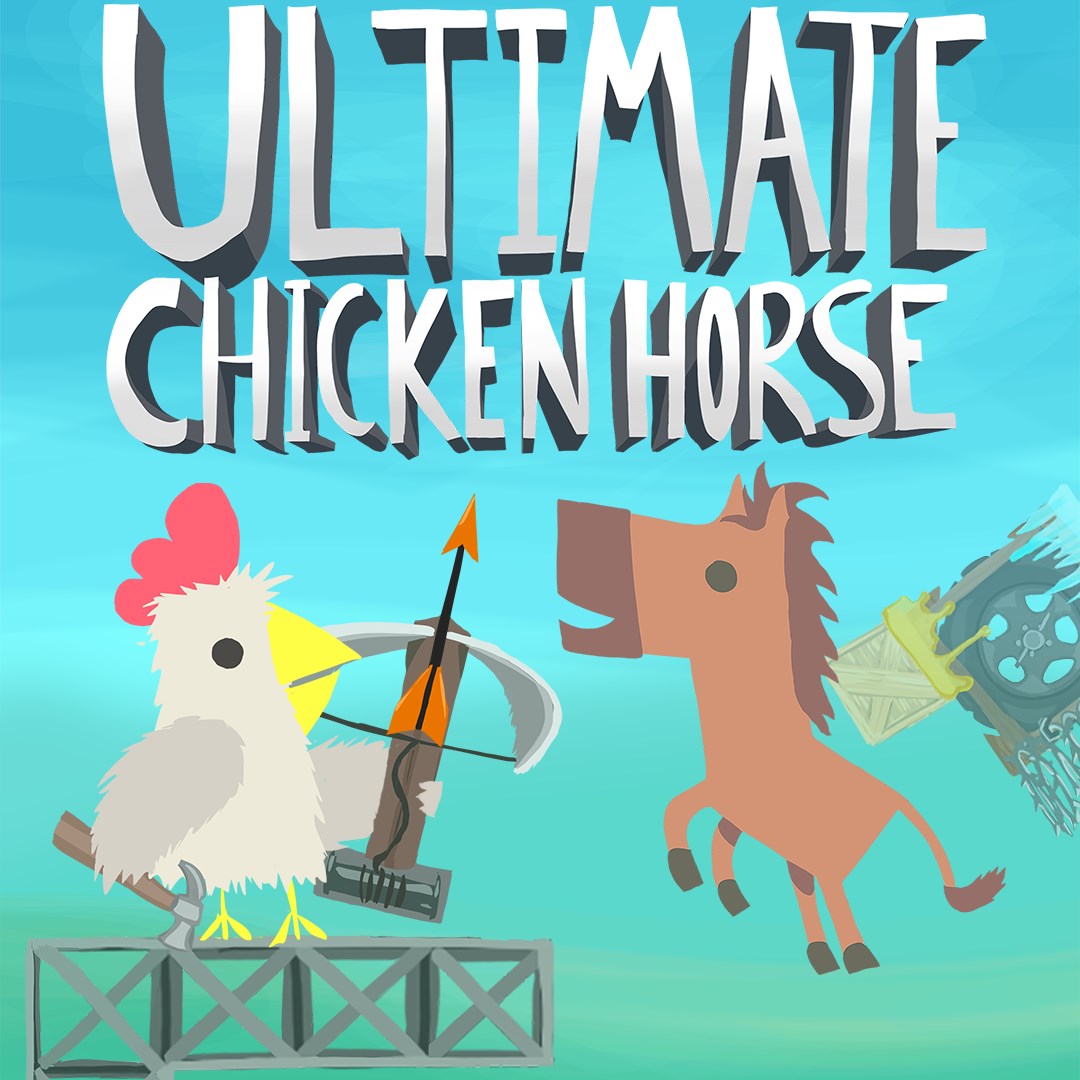
Ultimate Chicken Horse
for Windows
4.4
Level Devil: Troll Platformer
for Windows
4
Planet of Lana II
for Windows
3.8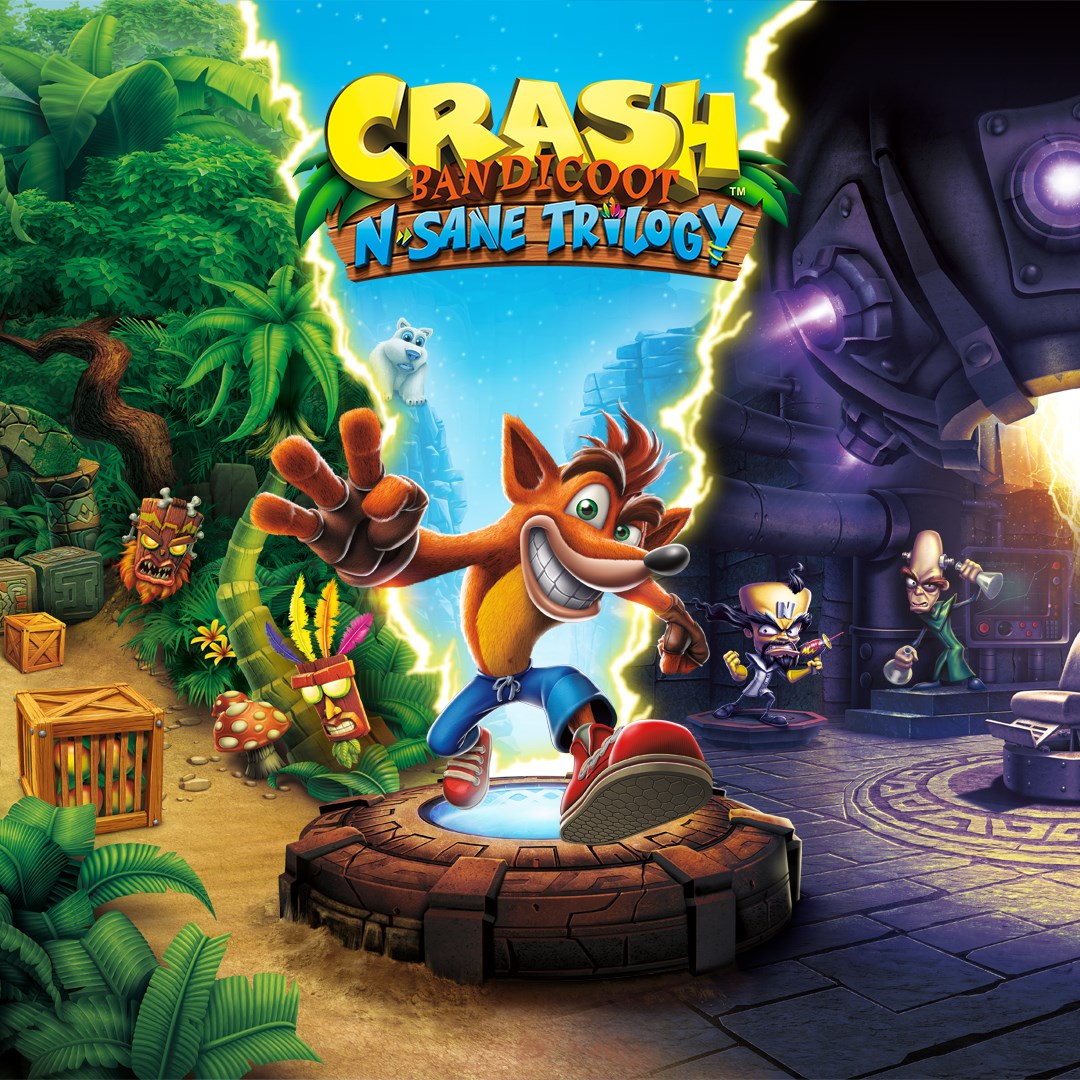
Crash Bandicoot™ N. Sane Trilogy
for Windows
3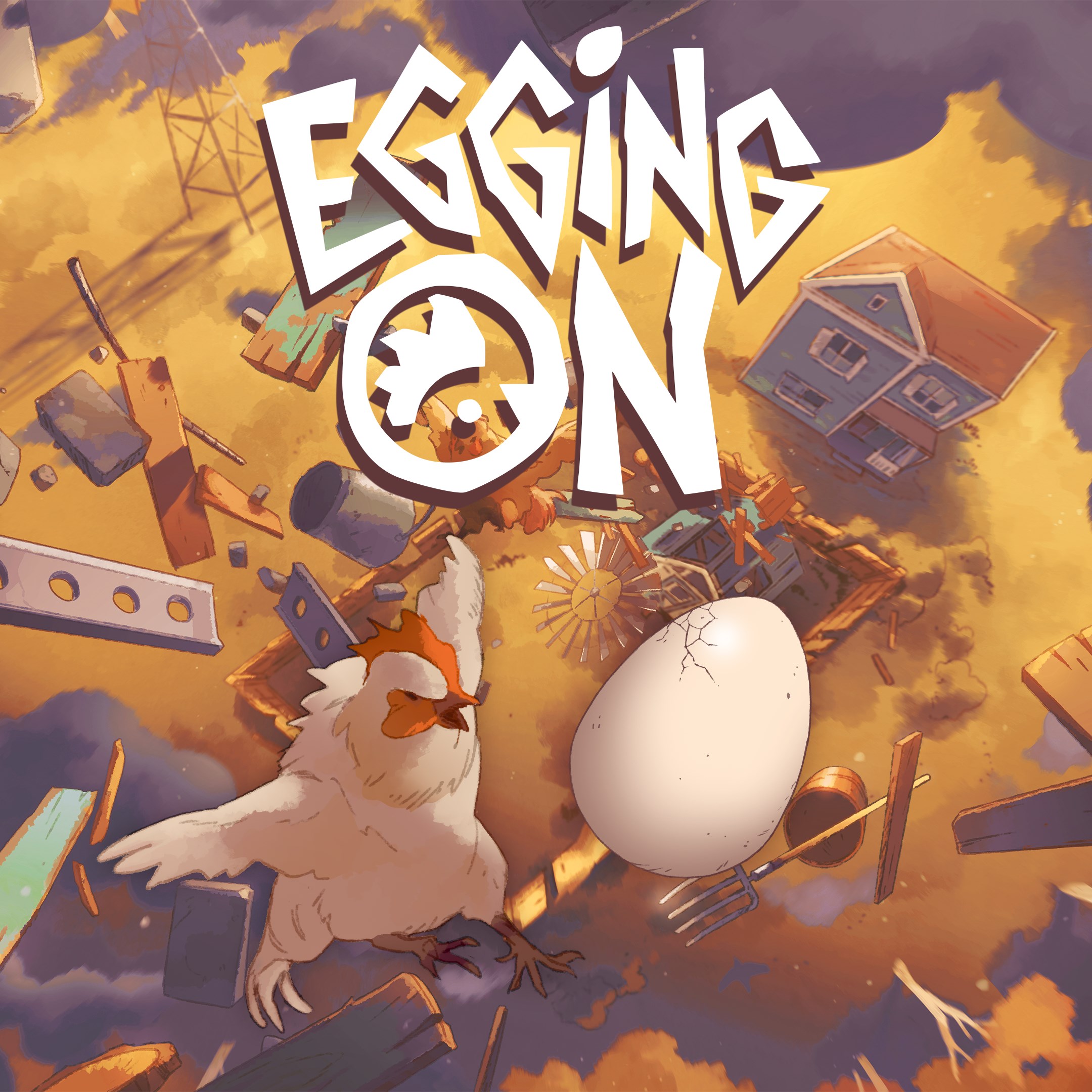
Egging On
for Windows
2.6
BEAR ESCAPE MISSION (WINDOWS)
for Windows
0
Metal Shoot (Windows)
for Windows
0
Stellar Docks (Windows)
for Windows
0
Penguin Flight (Windows)
for Windows
0