


- Category Developer tools
- Developer Whitewater Foundry, Ltd. Co.
- Available on PC
- OS Windows 10 version 17763.0 or higher
- Keyboard Integrated Keyboard
- Mouse Integrated Mouse
- Memory 2 GB
- languages English (United States)
Pengwin for Windows: Bringing Linux to Your Desktop with Elegance
Pengwin for Windows is a thoughtfully designed Windows Subsystem for Linux (WSL) distribution that aims to seamlessly blend the power of Linux into the Windows environment, serving developers and tech enthusiasts seeking a smooth, integrated experience.
Who's Behind Pengwin?
Developed and published by Whitewater Foundry, Ltd. Co., Pengwin is the product of a dedicated team focused on creating an intuitive and functional Linux experience tailored for Windows users. Their goal is to make Linux more accessible and user-friendly within the familiar Windows ecosystem, facilitating cross-platform development and experimentation.
Core Features That Pack a Punch
- Enhanced User Experience: Pengwin offers a highly optimized interface with pre-configured settings that make Linux commands and environments accessible right out of the box, lowering the barrier for new users.
- Powerful Customization Options: It provides extensive customization capabilities, including different Linux distributions, GUI support, and integration tools, allowing users to tailor their environment precisely.
- Robust Performance & Stability: Designed with performance in mind, Pengwin ensures smooth operation even under heavy workloads, making it suitable for development, scripting, and server management tasks.
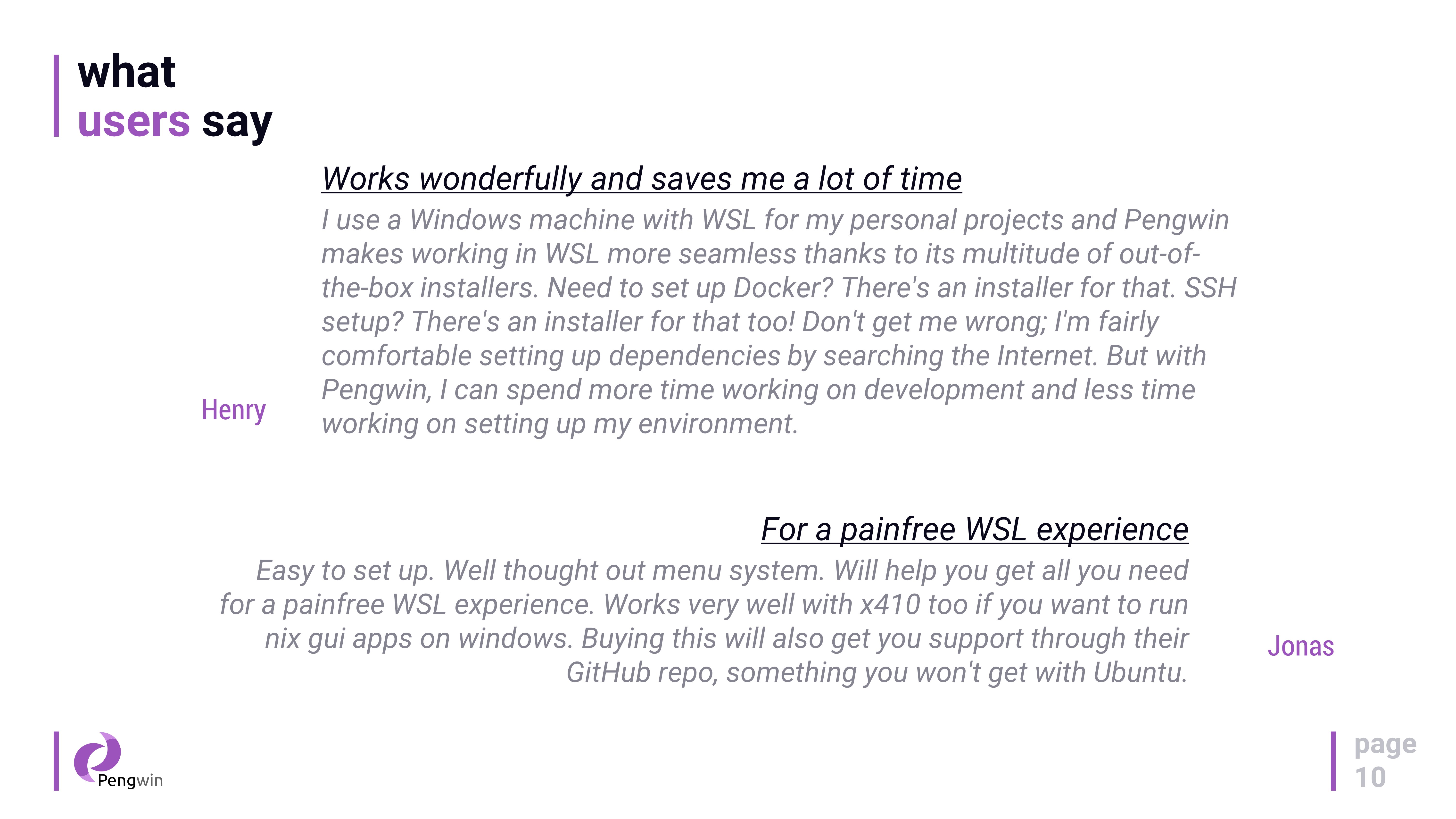
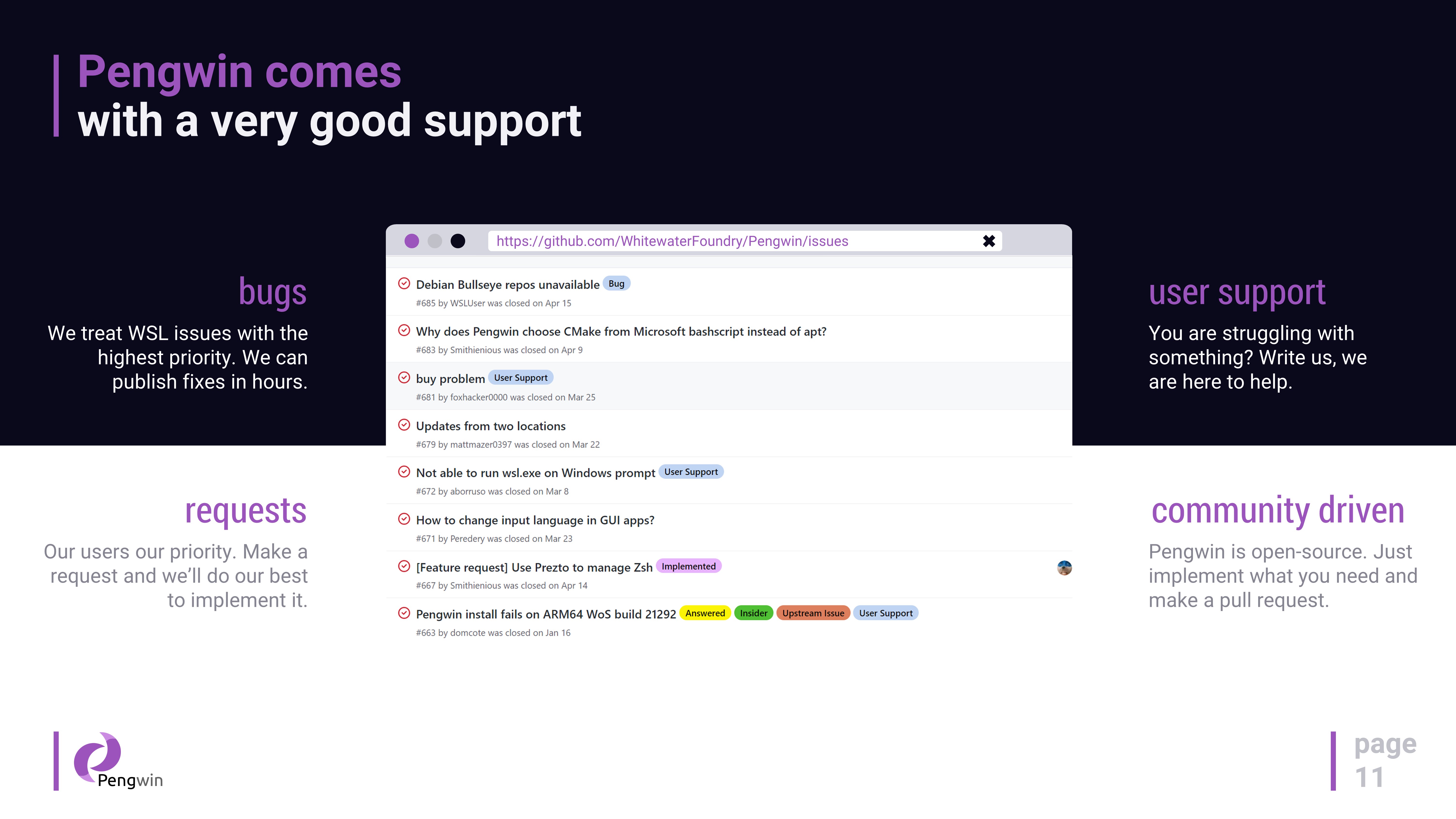
- Dedicated Support and Updates: Being a commercial-grade distribution, Pengwin receives regular updates, security patches, and dedicated user support to keep your environment secure and up-to-date.
A Closer Look: Diving Into Pengwin's Features
Seamless Integration and User-Friendly Setup
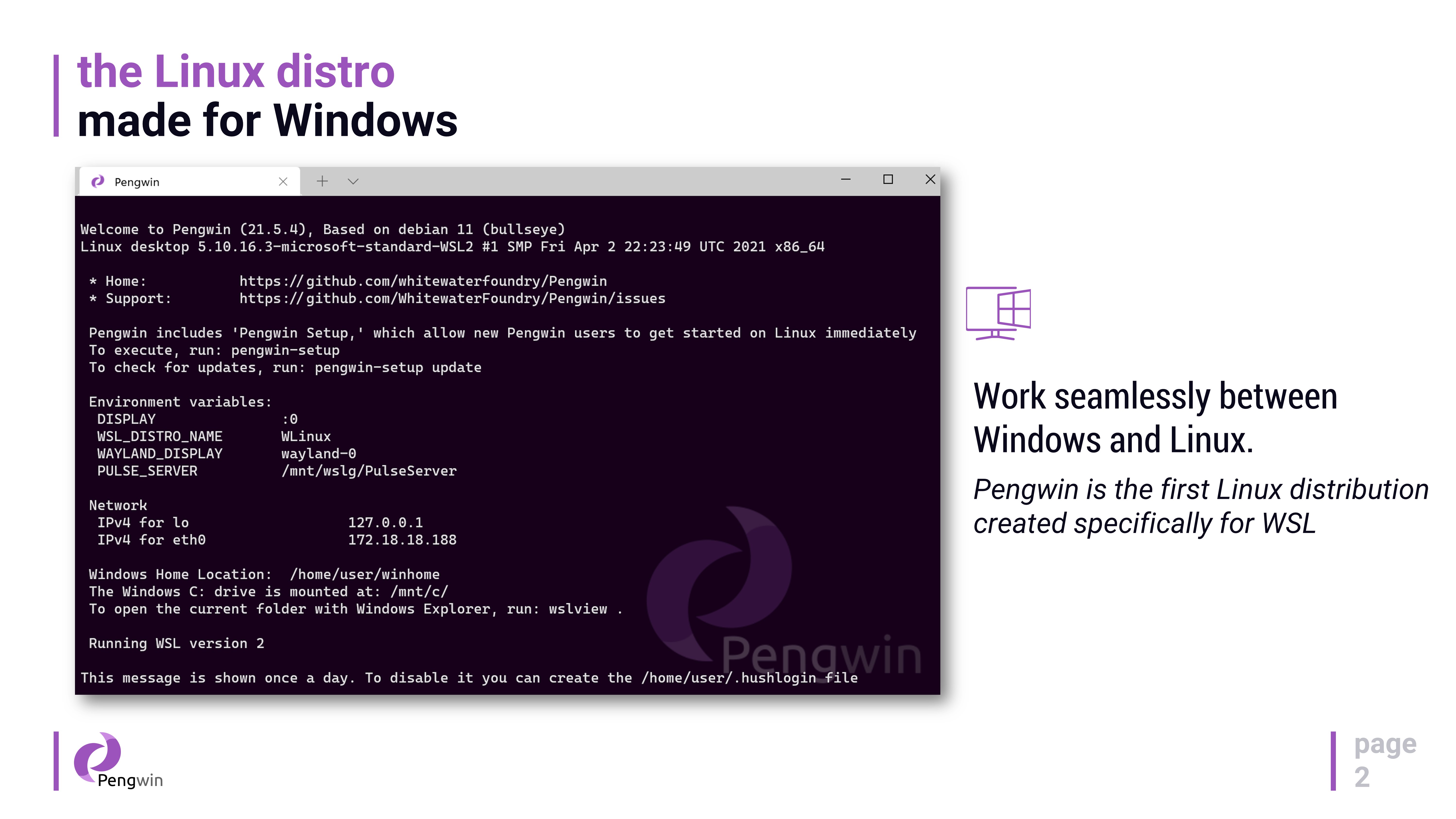
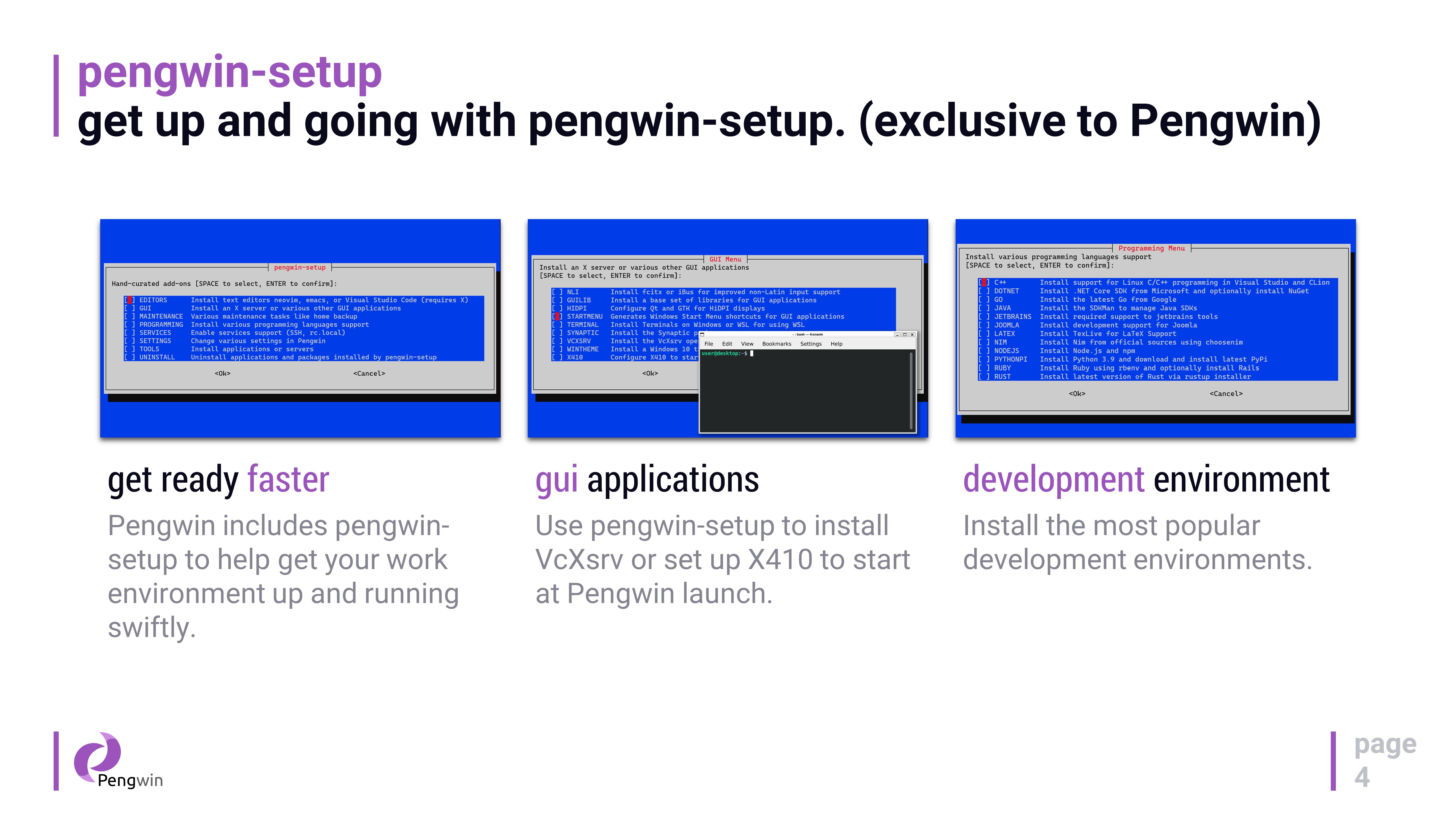
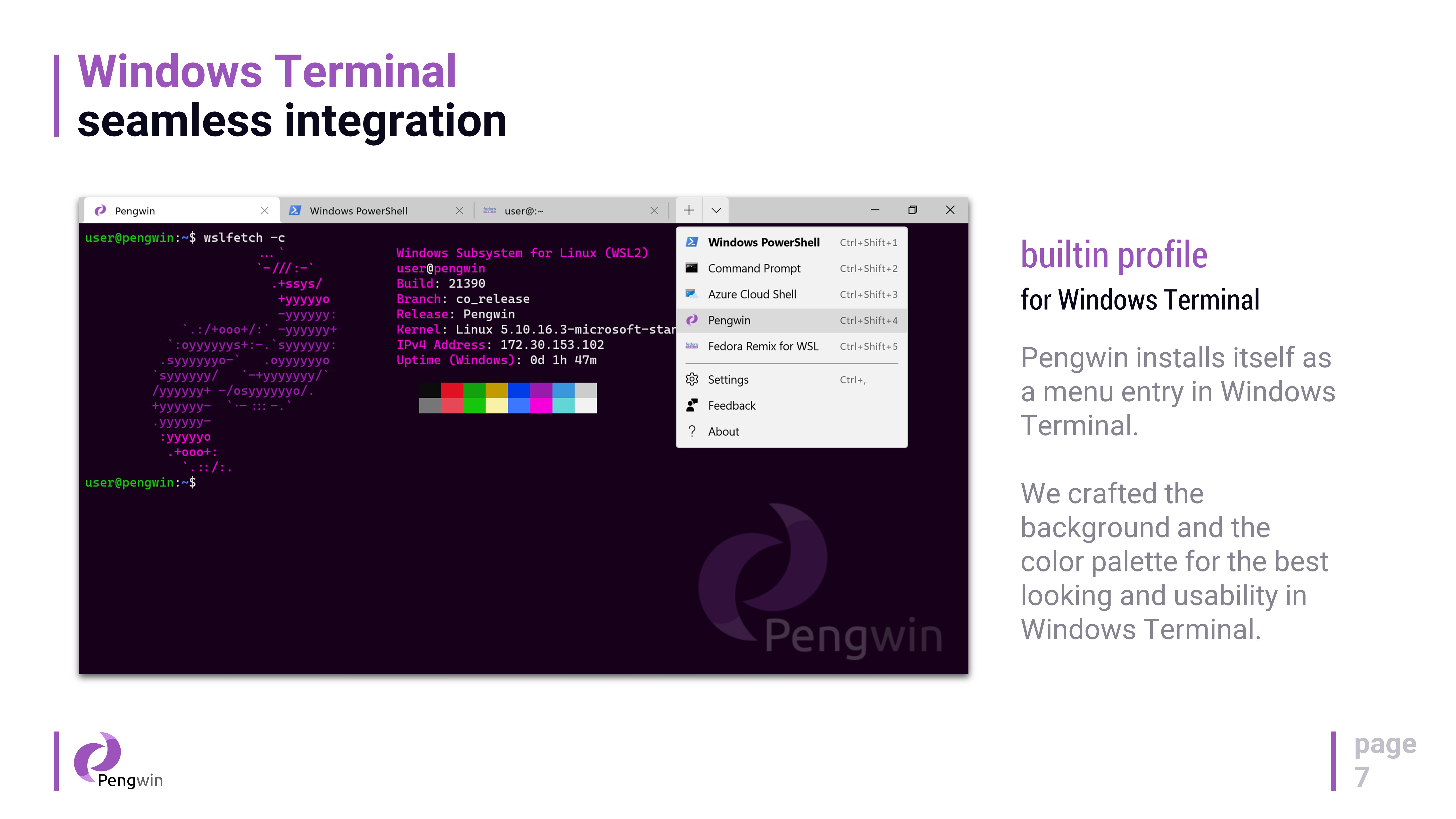
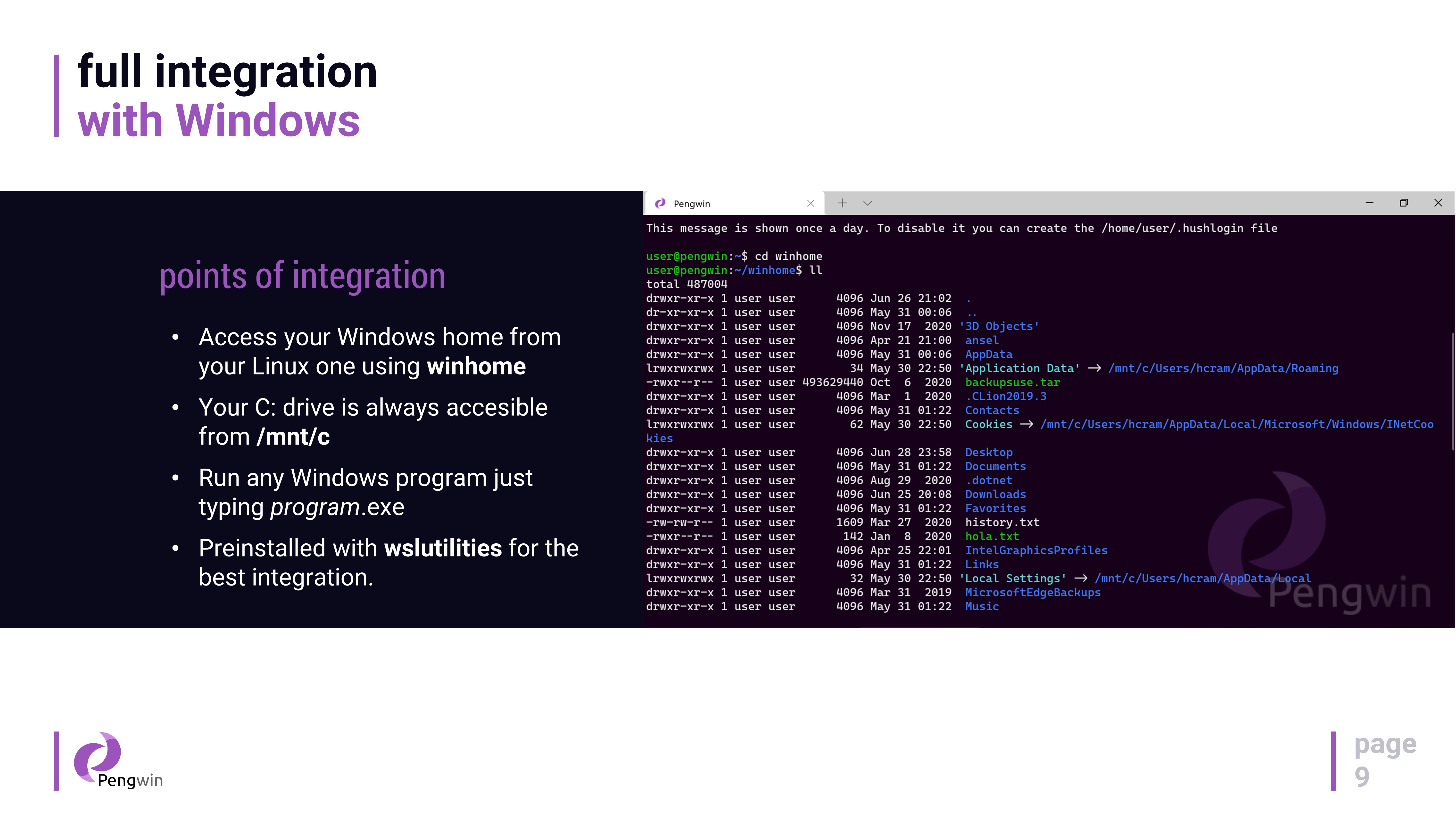
From the moment you install Pengwin via the Microsoft Store, it feels like unboxing a ready-to-use toolkit. The setup process is straightforward, guiding users through a simplified configuration that includes selecting their preferred Linux distribution—be it Ubuntu, Debian, or others. Unlike vanilla WSL experiences, Pengwin offers a customized shell optimized for Windows, with pre-installed tools and scripts that jump-start your Linux journey. Navigating between Windows and Linux is effortless, akin to walking through an open door into a different, yet familiar, workspace.
Power and Flexibility in Command & GUI Support
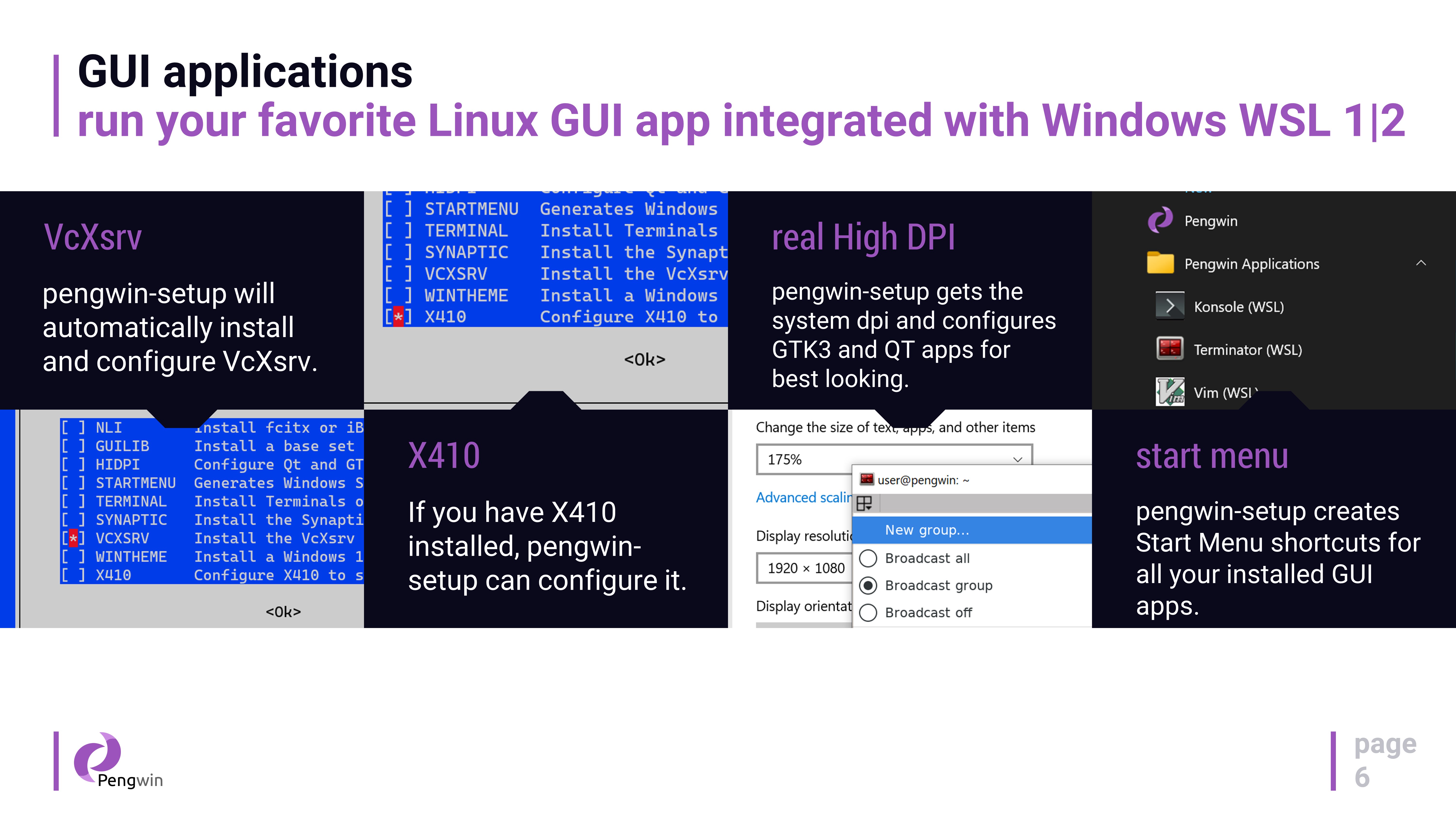
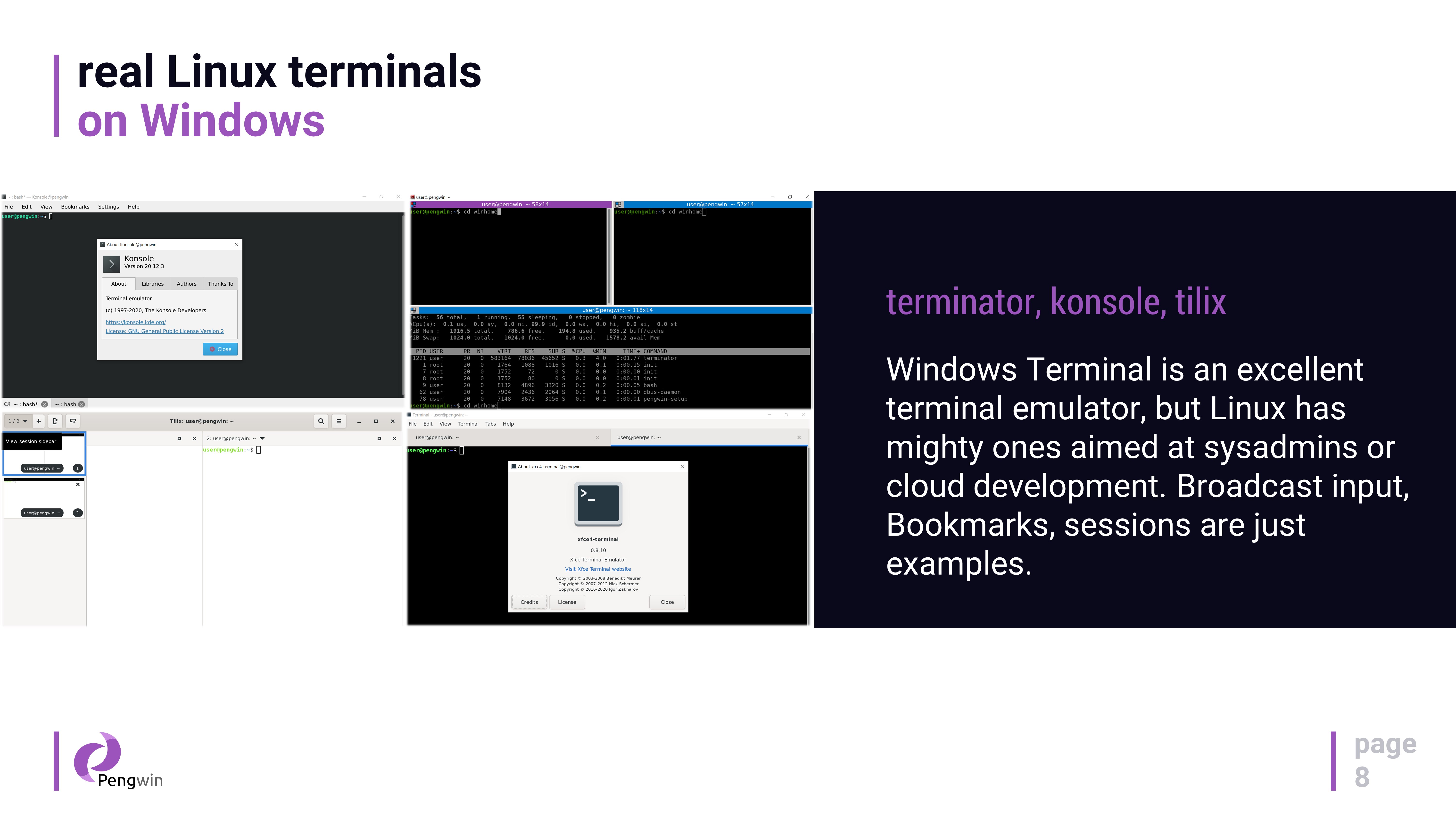
Pengwin's core strength lies in its ability to run complex Linux commands smoothly, with an optimized kernel tailored for high interoperability. For users who want a graphical interface, Pengwin includes integrated X server support, enabling GUI applications to run seamlessly alongside Windows applications. Imagine running your favorite Linux graphical tools—like GIMP or Wireshark—side-by-side with Windows programs, all within a cohesive environment. This duality makes Pengwin especially appealing to developers and power users who need graphical Linux apps without switching devices or setups.
Intuitive User Interface and Performance Consistency
The interface is clean, intuitive, and mirrors the simplicity of Windows Explorer, which reduces the learning curve. Operations are quick and responsive, even during intensive tasks—no frustrating lag or crashes here. For new Linux users, Pengwin provides a gentle introduction with helpful prompts and default configurations, while seasoned pros will appreciate the extensive customization options and scripting support. It's like having a trusty, agile workshop at your fingertips, ready to handle everything from coding to system administration.
What Makes Pengwin Stand Out?
Compared to other WSL distributions, Pengwin's standout feature is its dedicated focus on providing a stable, customizable, and user-friendly Linux environment integrated seamlessly into Windows, with professional support and regular updates. While many WSL distros focus on barebones functionality, Pengwin offers a curated experience optimized for productivity, especially for users who prefer knowing their environment is maintained and supported. Its ability to support GUI apps out of the box, coupled with an accessible setup process, makes it a compelling choice for both newcomers and experienced users alike.
Would I Recommend Pengwin?
Absolutely. If you're a developer, sysadmin, or tech enthusiast looking for a reliable, polished Linux environment on Windows without the hassle of dual-booting or virtual machines, Pengwin is worth considering. It offers a balanced mix of performance, customization, and ease of use. For the best experience, ensure your workflow benefits from a Windows/Linux hybrid setup, and take advantage of Pengwin's GUI support and robust update cycle to keep your environment current and secure. Think of Pengwin as a well-crafted bridge, connecting two powerful worlds effortlessly—definitely worth a try for those seeking an integrated Linux experience.
Pros
- Seamless integration with Windows Subsystem for Linux
- Pre-configured with popular Linux tools and environments
- User-friendly interface for managing Linux distributions
- Optimized performance for WSL workflows
- Regular updates and active support from developers
Cons
- Limited customization options out-of-the-box
- Occasional compatibility issues with certain hardware or Windows updates
- Learning curve for users unfamiliar with Linux environments
- Settings menu could be more comprehensive
- Some features depend on specific Windows configurations











