

- Category Photo & video
- Available on PC
- OS Windows 10 version 16299.0 or higher
- Keyboard Not specified
- Mouse Not specified
- languages English
Introducing PhotoScape X for Windows: A Versatile Photo Editing Companion
PhotoScape X for Windows is a comprehensive and user-friendly image editing application designed to cater to both amateur photographers and seasoned professionals alike. With its intuitive interface and a rich set of tools, it transforms mundane photos into vibrant, polished images without the need for complex software skills.
About the Developer: Mooii Tech
Developed by Mooii Tech, a team committed to creating accessible and innovative photography tools, PhotoScape X leverages their expertise to deliver a seamless editing experience on Windows platforms.
Key Features That Shine
- All-in-One Editing Suite: Combines basic adjustments, filters, filters, and effects into one powerful workspace.
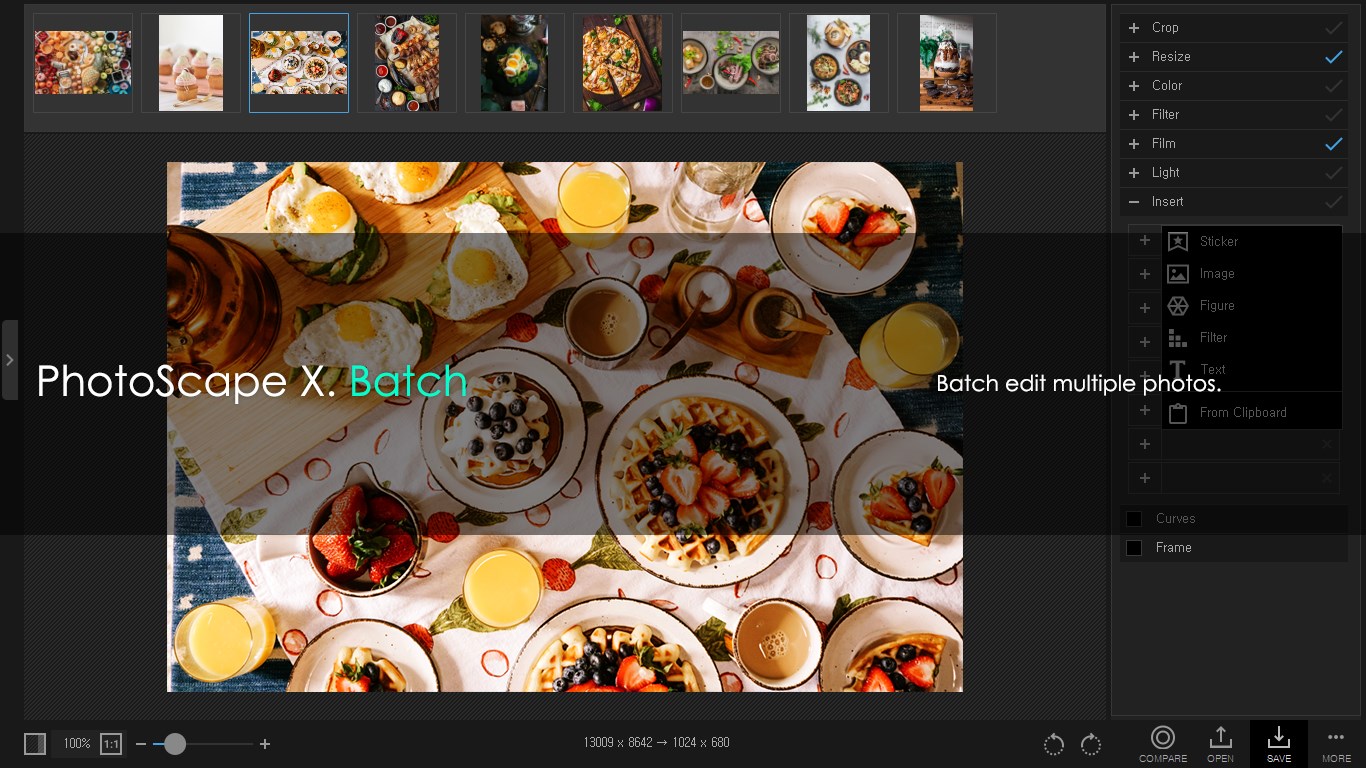
- Batch Processing Capabilities: Efficiently edit multiple photos simultaneously, saving time for users managing large collections.
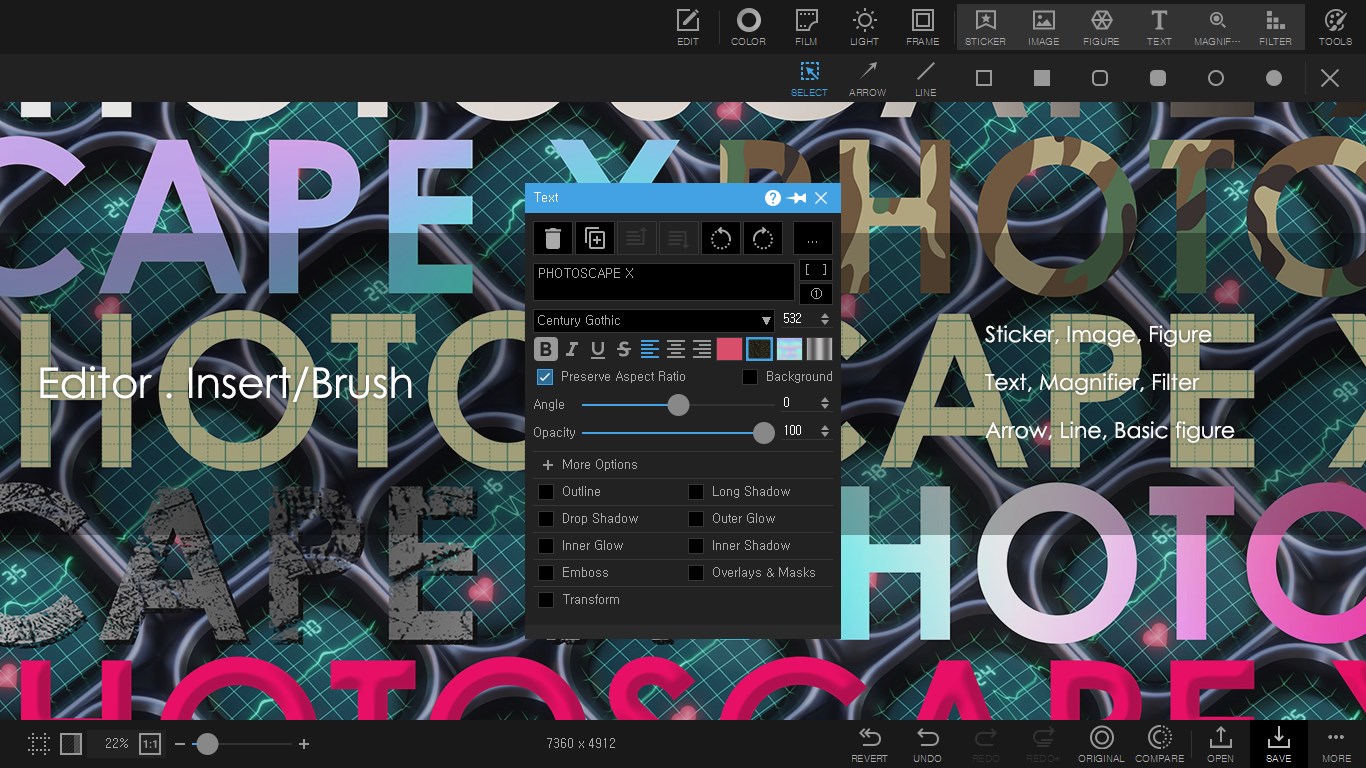
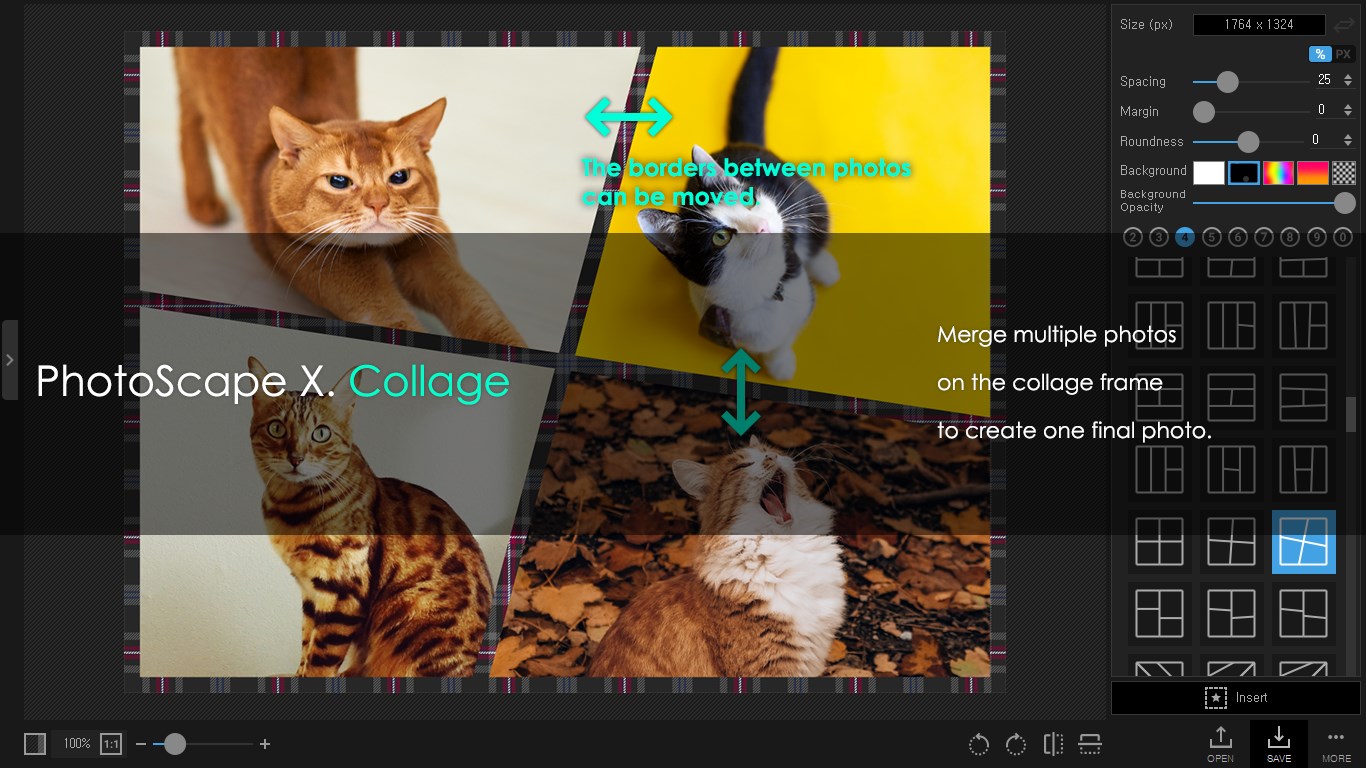
- Creative Tools & Effects: Includes features like GIF creation, detailed retouching, and artistic filters to elevate your images.
- User-Friendly Interface: Designed for ease of use even for beginners, yet versatile enough for advanced edits.
A Delightful, Intuitive User Experience
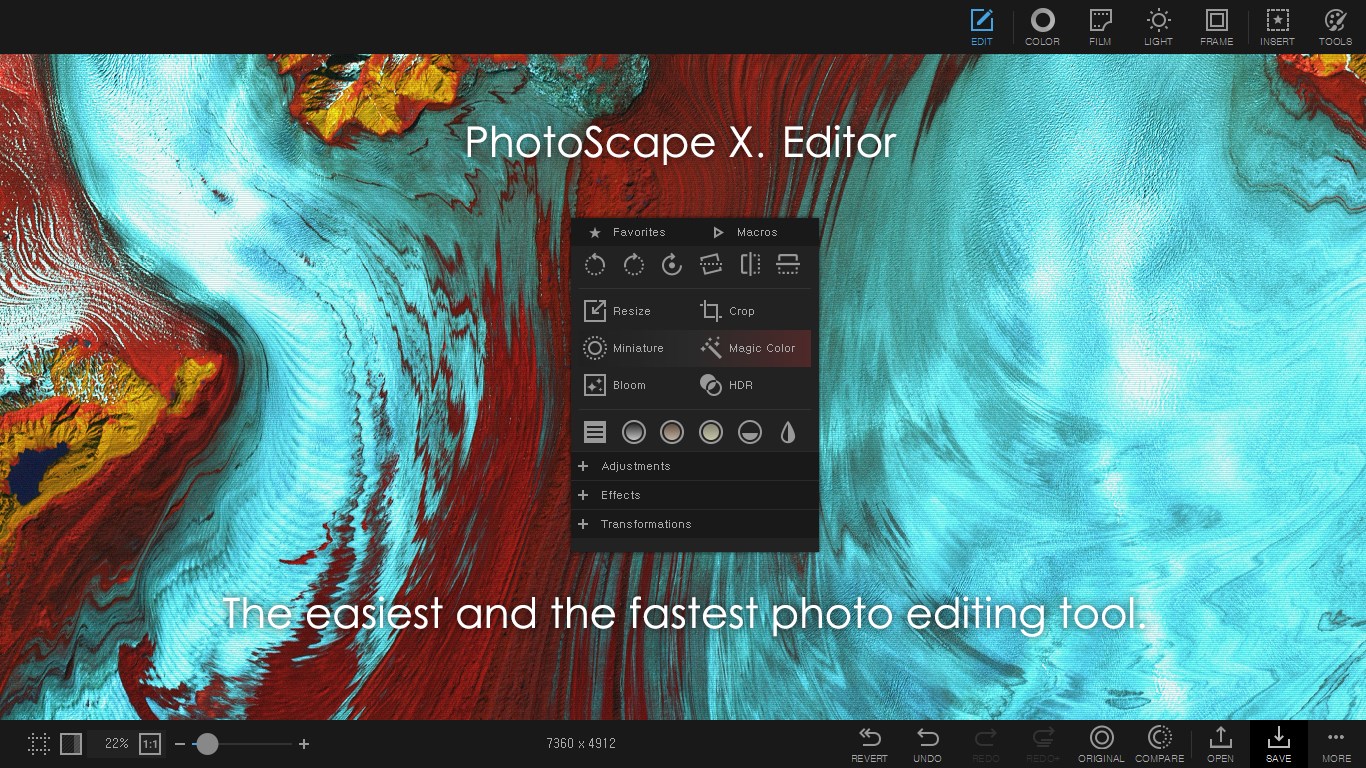
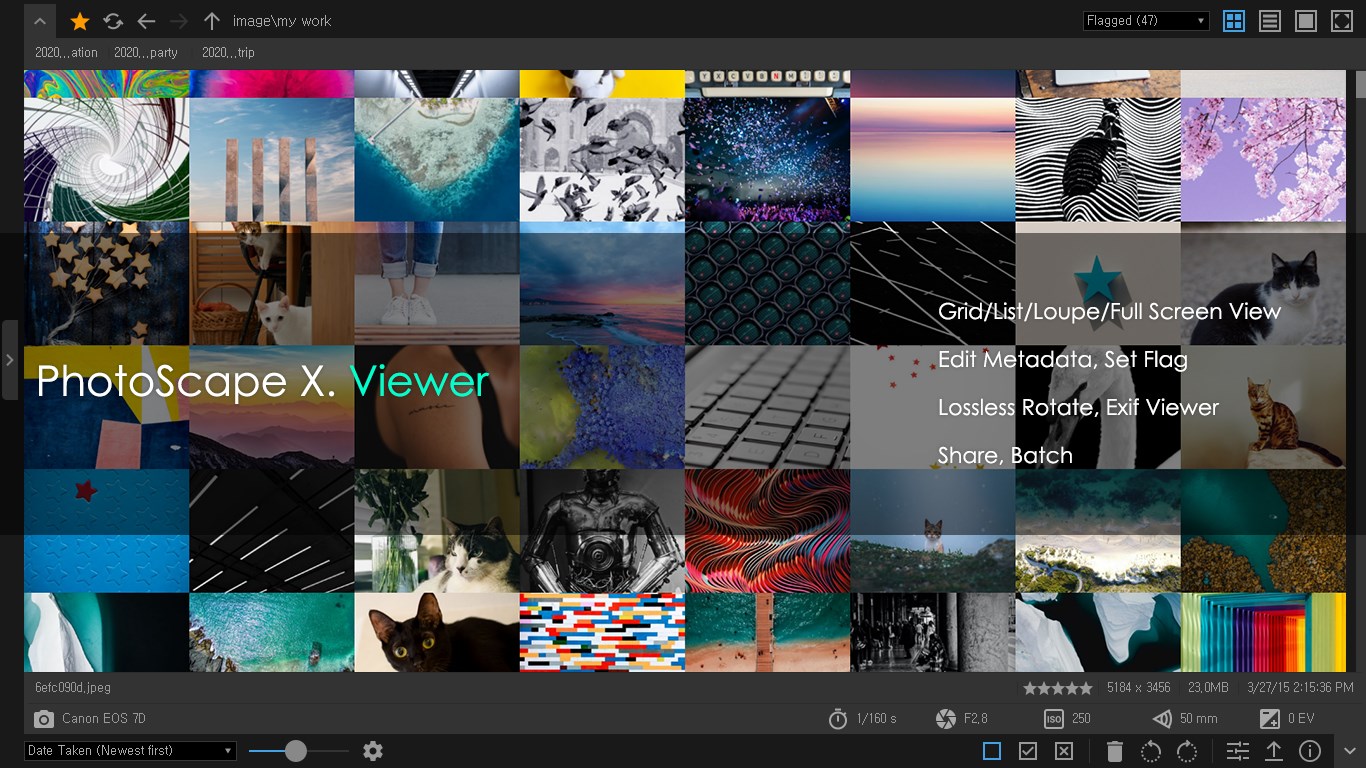
From the moment you open PhotoScape X, you're greeted with a clean, well-organized interface that feels more like browsing a sleek digital workspace than navigating a complex editing maze. The layout resembles a well-stocked craft workshop—everything you need within easy reach, yet not overwhelming. This thoughtful design makes the learning curve gentle—you can start editing your photos in minutes rather than hours.
Powerful Core Functions, Simplified
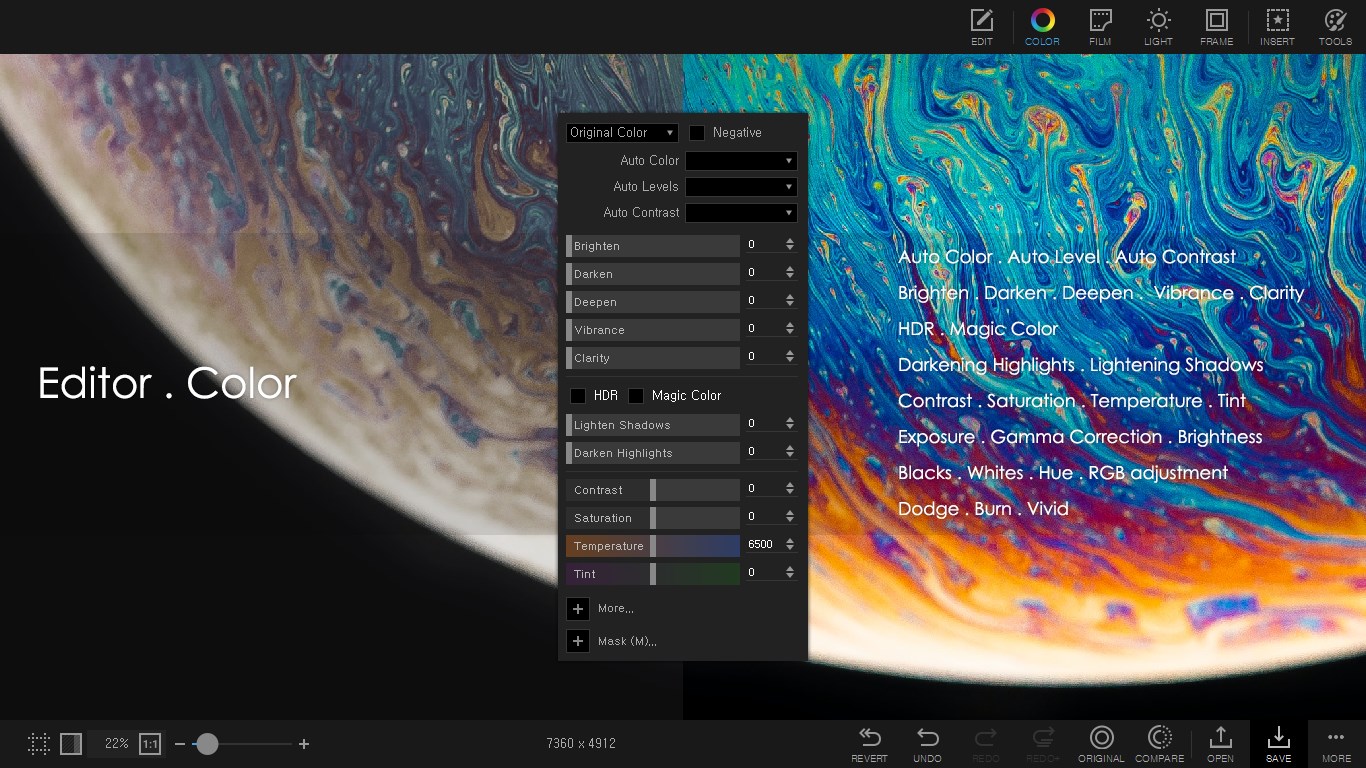
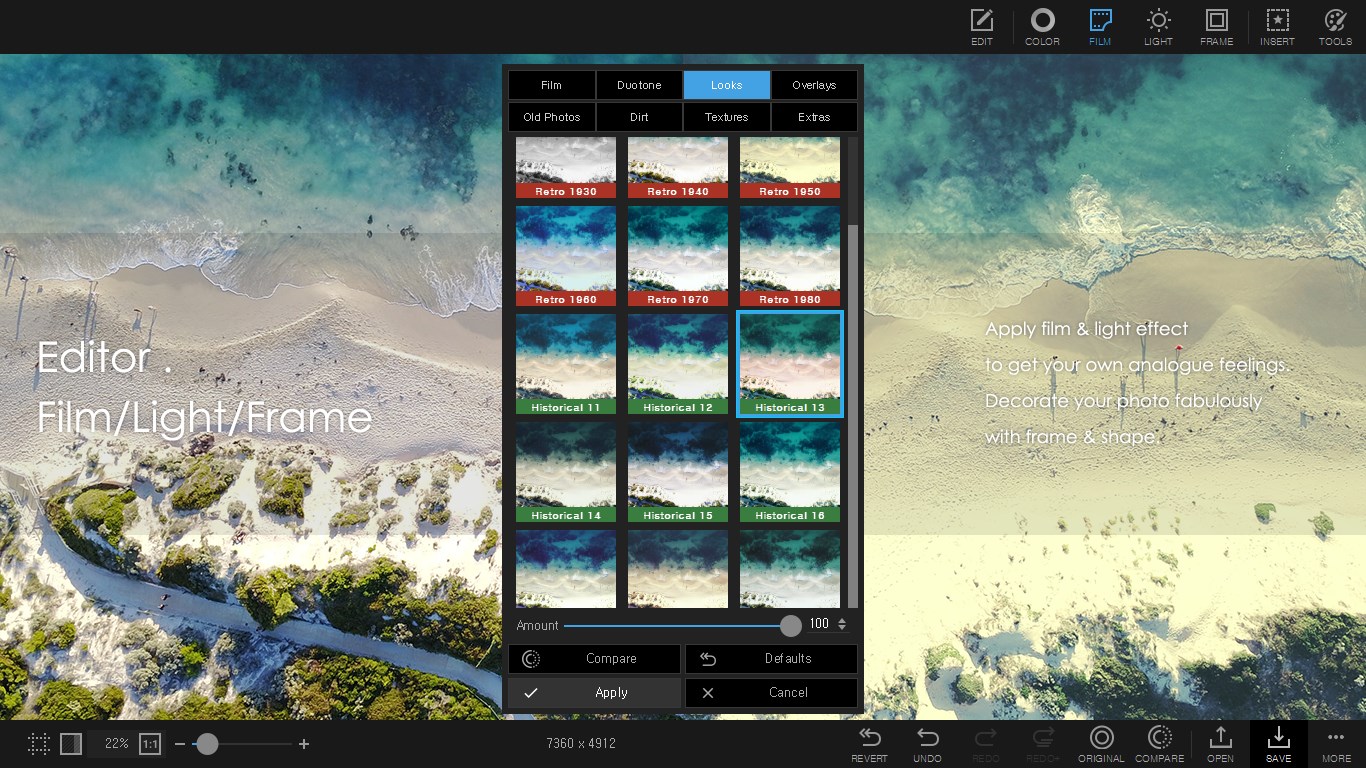
One standout feature is the extensive set of editing tools that allow you to tweak brightness, contrast, and saturation with sliders that respond smoothly—akin to adjusting a vintage radio for just the right volume. Besides basic edits, the application excels in creative overlays and effects. For example, the “Filters” panel offers a wide variety—from vintage sepia tones to modern HDR effects—allowing users to quickly give their photos a distinct mood or style.
Another compelling feature is the batch processing function. Imagine being able to transform a whole set of vacation photos into a consistent aesthetic with just a few clicks—saving countless hours that would otherwise go into manual editing of each image. Moreover, the GIF maker opens up playful avenues—assembling images or frames into lively animations suitable for social media sharing.
Unique Selling Points & Differentiators
Compared to other photo editing applications, PhotoScape X's complexity lies in its balanced blend of user-friendliness and feature richness. What sets it apart are its integrated batch processing and creative effects—these make it especially appealing to users who need efficient, high-quality edits without diving into complicated workflows. Its ability to quickly produce stylized images or animated GIFs provides a creative edge that many competitors only achieve through layered plugins or more advanced software.
Should You Give It a Shot?
All in all, I would recommend PhotoScape X for anyone seeking a reliable, accessible photo editor that doesn't skimp on features. Whether you're a hobbyist wanting to tidy up family photos or a small business owner preparing images for marketing, this app offers excellent value. Its user interface minimizes frustration, allowing you to focus on your creative process. While it might lack some of the in-depth tools found in high-end software like Adobe Photoshop, its strengths lie in simplicity and versatility.
In conclusion, PhotoScape X stands out as a well-rounded, approachable photo editor that respects your workflow and creative spirit. For those looking for an app that combines functionality with an intuitive design, it's definitely worth trying out—especially given its free availability on the Microsoft Store.
Pros
- User-Friendly Interface
- Comprehensive Editing Tools
- High-Quality Output
- Batch Processing Features
- Frequent Updates and Improvements
Cons
- Occasional Crashes
- Limited Advanced Features
- Slow Performance on Older Systems
- Some Features Require Purchase
- Limited Export Options











