

- Category Photo & video
- Available on PC
- OS Windows 10 version 16299.0 or higher
- Keyboard Not specified
- Mouse Not specified
- languages English
Introduction: A Versatile Companion for Creative Photo Editing
PhotoScape X Pro for Windows emerges as a powerhouse for photography enthusiasts and casual users alike, offering a comprehensive suite of editing tools wrapped in an intuitive interface. Whether you're refining amateur shots or crafting professional-grade visuals, this application aims to be your reliable editing partner without the complexity of high-end software. Developed by Mooii Tech, the app combines accessibility with advanced features, making photo editing approachable yet capable of impressive results.
Core Features That Spark Creativity
Advanced yet User-Friendly Editing Tools
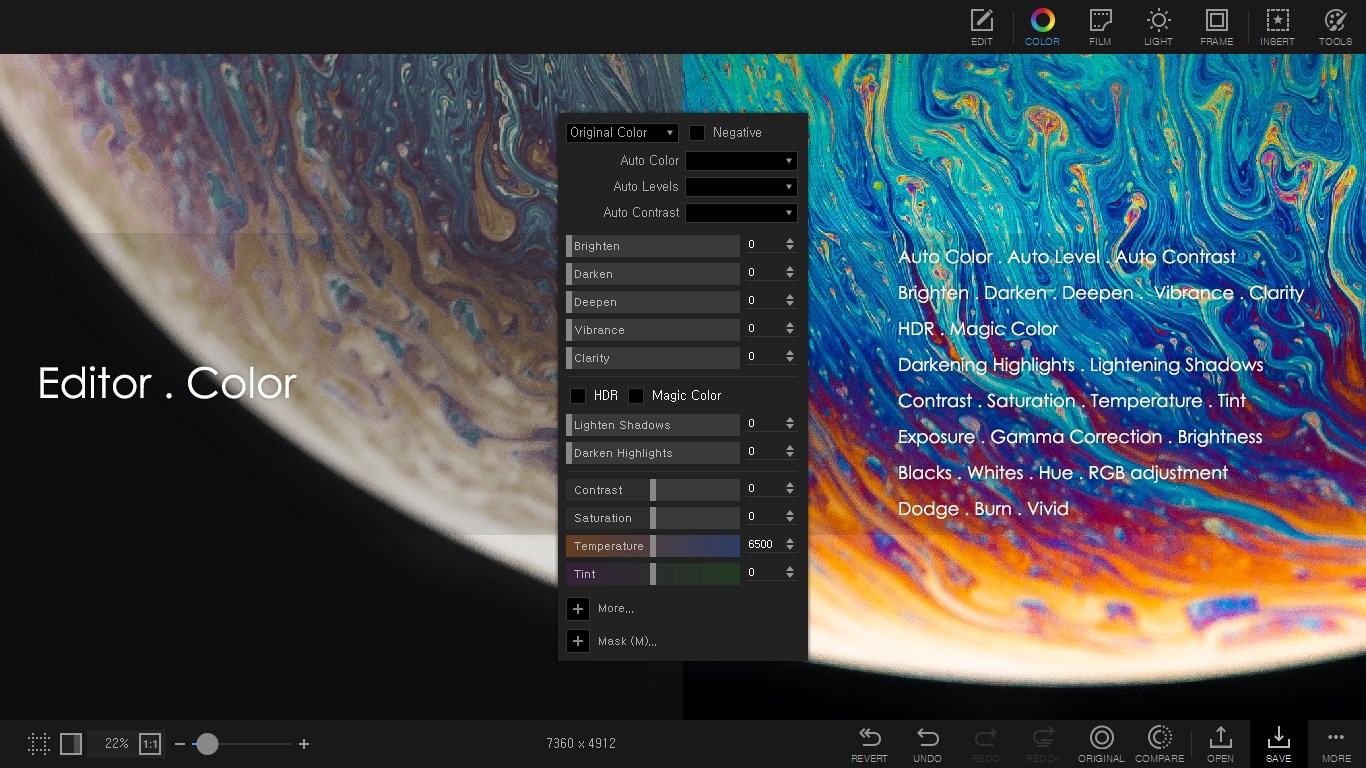
One of the standout features of PhotoScape X Pro is its wide array of editing options—ranging from basic adjustments like brightness, contrast, and cropping to more sophisticated functions such as curve adjustments, noise reduction, and color grading. The app's tools are designed to be both powerful and accessible, allowing users to sharpen images or soften backgrounds seamlessly. This flexibility makes it suitable for both quick fixes and detailed retouching.
Creative Filters and Artistic Effects
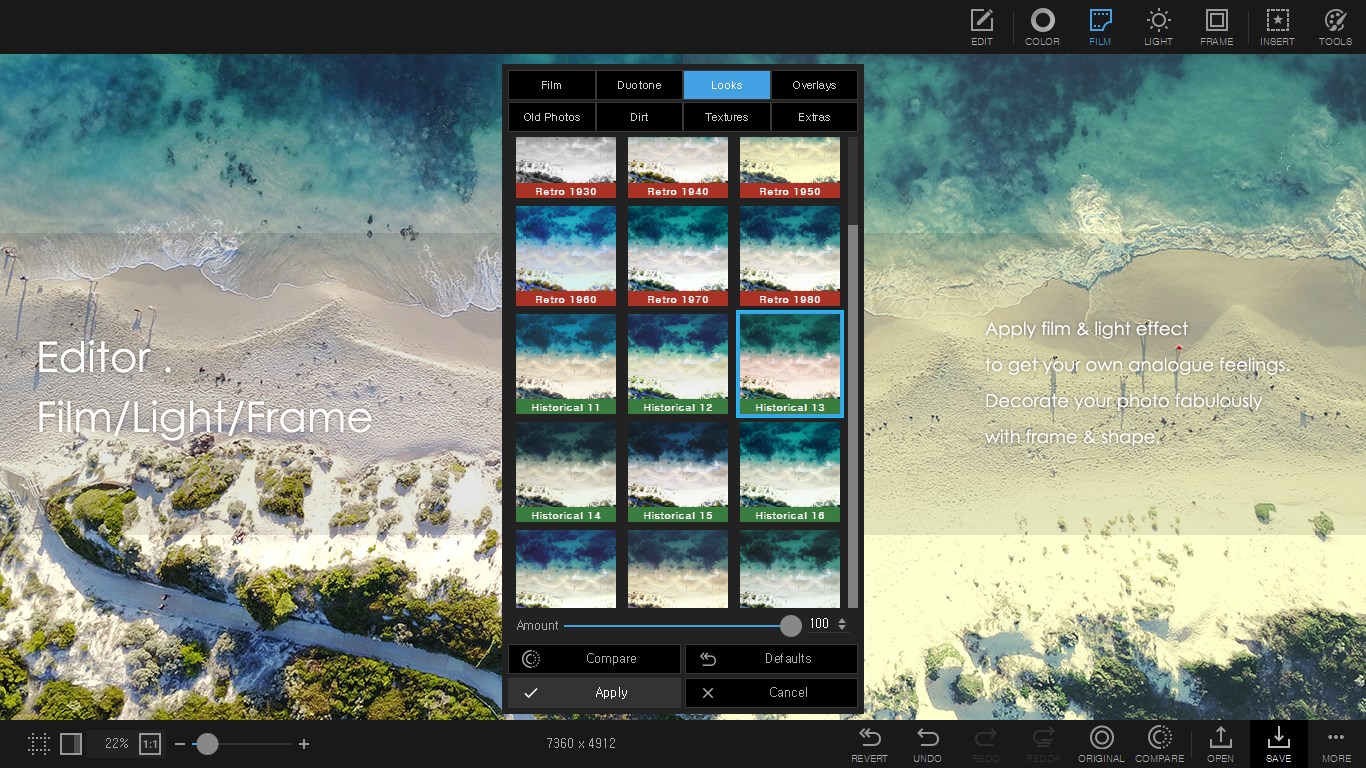
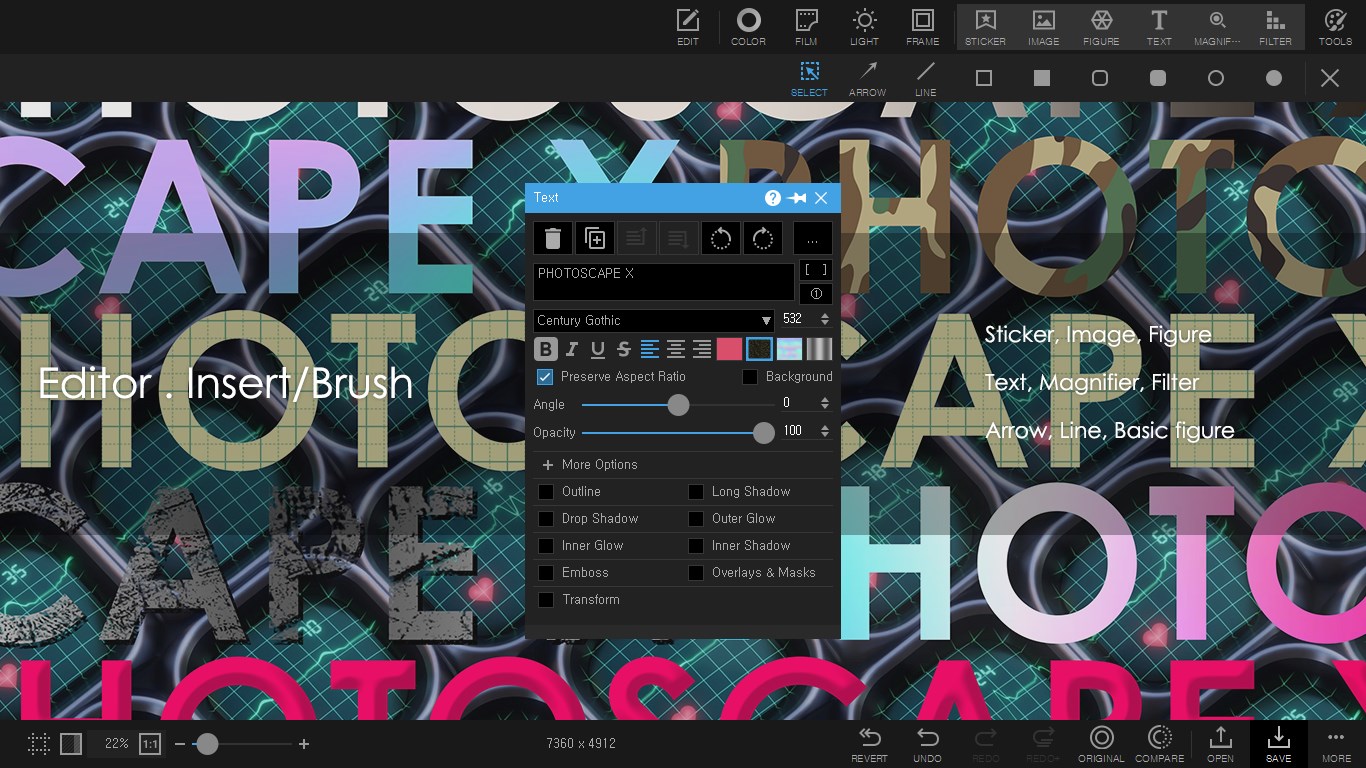
PhotoScape X Pro offers a robust collection of filters, overlays, and artistic effects that transform ordinary photos into captivating art pieces. Whether you want a nostalgic sepia tone, a dreamy watercolor effect, or something avant-garde, the variety of options empowers users to experiment endlessly. Its layered approach lets you combine effects creatively, akin to painting on a digital canvas, making every photo uniquely yours.
Batch Processing and Effortless Collage Creation
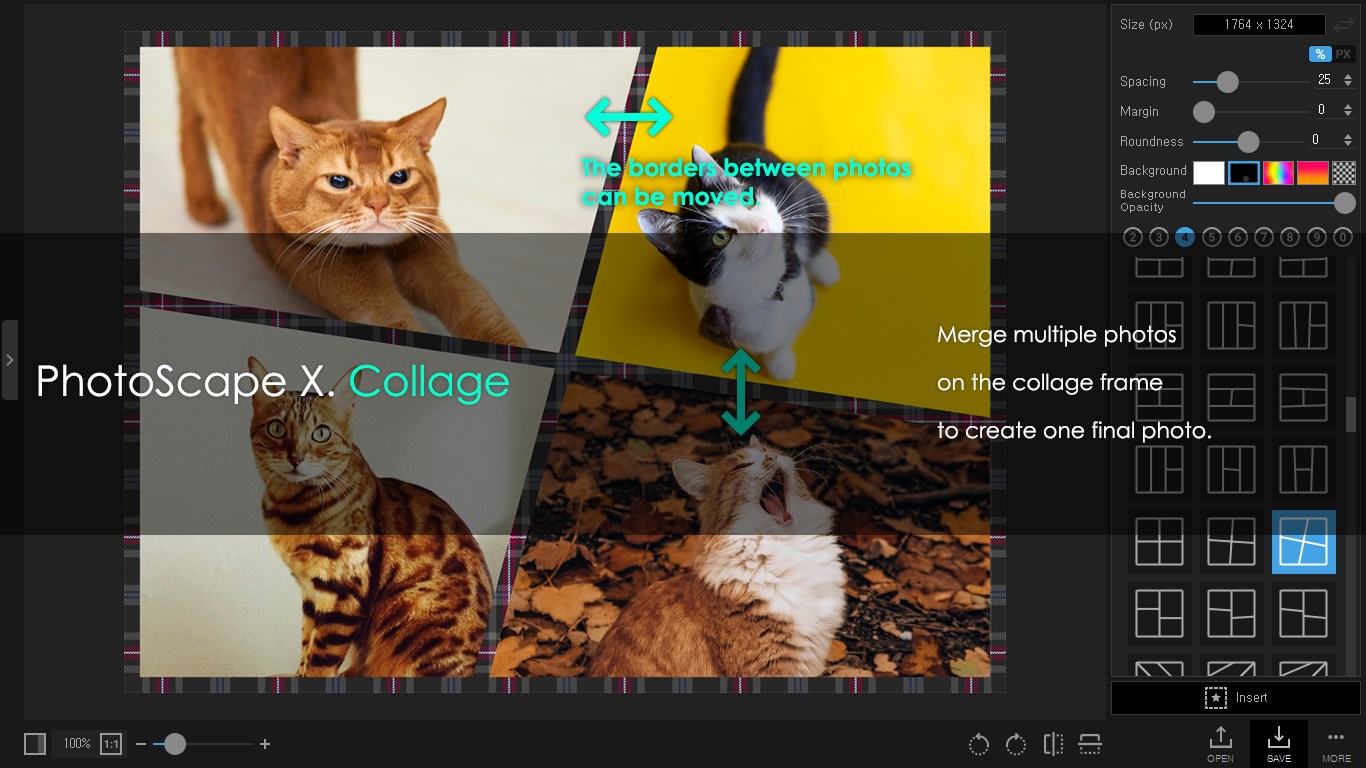
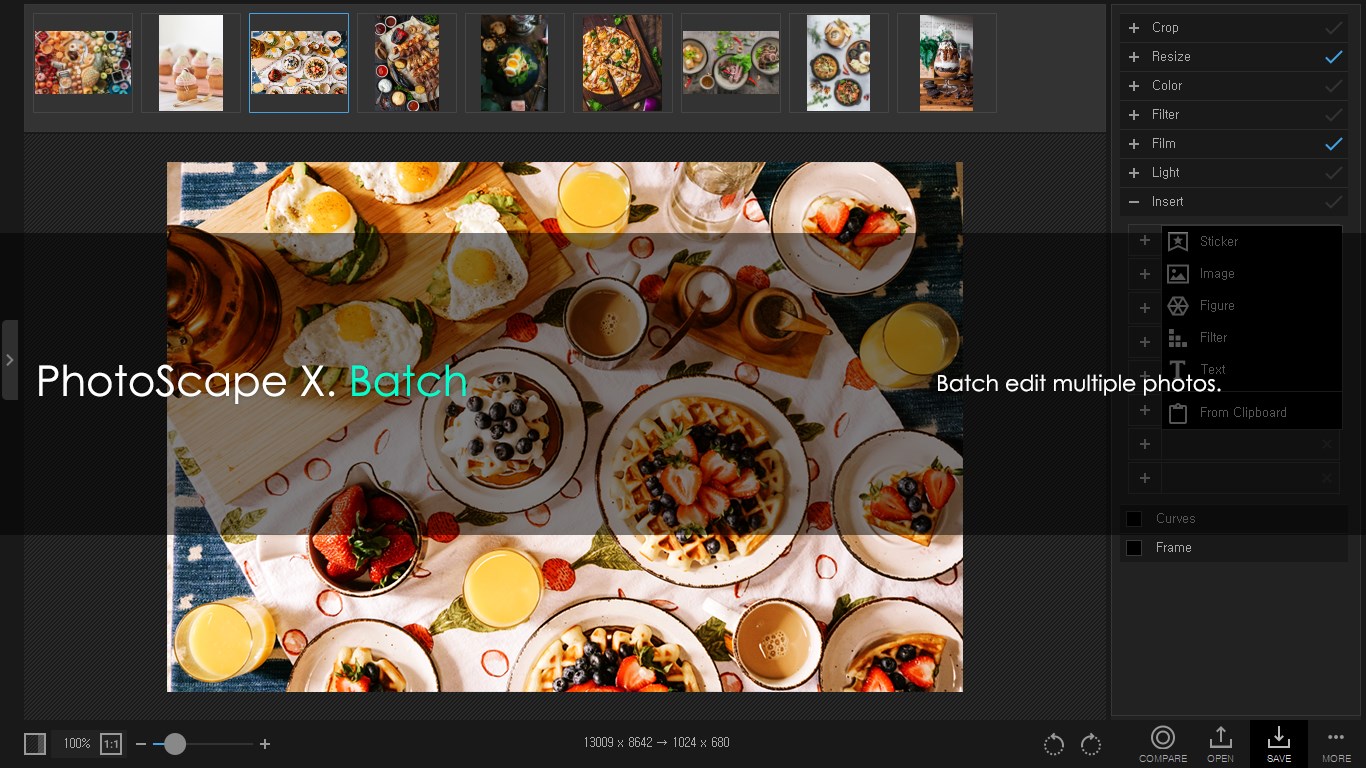
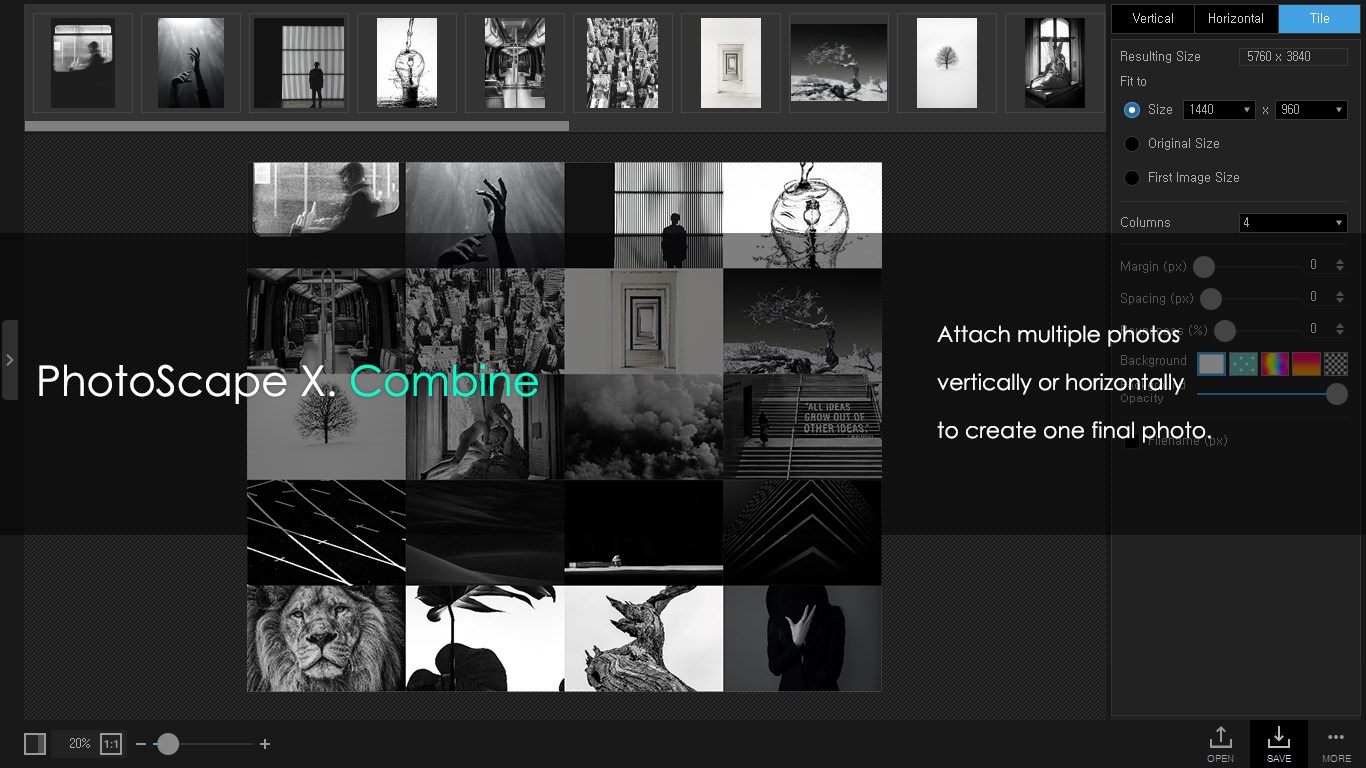
Efficiency meets creativity with features like batch editing, which enables users to apply the same adjustments to multiple photos at once—saving time during large projects. Additionally, the collage maker provides flexible templates, drag-and-drop simplicity, and customization options, perfect for creating personalized photo mosaics for social media or personal albums. This makes PhotoScape X Pro an appreciated tool for small business promotions or event photography.
Design and User Experience: Smooth Sailing for All
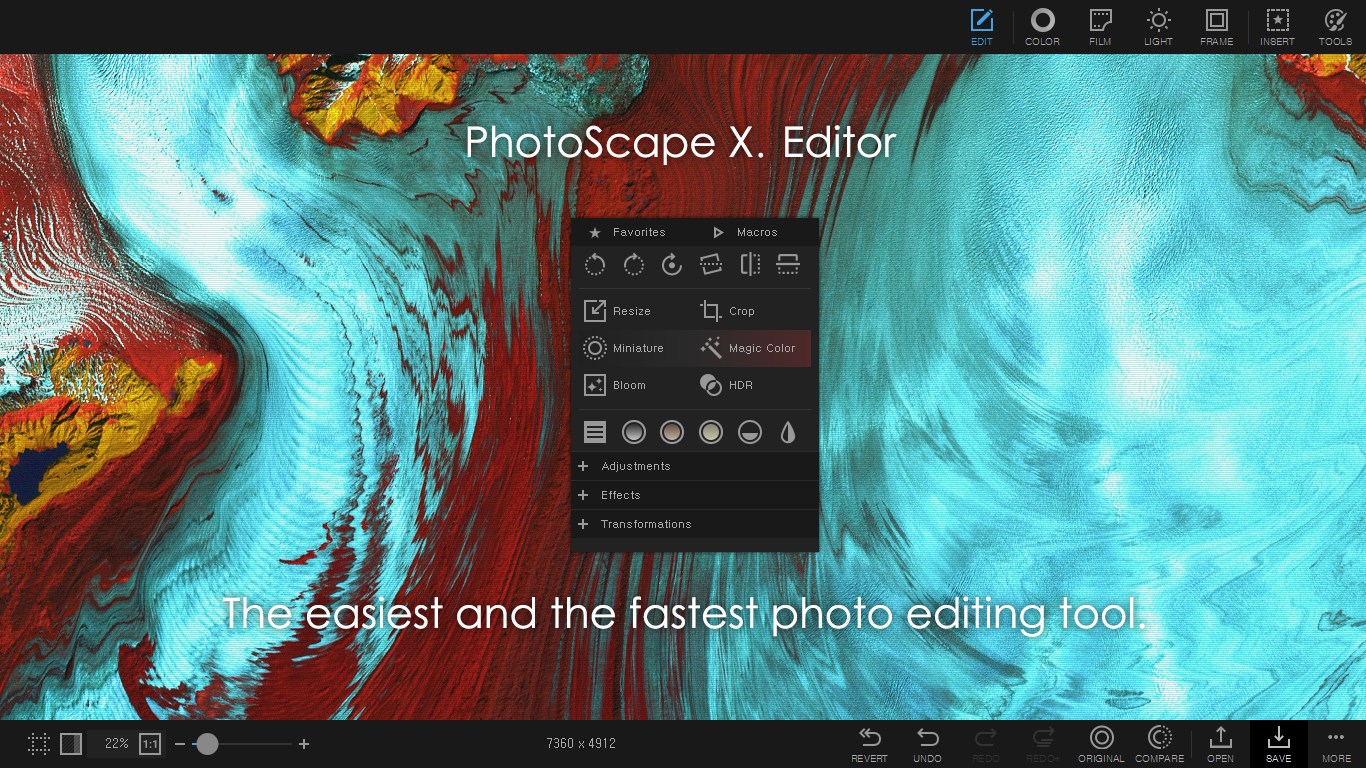
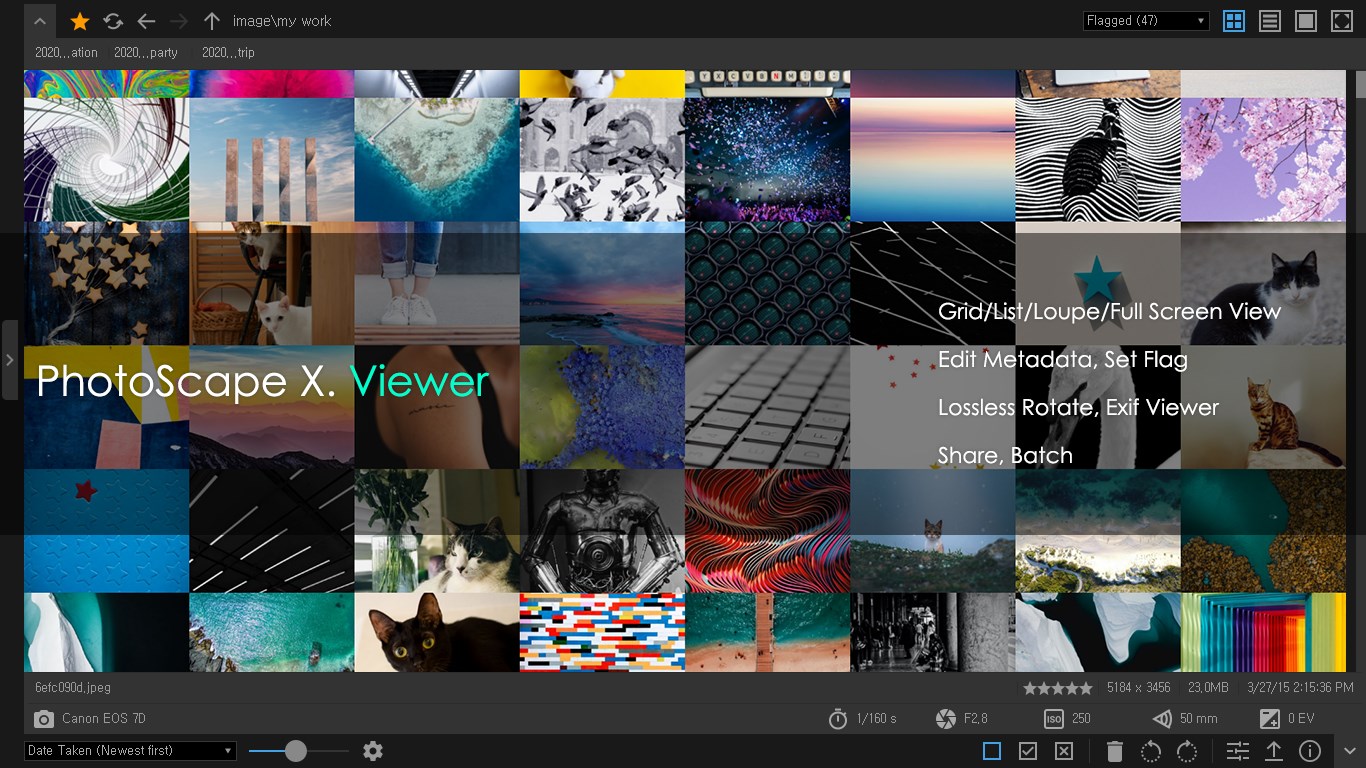
The interface of PhotoScape X Pro resembles a well-organized digital workspace, akin to a sleek artist's desk—clean, inviting, and easy to navigate. The layout divides functions into clear sections, so users can switch effortlessly from editing to filtering to creating collages. Responsiveness is notable; transitions between tools are snappy, fostering a smooth workflow that minimizes frustration. For newcomers, the learning curve isn't steep; intuitive icons and helpful tooltips make exploration stress-free. Experienced editors will find that the app's layout doesn't hinder but rather enhances their editing precision, acting like a familiar workspace that quickly adapts to their needs.
What Sets It Apart from Its Peers?
Unlike many photo editors that focus heavily on either simple filters or complex editing, PhotoScape X Pro strikes a balance by combining a wealth of features with ease of use. Its standout is the ability to perform batch edits alongside high-quality artistic effects—think of it as having a mini photo studio that can rapidly prepare dozens of images while still allowing for creative editing. Additionally, the app's ability to integrate multiple effects seamlessly, combined with its straightforward interface, gives it a unique edge over more cluttered or overly simplistic alternatives. It's like having a Swiss Army knife for photography—compact, versatile, and ready for any creative challenge.
Final Verdict: A Solid Choice for Creative Photographers
I would recommend PhotoScape X Pro for Windows to a broad spectrum of users—from hobbyists wanting to spruce up personal photos to small business owners needing efficient batch processing. Its user-friendly design paired with powerful features makes it a dependable tool for everyday editing and creative experimentation. If you're looking for a versatile, approachable, and relatively affordable editing suite that doesn't compromise on professionalism, give this app a try. Its most compelling features—advanced editing and multi-photo batch processing—make it particularly compelling for those who value both finesse and efficiency in their photo workflows.
Pros
- Intuitive User Interface
- Wide Range of Editing Tools
- High-Quality Output
- Supports Batch Processing
- Customizable Templates
Cons
- Limited Advanced Features
- Performance Issues with Large Files
- Watermark on Free Version
- Learning Curve for Advanced Features
- Limited Export Formats











