

- Category Photo & video
- Developer NCH Software
- Available on PC
- OS Windows 10 version 15063.0 or higher
- Keyboard Integrated Keyboard
- Mouse Integrated Mouse
- languages English (United States)
PhotoStage for Windows: A User-Friendly Tool for Stunning Photo Animations and Slideshows
PhotoStage for Windows, developed by NCH Software, positions itself as an accessible yet powerful application designed to help users create impressive photo slideshows and animations with ease. Whether you're a hobbyist or a small business owner, this software offers a range of features to bring your images to life in a seamless manner.
About the Developer and Core Functions
Produced by the renowned NCH Software team, PhotoStage aims to simplify complex photo editing and slideshow creation tasks. Its main highlights include intuitive timeline-based editing, advanced transition effects, and the ability to animate photos with movement, making slideshow presentations more engaging. Its user-centric approach ensures that both beginners and experienced users can craft professional-looking visuals effortlessly. The target audience primarily includes casual users, educators, small business marketers, and photography enthusiasts eager to produce captivating multimedia content without a steep learning curve.
Vivid Beginnings: Setting the Stage for Photo Magic
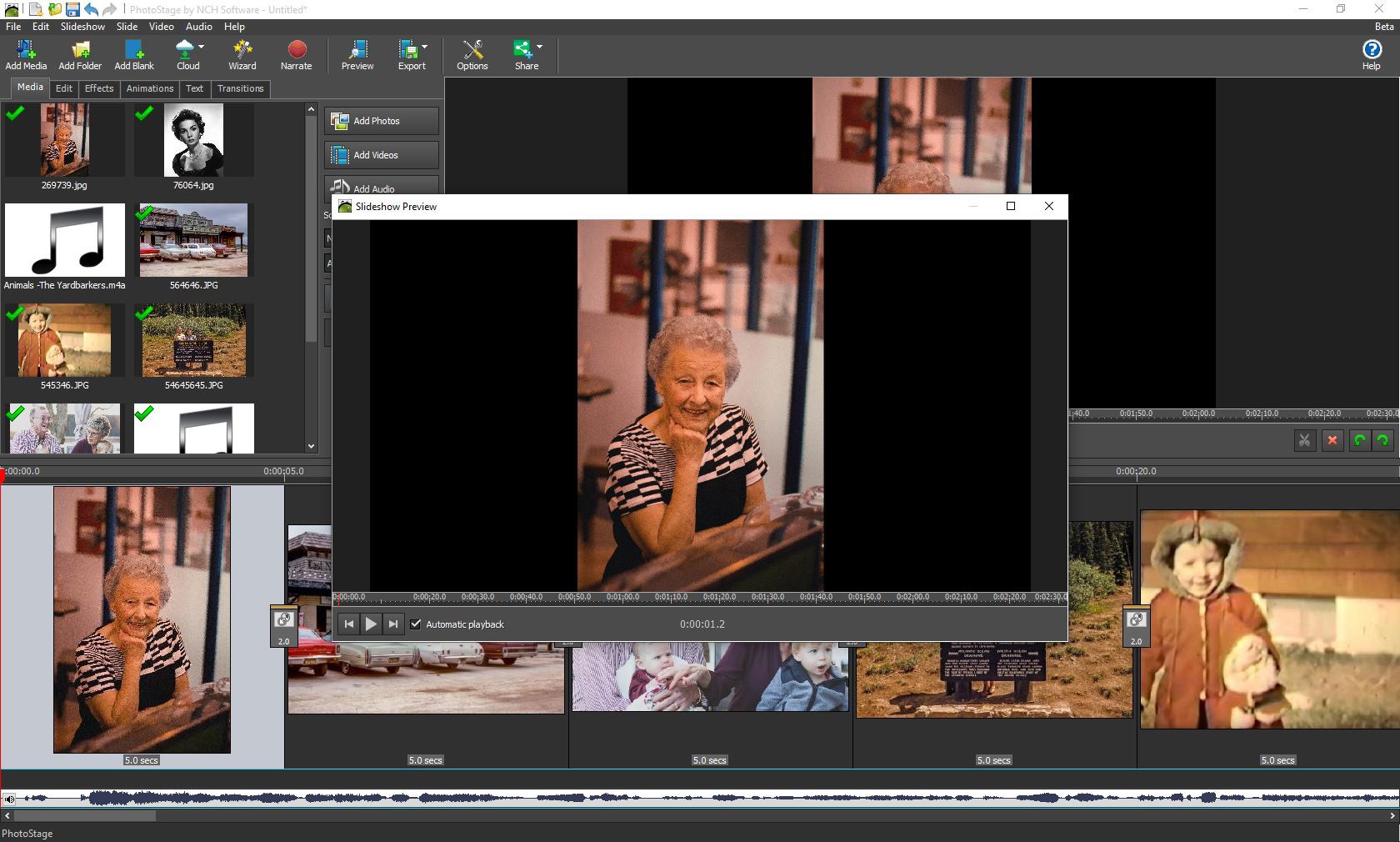
Imagine turning a simple collection of images into a lively, memorable story—like adding a soundtrack to your favorite travel memories. PhotoStage makes this process feel almost cinematic, bringing your photos to life with just a few clicks. The software's vibrant interface and straightforward workflow make the creation process less daunting than assembling a jigsaw puzzle, even for newcomers. Its ability to combine static images, add music, and layer text provides an inviting starting point for visual storytelling.
Core Functionality 1: Dynamic Slide Transitions and Effects
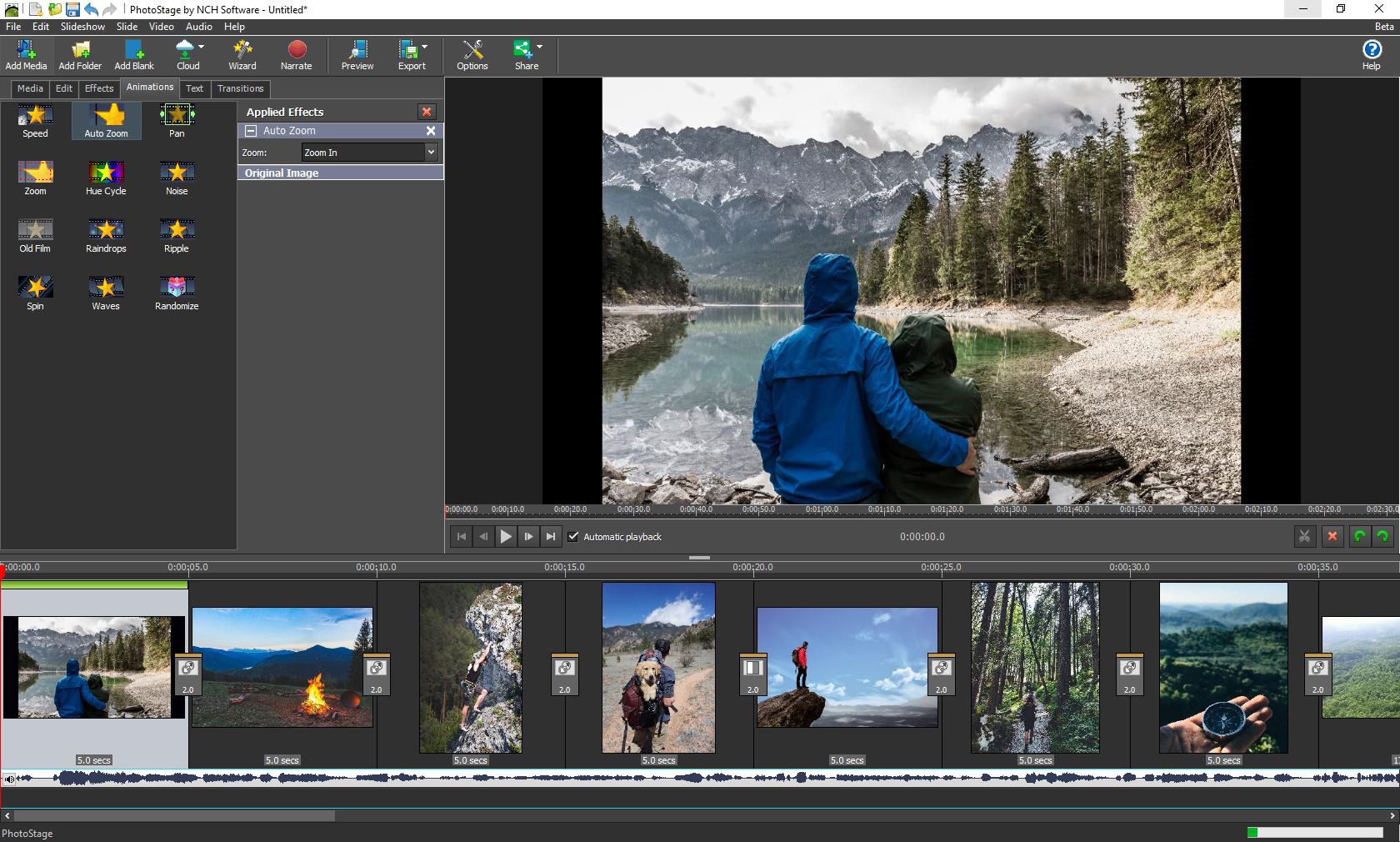
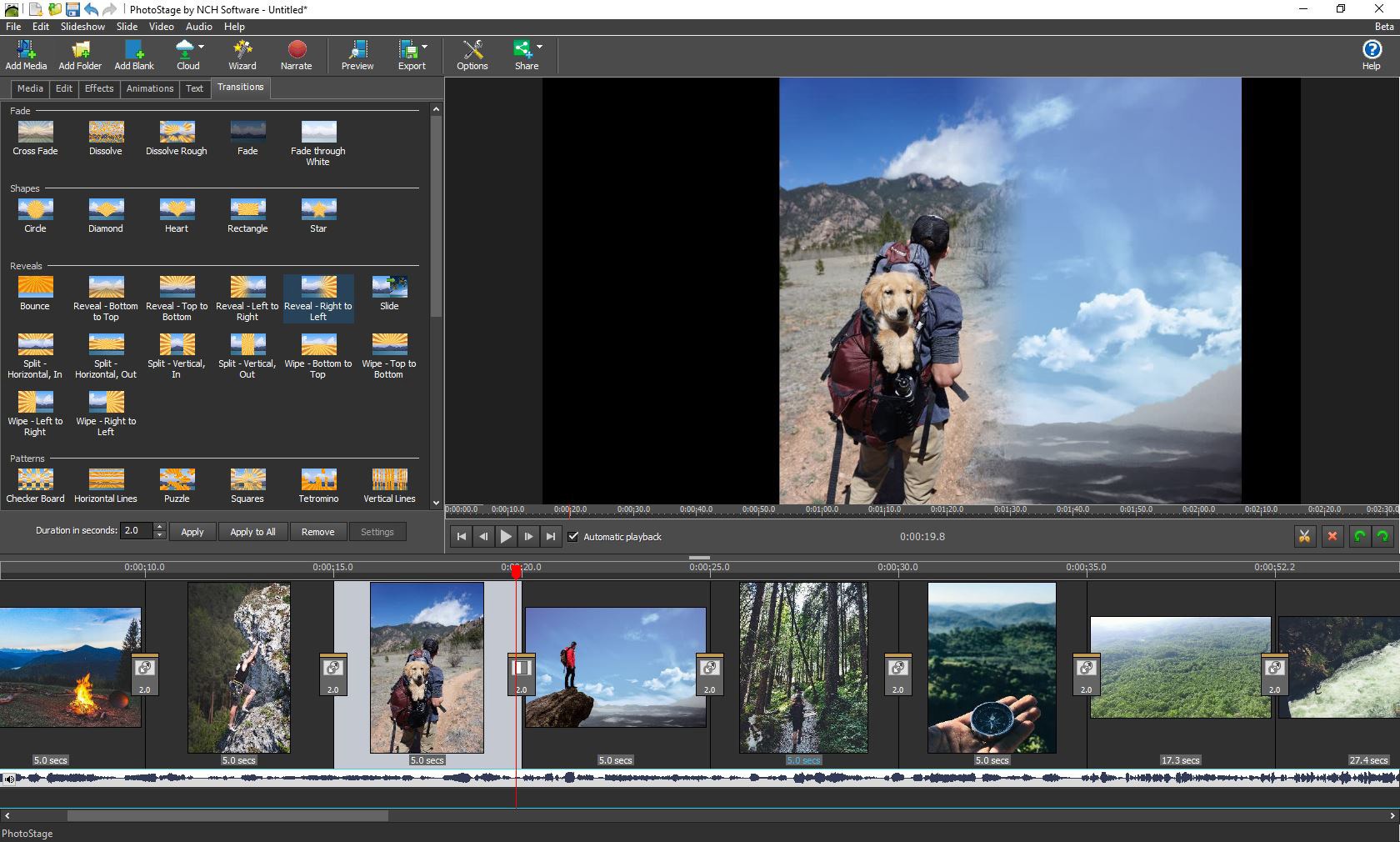
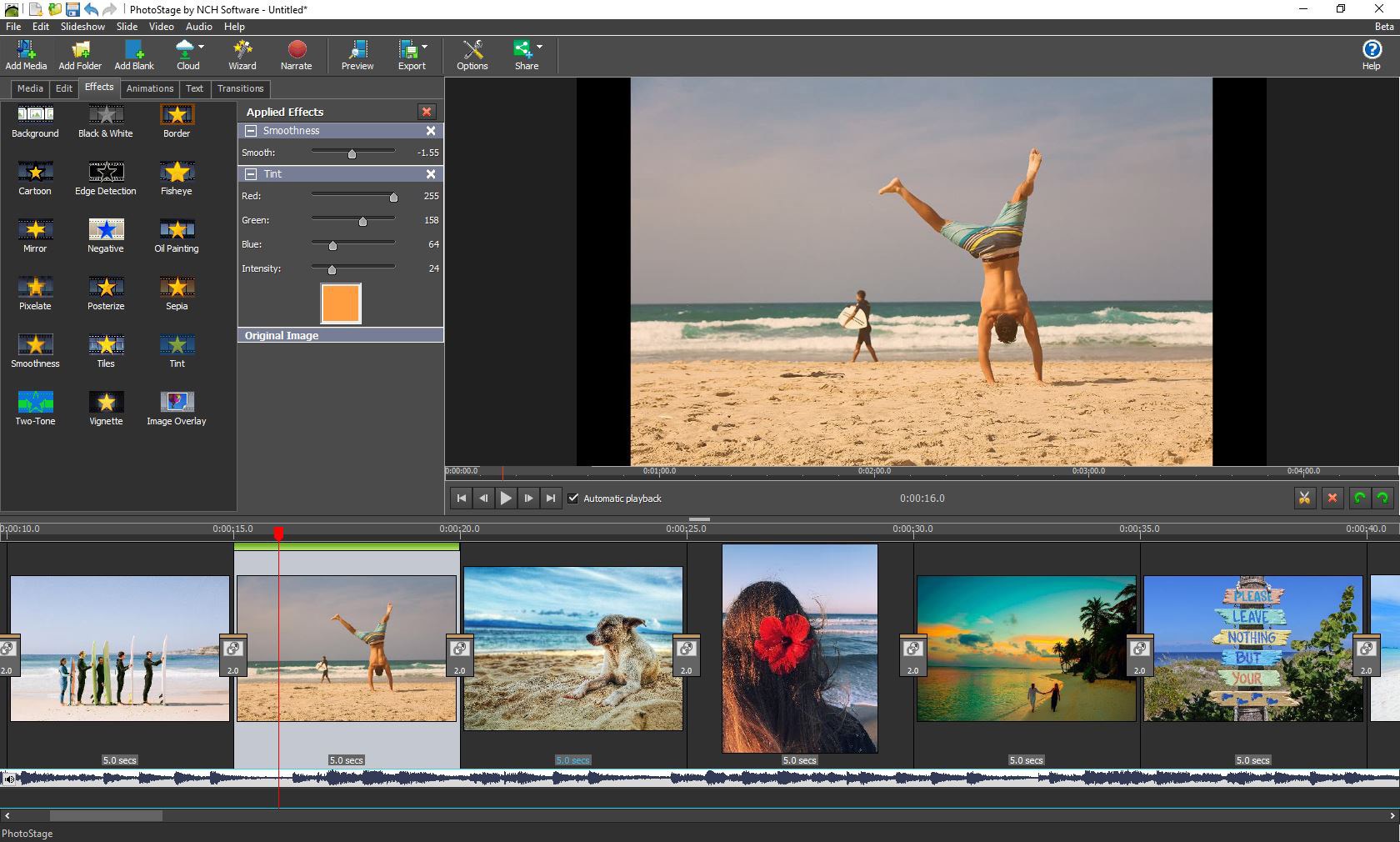
One of PhotoStage's standout features is its rich library of transition effects. Users can smoothly glide from one photo to the next with options ranging from simple fades to elaborate 3D flips. These transitions help maintain viewer interest and craft a cohesive narrative flow. Additionally, the software offers special effects such as pan, zoom, and motion effects that animate still images, transforming static photos into dynamic scenes—think of it as giving your images a gentle tap on the shoulder to catch their story's rhythm. The benefit here is clear: you don't need advanced skills to create visually appealing slideshows that look polished and professional.
Core Functionality 2: Customizable Audio and Text Support
In the realm of multimedia, adding an auditory layer is essential; PhotoStage makes this practice straightforward. You can easily import background music or narration to complement your visuals, ensuring your slideshow resonates emotionally. The timeline feature simplifies synchronization, so your music matches the transitions perfectly—like a conductor guiding an orchestra. Furthermore, the ability to add, edit, and animate text overlays allows users to embed captions, dates, or stories directly into the slideshow, making the presentation more contextual and engaging. This dual support for audio and text elevates the storytelling potential of the application.
Seamless User Experience and Unique Advantages
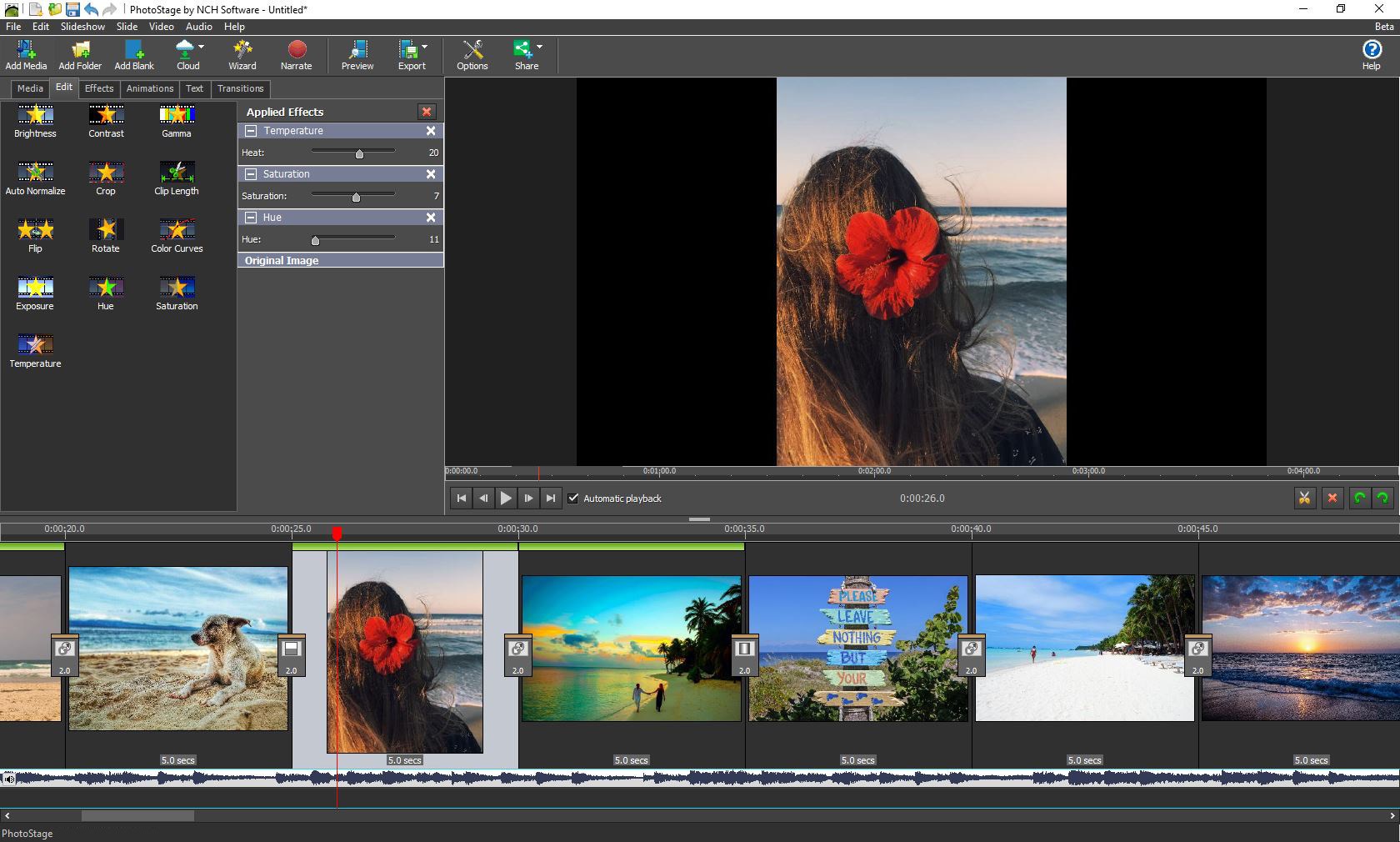
Beyond its features, PhotoStage's interface adopts a clean and intuitive design reminiscent of a well-organized workstation—think of a neat desk that invites you to start working without distraction. Users can perform drag-and-drop edits, reducing the need for complex menus or multiple layers of options. The software responds quickly to commands, ensuring a fluid creation process that feels more like playing than working. Its learning curve is gentle, making it approachable for beginners while still offering enough depth for more seasoned editors.
Compared to typical photo slideshow tools, PhotoStage's standout feature is its focus on animations—particularly the ability to animate photos with movement and overlays easily. Many competitors either require advanced technical skills or lack integration of transition effects with motion animation. PhotoStage bridges this gap, providing a unified workspace that combines static editing, transition effects, and movement animations seamlessly—like a Swiss Army knife for multimedia storytelling.
Final Thoughts and Recommendations
Overall, PhotoStage for Windows is a versatile, user-friendly application that offers compelling features tailored for simple yet impactful multimedia projects. Its key strengths lie in its animation capabilities and straightforward interface, making it ideal for users who want professional-looking slideshows without a steep learning curve. I would recommend this app to educators, small businesses, or casual users aiming to showcase photographs dynamically. For those seeking advanced video editing or complex effects, more feature-rich tools may be necessary—but for straightforward, beautiful presentations, PhotoStage stands out as a practical choice.
Pros
- Intuitive User Interface
- Wide Range of Editing Tools
- Supports Multiple File Formats
- Smooth Performance on Common Devices
- Regular Updates and Support
Cons
- Limited Advanced Editing Features
- Watermarking on Exported Free Version
- Occasional Crashes When Handling Large Files
- Limited Export Options in Free Version
- Lack of Cloud Storage Integration











