


- Category Photo & video
- Available on PC, Mobile
- OS Windows 10 version 19041.0 or higher
- Memory 750 MB
- Keyboard Not specified
- Mouse Not specified
- DirectX Not specified
- languages Arabic, Armenian, Bangla, Chinese (Simplified), Chinese (Traditional Chinese), Chinese (Traditional), English, English (United States), French, German, Hindi, Indonesian, Italian, Japanese, Korean, Korean , Persian/Farsi, Polish, Portuguese, Portuguese (Brazil), Russian, Spanish, Spanish (Spain), Thai, Turkish, Vietnamese
Picsart AI Photo Editor for Windows: A Creative Companion in Your Digital Toolkit
Imagine having a versatile, AI-powered photo editing assistant right on your desktop—ready to transform your images with just a few clicks. That's precisely what Picsart AI Photo Editor for Windows aims to deliver, blending powerful editing tools with an intuitive interface designed for both beginners and experienced creators alike.
Basic Information: What Makes This App Stand Out
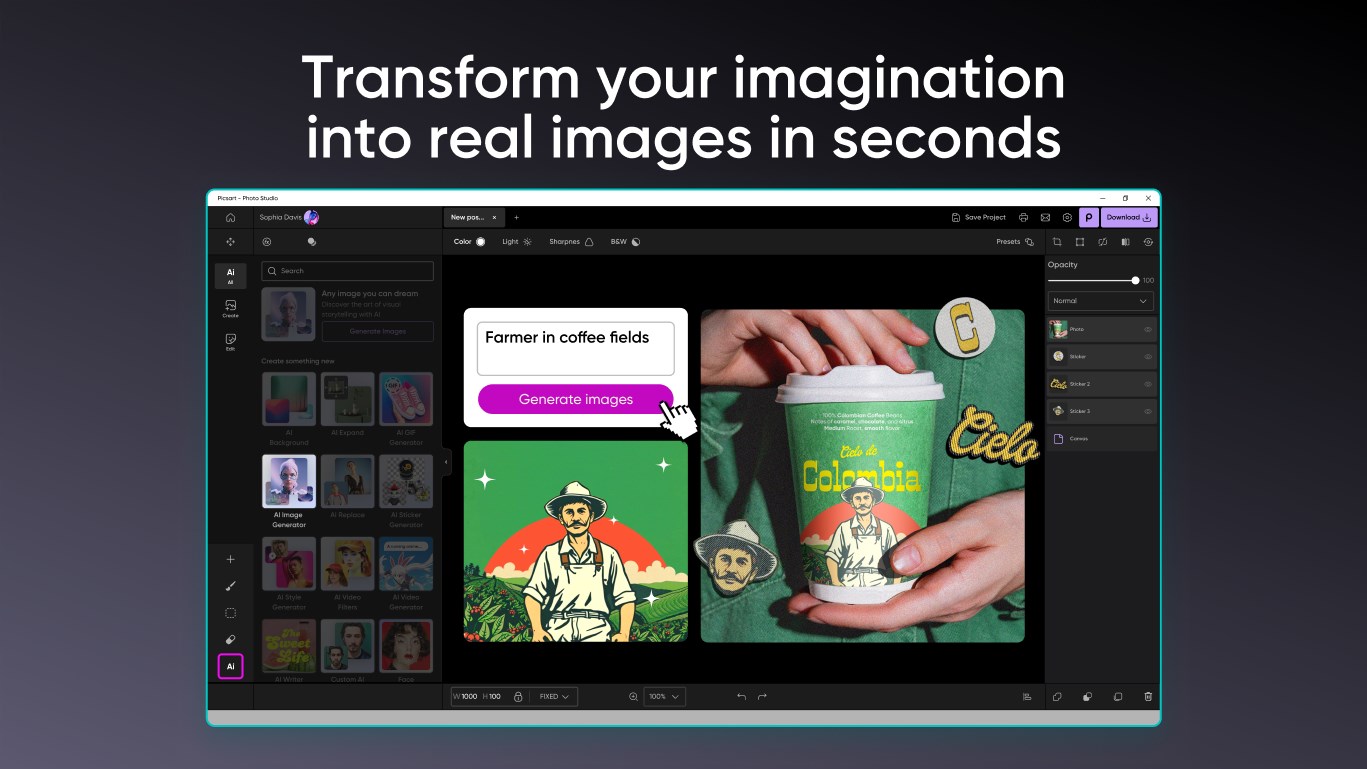
It's a comprehensive AI-driven photo editor tailored for Windows users, offering advanced features traditionally found in high-end software but wrapped in a user-friendly package. Developed by PicsArt Inc., a well-established name in the digital art and photo editing industry, it ensures a professional-level experience with robust functionalities. Key highlights include AI background removal, one-tap filters, and smart enhancement tools, making photo editing faster and more creative. Its main target audience includes amateur photographers, social media enthusiasts, content creators, and anyone looking to elevate their images effortlessly.
Captivating Creativity: An Engaging Introduction
Stepping into the Picsart AI Photo Editor for Windows feels like entering a bustling creative studio—where ideas come to life with a click, and your photos are the blank canvases waiting for magic. Thanks to its thoughtful design, this application feels less like a complex software suite and more like a friendly assistant eager to bring your vision into focus. Whether you're tidying up family photos or crafting eye-catching social posts, this app fuses AI wizardry with accessible tools, allowing your inner artist to flourish without needing a PhD in Photoshop.
The Core Features that Make a Difference
1. AI Background Removal: The Magic Touch
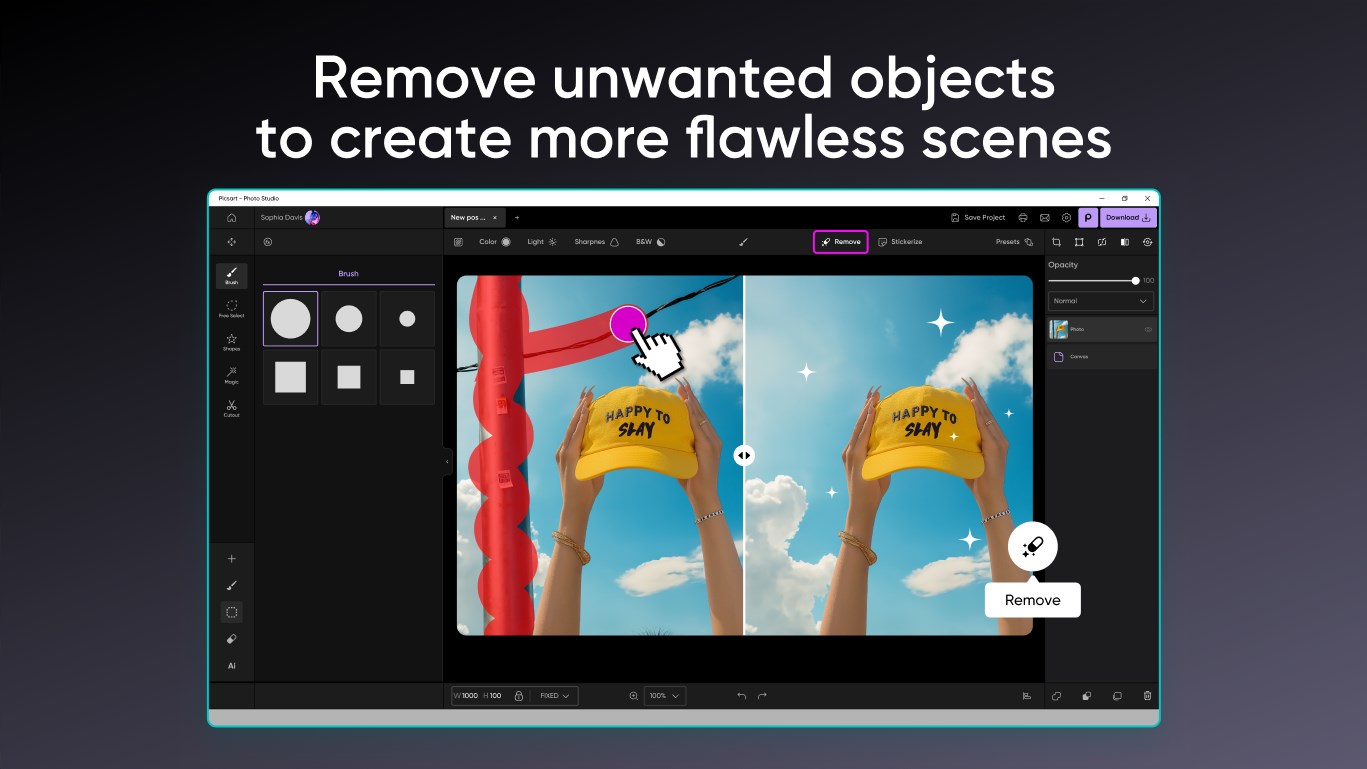
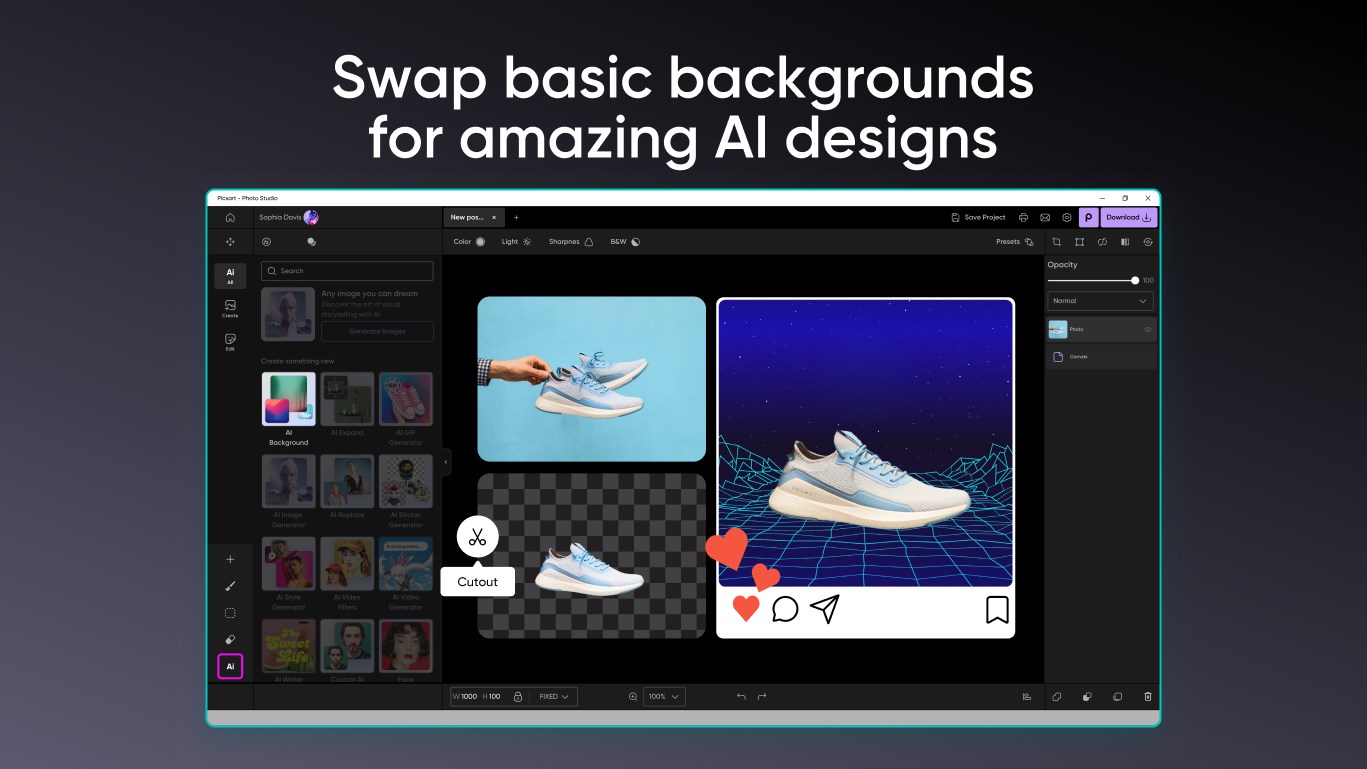
The standout feature of this app is its AI-powered background removal tool. In moments, you can isolate subjects from complex backgrounds—whether it's a busy street scene or an intricate floral pattern—and swap in new backgrounds or create transparent images. Think of it as having your own digital cutting tool that's exceptionally precise, saving hours of manual masking. This capability is especially useful for social media posts, product images, or creative collages, giving your projects a polished, professional look with minimal effort.
2. One-Tap Filters and Smart Enhancements
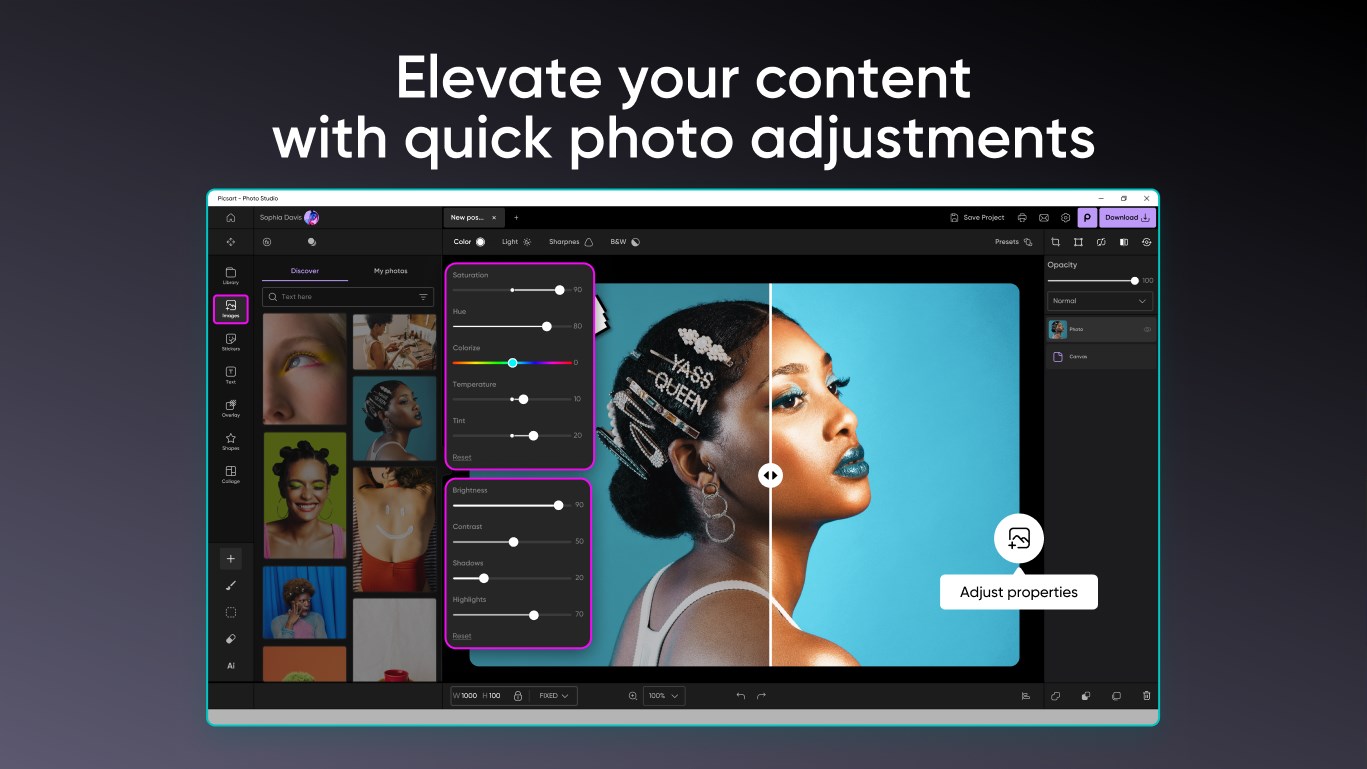
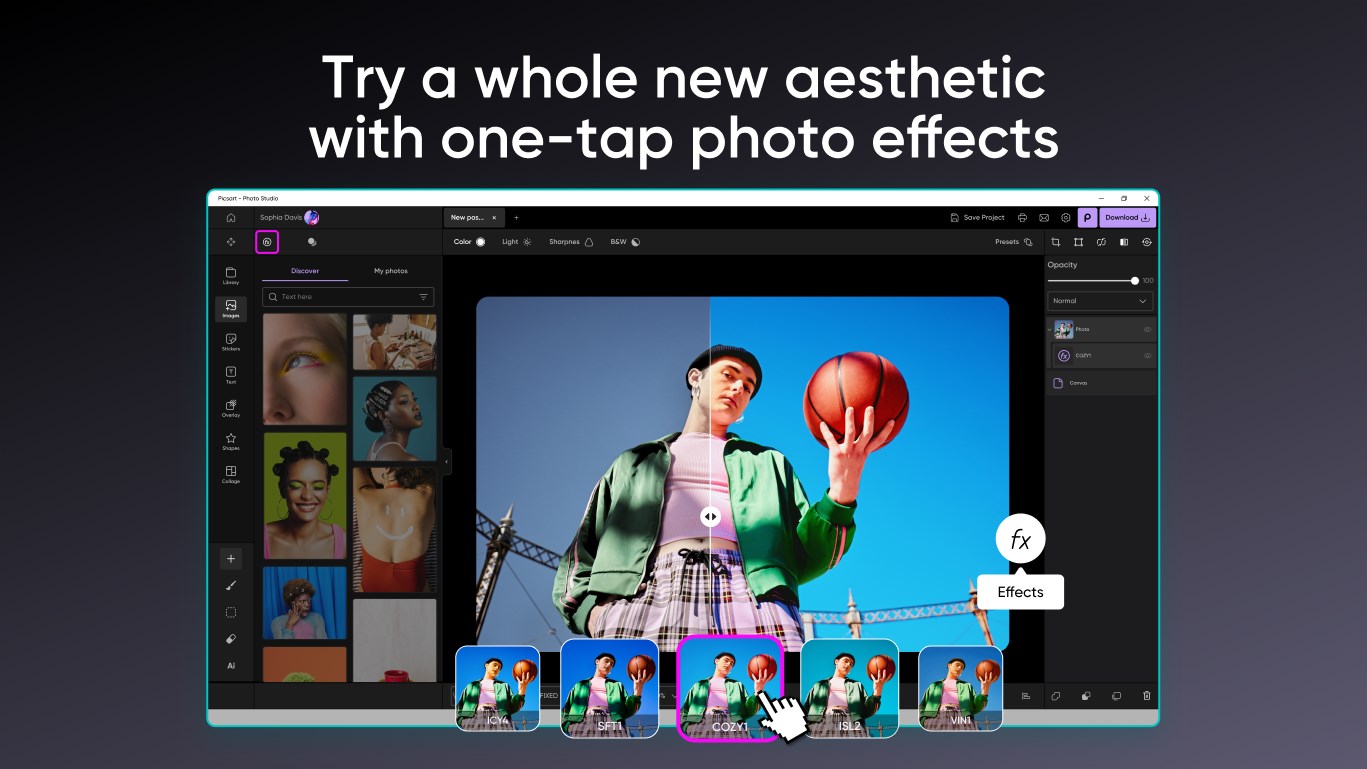
Another highlight is the collection of AI-driven filters that can instantly set the mood of your photo—think vintage, cinematic, or modern minimalist—just a single tap. Alongside these, smart enhancement options allow for adjustments like brightness, contrast, and sharpness optimized through AI algorithms, ensuring your images look vibrant and clear without the usual trial-and-error. This streamlines the editing process, making it accessible to those who want quick results without sacrificing quality.
3. User Interface and Experience
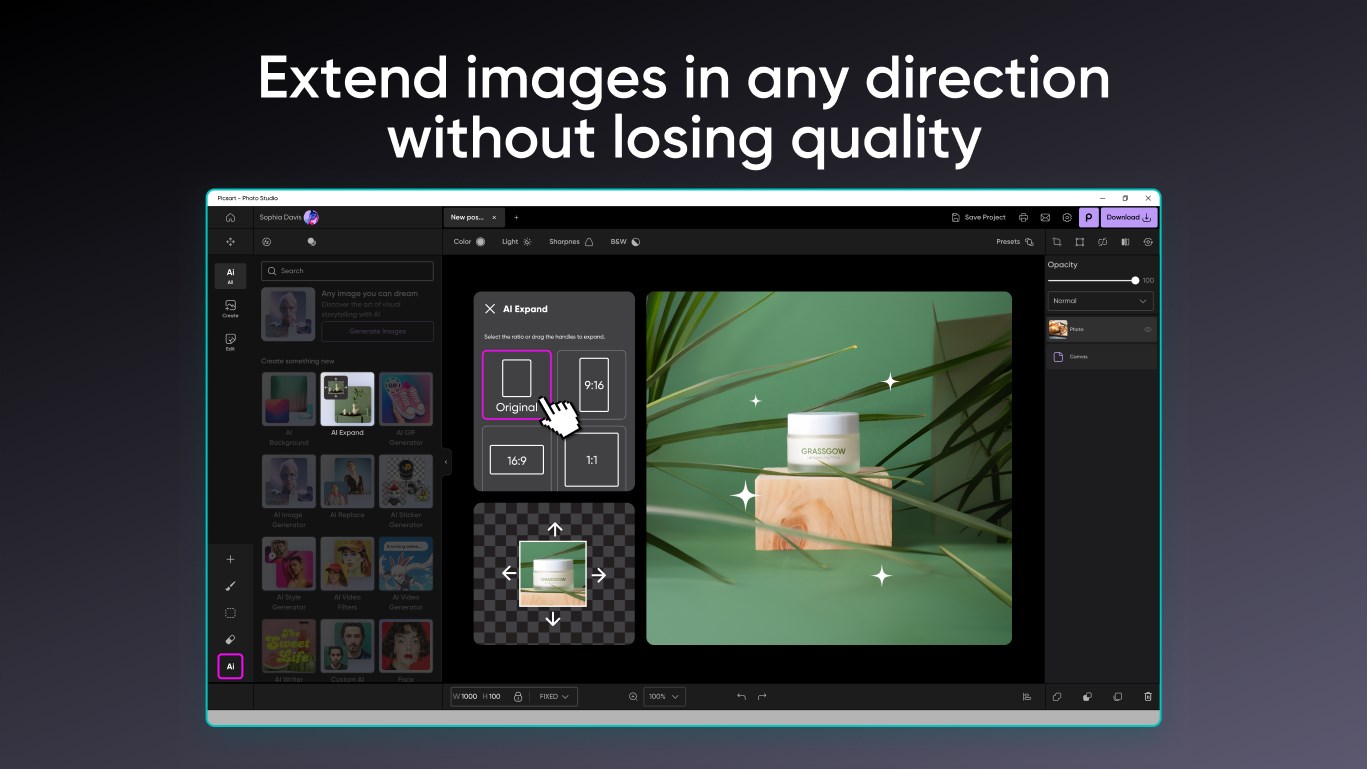
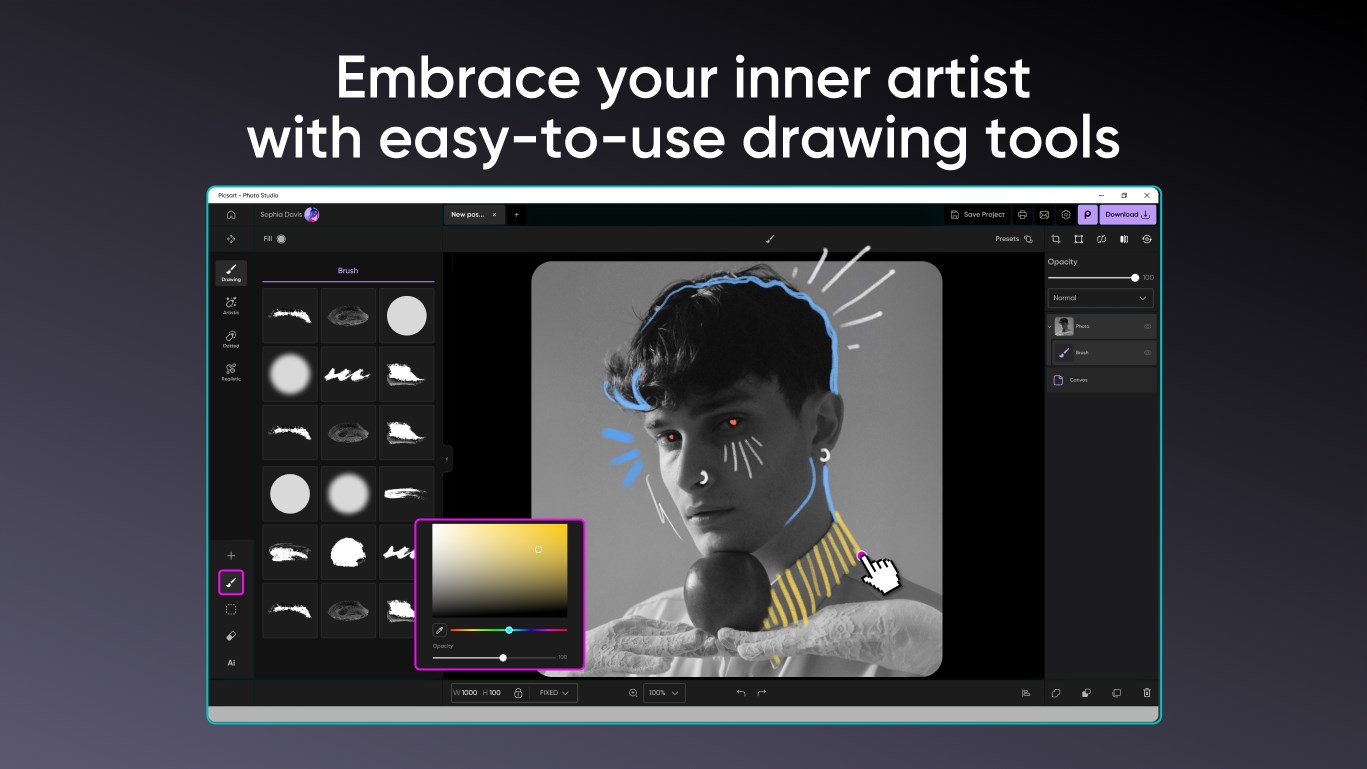
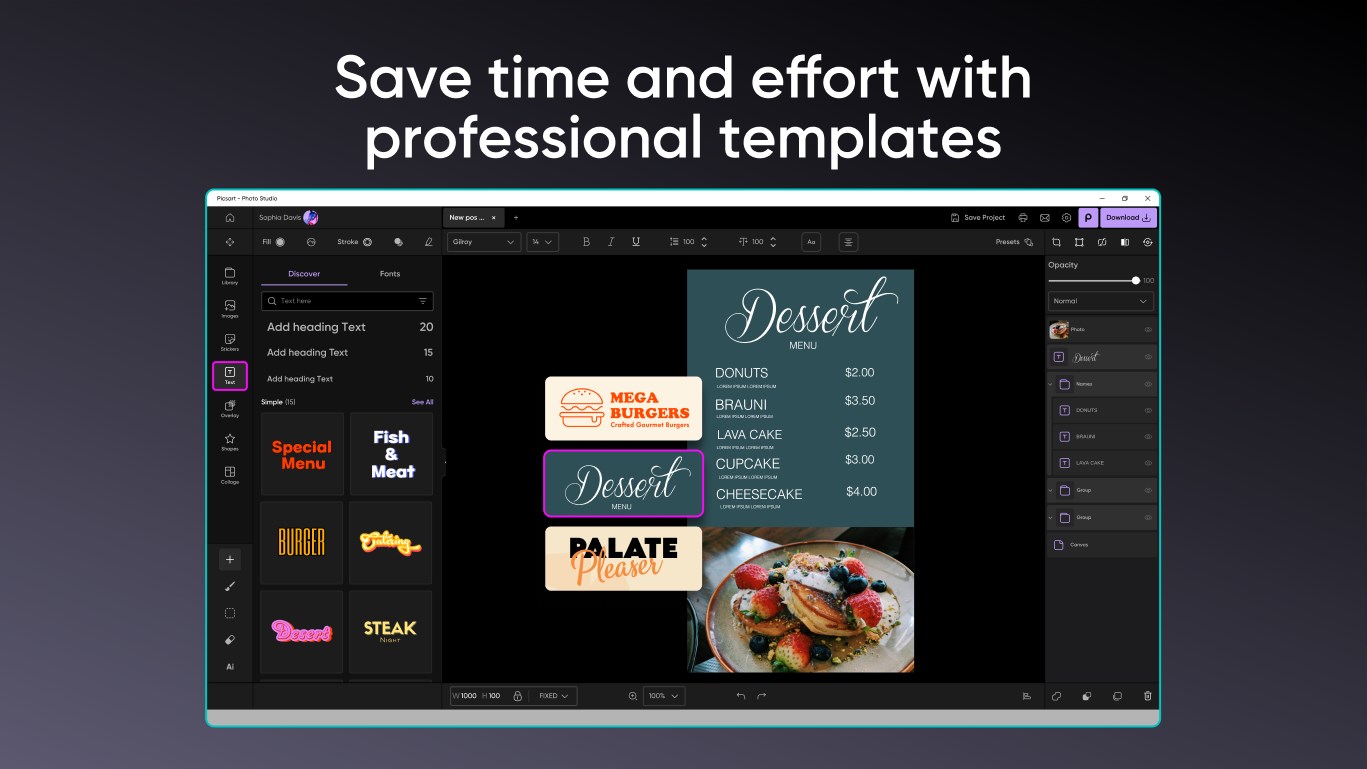
The app's interface embodies a clean and organized workspace, resembling a digital art studio with tools neatly laid out, ready for exploration. The design employs intuitive icons and straightforward navigation, meaning even newcomers can start editing within minutes. The operation runs smoothly—no lag or crashes—and the learning curve remains gentle, especially with helpful tips embedded within the app. This thoughtful UX design turns editing from a daunting task into an enjoyable creative session, akin to having a friendly workshop assistant guiding your every move.
Unique Selling Points and Differentiators
Compared to other photo editing apps, Picsart AI Photo Editor for Windows truly distinguishes itself with its seamless integration of AI features—particularly its effortless background removal. While many competitors require manual masking or rely on complex workflows, Picsart's AI does the heavy lifting in seconds. Furthermore, its focus on simplicity doesn't mean sacrificing power; users can access professional-grade tools without feeling overwhelmed. This balance of ease and effectiveness makes it ideal for casual users itching to enhance their images and semi-professionals looking for quick turnaround edits.
Is It Worth Giving a Shot? Recommendations and Usage Tips
Overall, I'd recommend this app to anyone seeking a straightforward yet powerful photo editing tool. Its AI-driven features stand out as the most distinctive assets—particularly the automatic background removal—which can drastically cut down editing time and elevate your creative projects. I suggest new users start with simple enhancements and experiment with the filters to understand the app's potential. Professionals needing ultra-detailed editing might still prefer more advanced desktop software, but for everyday editing, social media content, or quick projects, Picsart AI Photo Editor for Windows is a smart, approachable choice. It's like having a creative partner who's always ready to help turn your ideas into polished visuals.
Pros
- AI-powered enhancements deliver quick and realistic photo improvements
- User-friendly interface simplifies editing for both beginners and pros
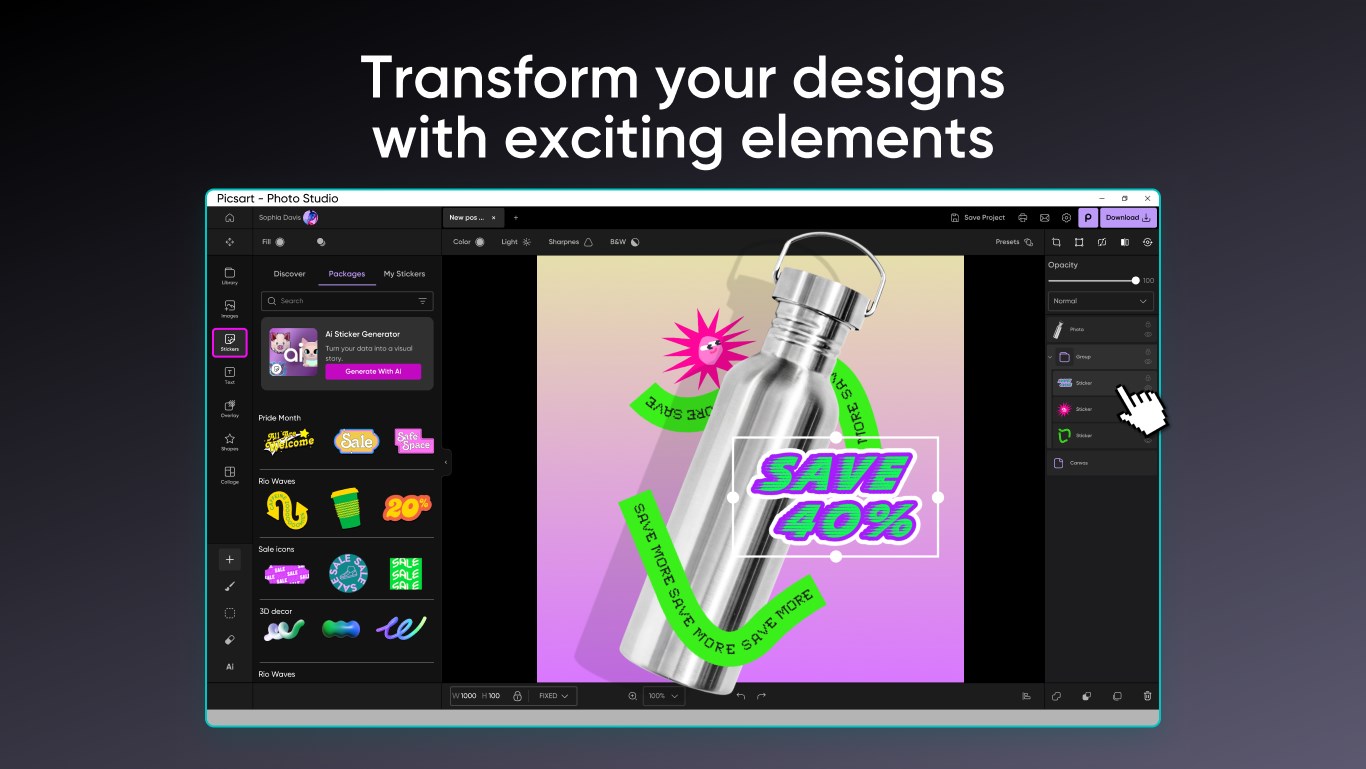
- Wide range of creative filters and effects to customize images
- Seamless integration with device galleries and social media platforms
- Regular updates introduce new features and improve stability
Cons
- Some advanced editing features require a subscription, which might be costly
- Output quality of AI enhancements can vary based on image complexity
- App performance may lag on lower-end devices with limited hardware
- Some features may have a learning curve for novice users
- Limited free storage for saving high-resolution images may require external backups











