

- Category Photo & video
- Developer Sorcim Technologies
- Available on PC
- OS Windows 10 version 0.0 or higher
- Memory 1 GB
- languages English
Introduction: Streamlining Your Photo Library with PictureEcho
Anyone who's ever gone on a photo binge knows the pain of sifting through hundreds, if not thousands, of images to find the duplicates or near-duplicates cluttering their device. PictureEcho Duplicate Photo Finder is here to turn this daunting task into a breeze. Designed specifically for Windows users, this app promises to help you regain control of your photo collection quickly and efficiently, all without sacrificing quality or accuracy.
Core Features That Make a Difference
Advanced Duplicate Detection Algorithms
What truly sets PictureEcho apart is its sophisticated image analysis engine. Unlike simple checksum comparisons or file name checks, it leverages perceptual hashing technology to identify visually similar photos—even if they've been resized, compressed, or slightly edited. This means you can confidently delete those similar shots from different angles or slight edits without fearing you'll accidentally remove a cherished memory. Whether you're an amateur photographer or a casual user, this precision ensures you clean up your gallery intelligently.
Batch Processing and Smart Selection
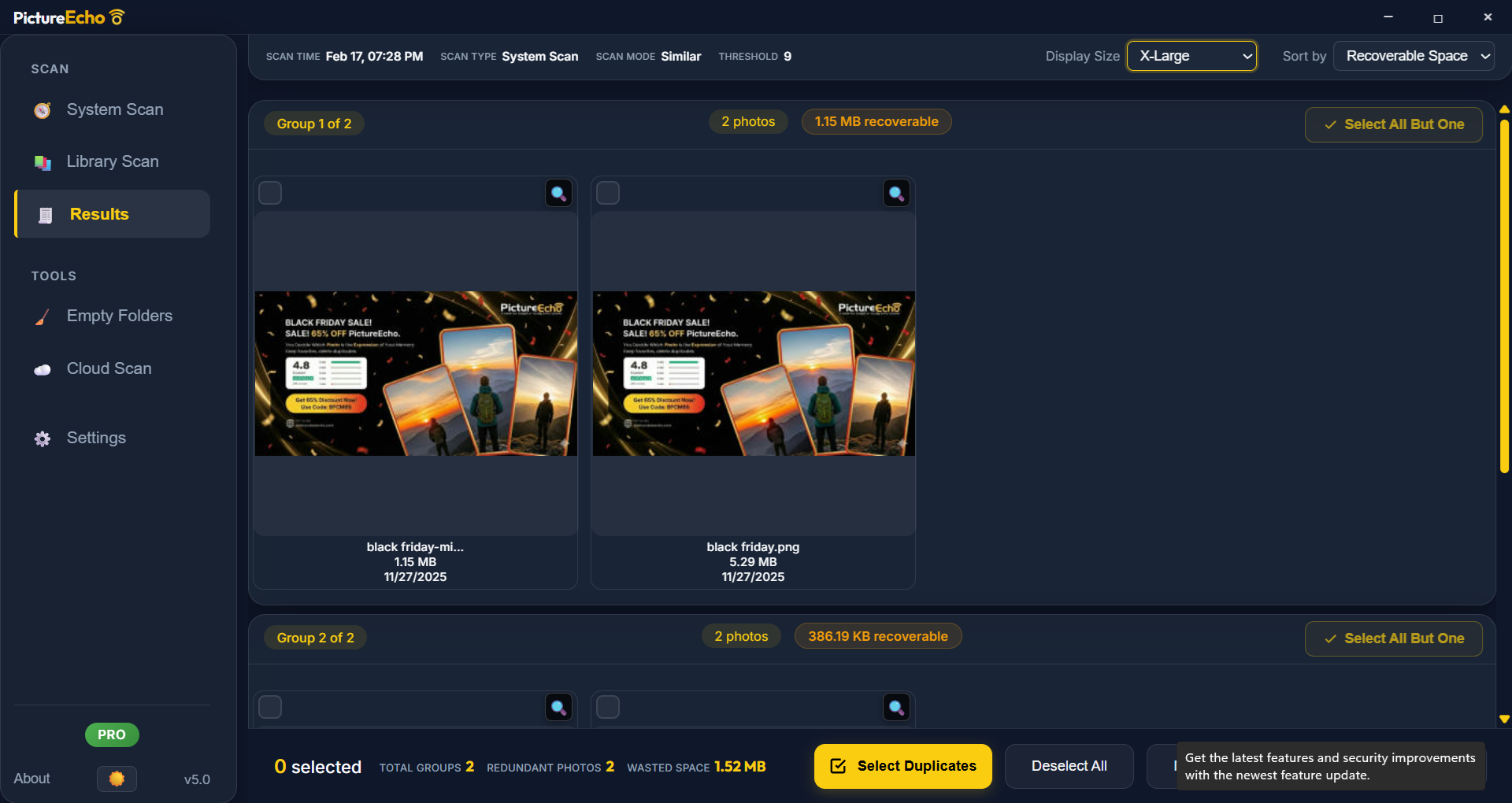
Imagine having a diligent assistant at your side, pointing out which photos are duplicates and suggesting the best quality version to keep. PictureEcho offers batch scanning, allowing you to analyze entire folders or drives in one go. Its smart selection feature prioritizes high-resolution, well-lit images, and gives you options to review duplicates side by side. This feature streamlines the cleanup process, helping you save time and avoid repetitive manual checks.
User-Friendly Interface and Seamless Experience
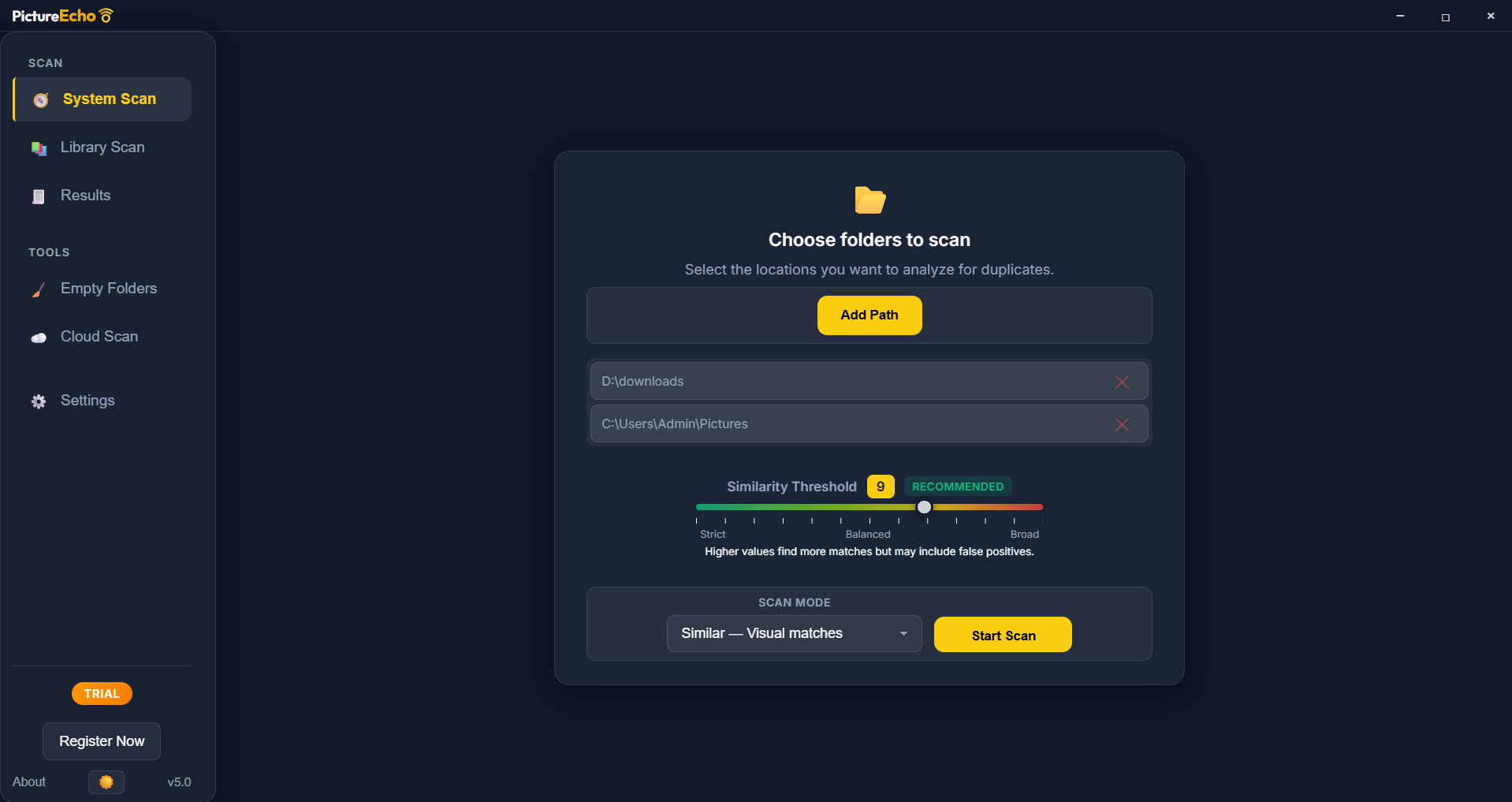
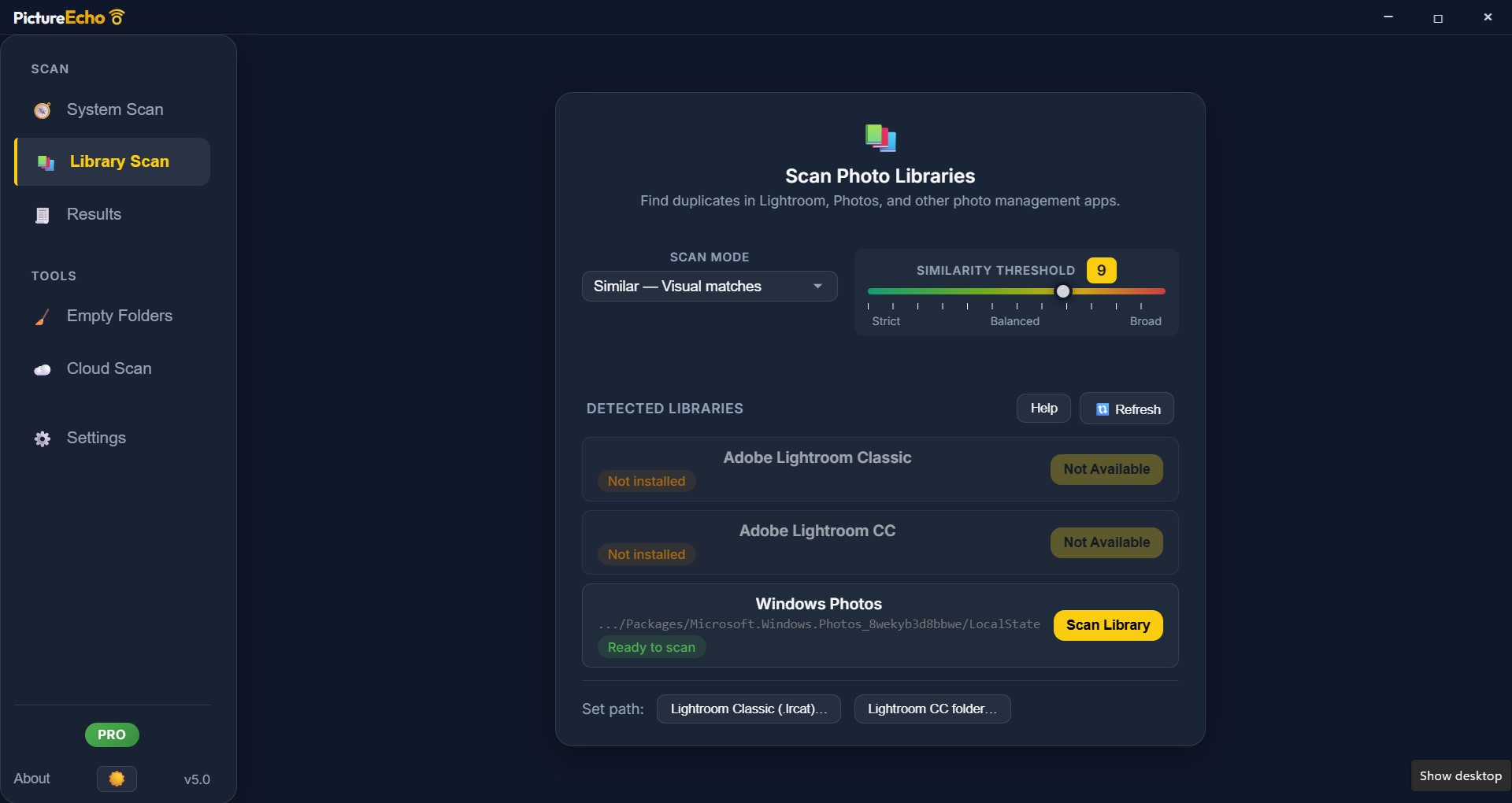
The app sports a clean, intuitive interface that feels like a well-organized digital workspace. It's easy to navigate, even for those not tech-savvy, thanks to logically grouped functions and straightforward workflows. Scanning for duplicates is swift, with real-time progress updates. The learning curve is gentle, making it accessible for casual users while still offering enough control for power users who want more customization. Overall, PictureEcho provides a smooth and frustration-free experience, like having a helpful friend guiding you through your photo cleanup.
Comparison and Unique Selling Points
While many photo management tools attempt to combine editing, cataloging, and duplicate removal, PictureEcho focuses solely on the latter with a laser-sharp accuracy. Its perceptual hashing technology is a standout feature, enabling it to detect similar images regardless of minor edits or formatting differences—something many competitors struggle with. Additionally, its batch processing capability, combined with smart photo prioritization, really accelerates the cleaning process, making it ideal for users with large photo libraries. Unlike generic media tools, its specialization ensures that you get precise, relevant results without a lot of fuss.
Recommendation and Usage Tips
If you're someone who often finds their photo folders overflowing but don't want to risk deleting meaningful images by mistake, PictureEcho is a solid choice. Its accuracy and ease of use make it suitable for both personal and small business needs. For best results, start with a smaller folder to familiarize yourself with the app's options, then proceed to larger drives. Regularly using this tool will help keep your digital photo collection tidy and accessible without the hassle of manual sorting.
In summary, PictureEcho Duplicate Photo Finder is a dependable, specialized tool that offers innovative features—particularly its perceptual hashing technology—that genuinely elevate the photo cleaning experience. Its straightforward interface and smart processing make it a recommended addition for anyone looking to optimize their photo library efficiently and confidently.
Pros
- User-Friendly Interface
- Fast Duplicate Detection
- Supports Multiple Image Formats
- Customizable Search Settings
- Preview and Selection Features
Cons
- Limited Free Version
- False Positives in Similar Images
- Slow Performance with Very Large Libraries
- Lack of Cloud Backup integration
- Occasional False Deletion Warnings











