

- Category Social
- Available on PC
- OS Windows 10 version 19041.0 or higher
- languages English (United States)
A Fresh Take on Inspiration: Pinterest for Windows
Imagine a vast digital scrapbook that continually evolves with your passions—that's exactly what Pinterest for Windows offers. Designed to serve as your personalized visual discovery engine, this app transforms browsing into an engaging, organized experience for creatives, planners, and curious minds alike.
Developed by Pinterest Inc.: A Trusted Creative Hub
Crafted by Pinterest Inc., the globally recognized social media platform dedicated to visual storytelling, Pinterest for Windows seamlessly extends its web-based ecosystem into your desktop environment. This ensures a smoother, more accessible experience tailored for users who prefer a dedicated app over a browser interface.
Key Features that Make Pinterest Pop
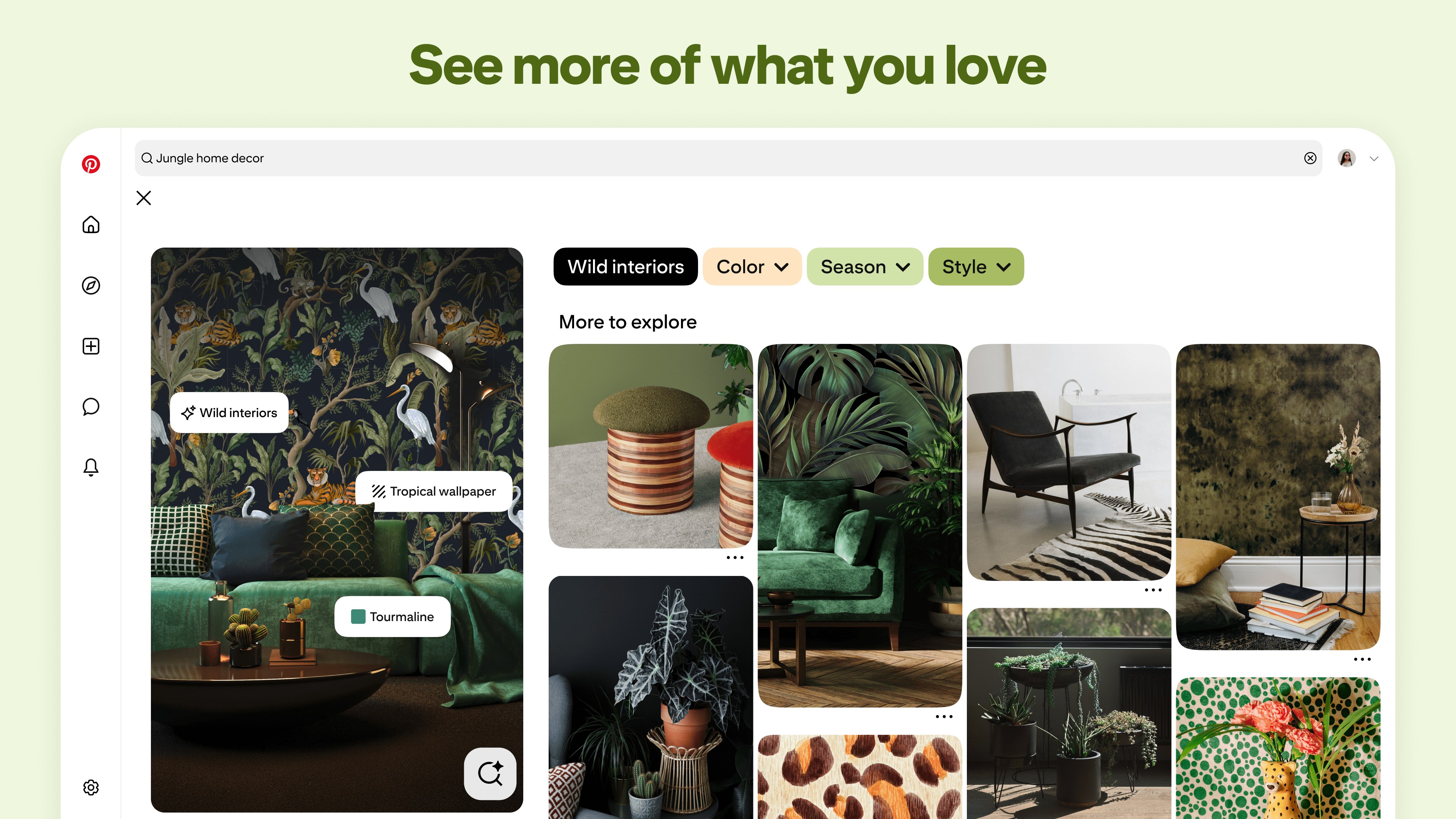
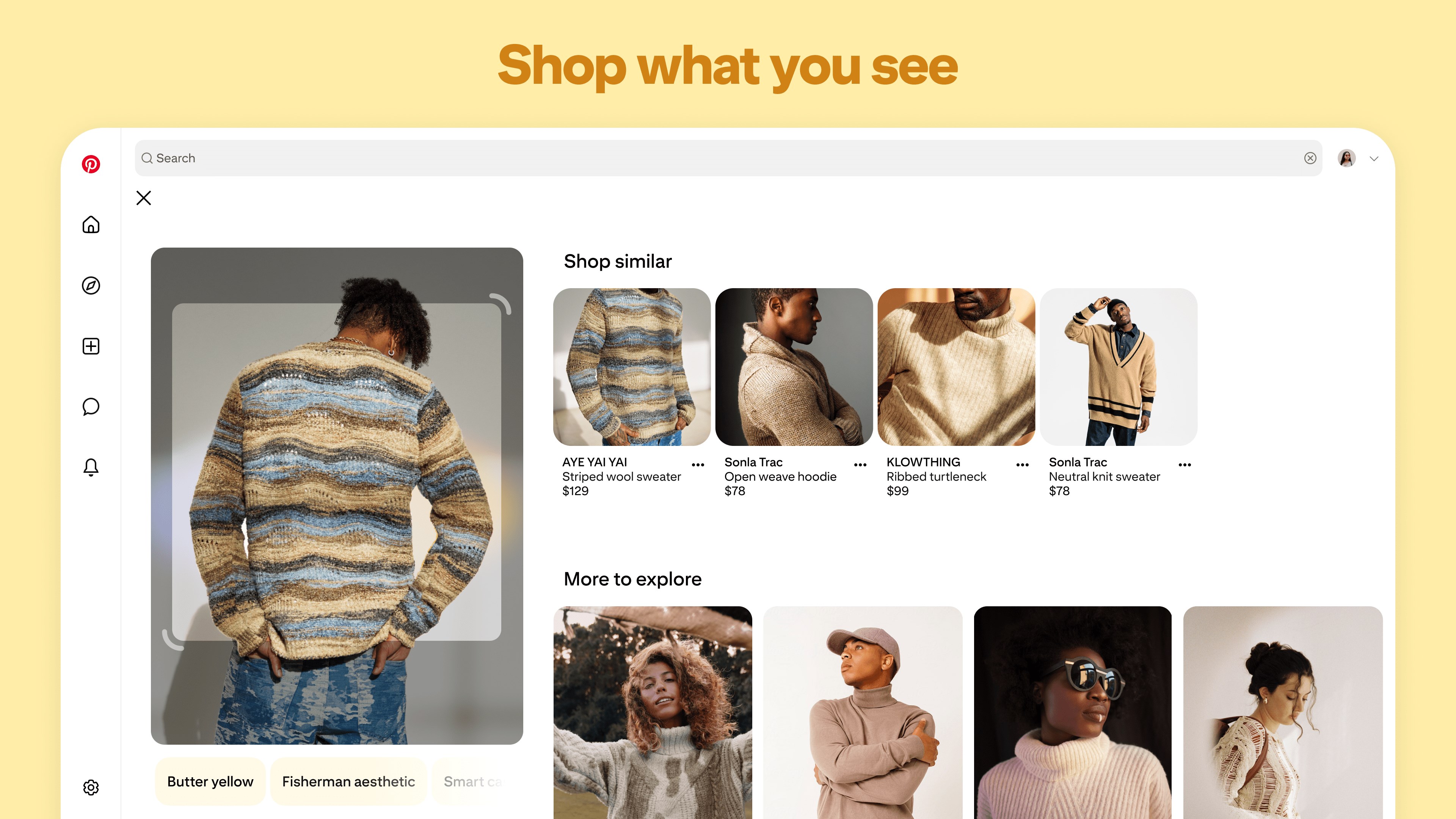
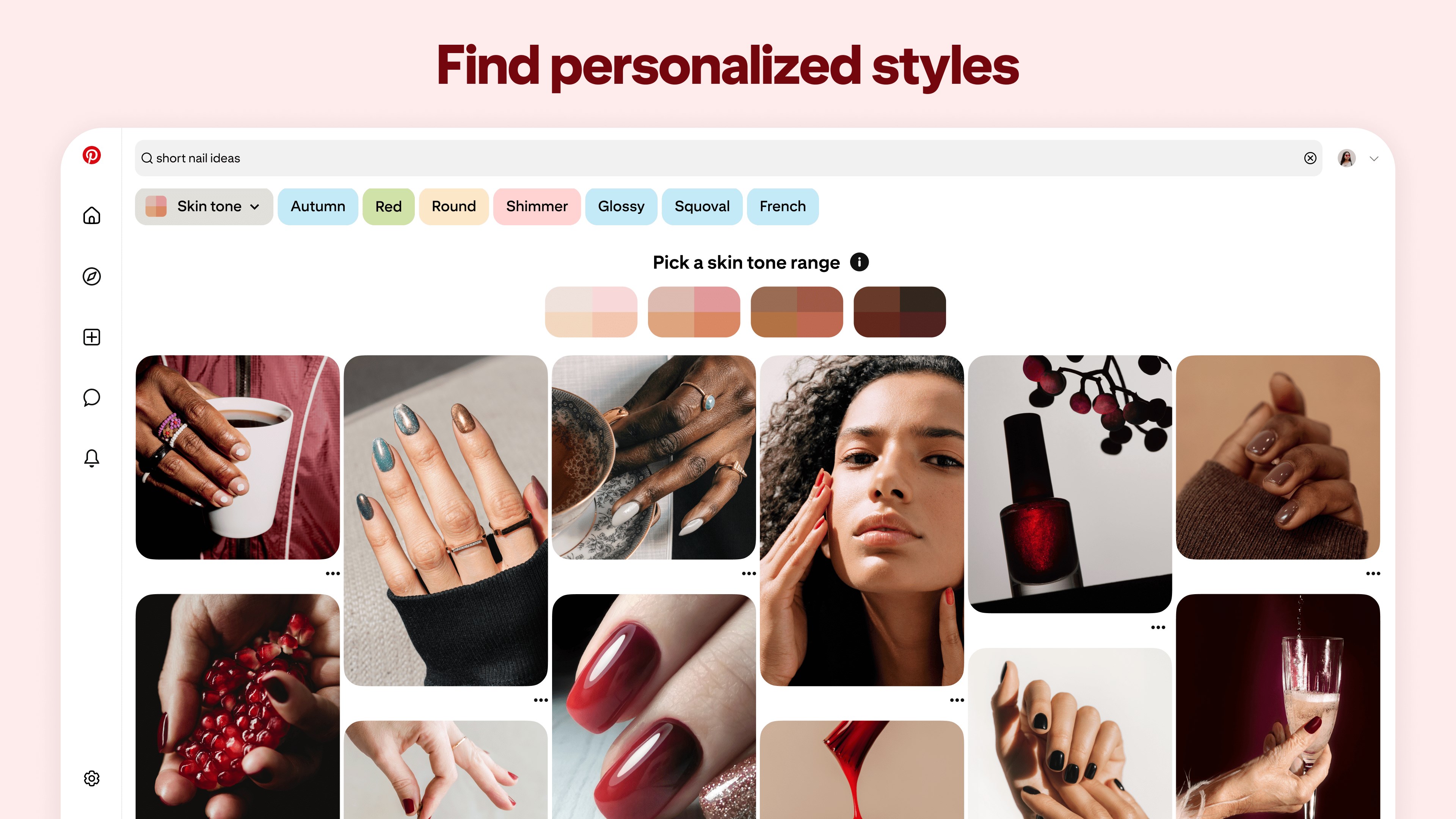
- Personalized Content Curation: Dynamic feeds adapt to your interests, constantly updating with fresh pins tailored for you.
- Intelligent Connection Discovery: Facilitates discovering new boards, users, and trends based on your activity, making networking more organic.
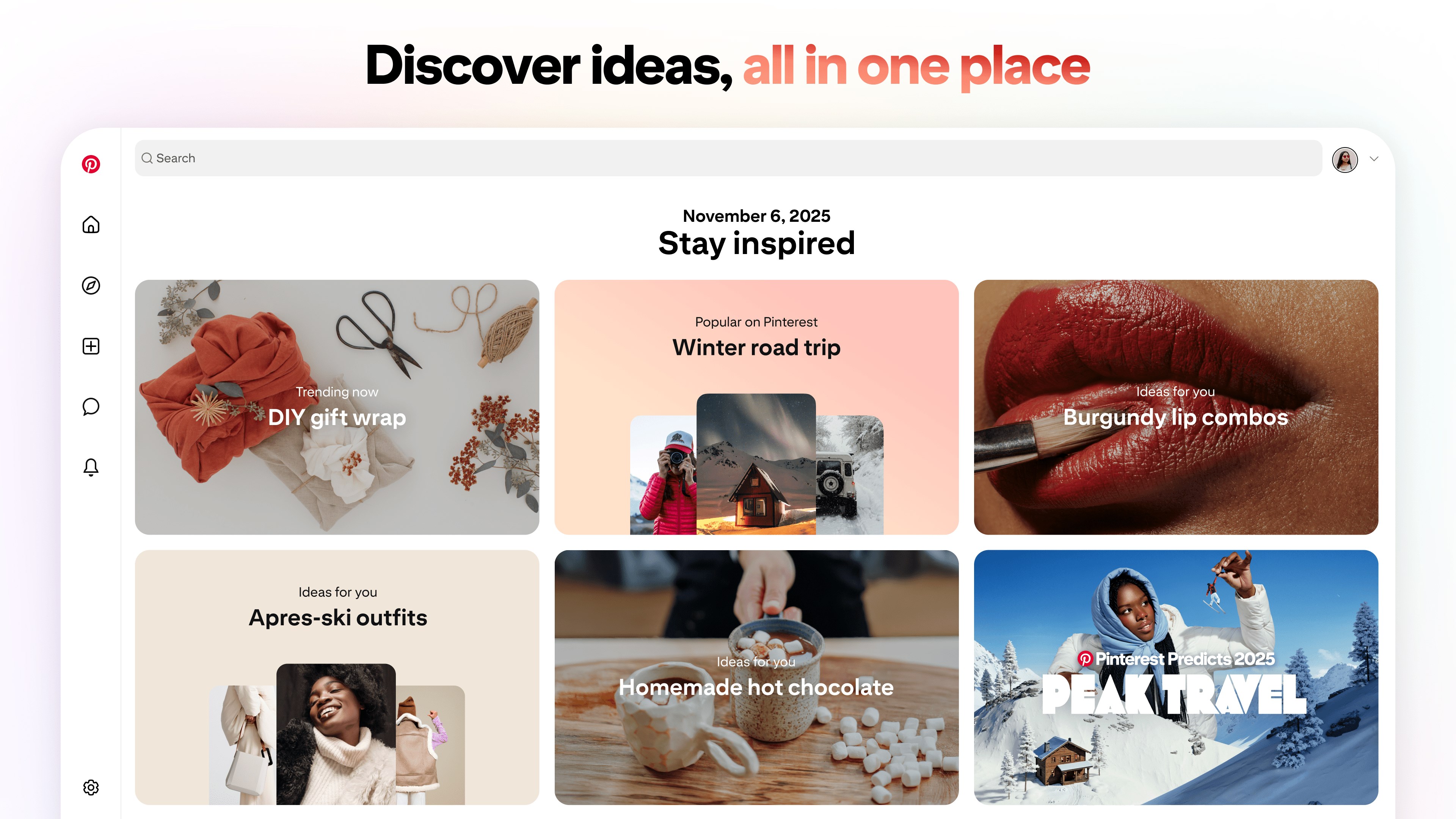
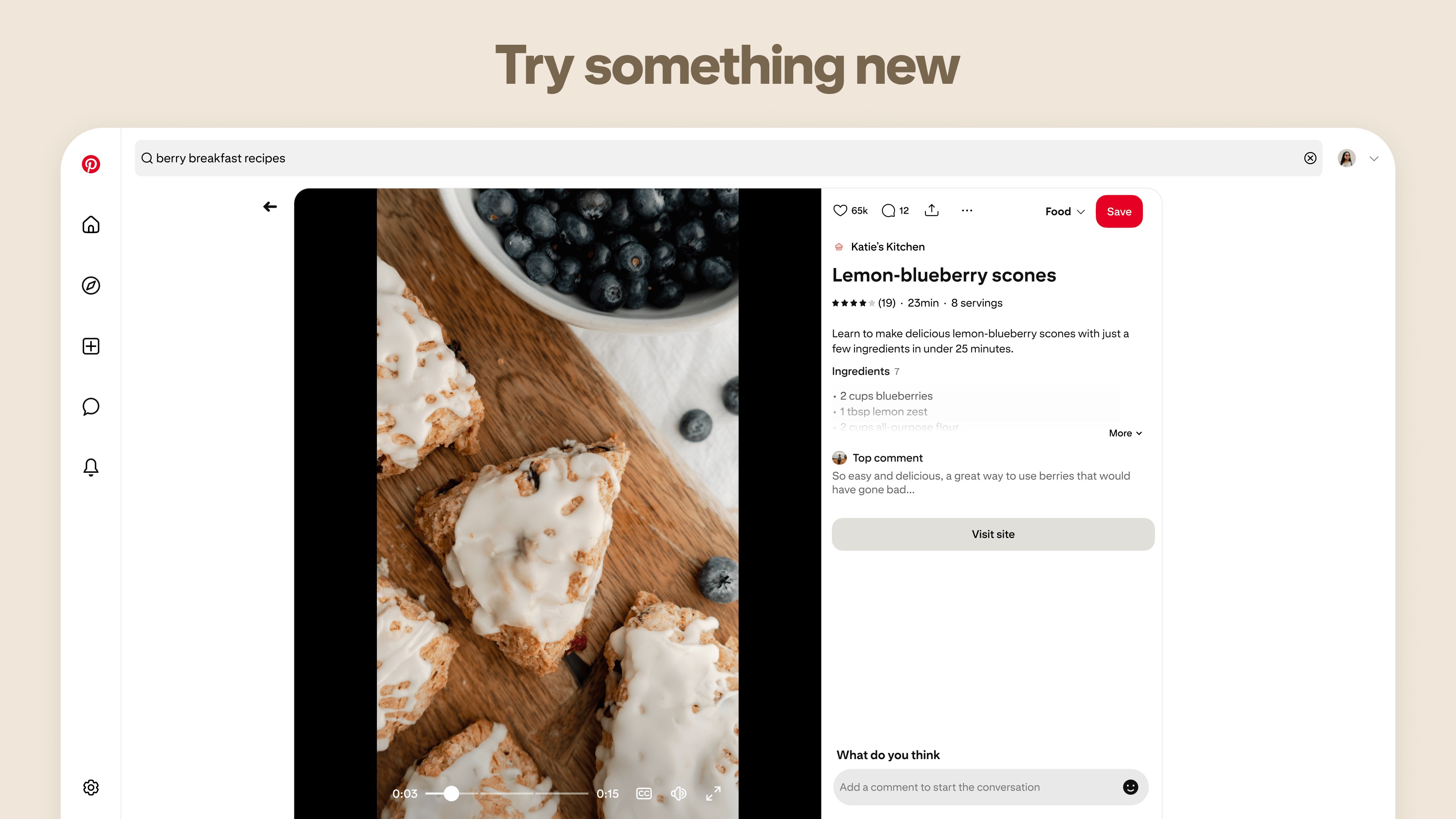
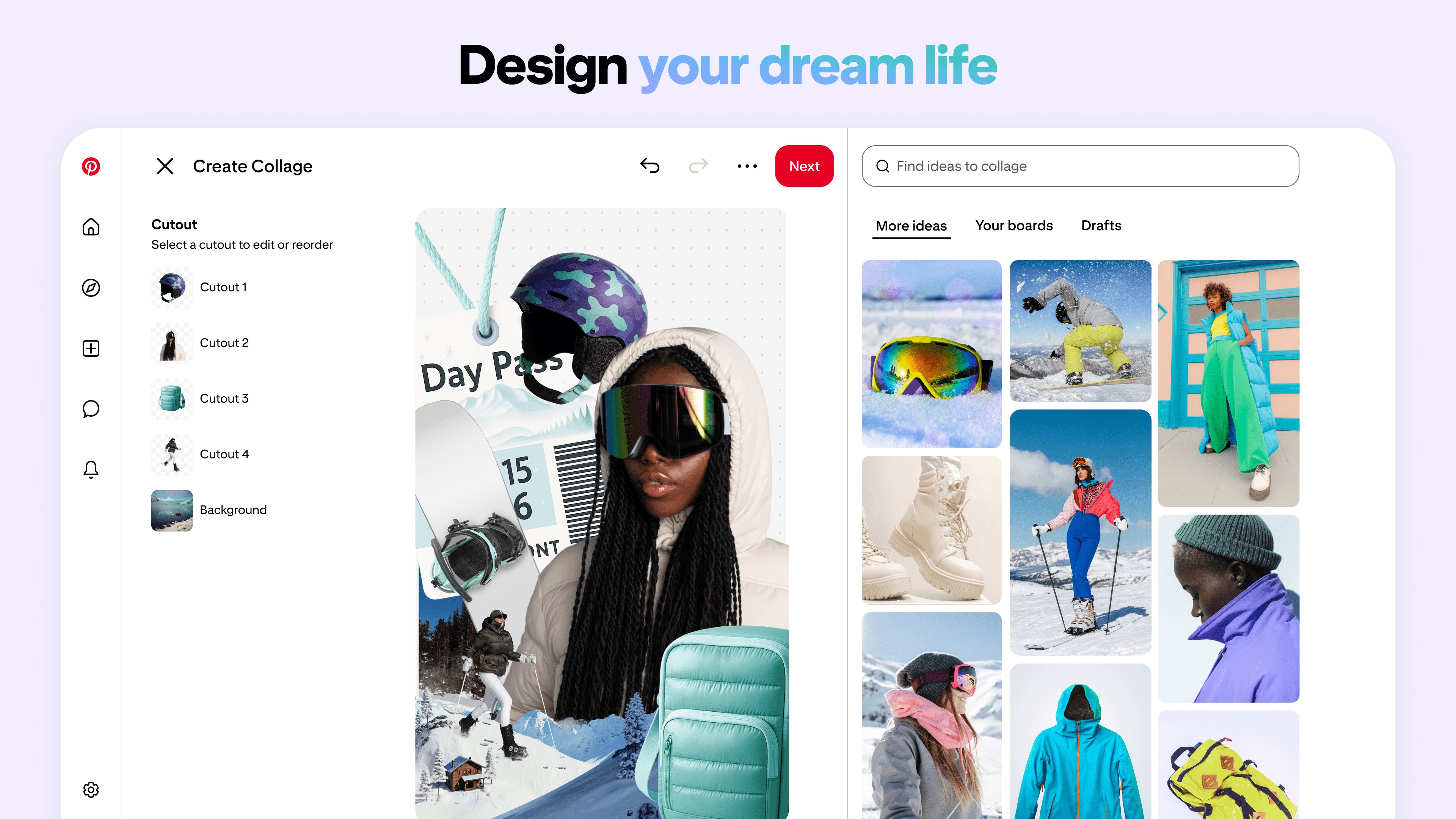
- Seamless Visual Navigation: An intuitive, grid-based interface enables effortless browsing and pinning, mimicking flipping through a well-organized inspiration board.
- Robust User Profile Customization & Authenticity: Users can personalize profiles and verify accounts, ensuring a trustworthy community environment.
Vibrant Visuals and User Experience
From the moment you launch Pinterest for Windows, you're greeted with a clean, inviting interface reminiscent of an art gallery; each pin and board feels like a carefully curated exhibit. The layout emphasizes visuals, allowing images to shine and making discovery exciting. Operations such as pinning, creating boards, or searching are buttery smooth—clicks register swiftly, and pages load with minimal lag, akin to flipping through pages of a beautifully printed magazine.
The learning curve is gentle: even newcomers can quickly understand how to organize their inspiration and navigate complex content. The app's design fosters a sense of familiarity, making it less of a new tool and more of a natural extension of your creative instincts.
Standing Out in the Crowd: Unique Strengths of Pinterest
Unlike many social platforms that focus solely on social interactions, Pinterest prioritizes personalized content and genuine connection discovery. Its standout features include advanced profile customization and authenticity verification, which help nurture a community based on trust and shared interests. This is particularly appealing for users seeking a more curated, credible environment compared to more chaotic social feeds.
Another remarkable aspect is its connection discovery capability. The app intelligently analyzes your interests and activity to suggest new boards, users, or topics, making the world of inspiration feel interconnected rather than fragmented—turning your scrolling into a journey of discovery that feels both serendipitous and tailored.
Final Verdict: A Visual Companion Worth Having
Overall, Pinterest for Windows is a thoughtfully designed app that elevates digital inspiration. It's especially recommended for users who value a visually driven experience and seek meaningful connections within a trustworthy environment. Whether you're planning a home makeover, searching for fashion ideas, or just looking to explore, this app handles your passions with elegance and intelligence.
While it excels in personalization and connection discovery, newer users might need a brief exploratory phase to fully harness its potential. For regular Pinterest users or those seeking a dedicated desktop experience, it's a highly recommended tool to keep your inspiration flowing seamlessly.
Pros
- Extensive content variety
- User-friendly interface
- Personalized recommendations
- High-quality visual content
- Cross-platform sync
Cons
- Limited offline access
- Occasional content duplication
- Ad intrusive
- Search algorithm sometimes inaccurate
- Limited community interaction features










