

- Category Photo & video
- Developer NCH Software
- Available on PC
- OS Windows 10 version 15063.0 or higher
- Mouse Integrated Mouse
- languages English (United States)
Pixillion for Windows: A Powerful yet User-Friendly Image Converter
Pixillion for Windows emerges as a reliable tool tailored for users who need straightforward and efficient image conversions, acting like a digital translator that seamlessly transforms images into your preferred formats without fuss.
Meet the Developer and Core Features
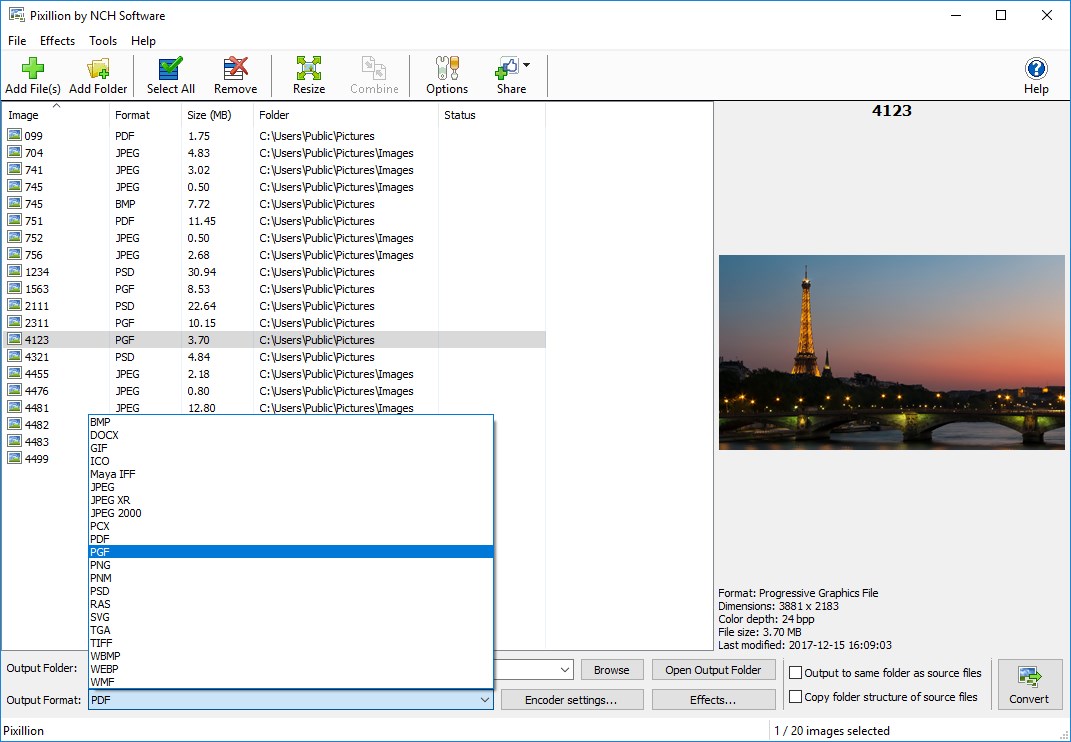
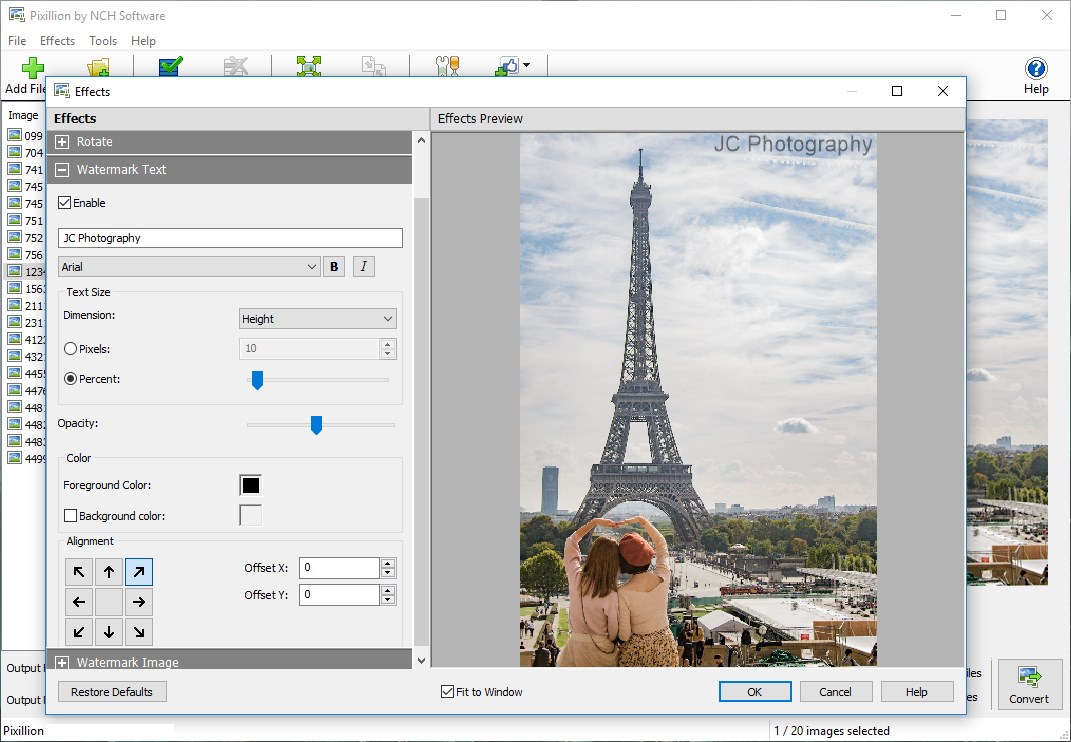
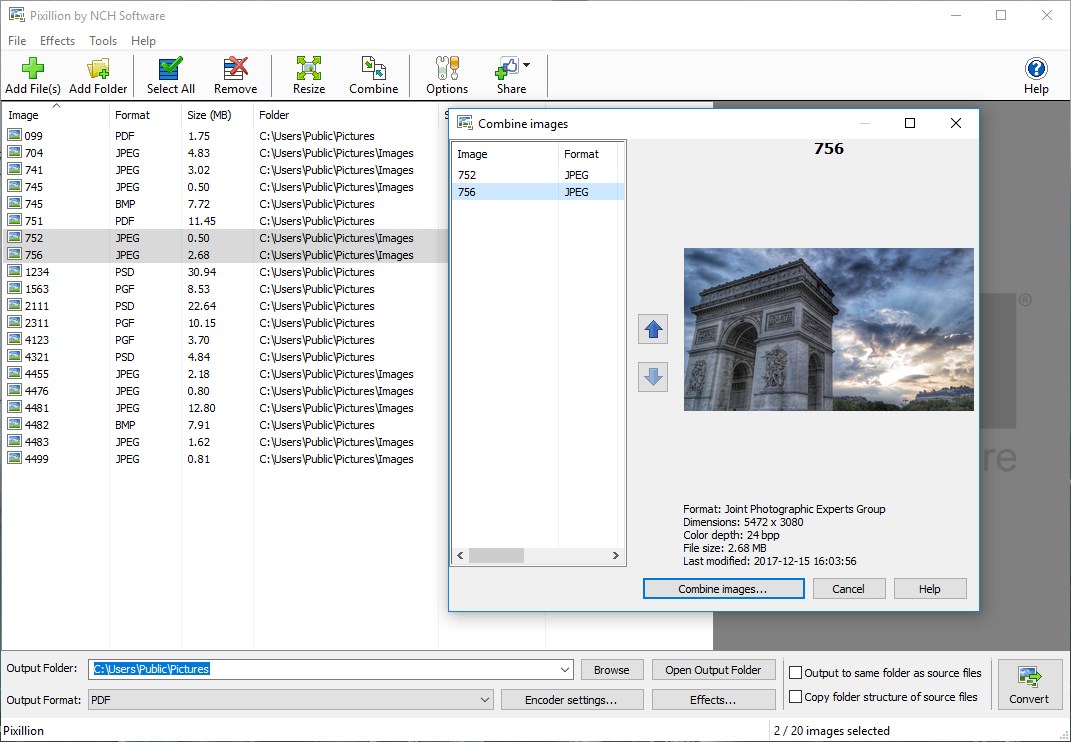
Developed by NCH Software, a reputable name in multimedia tools, Pixillion offers a suite of features designed for ease and efficiency. Its standout capabilities include supporting a wide array of image formats, batch processing for efficiency, and the ability to add watermarks or resize images with simplicity. Whether you're a photographer, graphic designer, or casual user, Pixillion aims to streamline your image management tasks. Its target audience spans from professionals who need quick format conversions to hobbyists seeking an intuitive tool for their everyday image editing.
Turning Photos into Digital Chameleons
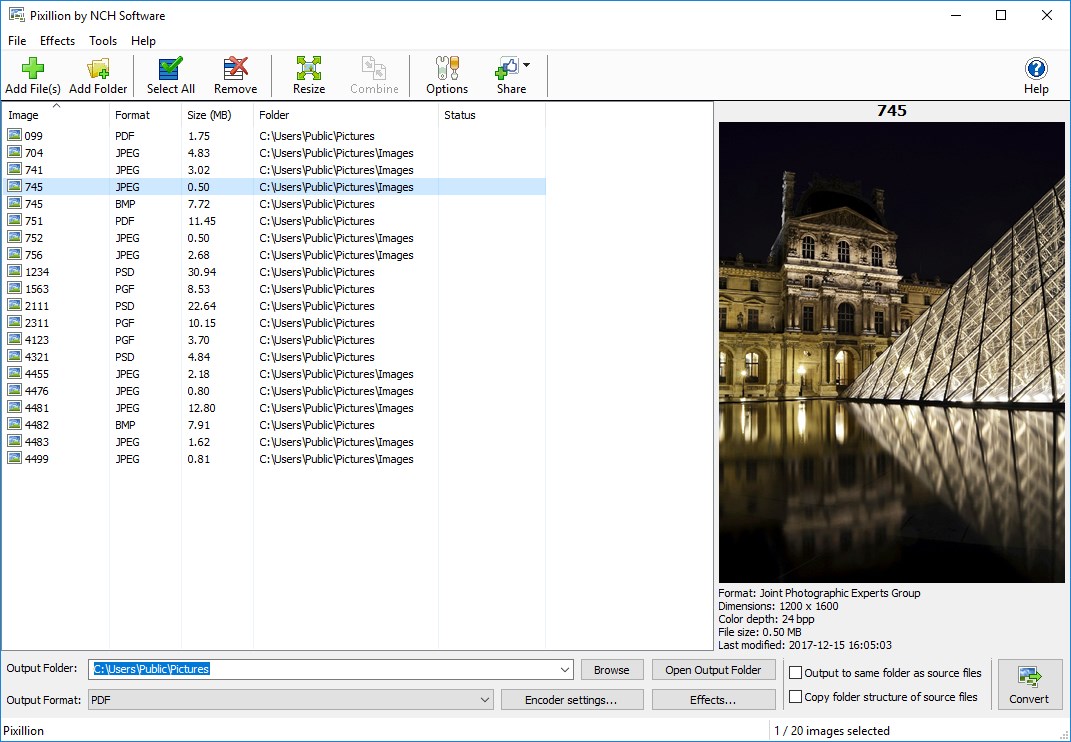
Imagine you've just returned from a picturesque trip and find your photos scattered across different devices, each in various formats. Pixillion acts like a friendly librarian, helping you categorize and convert these images into a unified format. Its straightforward design makes it easy to get started, even if you're not a seasoned tech wizard. The conversion process is smooth, backup friendly, and notably, allows batch processing—think of it as having a team of assistants converting dozens of images at once while you relax.
Streamlined Interface and Effortless Workflow
The interface of Pixillion is sleek and intuitive, resembling a minimalist workspace with clear options that guide you from import to export. The drag-and-drop feature simplifies file handling, making it feel natural like slipping images into the right folders. Operation flow is fluid, with rapid processing speeds that won't keep you waiting. Furthermore, the learning curve is gentle; once familiar with the layout, you'll find converting images becomes a second nature—akin to flipping a switch on a well-oiled machine.
Unique Selling Points: Beyond Basic Conversion
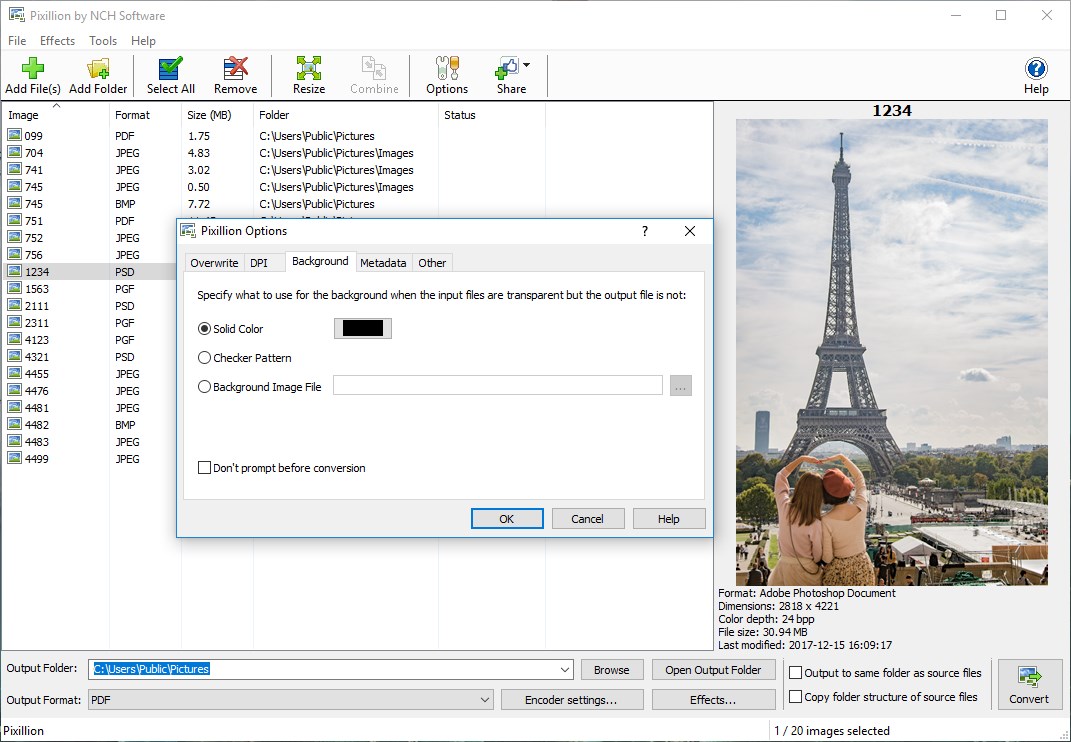
What sets Pixillion apart from the myriad of image converters on the market? Primarily, its ability to perform batch conversions combined with additional editing features like resizing, watermarking, and adjusting image quality. Unlike many competitors that focus solely on format changes, Pixillion integrates minor editing tools, reducing the need for multiple apps. Another distinctive feature lies in its support for a broad spectrum of formats, including some less common ones, making it a versatile choice for diverse workflows.
Is Pixillion the Right Pick for You?
In terms of recommendation, I'd say Pixillion is a solid choice for general users and professionals seeking a dependable and easy-to-use image converter. Its straightforward interface, combined with powerful batch processing, makes it ideal for those needing quick conversions without complicated setups. While it lacks advanced editing capabilities found in dedicated graphic tools, its niche as a converter with some editing features makes it a handy addition to your software arsenal. For anyone looking to simplify their image format transitions while maintaining quality, Pixillion is worth considering.
Pros
- User-friendly interface
- Supports multiple image formats
- Batch conversion capability
- Basic editing tools included
- Quick processing speeds
Cons
- Limited advanced editing features
- Occasional software crashes during batch processing
- Free version has restricted features
- No cloud storage integration
- Interface may feel outdated to some users











