
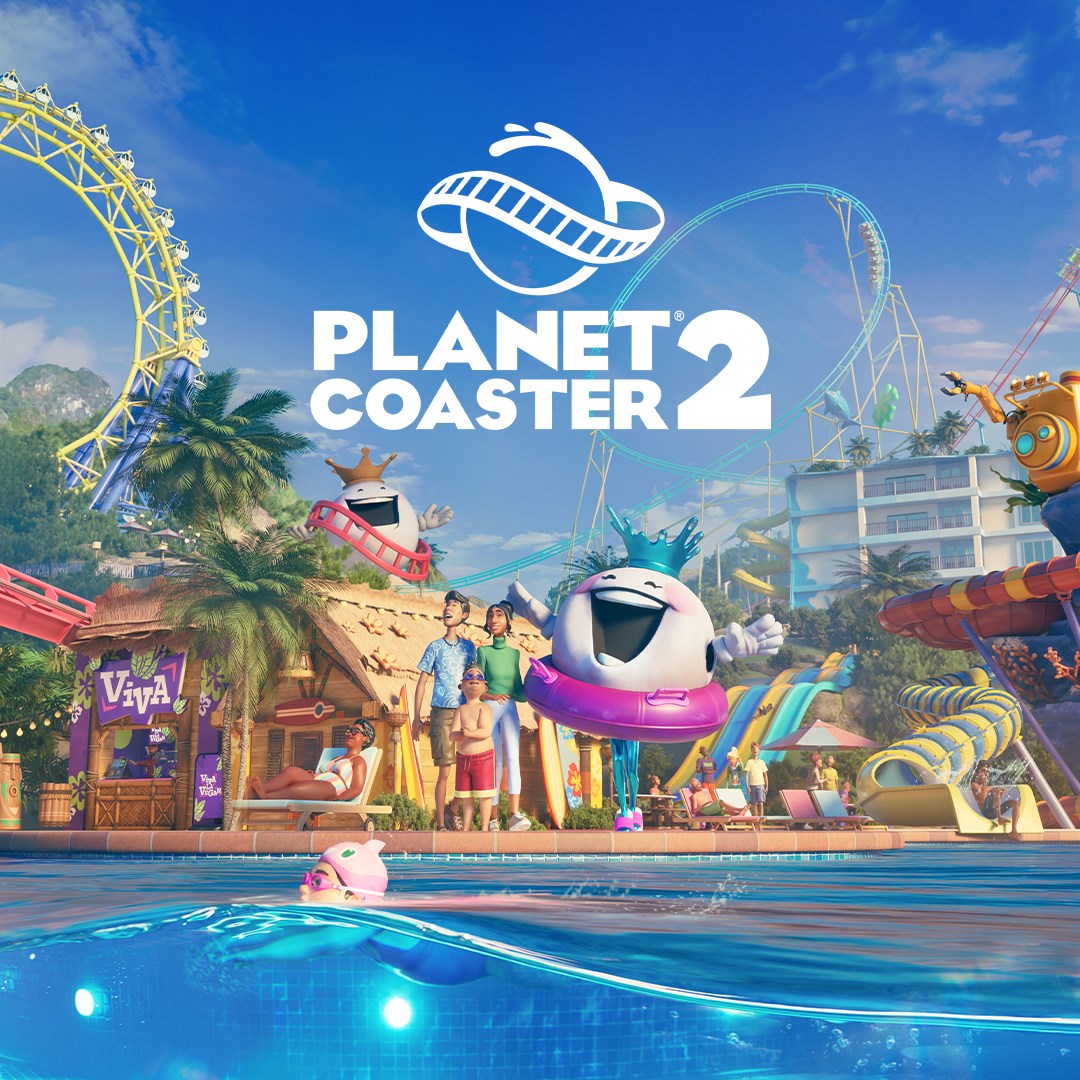
Frequently Asked Questions
How do I start building my first theme park in Planet Coaster 2?
Begin by accessing Sandbox Mode or Career Mode from the main menu, then use the enhanced building tools to place rides, scenery, and customize your park accordingly.
What are the main features I should explore to get the most out of the app?
Focus on the new theme customization, coaster and water ride construction, event sequencer, and the heat maps to manage guest satisfaction effectively.
How can I personalize my theme park with different themes and custom pieces?
Use the theme options from the main menu, select from nine distinct themes, and access the thousands of customizable pieces via the build menu to make your park unique.
How do I create complex coasters and water rides?
Use the piece-by-piece construction tools to design thrilling coasters and water rides, adjusting their layout and scenery for a personalized experience.
How can I effectively manage my park's operations and guest satisfaction?
Utilize the 'heat maps' feature to monitor guest happiness, manage attractions efficiently, and provide amenities like shading and lifeguards to improve their experience.
What is the process for sharing my parks and creations with other players?
Upload your coasters, rides, or parks via the Frontier Workshop. Access it through the in-game menu or online platform to share and download creations with the community.
Are there any subscription or in-app purchase options in Planet Coaster 2?
Yes, there are optional content packs and customization items available through the store, and in-game purchases can enhance your creative options, accessible via the store menu.
How do I access the multiplayer and sharing features?
Head to the ‘Share' menu in the game, then select the options for Sandbox collaboration or Franchise multiplayer. Log in to your account to connect with friends and other players.
Can I customize my rides and scenery freely, and how?
Yes, using the enhanced customization tools, you can add scalable scenery and objects to rides and your park, accessible through the build menu's customization options.
What should I do if the game crashes or experiences errors?
Try restarting the game, update your graphics driver, or verify game files via the platform you purchased on. Contact support if issues persist for further assistance.
You May Like

Dragon City
for Windows
4.8
Township
for Windows
4.8
Cooking Live: Restaurant game
for Windows
4.8
Global City
for Windows
4.8
Roadside Research (Game Preview)
for Windows
4.8
The Tribez
for Windows
4.7
Cooking Diary®: Restaurant Game
for Windows
4.7
Five Nights at Freddy's: Original Series
for Windows
4.7
Jurassic World Evolution 3: Deluxe Edition
for Windows
4.7
Goat Simulator 3: Windows Edition
for Windows
4.7
Crime Scene Cleaner
for Windows
4.7
Date Everything!
for Windows
4.6