

- Category Productivity
- Available on PC
- OS Windows 10 version 18362.0 or higher
- DirectX Version 10
- Memory 1 GB
- Keyboard Not specified
- Mouse Not specified
- languages English (United States), German, Russian, Spanish
Reimagining Home Design with AI Precision: An Overview of Planner 5D
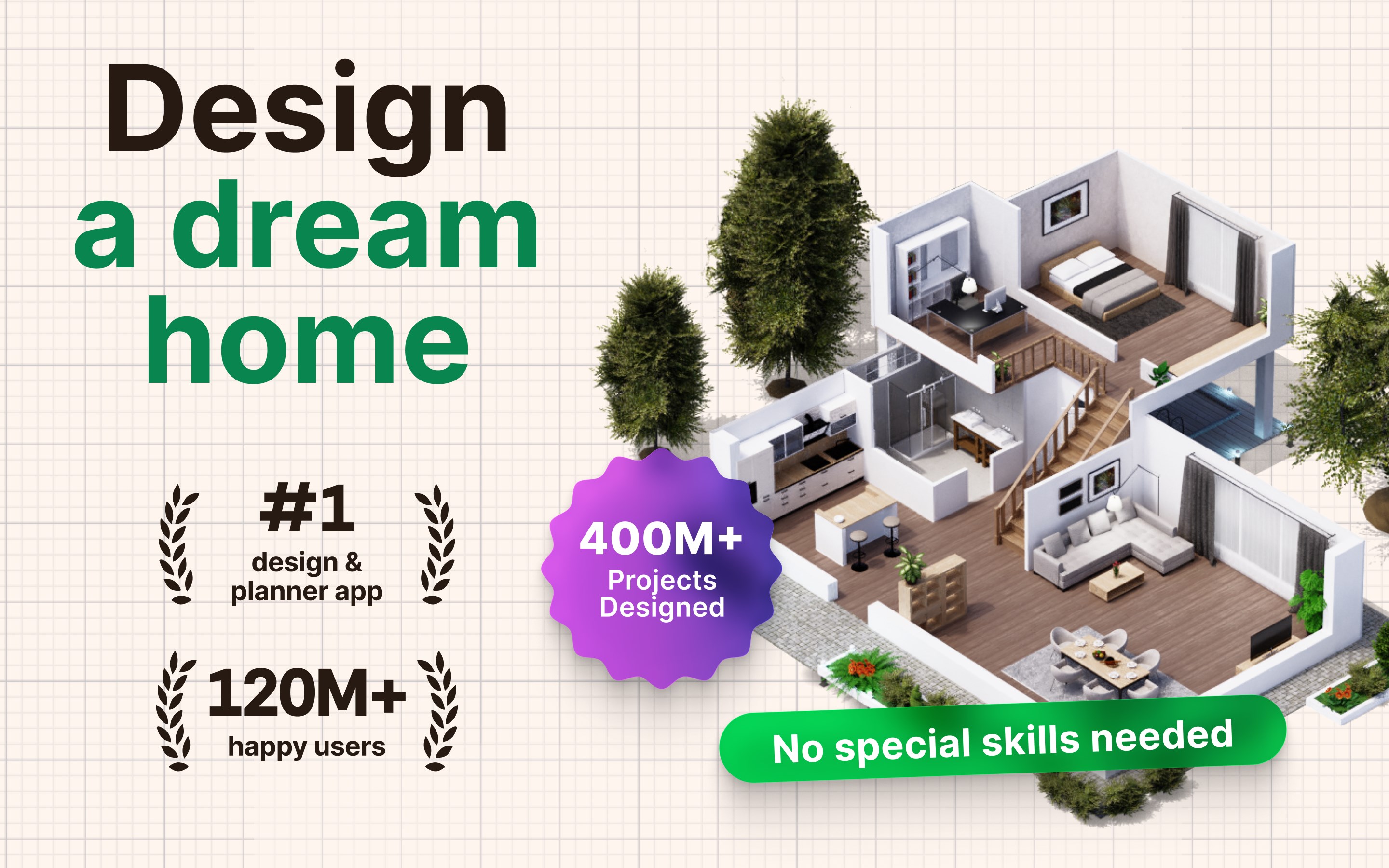
Planner 5D: AI Home Design for Windows stands out as an intuitive and powerful tool that transforms the often complex task of interior and exterior planning into an accessible and enjoyable experience. Developed by UAB Planner5D, this app aims to bridge the gap between professional design and personal creativity, making it ideal for homeowners, aspiring designers, and enthusiasts eager to visualize their ideal space with minimal fuss.
Core Features That Spark Creativity
AI-Driven Design Assistance
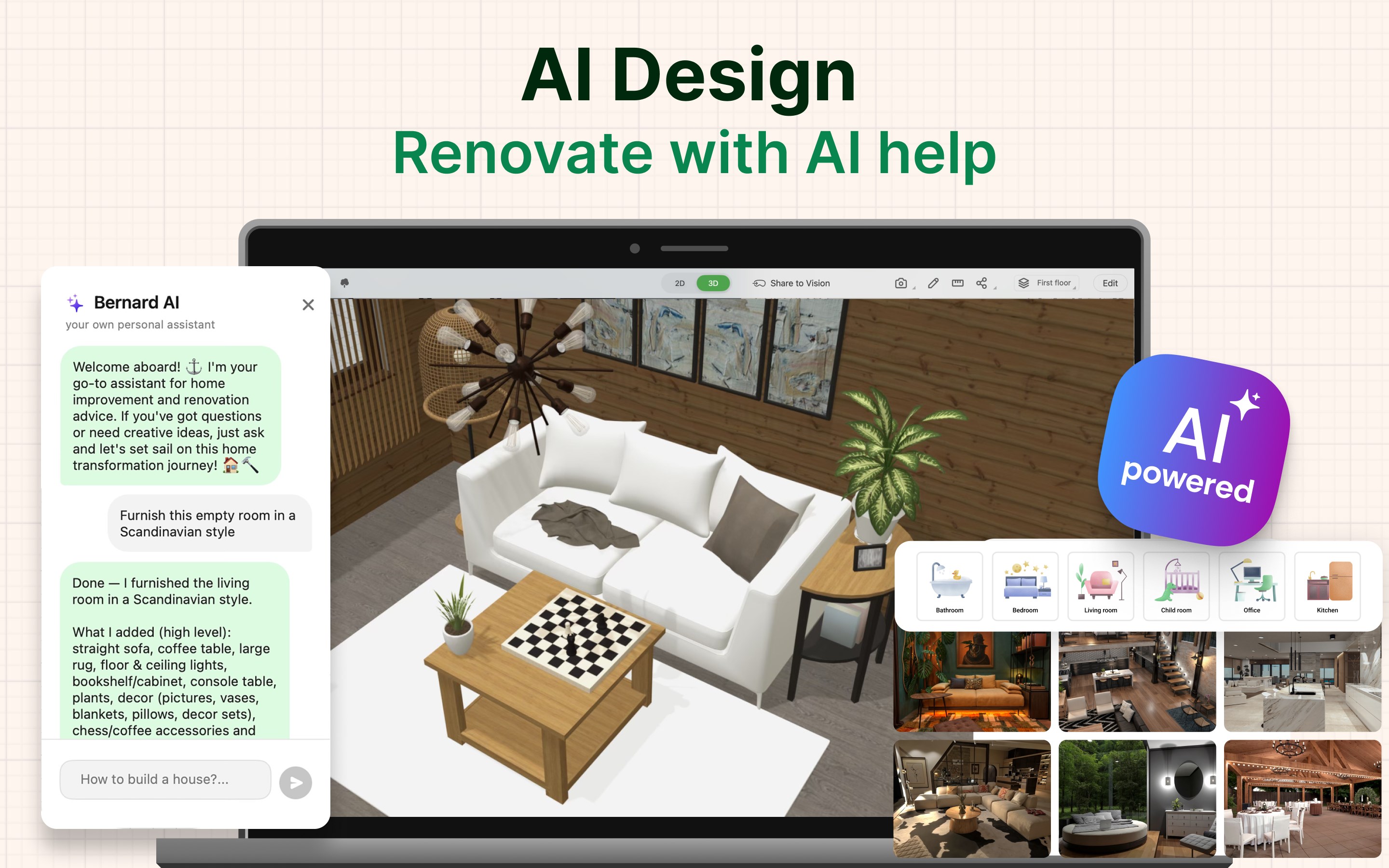
The standout feature of Planner 5D is its AI-powered suggestions that help users generate design ideas effortlessly. By analyzing your space dimensions and preferences, the AI recommends layouts, color schemes, and furniture arrangements, functioning like a virtual interior decorator that sparks inspiration without the overwhelm of manual brainstorming.
Extensive Library and Customization
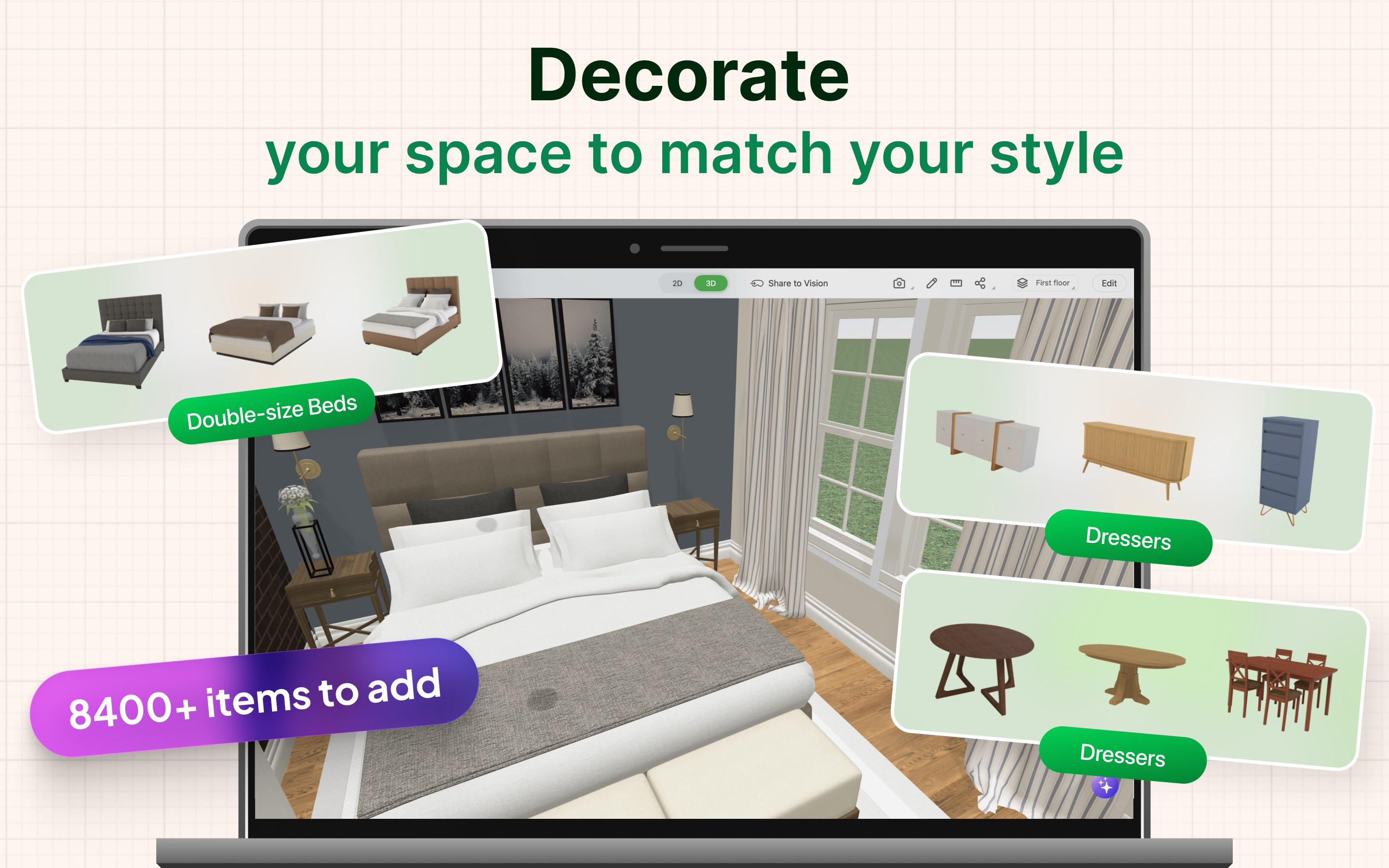
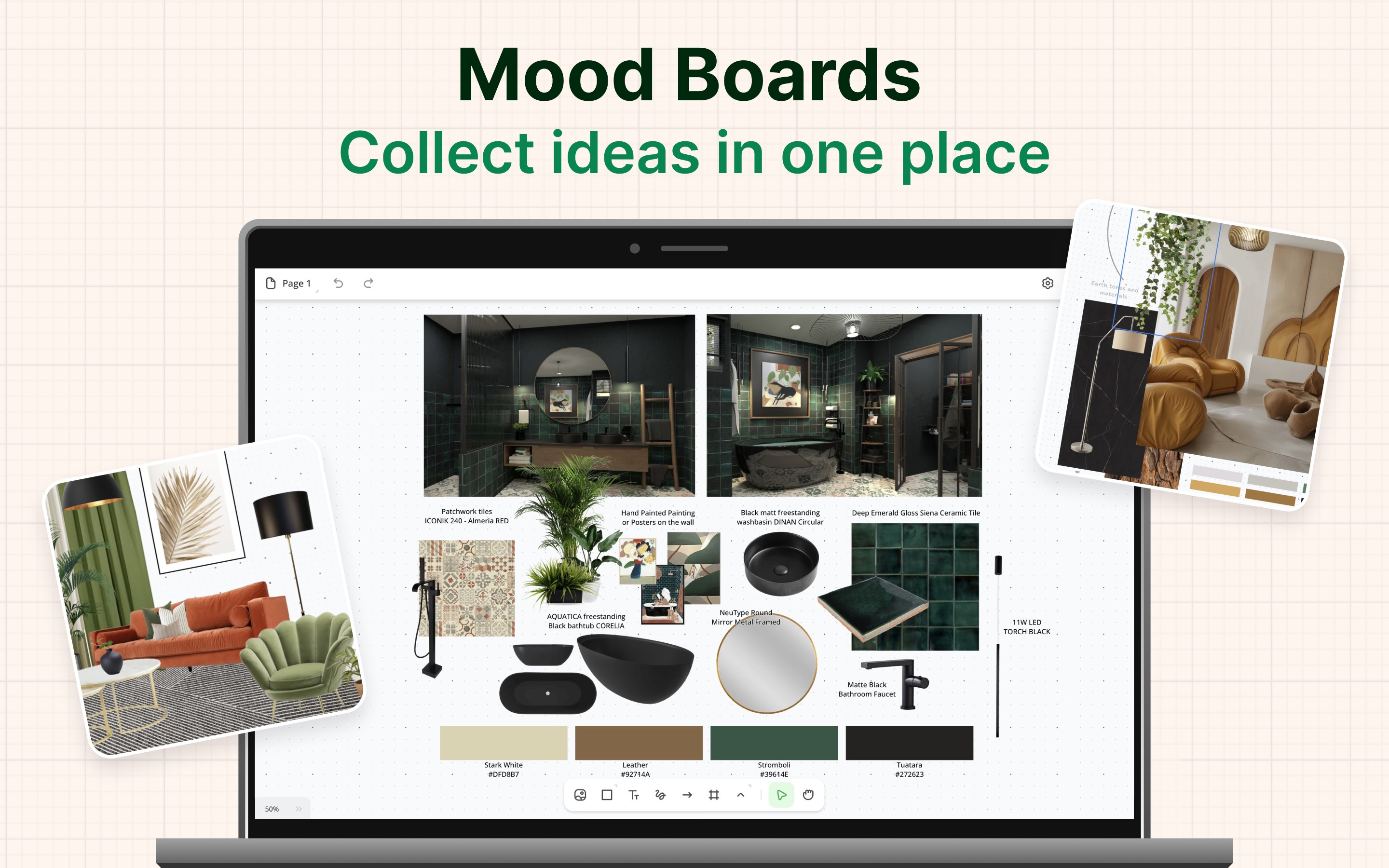
The app boasts an expansive library of 3D models, textures, and decor items. Whether you're envisioning a modern kitchen or a cozy living room, users can select from a vast array of furniture and materials, customizing each element to match their style. The ability to import personal design assets further enhances the app's flexibility, turning your ideas into vivid reality.
Seamless 3D Visualization and Floor Planning
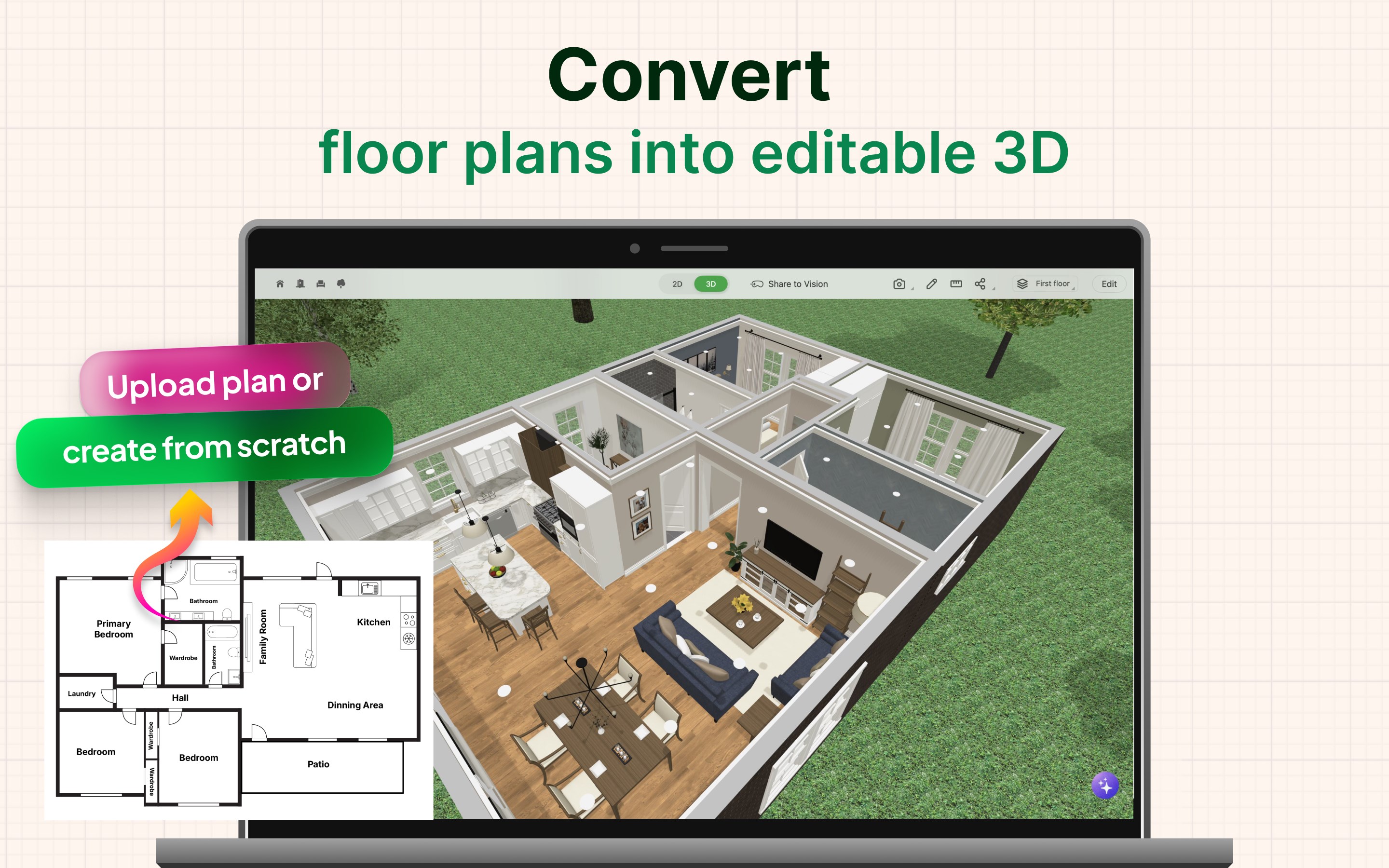
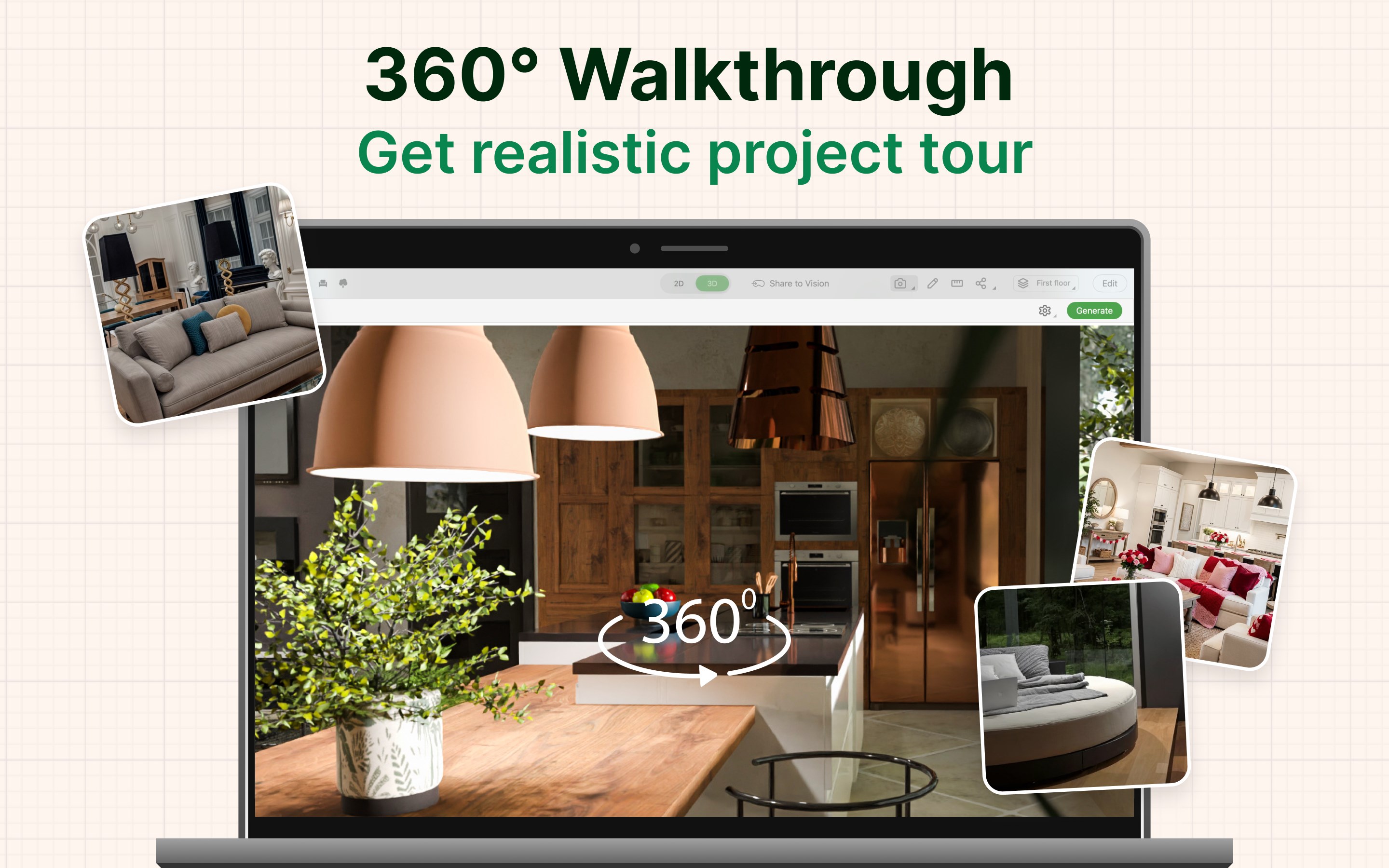
Planner 5D excels in translating 2D floor plans into rich, interactive 3D visualizations. Users can walk through their designs virtually, examining every detail from multiple angles. This dual-view approach ensures that spatial arrangements feel natural and aesthetically pleasing, making it easier to fine-tune your plan before execution.
User Experience: Friendly Interface Meets Smooth Functionality
The app sports a clean, intuitive interface that welcomes both novices and seasoned designers alike. The drag-and-drop functionality feels akin to assembling a puzzle—satisfying and straightforward. Navigating through different design modes is seamless, and transitioning from initial sketches to detailed renderings takes only a few taps, reducing cognitive load significantly. The learning curve is gentle; new users often find themselves creating impressive layouts within minutes, thanks to helpful guides and presets.
Performance-wise, Planner 5D runs fluidly on Windows devices, with quick rendering times that keep the creative momentum flowing. The interface's design minimizes clutter, helping keep your focus on the design process rather than technical distractions—much like a tidy workspace fosters clearer thinking.
What Makes it Stand Out Among Productivity & Design Tools?
Unlike many productivity or design applications that tend to prioritize either simplicity or feature depth, Planner 5D strikes a remarkable balance. Its AI-driven suggestions alleviate the cognitive burden of imagining optimal layouts, which is a common challenge in design apps filled with complex options. It essentially fosters an efficient workflow by reducing unnecessary complexity and enabling quick iterations.
Furthermore, the app's integration of rich 3D visualization with straightforward floor planning enhances cognitive efficiency—users can see their ideas in lifelike detail without juggling multiple tools or interfaces. This cohesive experience ensures users spend less time figuring out how to visualize and more time bringing their visions to life.
Final Recommendations and Usage Tips
I would recommend Planner 5D to anyone interested in home redesign, from DIY homeowners to aspiring interior designers. Its approachable interface and innovative AI assistance make it especially suitable for users looking to translate ideas into concrete visual plans swiftly. For best results, start with simple projects to familiarize yourself with the features, then gradually explore the more advanced customization tools as your confidence grows.
While it's a robust solution for visual planning, users seeking highly technical architectural analysis or construction-level precision may find it somewhat limited. Nevertheless, for most personal renovation and design projects, Planner 5D offers a compelling, user-friendly experience that democratizes home design—much like having a professional interior designer in your pocket.
Pros
- Intuitive AI-driven design suggestions
- Extensive library of furniture and decor items
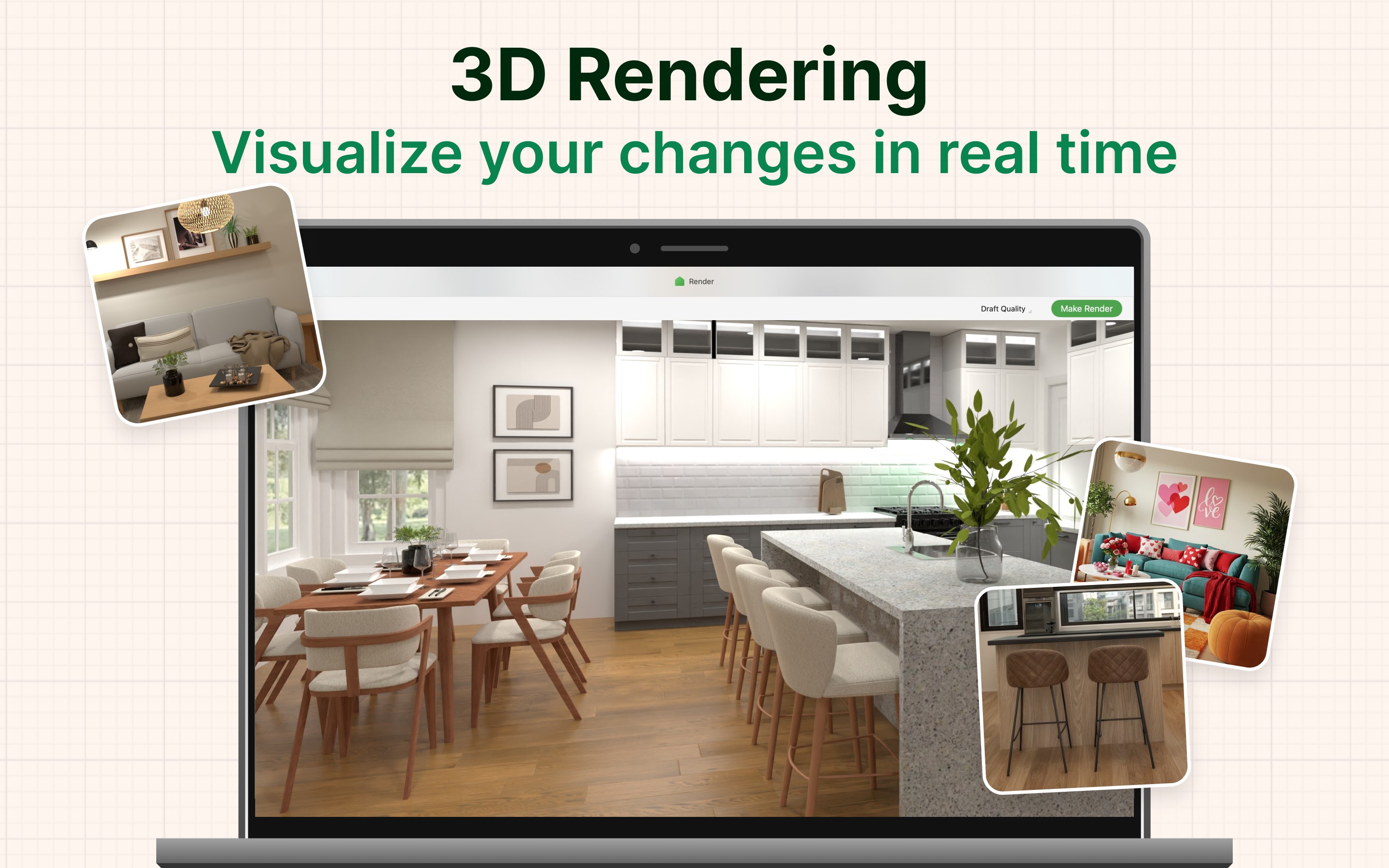
- Real-time 3D visualization
- Cross-platform accessibility
- User-friendly interface with easy navigation
Cons
- Limited customization options for certain furniture styles
- Occasional lag during complex 3D renderings
- Steep learning curve for advanced features
- Some furniture items are locked behind a subscription paywall
- Limited export options for high-resolution images











