

- Category Business
- Available on PC
- OS Windows 10 version 17763.0 or higher
- Memory 2 GB
- languages Arabic, Basque, Bulgarian, Catalan, Chinese (Simplified), Chinese (Traditional), Croatian, Czech, Danish, Dutch, English (United States), Estonian, Finnish, French, Galician , German, Greek, Hebrew, Hindi, Hungarian, Indonesian, Italian, Japanese, Kazakh, Korean , Latvian, Lithuanian, Malay, Norwegian (Bokmål), Polish , Portuguese (Brazil), Portuguese (Portugal), Romanian, Russian, Serbian, Serbian (Latin, Serbia), Slovak, Slovenian (Slovenia), Spanish (Spain), Swedish, Thai, Turkish, Ukrainian, Vietnamese
Power Apps for Windows: Unlocking Seamless Business Automation on Your Desktop
Power Apps for Windows by Microsoft is a robust platform designed to empower users to create custom business applications effortlessly, directly from their PCs. It transforms complex workflows into user-friendly apps, making digital transformation accessible even for those without extensive coding skills.
First Impressions: A Clearly Designed Tool for Modern Workplaces
Developed by Microsoft Corporation, Power Apps for Windows integrates seamlessly into the Microsoft ecosystem, offering a unified experience that complements tools like Teams, SharePoint, and Dynamics 365. Its main strengths lie in enabling collaborative app development, streamlining task management, and facilitating real-time data sharing. This application caters primarily to business professionals, team leaders, and IT departments seeking to digitize manual processes efficiently.
Innovative Features that Elevate Productivity
Intuitive Collaborative App Creation
One of Power Apps for Windows' standout features is its ability to foster collaborative app building. Users can co-develop, share, and modify apps within a team environment, similar to working on a shared document. This collaborative aspect dramatically reduces bottlenecks often seen in traditional development cycles, allowing teams to respond swiftly to changing business needs. The app's integration with Microsoft 365 services enhances this synergy, making teamwork smoother and more transparent.
Streamlined Task Management & Data Integration
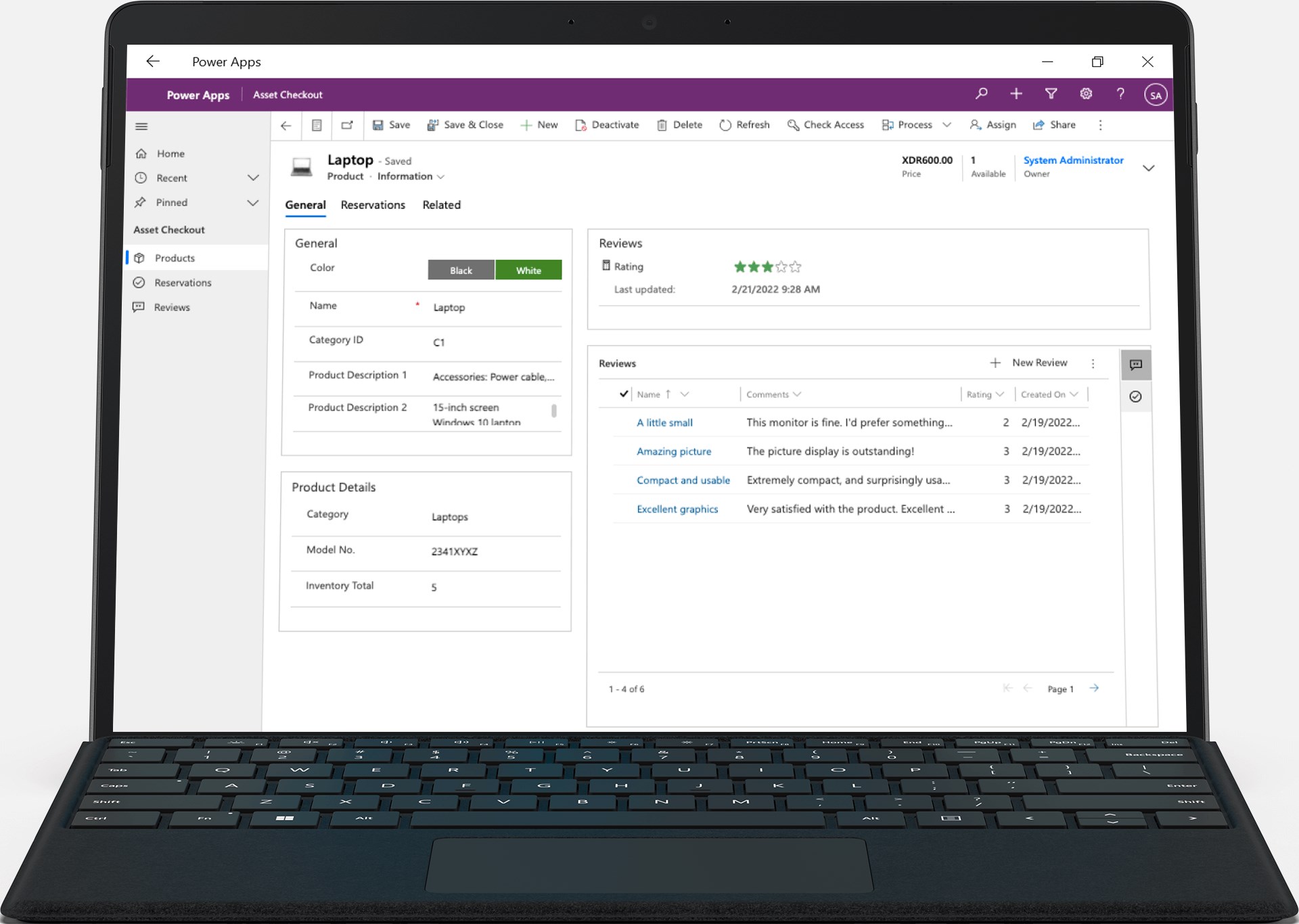
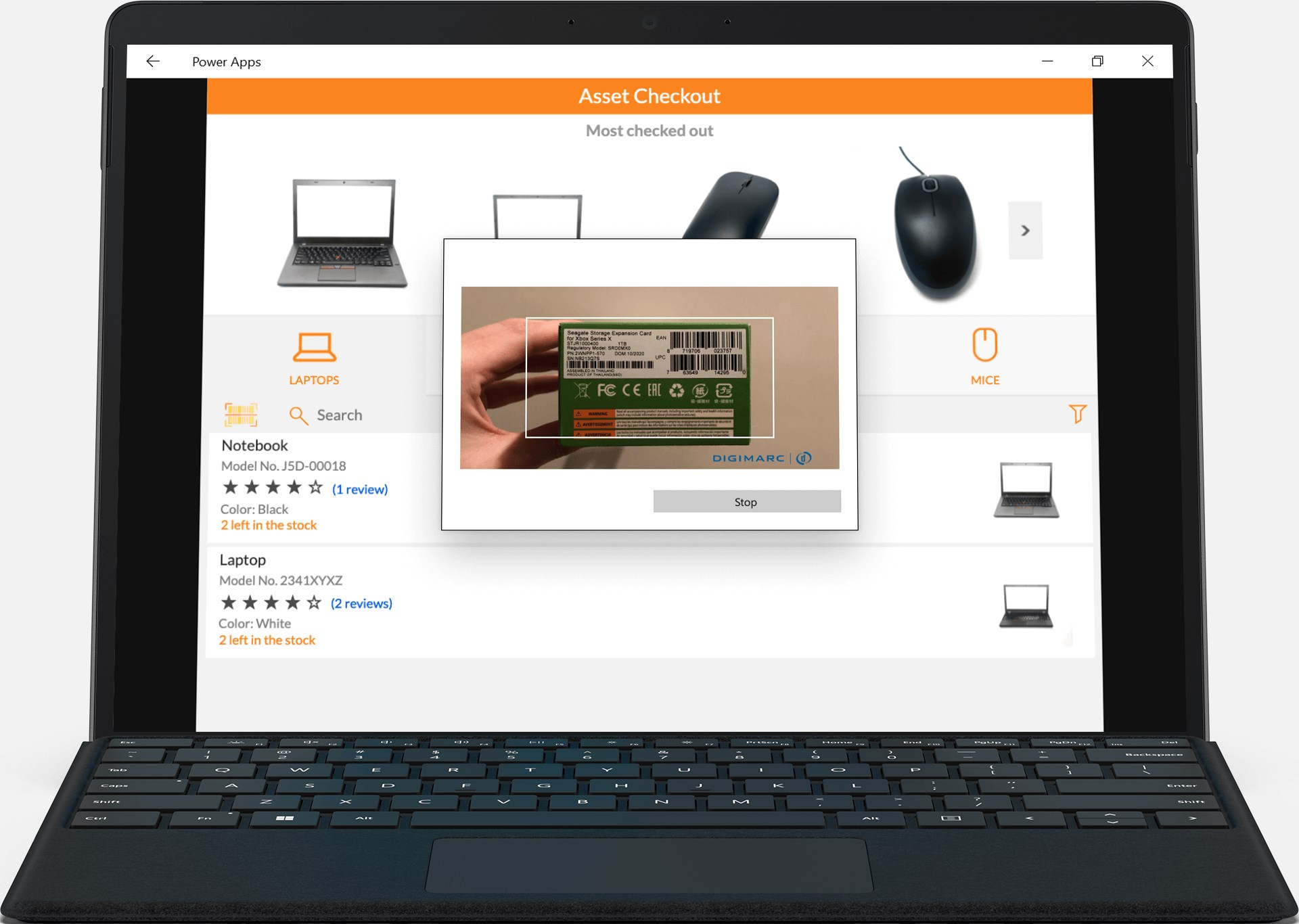
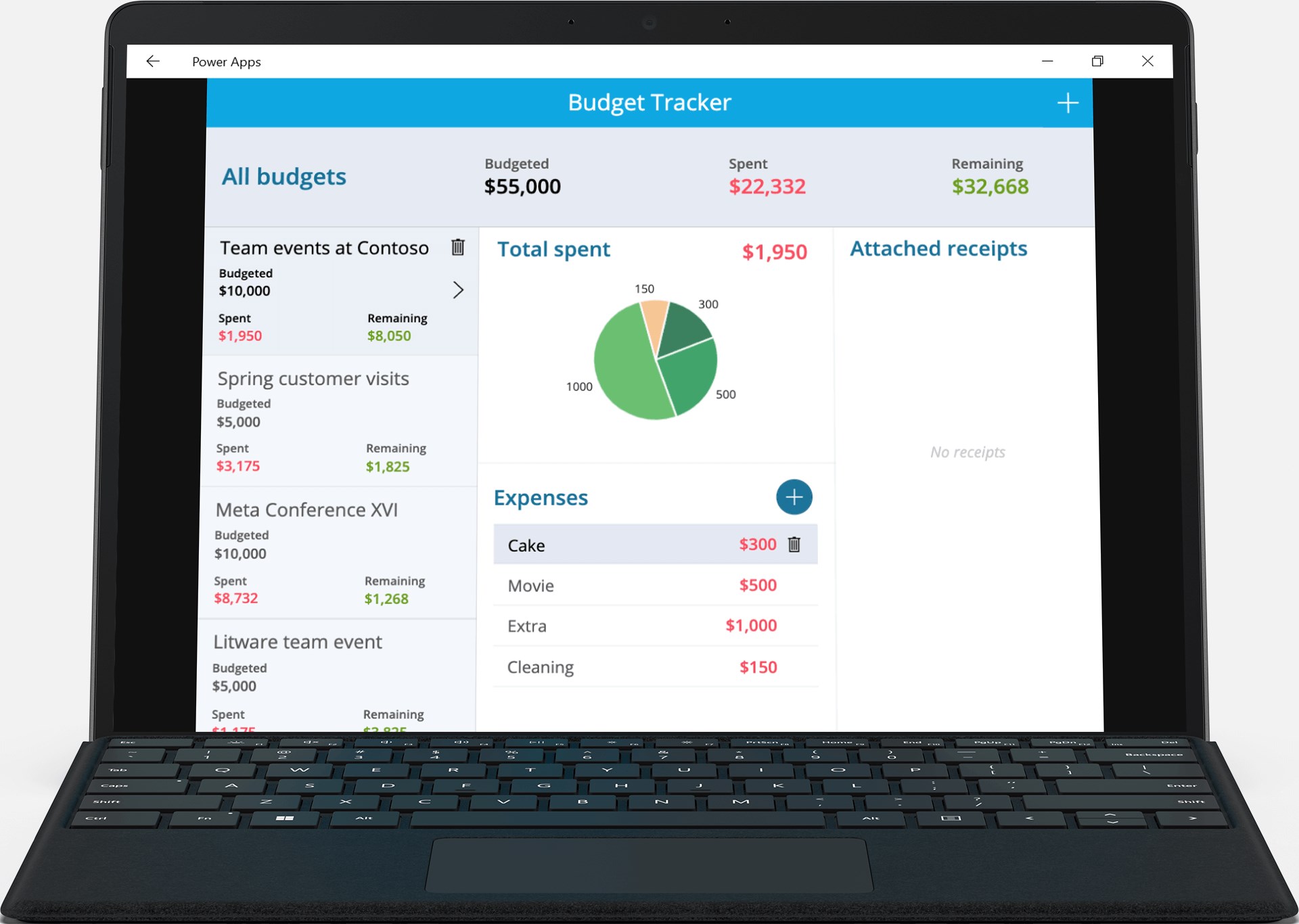
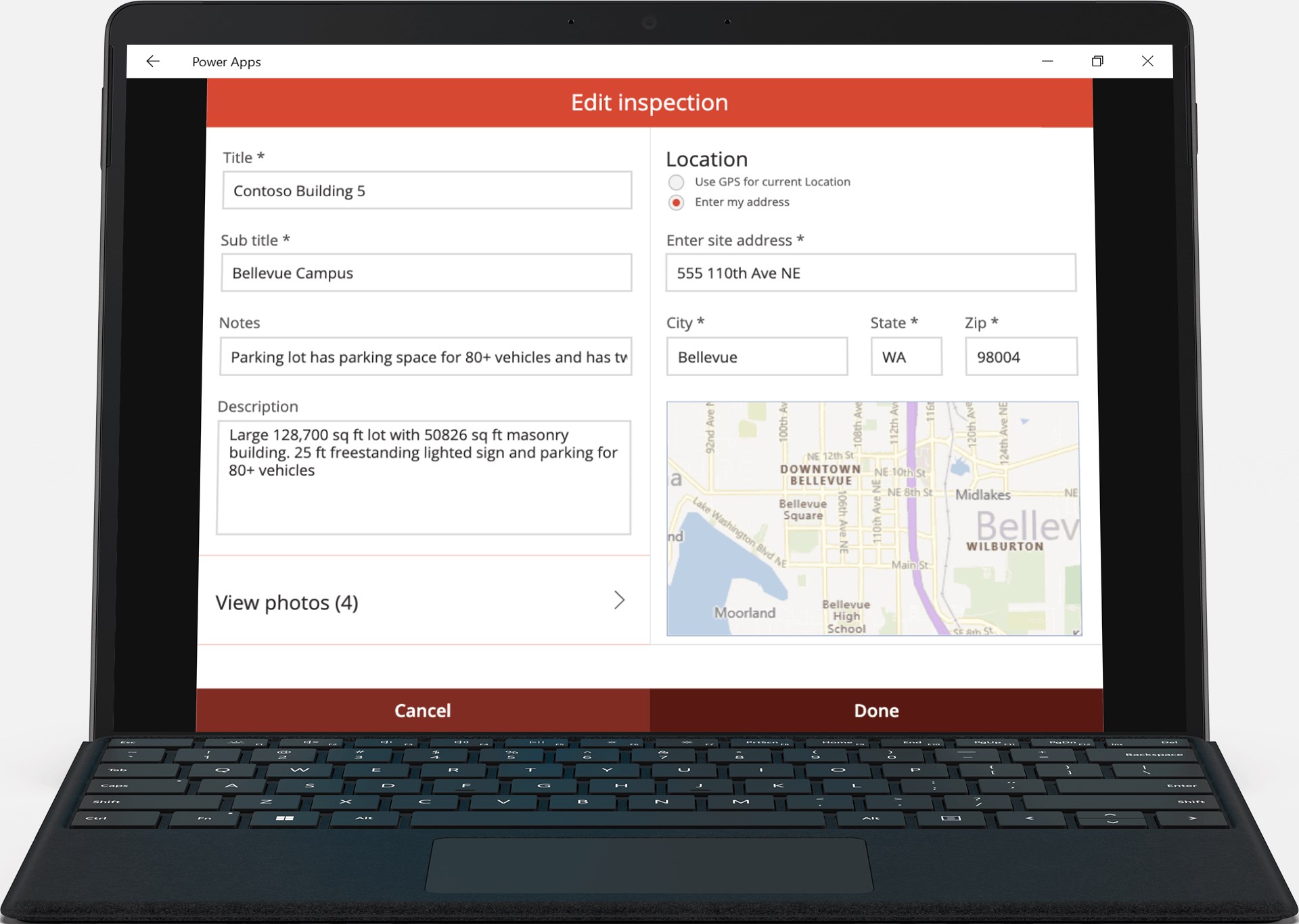
Power Apps excels in simplifying task management by integrating with various data sources – from Excel spreadsheets to Dynamics 365. Users can create tailored forms and interfaces that allow team members to input, update, and retrieve data effortlessly. This centralization of data reduces miscommunication and duplicate efforts, akin to having a digital assistant that keeps everything synchronized and accessible at a glance. Its modular design ensures that even complex workflows are manageable and adaptable.
Enhanced User Experience and Interface Design
The application sports a clean, modern interface that is both inviting and functional. Navigation is intuitive—think of it as walking through a well-organized digital workshop where everything is at your fingertips. The app's responsiveness ensures smooth operation even when handling sizable data sets, with minimal lag or crashes. The learning curve is gentle, especially for users familiar with other Microsoft tools, making onboarding quick and straightforward.
What Sets It Apart: Collaboration and Task Features
Unlike many competing business app platforms, Power Apps for Windows emphasizes real-time collaboration and integrated task management as its core strengths. Its ability to enable multiple users to co-author apps and workflows simultaneously is akin to a virtual whiteboard where everyone can contribute ideas together. Additionally, its deep integration with Microsoft's Power Automate and Dataverse allows for automating routine processes, further differentiating it from standalone app builders. This synergy reduces time, effort, and errors, providing a more cohesive experience tailored for dynamic team environments.
Final Verdict: A Highly Recommended Tool for Business Innovation
Considering its features, usability, and integration capabilities, Power Apps for Windows stands out as a reliable choice for organizations aiming to enhance productivity through custom apps. It's especially recommended for teams already invested in the Microsoft ecosystem or those seeking a scalable, collaborative platform. For casual users or those requiring simple task lists, it might be overkill; however, for business users intent on transforming manual workflows into automated digital processes, this app offers compelling tools to get started right away.
Pros
- Intuitive App Development Interface
- Seamless Integration with Microsoft Ecosystem
- Cross-Platform Compatibility
- Robust Data Connectivity Options
- Rapid Prototype Development
Cons
- Limited Offline Functionality
- Performance Challenges with Complex Apps
- Licensing and Pricing Complexity
- Custom Code Limitations
- Steep Learning Curve for Advanced Features











