

- Category Business
- Available on PC
- OS Windows 10 version 17134.0 or higher
- Memory Not specified
- languages Basque, Bulgarian, Catalan, Chinese (Simplified), Chinese (Traditional), Croatian, Czech, Danish, Dutch, English (United States), Estonian, Finnish, French, Galician , German, Greek, Hindi, Hungarian, Indonesian, Italian, Japanese, Kazakh, Korean , Latvian, Lithuanian, Malay, Norwegian (Bokmål), Polish , Portuguese (Brazil), Portuguese (Portugal), Romanian, Russian, Serbian, Serbian (Latin, Serbia), Slovak, Slovenian (Slovenia), Spanish (Spain), Swedish, Thai, Turkish, Ukrainian, Vietnamese
Power BI Desktop for Windows: Your Gateway to Data-Driven Insights
Power BI Desktop for Windows, developed by Microsoft Corporation, stands out as a comprehensive and user-friendly data visualization tool that empowers professionals to craft compelling reports and analyze data effortlessly. Whether you're a seasoned analyst or a business owner seeking clearer insights, this application offers a robust platform to turn raw data into meaningful stories.
Key Features That Make Power BI Desktop Shine
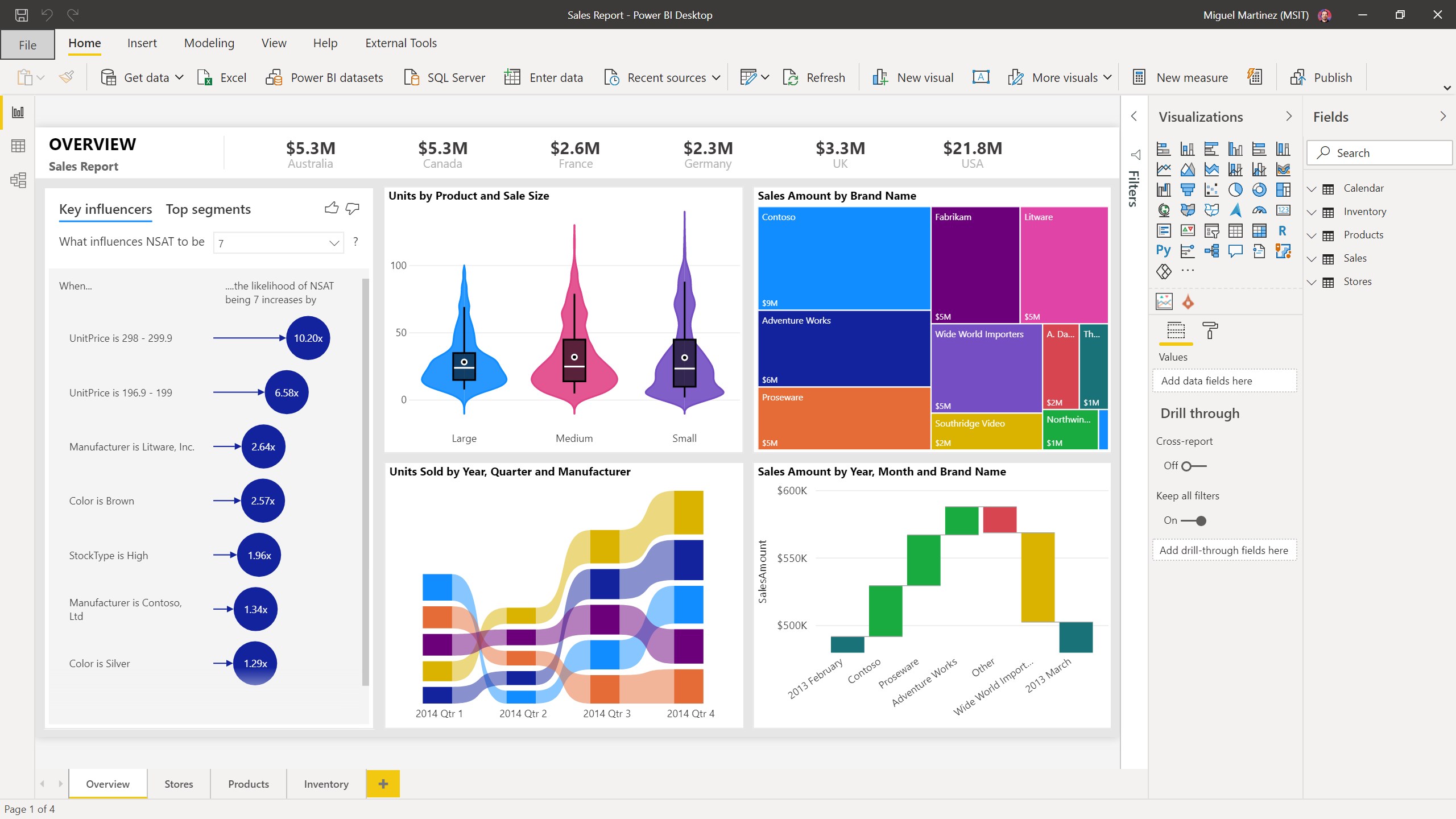
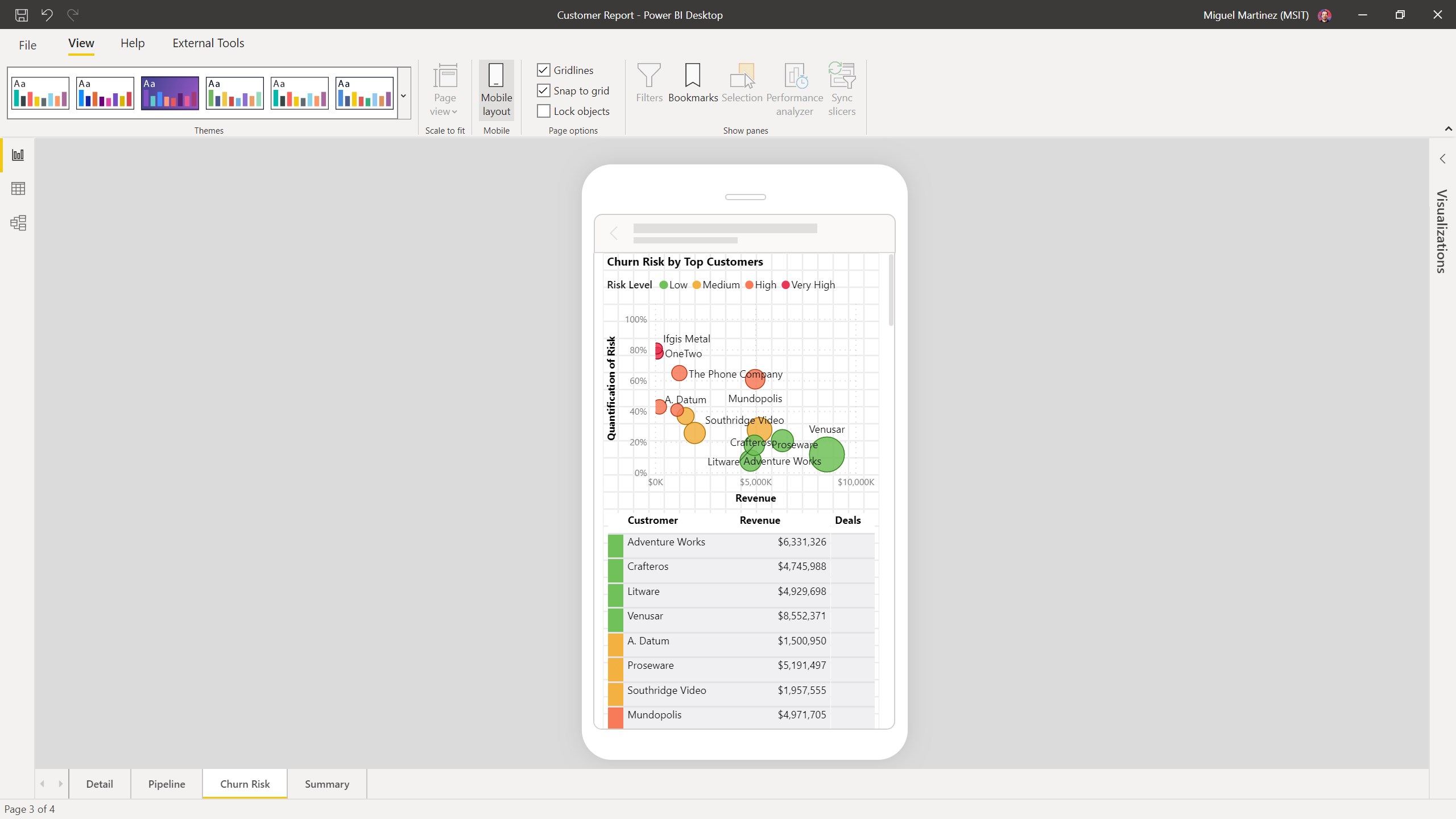
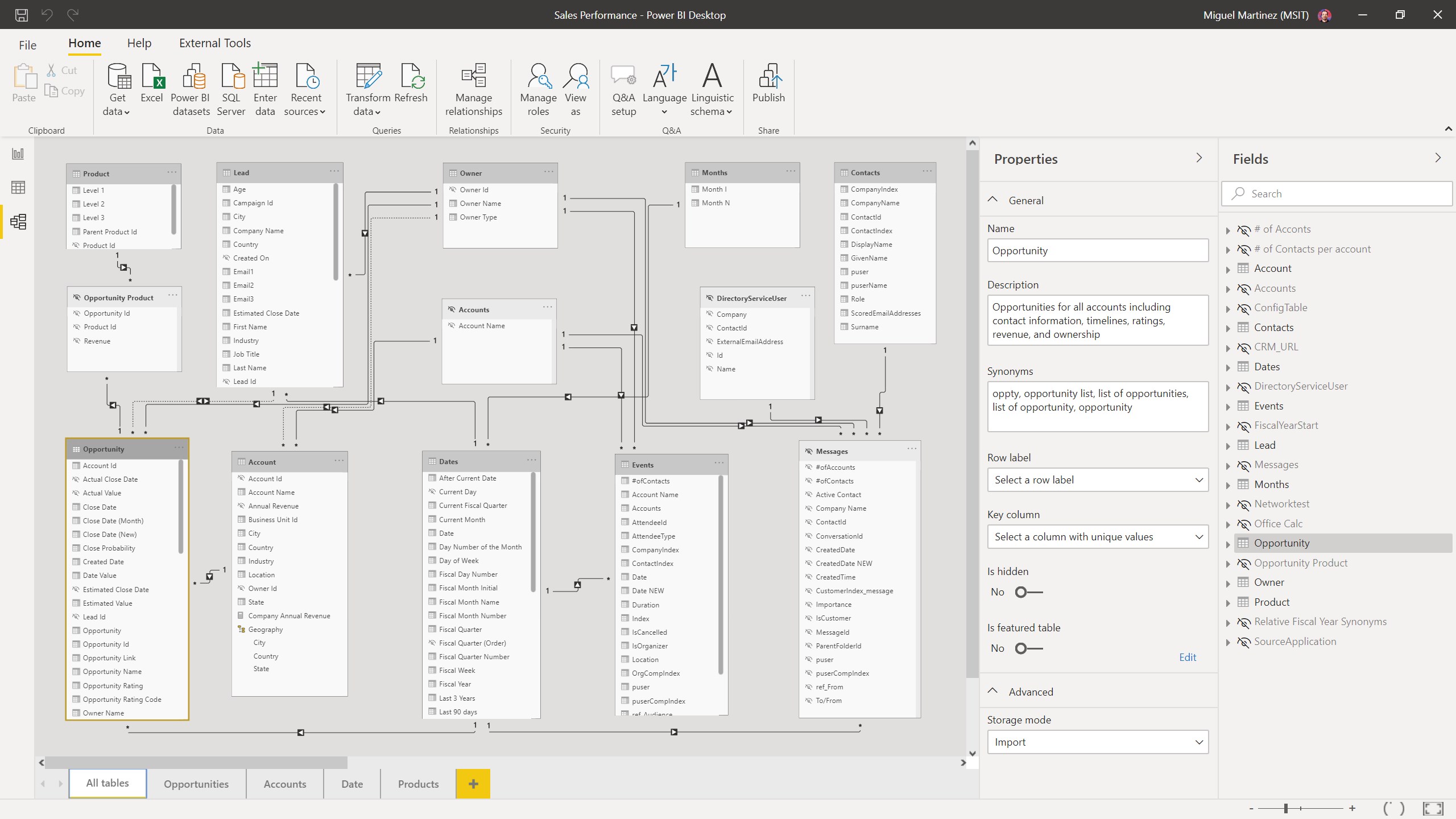
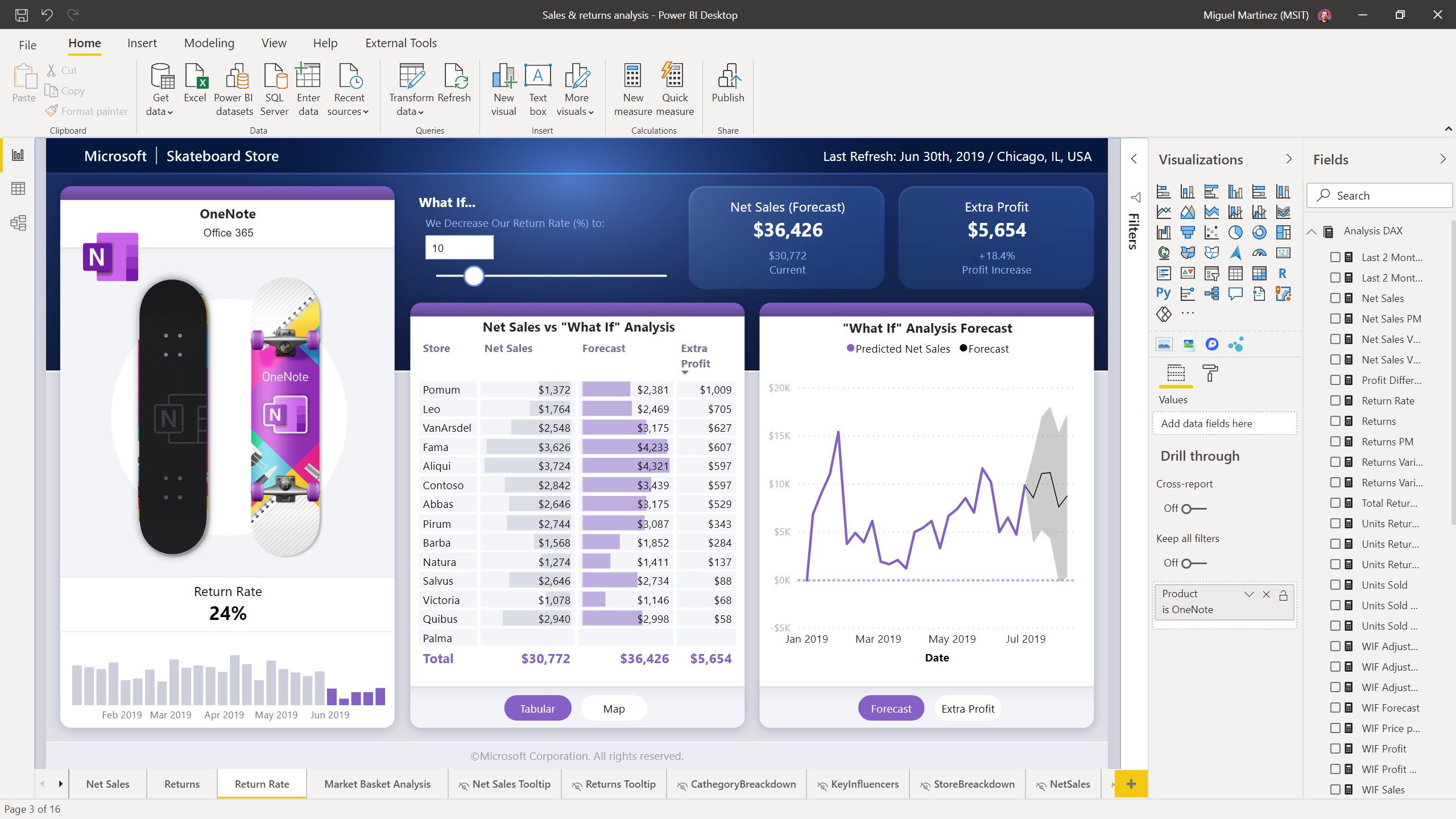
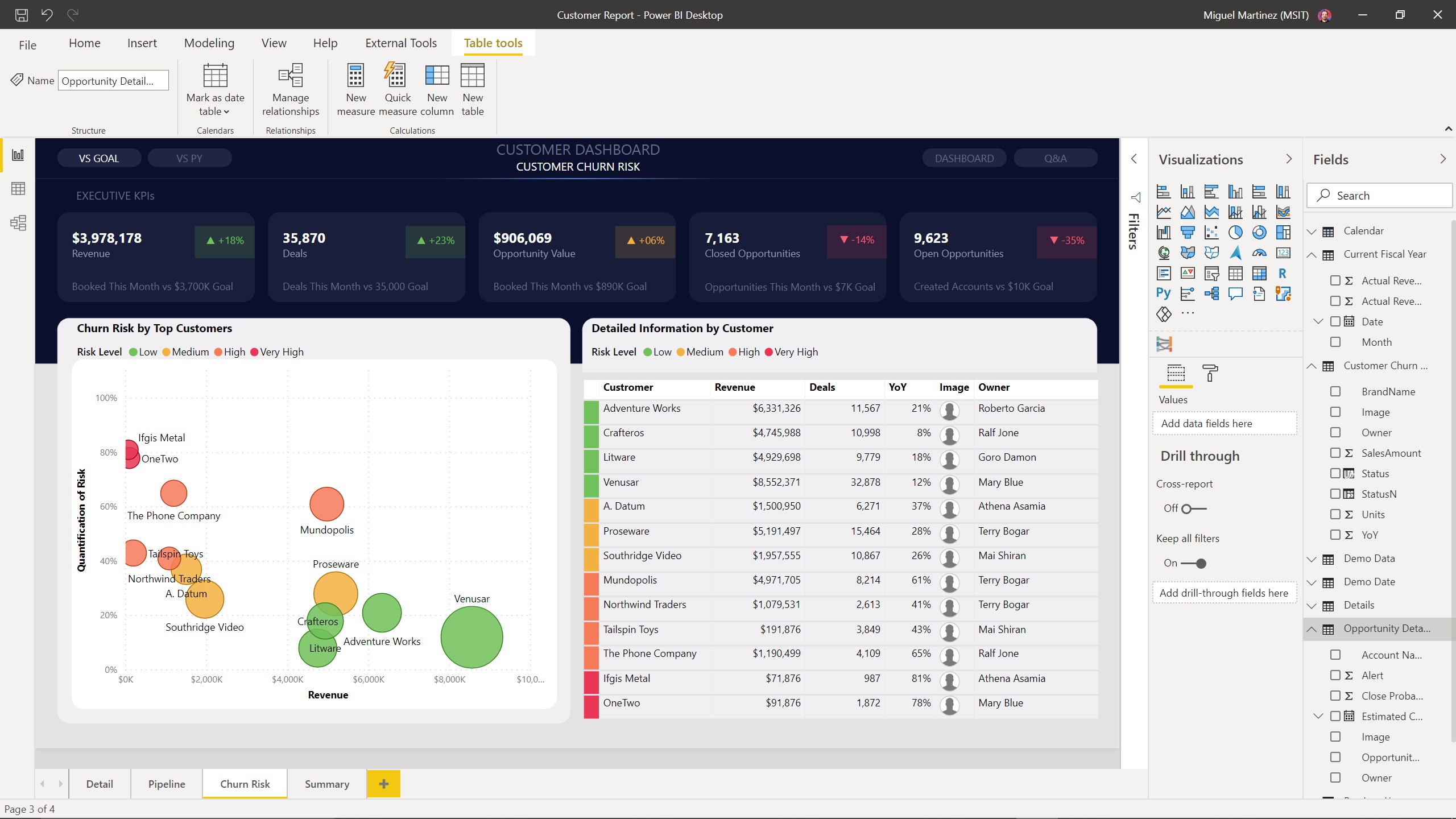
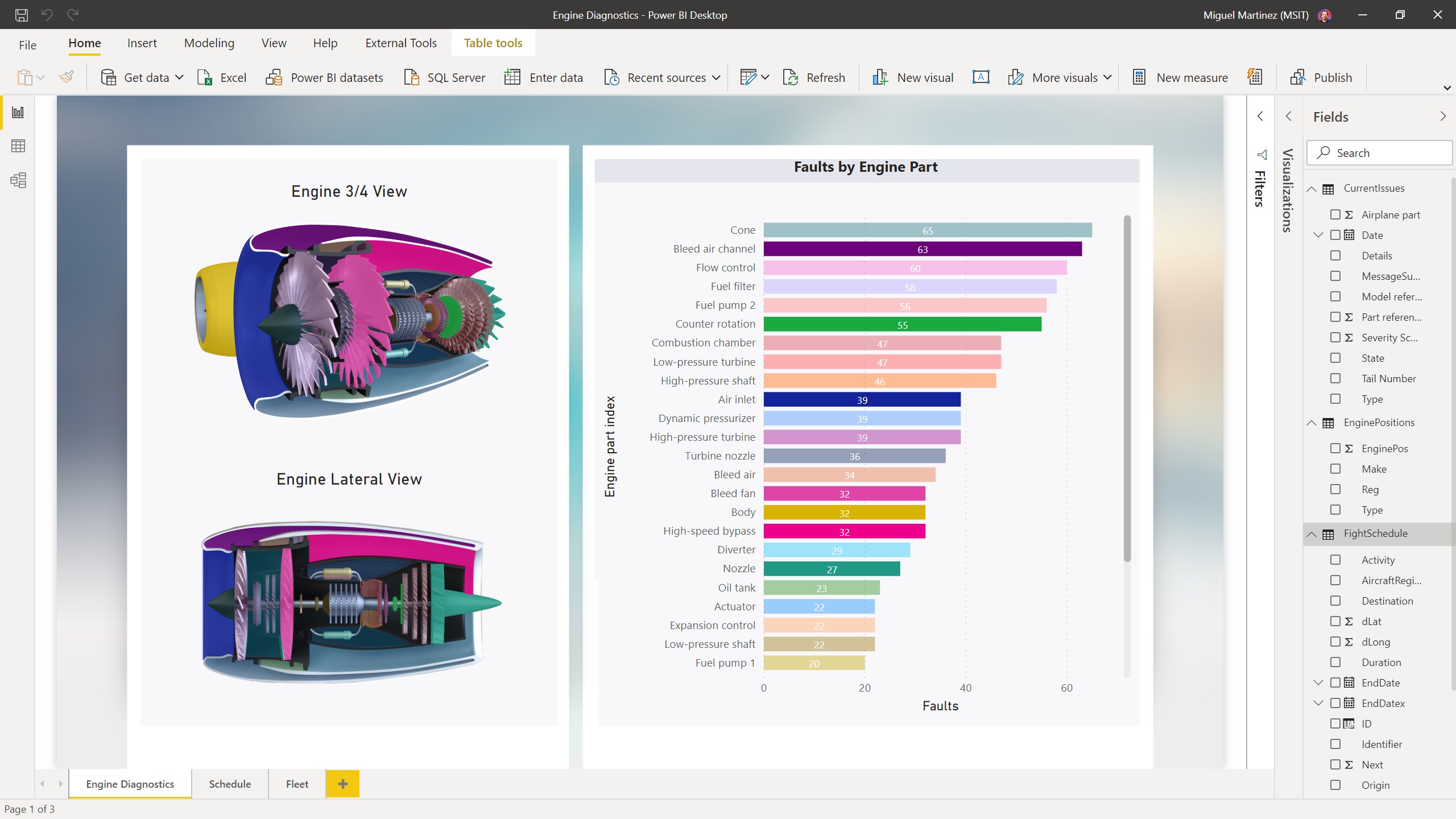
With its intuitive interface and powerful capabilities, Power BI Desktop introduces several highlights. Notably, its seamless integration with Microsoft 365 ecosystem ensures that collaboration doesn't suffer from silos. The advanced modeling features allow users to create complex relationships and calculations with relative ease, making data handling both flexible and precise. Additionally, its wide range of pre-built visualizations and customizable dashboards offer a dynamic way to interpret data visually. Lastly, its ability to publish reports directly to the Power BI Service facilitates real-time sharing and collaboration across teams.
Effortless Data Modeling and Visualization
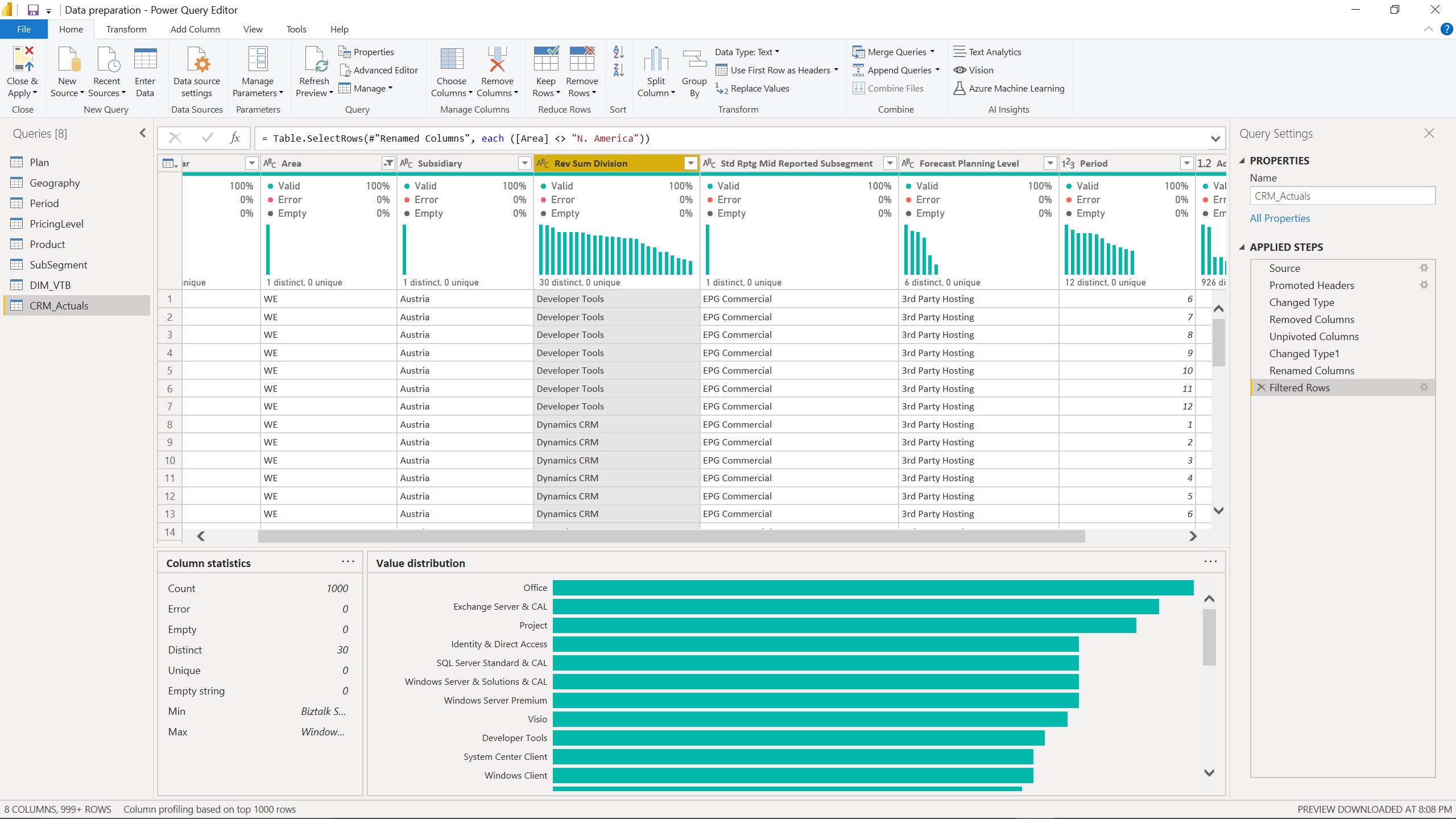
Imagine sculpting a masterpiece: Power BI Desktop transforms your raw data into visually compelling stories through an intuitive drag-and-drop interface. The data modeling capabilities are particularly noteworthy, enabling users to establish relationships across multiple data sources—think of it as connecting the dots to see the bigger picture. This makes complex analysis accessible even for those new to data science. The visualizations range from standard charts to interactive maps, all of which can be tailored easily, allowing users to craft exactly the dashboard that suits their narrative.
Collaborative Power and Unique Differentiators
What sets Power BI Desktop apart in the crowded universe of business intelligence tools? Its standout feature lies in its seamless collaborative environment — integrating effortlessly with Microsoft Teams and SharePoint. Unlike some competitors that treat data visualization as an island, Power BI encourages teamwork by allowing multiple users to co-author reports and comment directly within dashboards. When it comes to task management, the platform facilitates shared workspaces and data governance strategies, ensuring everyone stays on the same page. This collaborative synergy makes Power BI truly a team player, especially vital for organizations that thrive on collective intelligence.
Final Verdict & Recommendations
Overall, Power BI Desktop for Windows earns a strong recommendation for anyone looking to elevate their data analysis game. Its blend of powerful features, user-centric design, and collaborative capabilities make it a reliable choice for both individual analysts and teams. The learning curve is manageable thanks to comprehensive resources and an active community, but beginners should be patient as they familiarize themselves with the more advanced modeling functions. If your goal is to turn complex data into actionable insights while fostering team collaboration, Power BI Desktop is well worth exploring.
Pros
- Intuitive Data Visualization
- Seamless Integration with Microsoft Ecosystem
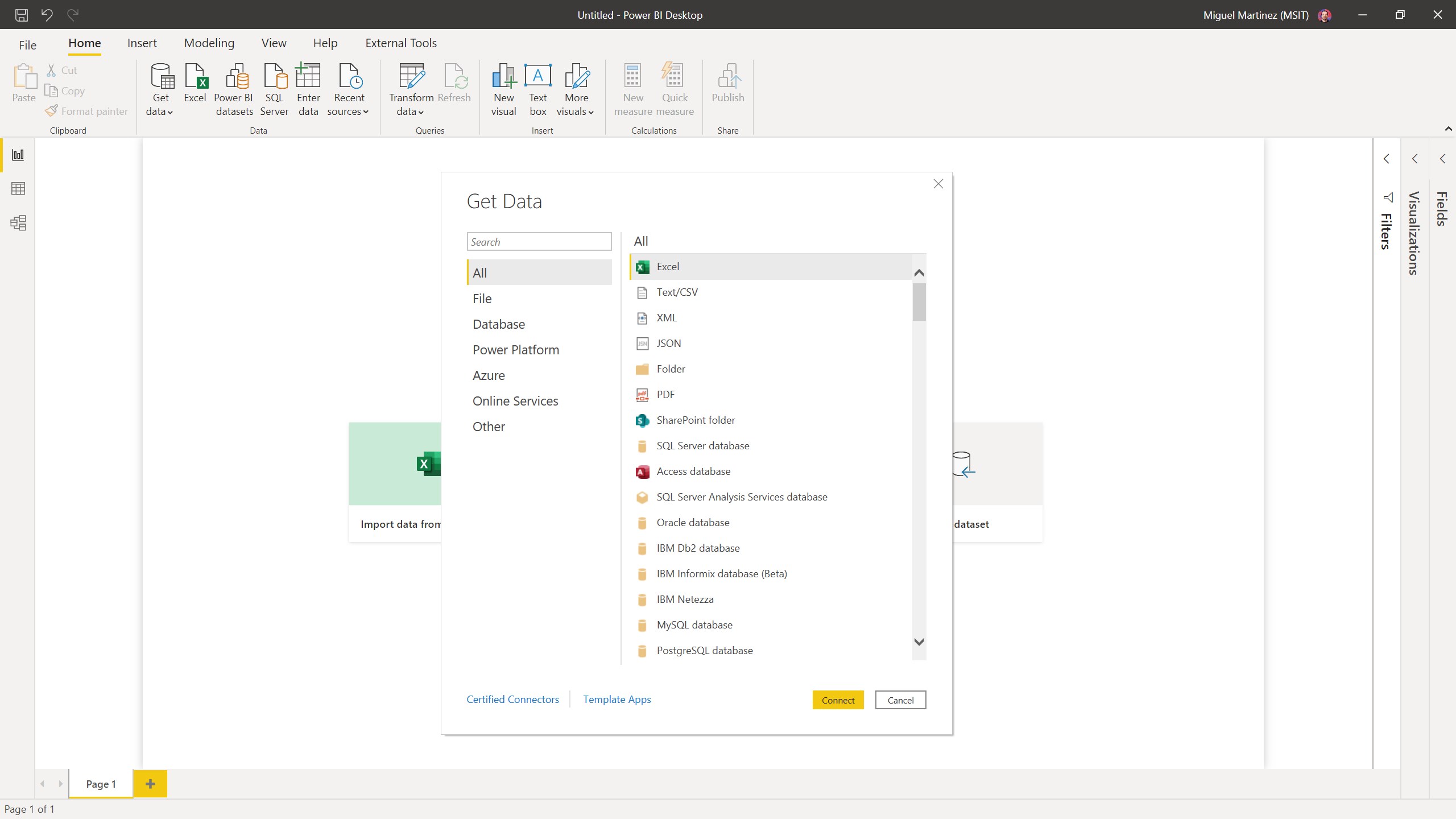
- Robust Data Connectivity
- Advanced Data Modeling Capabilities
- Regular Updates and Feature Enhancements
Cons
- Steep Learning Curve for Beginners
- Limited Free Data Storage
- Performance Issues with Large Datasets
- Occasional Compatibility Problems
- Limited Support for Custom Visuals










