

- Category Business
- Developer DWP Global Corp
- Available on PC
- OS Windows 10 version 0.0 or higher
- Memory 4 GB
- languages English, English (United States)
PowerIQ for Windows: Streamlining Your Business Workflow with Smart Power Management
PowerIQ for Windows by DWP Global Corp is a specialized application designed to optimize device power consumption and enhance operational efficiency within business environments. Think of it as a vigilant energy steward that ensures your devices are both responsive and eco-friendly, making workplace management smoother and more sustainable.
About the Developer and Core Highlights
Developed and published by DWP Global Corp, PowerIQ aims to serve small to medium-sized enterprises seeking smarter device control. Its main features include real-time power monitoring, customizable power plans, and collaborative power management tools—all geared toward simplifying device oversight and reducing energy costs.
A Dynamic Entry into Business Productivity
Imagine sitting at your desk, surrounded by multiple devices humming in quiet concert—laptops, tablets, perhaps a few shared monitors. PowerIQ quietly steps in as your trusted backstage manager, ensuring each device is performing optimally without wasting precious energy. Its intelligent algorithms keep everything running smoothly while helping you keep an eye on power consumption, saving both the environment and your pocket.
Core Functionality Breakdown
1. Intelligent Power Monitoring and Customizable Plans
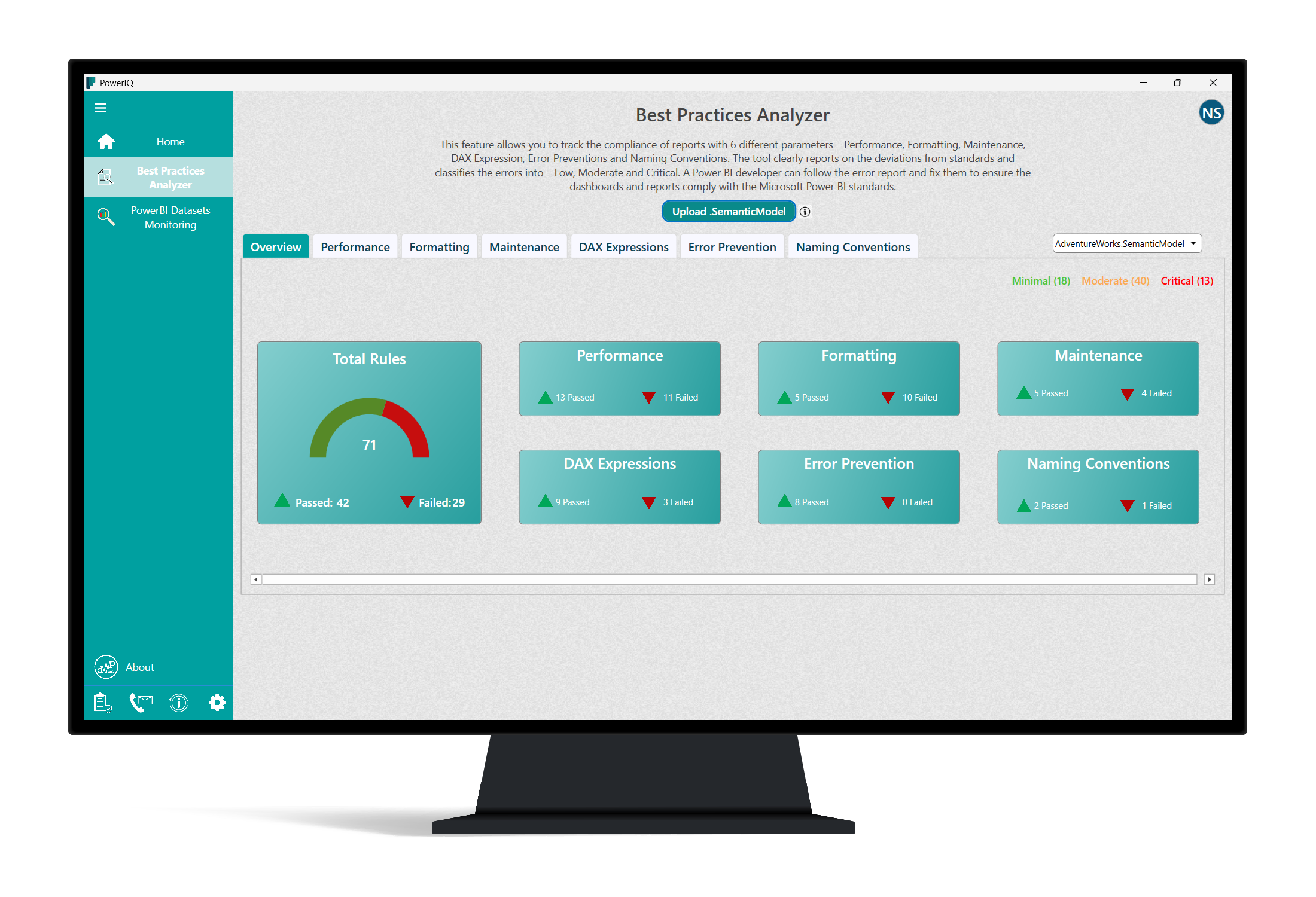
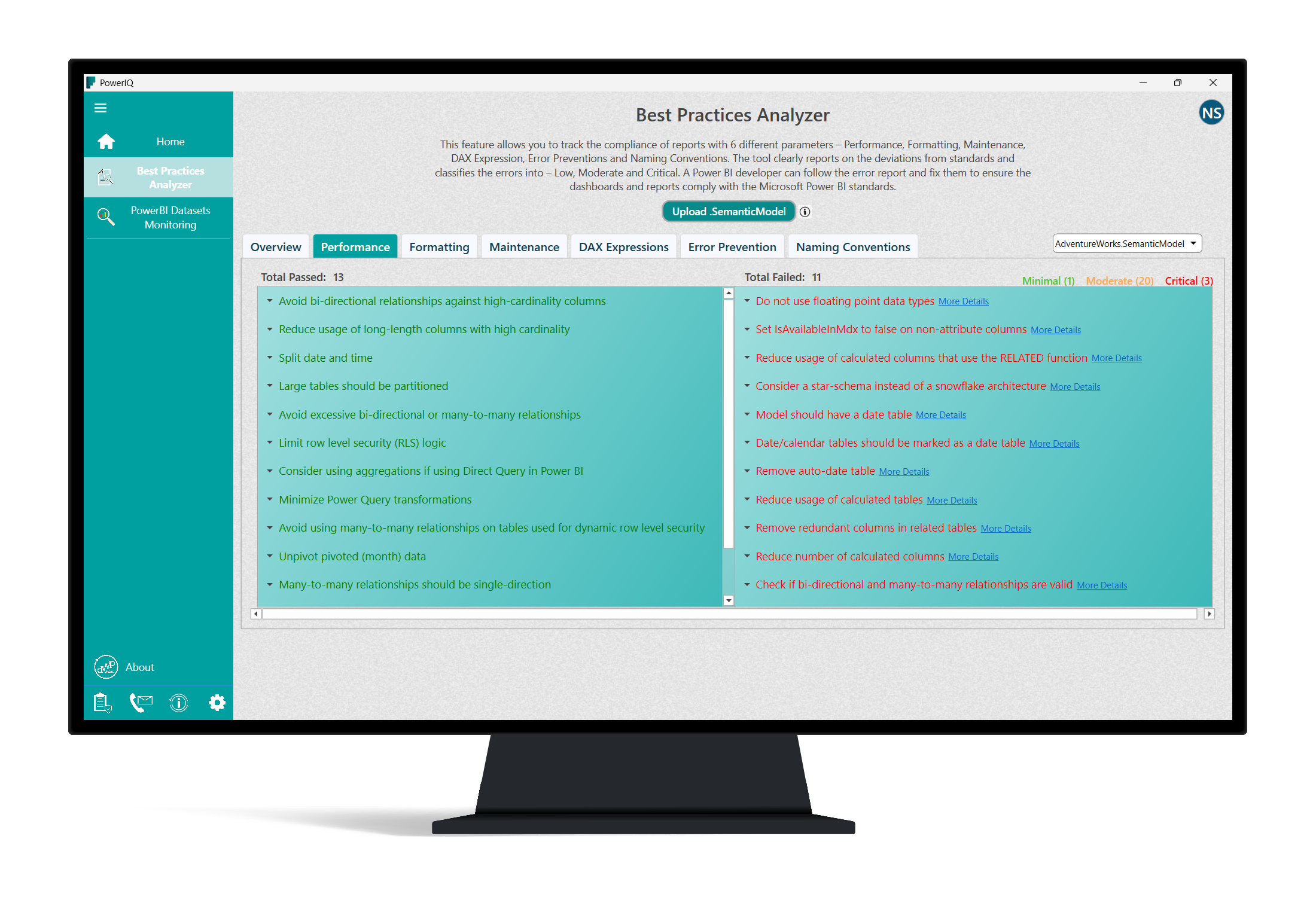
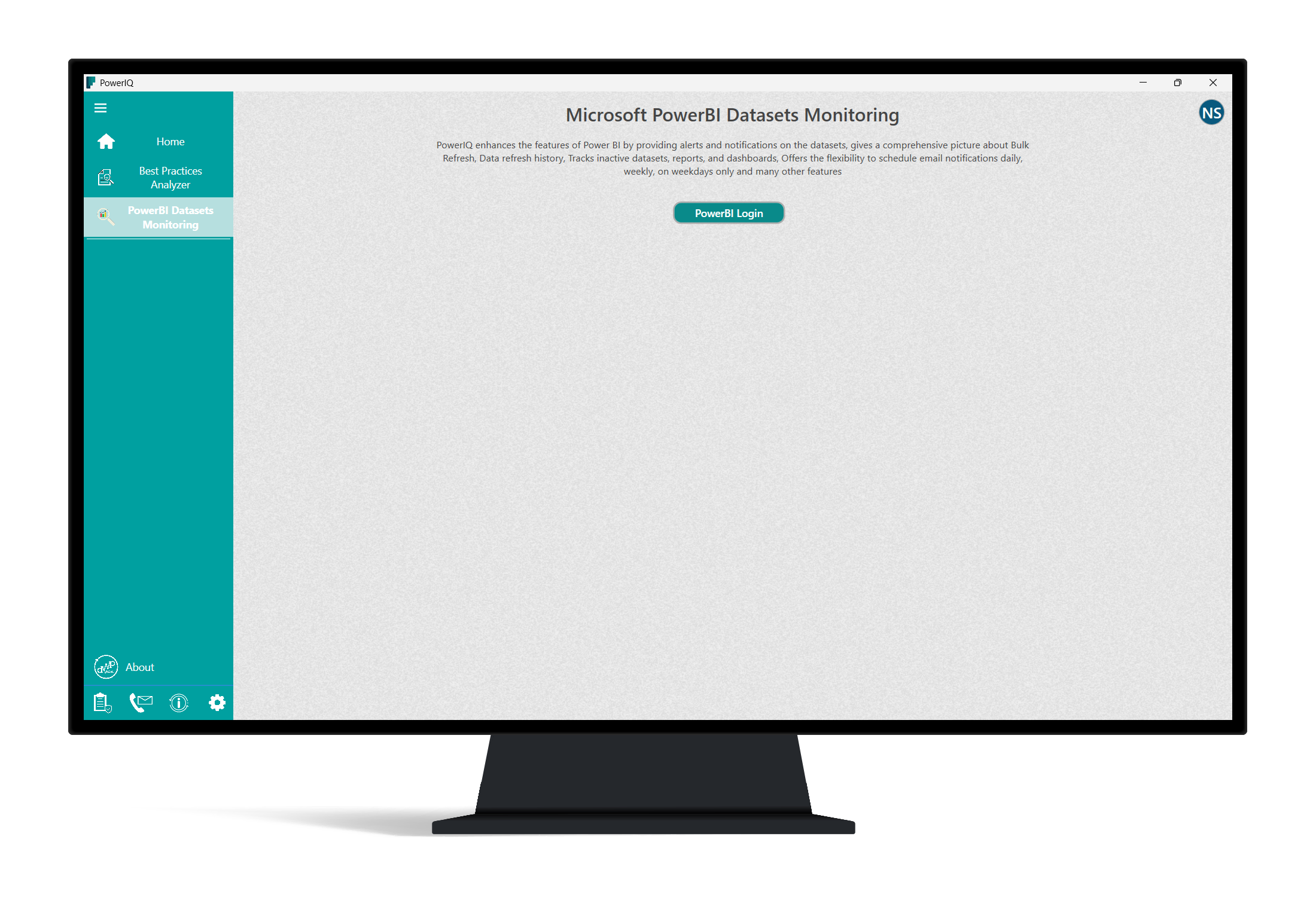
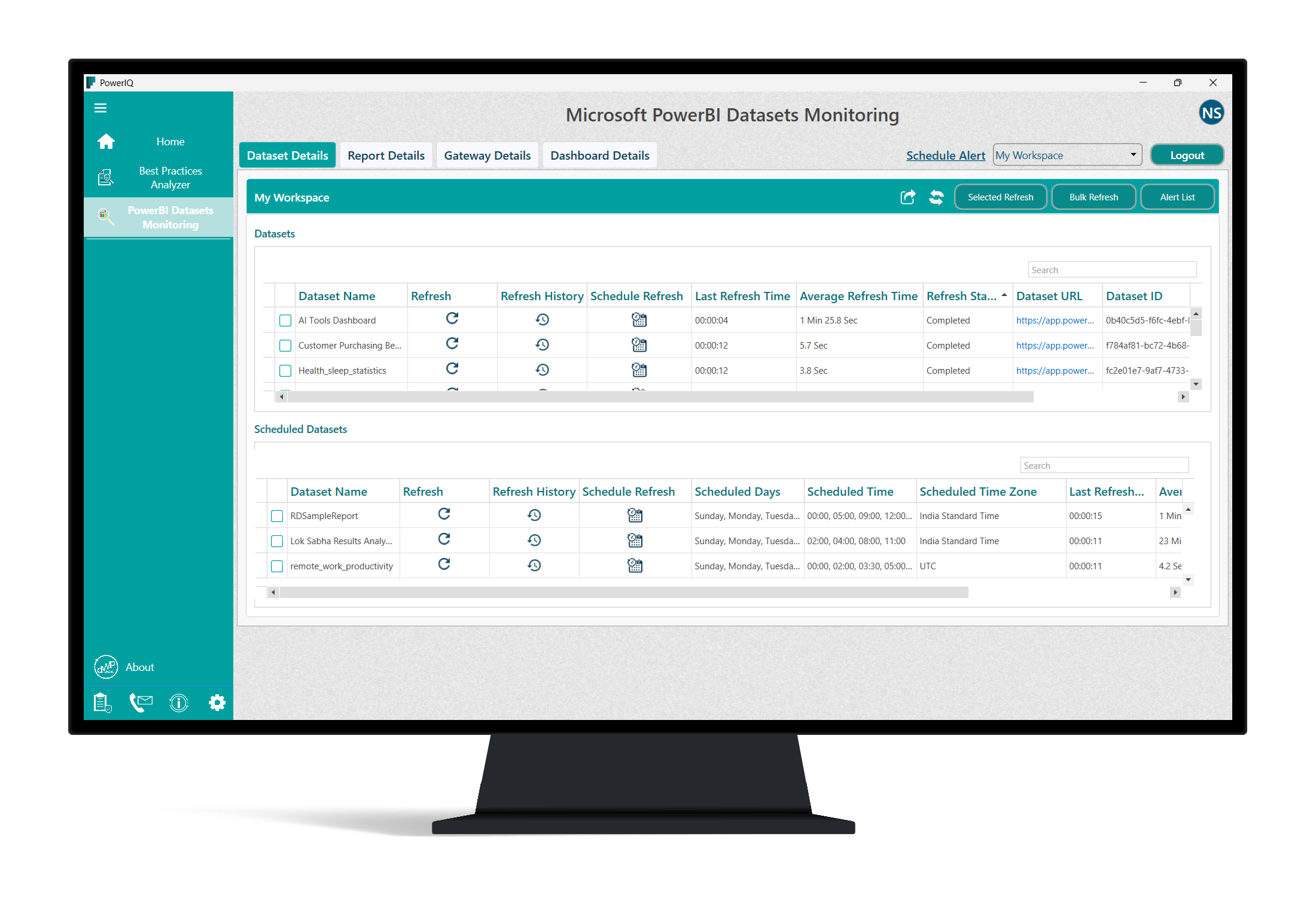
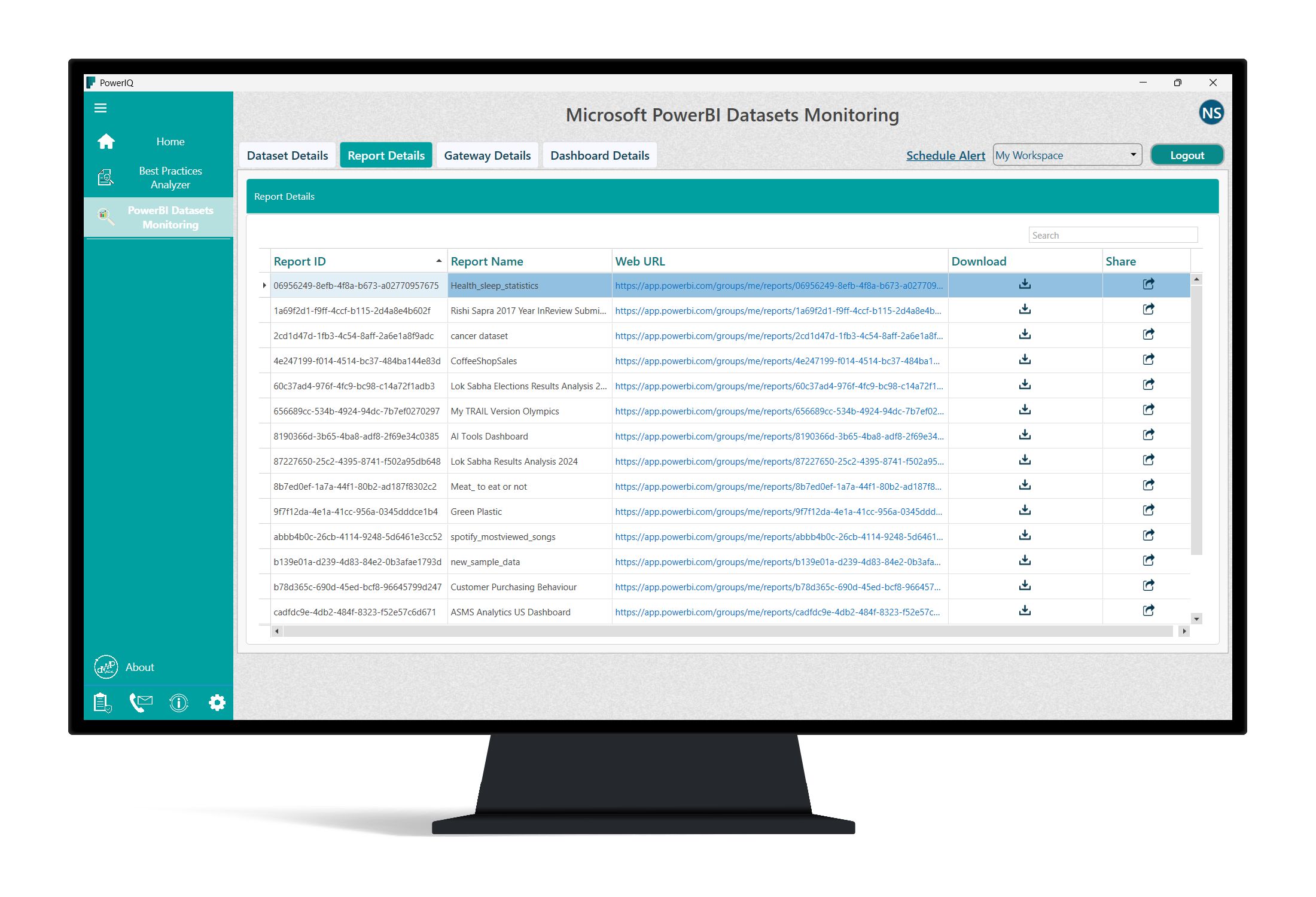
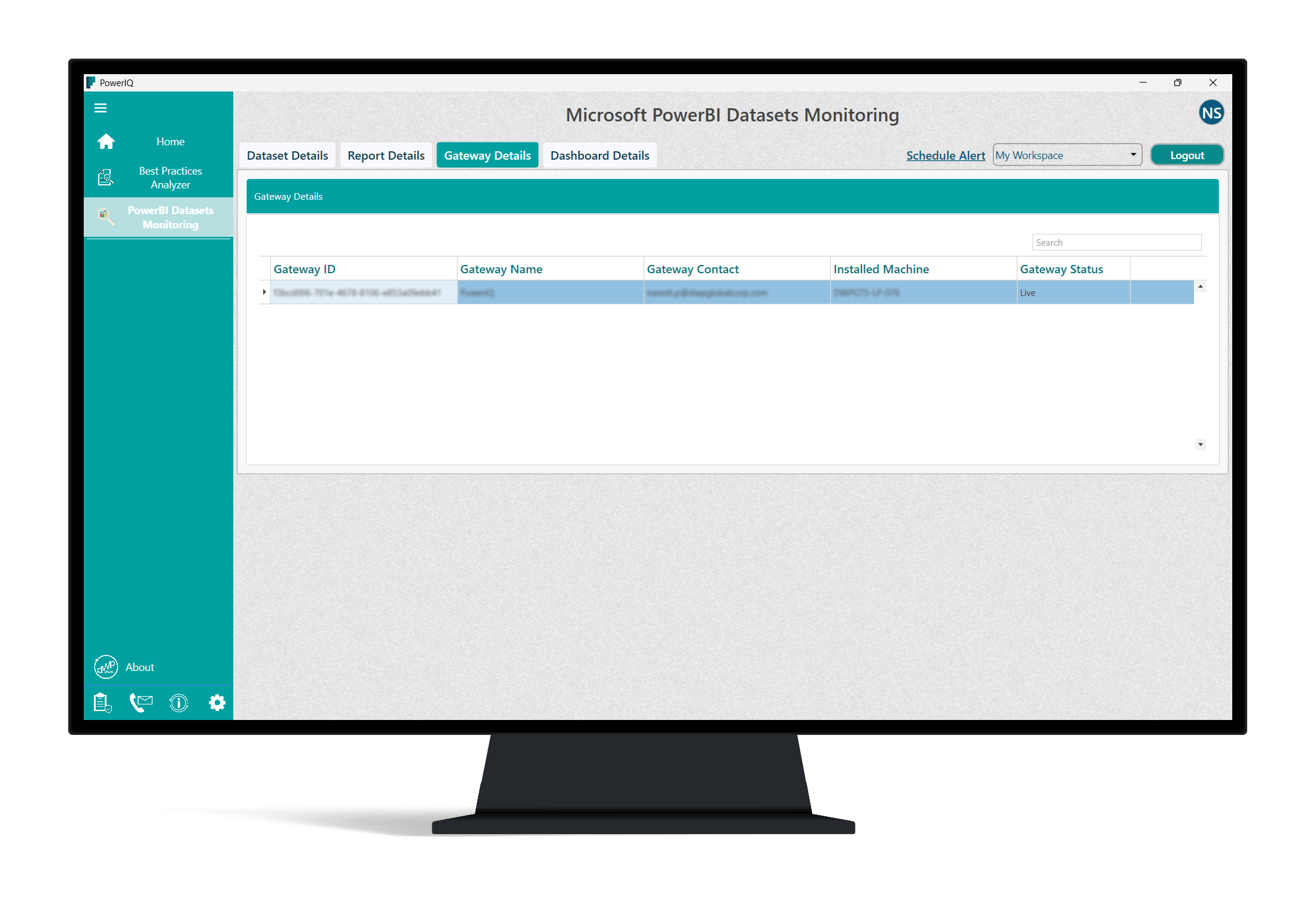
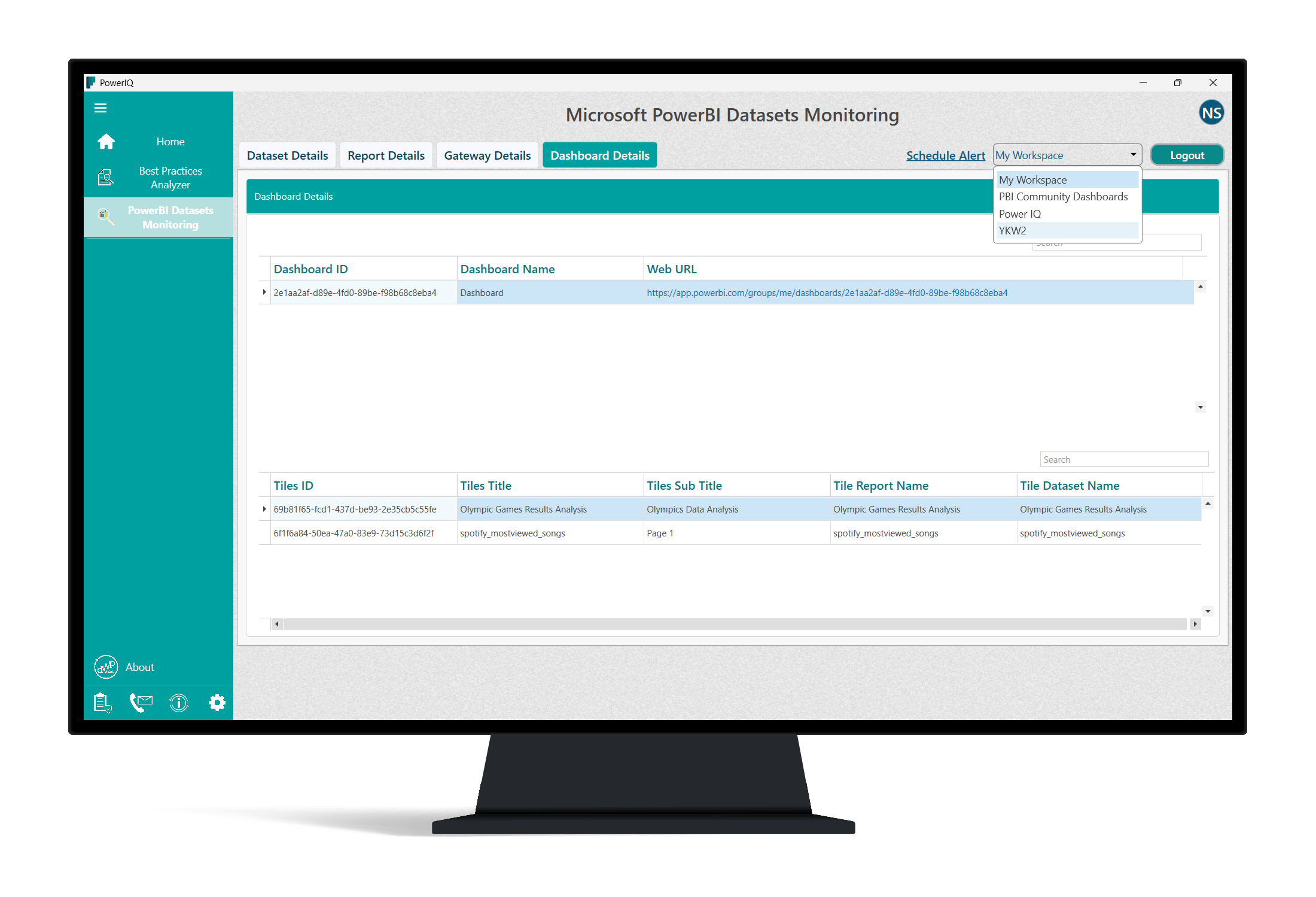
This feature acts as the heart of PowerIQ, providing real-time insights into the energy use of connected devices. The interface displays live statistics, allowing users to identify power-hungry devices at a glance. Beyond mere monitoring, the app offers customizable power plans tailored to user needs—whether it's setting devices to sleep after periods of inactivity or scheduling power-downs during off-hours. It's like having a personal energy coach who knows exactly when to push and when to pause.
2. Collaborative Power Management
Unlike standard power tools, PowerIQ shines with its collaborative features. Multiple users within a team can coordinate device settings and share power management tasks seamlessly. Picture a small team working hand-in-hand to ensure conference rooms and shared devices are powered down after meetings, all from a centralized dashboard. This collaborative aspect promotes a collective effort toward energy efficiency, reducing waste and fostering a sustainable workspace ethos.
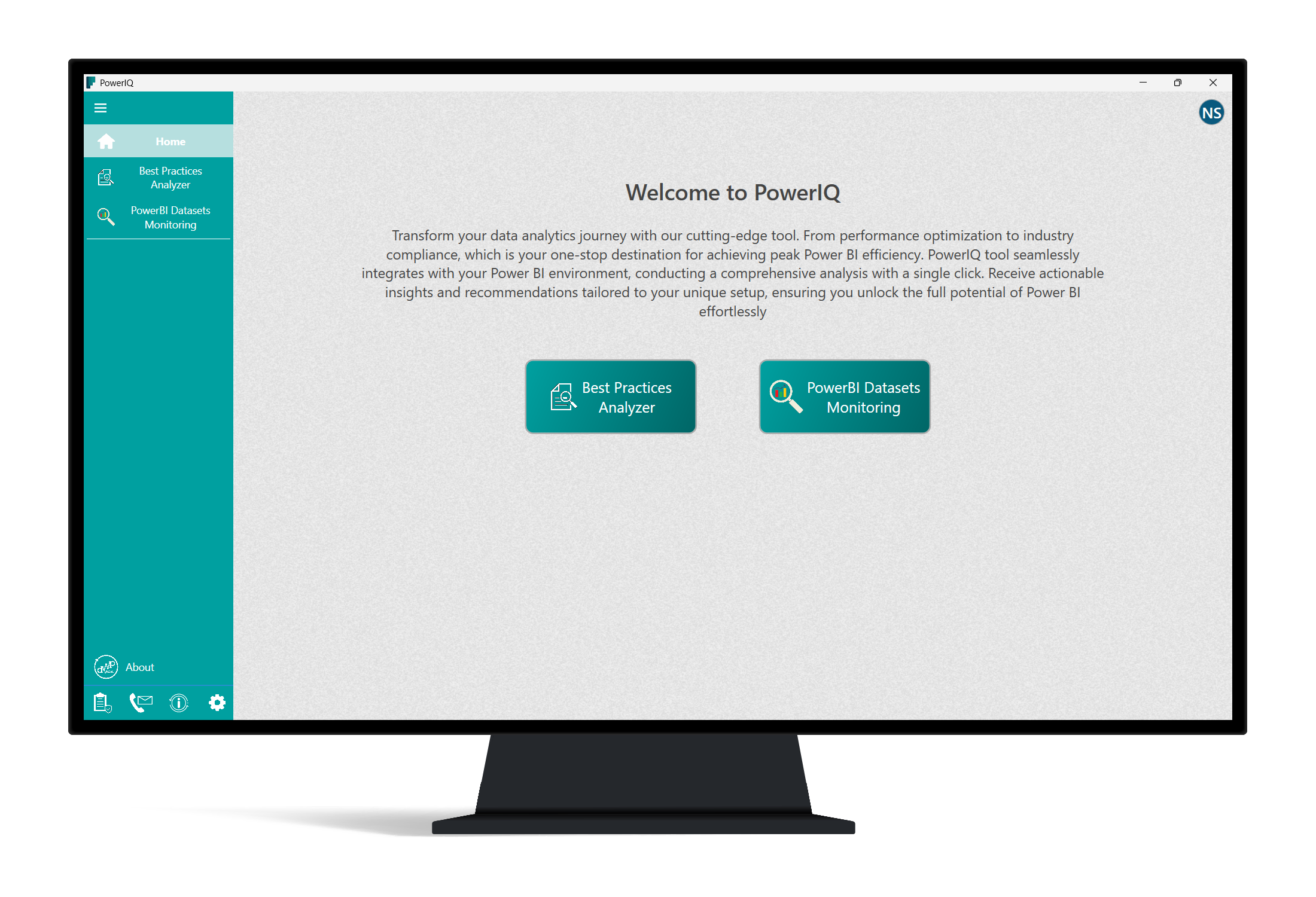
3. User-Friendly Interface and Seamless Operation
PowerIQ's design feels like chatting with a knowledgeable friend—approachable yet detailed. Its clean, intuitive interface makes navigation effortless, even for non-tech-savvy users. The app responds quickly, with smooth transitions and clear visuals, reducing the learning curve to mere minutes. For a layer of reassurance, it provides notifications and tips that guide users through optimal device management—making energy-saving an easy, daily routine rather than a chore.
Unique Selling Points and Competitive Edge
When stacked against similar business applications, PowerIQ distinguishes itself through its collaborative work features and task management integration. While many power management tools offer basic controls, PowerIQ emphasizes teamwork; multiple users can coordinate and assign device control tasks, creating a symphony of efficiency. Its task-oriented approach ensures that device management becomes part of your team's workflow, rather than an isolated action. This collaborative, task-oriented design makes PowerIQ not just a utility, but a vital part of team productivity.
Recommendation and Usage Scenarios
Given its balanced mix of functionality, user-friendliness, and collaborative features, PowerIQ is highly recommended for small to medium-sized teams looking to optimize their device operations without adding complexity. It's particularly well-suited for shared office environments, co-working spaces, or educational institutions where multiple users benefit from centralized energy management. For companies committed to sustainability and cost reduction, incorporating PowerIQ could become a strategic step forward.
In conclusion, PowerIQ for Windows offers a thoughtful, practical approach to device power management—delivering features that enhance collaboration and streamline operations. While it may not boast flashy gimmicks, its focus on real-world application and team-oriented control makes it a reliable tool you'll appreciate as part of your daily workflow. Consider giving it a try if you're ready to make your workplace a smarter, more energy-conscious environment.
Pros
- Easy-to-Use Interface
- Accurate Device Identification
- Fast Performance Monitoring
- Comprehensive Analytics
- Customizable Settings
Cons
- Limited Device Compatibility
- Occasional App Crashes
- Battery Drain During Use
- Limited Free Features
- Language Support Constraints











