

- Category Entertainment
- Available on PC
- OS Windows 10 version 19041.0 or higher
- languages English (United States)
Prime Video for Windows: A Seamless Streaming Companion
Prime Video for Windows offers a straightforward and reliable way for Amazon Prime members to enjoy a vast library of movies and TV shows right on their desktop, blending convenience with an intuitive viewing experience.
About the App: Foundations and Highlights
Positioning in a Nutshell
This application serves as a dedicated desktop client that brings Prime Video's extensive content catalog directly to Windows users for easy access and playback.
Developer and Team
Developed by Amazon Development Centre (London) Ltd, a team renowned for creating streamlined and reliable digital entertainment tools.
Main Features & Highlights
- High-Quality Streaming: Offers HD and 4K playback options depending on content and device capabilities.
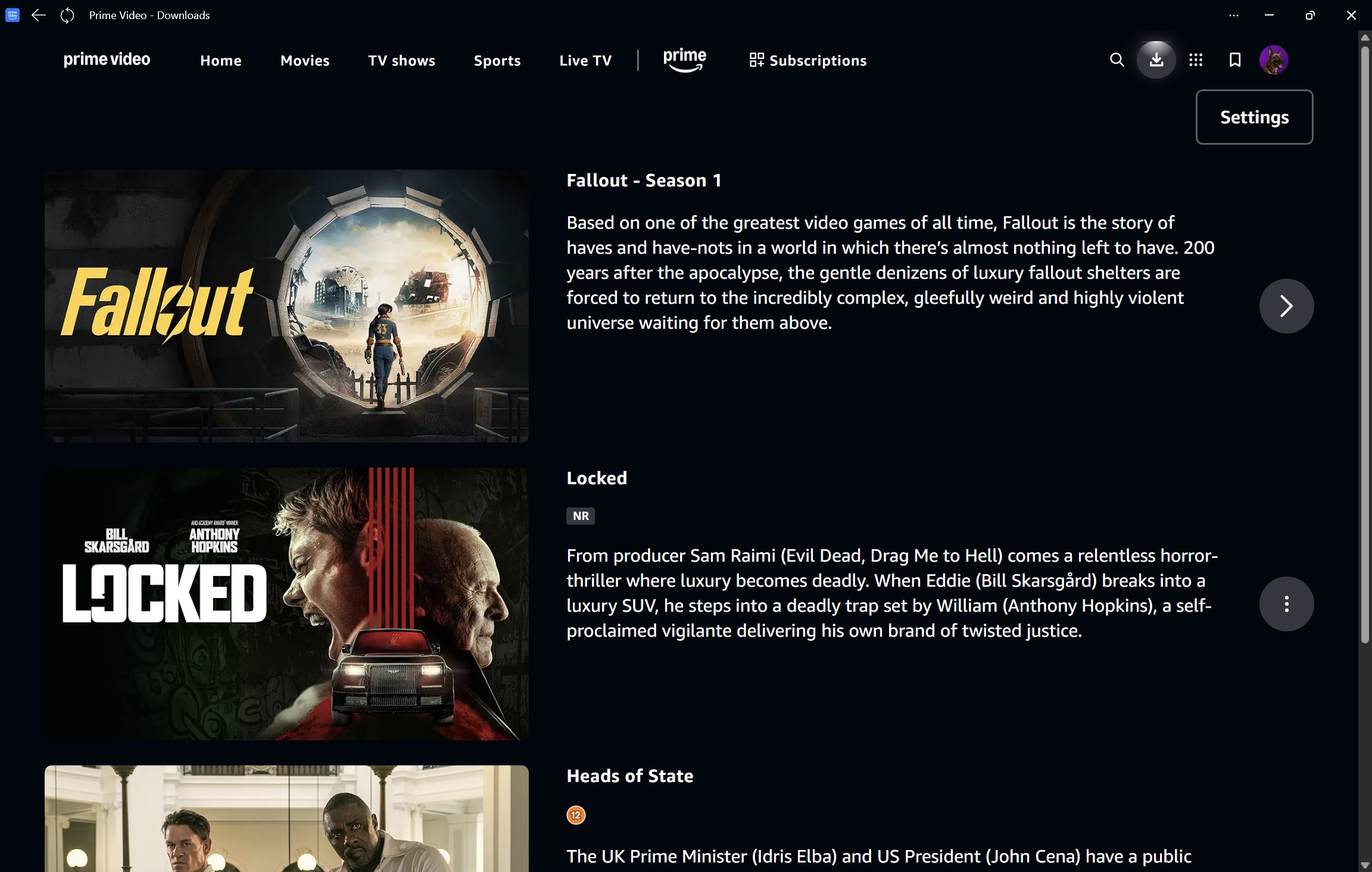
- Download for Offline Viewing: Enables users to download titles directly onto their device, perfect for travel or offline consumption.
- Personalized Content Recommendations: Utilizes Amazon's advanced content discovery algorithms to suggest relevant titles based on user preferences.
- Offline Mode & Multiple Profiles: Supports multiple user profiles and offline viewing, catering to family use and individual preferences.
Ideal Audience
This app is primarily targeted at Amazon Prime members who prefer watching on a desktop or laptop, especially those who value a dedicated platform with enhanced discovery and offline capabilities.
Engaging and Accessible: User Experience and Interface
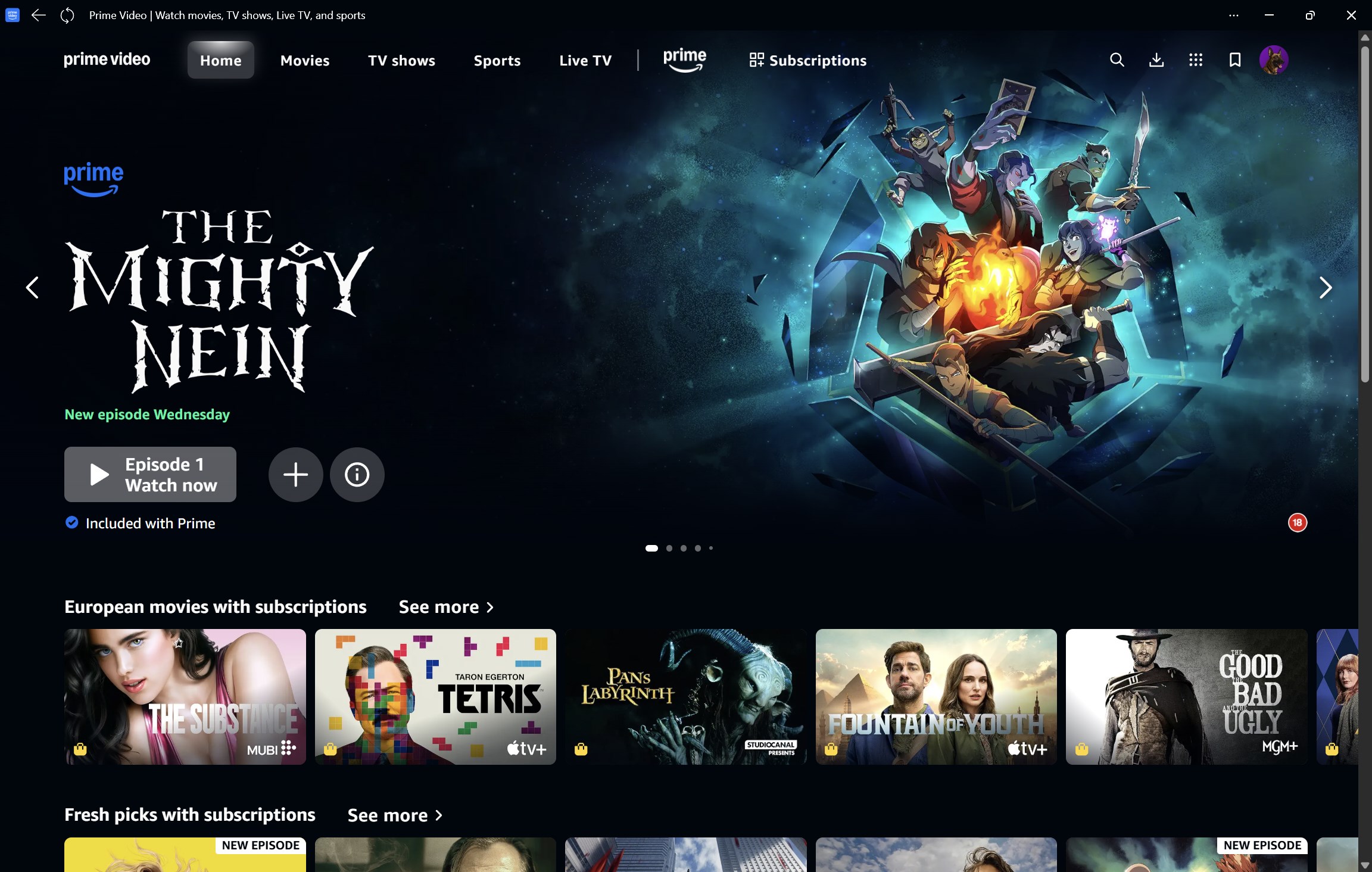
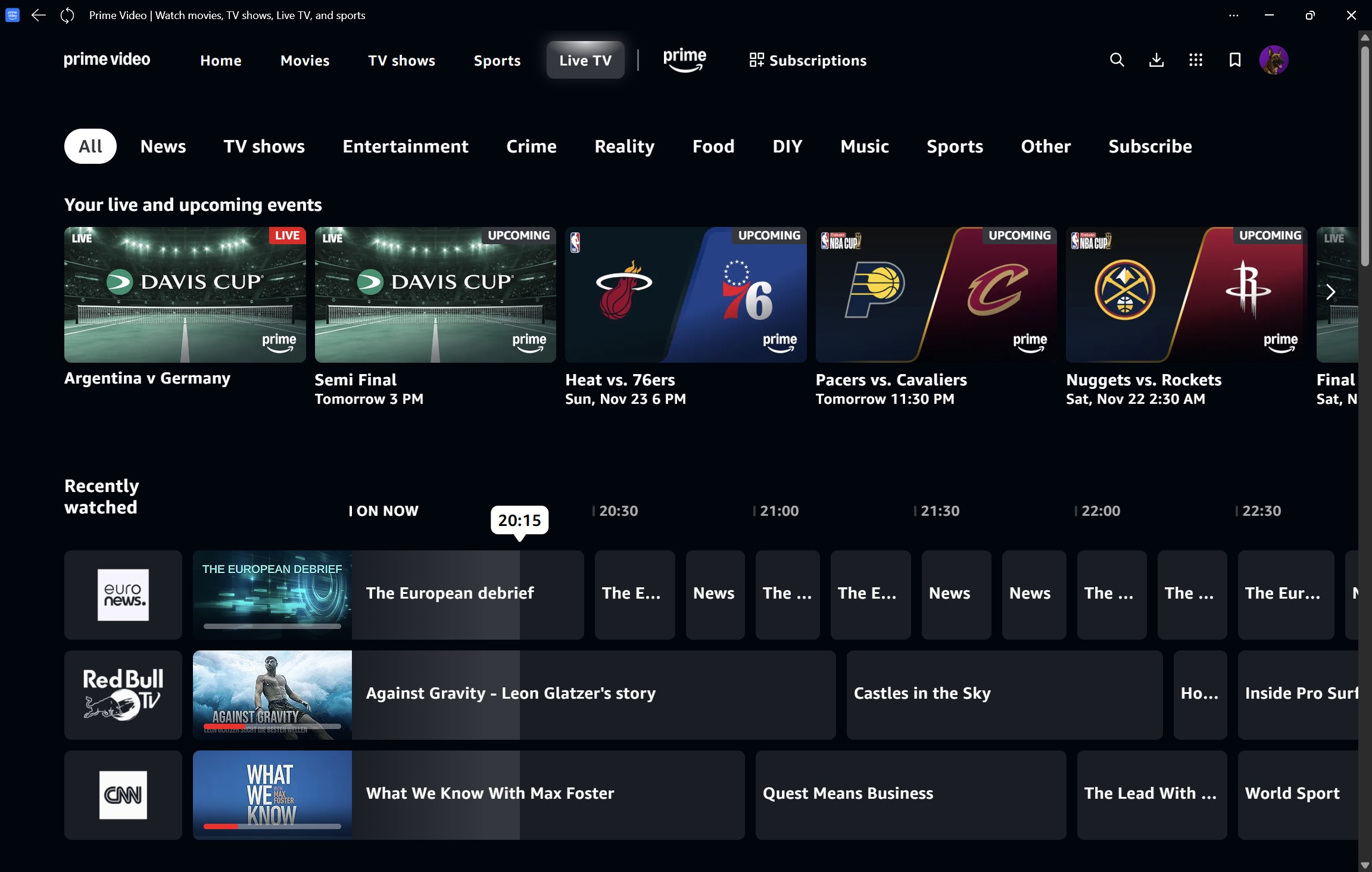
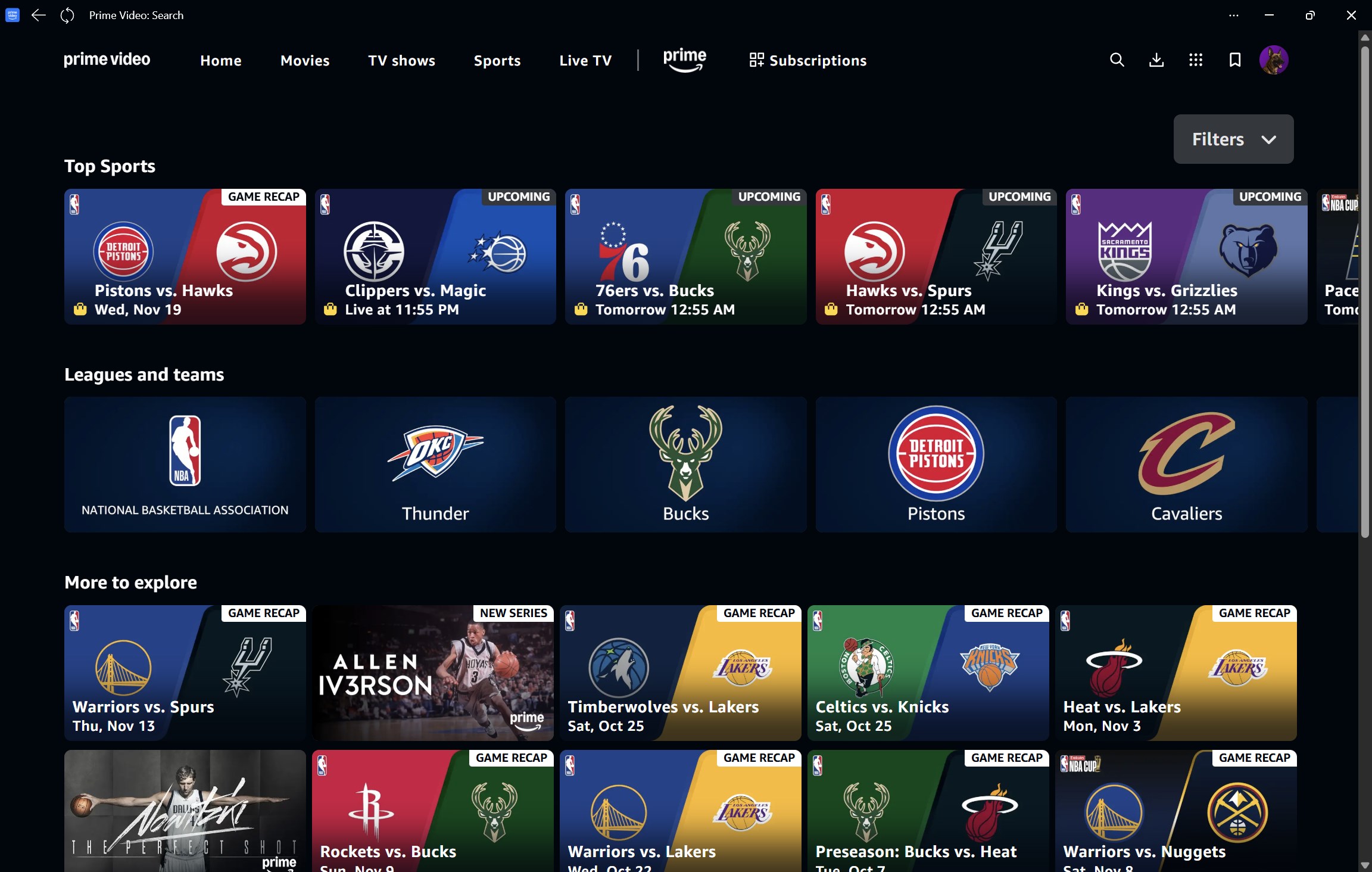
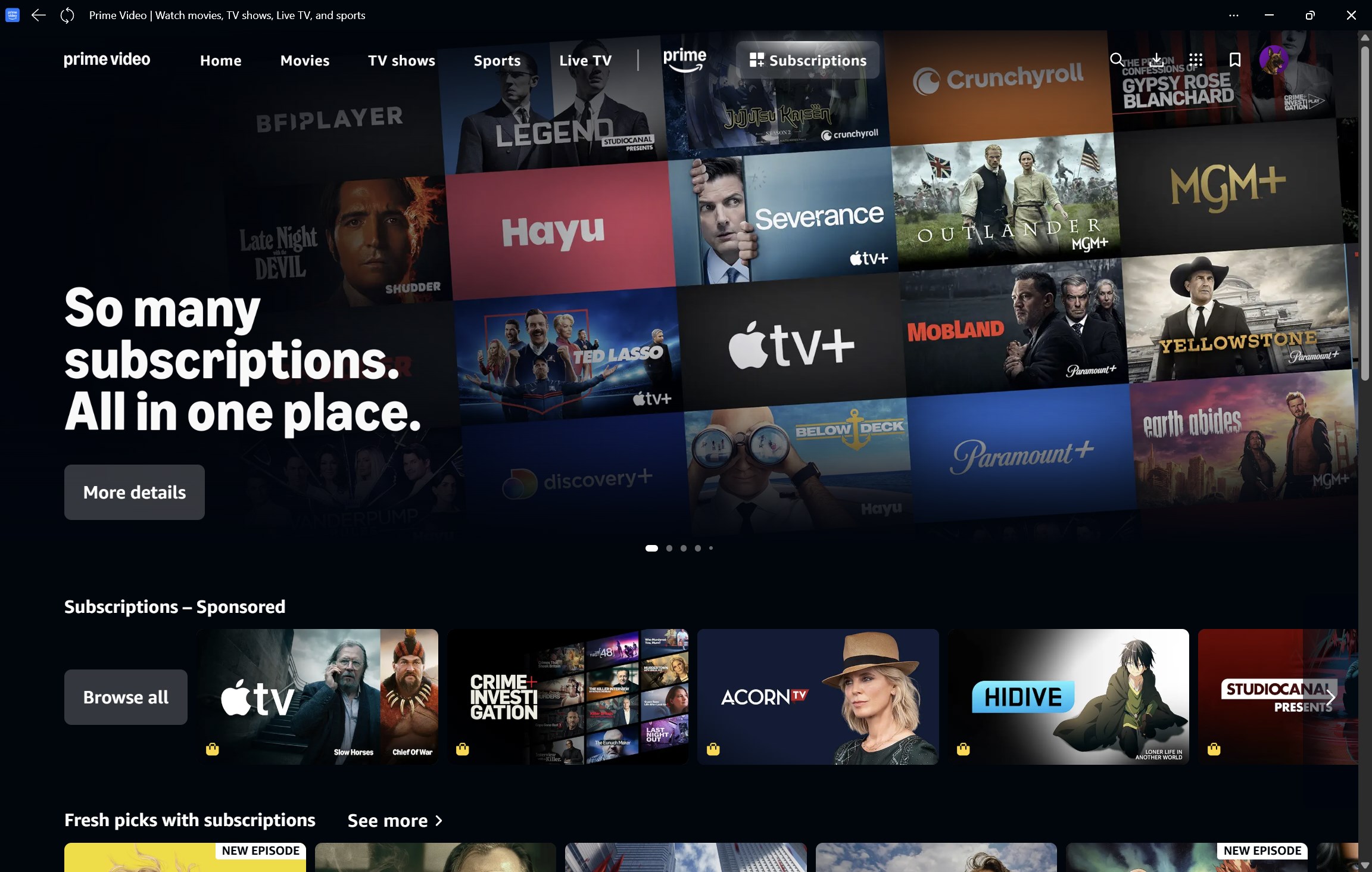
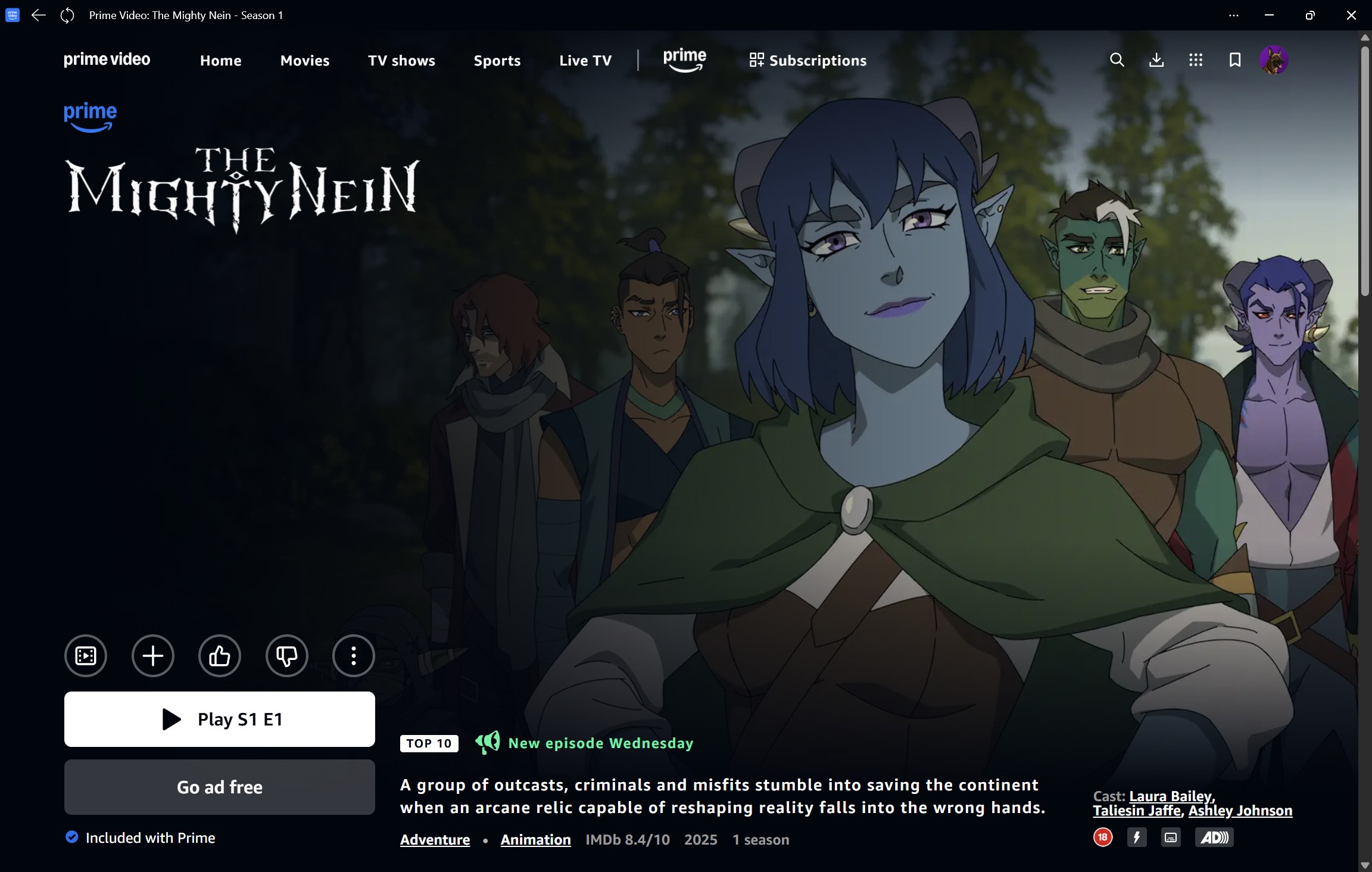
Imagine sinking into your favorite armchair after a long day, opening an app that's as familiar as a cozy library—Prime Video for Windows welcomes you with a clean, modern interface that feels both approachable and sophisticated. Navigation is intuitive, reminiscent of flipping through a well-organized bookshelf; categories and recommendations are neatly sorted, making the discovery process feel like chatting with a knowledgeable friend who always knows just what you'd love to watch.
Operationally, the app is smooth and responsive. Transitioning between menus or playing content generally occurs without noticeable lag, and the interface adapts well to different screen sizes and resolutions, providing a pleasant viewing experience. The learning curve is gentle—most users will find it easy to get started, whether they're seasoned tech enthusiasts or newcomers to streaming platforms.
Core Features: Digging Deeper
Content Discovery and Personalization
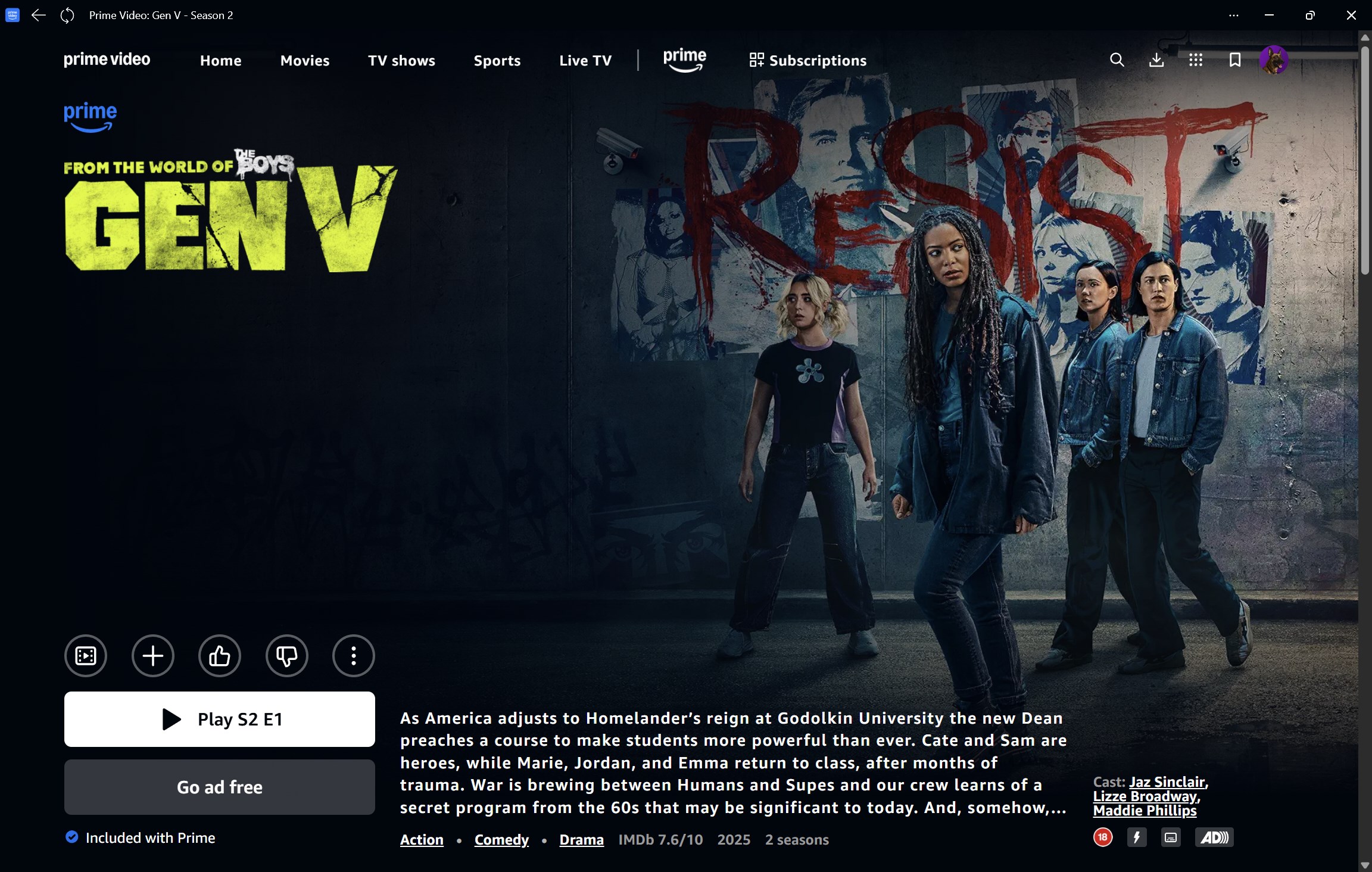
One of Prime Video's standout features is its content discovery algorithm. Unlike some peers that simply display popular items, Prime Video's system analyzes your viewing history, ratings, and search patterns to tailor recommendations specifically suited to your tastes. This personalized approach makes browsing feel less like a chore and more like a curated journey through a digital library tailored uniquely for you. It's akin to having a personal librarian guiding you to hidden gems tailored to your mood or interests.
Offline Viewing & Download Management
The ability to download titles directly to your device transforms the app into a portable entertainment hub. Whether you're commuting or venturing into areas with unstable internet, this function ensures you're never left without entertainment. Managing your downloaded content is straightforward, with options to prioritize downloads or remove titles as needed, making offline viewing a seamless experience.
Multi-Profile Support & User-Centric Design
Supporting multiple user profiles is especially beneficial for families or households sharing a single device. Each profile maintains its own watch history and personalized recommendations, preventing content overlap. This feature, combined with a clear, uncluttered layout, makes the app feel like a dedicated, personalized entertainment portal—much more than a simple streaming window.
Compared to Competitors: What Sets It Apart?
While many streaming apps tout their libraries, Prime Video for Windows excels in deploying its superior content discovery and recommendation system. Thanks to Amazon's advanced algorithms, your suggested content often hits closer to your interests than generic algorithms elsewhere. Unlike platforms that inundate you with popular titles regardless of your preferences, Prime Video prioritizes relevance, making each browsing session feel personalized and engaging.
This tailored content approach is especially noticeable when compared to other entertainment apps where recommendations sometimes feel disconnected or overly generic. Prime Video's algorithm learns from your viewing habits, refining its suggestions over time, ensuring that what you see truly resonates with your tastes—an almost concierge-like experience for the avid viewer.
Final Verdict: Who Should Use It?
Overall, Prime Video for Windows earns a confident recommendation for existing Prime members who seek a dependable, user-friendly platform to enjoy their favorite content on desktop. Its standout personalization capabilities and offline viewing options make it a practical choice for those who wish to maximize their Prime membership benefits. For casual users seeking simplicity and a refined discovery experience, this app stands out as a well-crafted, thoughtful addition to the streaming landscape.
In summary, if you're already immersed in the Amazon ecosystem and appreciate tailored content recommendations coupled with offline convenience, Prime Video for Windows is definitely worth adding to your digital toolkit—your virtual theater awaits.
Pros
- User-friendly interface
- High-quality video streaming
- Offline download capability
- Seamless integration with Windows
- Regular updates and improvements
Cons
- Limited content selection compared to other platforms
- Occasional playback buffering issues
- No advanced parental controls
- Limited language options for subtitles
- Some users experience login difficulties











