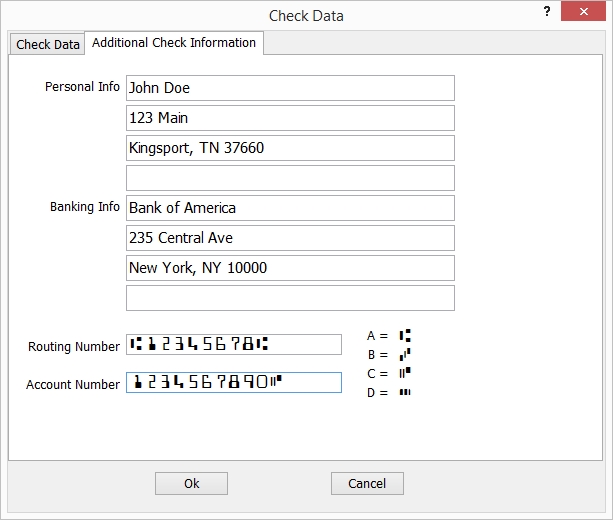
- Category Personal Finance
- Developer WWW.JUSTAPPS.COM
- Available on PC
- OS Windows 10 version 14257.0 or higher
- languages English (United States)
Print Checks for Windows: Streamlining Your Financial Documentation
Print Checks for Windows offers a straightforward solution for individuals and small businesses seeking to produce professional, accurate checks directly from their desktop, eliminating the fuss of manual check writing or relying on third-party services.
An Introduction to a User-Friendly Check Printing Companion
Imagine sitting at your desk, preparing to send out payments, and instead of manually jotting down details or dealing with complicated software, you simply press a button and voilà—your checks are ready to go. That's the promise of Print Checks for Windows by WWW.JUSTAPPS.COM. Designed to be your reliable partner in financial documentation, this app simplifies the process, making check printing accessible and hassle-free. Whether you're handling a handful of personal checks or managing business payments, this application aims to deliver accuracy with minimal effort.
Core Features & Highlights
- Template Customization: Offers a variety of check templates that can be tailored to match your personal or business branding. Easily add logos, customize fonts, and set initial payee details, ensuring each check looks professional.
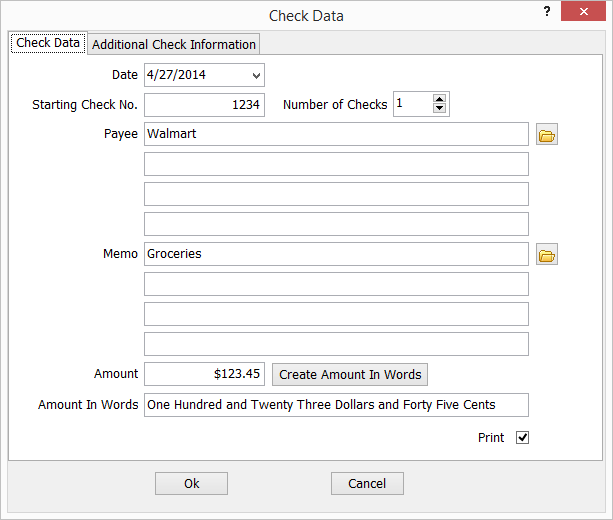
- Auto Fill & Data Management: Supports importing or entering payee and amount information, reducing manual errors and saving time during repetitive check printing tasks.
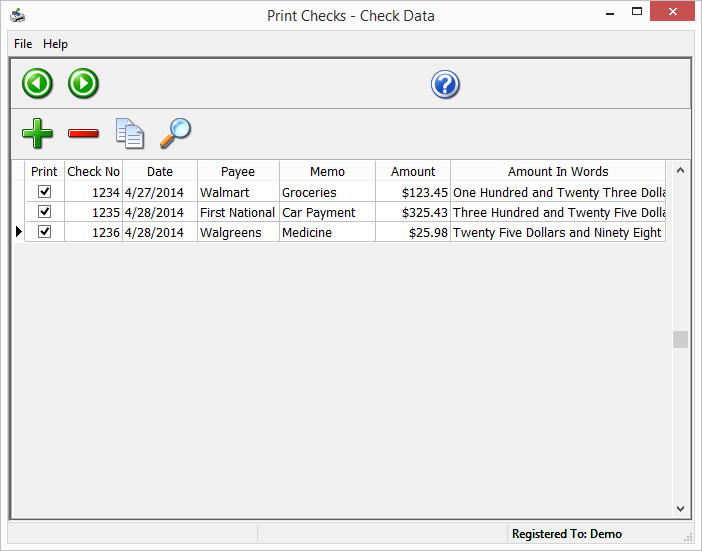
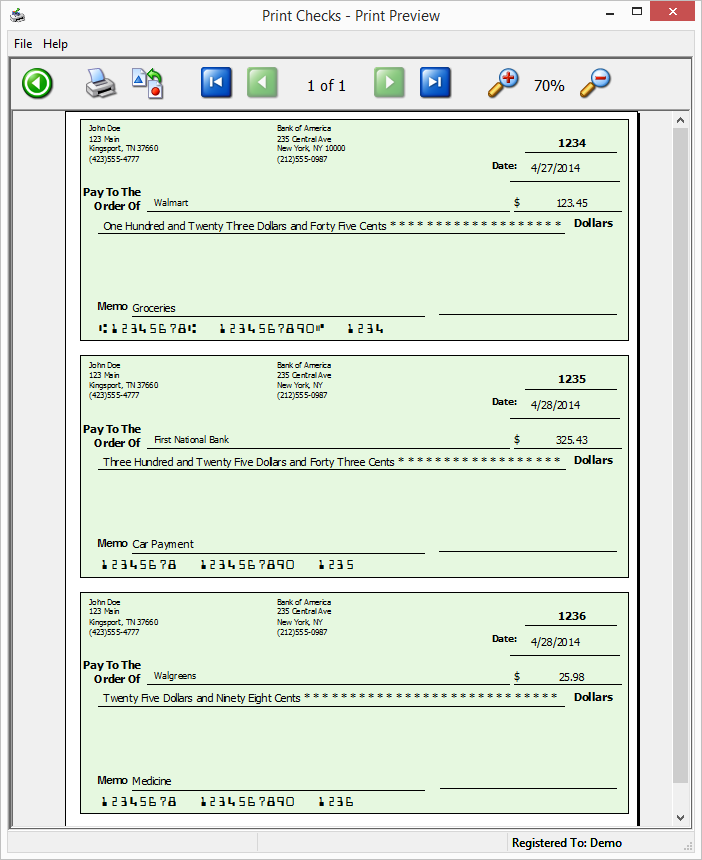
- Batch Printing & Compatibility: Allows multiple checks to be printed in one go, accommodating both individual and batch operations, compatible with most standard check stock printers.
- Security & Data Integrity: Incorporates features to protect sensitive information, complying with basic privacy standards to keep your financial data safe.
Vivid First Impressions: A Friendly Dive into Check Printing
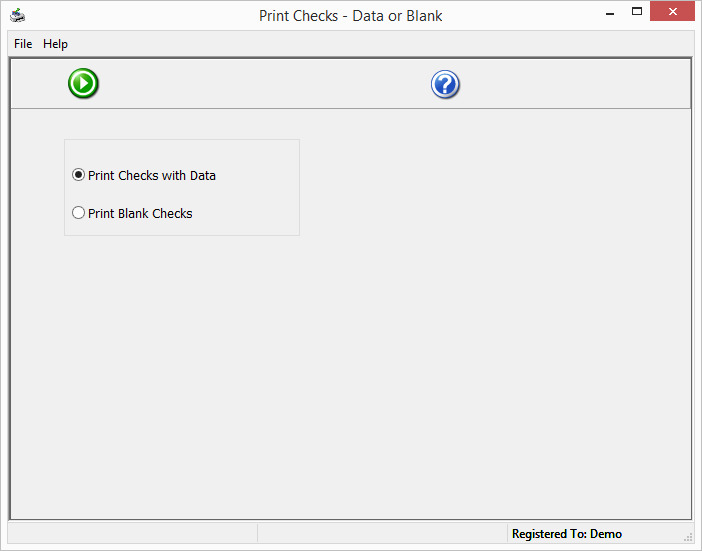
Imagine the familiar scenario: it's payday, and you need to send out multiple checks. Instead of juggling a pen, navigating complex accounting software, or manually creating each check, you open Print Checks for Windows. The interface greets you as a digital workspace designed for clarity and ease—a virtual checkbook that's both inviting and functional. As you click through the few available options, it feels like orchestrating a small, well-structured assembly line, effortlessly producing professional checks from your own desk. This smooth, responsive experience immediately sets the tone: this app is built to make check printing less of a chore and more of a routine.
Deep Dive: Core Functionalities Explored
Template Customization – Your Checks, Your Style
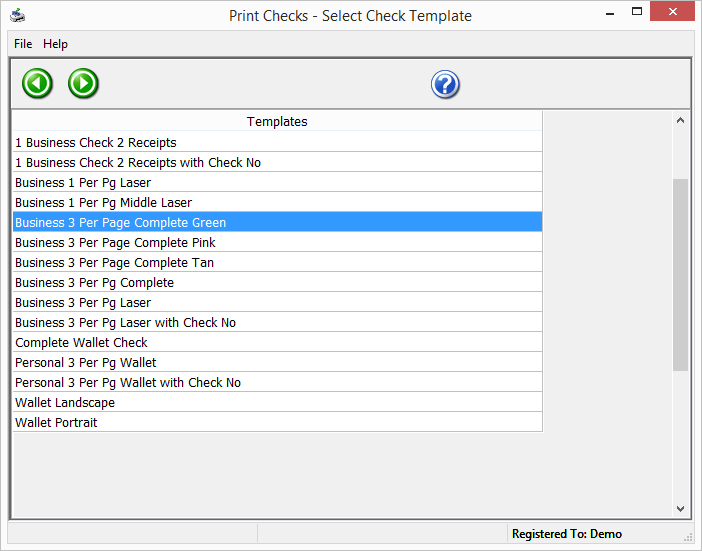
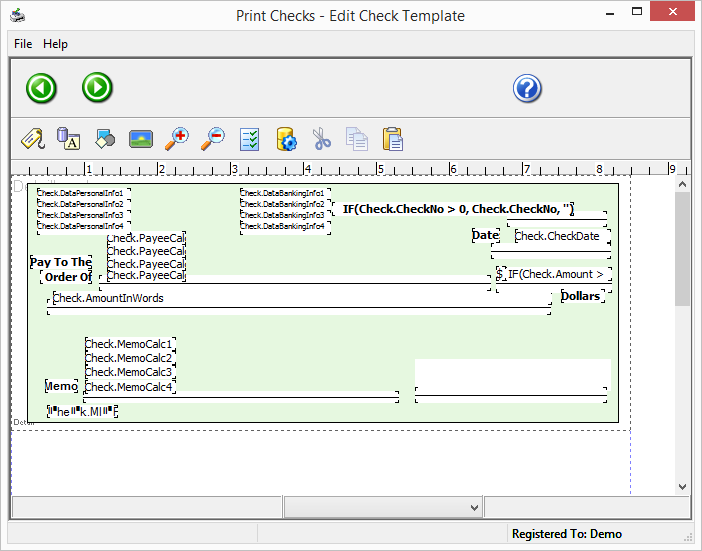
The application's template system is one of its standout features. Unlike some competitors offering generic, static templates, Print Checks for Windows allows you to tweak templates to fit your needs precisely. Want your logo at the top? Done. Prefer a muted color scheme or a specific font? Easy. This flexibility ensures your checks not only meet formal requirements but also resonate with your personal or brand identity. The process is intuitive—simply select a template, edit as needed, and save for future use, making recurring check writing faster and more consistent.
Efficient Data Handling – Say Goodbye to Errors
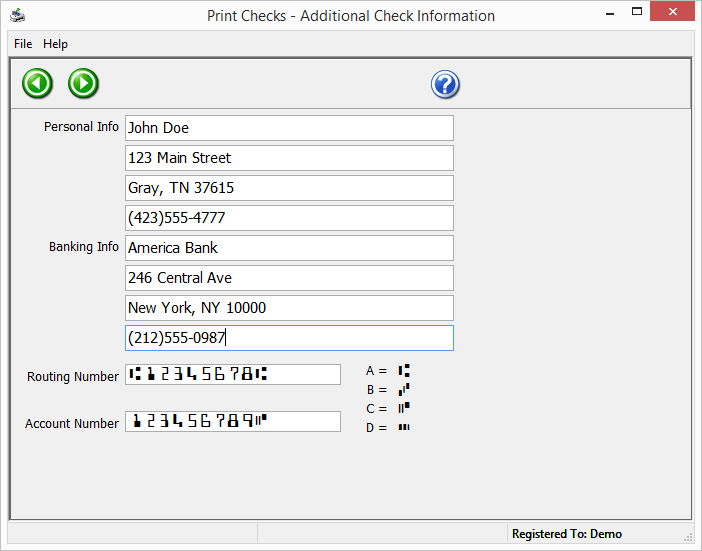
One of the perennial worries with check printing is accuracy—wrong payees, incorrect amounts, misplaced signatures. This app tackles that head-on with its auto-fill feature and robust data management tools. Users can import lists of payees or amounts from CSV files or manually input data, which the app then formats neatly onto checks. The auto-fill function minimizes manual entry, reducing the likelihood of errors—giving you peace of mind and saving precious time, especially when preparing multiple checks at once.
Batch Printing & Compatibility – Ready for Business
For users handling several checks regularly, batch printing is a real blessing. Load your check data and print a stack in one go—no more repeating individual print commands. The app supports standard check stock and works seamlessly with most printers, ensuring you aren't limited by hardware compatibility. This feature boosts productivity and means more checks done with fewer clicks, ideal for small businesses or anyone who prefers to handle payments en masse.
The Experience & Unique Selling Points
The app scores notably in its user-centric design. The interface is clean, organized, and thoughtfully laid out, making the transition from novice to proficient user relatively painless. The learning curve is gentle—intuitive enough for first-time users, yet rich enough in features for experienced check printers. Furthermore, the ability to customize templates sets it apart from many free or generic check printing tools, enabling a personalized touch that professionalizes your financial documents.
Another highlight is its batch processing capability combined with design flexibility—these facilitate both efficiency and branding consistency, a combination that sneaks past many similar applications. While it doesn't boast overly complex financial integrations, for its target audience, simplicity and quality are key.
Final Verdict: Is Print Checks for Windows Worth Your Time?
Given its straightforward approach, customizable templates, and batch printing capabilities, I'd recommend Print Checks for Windows to small business owners, freelancers, or individuals seeking a reliable, no-fuss check printing tool. It's best suited for users who value simplicity paired with the ability to produce professional results without a steep learning curve.
If you're tired of manually filling out checks or dealing with complicated accounting software just for check printing, this app offers a practical, focused solution. With its streamlined workflow and attention to detail, it transforms a mundane task into an efficient, almost enjoyable process—like having a mini printing press at your fingertips. Just prepare your data, select your template, and let the app handle the rest. Your checks will thank you!
Pros
- User-Friendly Interface
- Customizable Check Formats
- Supports Multiple Bank Templates
- Secure Printing Options
- Integration Capabilities
Cons
- Limited Template Library
- Occasional Printing Glitches
- Learning Curve for Advanced Features
- Limited Customer Support
- Initial Setup Requires Some Technical Knowledge