

- Category Business
- Available on PC
- OS Windows 10 version 14316.0 or higher
- languages English (United States)
Clear, Convenient Printing Management on Windows
Printer Driver APP for Windows is designed as a streamlined solution for managing printer tasks directly from your desktop, simplifying the often cumbersome printing process with a user-friendly interface and robust feature set.
About the Developer: Hilarious
Developed by Hilarious, a team dedicated to enhancing user experience in system utility applications, this app aims to deliver a seamless printing experience tailored to both casual users and small office environments.
Key Features That Stand Out
- Unified Printer Management: Easily connect, switch, and manage multiple printers from a single dashboard, reducing the hassle of dealing with different drivers and settings.
- Advanced Print Job Control: Preview, prioritize, or cancel print jobs with just a few clicks, giving users complete control over their printing tasks.
- Cloud Integration Support: Allows printing documents directly from cloud storage services, enhancing flexibility and convenience for users on the go.
- Task Automation & Collaborative Features: Unique among similar apps, it offers task scheduling and sharing options that facilitate collaborative workflows, ideal for small teams.
Vivid Experiences: A Closer Look at the App's Core Aspects
User Interface: Intuitive and Engaging
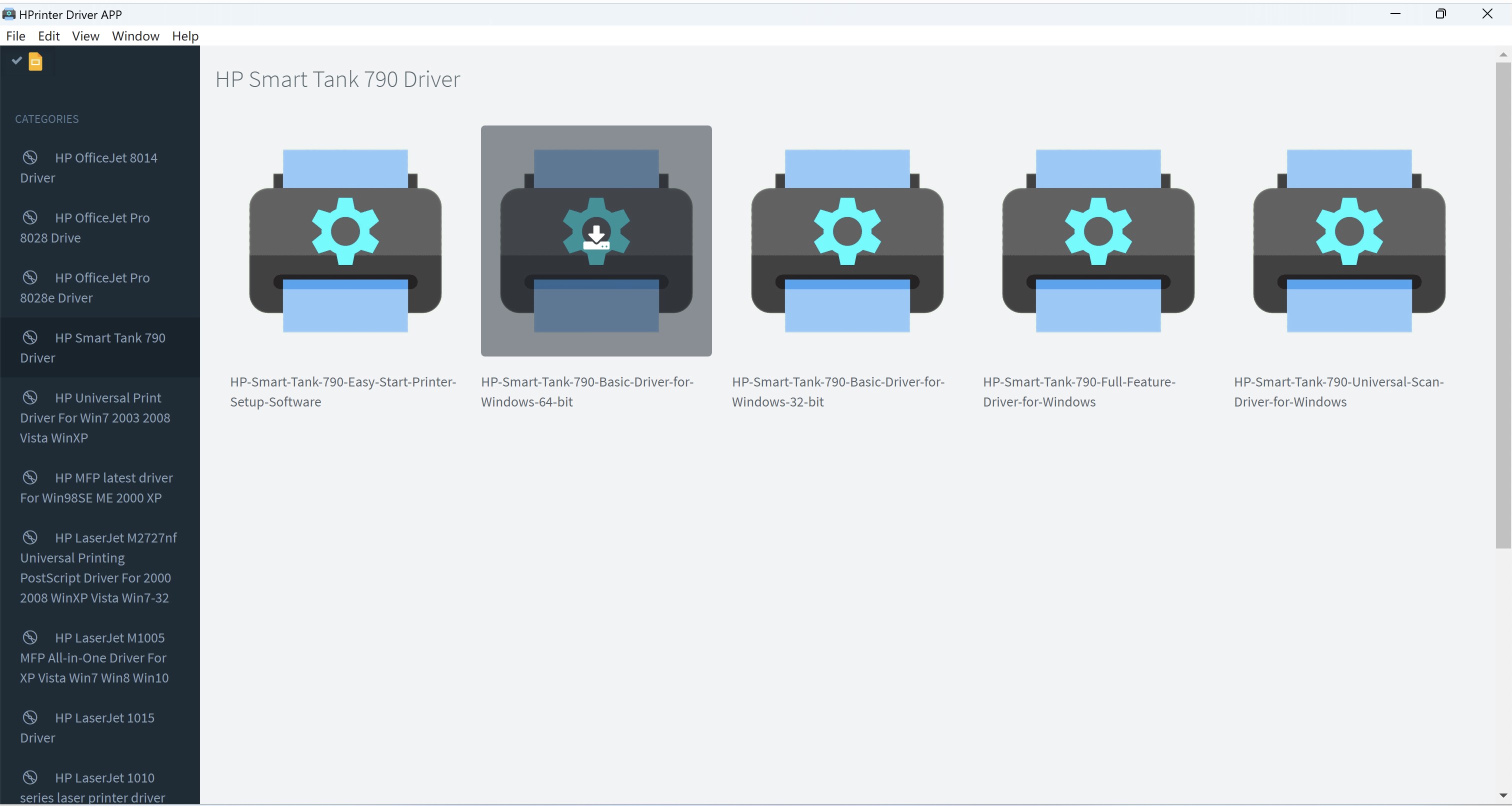
The app boasts a clean, modern interface that feels like a well-organized workspace—nothing distracting, just efficient. The layout mimics a familiar dashboard, with clear icons and logical grouping of functions, making it look like an assistant who's always ready to jump in and lend a hand. New users will find the learning curve gentle, thanks to brief onboarding prompts and contextual hints that guide you through each feature.
Performance & Usability: Smooth as Silk
Performance-wise, the app runs swiftly and responds promptly to commands, a critical aspect for users who need reliable control during busy print jobs. Switching between printers or adjusting settings feels seamless—no lag, no fuss. The app's stability ensures that even during heavy workloads, your printing tasks won't stumble, making it suitable for both personal and small business environments.
Collaboration & Task Management: The App's Star Features
What sets Printer Driver APP apart from other similar utilities is its thoughtful inclusion of collaborative features. Think of it as a team-friendly print manager—users can assign print tasks, share printer access, and automate scheduled prints, turning what used to be a solo task into a shared workflow. This is especially useful in office settings, where multiple users need access without stepping on each other's toes, or in schools managing a fleet of printers with different jobs.
Final Verdict: Recommendation and Usage Scenarios
Overall, Printer Driver APP for Windows earns a solid recommendation for users who seek a comprehensive, easy-to-use printing management tool that elevates routine tasks through its collaborative and task automation features. It's particularly suitable for small teams, educational environments, or tech-savvy individuals who appreciate a bit of automation and control. While it doesn't drastically overhaul traditional printer management, its special focus on streamline multi-printer handling and shared workflows makes it a noteworthy choice.
If you often find yourself juggling multiple printers or need simple yet powerful control over printing tasks, this app could be your new digital assistant—helping you avoid the chaos of disorganized print queues and turning printing into a smooth, collaborative process.
Pros
- Smooth Printer Compatibility
- User-Friendly Interface
- Fast Driver Installation
- Automatic Updates
- Cloud Printing Support
Cons
- Limited Customization Options
- Occasional Compatibility Issues
- Basic Error Messages
- Requires Reboot After Updates
- Minimal Offline Functionality










