

- Category Productivity
- Developer Flick
- Available on PC, Mobile, Surface Hub, HoloLens
- OS Windows 10 version 17763.0 or higher
- languages English (United States)
A Streamlined Solution for Printer Management on Windows
Printer Management - Printer Driver Installer for Windows by Flick is a user-friendly utility designed to simplify and automate the often cumbersome process of installing and configuring printer drivers, ensuring smoother workflows and less frustration for users who frequently manage multiple printers.
Who's Behind the Curtain?
Developed by Flick, a dedicated team committed to enhancing productivity through thoughtful software solutions, this app exemplifies their focus on creating straightforward and effective tools. The publisher, FlickApp, specializes in crafting lightweight yet powerful utilities tailored to streamline common IT and administrative tasks.
Key Features That Shine
- Automatic Printer Driver Detection & Installation: Effortlessly detects connected printers and installs the appropriate drivers without tedious manual searches or multiple downloads.
- Bulk Printer Management: Supports handling multiple printers simultaneously, saving time for users managing large office setups.
- Seamless Workflow Integration: Integrates smoothly into existing workflows, reducing setup time and minimizing interruptions during busy work hours.
- User-Friendly Interface: Intuitive design ensures that even users with limited technical expertise can manage printers confidently.
An Engaging Dive into the App Experience
Imagine the typical scene in a busy office: a new printer arrives, and IT personnel scramble to get it wired, drivers installed, configurations set—often a time-consuming and nerve-racking process. Now, picture a tool that transforms this chaos into a swift, almost effortless task. That's what Printer Management offers—a respite from the often dreaded driver installations, turning a potential bottleneck into a streamlined sequence.
Core Functionalities in Detail
Smart Driver Detection & Installation
The app's standout feature is its intelligent detection system. Plug in a printer, and it quickly recognizes the device, identifies the correct driver from an extensive database, and initiates installation—all within a few clicks. This removes the need for manual driver searches, which can often be a scavenger hunt through various manufacturer websites or driver repositories. The process feels like having a knowledgeable assistant who anticipates what's needed and acts swiftly.
Batch Management for Multiple Devices
For environments where multiple printers are in use—be it an office, school, or print shop—the app's batch operation capability is invaluable. Users can select several printers and handle their installations in a single session, drastically reducing setup time and potential errors. Imagine the impact: what could take hours becomes a matter of minutes, freeing up resources and allowing focus on more critical tasks.
Evaluating User Experience and Differentiators
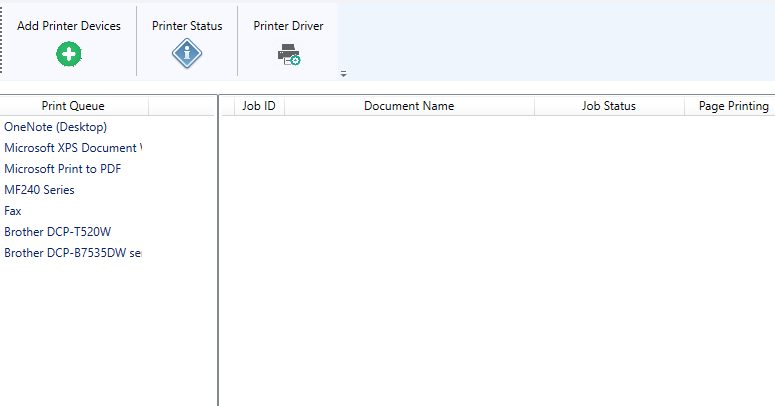
The application's interface is clean and minimalistic, akin to a well-organized toolbox—no unnecessary clutter, just straightforward options. The flow from detection to installation is logical and intuitive, making it accessible even for non-technical users. Performance-wise, it exhibits smooth operation—no lagging or crashes—ensuring your workflow remains uninterrupted. The learning curve is gentle, with guided prompts and clear instructions, making future management tasks even easier.
What truly sets it apart from other productivity tools is its powerful focus on workflow integration and user cognitive load reduction. Unlike bloated printer management suites that bombard users with an array of options and complex configurations, this app zeroes in on the essentials: detecting, installing, and managing multiple printers efficiently. Its design philosophy reduces cognitive strain, allowing users to accomplish tasks rapidly without navigating through convoluted menus.
Final Verdict and Recommendations
Overall, Printer Management - Printer Driver Installer for Windows offers a practical, efficient solution for printer setup and management. Its standout ability to automate driver detection and handle multiple printers simultaneously makes it especially valuable for IT professionals, office administrators, and anyone frequently managing multiple devices. I would recommend it to users seeking a lightweight yet powerful tool that integrates seamlessly into daily workflows, saving time and effort.
While not inundated with unnecessary features or complex configurations, its core strengths lie in simplicity and efficiency—traits that earn it a solid place in any productivity toolkit. If quick, reliable printer setup is a recurring need in your environment, this app is definitely worth trying out.
Pros
- User-friendly interface
- Streamlined driver installation process
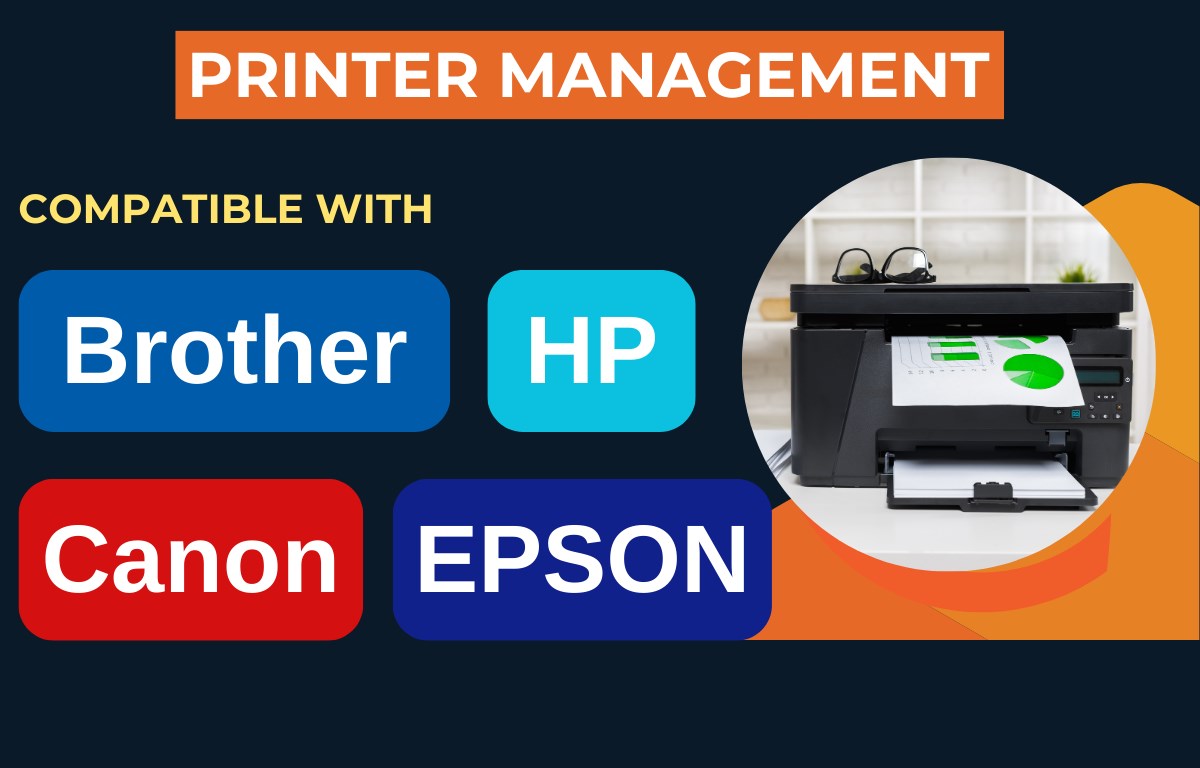
- Supports a wide range of printers
- Batch installation capability
- Automatic updates for drivers
Cons
- Limited customization options
- Occasional compatibility issues with certain printer models
- Requires administrator privileges to install drivers
- Interface could be more modern and intuitive
- Delayed updates for some printer drivers











