

- Category Productivity
- Developer Variisoft Software Technology Co., Ltd.
- Available on PC, Mobile, Surface Hub, HoloLens
- OS Windows 10 version 16299.0 or higher
- languages English (United States)
Streamlining Content Management with PUB Editor Pro 2 for Windows
Imagine having a reliable assistant that effortlessly organizes your publication workflows while reducing the cognitive load—welcome to PUB Editor Pro 2, an innovative editing and publishing tool designed to elevate your content creation experience on Windows.
About the App: Who It Is For
Developed and published by Variisoft Software Technology Co., Ltd., PUB Editor Pro 2 is a comprehensive publishing editor tailored for professional developers, editors, and content creators seeking to streamline their publication processes.
- Main Features Highlights:
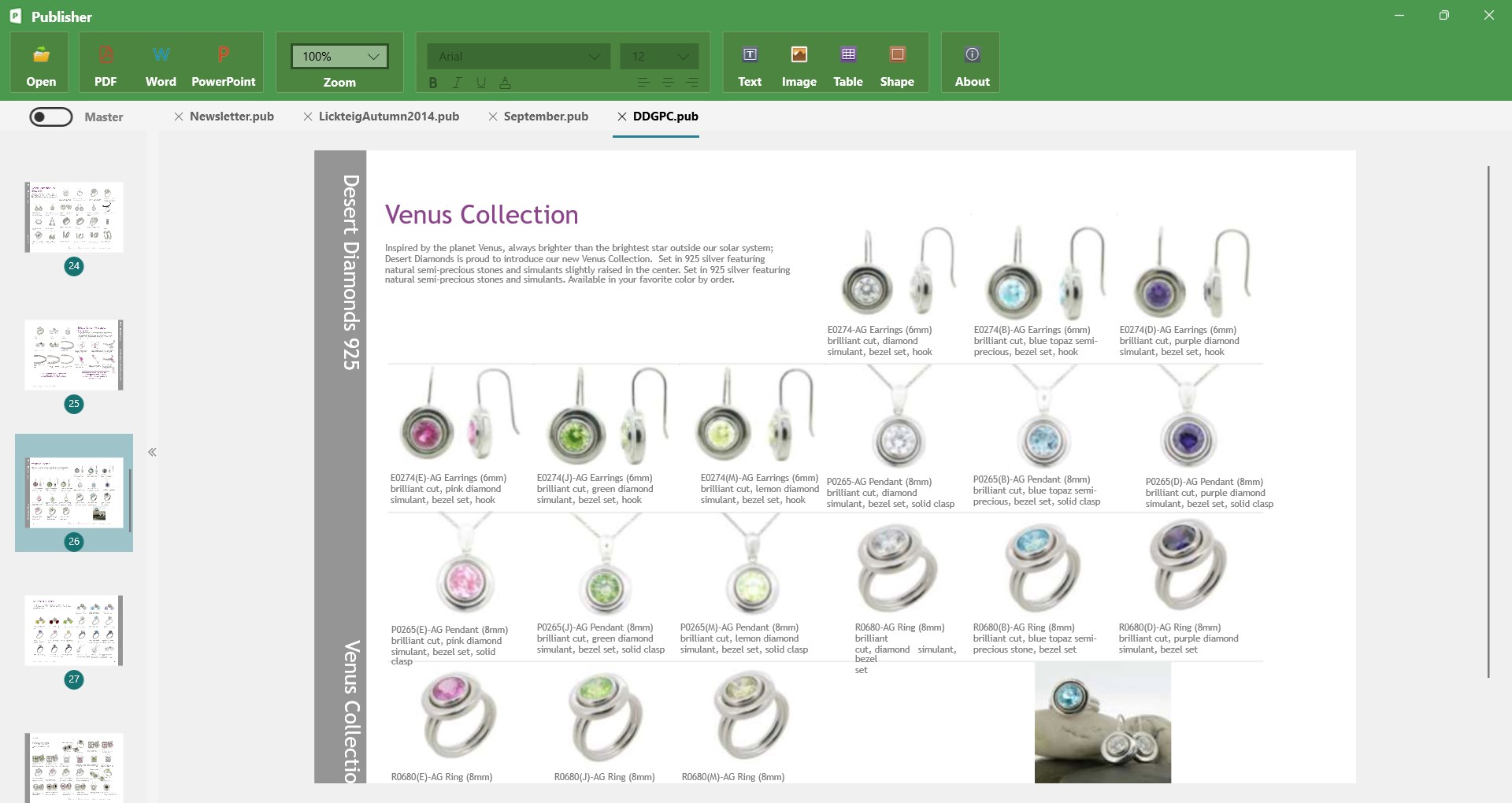
- Intuitive WYSIWYG editing interface designed for precision and ease
- Robust content organization tools, including version control and multi-format support
- Seamless integration with workflow tools to enhance productivity
- Customizable templates and export options catering to diverse publishing needs
- Target User Group: Content professionals, technical editors, and digital publishers aiming for efficient, organized publication workflows on Windows platforms.
A Fresh Take on Content Editing: An Engaging Introduction
Think of PUB Editor Pro 2 as your digital atelier—where your creative ideas are smoothly molded into polished publications. Its interface invites you in like a cozy workspace, yet behind the inviting facade lies a powerhouse engineered to reduce complexity. Whether you're juggling multiple articles or managing intricate layouts, PUB Editor Pro 2 aims to be your trusty partner—minimizing distractions and maximizing your focus on content quality. It's akin to having a seasoned editor sitting right beside you, guiding your work with gentle efficiency.
Core Functionality That Sets it Apart
1. User-Friendly Editing with Visual Precision
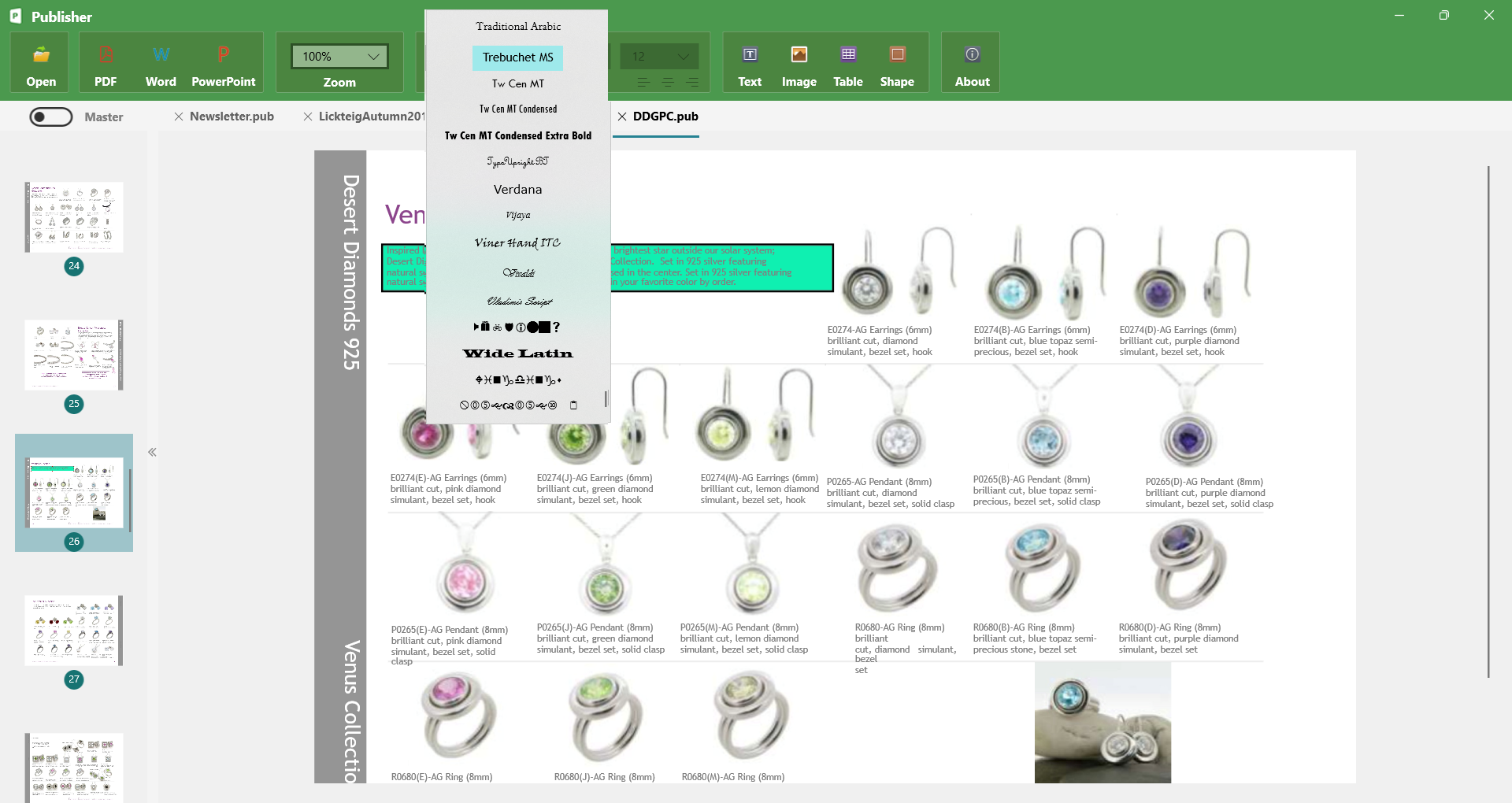
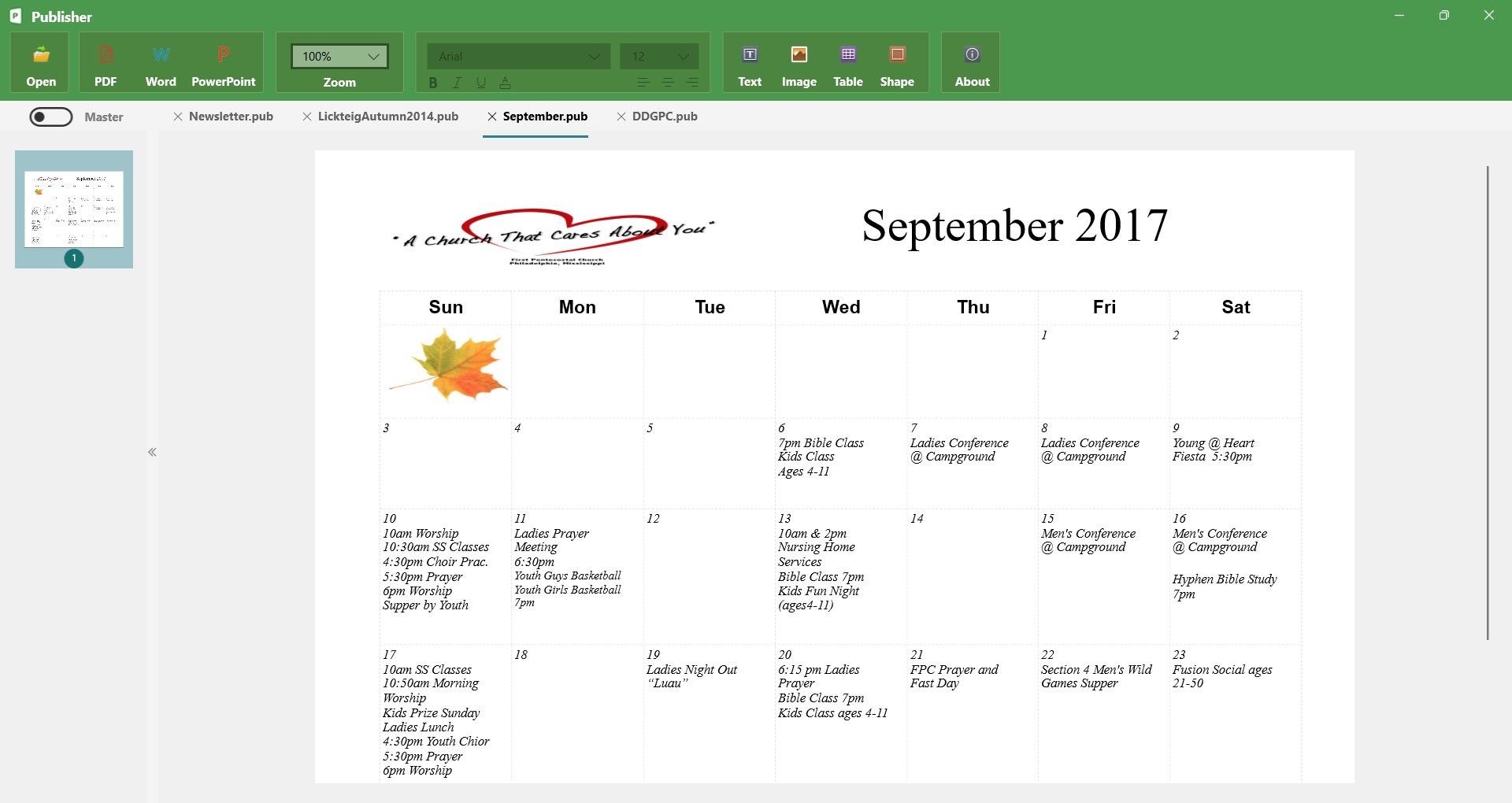
The heart of PUB Editor Pro 2 lies in its WYSIWYG (What You See Is What You Get) editor, which provides an intuitive environment akin to familiar word processors but with specialized tools catering to publishing needs. Its drag-and-drop capabilities, real-time preview, and rich formatting options streamline editing tasks—making it accessible for both seasoned professionals and newcomers alike. This design minimizes the learning curve, allowing users to focus on content rather than wrestling with complex menus.
2. Intelligent Workflow Integration
One of the app's standout features is its ability to seamlessly connect with your existing workflow tools. Whether you're integrating with cloud storage, version control systems, or content directories, PUB Editor Pro 2 reduces the friction often encountered in multi-step publishing processes. Think of it as a skilled conductor coordinating different instruments; it ensures all parts—content input, editing, review, and export—play harmoniously, leading to faster turnaround times and a less fractured cognitive posture during busy projects.
3. Customizable Templates and Export Flexibility
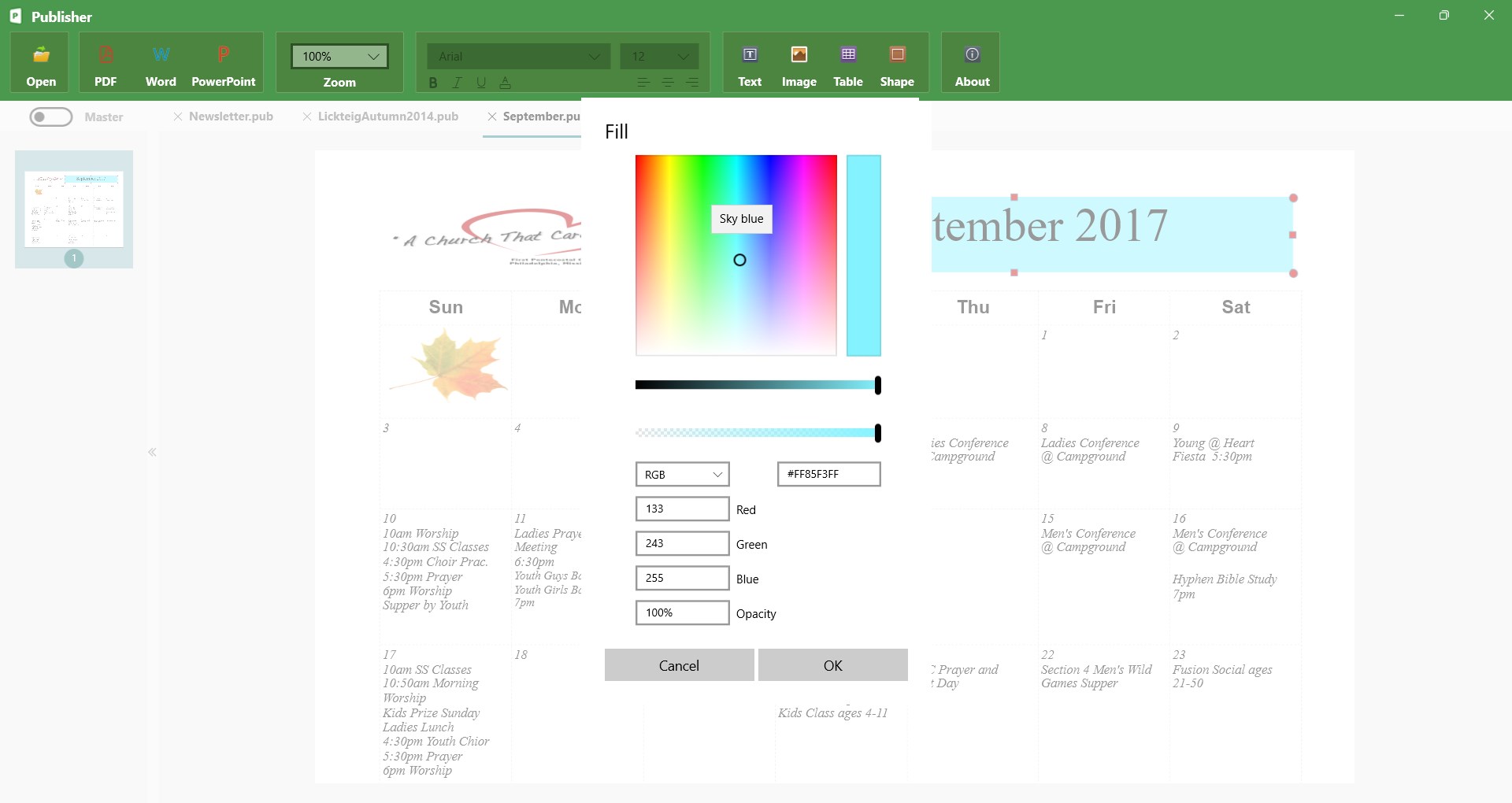
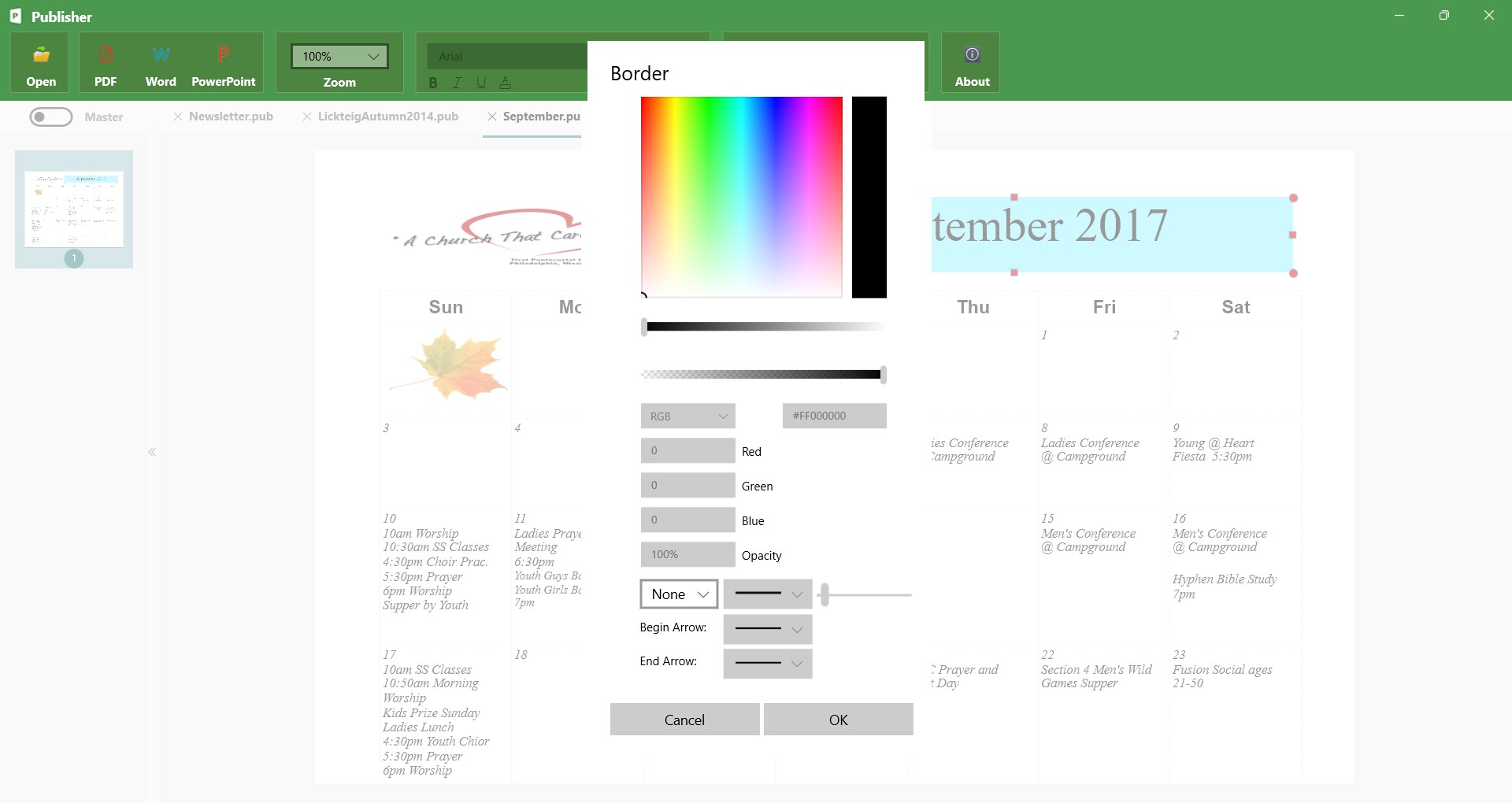
Creating consistent and professional-looking publications becomes effortless with a library of customizable templates. Whether preparing journal articles, brochures, or e-books, users can tailor designs to suit branding or stylistic preferences. Export options for various formats (PDF, Word, HTML) further extend the app's versatility, making it suitable for diverse publishing environments. This flexibility enhances productivity by reducing the need for recurring formatting work and streamlining final delivery.
Design, Usability, and the User Experience
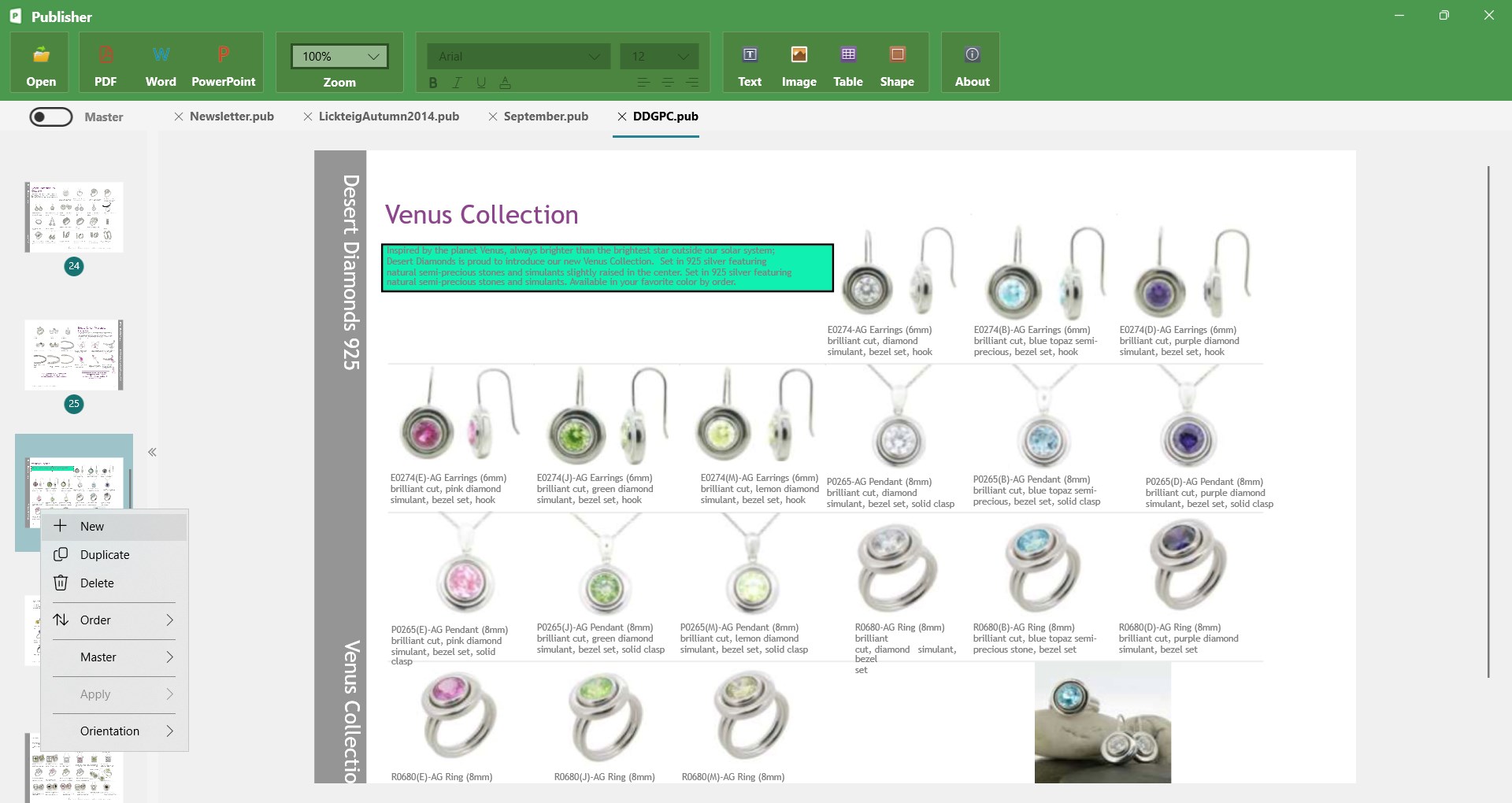
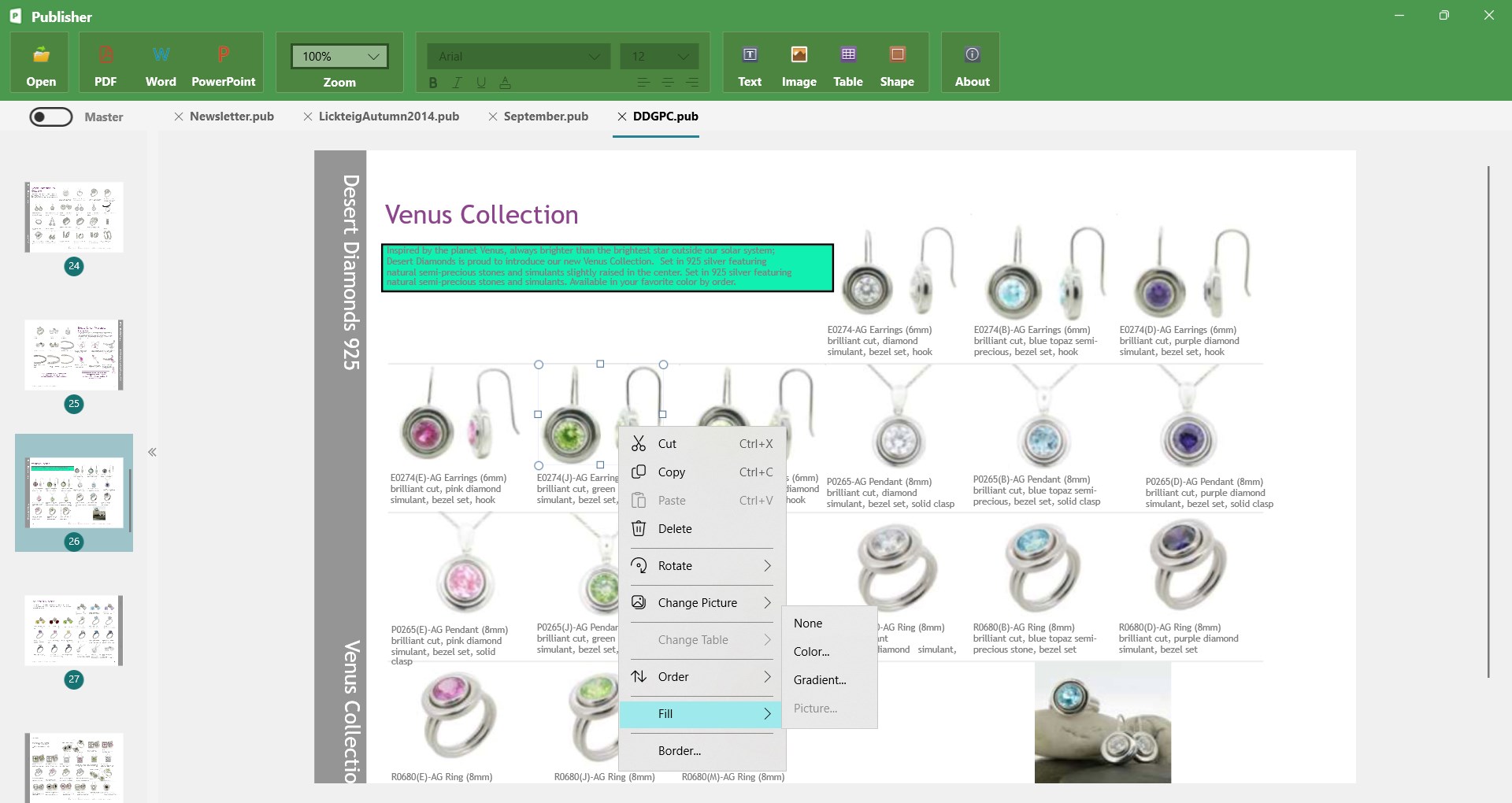
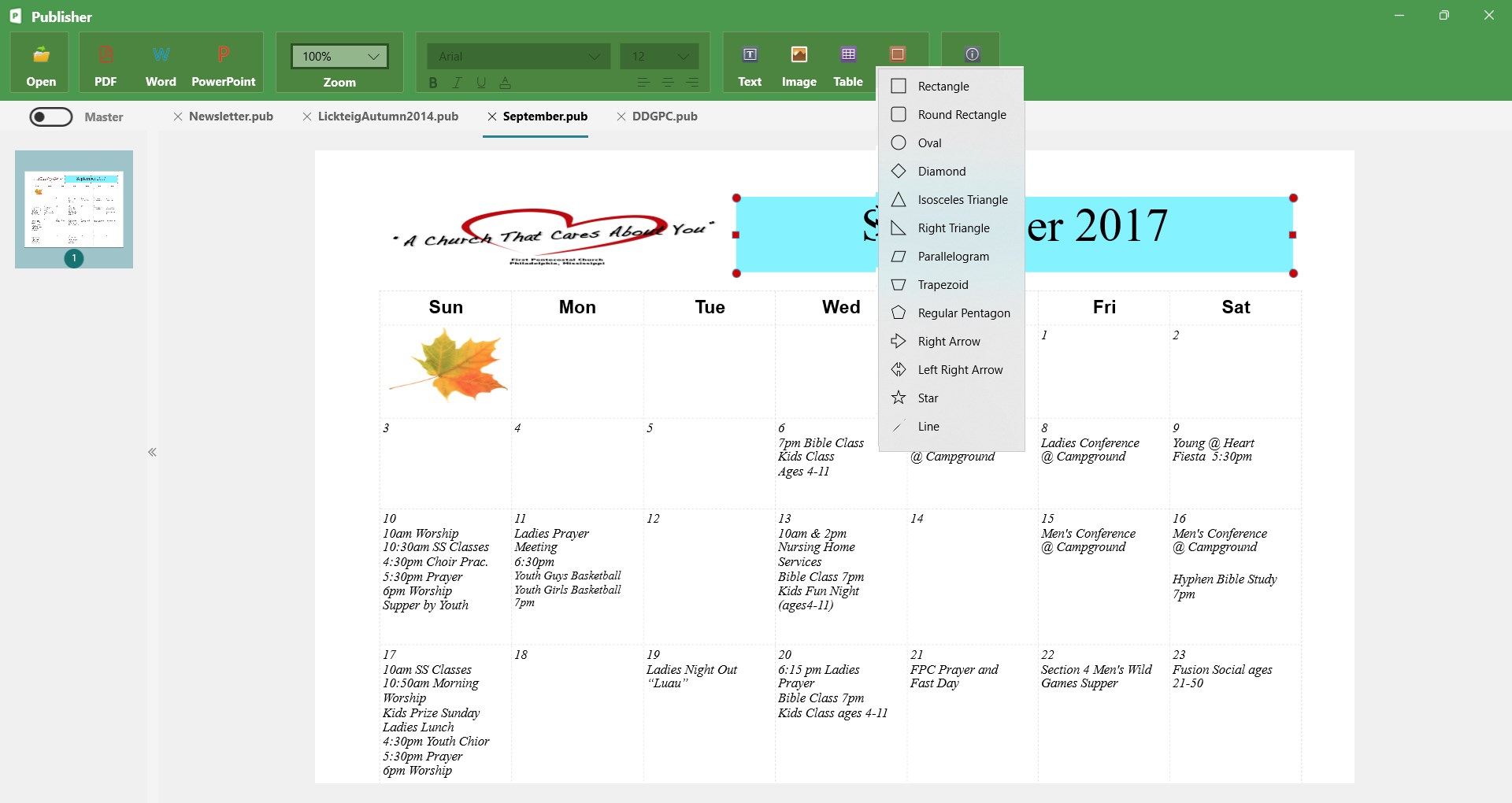
The interface of PUB Editor Pro 2 feels like a well-organized studio—clean, uncluttered, yet packed with useful tools. The layout prioritizes workflow efficiency, with commands logically placed to minimize searching time. Navigation is smooth, and tasks like inserting images or managing sections are effortless, thanks to thoughtful iconography and context menus. Users typically find the learning curve gentle; a new user can start productive editing within minutes, even if unfamiliar with specialized publishing software.
Moreover, the app maintains fluid responsiveness even when handling large documents, contributing to a distraction-free environment. Its design carefully balances feature richness with simplicity—reducing cognitive load by avoiding overly complicated menus or redundant options. For professional publishers or editors pressed for time, this translates into a more focused, less stressful working experience.
Unique Selling Points and Competitive Edge
Compared to other productivity tools in the publishing domain, PUB Editor Pro 2's standout feature is its workflow integration efficiency—specifically, its ability to connect multiple steps into a cohesive pipeline without overwhelming the user. Unlike more feature-heavy editors that may complicate the user experience, this app emphasizes reducing feature overload to lessen cognitive strain. Its intelligent design ensures that users spend less time managing technical aspects and more time on core content creation.
This focus on reducing mental workload, combined with flexible editing and export capabilities, makes PUB Editor Pro 2 uniquely positioned for those who value streamlined, efficient publication workflows.
Final Thoughts and Recommendations
If you're seeking a Windows-based publishing tool that offers a balanced combination of ease-of-use, workflow integration, and professional output, PUB Editor Pro 2 deserves serious consideration. It's particularly well-suited for content creators and editors who prefer a tidy yet powerful environment that minimizes distractions and cognitive overload.
While it may lack some of the advanced layout features of high-end desktop publishing software, its strength lies in making routine editing and publishing tasks straightforward and efficient. For users looking to enhance productivity without sacrificing control, PUB Editor Pro 2 is a recommended choice—especially if your workflow benefits from seamless tool integration and a clean interface.
Pros
- User-Friendly Interface
- Comprehensive Editing Tools
- Fast Processing Speed
- Excellent Compatibility
- Regular Updates and Support
Cons
- Limited Free Features
- Occasional Crashes on Large Files
- Learning Curve for Advanced Features
- Export Options Could Be Expanded
- Minor UI Glitches











