





- Category Music
- Developer Patrick G. Leamy
- Available on PC
- OS Windows 10 version 17763.0 or higher
- languages English (United States)
Unveiling PULSÉ Music Visualizer: A Fresh Take on Visual Audio Experience
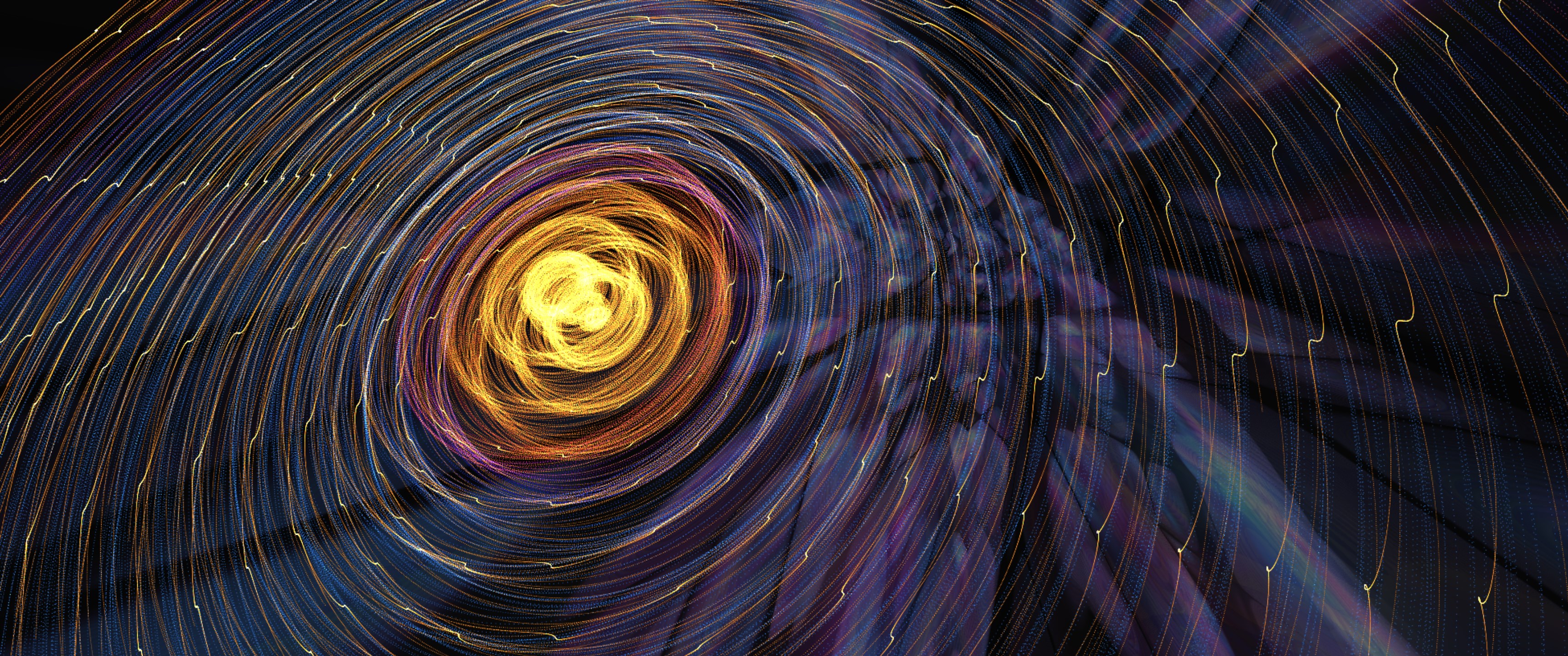
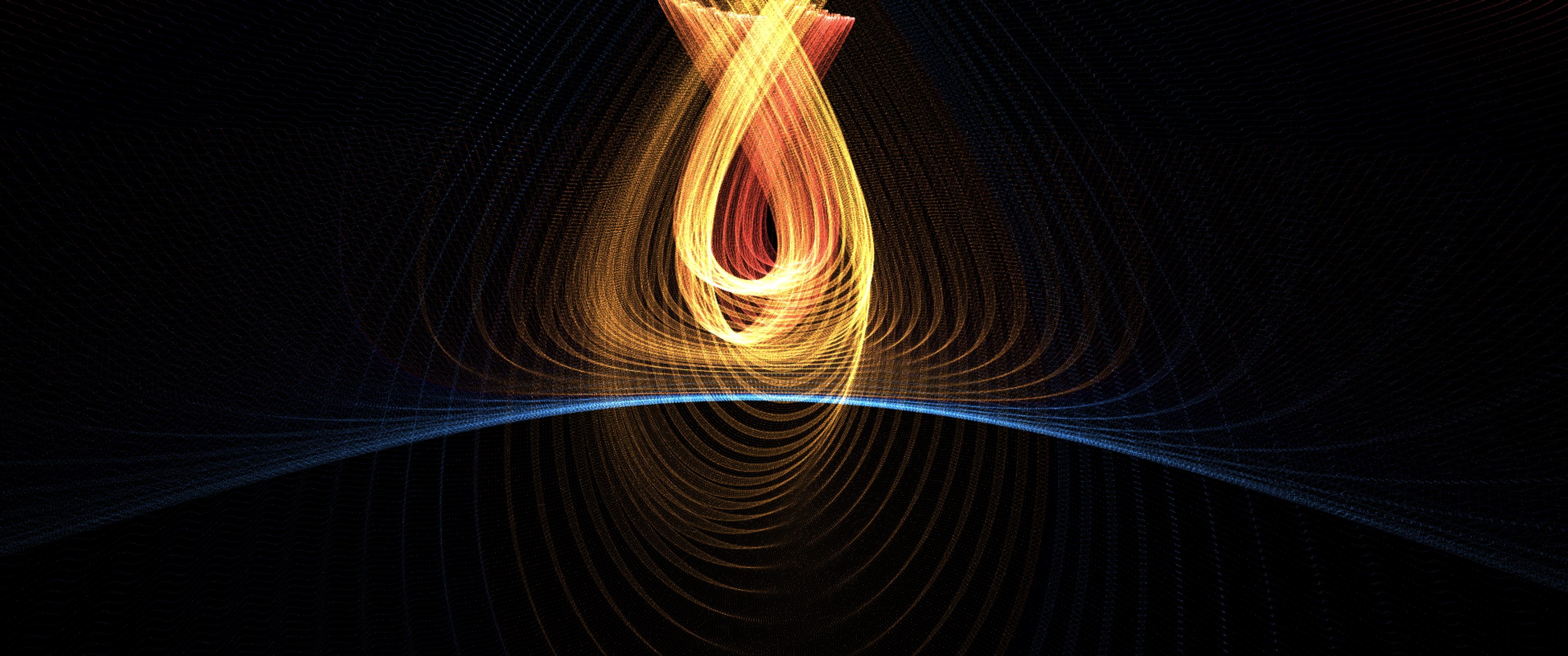
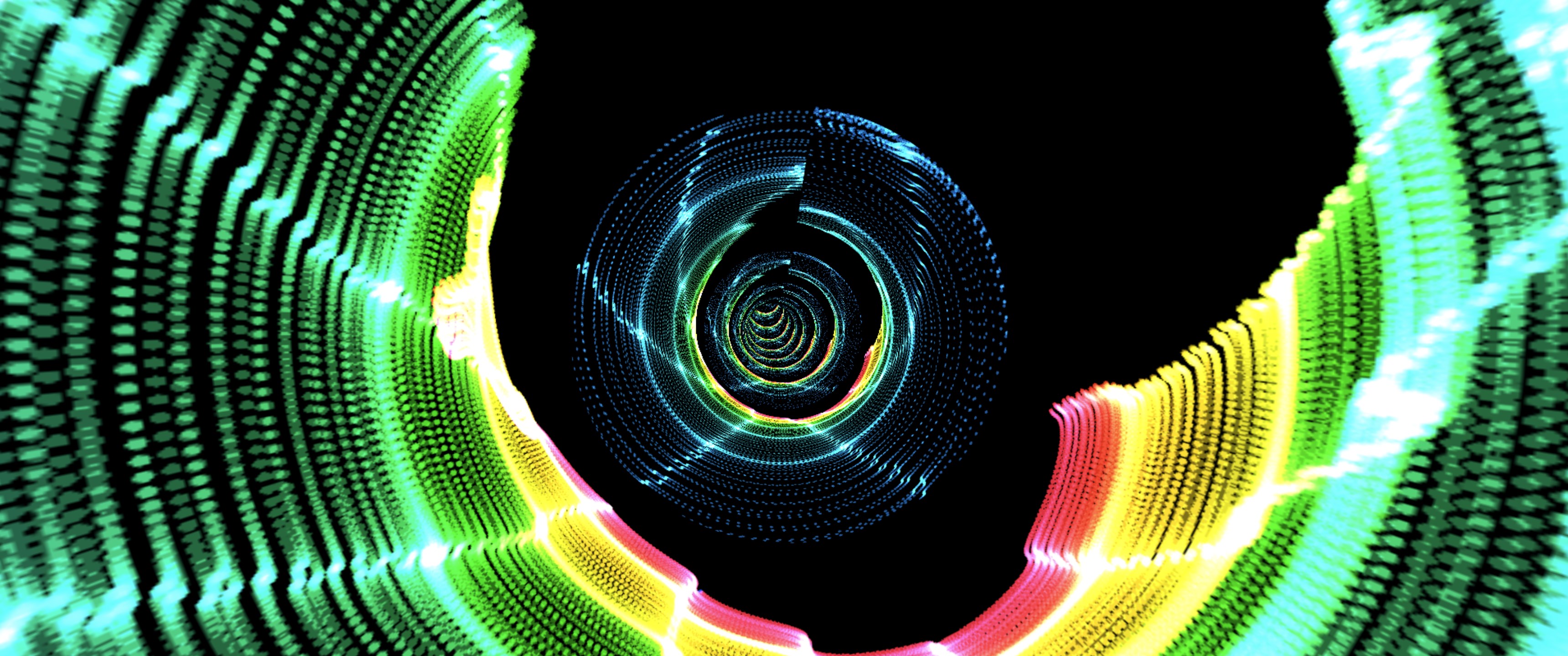
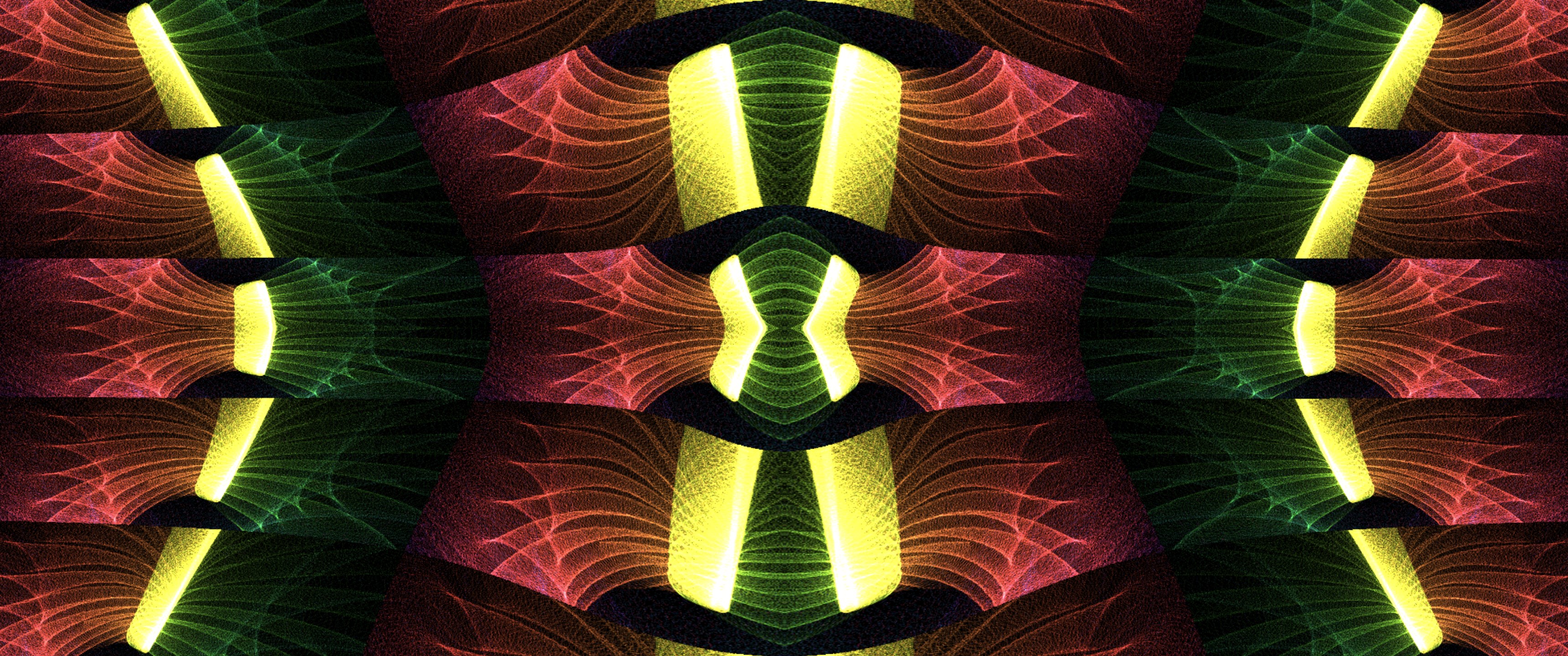
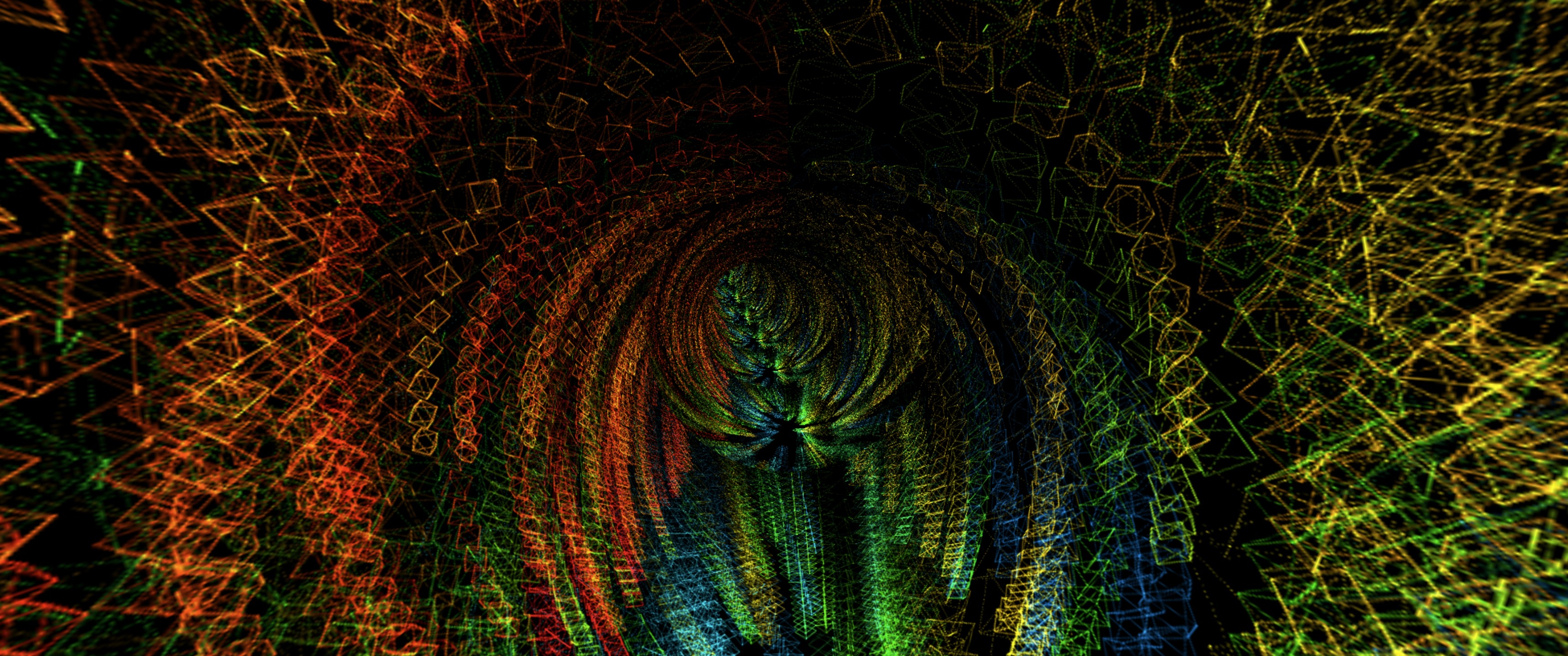
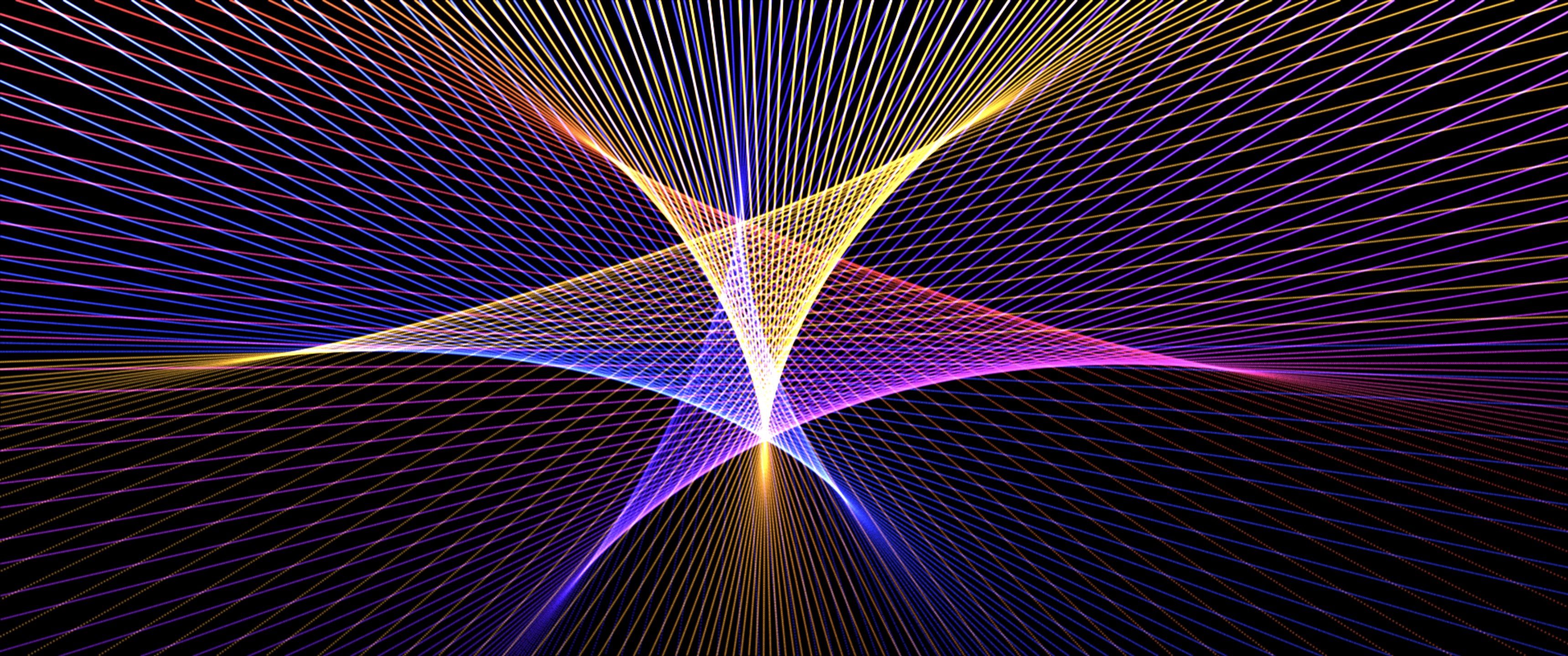
Imagine transforming your music sessions into a mesmerizing visual journey with smooth, synchronized displays—that's exactly what PULSÉ Music Visualizer aims to offer. Designed for Windows users seeking an engaging yet straightforward visual accompaniment, this app stands out by blending artistic visuals with functional design, making your musical moments more vivid and immersive.
Developer and Core Features
Developed by Patrick G. Leamy
PULSÉ Music Visualizer is a product of Patrick G. Leamy's dedication, bringing a refined visual experience directly to your Windows desktops. As both the developer and publisher, Leamy maintains a focused vision on delivering a smooth, user-centric visualizer that caters to music enthusiasts and casual listeners alike.
Key Highlights
- Smooth Audio-to-Visual Synchronization: The app excels in real-time synchronization, ensuring visuals respond seamlessly to your music's rhythm without noticeable lag.
- Rhythm Pattern Variety: It offers multiple visual themes and pattern options, allowing users to explore different styles that match various genres or moods.
- Customizable Visual Settings: Users can tailor the intensity, colors, and complexity of visual effects, creating a personalized visual experience.
- Low Latency Tolerance: Designed to perform well even with high CPU loads or system congestion, making it reliable across different hardware configurations.
The target audience encompasses music lovers who want a visually appealing way to enhance their listening experience, casual users interested in creating a vibrant ambiance, and even streamers or content creators looking for a reliable visualizer tool on Windows.
Vivid Visuals and Fluid Interaction
From the moment you launch PULSÉ, its sleek, intuitive interface welcomes you like a trusted companion in your musical adventures. The design is modern yet unobtrusive, highlighting key controls without clutter, as if the visuals are effortlessly flowing onto your screen. Navigating through various themes is a breeze—simply click and select, with immediate visual response. The app's rendering is notably smooth, with visuals reacting in real-time to beats and melodies, akin to a skilled dancer moving in perfect harmony with its music partner. This cohesiveness makes it especially appealing for users who crave a seamless experience without distracting glitches or latency hiccups.
Learning curves are gentle; even those new to visualizers will find it straightforward to adjust settings and explore different styles. If you're used to standard media players, PULSÉ's clean layout and quick responsiveness make it feel natural to operate, turning setup into a matter of seconds.
Unique Strengths: Rhythm Variety and Latency Tolerance
What sets PULSÉ apart from many other visualizers is its emphasis on rhythm pattern variety combined with a thoughtful approach to latency tolerance. Unlike simpler visualizers that resort to basic waveforms or static patterns, PULSÉ offers multiple distinct visual styles that can interpret complex rhythms and diverse musical textures—think of it as having a palette of artistic brushes tailored for different musical landscapes. Whether you're listening to drum-heavy EDM or subtle acoustic tunes, the visual responses are tailored to enhance the mood.
Further, its low latency performance ensures that visual reactions keep pace with your music even under demanding circumstances, such as high CPU usage or system resource constraints. This reliability makes it a practical choice for live performances, streaming setups, or casual listening sessions where seamless synchronization makes all the difference.
Final Thoughts and Recommendations
If you're seeking a no-nonsense, visually appealing music visualizer that balances ease of use with diverse, high-quality visual patterns, PULSÉ Music Visualizer is worth exploring. Its standout features—especially rhythm pattern variety and robust latency management—bring a level of sophistication often missing in free or basic visualizer tools.
While not overflowing with overly complex customization options, it offers just enough flexibility to keep your visuals engaging and synchronized. I'd recommend it for anyone who wants a reliable, elegant way to elevate their music sessions without fussing over complicated settings. Whether you're relaxing at home, hosting a party, or creating content, PULSÉ provides a trustworthy visual companion that's both pleasing and practical.
Pros
- Intuitive and customizable visualizations
- Real-time synchronization with music playback
- User-friendly interface
- Lightweight with low system resource usage
- Supports multiple music sources including local files and streaming platforms
Cons
- Limited free features and customization options
- Occasional lag or stuttering during high-intensity visual effects
- Lack of comprehensive tutorials or user guidance
- No option to save or share custom visualizations directly
- Limited support for certain file formats and streaming services











