

- Category Productivity
- Developer Pkzoid (Akash Siddique)
- Available on PC
- OS Windows 10 version 0.0 or higher
- languages English, English (United States)
Quick Optimizer for Windows: A Streamlined Tool to Boost Your Productivity
Quick Optimizer for Windows aims to be your go-to companion for maintaining, optimizing, and streamlining your PC's performance without the hassle and complexity of traditional tools.
About the Developer and Core Features
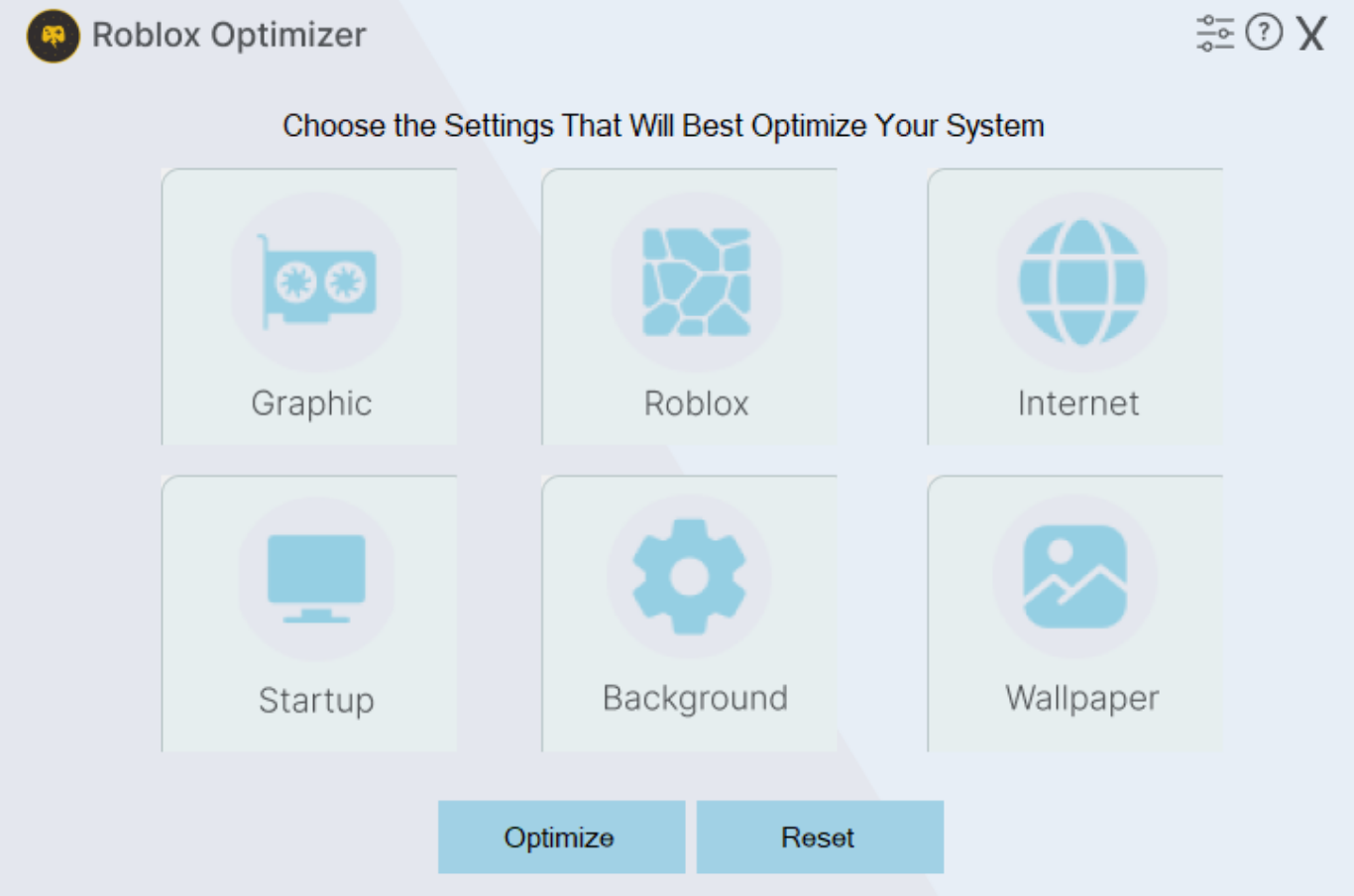
Developed by Pkzoid (Akash Siddique), this application positions itself as a lightweight yet powerful utility designed to enhance your Windows experience. The app focuses on ease of use, combining core optimization features into a single, intuitive interface.
- Key Highlights: Automatic system cleanup, intelligent startup management, and tailored performance tuning.
- Target Users: Windows users seeking a straightforward solution to improve system speed and stability, from casual users to small business professionals.
A Fresh Take on System Optimization
Imagine your Windows PC as a busy workspace: cluttered inboxes, overloaded circuits, and a growing to-do list. Quick Optimizer acts like a diligent assistant, tidying up your digital environment with a few simple clicks, so your device runs smoothly as if it just received a fresh makeover. Its clean, clutter-free interface invites users of all levels into a realm of efficient system management—no complicated manuals or expert knowledge required.
Smart Cleaning and Maintenance
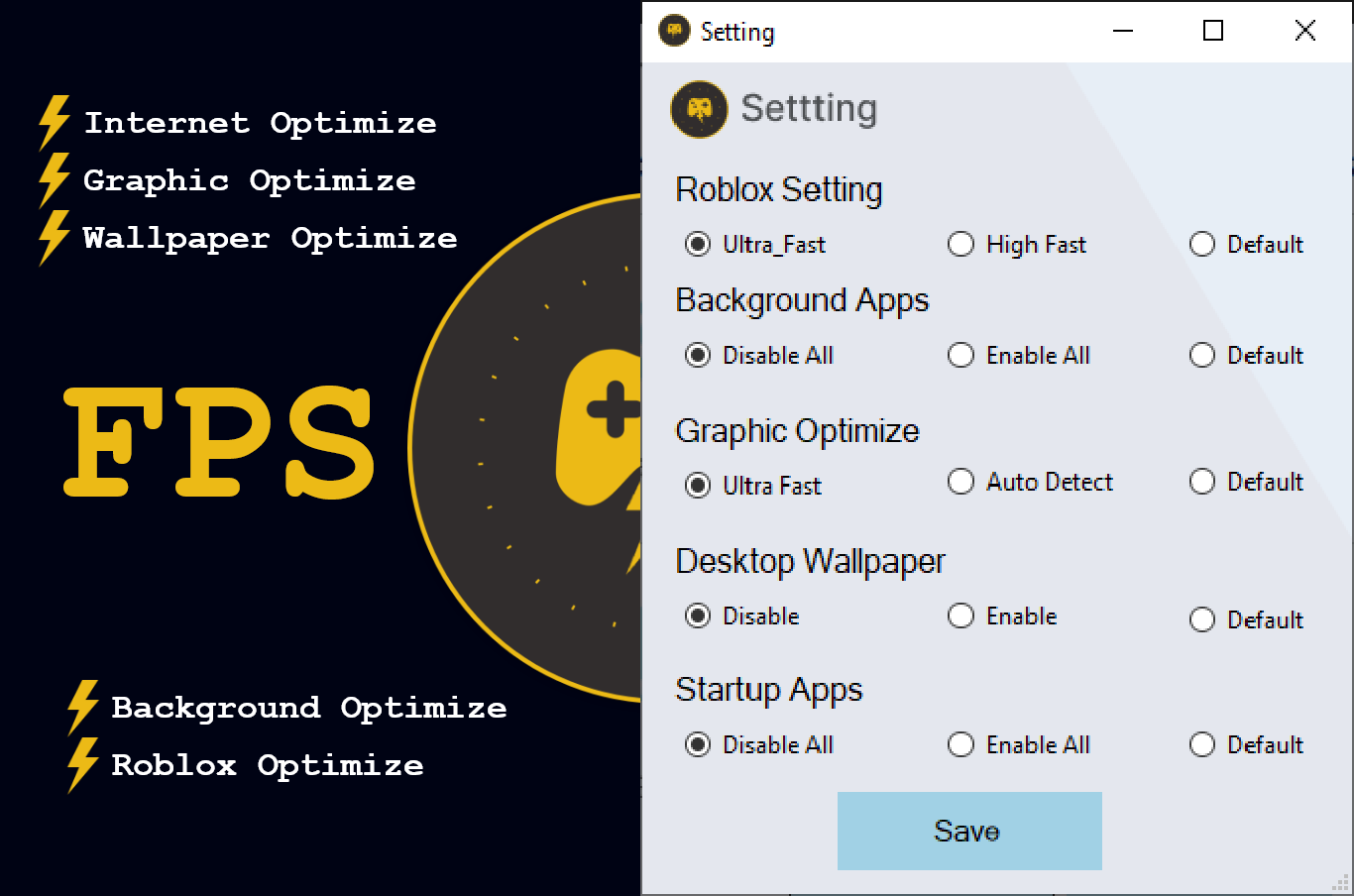
One of the app's standout features is its automatic system cleanup. It scans for unnecessary files, temporary cache, and redundant data that silently pile up over time—much like junk mail cluttering your desk. The tool then offers an easy way to remove this clutter, freeing up disk space and reducing background load. It's like decluttering your workspace, helping your PC breathe easier and work faster. The process is quick, non-intrusive, and designed to minimize user effort while maximizing results.
Startup Optimization and Performance Tuning
Launching applications each morning can often feel like waiting in line — slow and tiresome. Quick Optimizer's startup management feature reorganizes and disables unnecessary startup programs, allowing your PC to boot up swiftly. Think of it as pruning a garden: removing overgrown branches to allow the most vital flowers—your essential apps—to flourish. The tool provides a clear overview of startup items, enabling users to make informed decisions effortlessly. Its performance tuning options allow for tailored adjustments based on user needs—whether prioritizing speed for gaming or stability for work tasks.
User Experience: Friendly, Efficient, and Accessible
The app sports an uncluttered, modern interface that feels like a well-organized toolbox—everything you need is just a tap away. The operation flow is seamless; running a system check or cleanup takes seconds, and the intuitive layout reduces the learning curve significantly. Even users unfamiliar with system optimization will find it straightforward to navigate, thanks to clear labels and helpful prompts. It's akin to having a personal assistant guiding you through a maintenance routine without overwhelm.
Unique Strengths and Differentiators
What sets Quick Optimizer apart from similar tools? Primarily, its focus on workflow integration efficiency. Unlike some bloated utility suites packed with distracting features, this app hones in on essential optimization tasks, reducing cognitive load for users. Its intelligent automation reduces the need for manual intervention, making the optimization process feel like a gentle nudge rather than a series of complex steps. Moreover, its minimalistic design ensures that users can quickly execute tasks without being bogged down by numerous options or confusing menus.
Should You Try It? Recommendations and Final Thoughts
Overall, Quick Optimizer for Windows presents itself as a practical, user-friendly utility that delivers on its promise of streamlining system maintenance without unnecessary complexity. If you're someone who appreciates simplicity but wants tangible performance gains, this app is worth exploring. It's especially suitable for users who prefer to keep system organs functioning smoothly with minimal effort.
While it may not replace comprehensive tuning suites for advanced users, its clear focus on core optimization features makes it a competent companion for daily PC upkeep. I recommend it for those seeking an uncomplicated, effective tool to keep their Windows PC running optimally—think of it as your digital valet, quietly working behind the scenes to maintain peak performance.
Pros
- Easy to use interface
- Improves system performance
- One-click optimization feature
- Scheduled scans and cleanup
- Lightweight and fast
Cons
- Limited customization options
- Potential over-optimizations
- No detailed reports after cleaning
- Occasional false positives for files
- Lacks deep system integration










