



- Category Productivity
- Available on PC
- OS Windows 10 version 14316.0 or higher
- Keyboard Integrated Keyboard
- Mouse Integrated Mouse
- languages English (United States)
QuickLook for Windows: Bringing Mac's Preview Power to Your Desktop
If you're someone who often juggles multiple files and loves the convenience of quick previews without opening dozens of apps, QuickLook for Windows is like having a magic magnifying glass at your fingertips—delivering instant visual insights right where you need them. Developed by emako, this tool transforms the way you interact with documents, images, and even media, making your workflow more fluid and less cumbersome.
Core Features That Make It Stand Out
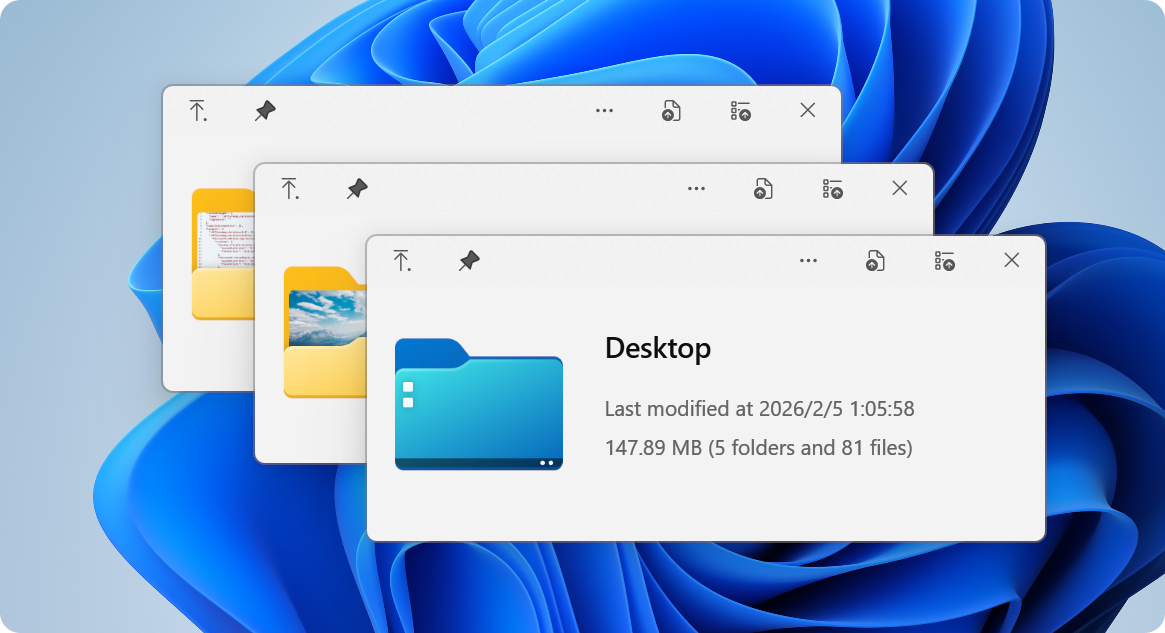
QuickLook leverages the familiar preview experience from macOS, bringing a swift, seamless, and customizable preview window to Windows. Its standout features include:
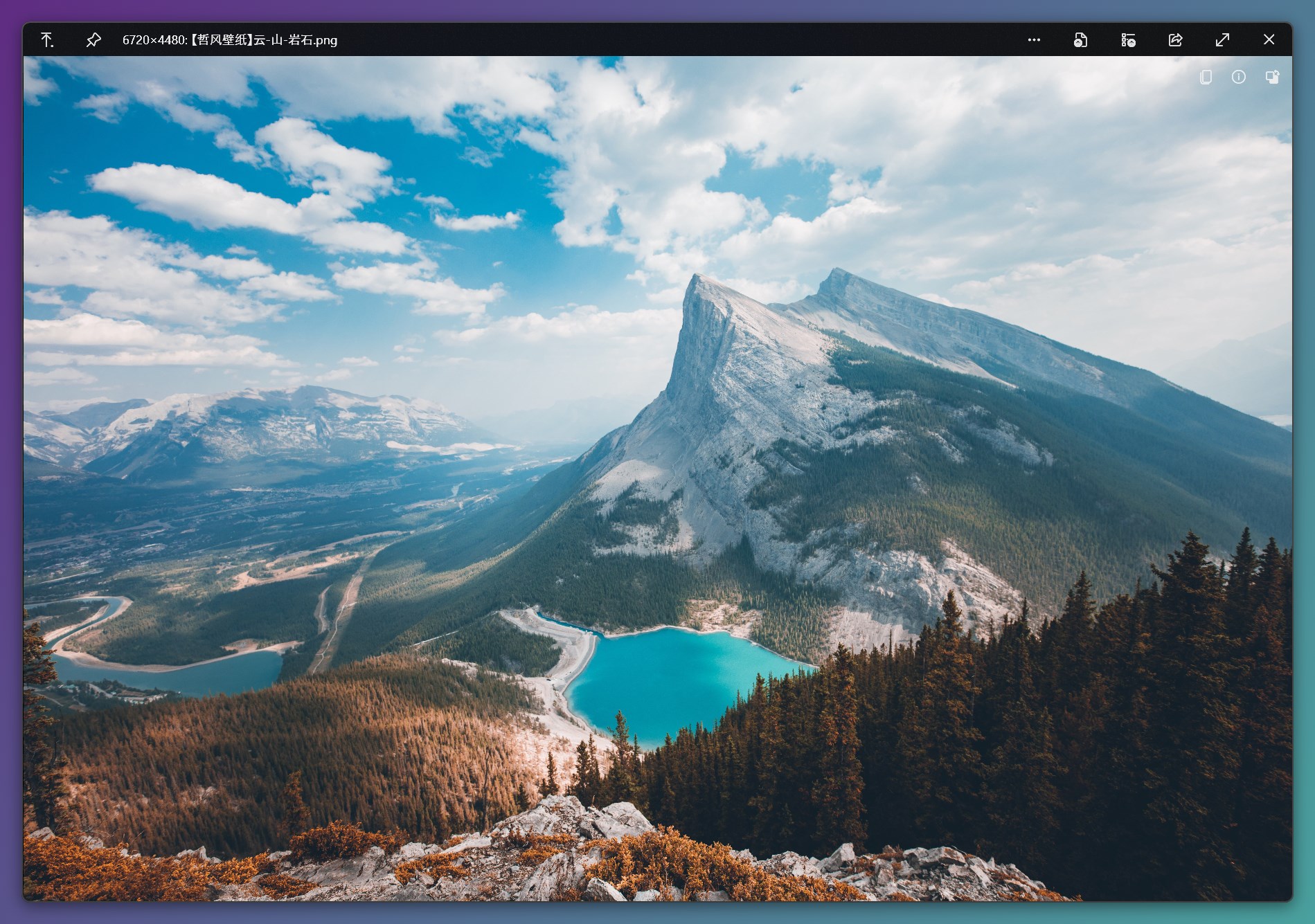
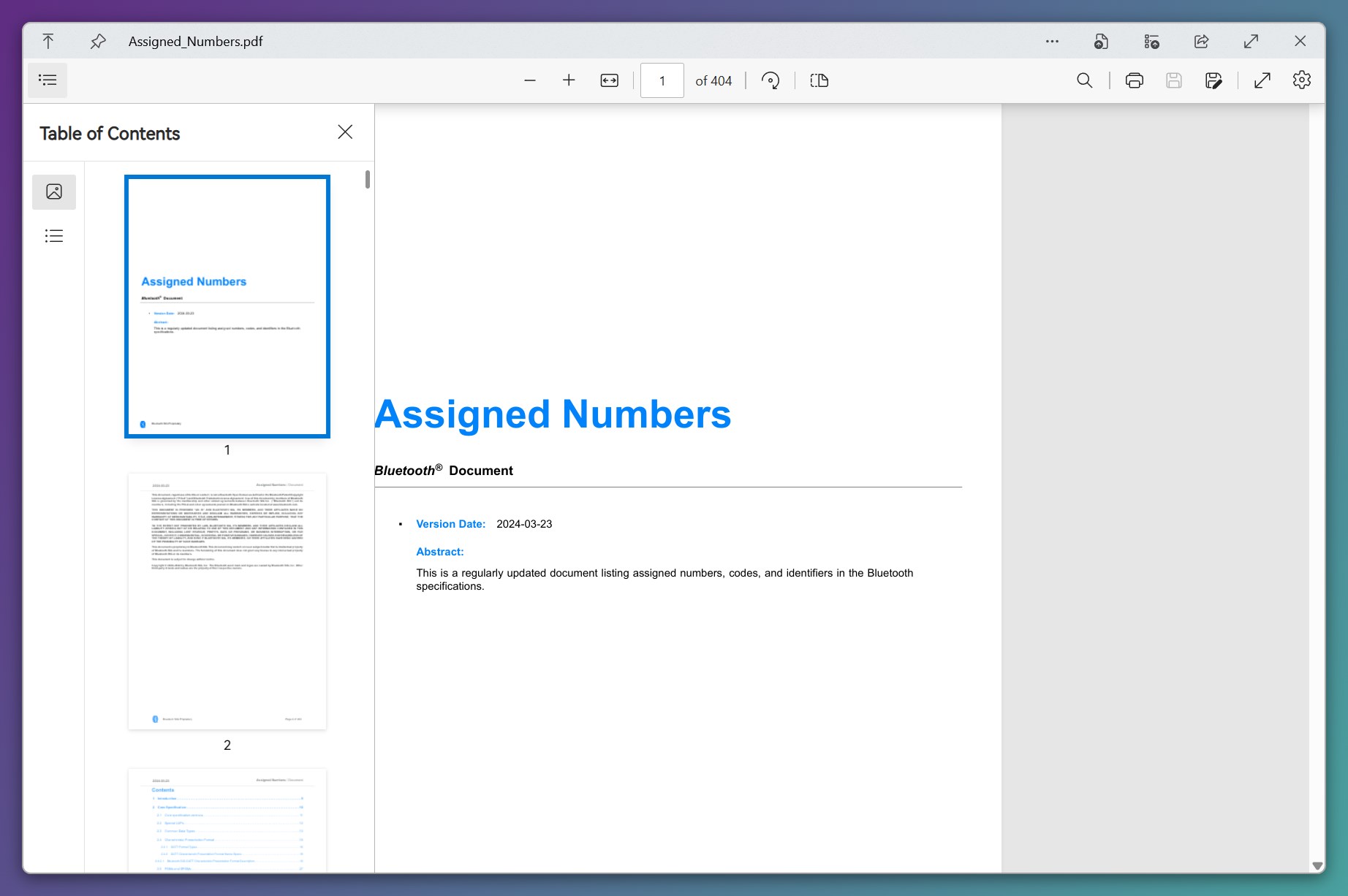
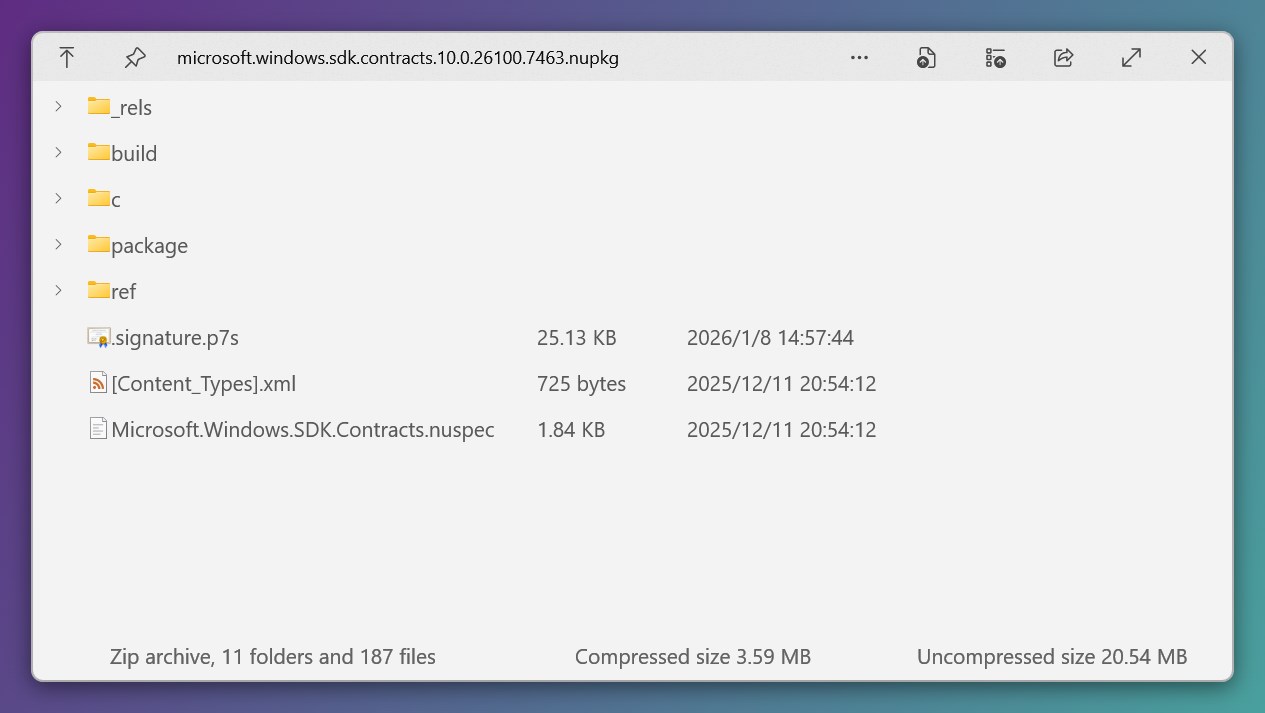
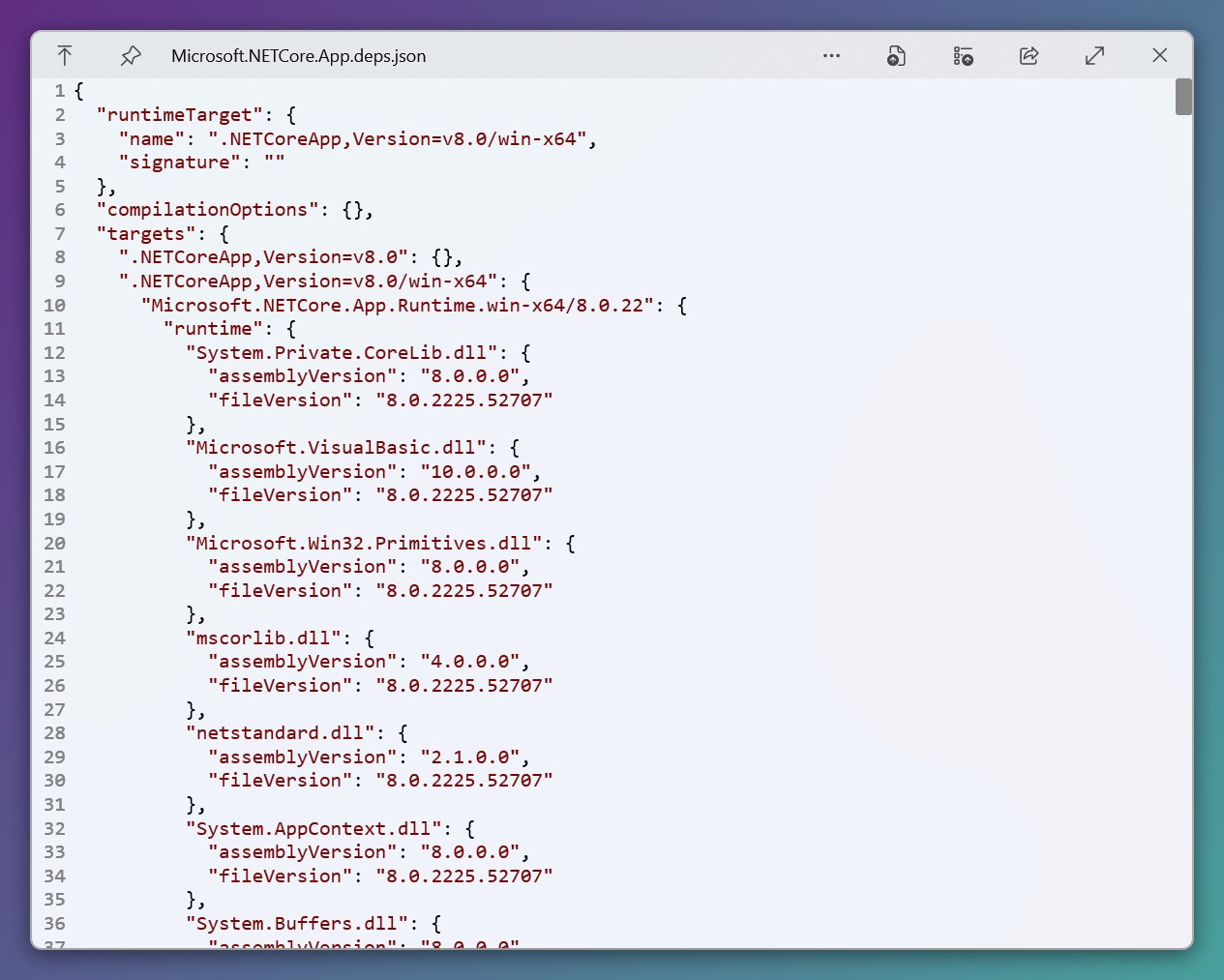
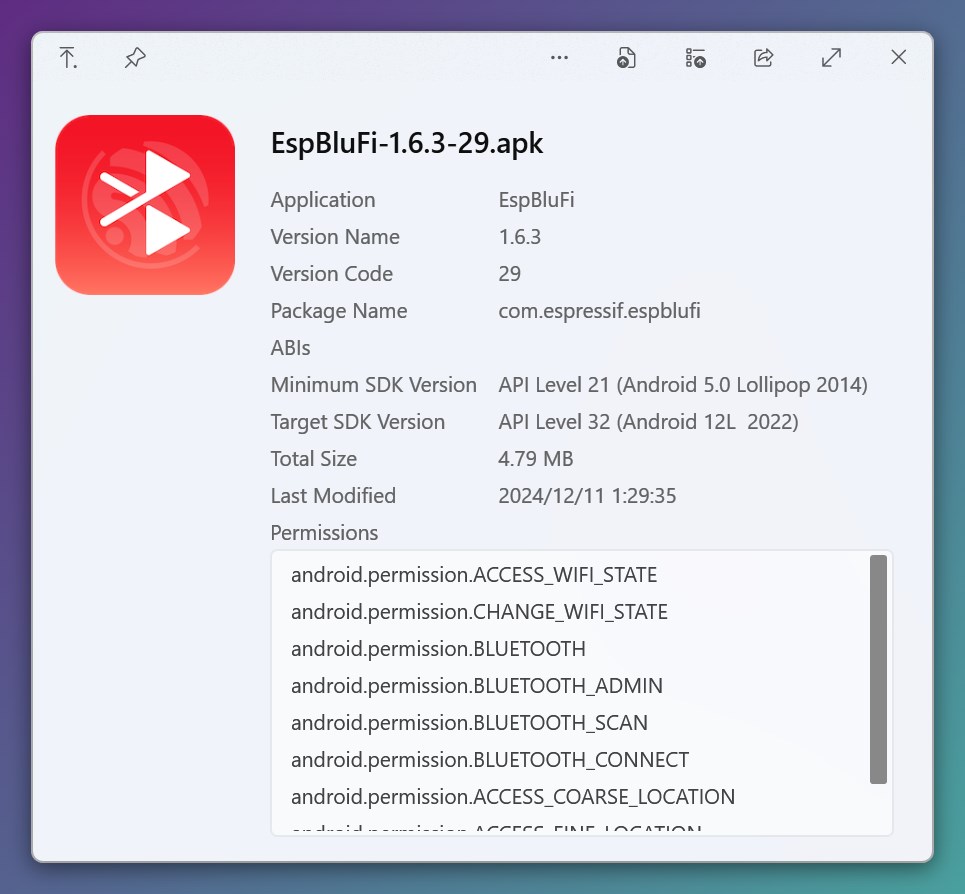
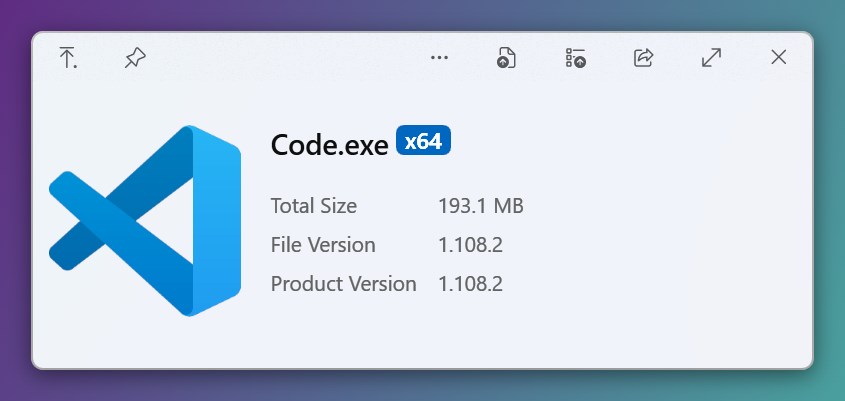
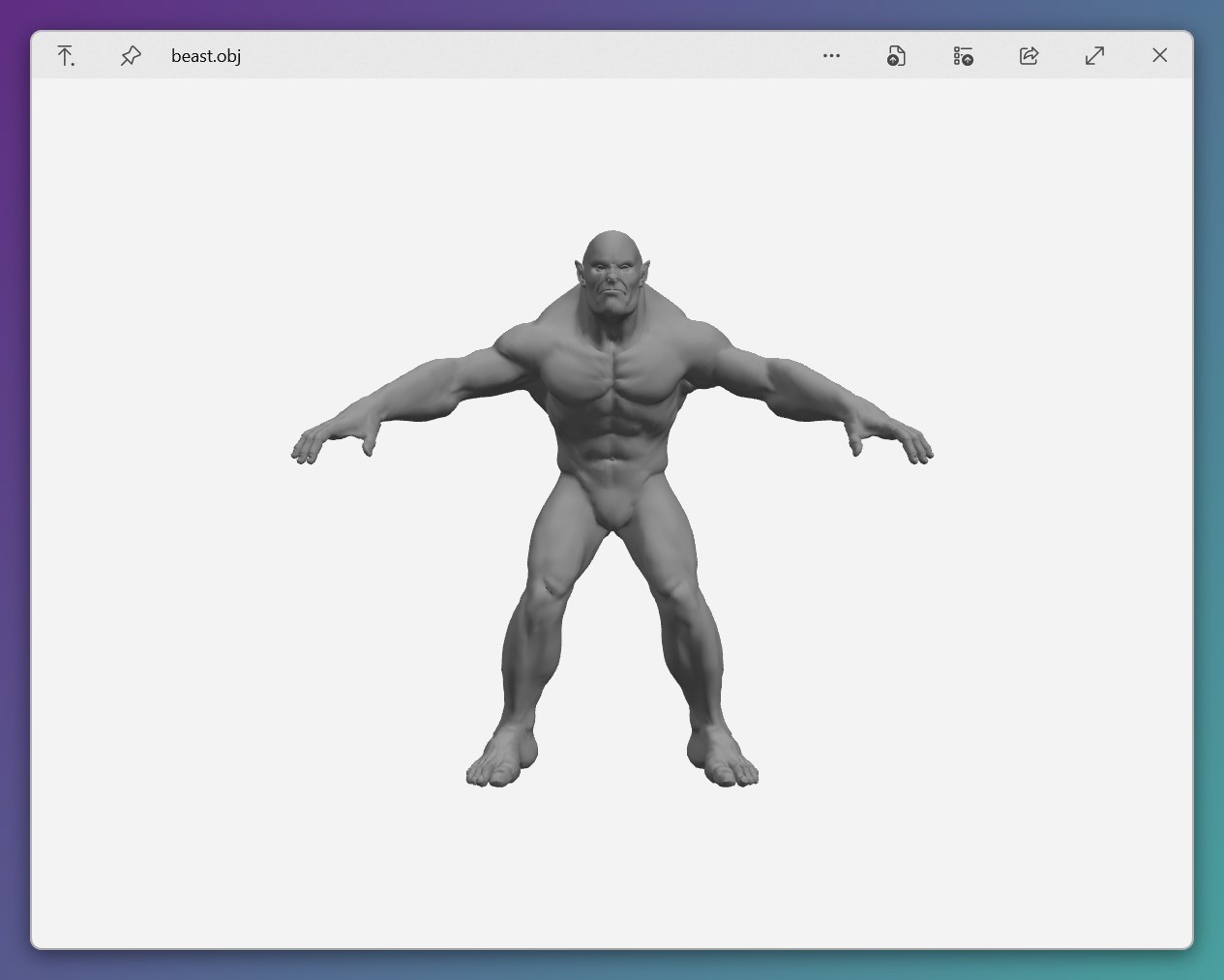
- Instant File Previews: Supports a wide array of file formats—including PDFs, images, videos, and documents—allowing you to peek at the content without launching dedicated applications.
- Customizable Shortcut Keys: Enables quick access via customizable hotkeys, reducing interruption and boosting efficiency during rapid file browsing.
- Enhanced Contextual Integration: Works smoothly within Windows Explorer, enabling previews on right-click or keystrokes without disrupting your workflow.
- Lightweight & Responsive: Designed to operate smoothly without slowing down your system, even when handling large files or multiple previews simultaneously.
Experience and Usability: Making File Browsing a Breeze
From the moment you launch QuickLook, it feels like slipping into a comfortable pair of shoes—familiar yet refined. The interface is minimalist, with a lightweight overlay that does not clutter your screen or interfere with your desktop environment. One of the app's strong suits is its ease of use: hover over a file or press your personalized shortcut, and a sleek, overlay window pops up with a clear, detailed preview. Navigating through images or scrolling through PDFs feels instinctive, akin to flipping through a well-organized scrapbook.
The learning curve is pleasantly gentle. For Windows users familiar with file explorers, adopting QuickLook's workflow is just a matter of a few clicks or keystrokes. Its responsiveness ensures that preview generation is almost instantaneous—no lag, no frustration. Even in a busy work environment filled with numerous files, the app manages to keep things smooth without causing cognitive overload—an impressive achievement considering the myriad of features many similar tools attempt to cram in.
Differentiation and Unique Selling Points
Unlike many traditional file previewers that offer complex, overly feature-rich interfaces, QuickLook excels by focusing on simplicity, integration, and efficiency. Its core strength lies in reducing cognitive load—allowing you to glance at contents rapidly without sifting through layers of menus or options. This is comparable to switching from a cluttered toolbox to a finely tuned Swiss Army knife—every function is purposeful, quick to access, and enhances flow.
Moreover, its deep integration into Windows Explorer makes the preview process feel native—almost as if Windows itself had adopted this feature. This seamless experience contrasts with other productivity tools that often require manual switching or operate as standalone applications. With QuickLook, your preview gestures become second nature, keeping your mind focused on the task rather than managing the tool.
Final Verdict and Recommendations
Overall, QuickLook for Windows is a practical, thoughtfully designed tool that fulfills the need for swift, reliable file previews. Its emphasis on minimalism, rapid responsiveness, and workflow integration makes it a welcome addition for anyone looking to streamline their digital workspace—whether you're a professional handling countless documents or an everyday user seeking convenience.
I recommend giving it a try if you value efficiency and want a tool that works behind the scenes without adding complexity. It's especially beneficial if you work frequently with diverse file types, or if you've experienced frustration from less integrated preview solutions. For users seeking a lightweight yet powerful preview experience that reduces unnecessary steps, QuickLook offers a compelling, no-nonsense alternative.
Pros
- Fast and seamless image previews
- Supports numerous file formats
- Lightweight and unobtrusive
- Customizable preview options
- Regular updates and support
Cons
- Limited support for certain file types
- Initial setup can be confusing for new users
- Occasional preview glitches or crashes
- Limited editing or annotation features
- Dependency on system updates











