
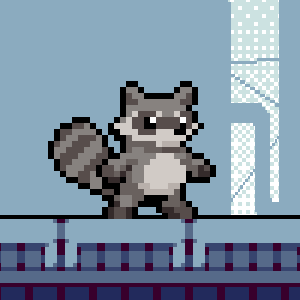
Frequently Asked Questions
How do I start playing Raccoon is Hungry on Windows?
Download and install the game from your chosen platform, then launch it from your desktop or start menu to begin your adventure.
What are the main controls and how do I use them?
Use the arrow keys to move and the spacebar to interact with objects. You can customize controls in Settings > Controls for better comfort.
How can I find food items inside dumpsters?
Approach dumpsters and press the interact key (usually spacebar) to search. Items are hidden randomly, so explore different dumpsters.
What types of edible items can I find in the game?
You can find apples, pizza slices, burgers, grapes, and other food items. Collect them to satisfy your raccoon's hunger.
How does the game track my progress and hunger levels?
The hunger bar at the top shows your current needs. Collect food to fill it and keep your raccoon alive and active.
Are there any in-game purchases or premium features?
Yes, some cosmetic items are available for purchase. You can access these via Settings > Store and pay through the in-game shop.
How do I subscribe or upgrade to a premium version?
Go to Settings > Account > Subscriptions to view options, then select your preferred plan and follow prompts to subscribe.
What should I do if the game crashes or freezes?
Try restarting your game and ensure your system meets the minimum requirements. Check for updates in Settings > Updates.
Can I customize the game settings for better gameplay experience?
Yes, navigate to Settings > Preferences to adjust controls, graphics, and sound options to suit your preferences.
Is the game compatible with all Windows versions?
The game supports Windows 10 and later versions. Check the system requirements in the store page before downloading.
You May Like

Cuphead
for Windows
4.7
Cuphead & The Delicious Last Course
for Windows
4.7
Celeste
for Windows
4.6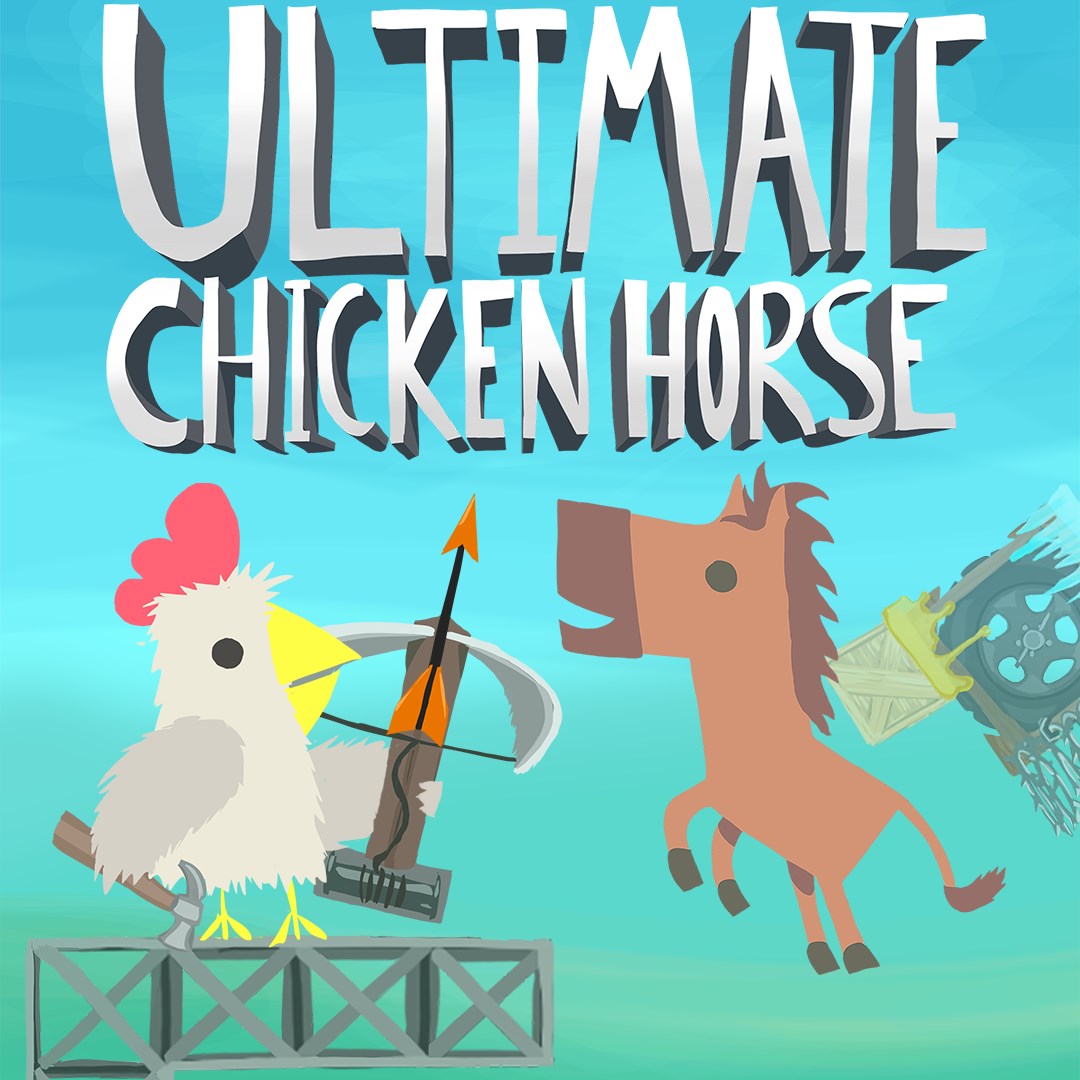
Ultimate Chicken Horse
for Windows
4.4
Level Devil: Troll Platformer
for Windows
4
Planet of Lana II
for Windows
3.8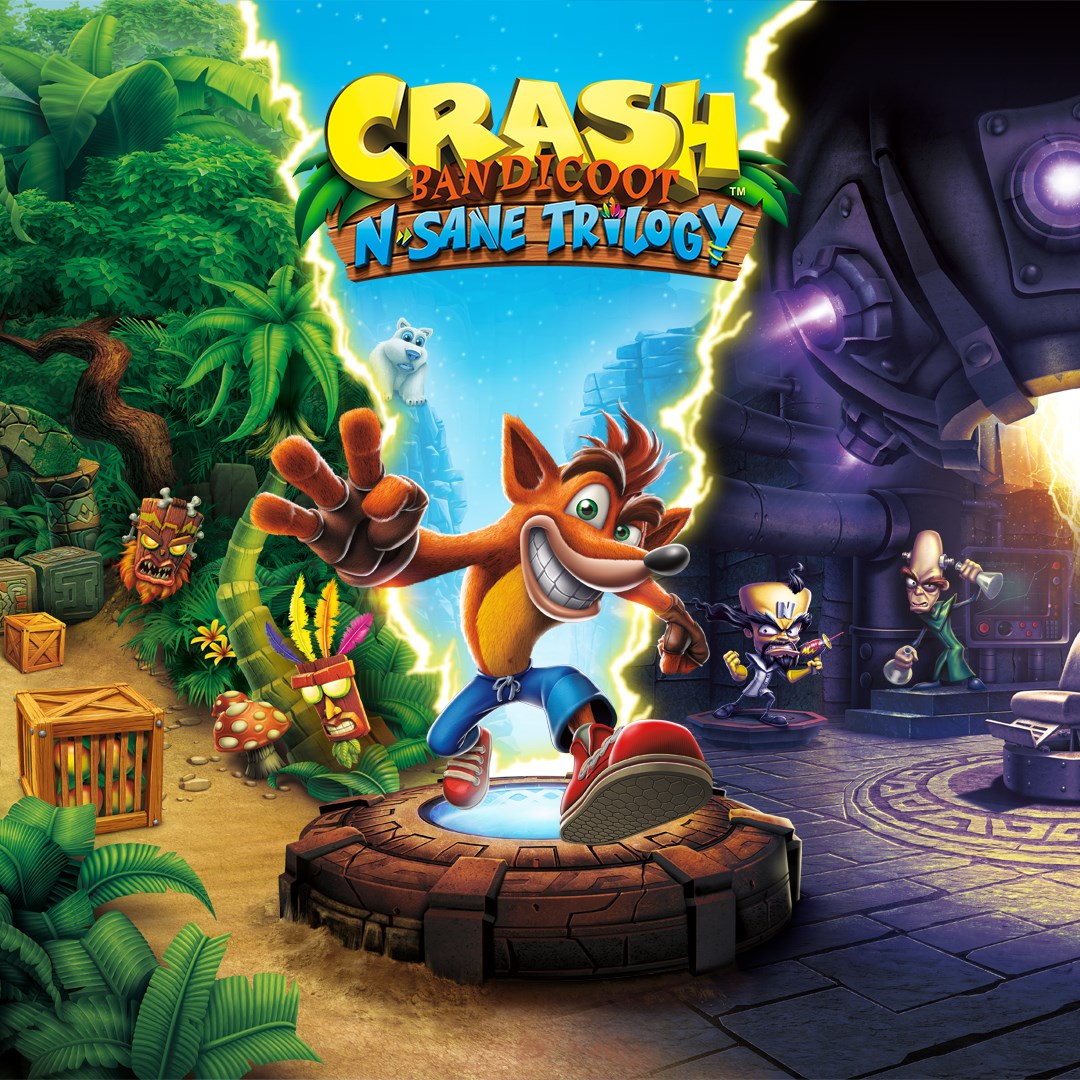
Crash Bandicoot™ N. Sane Trilogy
for Windows
3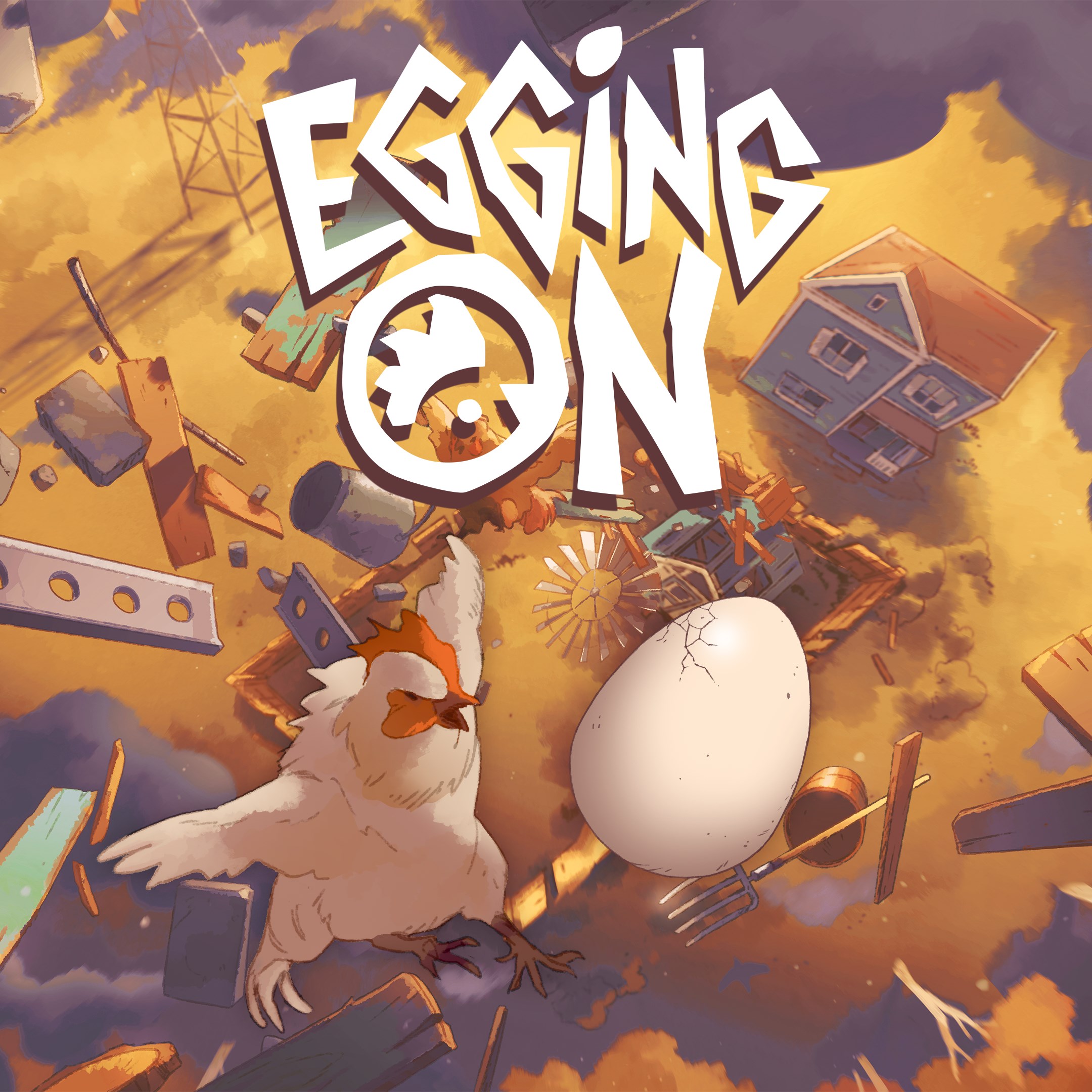
Egging On
for Windows
2.6
BEAR ESCAPE MISSION (WINDOWS)
for Windows
0
Metal Shoot (Windows)
for Windows
0
Stellar Docks (Windows)
for Windows
0
Penguin Flight (Windows)
for Windows
0